Inspiration
What it does
How we built it
Challenges we ran into
Accomplishments that we're proud of
What we learned
What's next for CHRONOS — Beyond the Edge of Time
CHRONOS — Beyond the Edge of Time
Inspiration
Time is something we experience every second, yet it remains one of the most fascinating ideas in science and human history.
The inspiration behind CHRONOS was to take a concept that is usually explained through text, timelines, or static images and transform it into something that feels alive.
Instead of building a traditional informational website, I wanted the user to feel as if they were actually moving through different eras of time.
The central idea was simple:
What if scrolling through a website felt like travelling through time?
That became the foundation of CHRONOS.
What it does
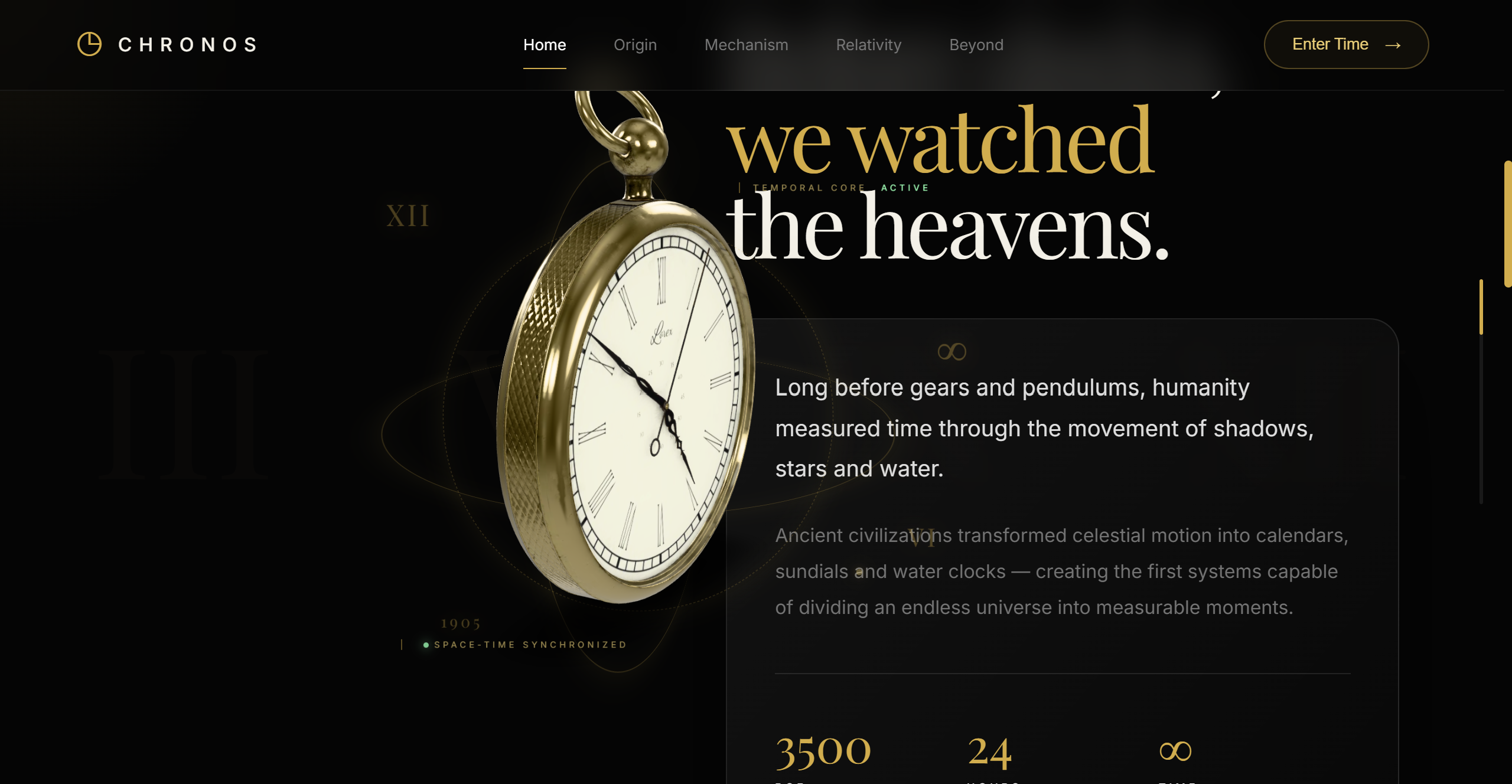
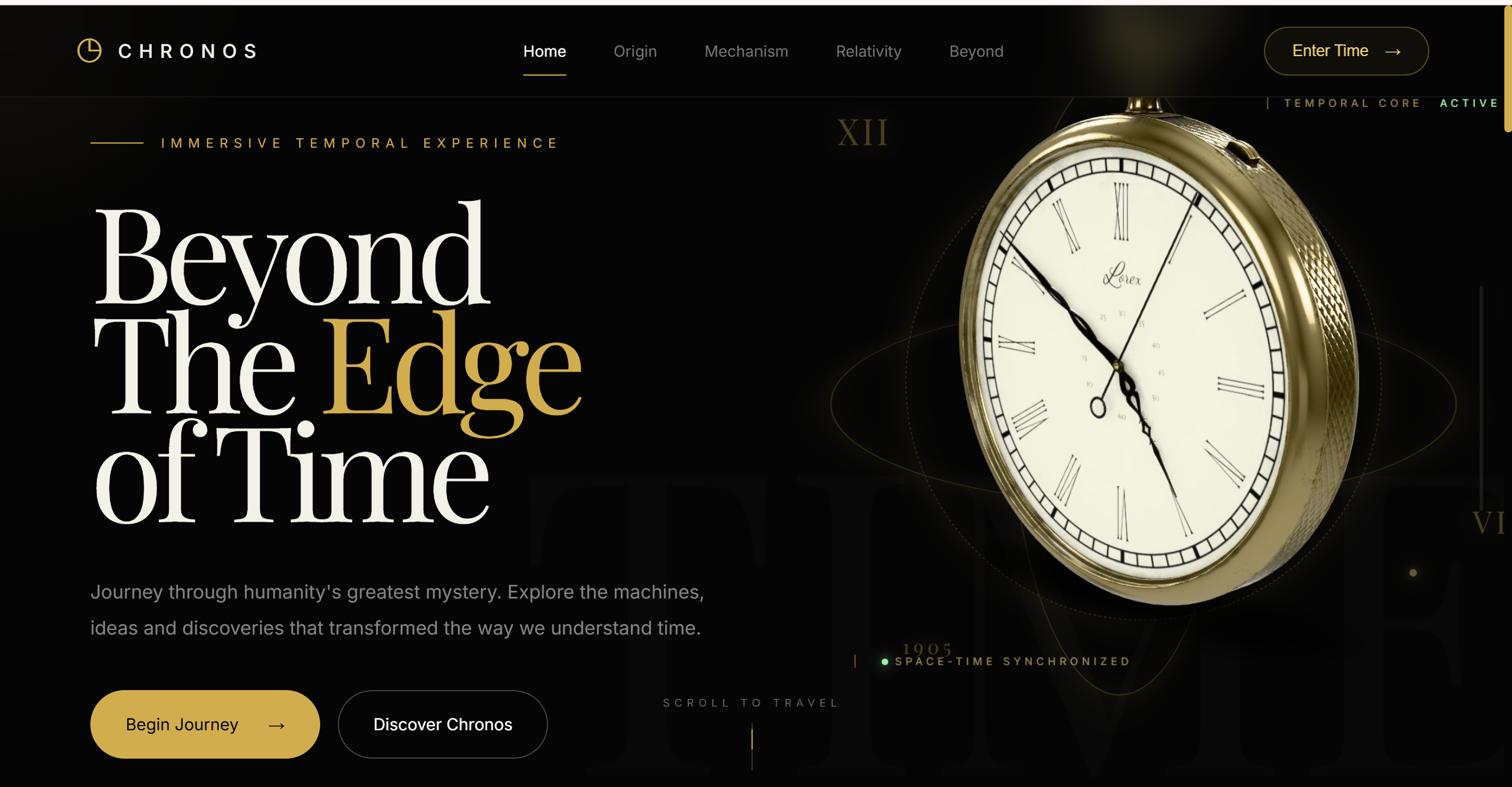
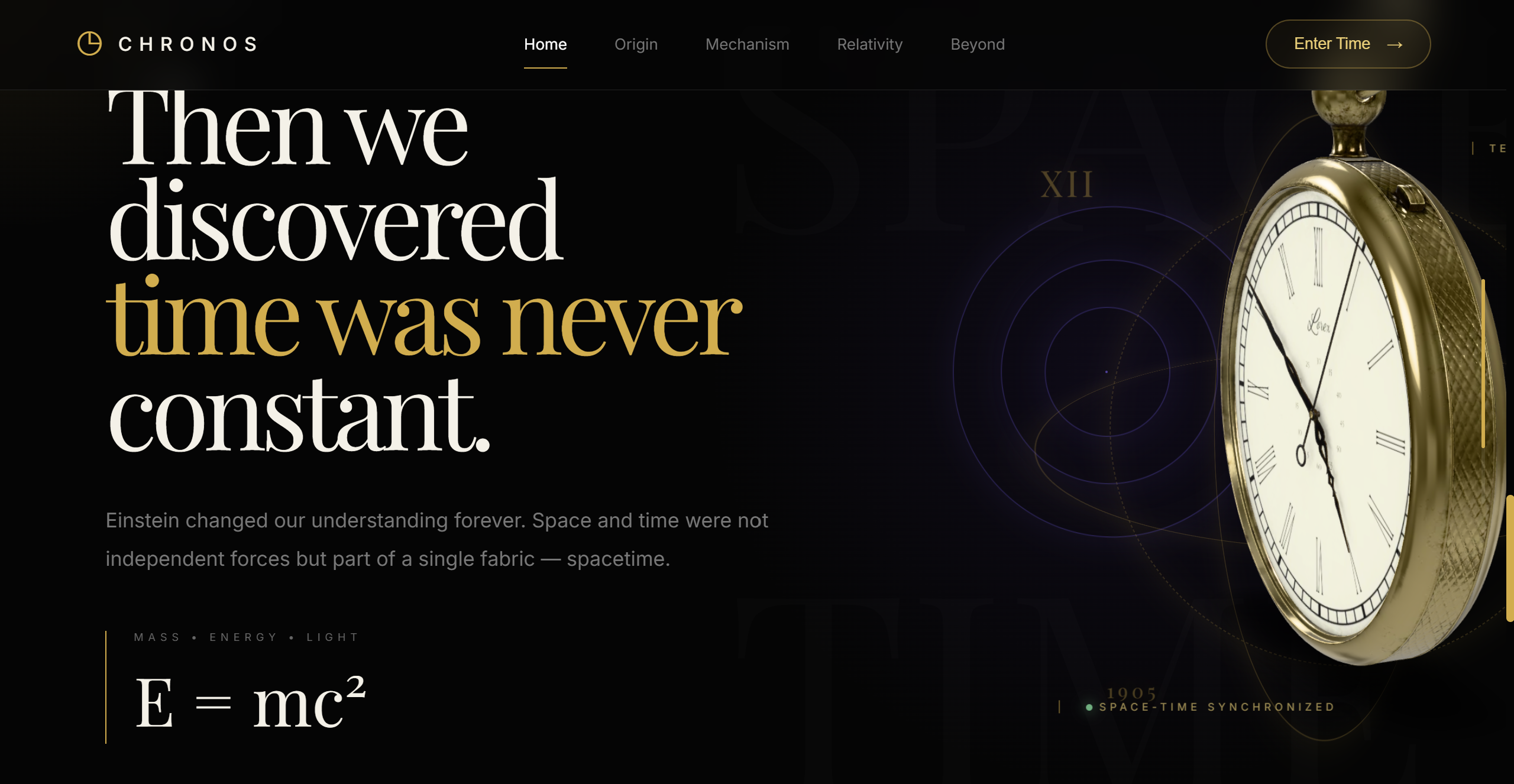
CHRONOS is an immersive 3D web experience that explores humanity's relationship with time through interactive storytelling.
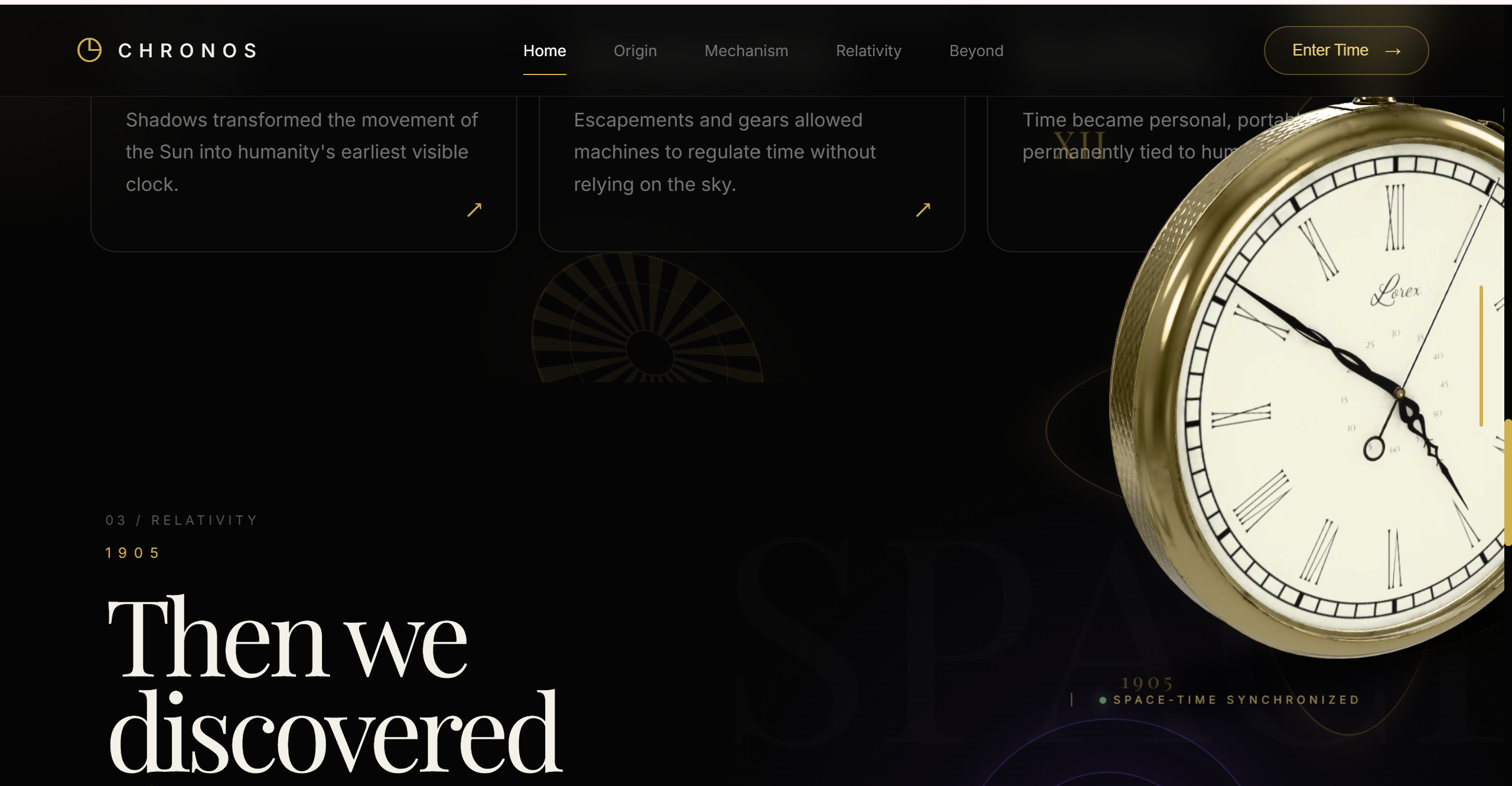
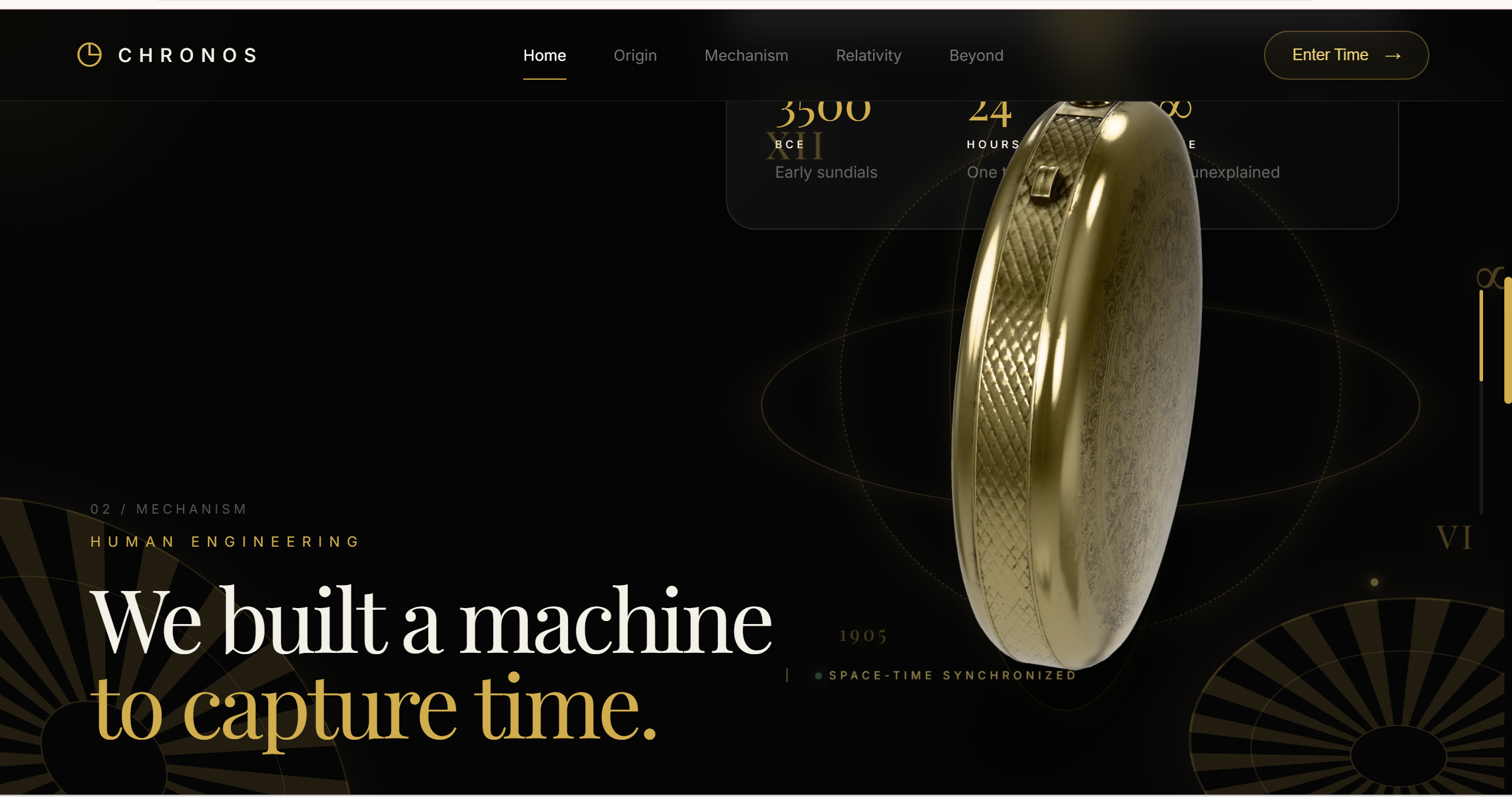
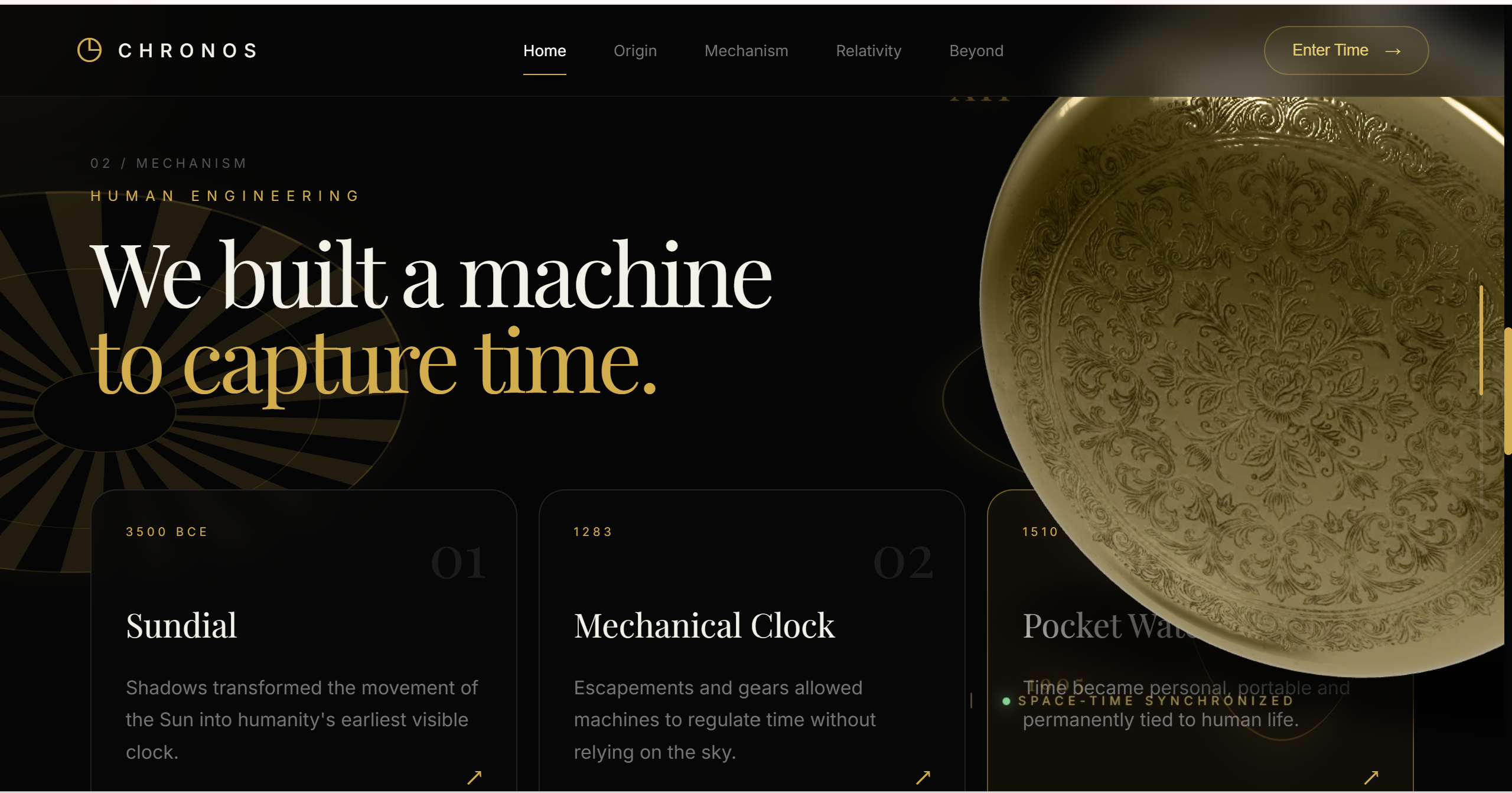
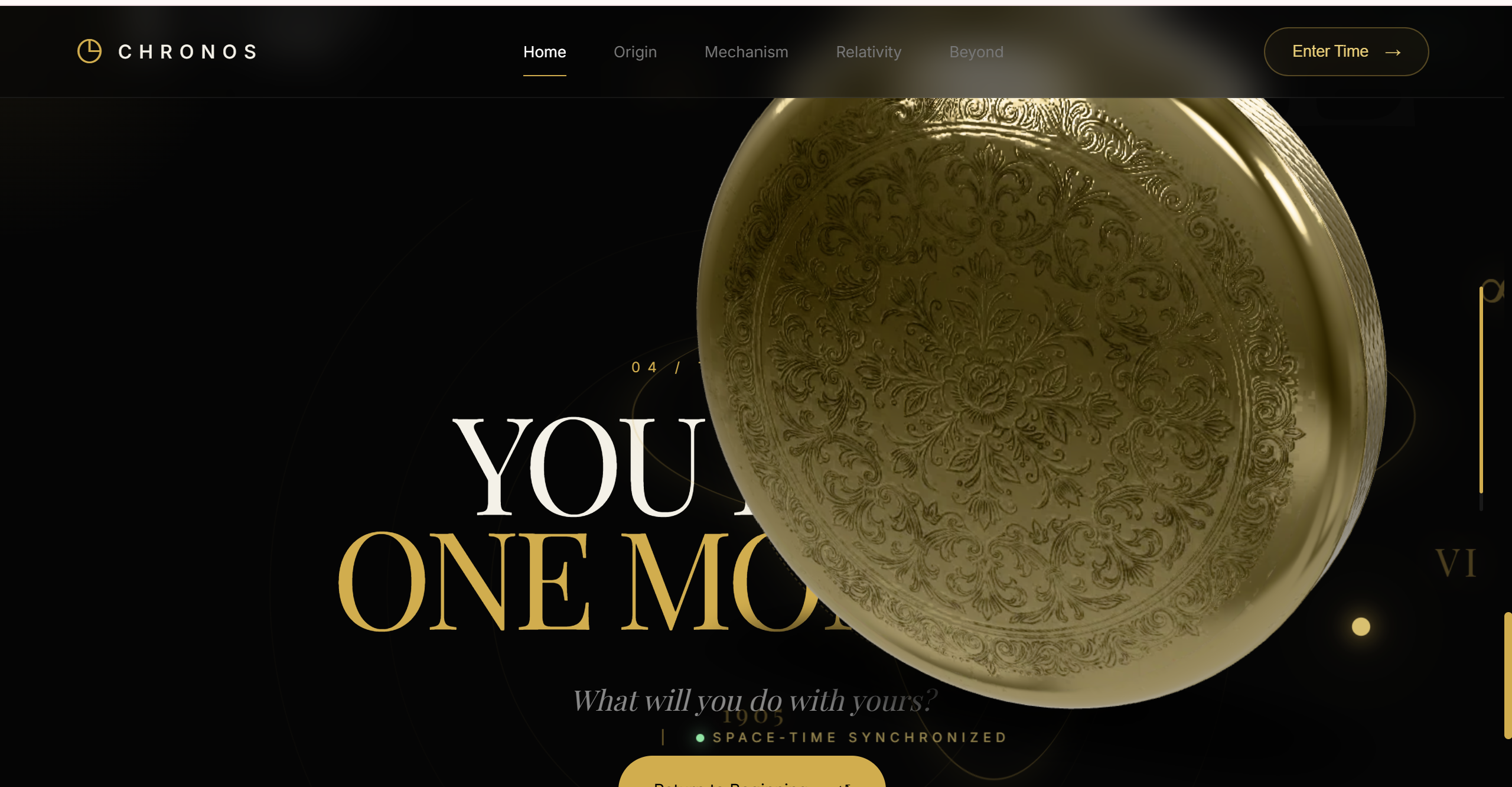
A 3D pocket watch acts as the main visual element throughout the website.
As the user scrolls:
- the watch moves across the screen
- its camera angle changes
- it rotates in real 3D
- it zooms in and out
- it reacts subtly to mouse movement
- different sections reveal new parts of the story
The experience moves through themes such as:
- ancient methods of measuring time
- mechanical clocks and pocket watches
- the evolution of timekeeping
- Einstein's theory of relativity
- the relationship between space and time
- the idea of how we choose to use our own time
The website also includes additional visual elements such as:
- animated 3D-style orbital rings
- floating temporal fragments
- rotating mechanical gear effects
- particles and glowing stars
- glassmorphism UI elements
- interactive perspective cards
- spacetime-inspired visual effects
- scroll-based cinematic transitions
The goal was to make the website feel less like a page and more like a digital exhibition.
How I built it
CHRONOS was built using:
- HTML5
- CSS3
- JavaScript
- Google Model Viewer
- GLB 3D models
- Intersection Observer API
- requestAnimationFrame
- CSS 3D transforms
- Vercel for deployment
The main 3D object is rendered using <model-viewer>.
Instead of allowing the model to simply auto-rotate, I created custom JavaScript logic that connects the position of the 3D object to the user's scroll position.
Each section has its own model state containing values such as:
- horizontal position
- vertical position
- scale
- camera orbit
- camera elevation
- camera distance
JavaScript interpolates between these states while the user scrolls.
This allows the model to smoothly transition from one composition to another instead of suddenly jumping between positions.
For example, the watch can move from the right side of the hero section to the left side of the next section while simultaneously rotating and changing scale.
I also used requestAnimationFrame() to add continuous motion, including subtle floating and camera rotation.
Mouse coordinates are tracked to create a small parallax effect, making the watch respond to the user's cursor.
The 3D interaction
One of the most important parts of CHRONOS is that the 3D object is not limited to a single section.
It remains present throughout the experience and acts almost like a character guiding the user through the story.
The animation system combines:
Scroll position
        ↓
Section progress
        ↓
Interpolation
        ↓
3D position + rotation + scale + camera movement
Built With
- css-3d
- css3
- git
- github
- glb
- html5
- javascript
- responsive
- vercel

Log in or sign up for Devpost to join the conversation.