-
-
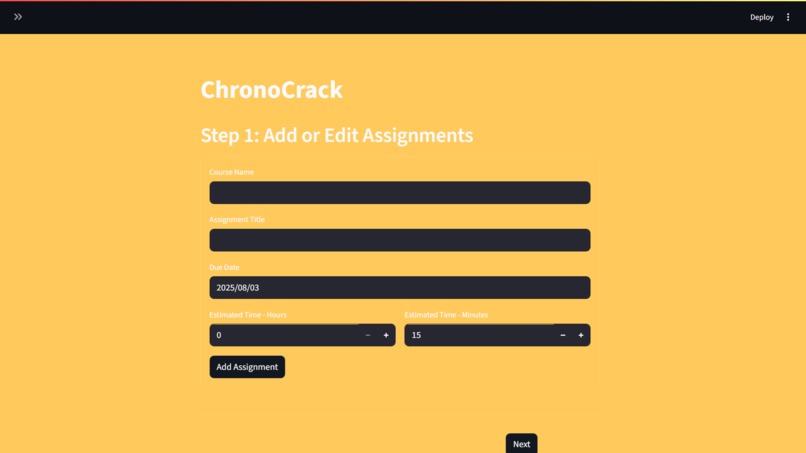
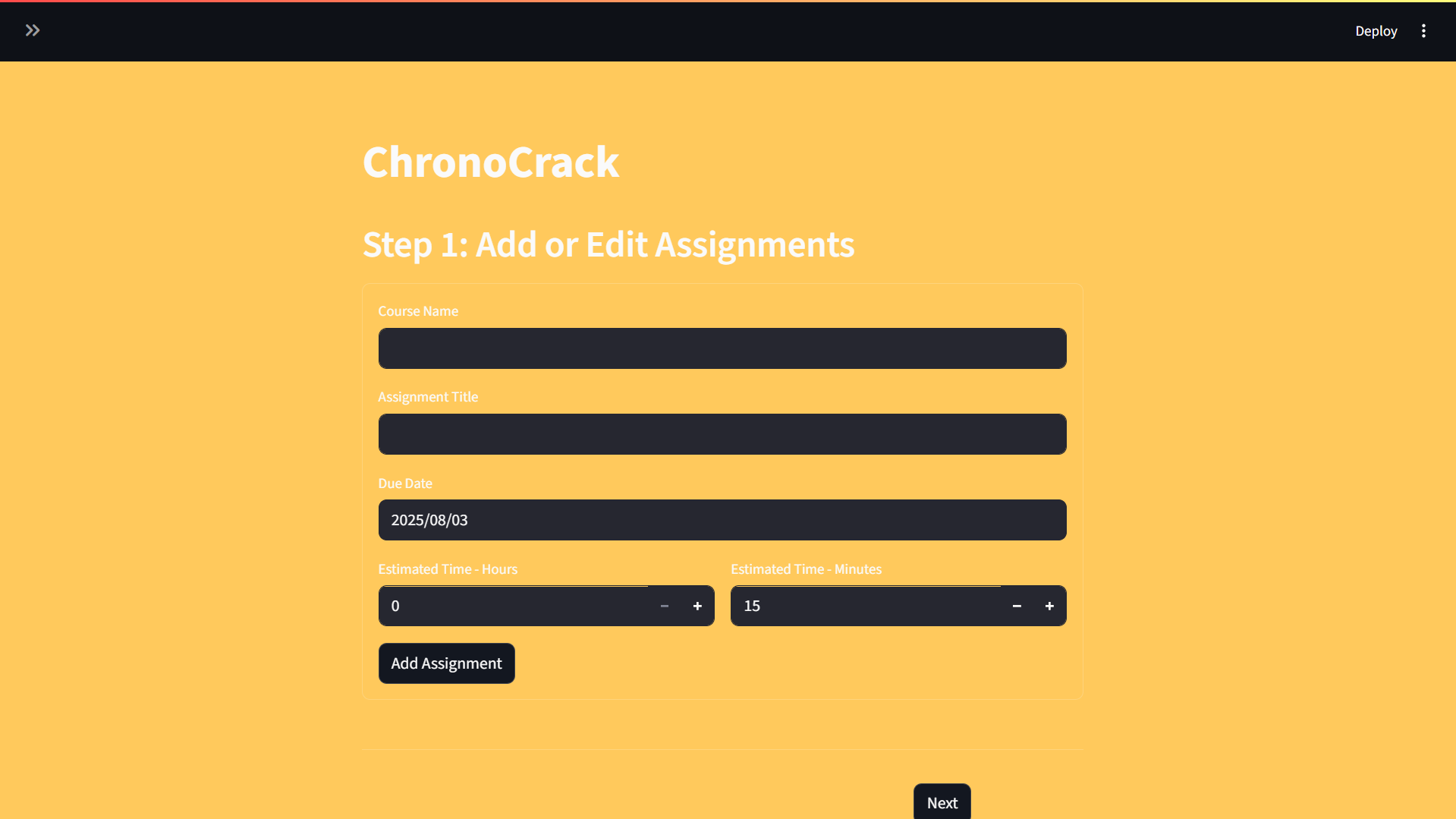
Empty Step 1 Screen
-
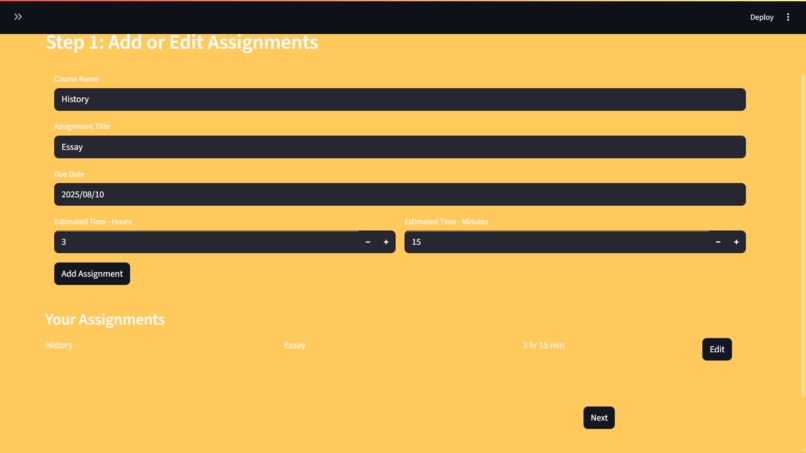
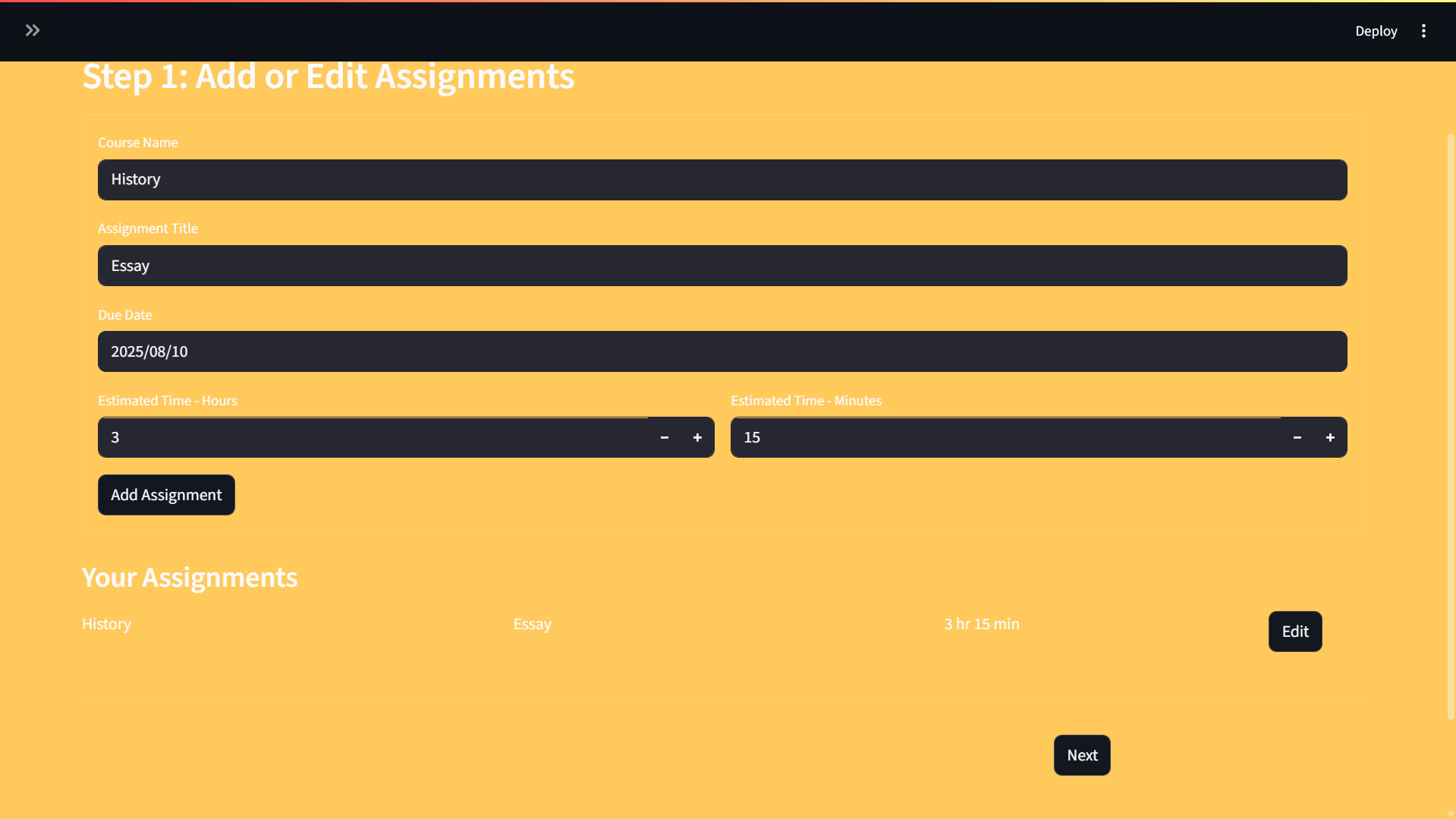
Step One Screen With Examle
-
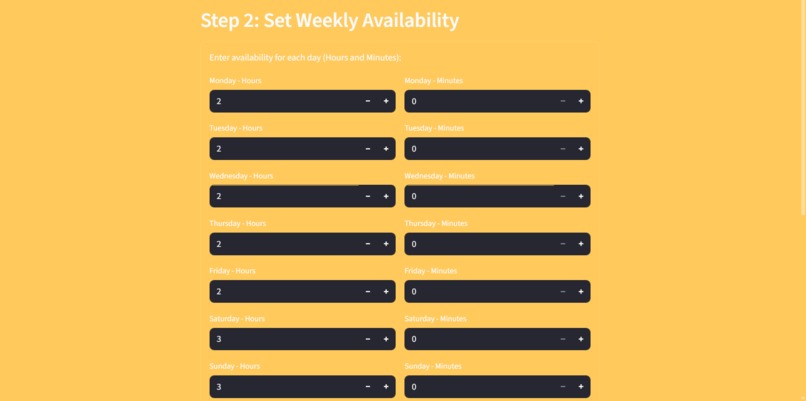
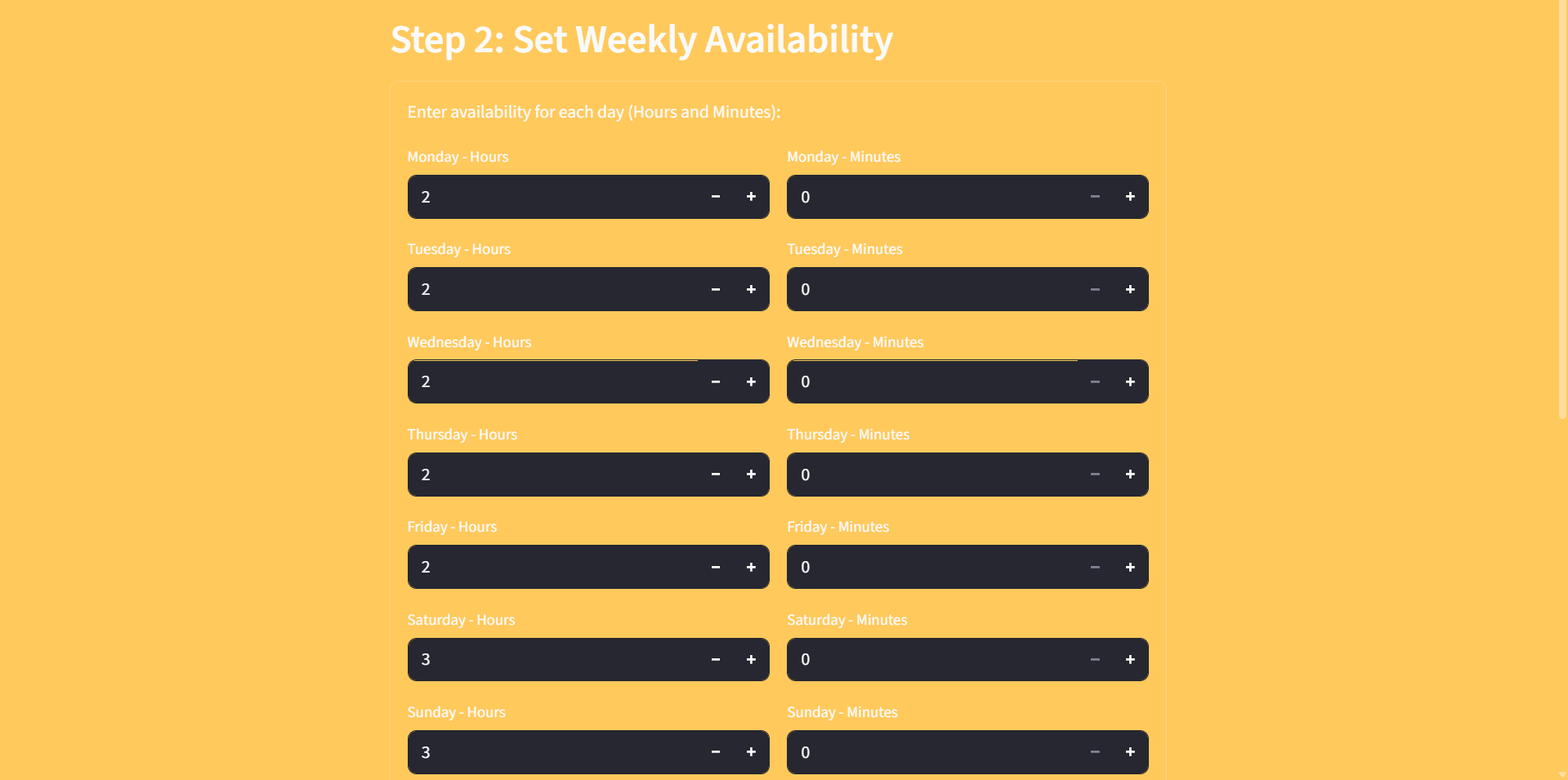
Step 2 Screen
-
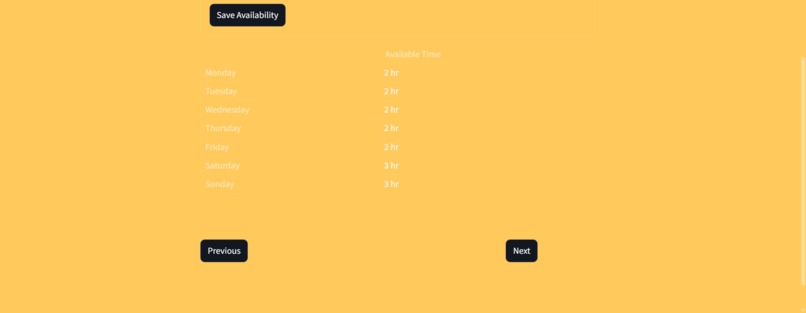
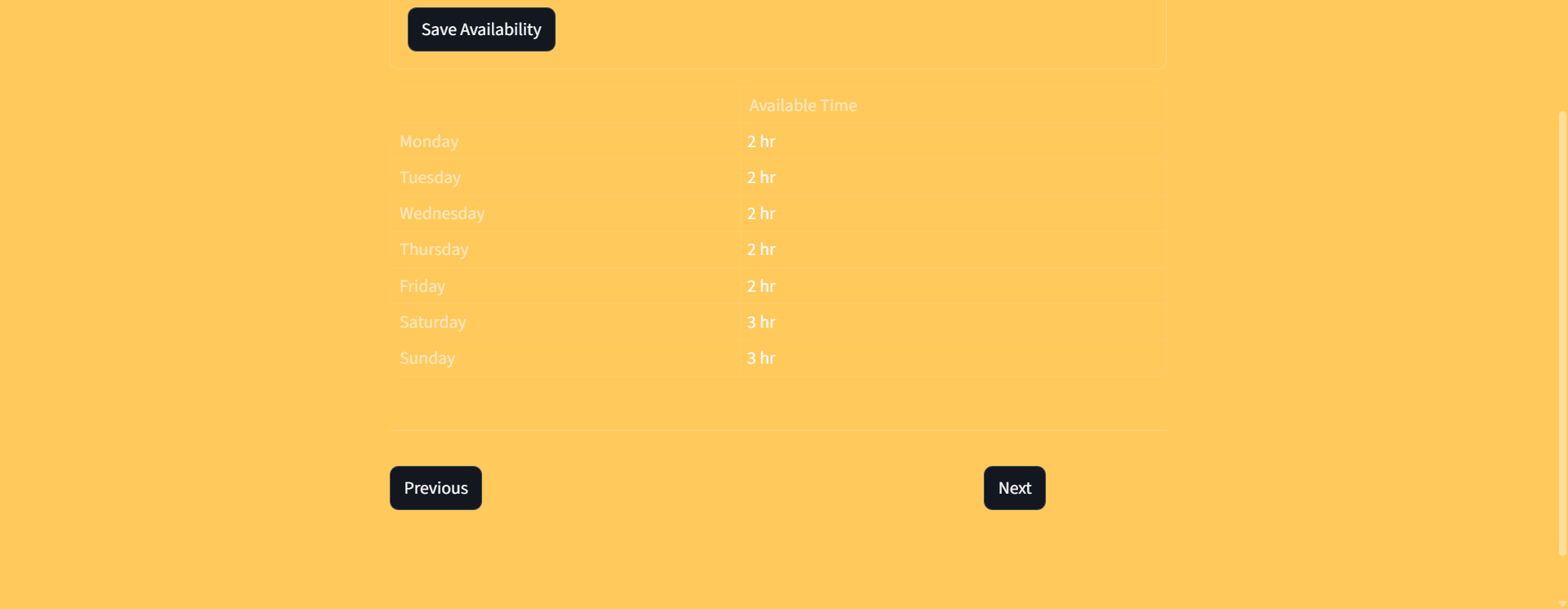
Step 2 Screen Continued
-
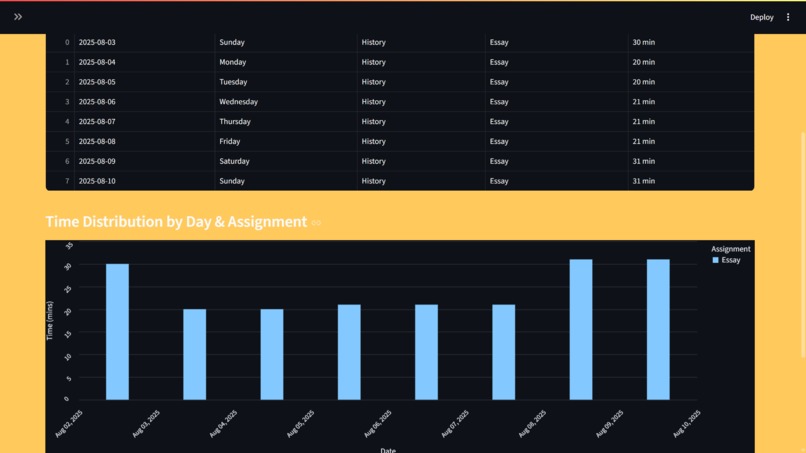
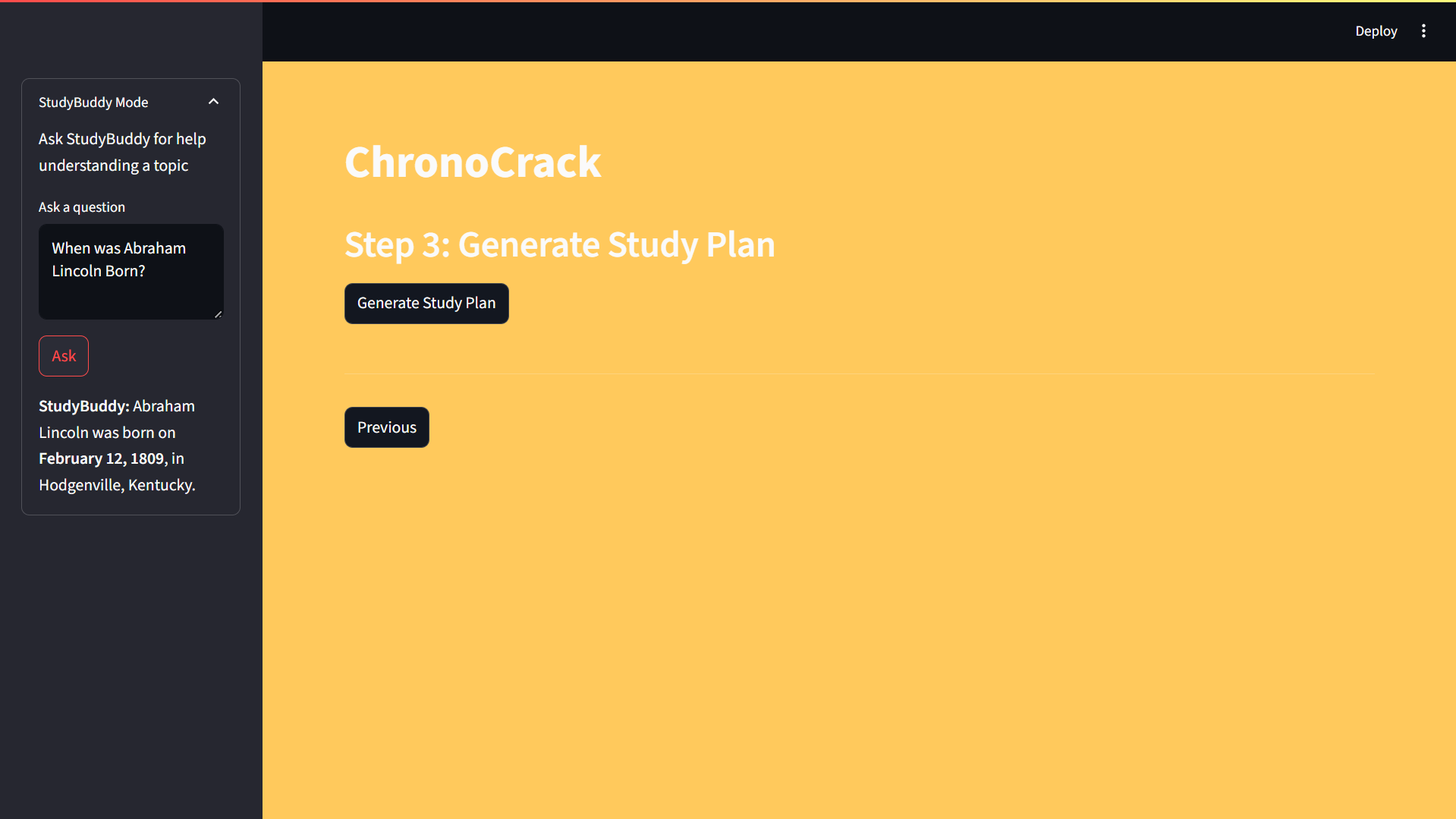
Step 3 Screen
-
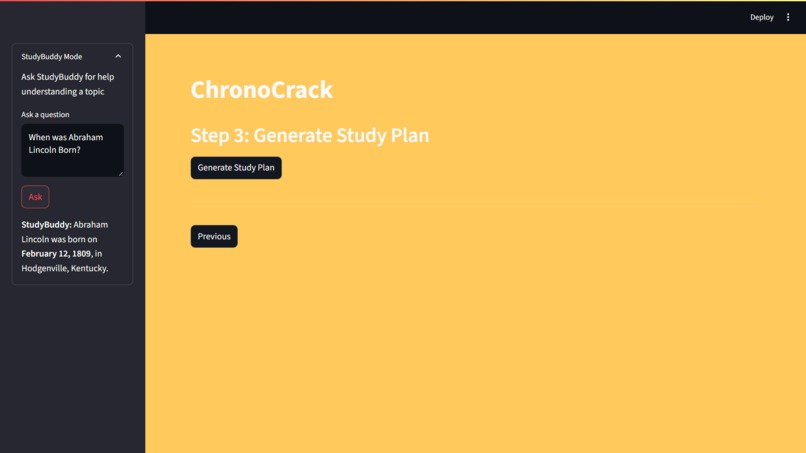
StudyBuddy AI Sidebar
Inspiration
I was inspired to make ChronoCrack by the constant juggling of deadlines and time management I faced as a student. Most planners or to-do apps ignore how long tasks actually take and don't account for the users availability. The hope was to reduce stress and decision fatigue through scheduling automation and integrating learning and planning into a single, unified area.
What it does
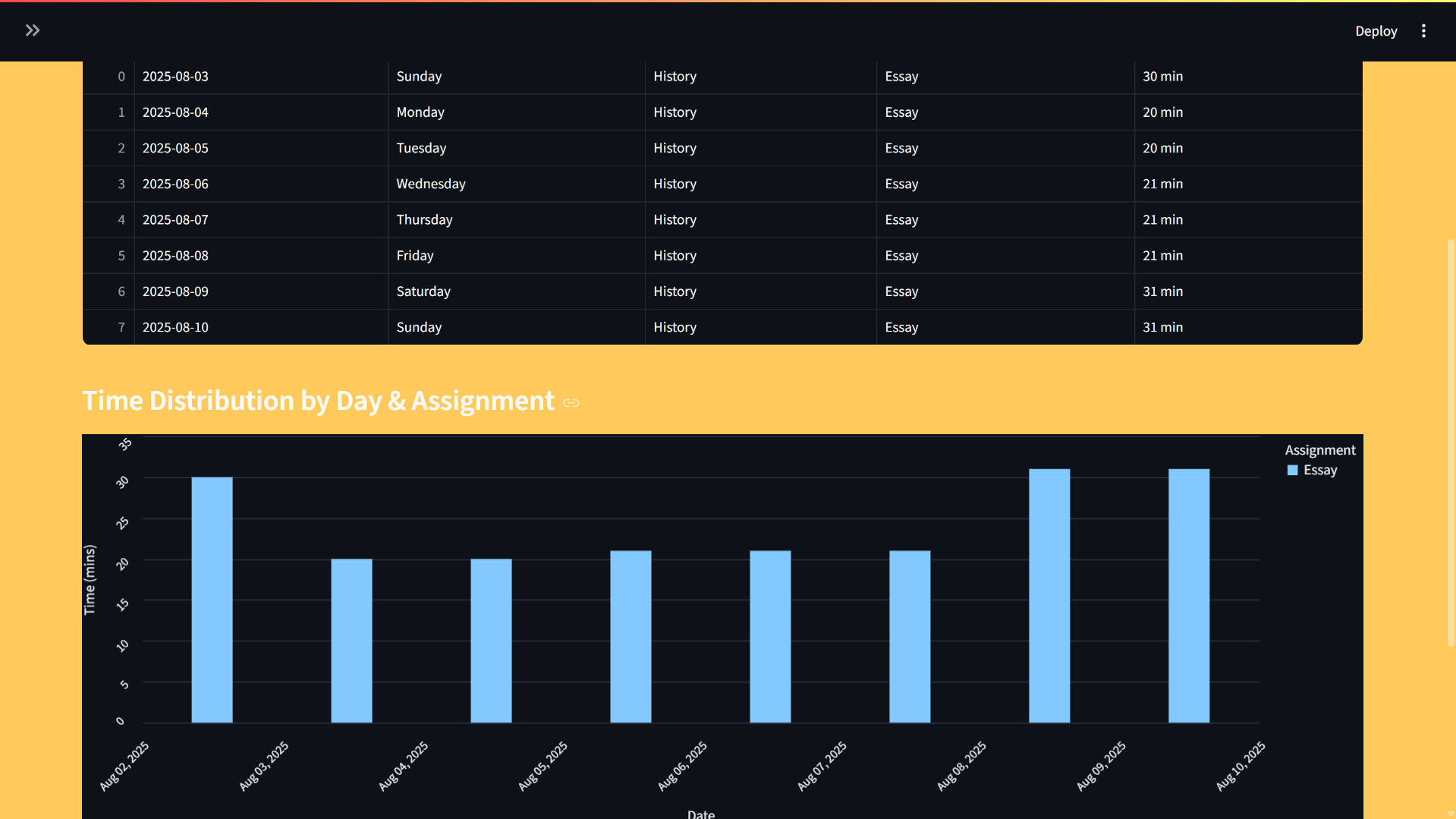
ChronoCrack makes tasks and weekly availability schedules into a customized time based schedule. Assignments, due dates, and estimated time is entered by the user. The app then splits that time among days available automatically such that work is completed before deadlines without overloading a single day. The app also presents an error notification if it is not possible to complete assignments within the given availability schedule. It also has an in-built AI assistant called StudyBuddy that can assist in the understanding of study material.
How I built it
I built ChronoCrack using Streamlit for the front end and Python for the back end, so the app is fast to make and fast to use. The scheduling program was written from scratch using Pandas and datetime focusing on assigning proportional time and distributing it evenly among tasks. The graphs for visualization were made using Altair for interactive diagrams. The StudyBuddy AI assistant in incorporated via API calls. All of these come together to make ChronoCrack.
Challenges I ran into
It was more difficult than expected to design a balanced and realistic scheduling algorithm. I needed to fit time proportionally across days while not exceeding daily limits or running into rounding problems. I also needed to manage edge cases like when there isn't enough total time to accommodate all activities and give useful feedback to the user. It was also especially challenging to create a UI system that would hold all the information and still look presentable and formal
Accomplishments that I'm proud of
I'm proud that ChronoCrack turned out to be a realistic tool. I'm proud of how the app also lets you know when you've overcommitted yourself through error messages. That kind of feedback allows people to make more informed decisions early on.
What I've learned
I learned in this project how to combine technical problem-solving with thoughtful user experience design. I also learnt more about greedy adjustments and proportional distribution to keep the app running smooth and efficiently.
What's next for ChronoCrack
I want to make ChronoCrack a full fledged web-based app that can store data and user information. I also plan on changing the front end into a more customizable and flexible system like React to improve Scalability. I also want integration with importing assignments from websites used by educators to simplify the process and improve productivity.
Built With
- python
- streamlit

Log in or sign up for Devpost to join the conversation.