-
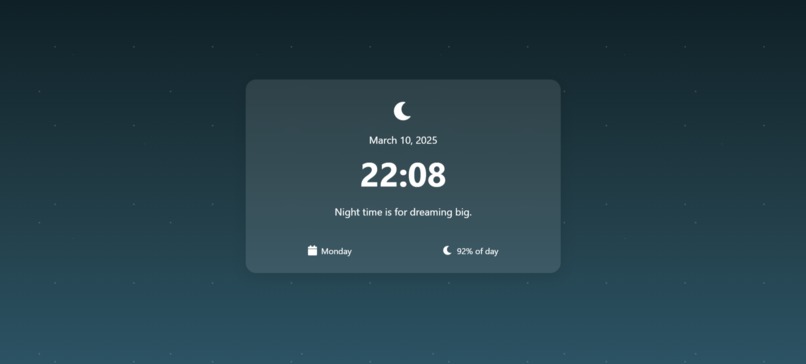
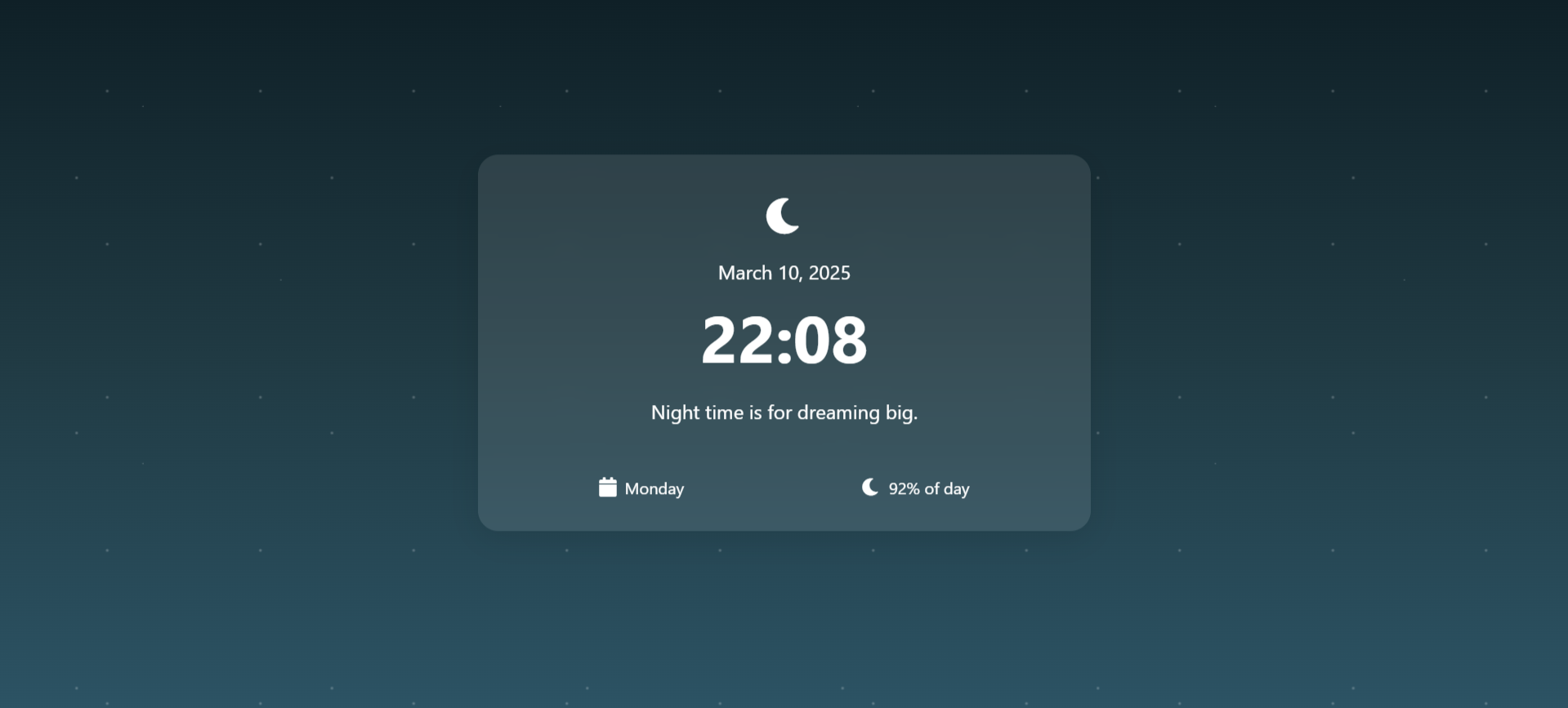
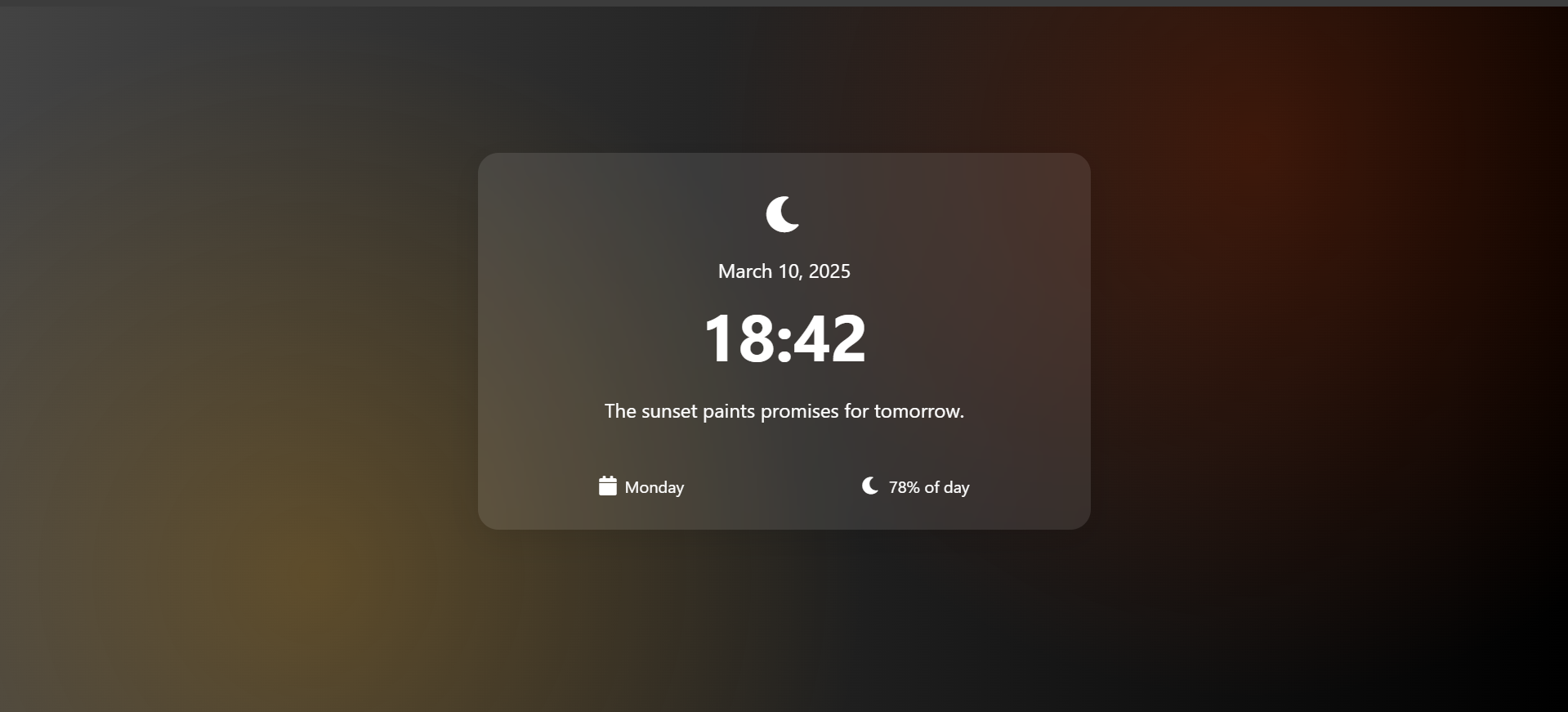
Visuals of website at night-time
-
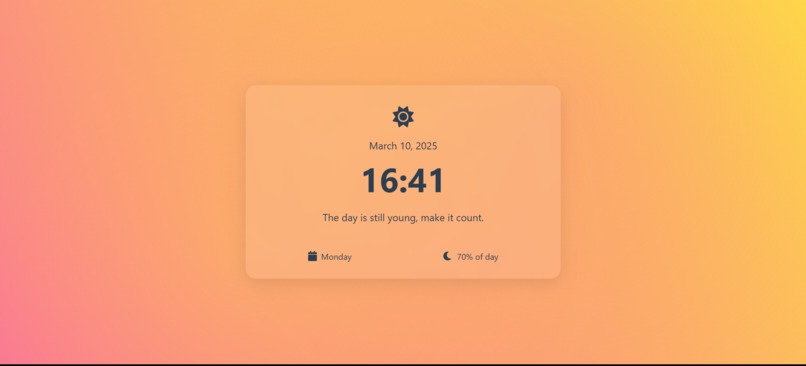
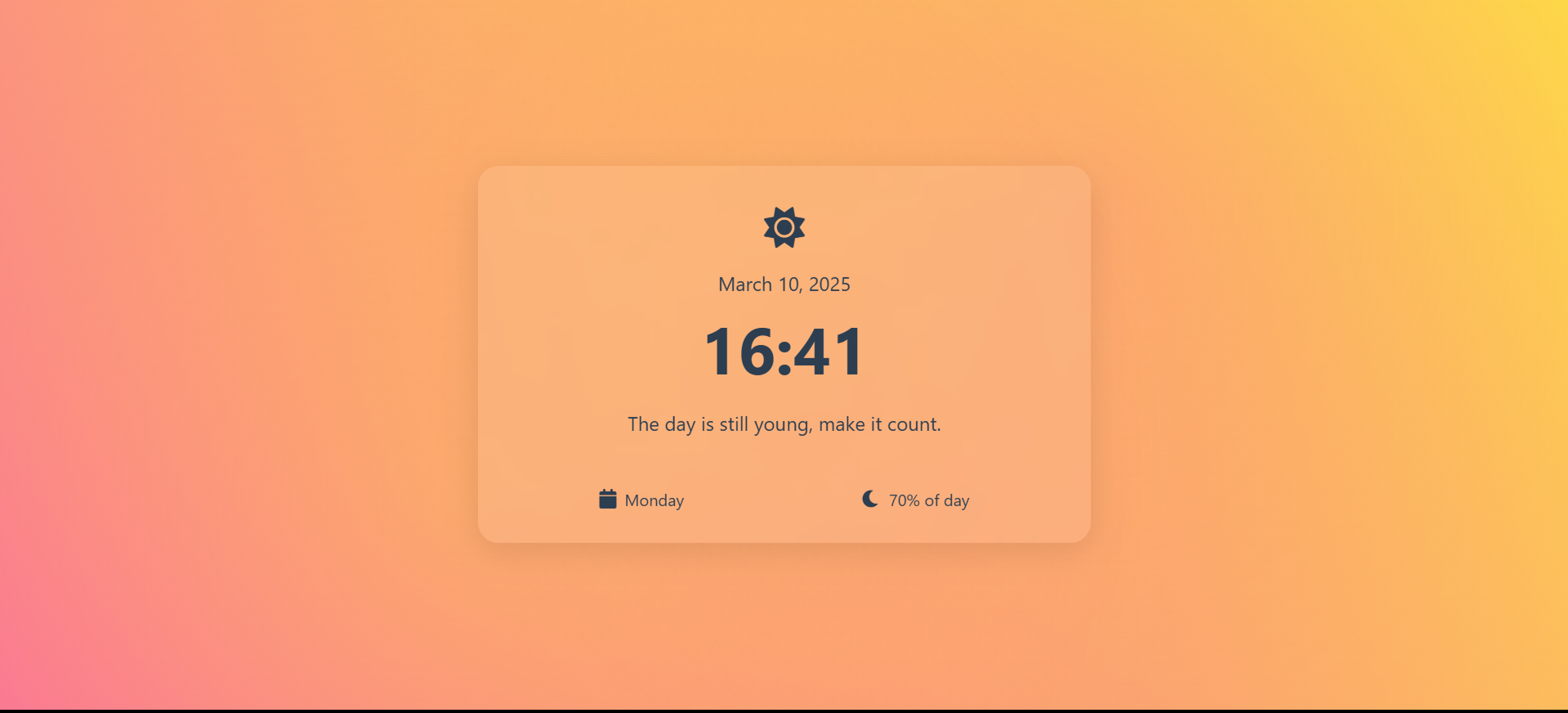
Visuals of website at evening
-
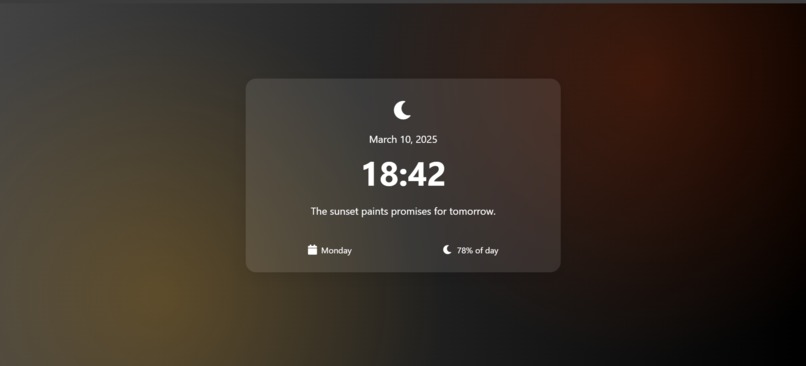
Visuals of website at dusk
-
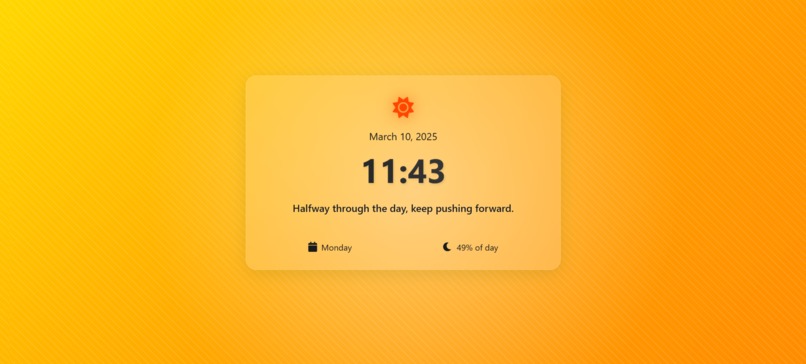
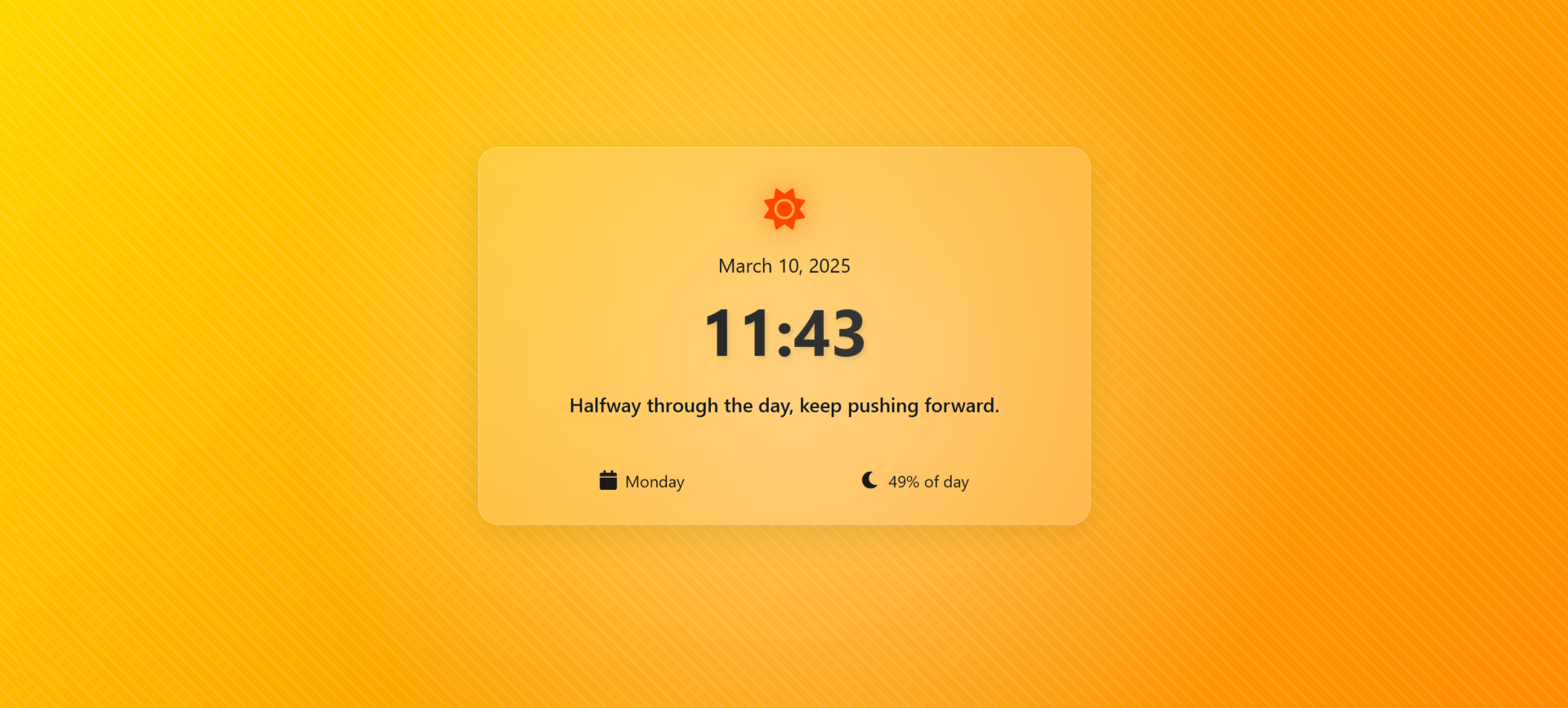
Visuals of website at noon
-
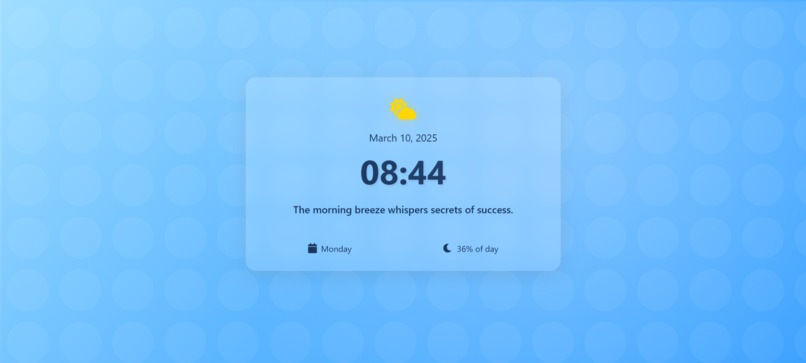
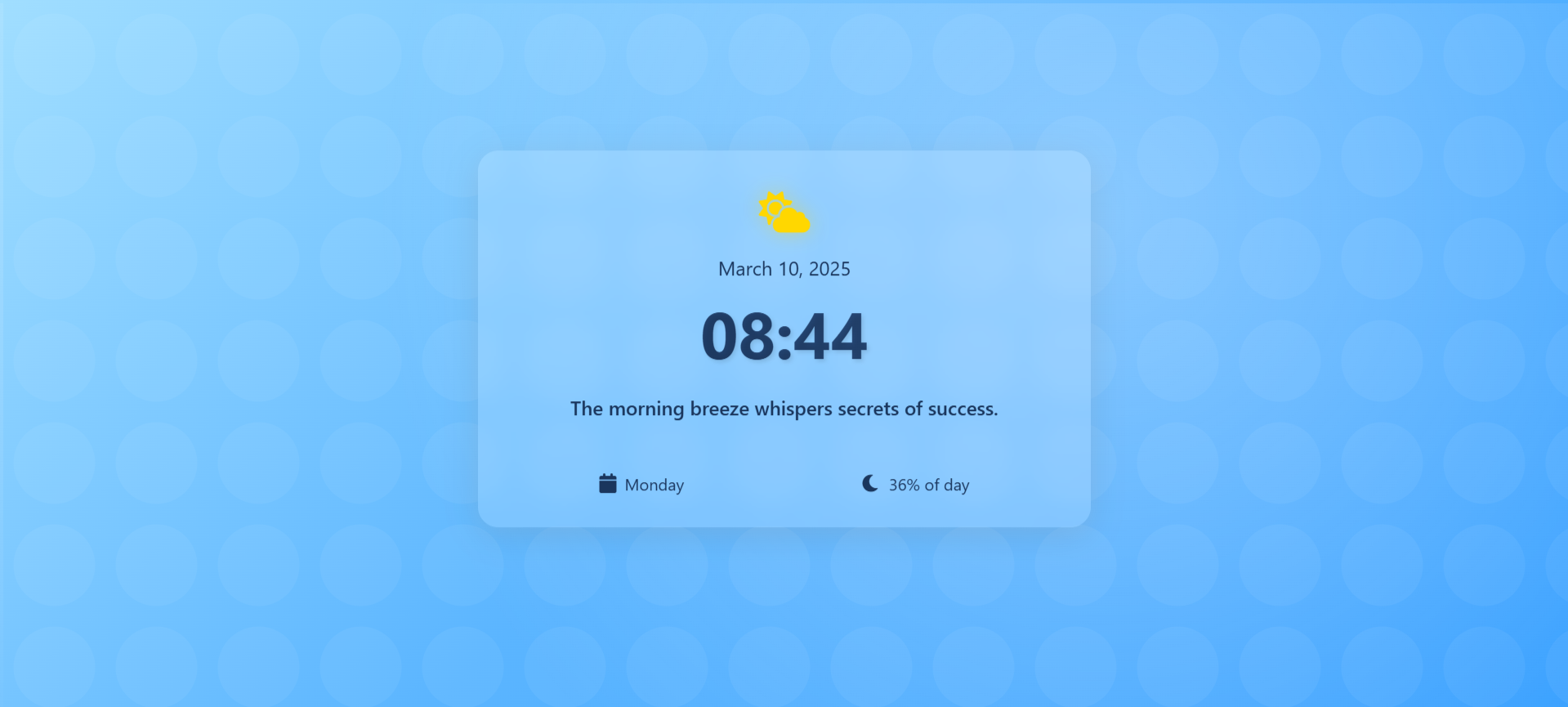
Visuals of website at morning
-
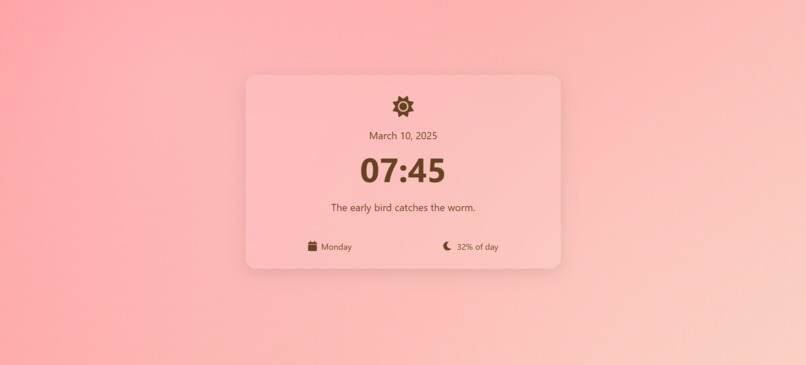
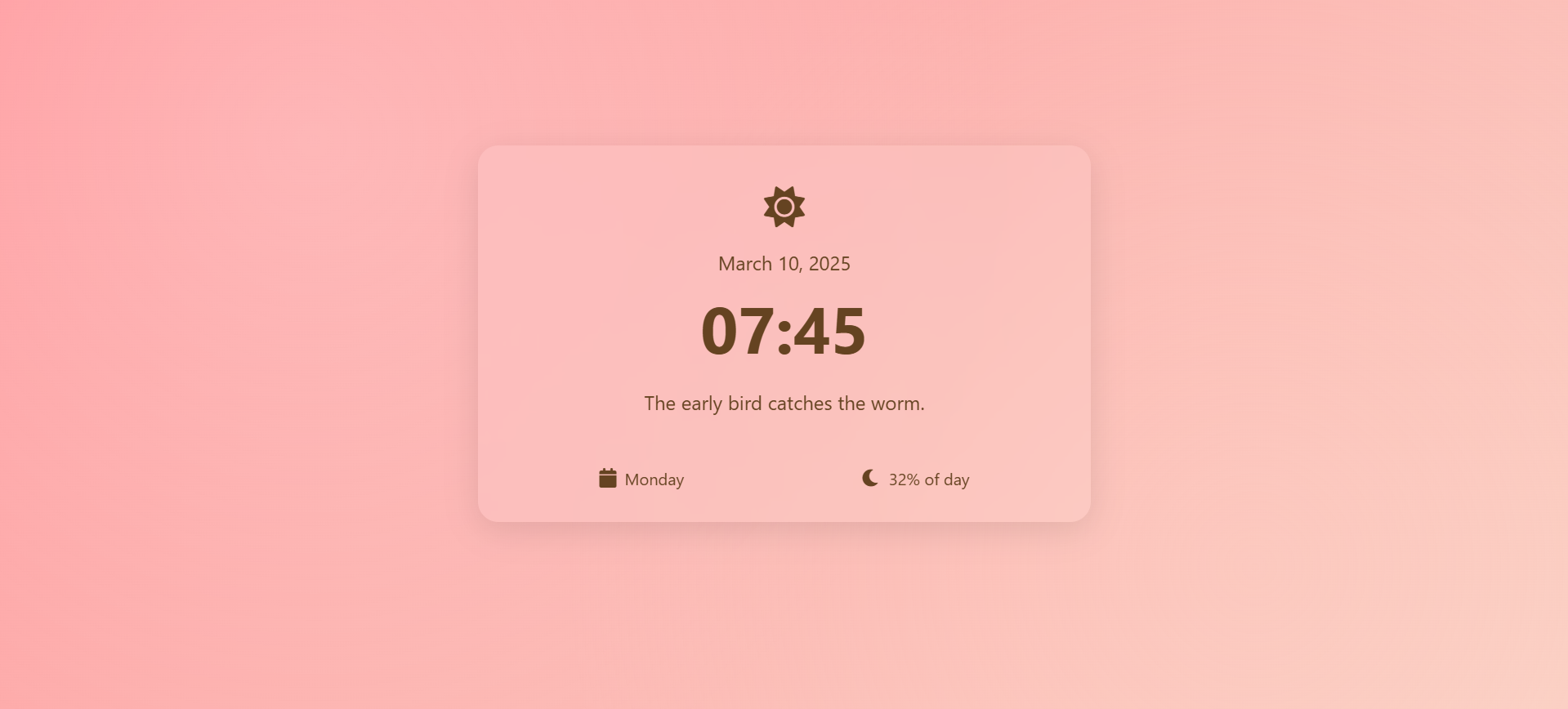
Visuals of website at dawn
Inspiration
I wanted to create a platform where users could witness the seamless blend of temporal progression and artistic expression, offering a unique visual experience that changes with each hour.
What it does
ChronoCanvas displays dynamic visuals that transform every hour, providing users with a fresh and engaging experience each time they visit. The content adapts based on the current time, ensuring that no two visits are the same.
How I built it
I developed the project using HTML, CSS, and JavaScript. By leveraging JavaScript's Date object, I captured the current hour and applied corresponding styles and content changes. CSS animations and transitions were utilized to ensure smooth visual transformations, creating an immersive user experience.
Challenges I ran into
- Time Synchronization: Ensuring that the visuals updated precisely at the start of each hour across different time zones and devices was challenging.
- Design Consistency: Maintaining a cohesive design while allowing for diverse hourly themes required meticulous planning and creativity.
Accomplishments that I'm proud of
- Seamless Transitions: Achieving smooth and visually appealing transitions between hourly themes.
- User Engagement: Creating an interactive platform that encourages users to return at different times to experience new visuals.
What I learned
- Time-Based Programming: Gained insights into manipulating web content based on real-time data.
Responsive Design: Enhanced skills in creating designs that adapt to various screen sizes and orientations.
What's next for ChronoCanvas
User Customization: Allowing users to select themes or set preferences for specific hours.
Expanded Content: Introducing new visual themes and interactive elements to keep the experience fresh and engaging.
Mobile Optimization: Enhancing the mobile experience to ensure seamless interaction across all devices.
Built With
- css
- html
- javascript
- netlify

Log in or sign up for Devpost to join the conversation.