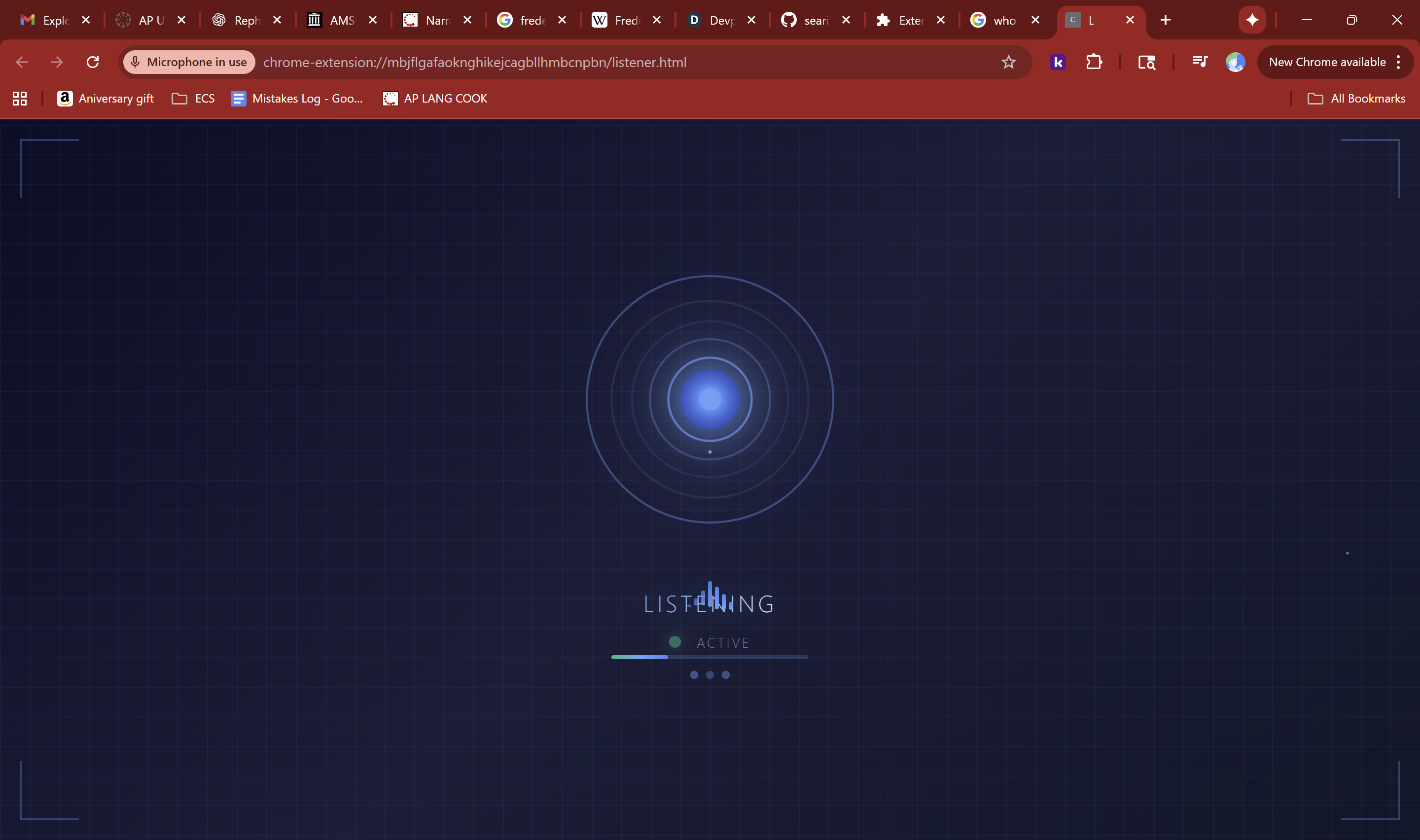
About the Project: Jarvis for Chrome
Inspiration
I was inspired to build a personal voice assistant for Chrome after seeing AI assistants like Siri, Alexa, and ChatGPT. I wanted something lightweight that could:
- Summarize webpages
- Search Google
- Answer factual questions via Wikipedia all without leaving the browser.
What I Learned
During this project, I learned:
- How to use the Web Speech API for both speech recognition and synthesis.
- How to handle asynchronous messaging between content scripts, background scripts, and popups in a Chrome Extension.
- How to manage concurrency, like preventing speech recognition from restarting while already active.
- How to extract meaningful content from webpages for summarization using DOM traversal.
- Handling edge cases with speech commands, parsing natural language, and queuing speech outputs.
How I Built It
I built the extension in JavaScript with the following main components:
- Content script – Listens to the user's voice commands, speaks responses, and manipulates the DOM to show summaries.
- Background script – Handles messaging, Google searches, and Wikipedia queries.
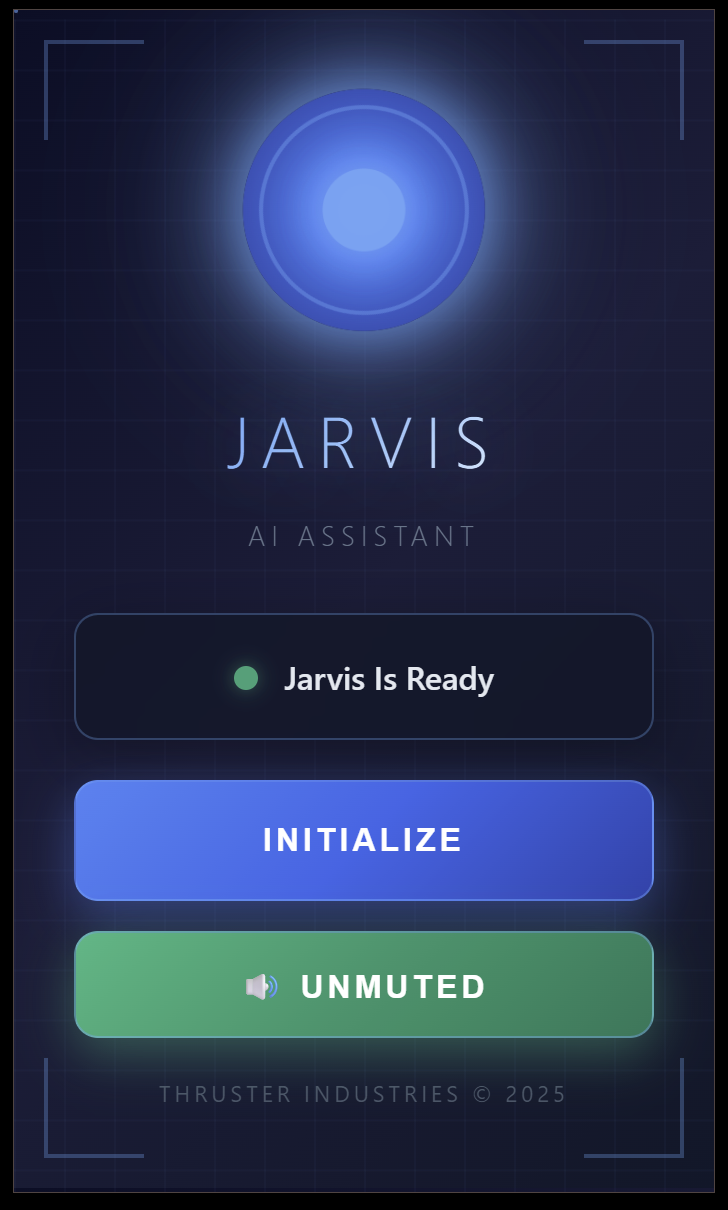
- Popup UI – Allows muting/unmuting and controlling the assistant manually.
The voice assistant uses:
window.SpeechRecognition/webkitSpeechRecognitionfor listeningwindow.speechSynthesisfor speakingchrome.runtime.sendMessageandchrome.storagefor communication- DOM selection logic to extract main content from any webpage for summarization
I also implemented a queue system so multiple voice commands don’t overlap and a ChromeActive flag to avoid accidental triggers.
Challenges
- Preventing recognition restarts from overlapping with speech synthesis.
- Parsing natural language correctly to differentiate between:
- Google searches (
search up …/google …) - Wikipedia questions (
who/what/when/where/why/how …) - Summarization commands
- Google searches (
- Keeping the extension responsive while dealing with asynchronous operations and Chrome extension security restrictions.
- Designing a dynamic summary panel in the DOM that looks nice and auto-removes after 45 seconds.
End of Project Story

Log in or sign up for Devpost to join the conversation.