-
-
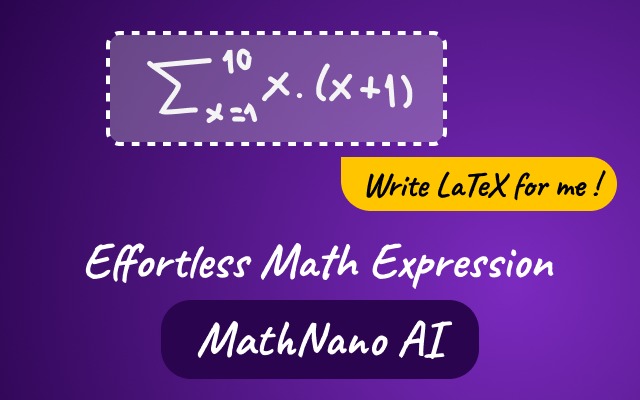
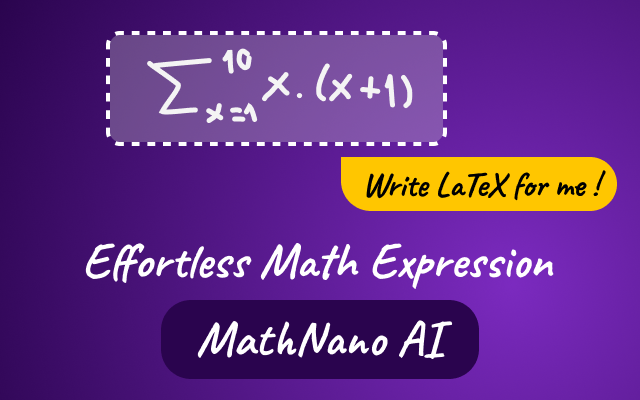
MathNano AI understands math the way you do—whether you draw it, see it, say it, or just know its name.
🚀 About the project
MathNano AI is your AI assistant for effortless math expression. It's a powerful Chrome Extension built to eliminate the frustration of writing complex math notation.
The Problem
Writing mathematical equations is a universal challenge. For students, it's a barrier to taking notes. For teachers, it's a time-sink when creating exercises. Even for seasoned STEM professionals, remembering the specific LaTeX syntax for every symbol (like \psi - ψ or \zeta - ζ) is a constant friction point. A simple formula can take far too long to typeset correctly.
Our Solution
MathNano AI is a powerful, multi-modal AI assistant that lives directly in your browser. It's designed to be the ultimate co-pilot for anyone who works with math, from a high school student to a computer science undergraduate. It understands math the way you do—whether you draw it, see it, say it, or just know its name.
The best part? It's our first-ever Chrome Extension, built using Google's built-in AI API. This allows MathNano AI to run 100% locally on your machine. It's private, completely free, and even works offline.
Key Features
We focused on creating a seamless workflow with multiple, intuitive inputs and flexible outputs.
Multi-Modal Input:
- ✍️ Handwriting-to-LaTeX: Draw your equation on our canvas, and our AI converts your handwriting directly into clean LaTeX code.
- 📸 Screenshot-to-LaTeX: See a formula anywhere on your screen? Just capture it, and MathNano will instantly provide the code.
- 🗣️ Speech-to-LaTeX: Simply say the names of symbols or formulas ("alpha plus beta equals gamma"), and watch the code appear in real-time.
- 💬 Chat-to-LaTeX: Ask for a formula by name (e.g., "quadratic formula" or "Fourier transform"), and the AI will generate it for you.
Instant Output & Customization:
- Live Preview: Get an immediate, rendered preview of your math expression as you work.
- Copy & Download: Instantly copy the raw LaTeX code or download the rendered expression as an image.
- Full Styling: Customize the image output by changing the text color, background color (or making it transparent), font size, and padding.
🚀 What's Next: A Hybrid AI Strategy with Firebase & Gemini
MathNano AI's local-first, private approach is just the start. Our roadmap is focused on integrating Google's powerful cloud services to create a more robust and accessible hybrid experience, directly addressing the hackathon's challenge.
Cloud Sync & Cross-Device Support via Firebase We will implement Firebase Authentication for secure login and use Firestore to allow users to save their math expressions to the cloud. This not only provides a valuable backup but is the essential first step to extending MathNano's reach from a Chrome Extension to mobile and other web-based platforms.
A True Hybrid AI Strategy with Gemini Building on the Firebase foundation, we will implement a "hybrid AI" smart-switch. This system will leverage Firebase AI Logic to intelligently route requests: simple, fast conversions will remain on-device, while more complex tasks (or requests from users on less-powerful machines) will be sent to the Gemini Developer API. This ensures all users, including those on mobile, have access to high-quality LaTeX conversion, fulfilling the goal of extending our reach.
Gemini-Powered Math Solver With the Gemini API integrated, our flagship feature will be a Gemini-Powered Math Solver. This will leverage the full power of Google's flagship model, Gemini 2.5 Pro, to ensure the highest possible accuracy. We will specifically utilize its "Deep Think" enhanced reasoning mode—the same technology that has achieved gold-medal performance in mathematical Olympiads. Users will be able to capture any math problem, and our assistant won't just write the formula; it will provide a complete, step-by-step explanation, turning MathNano into an indispensable learning and teaching tool.

Log in or sign up for Devpost to join the conversation.