-
-
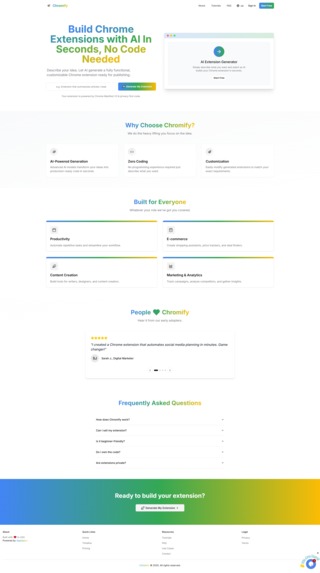
Chromify - Landing Page
-
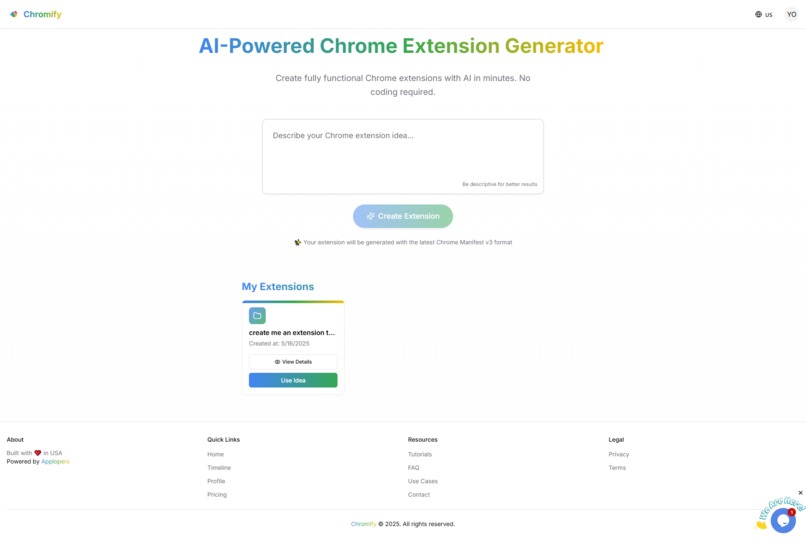
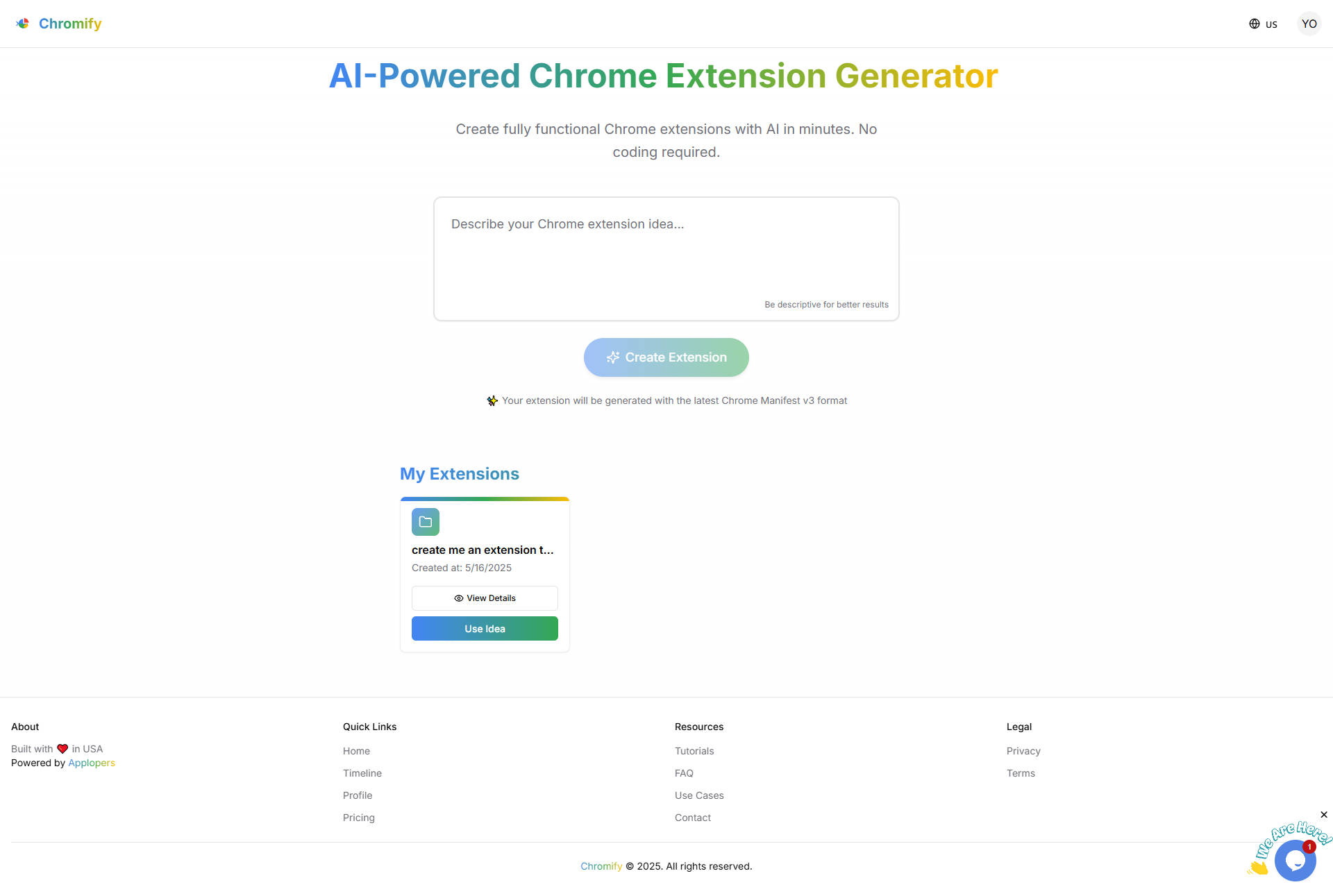
Chromify - User Dashboard & Generate Chrome Extension area
-
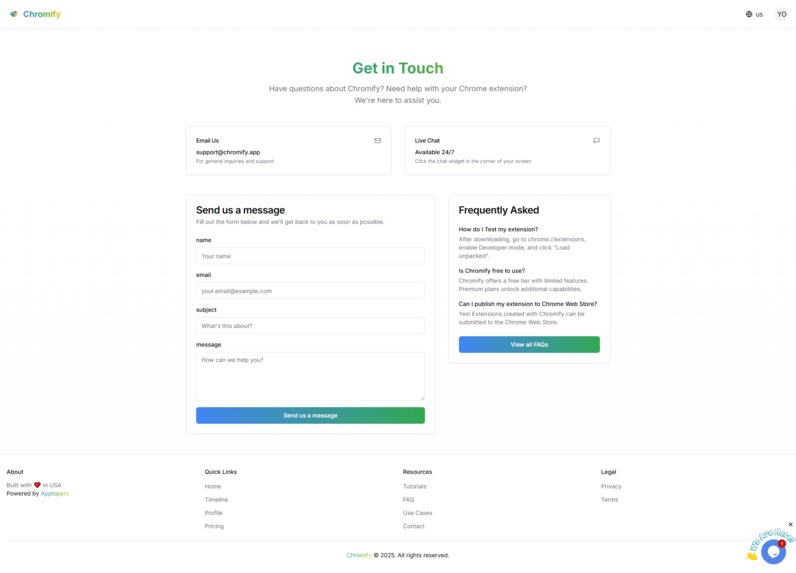
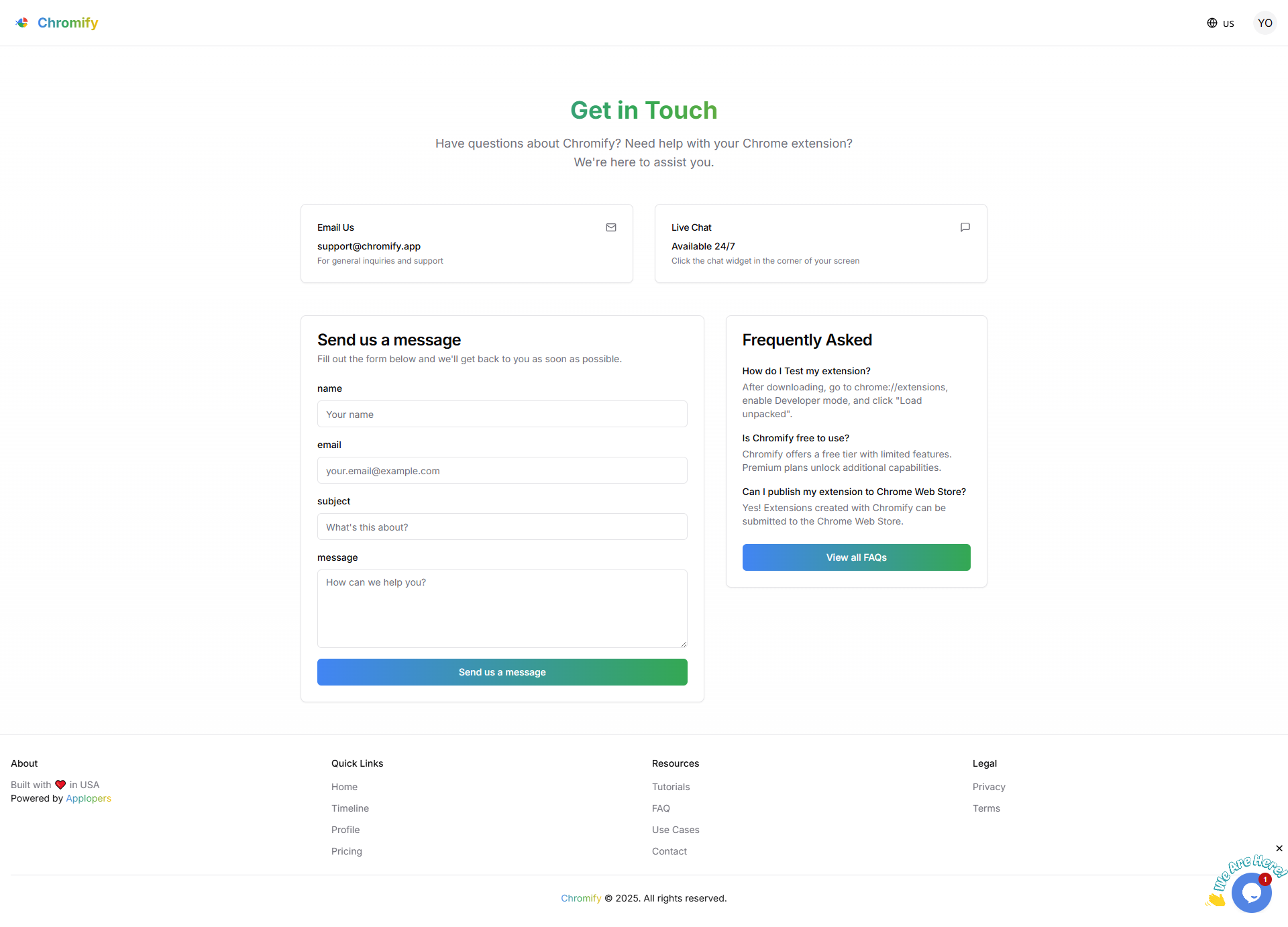
Chromify - Contact Us Page
-
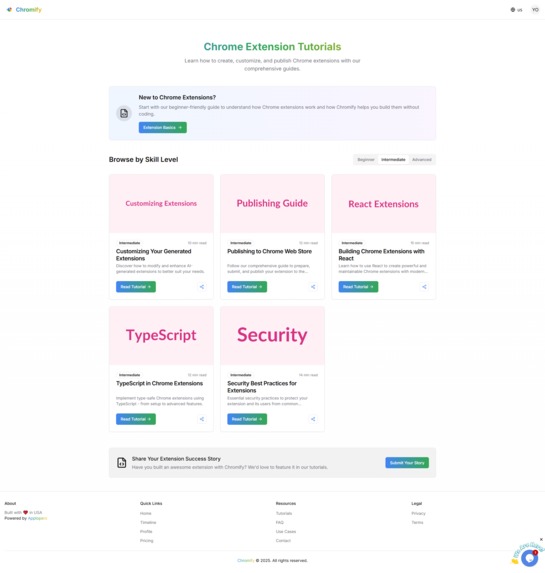
Chromify - Use Cases
-
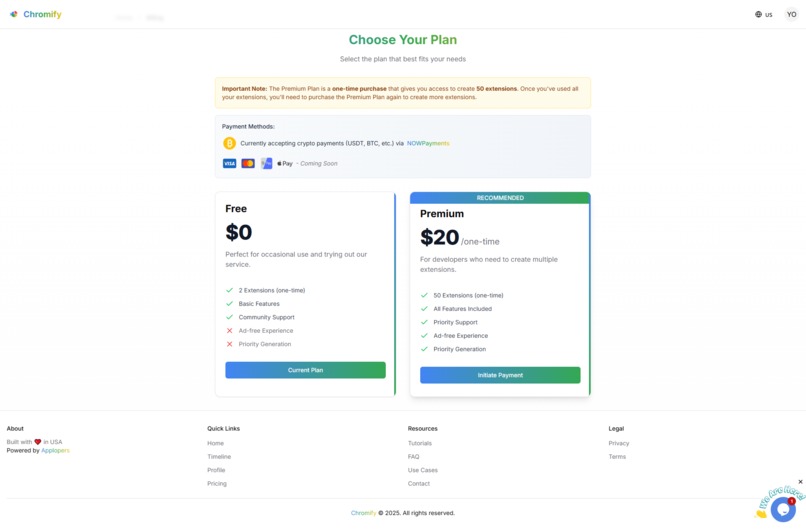
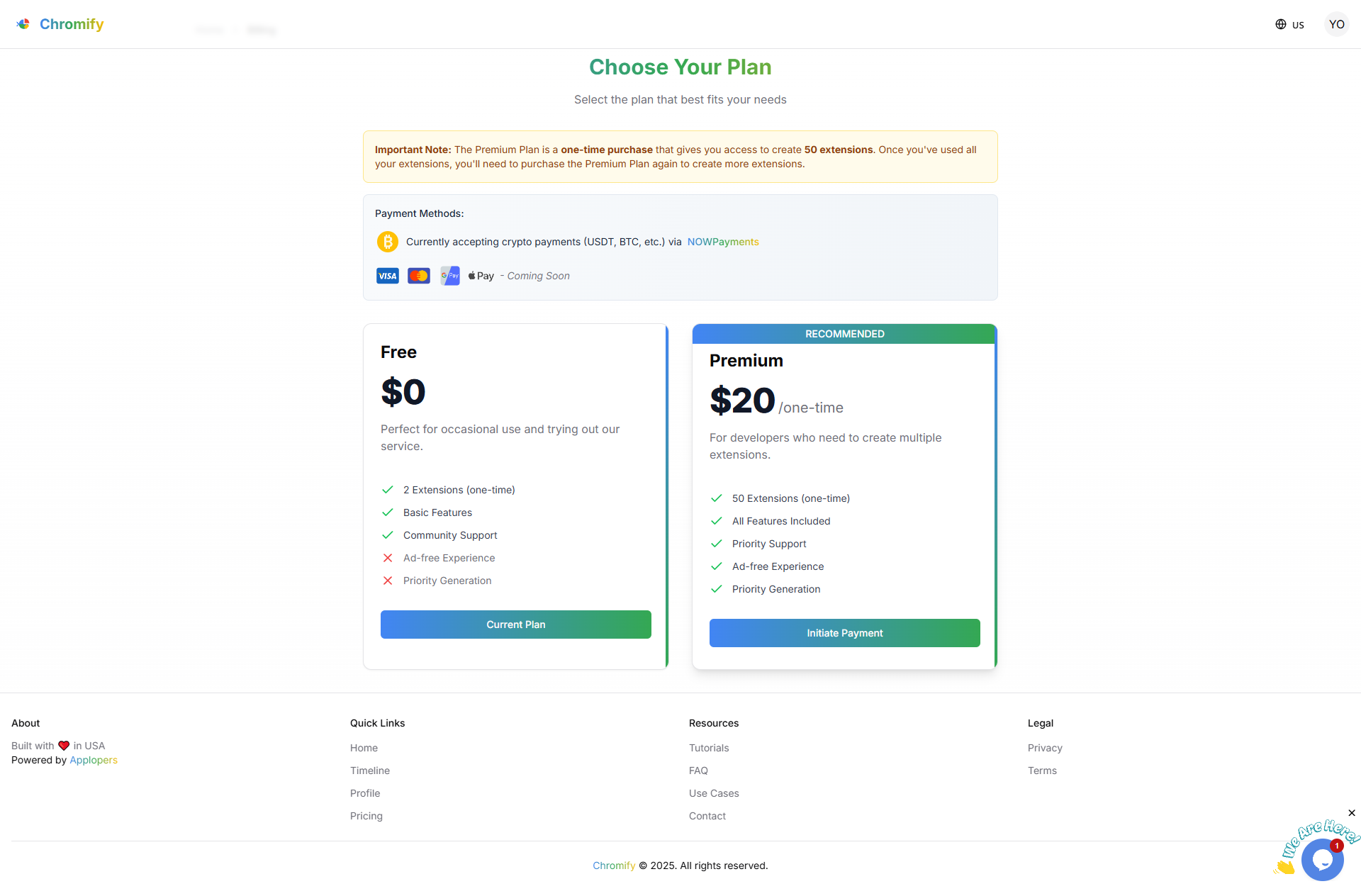
Chromify - Pricing


Inspiration
The idea for Chromify came from the frustration many developers and non-technical users face when trying to build Chrome Extensions. Even simple ideas require understanding of the Chrome Extension architecture, manifest files, and JavaScript. I wanted to eliminate that barrier and make extension creation as easy as writing a prompt. The inspiration was to empower creators, educators, and entrepreneurs to launch their ideas without needing to write code.
What it does
Chromify is an AI-powered tool that generates fully functional Chrome Extensions based on natural language prompts. Users simply describe what they want, and Chromify produces all necessary files—including manifest.json, background scripts, content scripts, and UI components—ready to be previewed and downloaded as a CRX or ZIP file. It also supports live preview and multiple extension types like productivity tools, automation, and UI tweaks.
How I built it
I built Chromify using:
- React + TypeScript for a performant and scalable frontend
- Tailwind CSS and shadcn/ui for a clean and responsive UI
- OpenAI API to convert prompts into contextual code across multiple files
- Supabase for user authentication and storing generated projects
- Vite for rapid frontend development and live preview capability
- Render.com to host the backend infrastructure and API endpoints
The architecture was designed with developer experience in mind, allowing for quick iteration and easy feature expansion.
Challenges I ran into
- Getting the AI to output multi-file code in a structured and logical way.
- Handling rate limits and response inconsistencies from the OpenAI API.
- Ensuring the generated extensions comply with Chrome’s manifest version 3 standards.
- Making the UX intuitive for both technical and non-technical users.
- Managing asynchronous generation and UI updates in real-time.
Accomplishments that I'm proud of
- Launching a live version that enables users to go from idea to working extension in minutes.
- Seeing real-world users publish extensions created with Chromify on the Chrome Web Store.
- Creating a clean and fast interface that handles complex code generation behind the scenes.
- Building a tool that brings real value to indie developers, startups, and educators.
What I learned
- Building with AI requires continuous prompt tuning and output validation.
- A seamless user experience can make complex tasks feel magical.
- Micro-SaaS products with clear utility can achieve traction quickly.
- Community feedback is essential in identifying both technical and usability gaps.
What's next for Chromify
- Adding a visual, no-code editor to customize extensions after generation.
- Supporting Firefox and Edge extension formats.
- Enabling in-browser deployment to the Chrome Web Store.
- Introducing templates for popular use cases (e.g., GPT wrappers, content blockers, UI injectors).
- Offering Pro accounts with version history, API access, and collaborative features.
Built With
- api
- openai
- react
- supabase
- tailwind
- vite

Log in or sign up for Devpost to join the conversation.