-
-
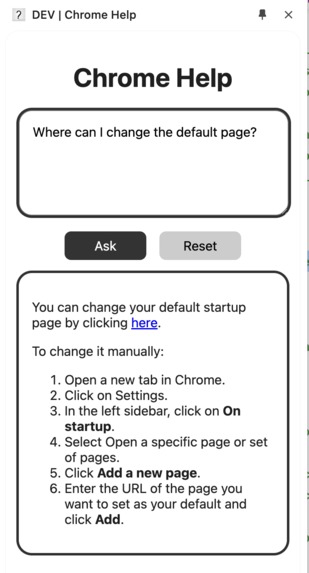
Main page
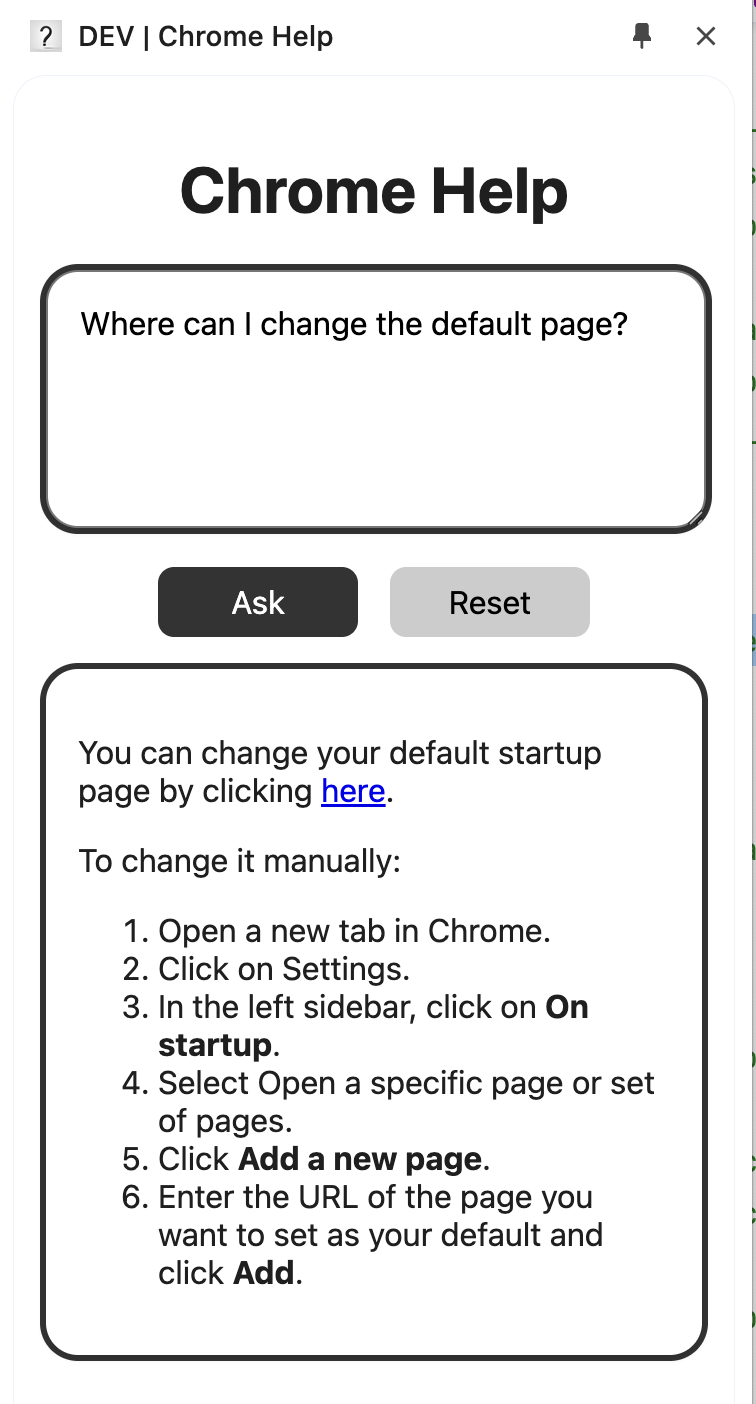
Inspiration
The project was inspired by the need to make Chrome more accessible and user-friendly, especially for people who might find browser settings or troubleshooting confusing. I wanted to create a simple yet powerful extension that allows users to get quick help and navigate Chrome settings directly, with clear guidance at every step.
What it does
This extension acts as an intelligent assistant within Chrome, guiding users through browser settings and features with ease. It provides clear, step-by-step instructions for common tasks like changing default settings, managing privacy options, or customizing the appearance of Chrome. The assistant leverages Chrome’s built-in AI to answer questions and offers direct, clickable links to the appropriate settings pages using the chrome:// format. By simplifying navigation and making it easy to access specific settings, the extension saves users time and reduces the complexity of managing their browser.
How I built it
The project was built using Plasmo framework, React, Typescript, leveraging the Chrome Extension API. I implemented a structured architecture with a background script to handle permissions, content scripts for interaction, and a side panel UI to make the experience visually accessible. Markdown-to-JSX was utilized to ensure that instructions could be dynamically rendered and easily formatted.
Challenges I ran into
One of the biggest challenges was handling chrome:// links, as Chrome restricts direct access to these URLs from extensions. I had to find creative solutions, like opening settings in new tabs and creating alternative instructions for users. Another significant challenge was ensuring the AI model consistently provided clickable links in the chrome:// format, which would allow users to quickly access the needed settings. Achieving this required fine-tuning prompts to guide the model’s responses effectively.
Accomplishments that I've proud of
I’m proud of successfully integrating Chrome’s built-in AI to create a seamless user experience. One of my key accomplishments was ensuring that the assistant consistently generated clickable chrome:// links, allowing users to quickly access the settings they need. This required careful prompt engineering and creative problem-solving, making the extension both effective and easy to use.
What I learned
During the development process, I deepened my understanding of the Chrome Extension API, especially around handling permissions and dynamically creating content in the browser environment. Additionally, I explored effective ways to format user instructions in Markdown, as clarity and simplicity in instructions were essential for this project. I also had the opportunity to work with Chrome’s built-in AI, which made it easy to integrate intelligent responses. The simplicity of the API was impressive, and it streamlined many processes within the extension, allowing me to deliver a smoother user experience.
What's next for Chrome Help
I hope that my extension serves as inspiration for Google to develop a fully integrated, built-in assistant within Chrome. Such an assistant could significantly lower the entry barrier for people new to the internet, guiding them through browser settings, features, and safe browsing practices. By making Chrome more accessible and user-friendly, this assistant could empower a wider audience to navigate the online world with confidence. Ideally, it would be deeply integrated into Chrome and able to make changes directly on behalf of the user, further streamlining the browsing experience.
Built With
- plasmo
- react
- typescript


Log in or sign up for Devpost to join the conversation.