-
-
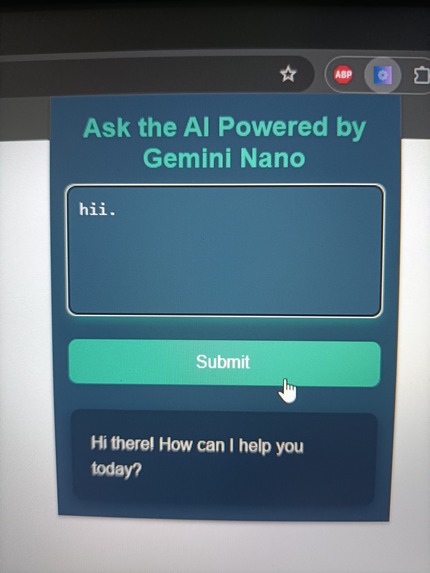
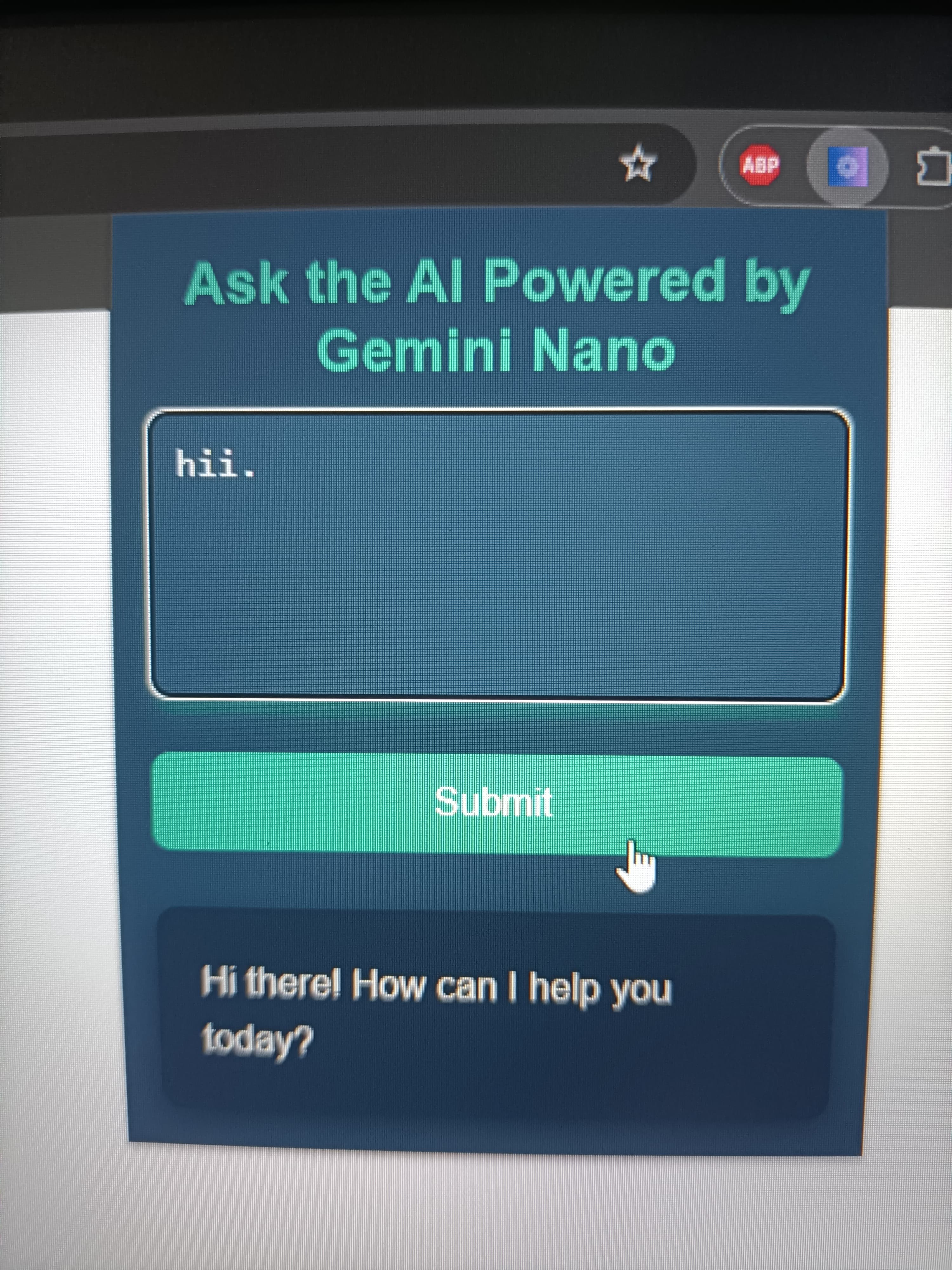
AI Extension Powered by Gemini Nano
Inspiration
The inspiration for this project came from the increasing need for quick and efficient ways to process information on the web. Whether reading lengthy articles, analyzing reports, or capturing key points from text, we aimed to create a tool that makes this process seamless and accessible right from your browser.
What it does
This Chrome Extension allows users to:
Select text from any webpage and summarize it instantly using AI. View the generated summary in a clean, interactive popup interface. Save time by quickly grasping the essence of long content without losing context.
How we built it
We built this extension using:
JavaScript and HTML/CSS for the frontend interface. Chrome Extensions API to integrate with the browser and enable functionality like text selection and script execution. AI API (like GPT-based services) to handle the text summarization, providing concise, meaningful summaries. A responsive and engaging user interface designed to enhance usability, featuring animations and a dark-themed design.
Challenges we ran into
API Integration: Ensuring the API responded quickly and handling error states effectively. Manifest V3 Migration: Adapting to Chrome’s latest extension requirements, particularly replacing deprecated APIs. UI Design: Creating an interface that is both visually appealing and user-friendly for all types of users. Cross-Origin Issues: Managing permissions to allow smooth interaction with webpages and the extension.
Accomplishments that we're proud of
Successfully integrating AI summarization into a Chrome extension. Designing a polished, interactive UI that enhances user experience. Overcoming technical challenges of Manifest V3 migration and ensuring the extension adheres to Chrome’s latest standards. Delivering a functional tool that addresses a real-world need for faster information processing.
What we learned
How to effectively work with Chrome Extension APIs and the scripting framework in Manifest V3. Improved knowledge of integrating AI-based services into real-world applications. The importance of user-focused design in creating intuitive tools. Best practices for debugging and optimizing browser extensions.
What's next for Chrome Extension with buidin AI
Advanced Features:
Add language translation alongside summarization. Enable saving summaries for later reference. Incorporate voice summarization for accessibility. Enhanced AI:
Use advanced AI models to provide context-based suggestions or insights. Allow users to customize the summary length or tone. Offline Mode:
Develop a feature to store and process selected text offline for enhanced privacy. Cross-Browser Support:
Extend compatibility to other browsers like Firefox, Edge, and Safari.

Log in or sign up for Devpost to join the conversation.