-
-
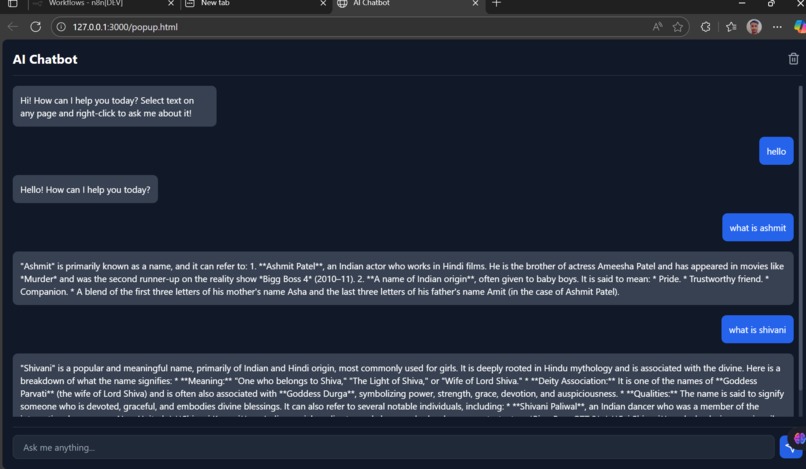
AI Chatboat for working in Chrome Extention
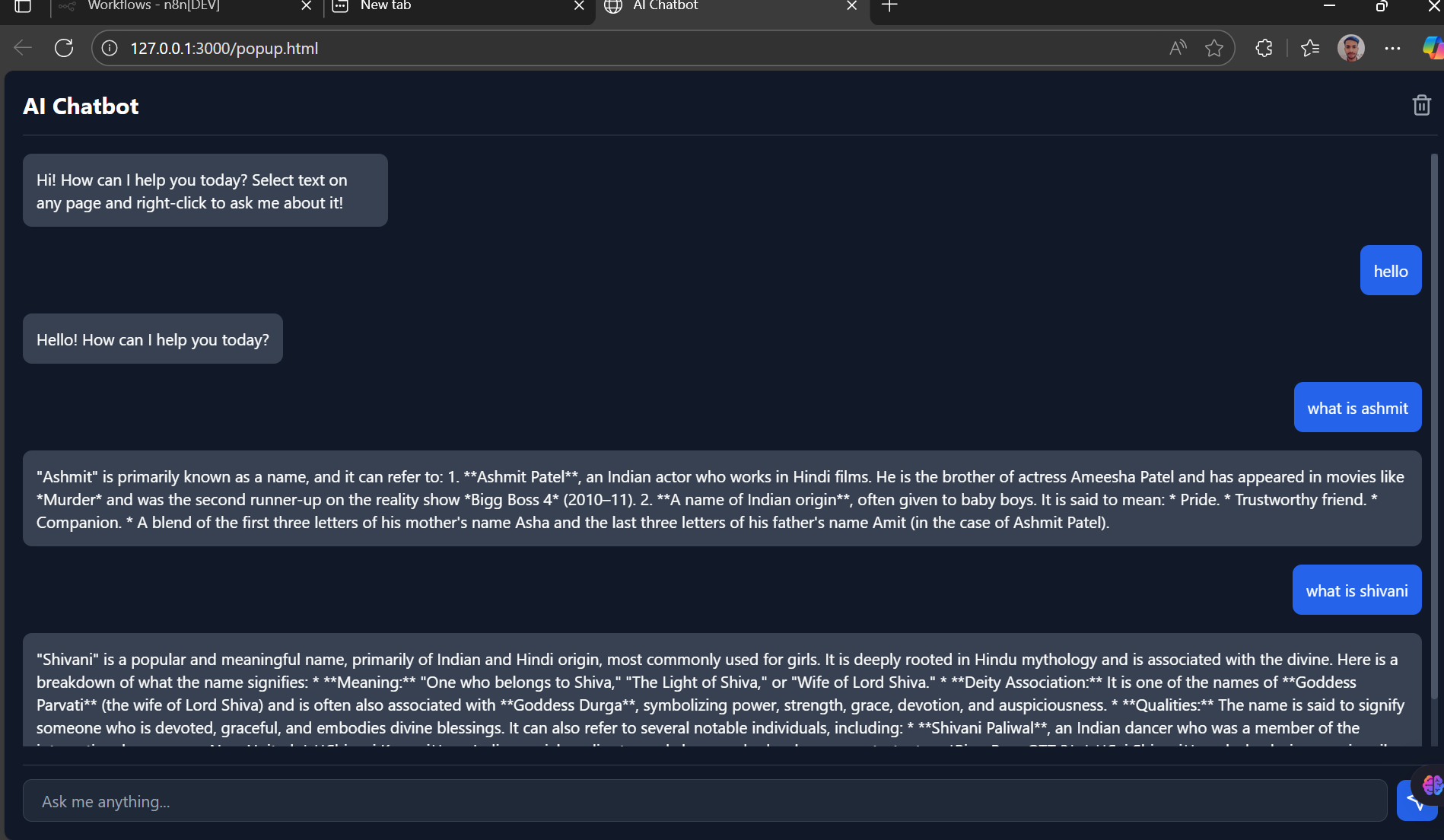
About the Project
This browser extension is designed to extend the functionality of Google Chrome by offering a dedicated sidebar / side-panel interface where users can access tools, settings, and context-aware features inside the browser. It integrates an in-browser panel (not just a pop-up) alongside an options/settings page so that users can tailor how the sidebar behaves, where it appears, and what it shows.
Key Features & Benefits
- Access a persistent sidebar that remains alongside whichever tab you’re working in — giving you quick access to tools/controls without leaving the page.
- Built-in settings/options page where you can choose how and where the sidebar appears (for example: enabled for all domains, or only specific ones), and customise theme or behavior.
- Smooth user experience using standard web technologies (HTML, CSS, JavaScript) leveraging the Chrome extension APIs to integrate deeply with the browser. ([Chrome for Developers][1])
- A straightforward installation process from the Chrome Web Store (or via developer load-unpacked for testing) — making it easy for users to enable, pin and use the extension. ([Google Help][2])
- Designed to enhance productivity (for example: quick controls, contextual info, sidebar navigation) rather than just being another toolbar button.
Why This Extension Matters
Browser tabs and workflows today often require switching between tools, settings pages, dashboards and content — this causes cognitive switching and context loss. By bringing a sidebar interface that stays visible (if chosen) and ties into one’s workflow, the extension promises:
- Reduced time spent switching between windows or tabs.
- Better use of browser side real-estate (rather than always full tab navigation).
- Centralised access to settings/preferences (via the options page) so users don’t need to hunt in Chrome menus.
- Customisation: users can decide where/how the sidebar appears, giving power and flexibility.
Target Audience
- Power users of Chrome who frequently jump between tabs and tools and want smoother workflows.
- Professionals who use browser-based dashboards, tools, or SaaS platforms and would benefit from a persistent sidebar for quick actions.
- Developers/designers building internal tools or dashboards who want to offer a companion sidebar for their users.
- Anyone who installs browser extensions and wants more control over how and when those extension UIs appear.
Technical Overview (for stakeholders)
- Built on “Manifest Version 3” extension architecture (the latest recommended version for Chrome extensions) and uses Chrome’s Side Panel / Side Panel API to create a sidebar UI. ([Chrome for Developers][3])
Core modules include:
manifest.json(metadata, permissions, default paths)- Background/service-worker script (listens to browser events, tab changes, opens sidebar, applies logic)
- Sidebar UI page (HTML/CSS/JS) loaded in side panel
- Options/settings UI page (HTML/CSS/JS) for user preferences (e.g., enable/disable per-domain, theme)
- Storage via
chrome.storageAPIs to persist settings across sessions
Minimal permissions: only those needed (e.g.,
tabs,storage,sidePanel) to achieve behaviour, thus reducing user trust friction.
Security & Privacy Considerations
Because browser extensions can access and modify content or browser behaviour, this project emphasises:
- Asking only for permissions that are essential, and explaining clearly to users why each permission is needed. ([SURFE][4])
- Respecting user data: user preferences are stored locally/sync and not shared externally unless explicitly required; no hidden data collection.
- Providing users with clear UI to disable or remove the sidebar as desired; and handling cases when domain-based enabling/disabling is used so behaviour is transparent.
- Ensuring the UI and scripts are efficient and don’t degrade browser performance or leak memory.
Built With
- and
- backend
- background-service-worker
- chrome.sidepanel-(or-similar)-for-browser-integration-and-state-handling.-upstaff.com-+1-optional-tech-stack-enhancements-(if-you-choose)-like-react/vue-for-ui-components
- chrome.tabs
- firebase/supabase)
- for
- html-&-css-for-the-ui-layout-and-styling.-chrome-developers-+1-javascript-(es6+)-for-logic
- interaction-and-using-chrome-extension-apis.-chrome-for-developers-+1-manifest-v3-format-for-the-extension-metadata
- or
- permissions-and-side-panel-configuration.-theautomationzone-+1-chrome-extension-apis-such-as-chrome.storage
- safety
- serverless/cloud
- storage
- type
- typescript
- webpack/vite-for-bundling

Log in or sign up for Devpost to join the conversation.