-
-
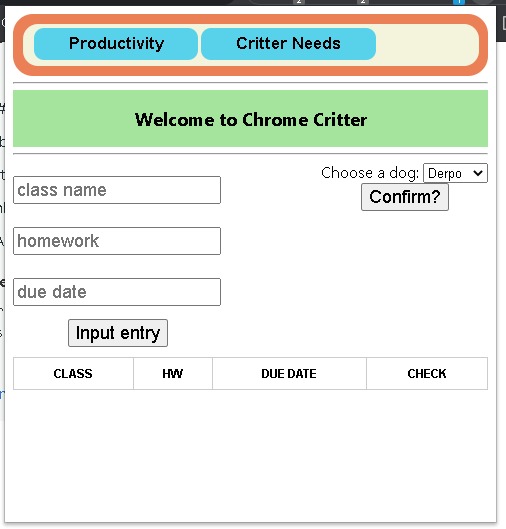
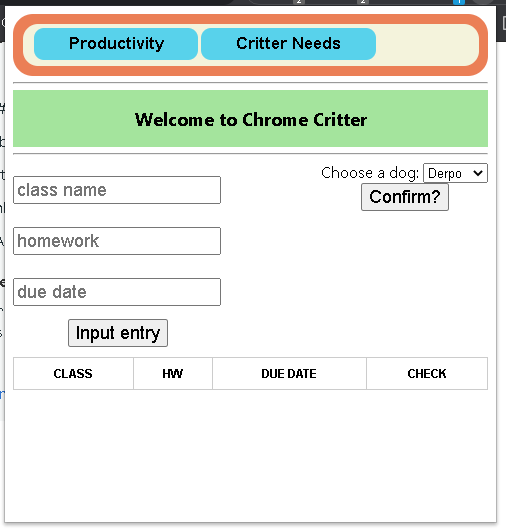
Initial screen
-
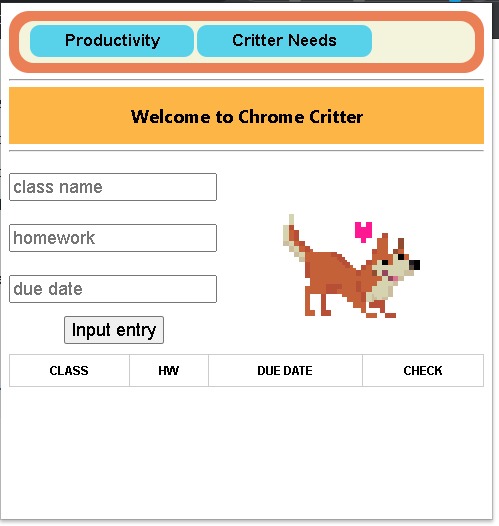
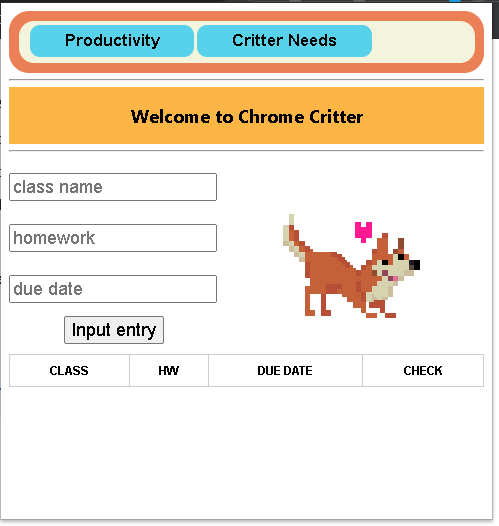
Dog chosen
-

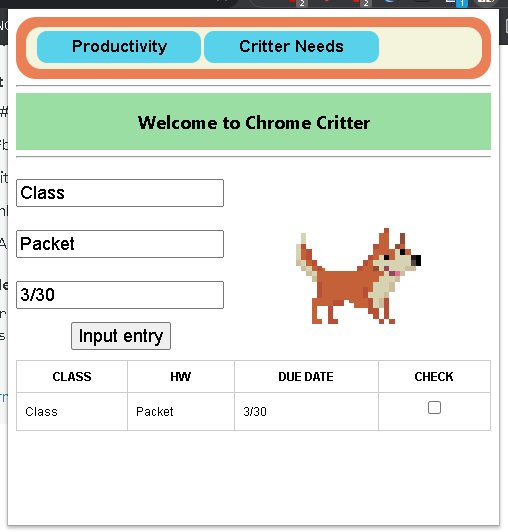
Information added
-
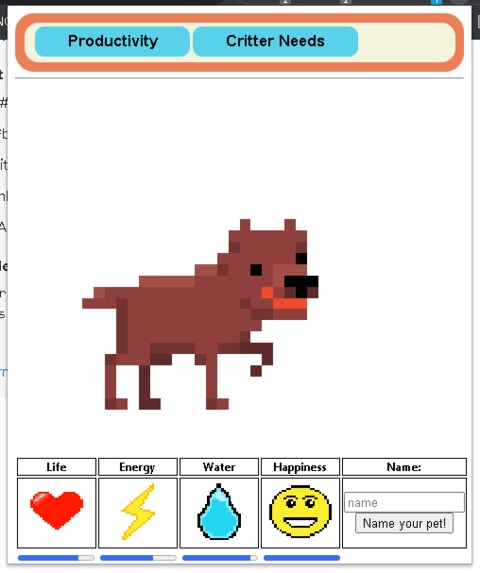
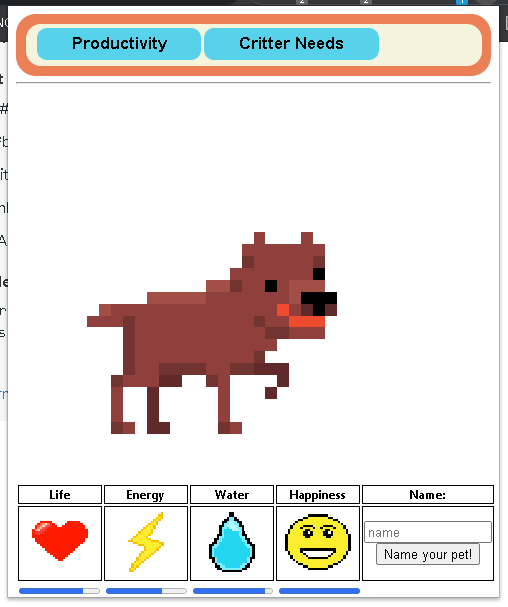
Needs screen
-
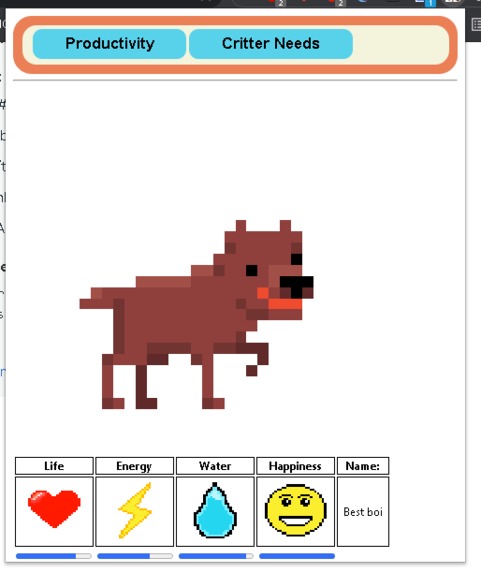
Name text filled
Inspiration
The two biggest sources of inspiration could not be farther apart in terms of similarity. The largest of the two was the common issues plaguing virtual learners such as procrastination, lack of focus, and stark contrast from what most are used to academically. The more obscure was the Tamagotchi toy, where you would have to care for a cute virtual pet and take care of it to avoid having it die a gruesome and lonely death.
What it does
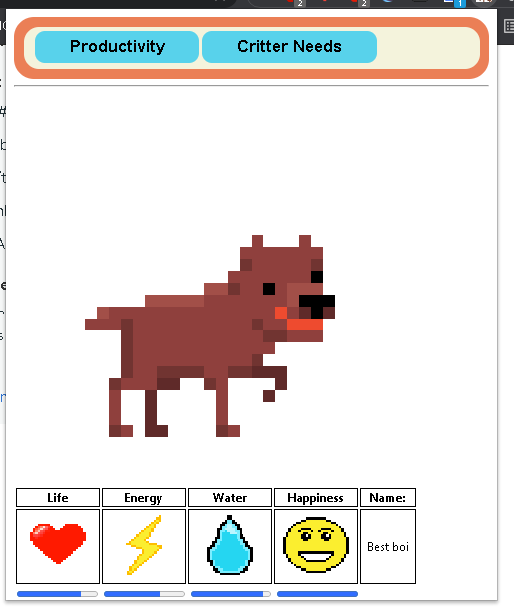
Currently, the extension has two pages. The main one on startup asks you to pick one of the 4 dogs, and asks for a class, homework assignment, and due date, and adds those three parameters onto a table. This action is repeatable and has a tiny checkbox appear for keeping track of work. The other page has a larger image of the pet and 4 statuses. They're all static however, and the only interactivity is the changing of the dog's name.
How I built it
Combination of Chrome Web API, HTML, CSS, and JavaScript with 2d sprites created using the web app Piskel.
Challenges I ran into
Chrome extensions work very different from normal JavaScript. There are restrictions on how libraries are added due to Google's Content Security Policy, and inline scripting is entirely disabled.
Accomplishments that I'm proud of
The dynamic table for each assignment was one of the most difficult to understand portions of code out of the project.
What I learned
We learned a lot more web-based JavaScript then ever before. I specifically worked with manifest files which I had never done before, as well as the Chrome Web API.
What's next for Chrome Critter
Fleshing out the pet needs system to be functional, allowing for more storage of information, possibly through form submissions rather than input field submissions. Different types of animals.
Built With
- chromewebapi
- css3
- html5
- javascript


Log in or sign up for Devpost to join the conversation.