Inspiration
The idea came from observing how human bodies respond to infection — by raising temperature (fever) as a defense mechanism. I wanted to give browsers a similar digital immune system, one that reacts intelligently to abnormal site behaviors and keeps the user informed without invading privacy.
What it does
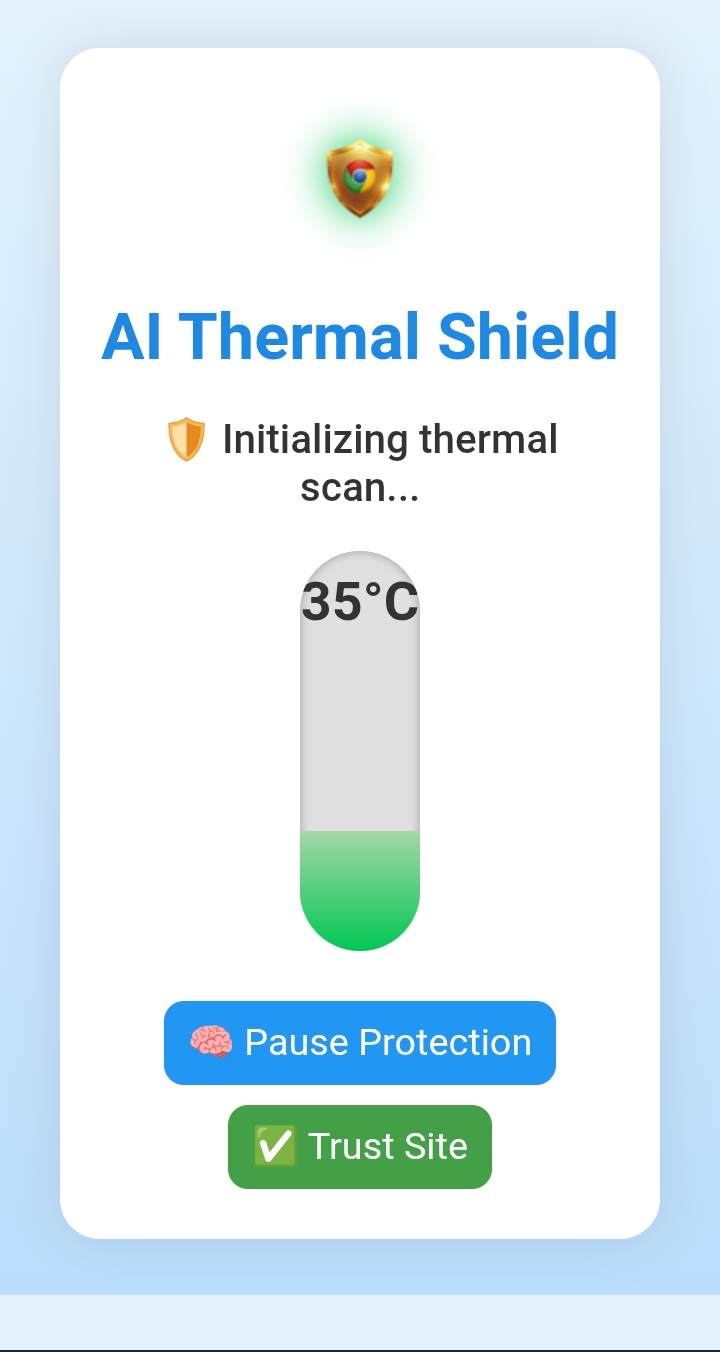
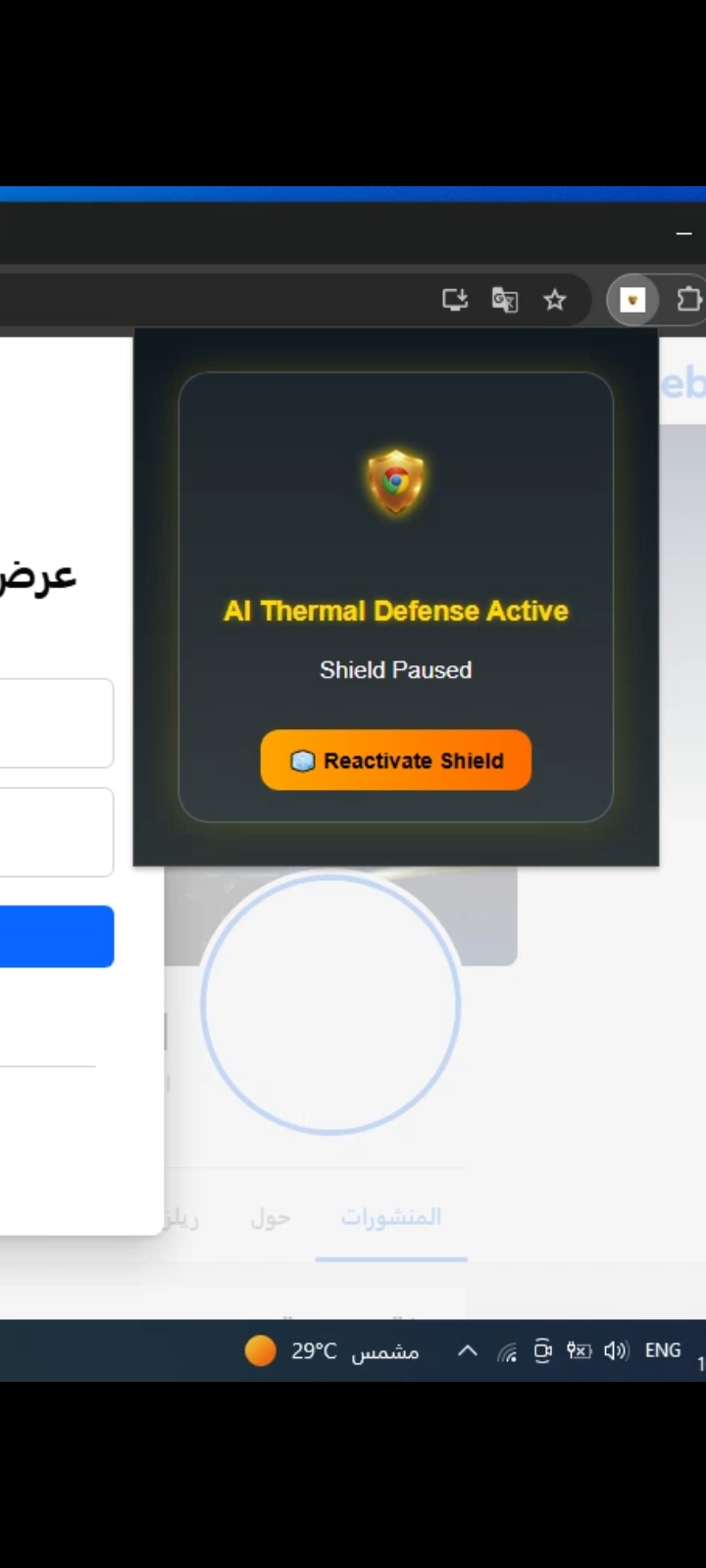
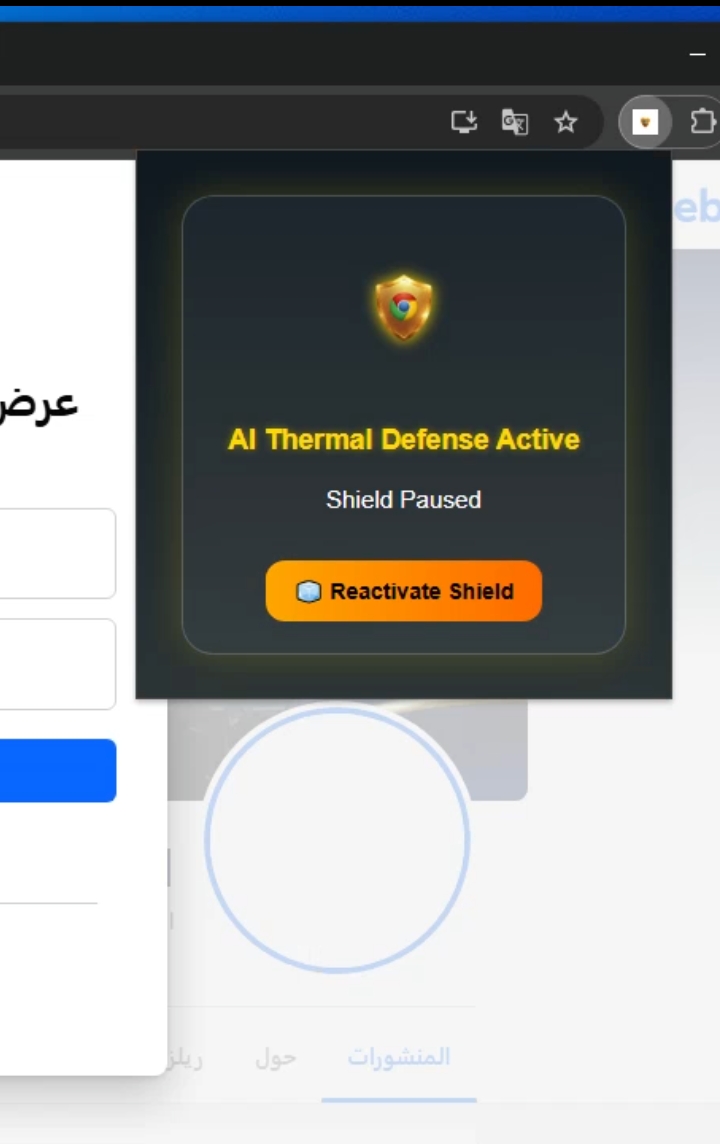
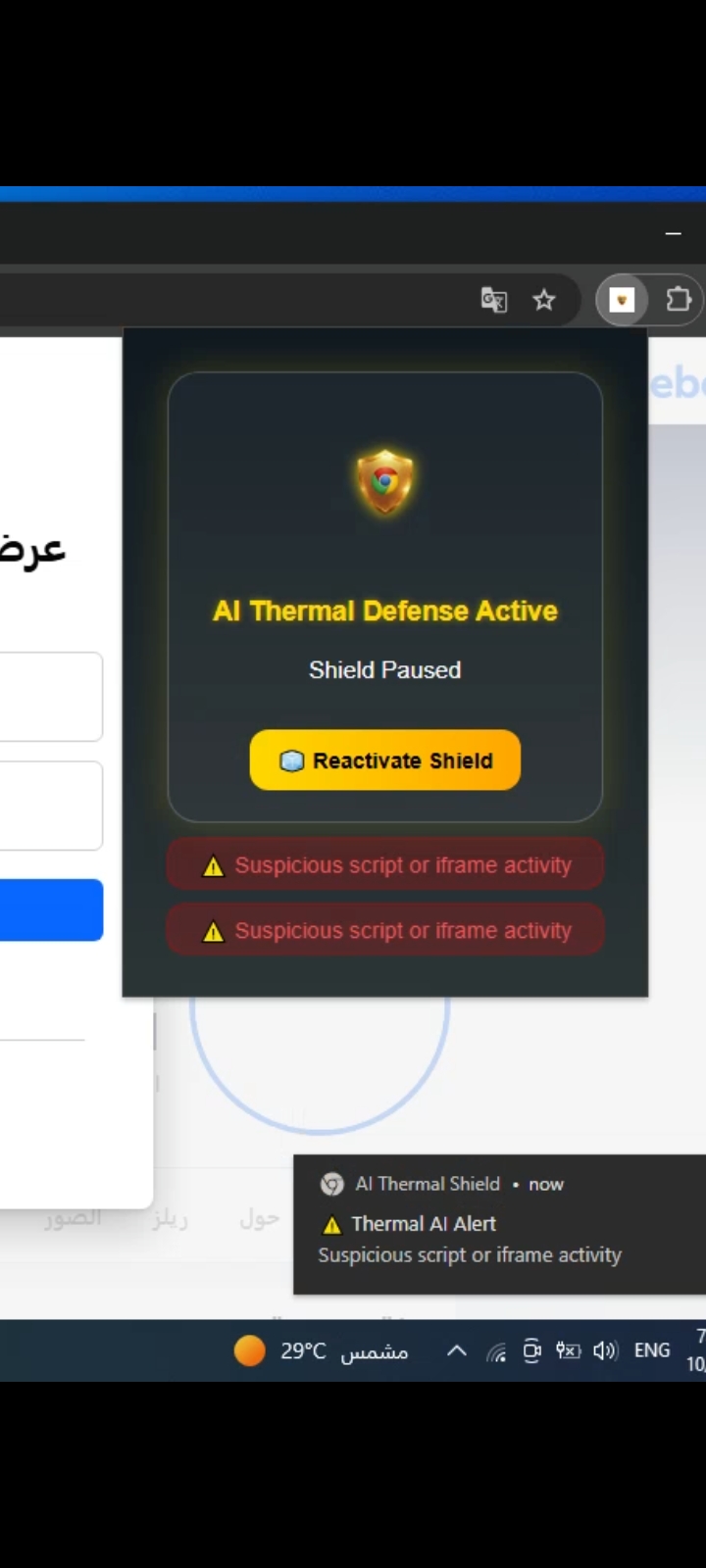
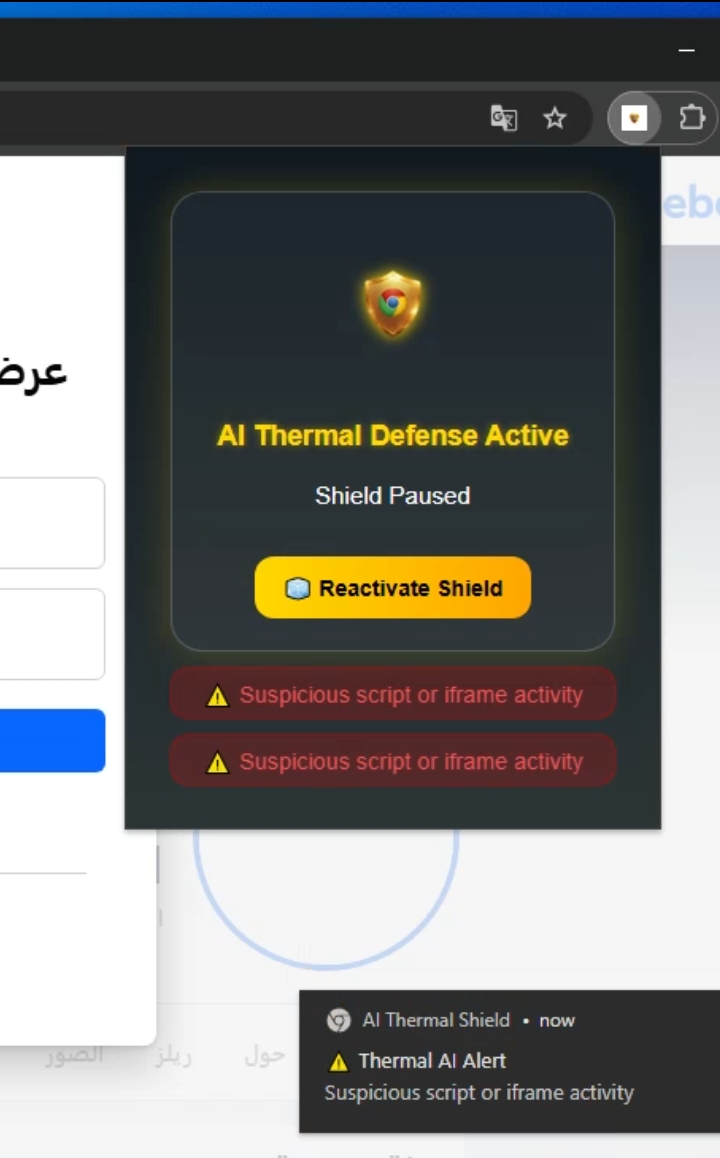
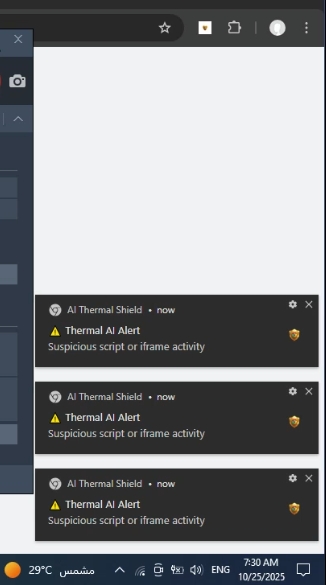
Chrome AI Security Shield is a browser extension powered by Gemini Nano, designed to analyze and protect users from suspicious or malicious website behavior in real time. It monitors active pages, detects abnormal activity patterns (like excessive scripts or hidden iframes), and reacts visually by raising a “thermal” temperature meter that represents risk intensity. When a critical threat is detected, it plays an alert sound, shows a warning, and gives users options to pause or continue protection — all while keeping data fully on-device and private.
How we built it
Frontend: HTML, CSS, and vanilla JavaScript for the popup interface and live temperature animation. Backend: Chrome’s Manifest V3 background service worker for continuous site telemetry analysis. AI Core: Integrated with Gemini Nano using the chrome.aiLanguageModel.prompt() API to classify site safety locally. Notifications: Real-time Chrome notifications and alert sounds to enhance user awareness. Design: Inspired by a human immune system — when infection (threats) increase, the digital “fever” rises.
Challenges we ran into
Integrating Gemini Nano locally while maintaining smooth performance and zero latency.
Creating an accurate heuristic scoring model to simulate AI analysis even when Gemini Nano is unavailable.
Designing a clean, responsive UI that visually conveys safety levels (green → yellow → red).
Managing Chrome’s strict Manifest V3 permissions and asynchronous messaging between scripts.
Accomplishments that we're proud of
Successfully built a fully functional AI-powered Chrome extension that runs entirely offline.
Developed a visual risk detection system using temperature as a metaphor for digital defense.
Maintained complete user privacy — no external requests, no data collection.
Delivered a unique and educational experience that transforms cybersecurity awareness into a visual and emotional concept.
What we learned
How to build extensions using Chrome’s new AI APIs (Gemini Nano).
How to balance real-time AI analysis with browser performance and user trust.
The importance of designing AI systems that are transparent and interpretable to non-technical users.
How to apply creative analogies — like “thermal defense” — to make AI security engaging and understandable.
What's next for Chrome AI Security Shield
Expand the AI model to include multimodal threat detection (text + visual + behavioral).
Add a detailed threat dashboard with per-site history and safe-list management.
Implement adaptive learning — allowing Gemini Nano to refine risk detection over time.
Publish the extension on the Chrome Web Store and open-source it for community contributions.
Built With
- css
- html5
- javascript
- javascript-(es6)
- json
- md

Log in or sign up for Devpost to join the conversation.