Inspiration
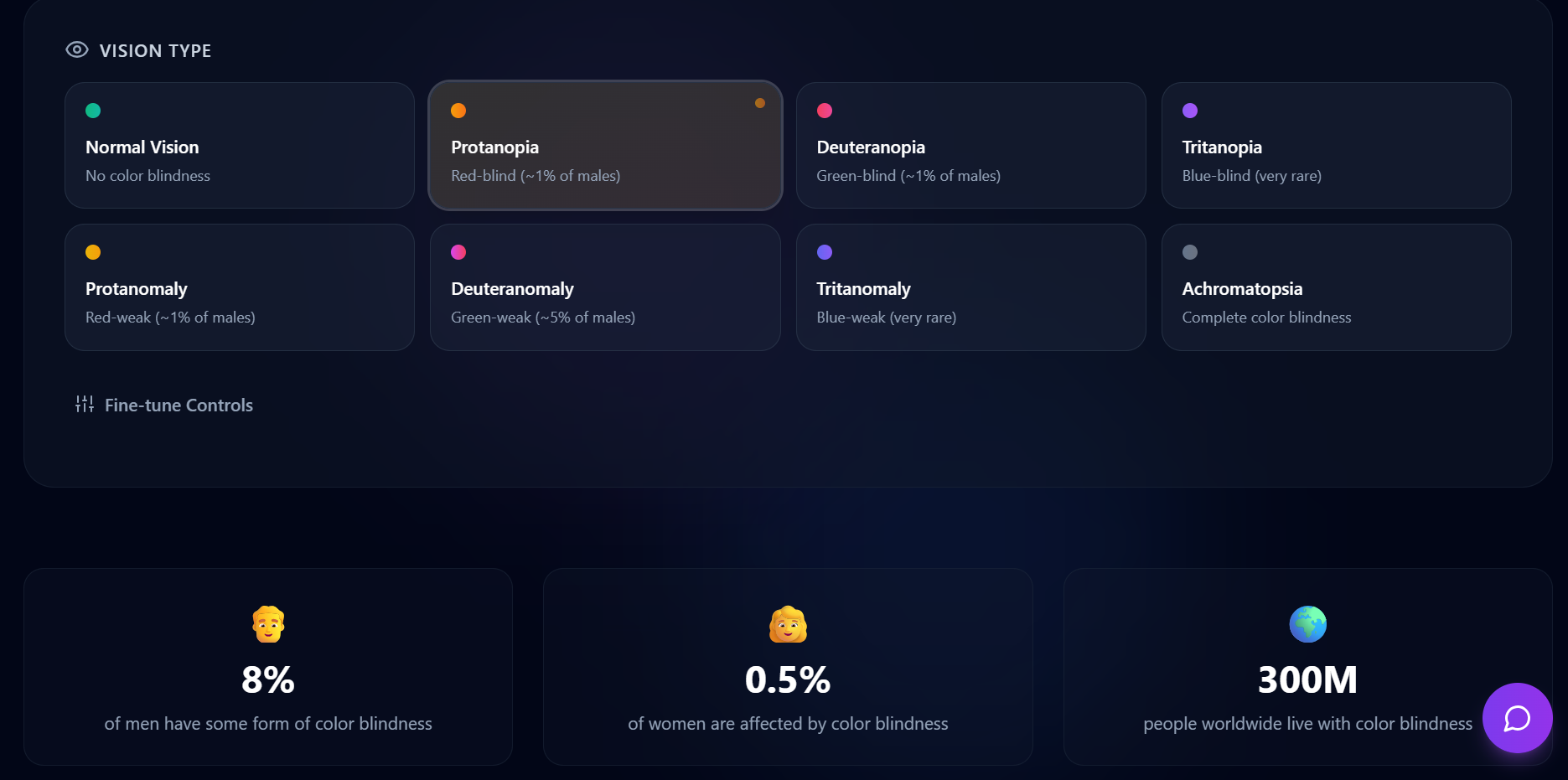
We had a random idea that how web applications and the information in the web applications looks like to people with colour blindness. Which was the start of this idea. Eventually we encountered with the information that people with colour blindness cannot see and identify few images of pie charts, bar graphs, and where red, green and blue colours are used to specify few details. By this we got a thought to build a app where developers can get a idea of how there images or designs look in perspective of colour blind people so they can make sure it is clear for those people. This kind of app is required because approximately 1 in 12 men and 1 in 200 women are colour blind.
What it does
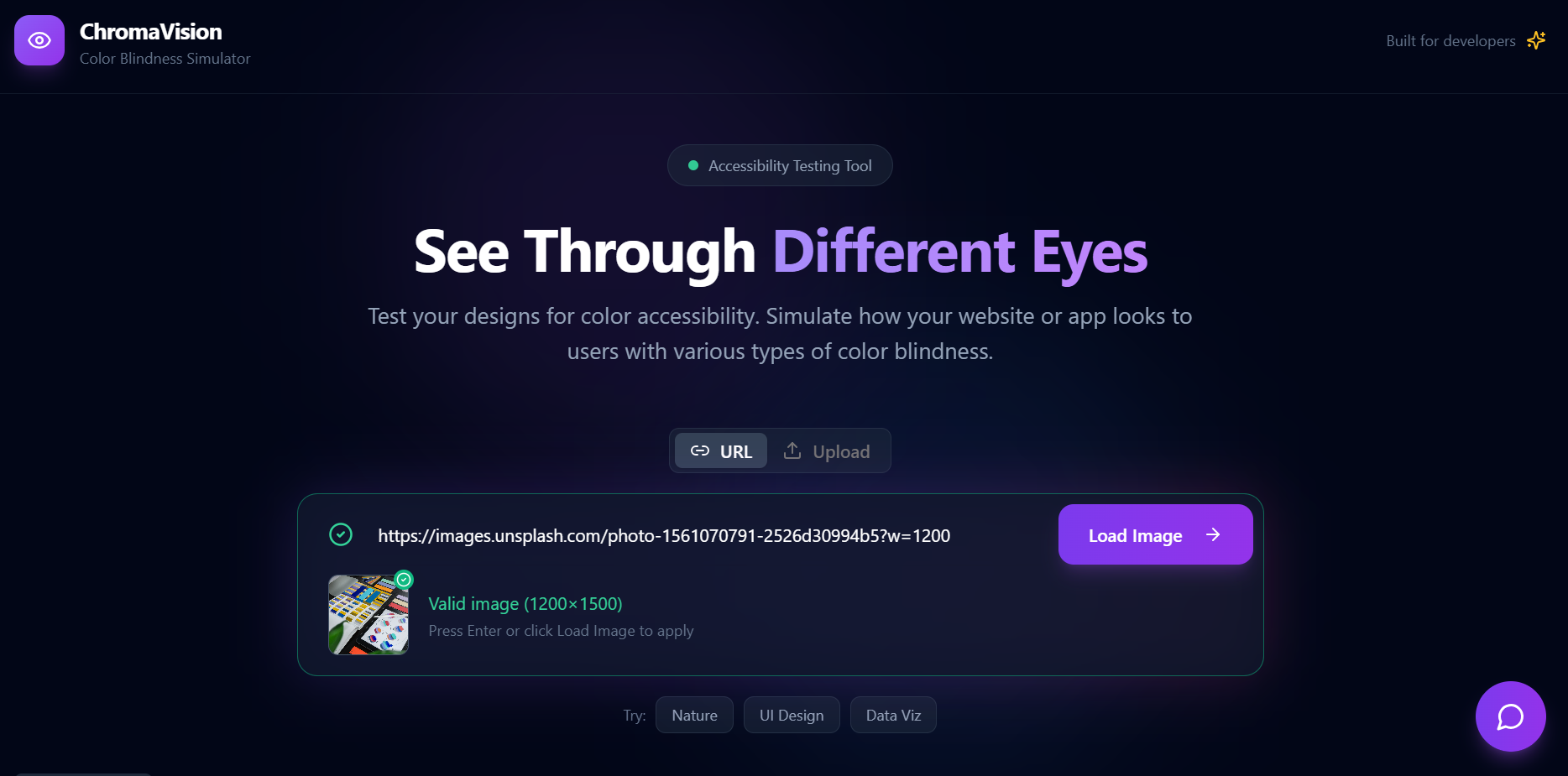
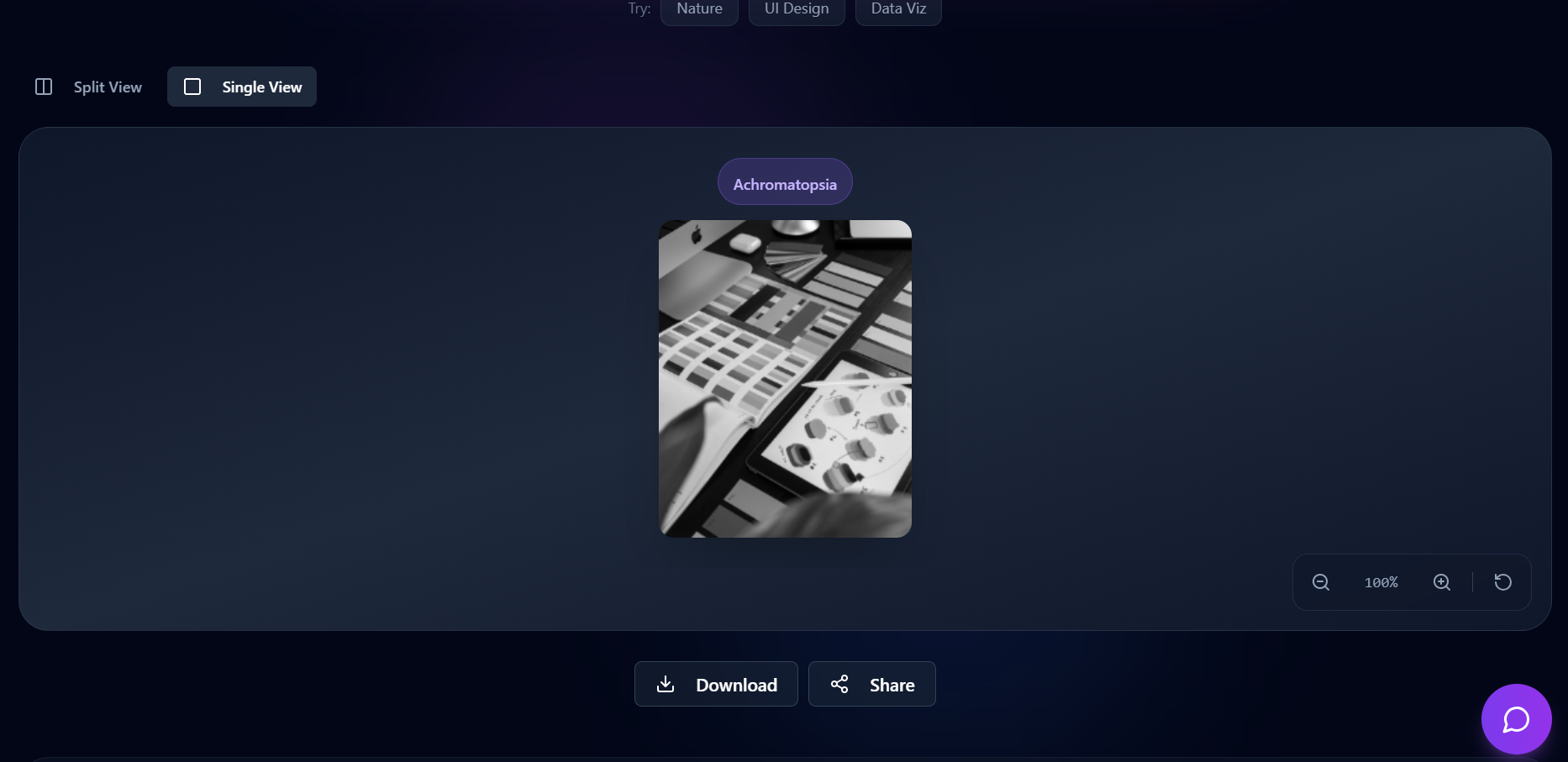
ChromaVision is an essential tool for developers and designers looking to create accessible and inclusive visual content. Here are a few reasons why you should use this app:
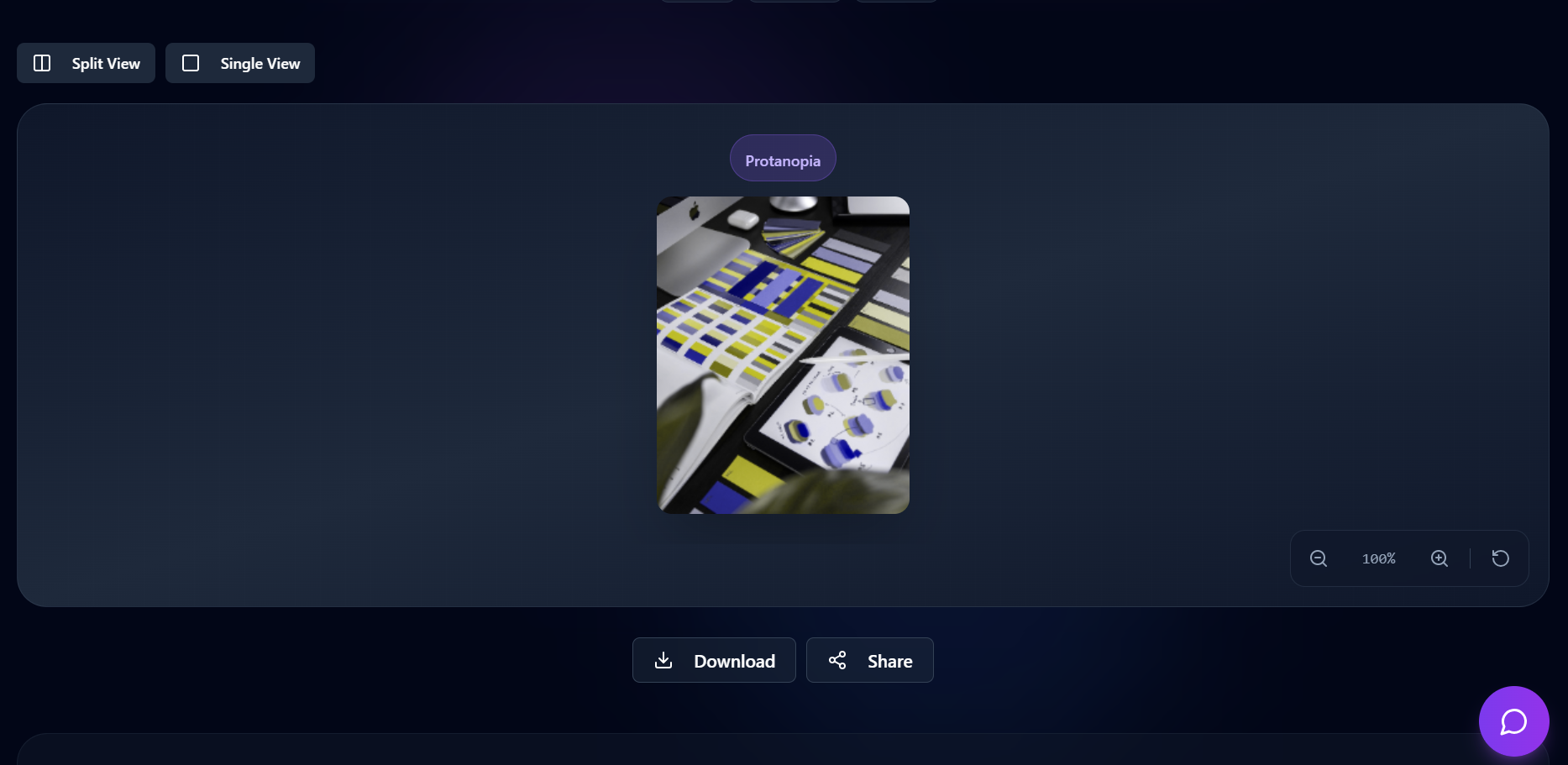
Accurate Simulations: ChromaVision allows you to visualize how your designs appear to people with different types of colour blindness, helping you make informed design choices.
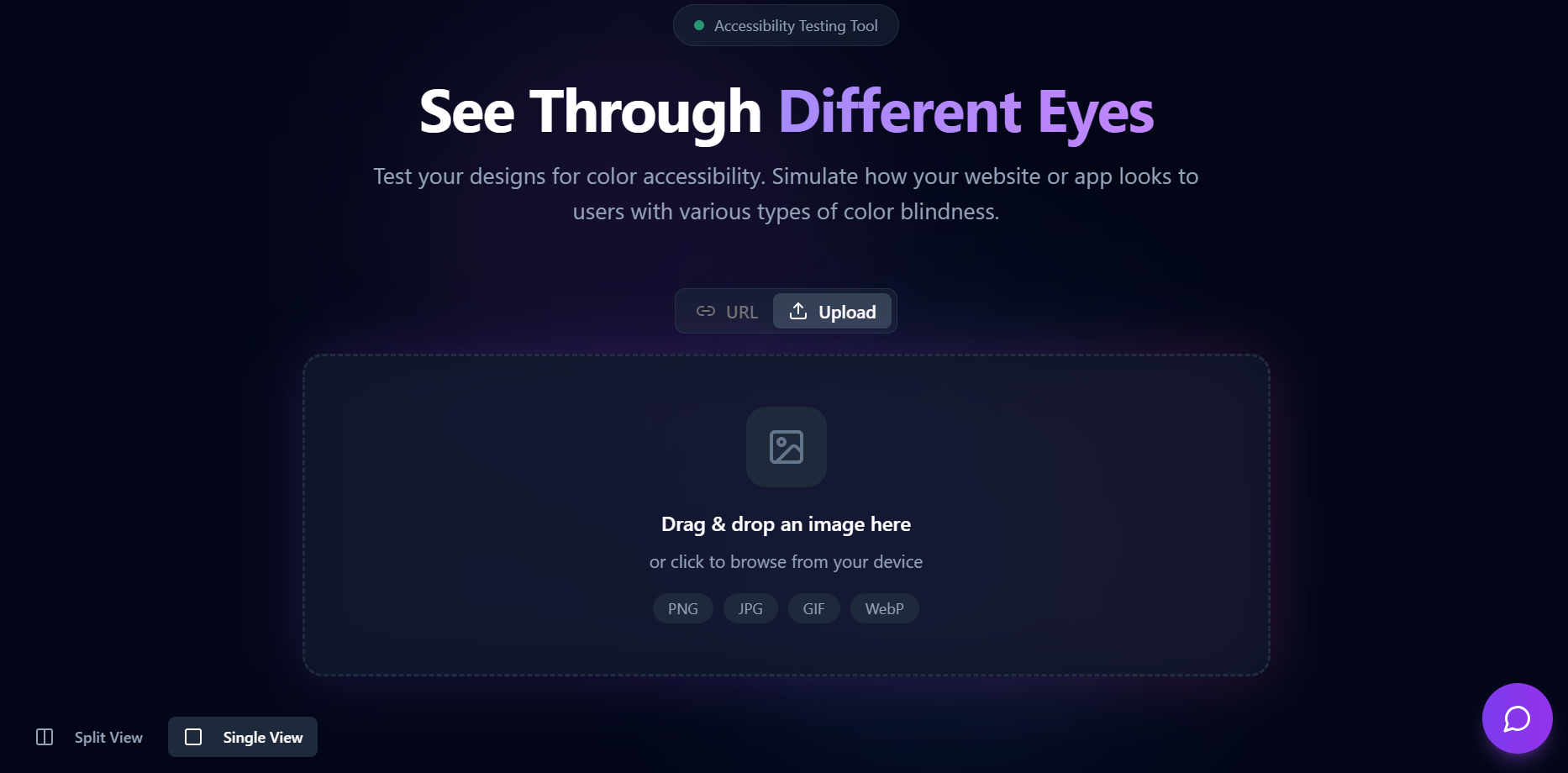
Multiple Input Methods: Easily upload images from your device, use URLs, or access sample images for testing, making it convenient to work with various content.
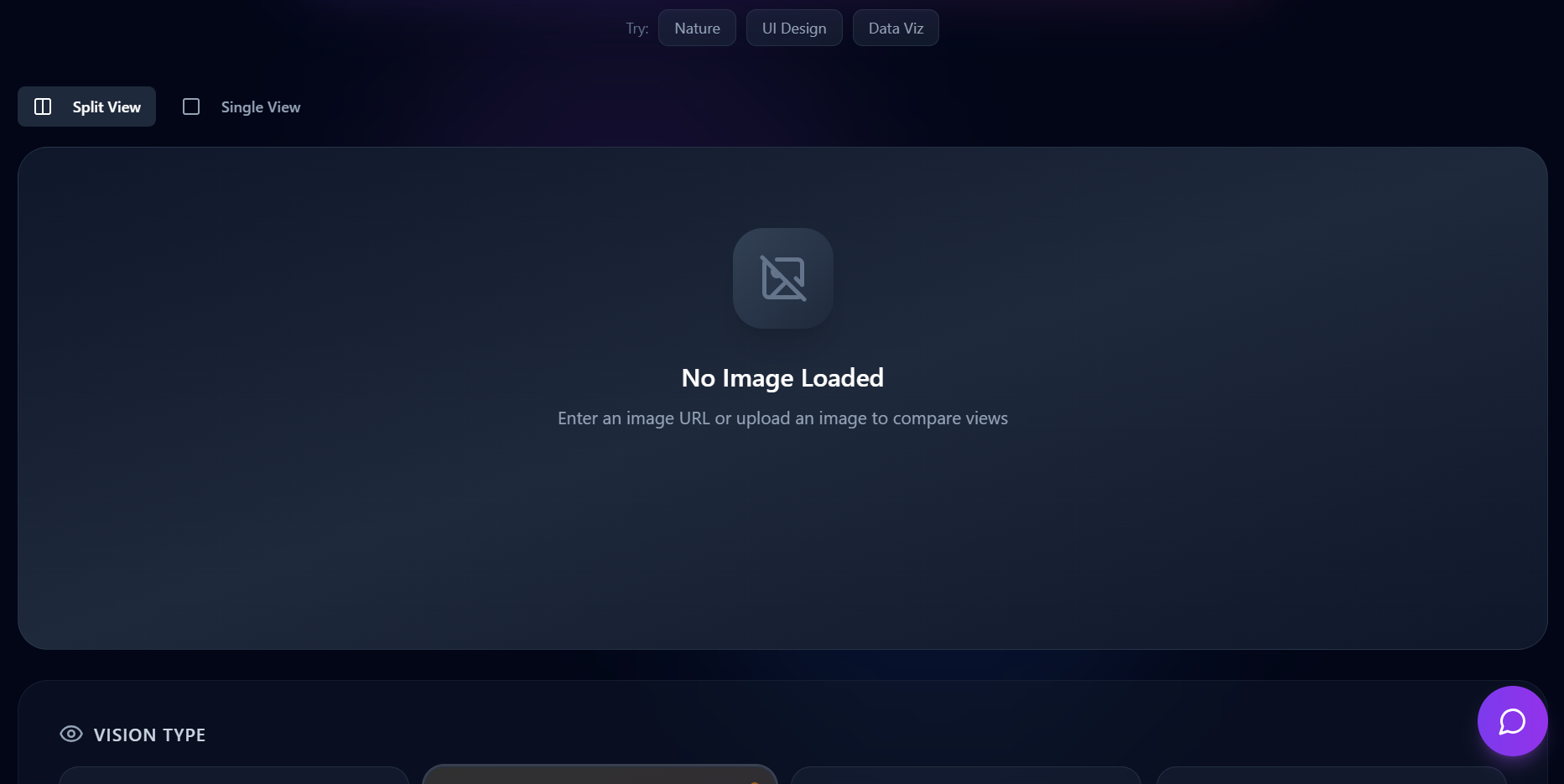
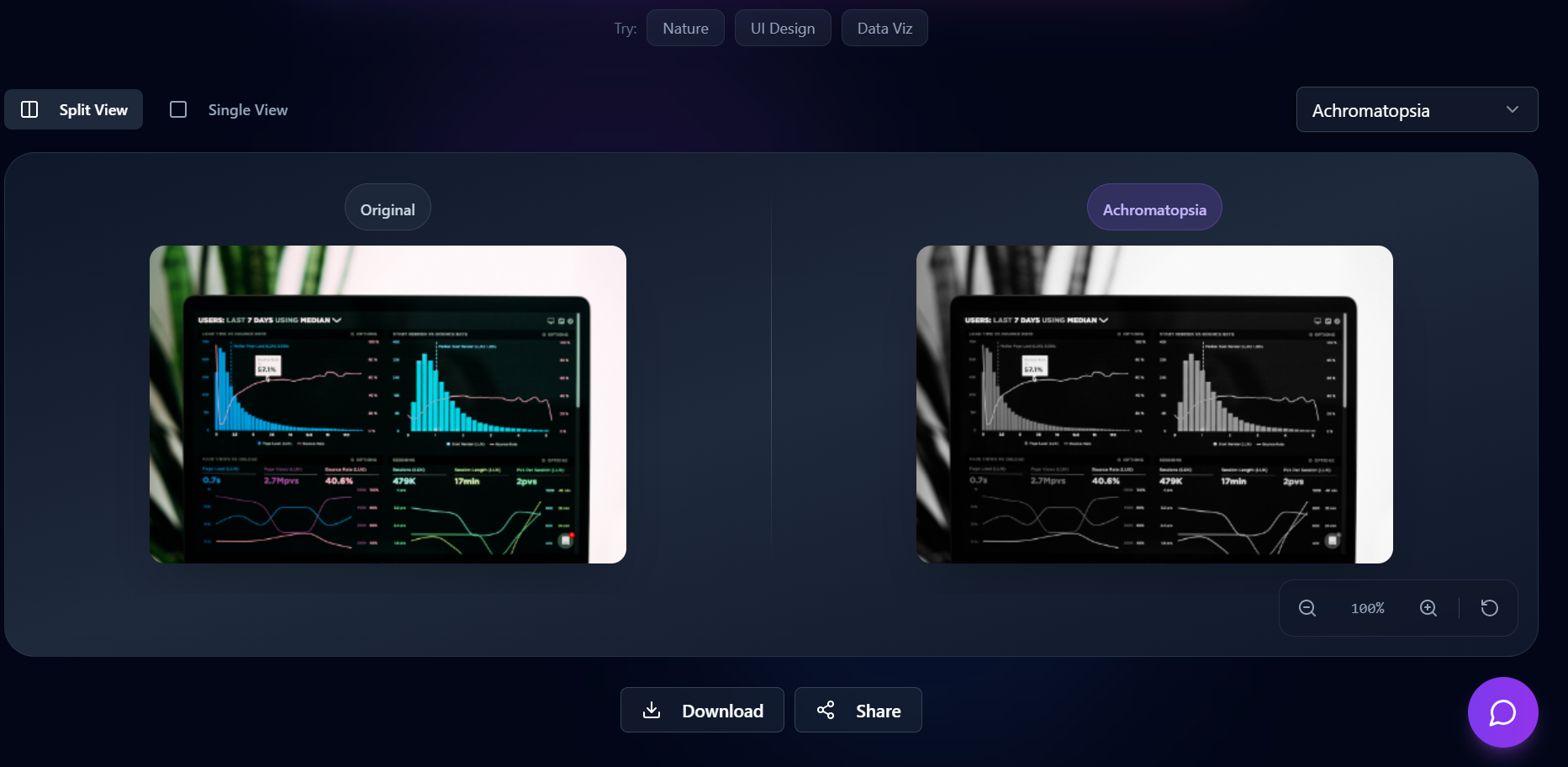
Comparative Viewing: The Split View mode provides a clear comparison between the original and simulated images, enabling you to see the impact of color adjustments immediately.
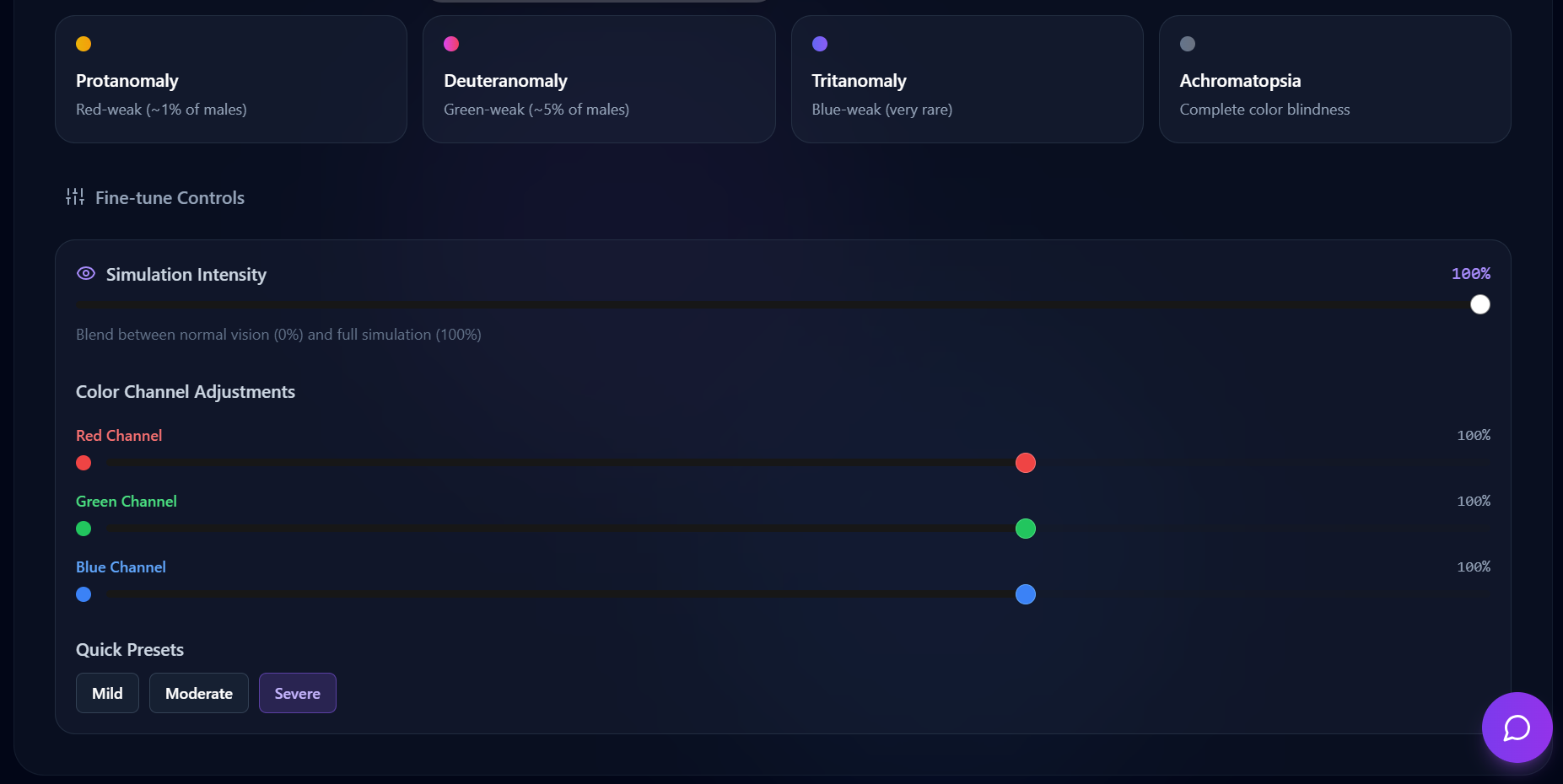
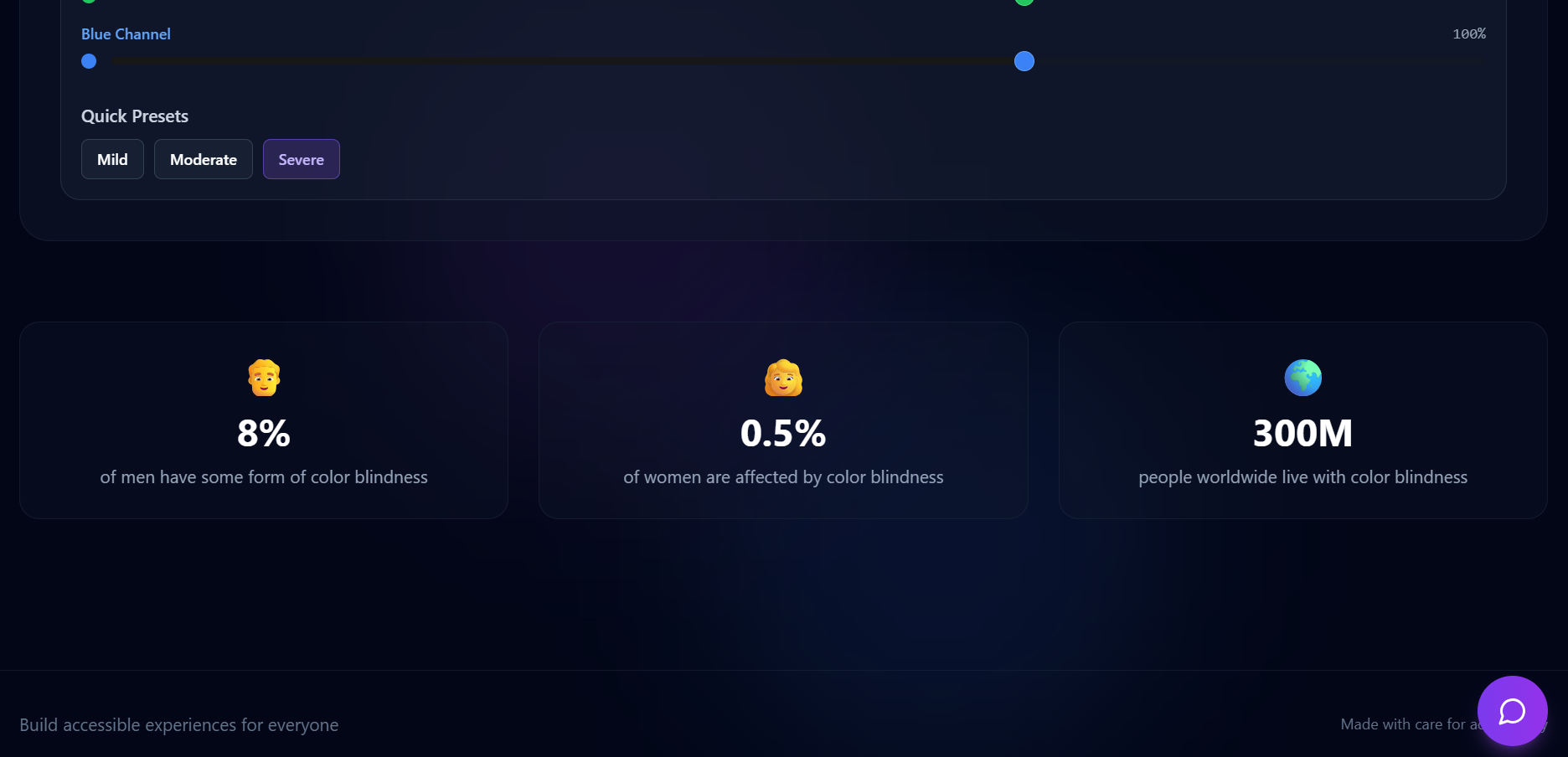
Fine-tuning Options: Adjust simulation intensity and RGB channels to test specific scenarios, ensuring your designs are optimized for everyone.
Sharing and Downloading: Share your findings easily via URLs or download images with or without watermarks for presentations or reports.
Accessibility Focus: With accessibility being a growing concern in design, using ChromaVision can help ensure your work is usable by everyone, regardless of their color perception.
By incorporating ChromaVision into your workflow, you'll enhance your design projects and contribute to a more inclusive digital environment! If you'd like to know more about specific features, feel free to ask!
How we built it
We built it completely with Base44, implementing our ideas with prompts.
Challenges we ran into
We ran into many challenges like the URL was not working for all images so we have added a upload option to resolve the issue. The image was not scrollable and split view was not available before we encountered many more challenges which we slowly resolved step by step.
Accomplishments that we're proud of
ChromaVision stands out with its detailed fine-tune controls for simulation intensity and individual RGB channel adjustments, offering more precision than many existing tools. It also provides flexible view modes (split and single), and convenient sharing/download optionswith or without watermarks, making it a comprehensive solution for accessibility testing. There are few extensions for different browsers but the strength of our app is its accessibility, speed, and ease of use, built within the constraints of the Base44 application.
What we learned
We learned to use the Base44 no code application and how to resolve errors in its platform.
What's next for ChromaVision
If we can get the support and guidance we need, we will plan to implement the app to automatically go to the required app and take screenshort of the application and give the required insights and changes to the website.
Built With
- base44


Log in or sign up for Devpost to join the conversation.