-
-
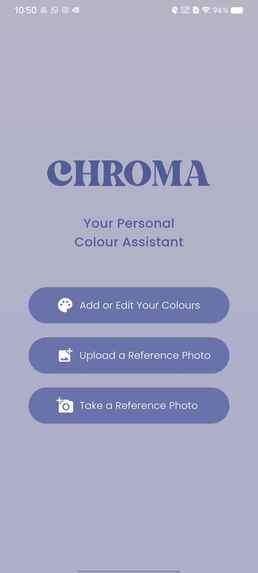
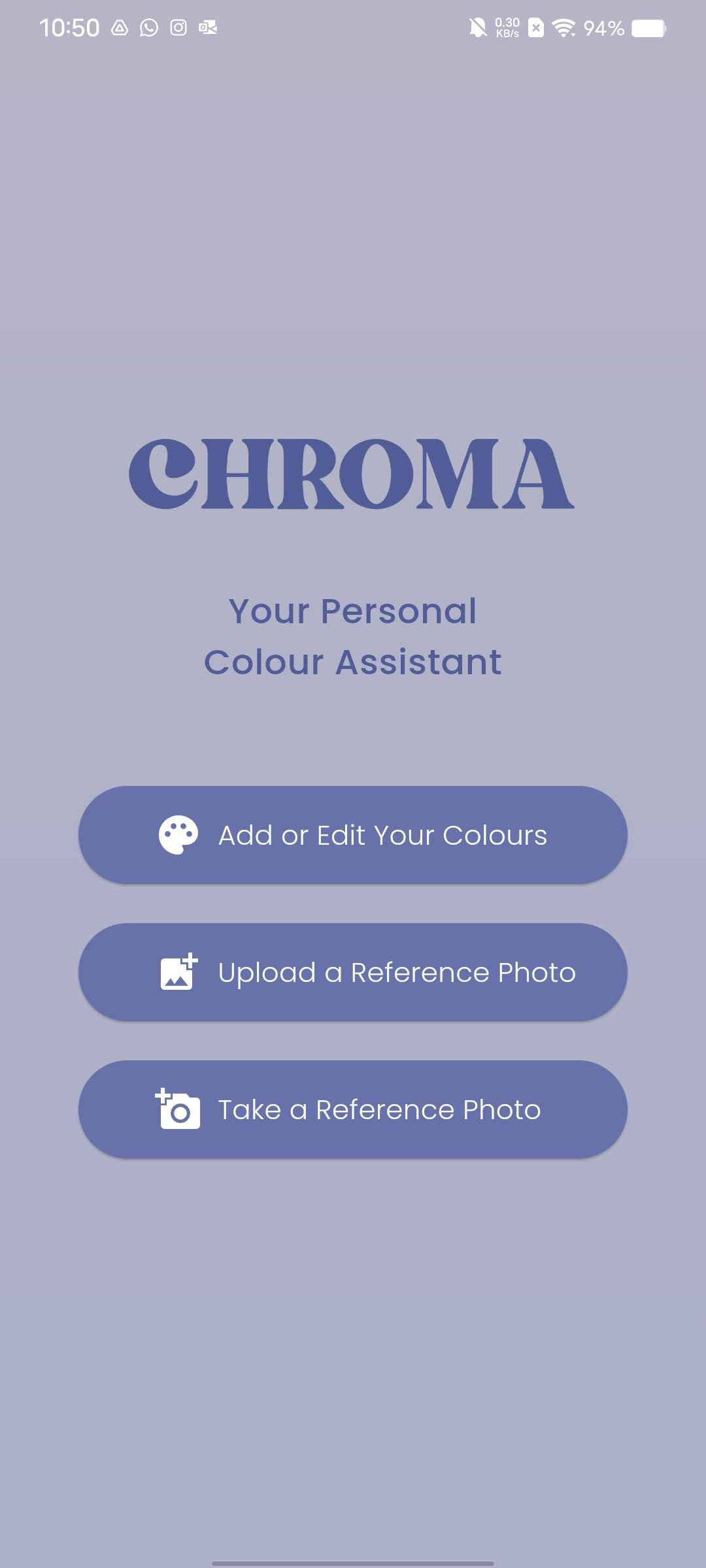
Home page
-
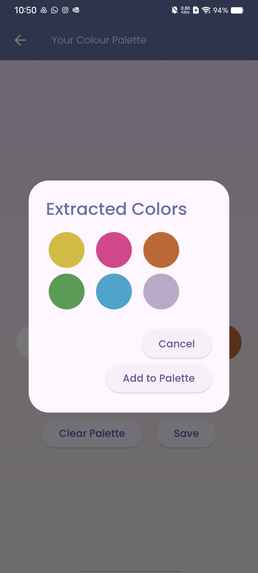
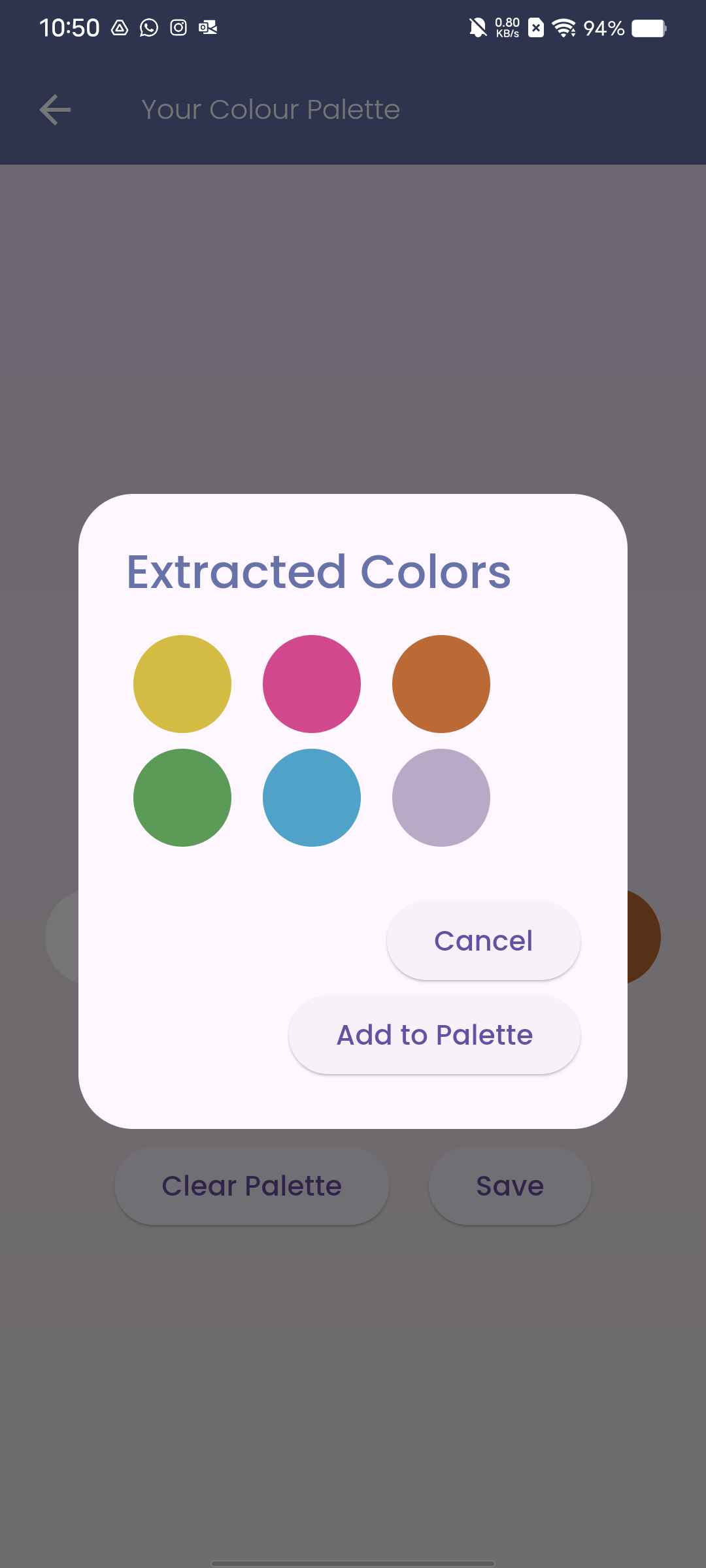
Result of colour extraction from swatches
-
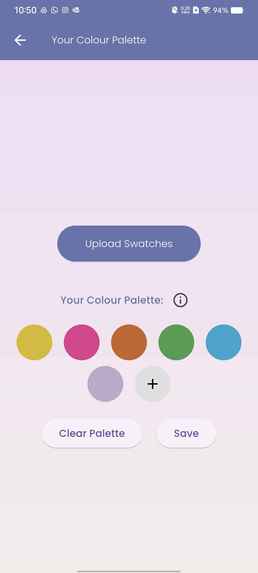
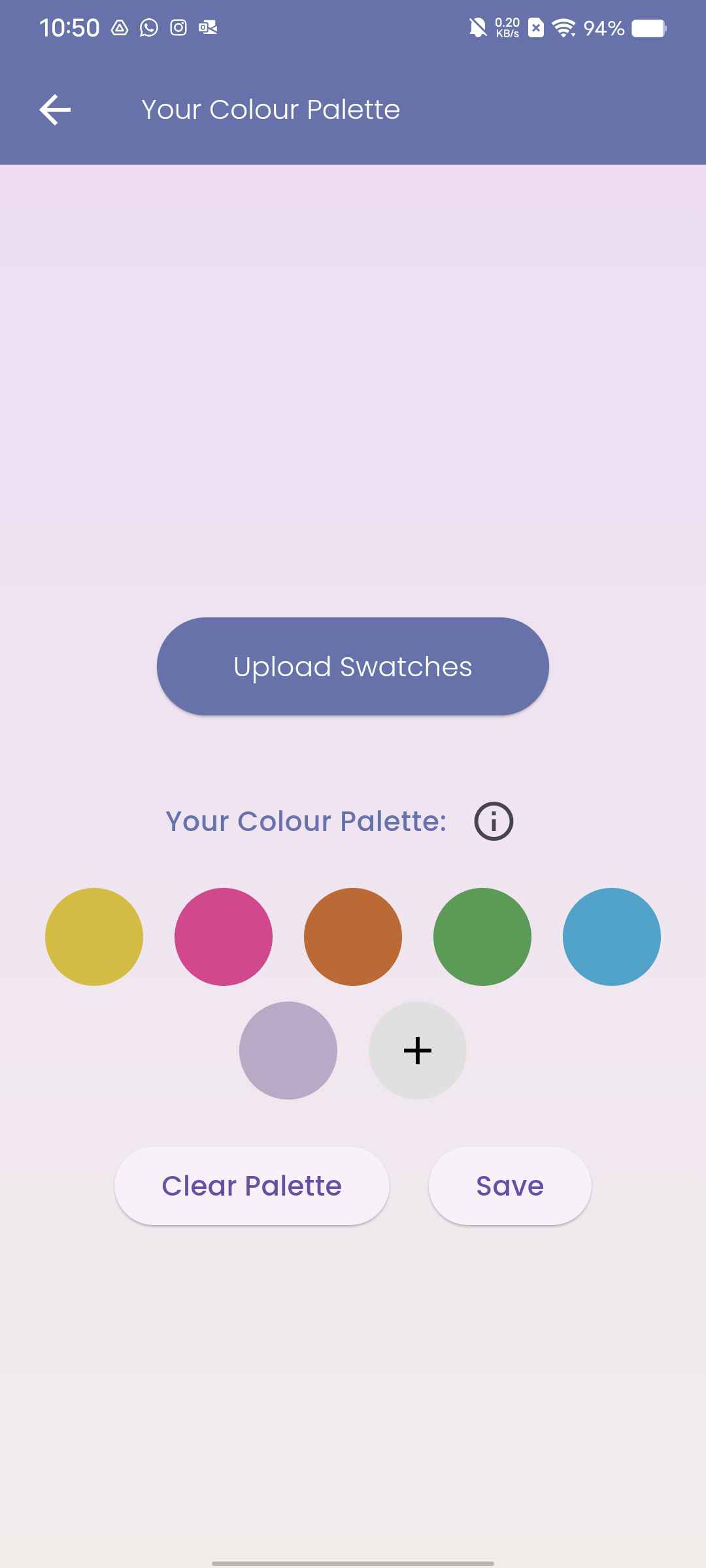
User's personal palette
-
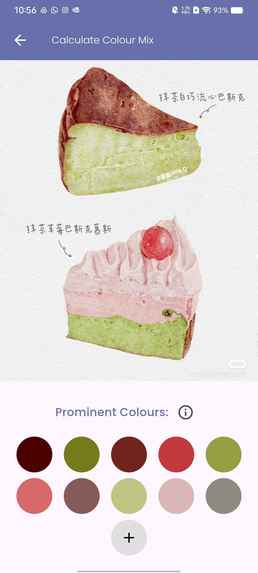
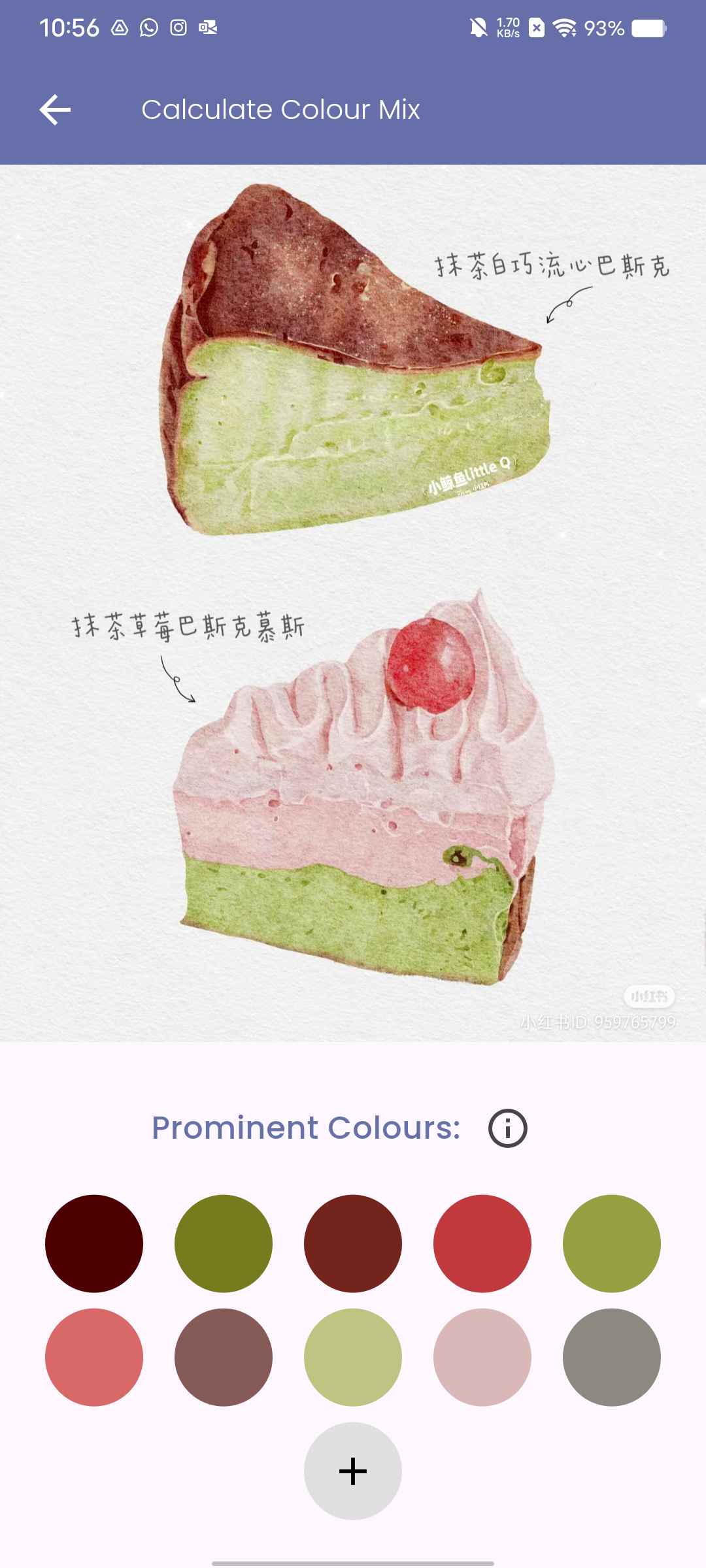
Generated colour palette based on reference image
-
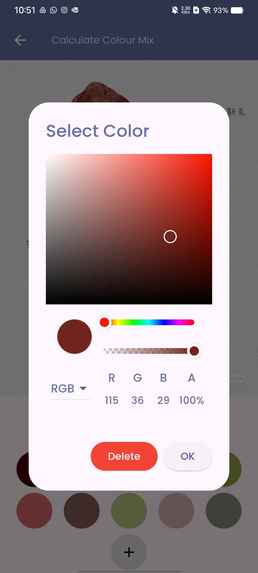
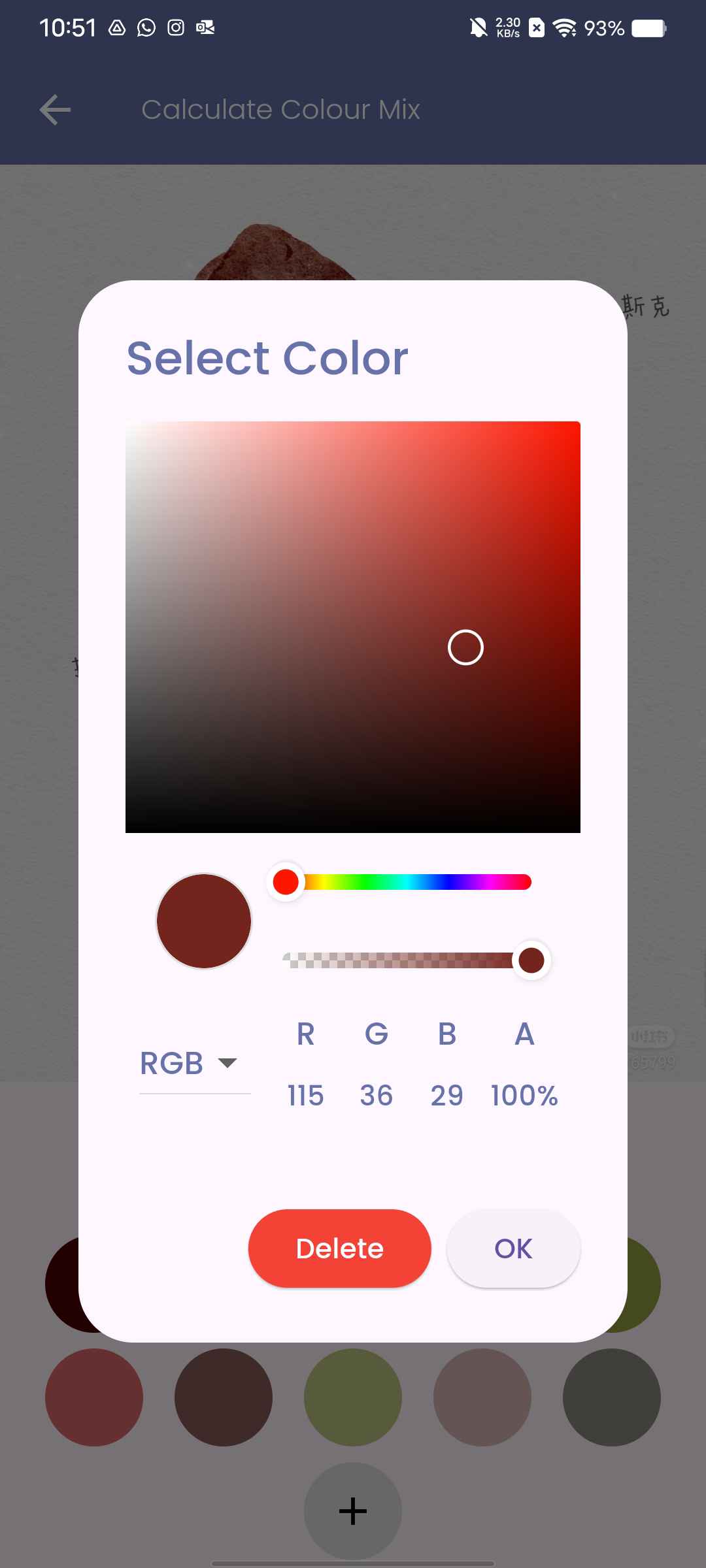
Colour selecting & editing abilities
-
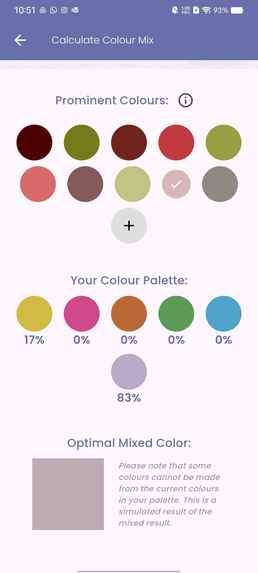
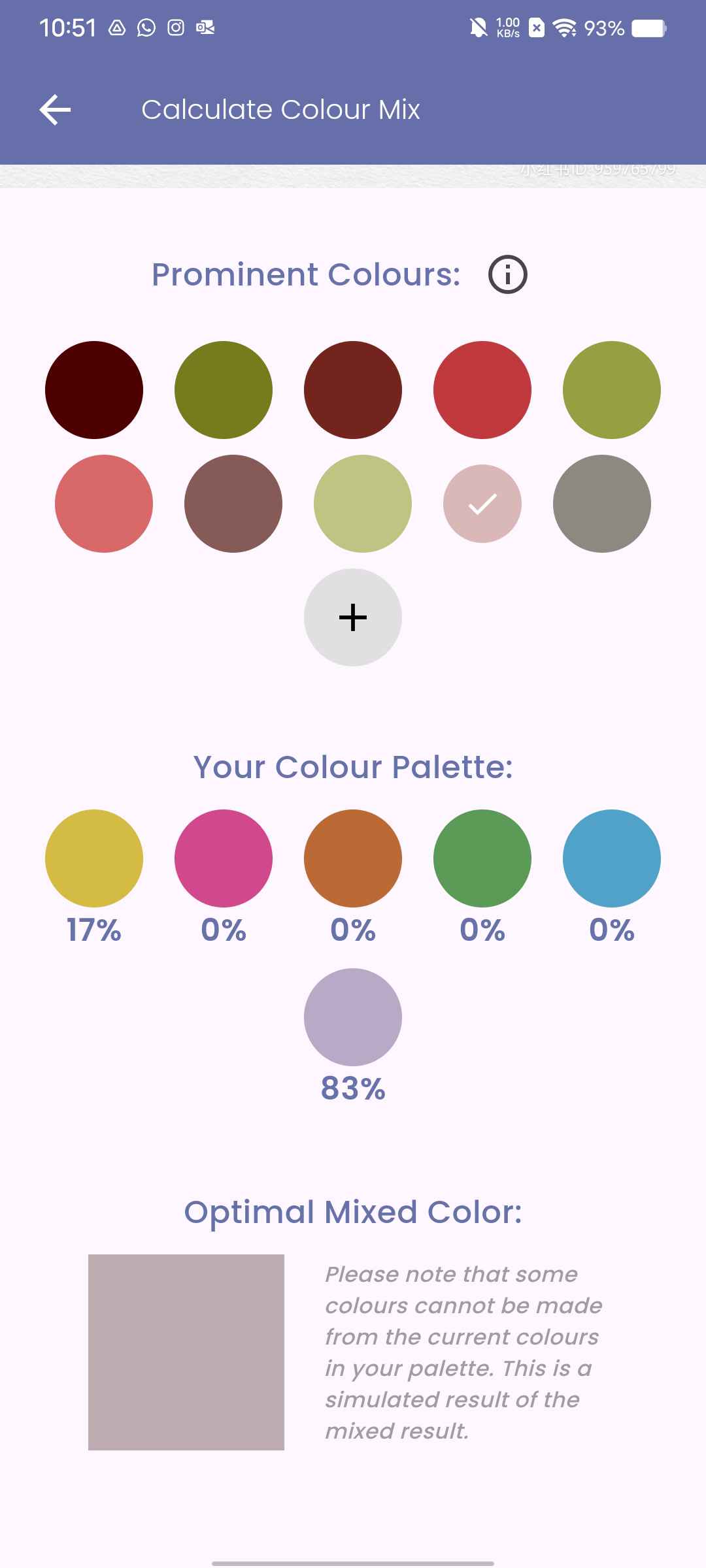
Colour ratio calculation (example 1)
-
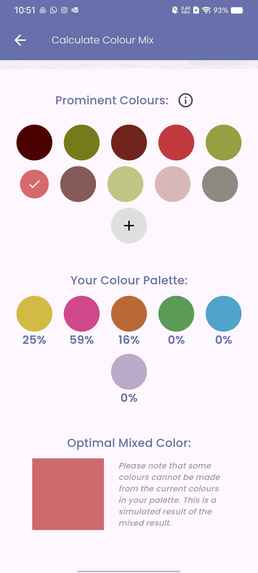
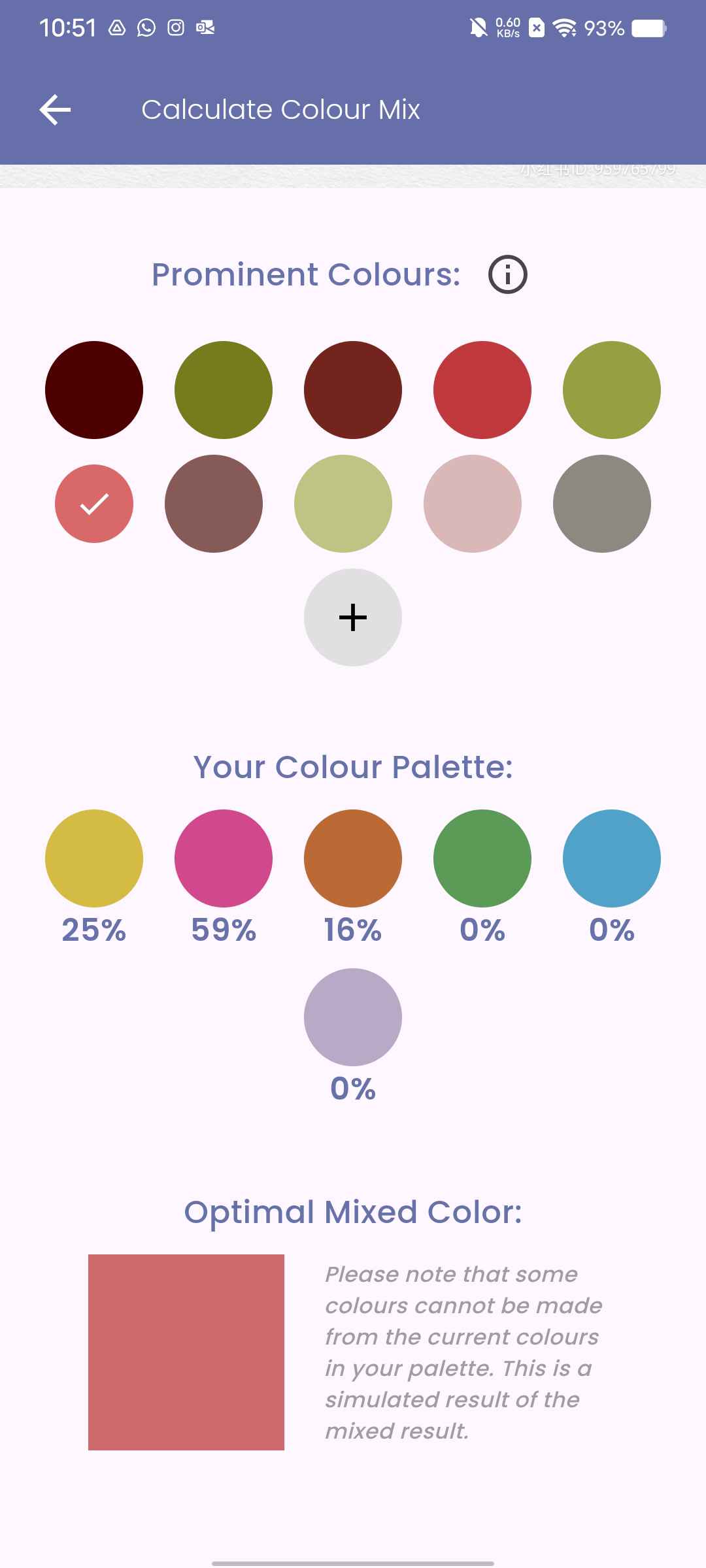
Colour ratio calculation (example 2)
-
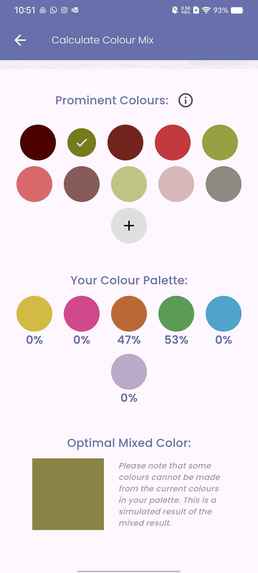
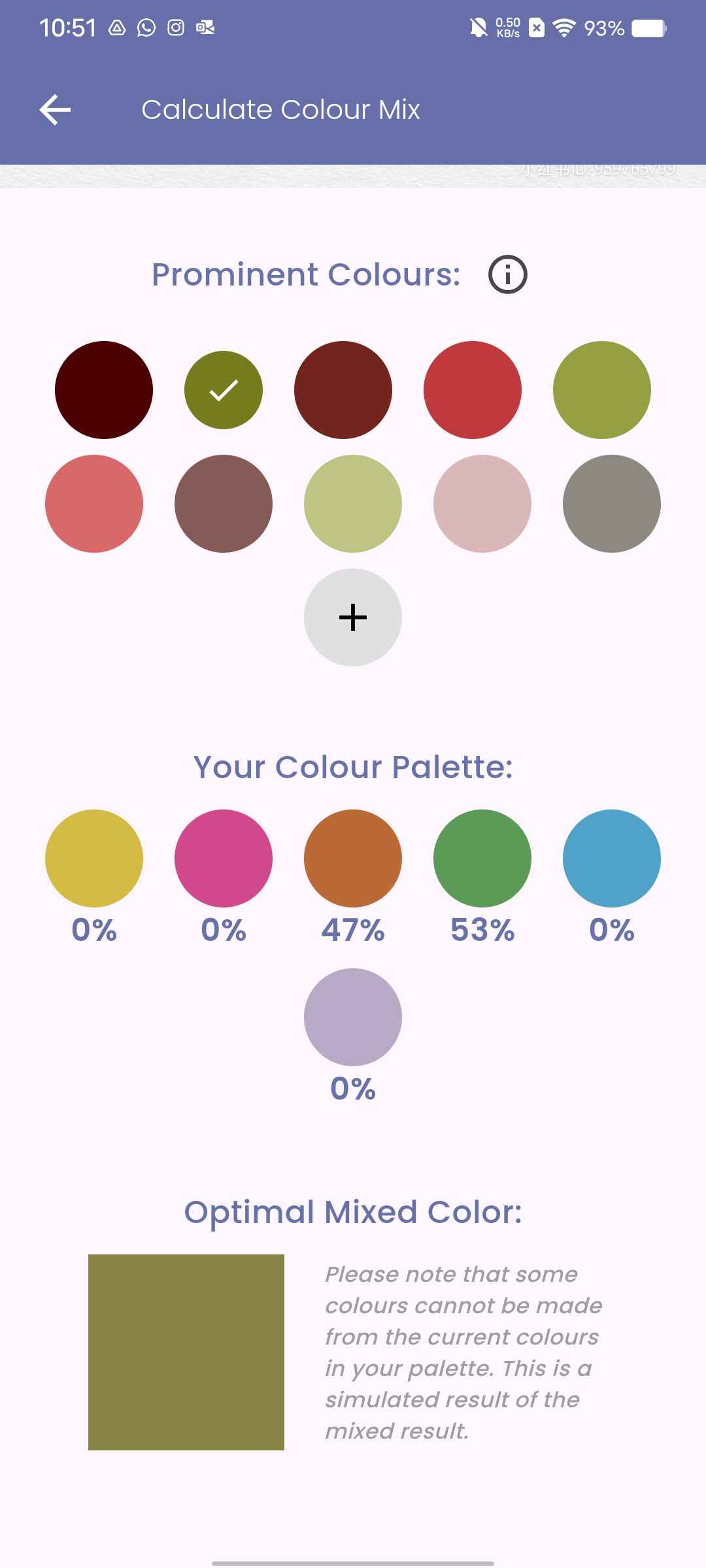
Colour ratio calculation (example 3)
Inspiration
As passionate artists, we wanted to create a tool that simplifies the colour exploration process for fellow art enthusiasts. We were inspired by our own struggles and triumphs in finding and mixing the right colours of paint, so we wanted to make a tool that would enhance the creative journey for artists of all levels by providing support for colour mixing.
What it does
Chroma is a mobile app designed to facilitate colour palette creation and paint mixing tasks. Here's a breakdown of the process:
1. User Inputs Their Own Colours
The user can input the colours of paint that they currently have available by either adding them manually (using a colour picker tool) OR upload a photo (with a transparent background) of their paint swatches. If they choose to upload a photo, the program will extract their available colours of paint and store them in a palette. Either way, the user will be able to edit and fine tune this personal palette using a colour selector.
2. Chroma Analyzes Reference Image and Extracts Colours
The user can choose to upload a reference image or take a photo directly within the app to use as a reference image. Then, Chroma will generate a colour palette based on the most prominent colours in the image. Similarly, this palette is editable by the user.
3. Chroma Calculates Colour Ratios for Mixing
The user will be able to select a colour from the reference palette, and the app uses a linear algebra approach to calculate the ratios for how much of each colour (that the user already has available) is needed to create the target colour. Then, it simulates the mixed colour and compares it with the target colour.
How we built it
The app was programmed using Flutter. We also incorporated a Flask backend, which hosts a Python script that uses OpenCV to extract colours from images and mathematically computes the desired colour ratios. This backend server was hosted on AWS as an EC2 instance.
Challenges we ran into
- It was our first time doing mobile app development, so it was difficult learning how to use Flutter. It was also hard to integrate the front-end and back-end due to server local host conflicts.
- We had to do some research into colour models and algorithms to figure out how to calculate the colour ratios.
Accomplishments that we're proud of
- We’re proud of the colour matching, since the resulting colours were usually pretty close to the target colours (although this depends on how good the available colours are).
What we learned
- We learned how to create a mobile app using Flutter.
- We learned how to incorporate and use libraries such as OpenCV in our projects.
- We learned how to deploy a Flask server using AWS.
What's next for Chroma: Your Personal Colour Assistant
- The RGB colour model (which is optimized for screens) might not be the best representation of how paints actually mix in real life. In the future, we can do more research into colour models and lookup tables in order to better simulate the painting experience.
- Currently the user needs to remove the background of their paint swatches themselves. In the future, we can consider incorporating background removal directly into the app (via API integration or tools such as OpenCV or TensorFlow).
- We can add an eyedropper functionality for better customization of palettes.


Log in or sign up for Devpost to join the conversation.