-
-
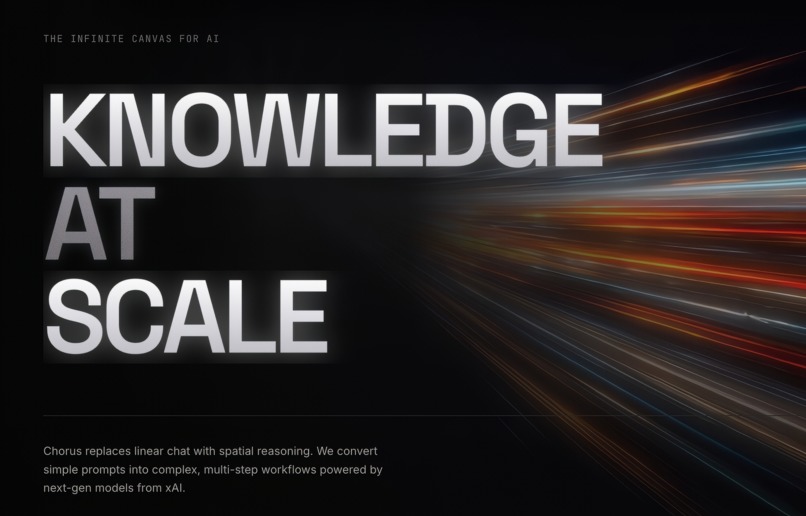
Home Page
-
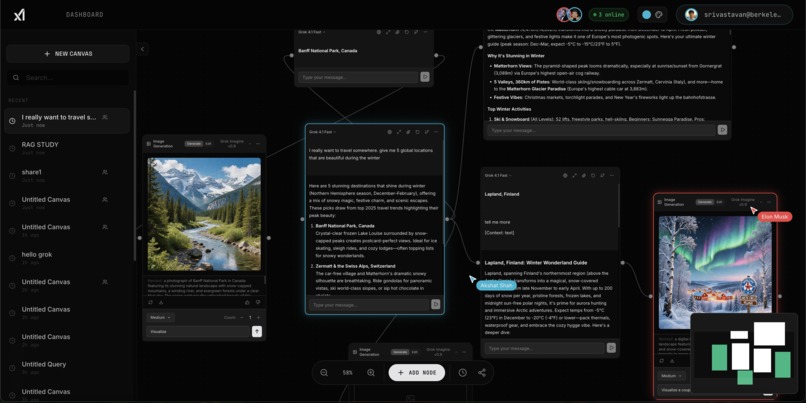
Collaborative Planning
-
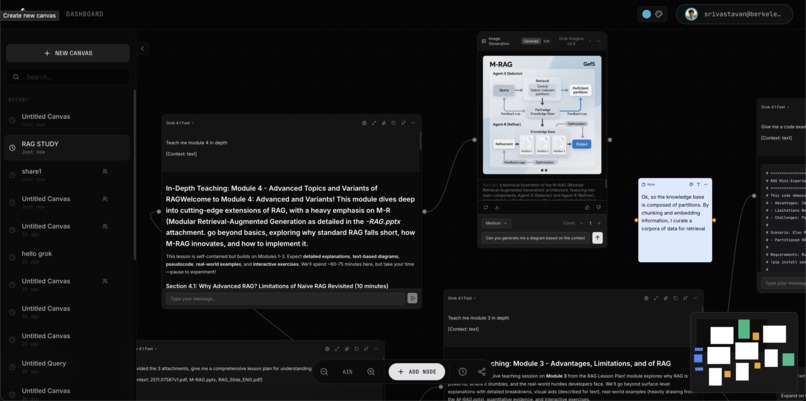
Study Guide (Zoomed in)
-
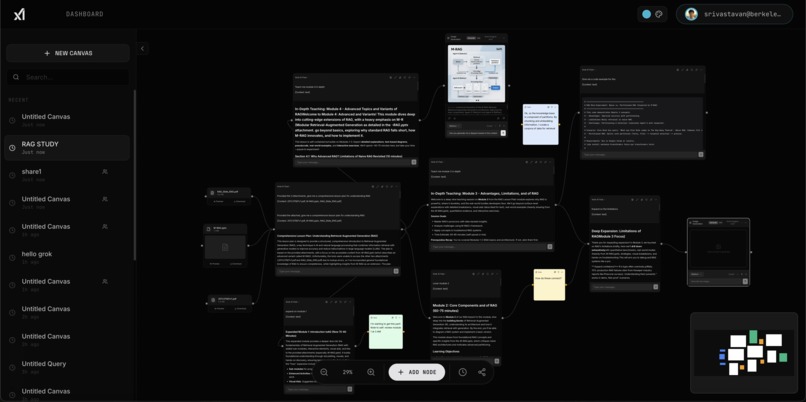
Study Guide
-
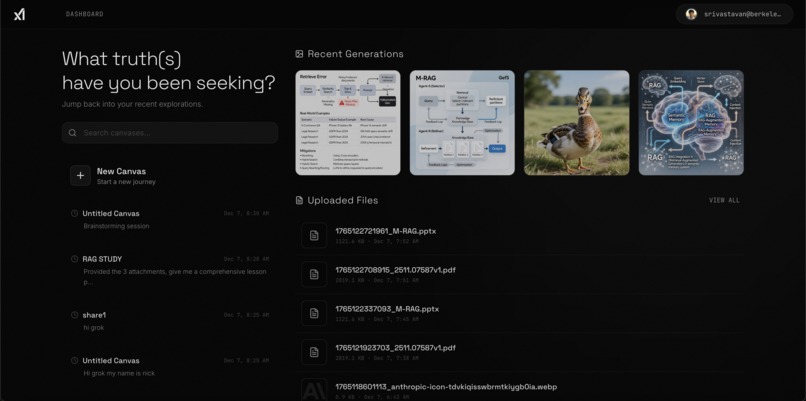
Dashboard
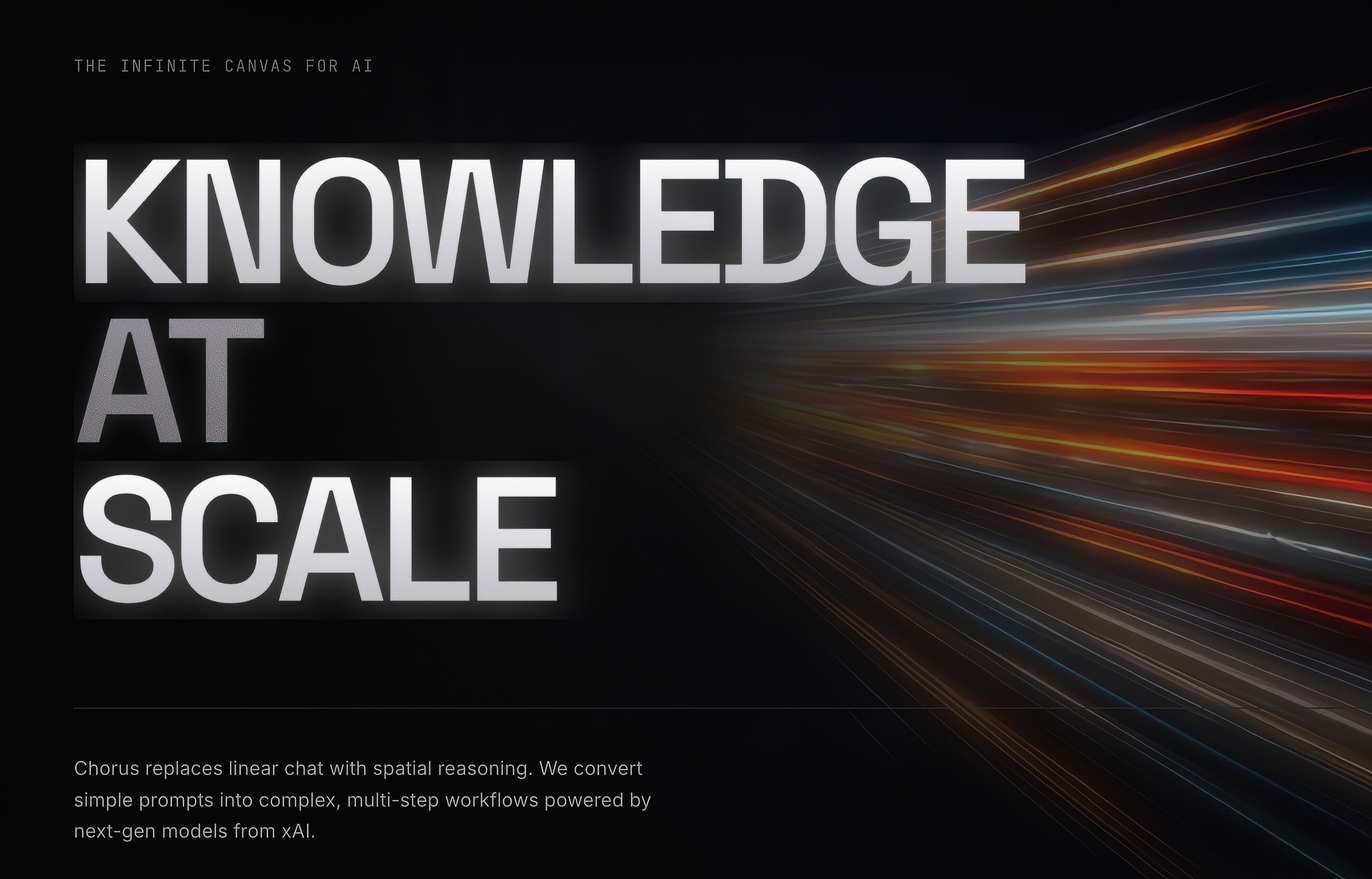
Inspiration
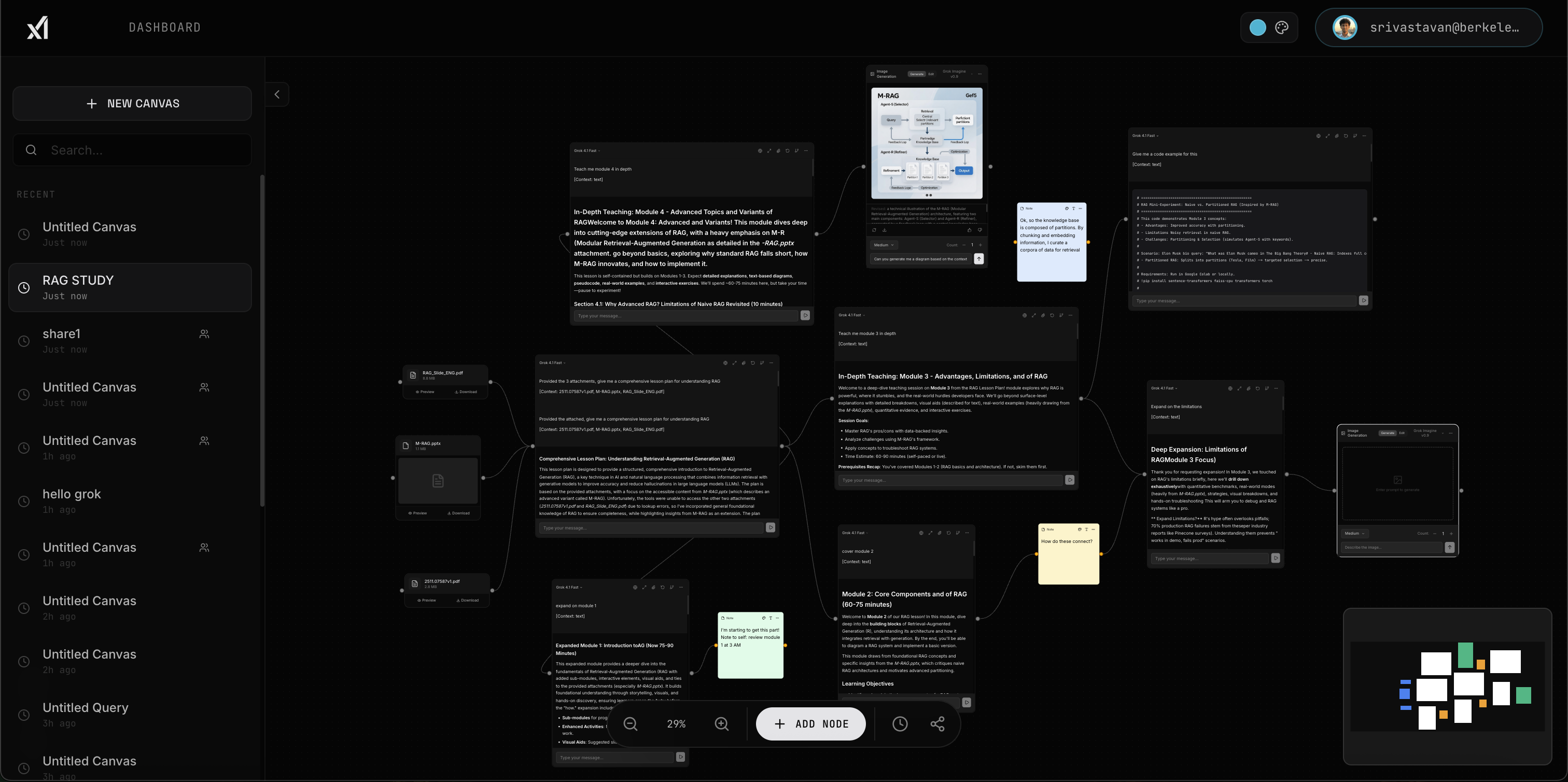
Learning with large language models can be exhilarating, but it often becomes stale when conversation threads remain trapped in a long, linear transcript. When preparing for technical interviews or studying new algorithms, I noticed that I only retained the parts of the interaction that were clear and actionable; the rest blurred into a scroll of unanswered questions. I wanted a way to visualize my questions and their relationships: to build a map of my thoughts so that I could focus on what mattered and accelerate my learning. That desire gave rise to Chorus. Rather than chatting in a single dimension, Chorus lets you organise your thoughts spatially, branch conversations when needed, and revisit specific ideas without re‑reading an entire transcript. As the concept evolved, we imagined how such a tool could benefit not just individual learners but groups of friends, colleagues and family members collaborating in real time: knowledge, for everyone, all the time.
What it does
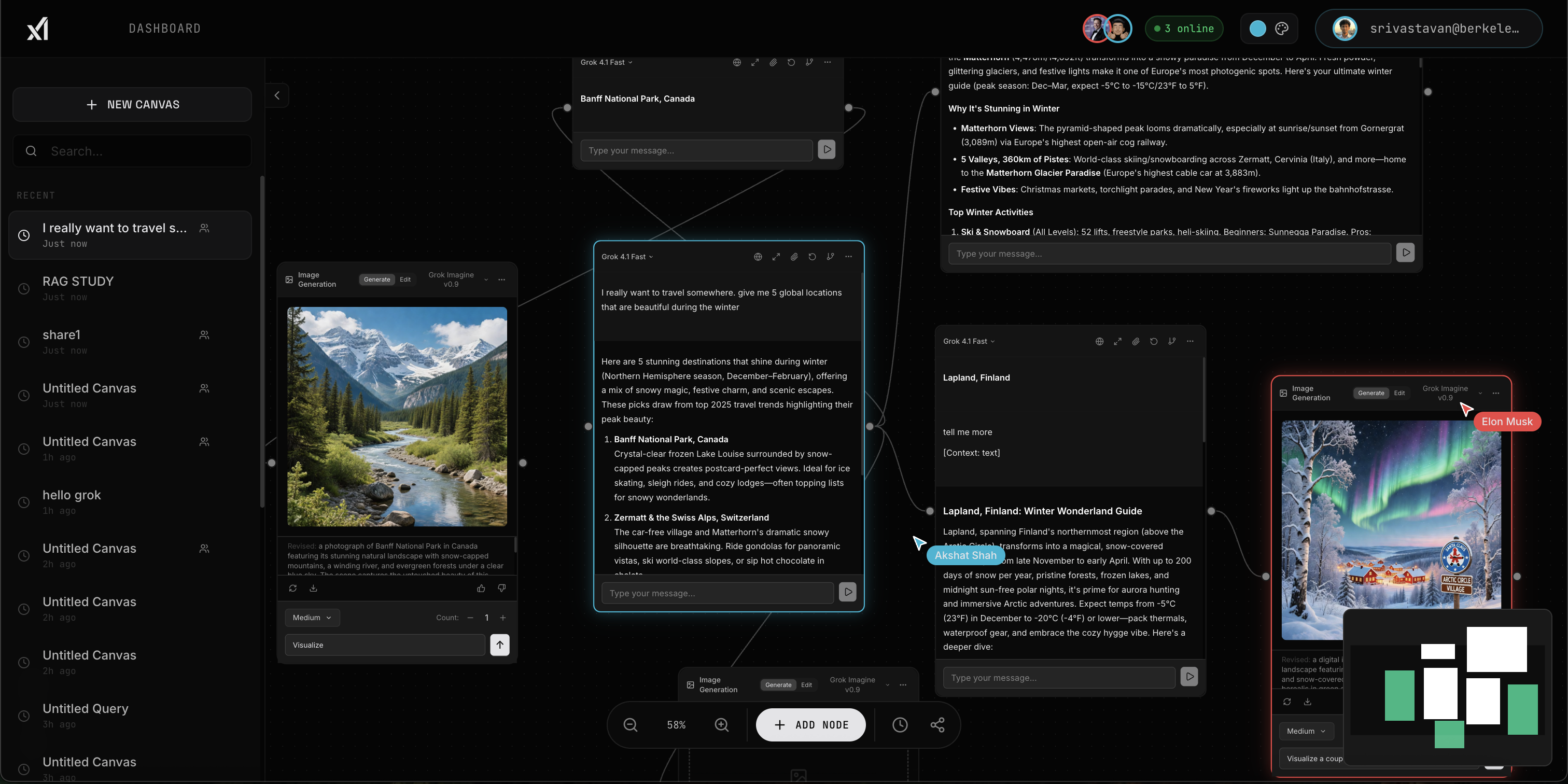
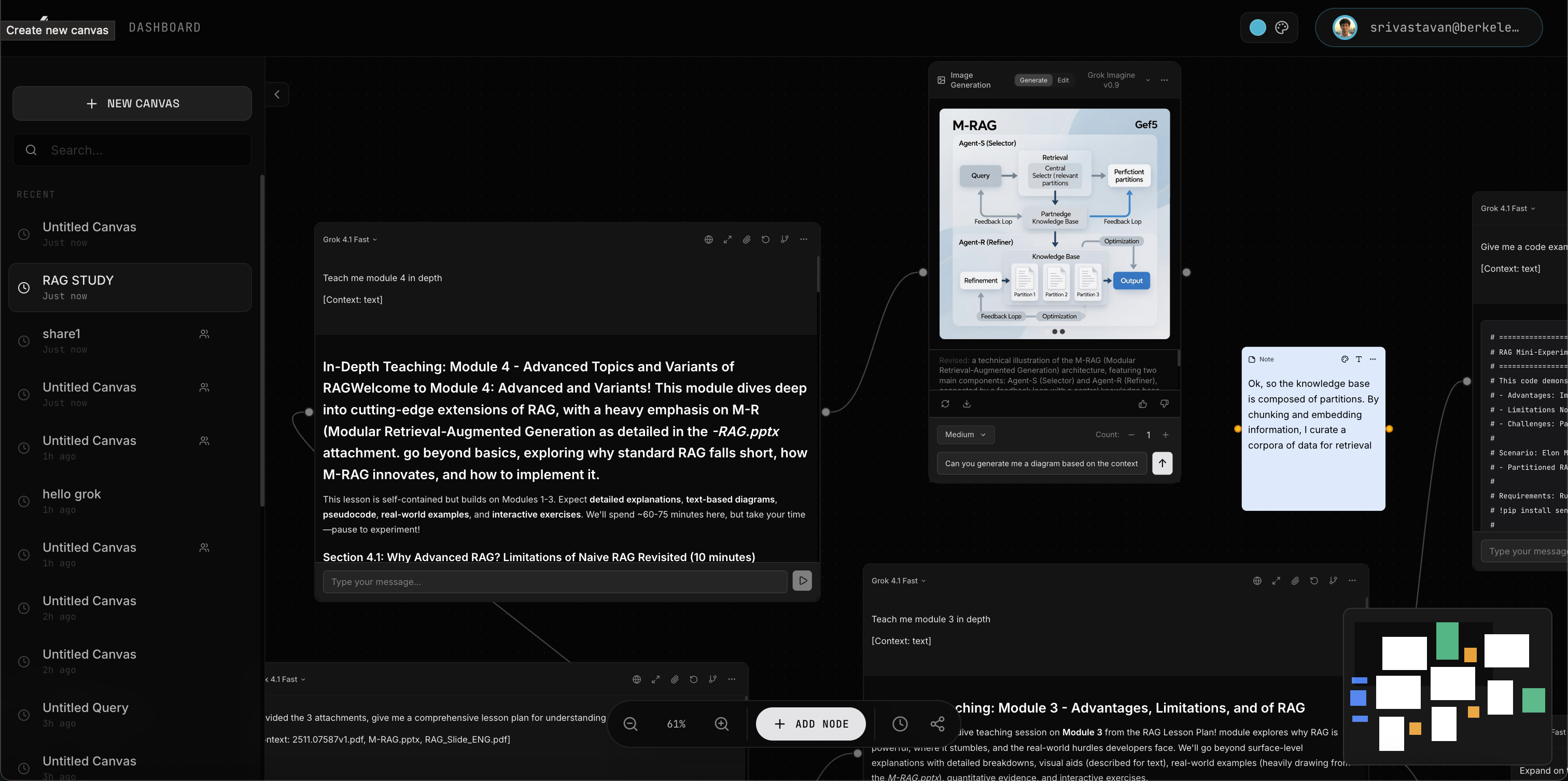
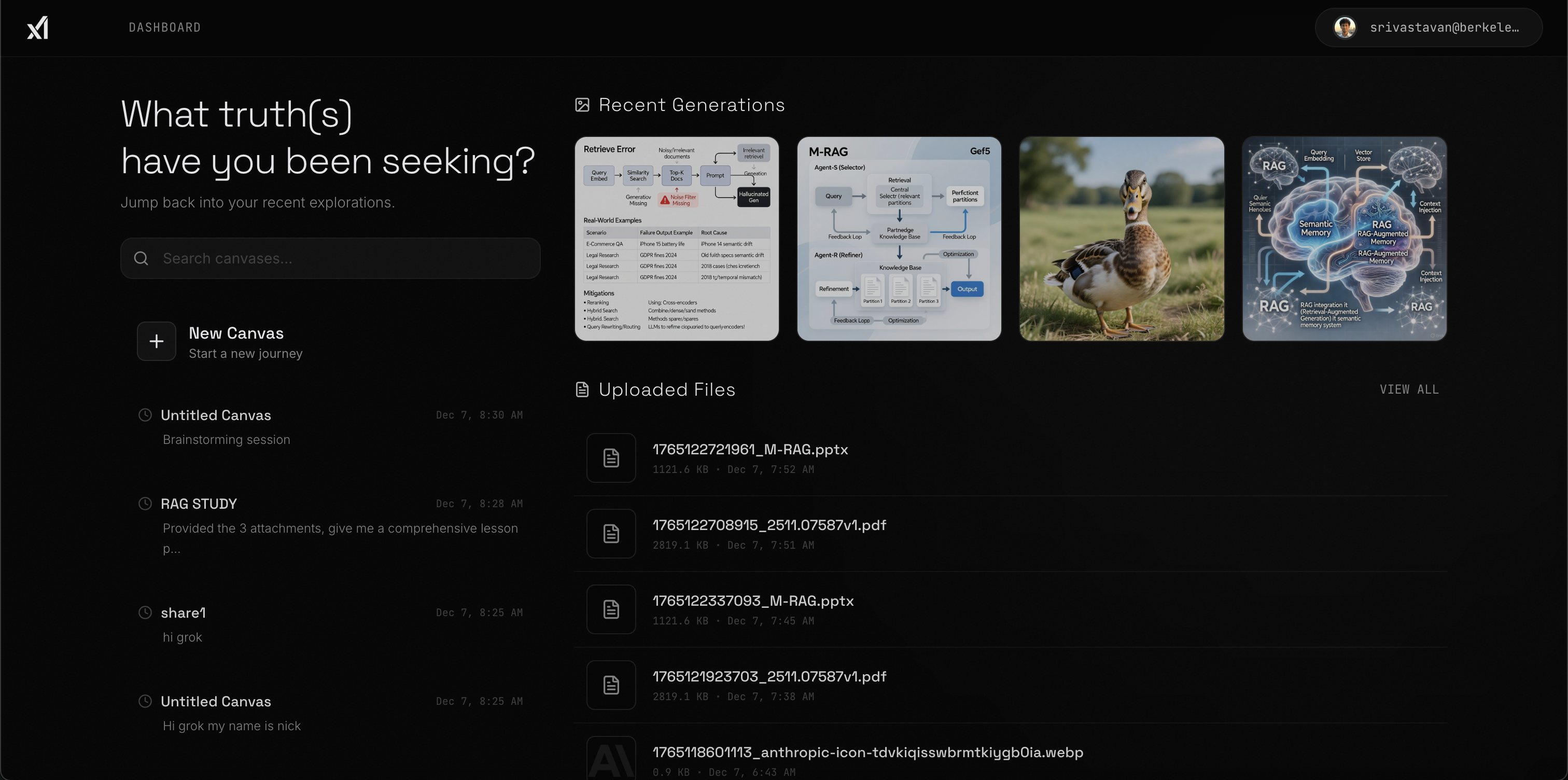
Chorus provides an infinite two‑dimensional canvas where you can place and connect nodes representing chat messages, images, files or annotations. Each node is backed by xAI’s Grok models, enabling multi‑turn conversations with full context, real‑time web search, file analysis and multimodal image generation. You can drag and drop documents onto the canvas for the model to summarize, generate images from text prompts using Grok Imagine, or jot down quick notes on colorful sticky notes. Nodes can be connected by arrows to reflect logical dependencies or workflow steps, and the canvas supports zooming and panning so you can navigate large knowledge graphs. Real‑time collaboration lets multiple users edit the same canvas simultaneously, with live cursors, presence indicators and adjustable sharing permissions.
How we built it
We built Chorus on a modern web stack designed for performance and interactivity. The front‑end uses Next.js 15 with React and Tailwind CSS, while React Flow provides the underlying node‑based interface, extended with custom panning, zooming and free‑form arrow drawing. The back‑end relies on Supabase for authentication, data storage and real‑time messaging. Each canvas is stored as a collection of nodes, edges and arrows in a PostgreSQL database, and Supabase’s realtime channels propagate updates to all collaborators. We integrate directly with xAI’s Grok models to provide chat, reasoning, vision and image generation capabilities, exposing them through a tool palette where users can select between models like Grok 4, Grok 4.1 Fast and Grok Imagine.
Designing the node architecture was a challenge: chat nodes need to handle streaming text and display the model’s intermediate reasoning, while image nodes expose parameters like resolution and quality. We implemented optimistic UI updates for low latency and added a snapshot system that saves canvas versions automatically every few minutes. A permissions layer ensures that attachments and tool calls respect user privacy, and we store environment variables (such as Supabase keys and xAI API keys) in an encrypted configuration.
Challenges we ran into
The first challenge was overcoming the staleness of LLM interactions. Simply placing a chat interface on a canvas did not solve the problem of linearity; we had to rethink how conversation flows could branch and rejoin without losing context. Managing application state across multiple users introduced complexity: real‑time collaboration requires conflict resolution, latency handling and consistent database updates. When canvases become large, users can easily lose track of relevant nodes, so we experimented with clustering algorithms and focus modes to highlight important subgraphs. Finally, integrating multimodal models required careful API design because image generation and document analysis have different latency and resource profiles than text chat, so we built separate node types with their own state machines.
Accomplishments that we're proud of
We are proud of creating a platform that transforms how learners and teams interact with AI. Chorus turns linear chat into a navigable knowledge graph, improving recall and enabling flexible reasoning. Our integration of multiple Grok models (reasoning [4.1], fast chat [4] and image generation [Imagine]) shows the power of multimodal AI when presented in a cohesive interface. The collaboration layer lets users see each other’s cursors and edits in real time, making it possible to brainstorm together from different locations. Features like free‑form arrow drawing, auto‑saving, version history and intelligent auto‑titling add polish and practicality.
What we learned
Spatial organization aids memory. Mapping questions and answers onto a canvas improves retention compared with scrolling through long transcripts.
Branching conversations encourage exploration. By splitting a node into separate branches, we could explore different approaches to a problem without losing the original thread.
Real‑time collaboration changes learning dynamics. Seeing colleagues’ cursors moving across the canvas and watching nodes update live fosters a sense of shared progress.
Performance matters. Streaming partial responses from the model and optimizing state updates were crucial to maintaining a fluid user experience.
User privacy must be respected. Designing permission controls and secure file handling was essential for users to feel comfortable uploading personal documents.
What's next for Chorus
We envision expanding Chorus beyond individual study sessions to support all kinds of collaborative work. Our next steps include integrating more external tools such as code execution, diagram editing and calendar scheduling so that the canvas becomes a hub for daily tasks. We plan to refine our clustering and focus features to help users manage very large canvases, and we’re exploring ways to summarize subgraphs automatically using the underlying models. Long term, we hope to make Chorus accessible to classrooms, research groups and families planning projects together; democratizing the benefits of AI‑assisted reasoning and making knowledge accessible to everyone.
Built With
- gsap
- lenis
- next.js-15
- react-19
- react-flow
- realtime
- storage)
- supabase-(postgresql
- tailwind-css-4
- typescript
- vercel
- xai-api-(grok)
- zustand


Log in or sign up for Devpost to join the conversation.