-
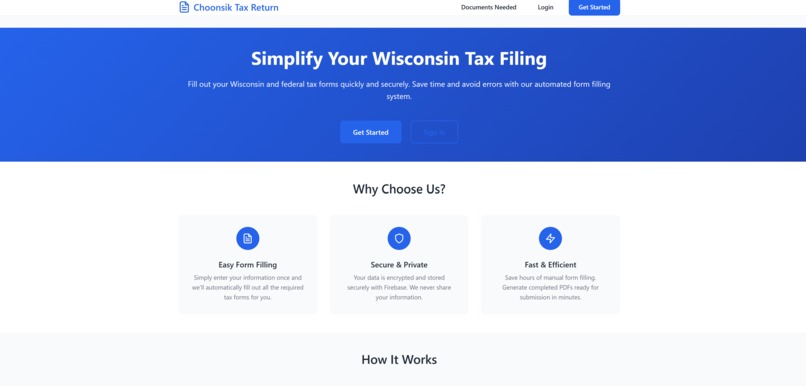
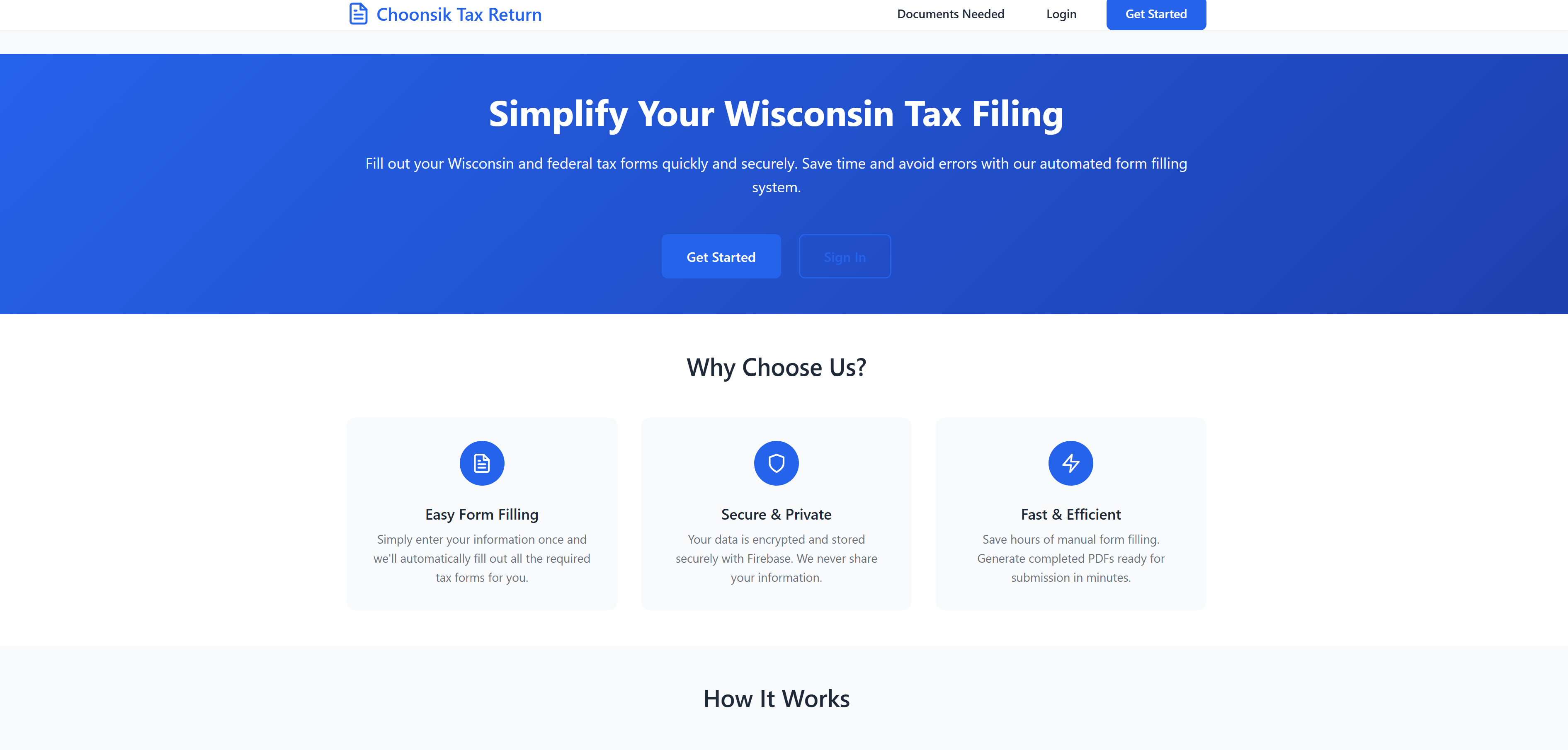
main page
-
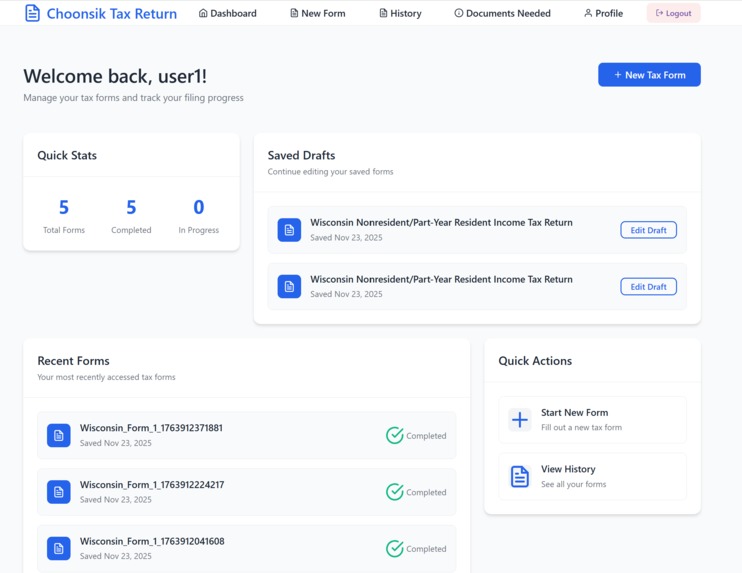
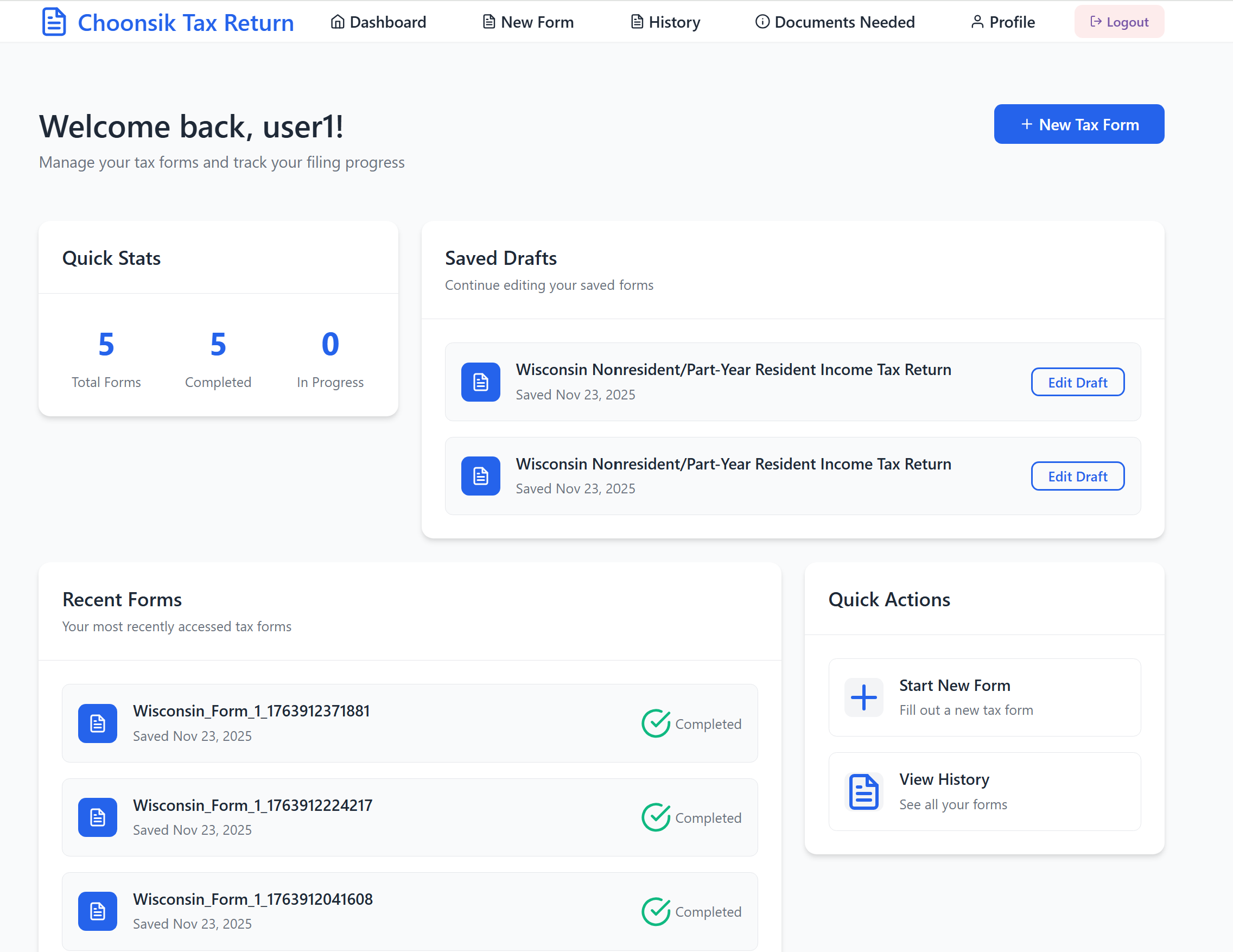
user's dashboard
-
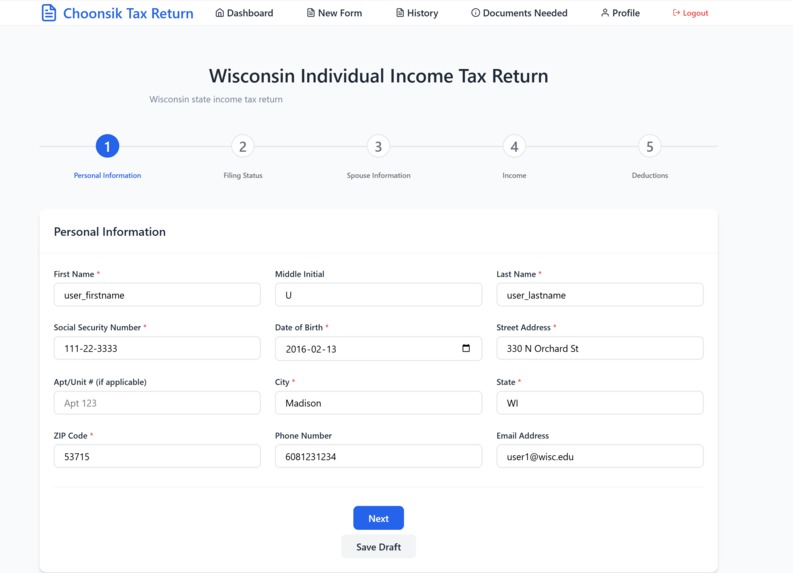
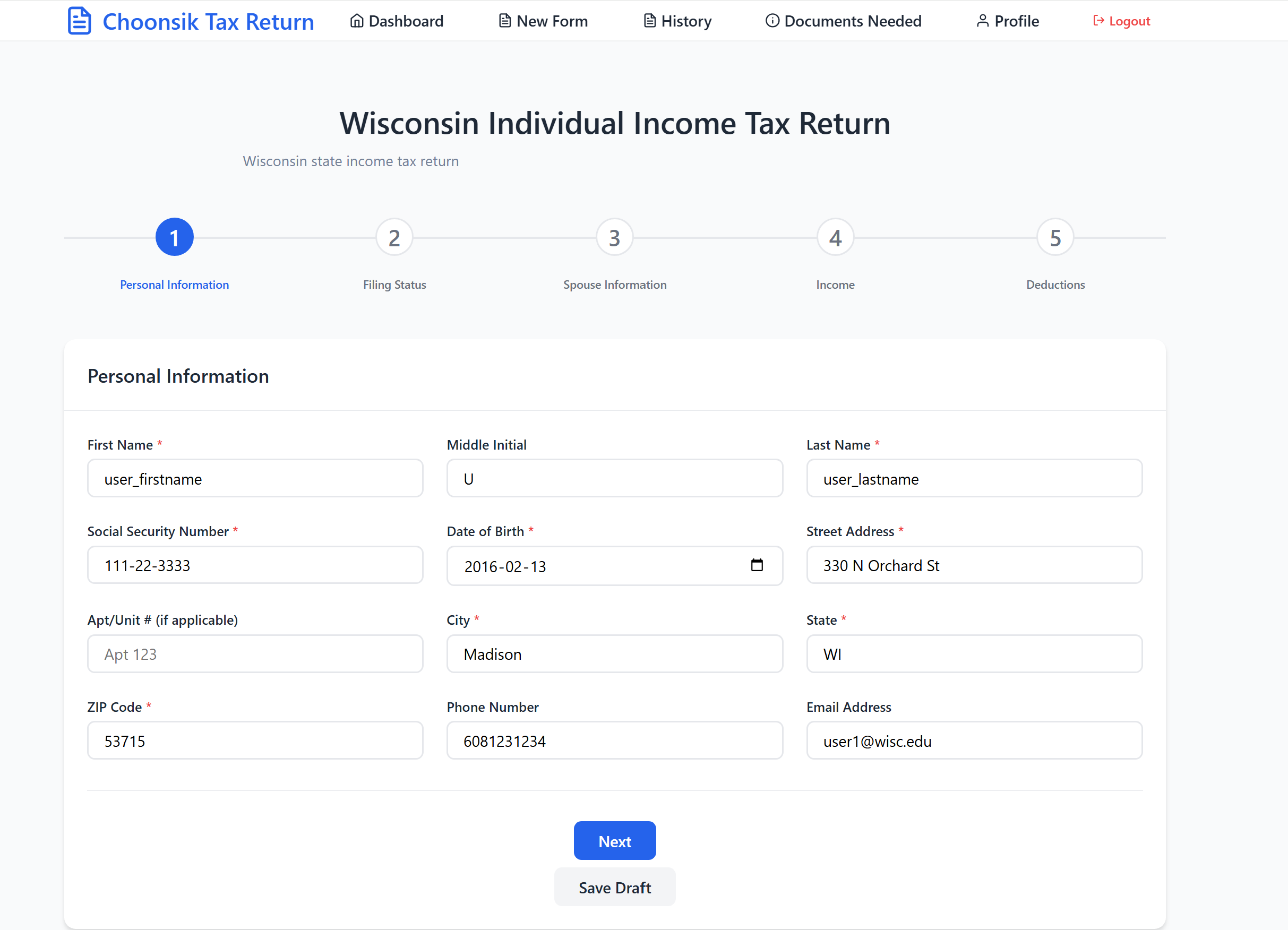
user data input field
-
Inspiration
As an international student in the U.S., filing state and federal tax returns is one of the most confusing yearly challenges. Official instructions are long, tax concepts are hard, and existing tax software is either expensive or not tailored to international students. I wanted to build a tool for people like me—something that:
- walks you through the forms step-by-step
- stays accurate to the official PDF forms
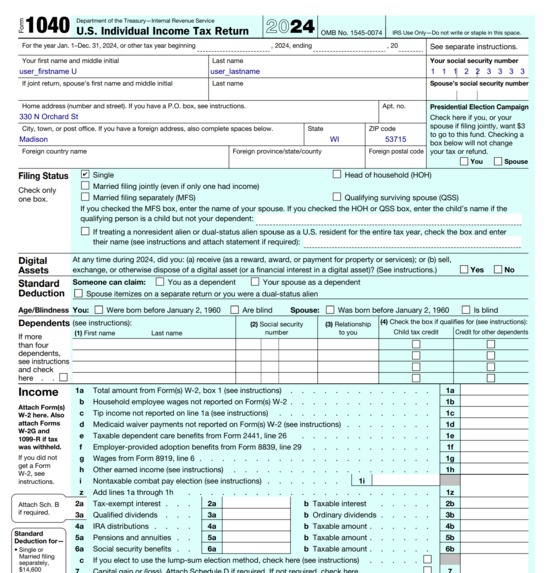
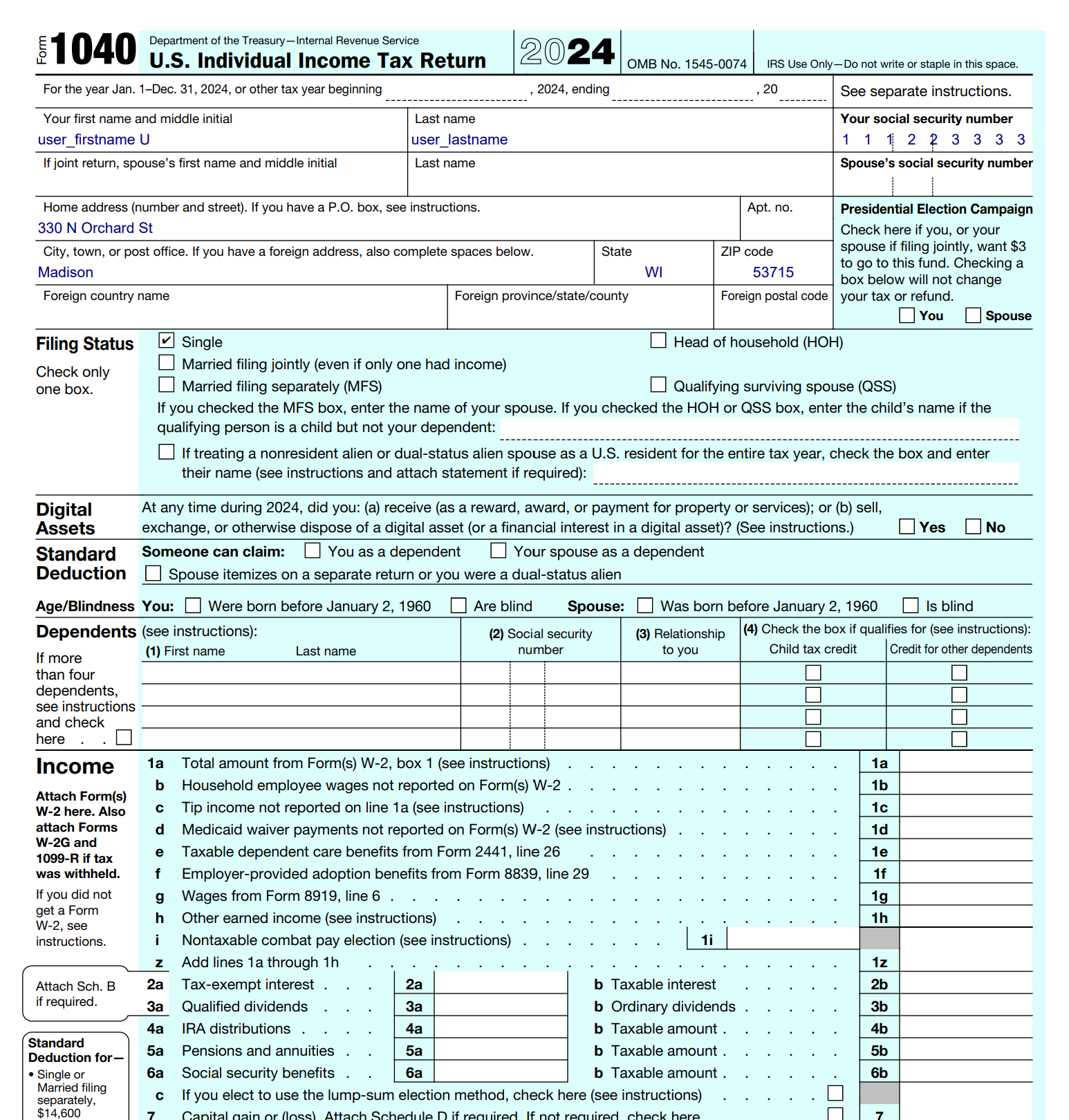
- automatically fills the PDFs
- saves your drafts
- keeps everything organized in one place
- and doesn’t require deep tax knowledge Thus, Choonsik-madhack was born: a platform designed to help international students fill Wisconsin and federal tax return forms confidently and independently.
What it does
- Choonsik-madhack is a complete tax return form assistant.
- The app breaks down complex forms (WI Form 1, WI Form 1NPR, IRS 1040, Schedule C, etc.) into clean, easy sections.
- Using Firebase Authentication, users create an account and get access to their personal dashboard.
- Enter tax information through a guided multi-step input fields
- Created pdf documents, user's data, and supporting files are securely stored in Google Cloud Storage bucket.
- The system detects whether the PDF is fillable (AcroForm or XFA) or flat, and: fills form fields directly or overlays text precisely on the non-fillable form
- All forms are stored with metadata, status (draft/in-progress/complete), and timestamps.
How we built it
The project is a full React application backed by GCS and Firebase services.
- Frontend
- built with React + Vite + CSS for a fast, modular UI.
- multi-step form system driven by JSON schemas for input fields.
- custom hooks to manage validation, field logic, and file uploads.
- Backend
- Firebase Authentication system
- Google Cloud Storage bucket for database to securely store uploaded documents and generated PDF outputs
- backend logics are serverless, uses cloud functions
- Data flow
- User inputs data into muti-step wizard, which then is mapped to blank space labels in the default tax return forms to create personal forms. And data used in between processes are stored in GCS bucket.
- PDF Generation
- Automatically detects whether default PDF is fillable or non-fillable
- Used pdf-lib to fill personal tax return forms
- A flexible mapping engine transforms user input to match each form’s PDF field structure.
Challenges we ran into
- Tax return forms were inconsistent as in fillable/nonfillable pdfs. So, we had to check the forms' fillability and handle all formats accordingly when extracting formats and inputting data.
- Calculating detailed tax amounts and tax return related data was hard due to lack of knowledge.
- Implementing GCS bucket and Firebase caused authorization rule issues.
Accomplishments that we're proud of
- Built a fully working tax-form-filling system end-to-end
- Created a UI that makes complex forms feel simple and user-friendly for international students
- Implemented universal PDF filling (fillable + non-fillable)
- Built a robust form engine with auto-save, drafts, and validation
- Ensured clean responsive UI
What we learned
- How PDF rendering, coordinates, and form fields work
- How to build dynamic multi-step form systems
- Google Cloud Storage + Firestore interactions and implementations
- Handling complicated React useEffect edge cases
What's next for Choonsik-madhack
- Implement more accurate and professional tax calculation systems
- Automate tax calculations for WI + Federal (together at once)
- Add form 8843 for international students (without US income)
Built With
- firebase
- google-cloud-bucket
- javascript
- react
- vite


Log in or sign up for Devpost to join the conversation.