-
-
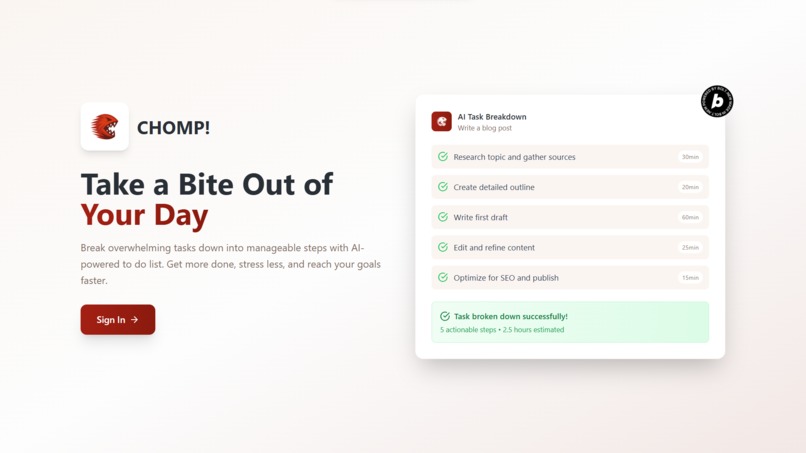
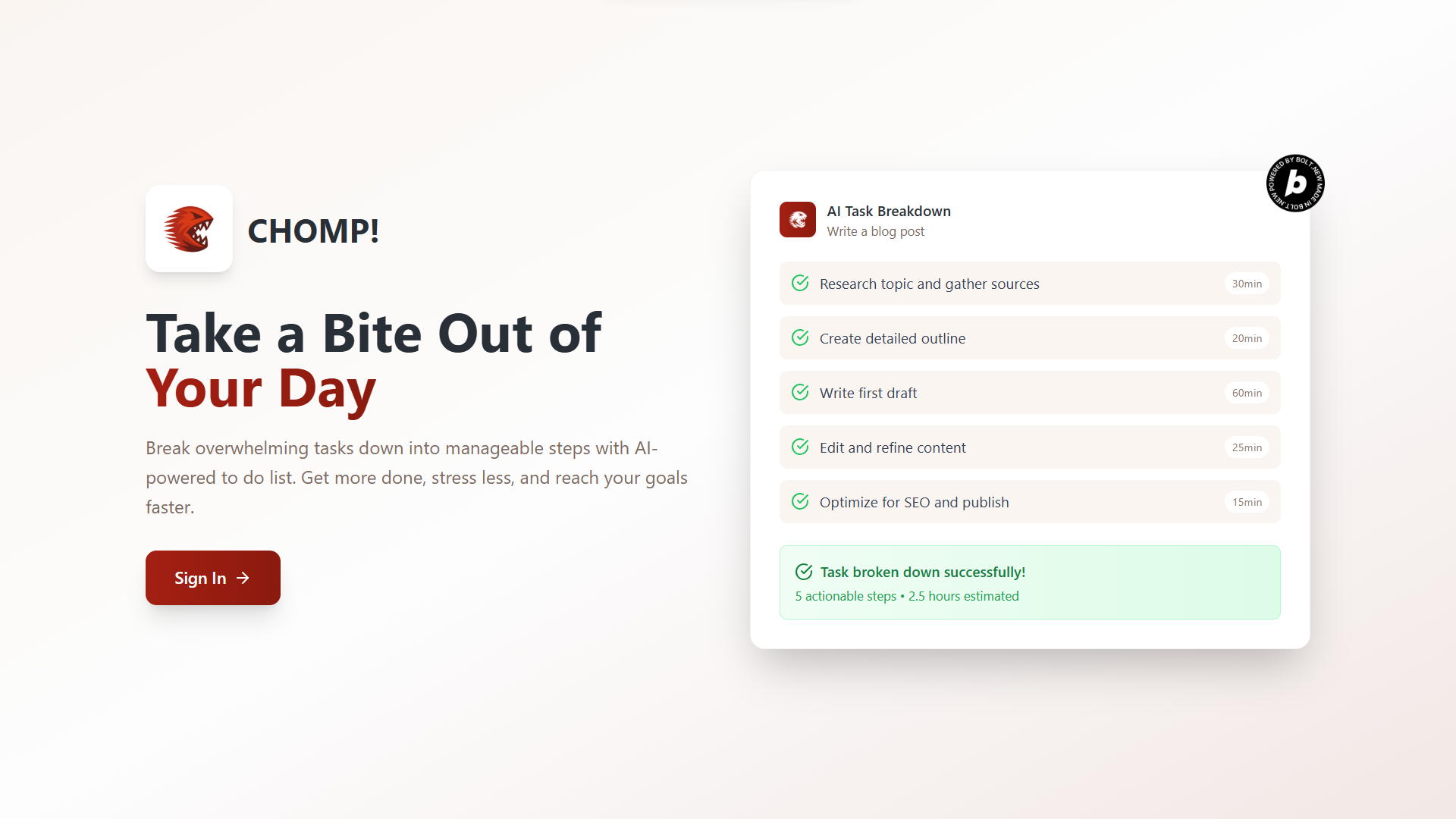
Web App Home Screen
-
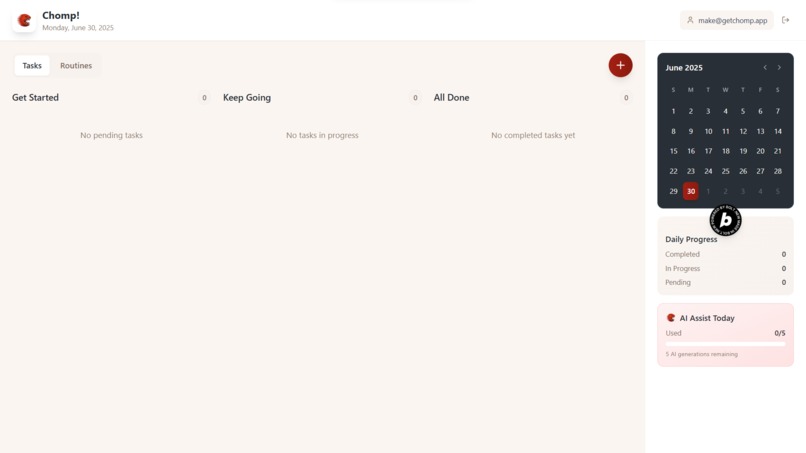
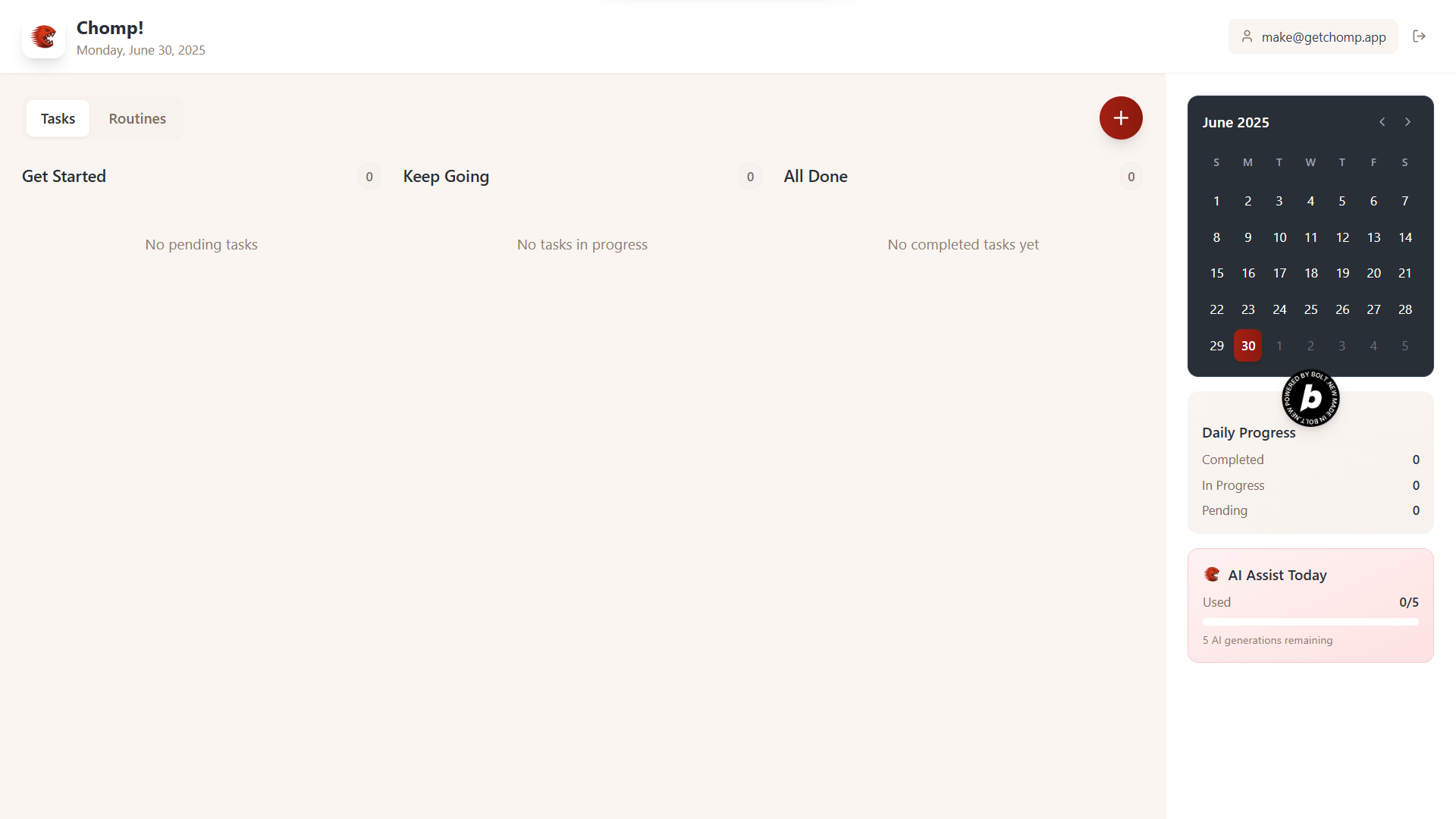
To Do Dashboard
Chomp! A To-Do App That Helps You Get Going
Inspiration
I’ve tried every productivity app under the sun. They all promised clarity, focus, and flow. What I got instead was ever prettier ways to drown in a list of everything I need to get done. The problem wasn’t that I didn’t know what to do. The problem was where to begin.
As someone who juggles multiple roles, clients, and creative side projects, I constantly felt pulled in different directions. Tasks pile up. Projects overlap. Every to-do list became an overwhelming catalogue of promises made. I needed something that could guide me, not just track me.
Chomp was born out of that need.
What it does
Chomp breaks big goals into bite-sized steps using AI. Add a task such as “Write blog post,” “Plan trip,” “Reflect on week,” and Chomp figures out what kind of task it is, and breaks it down into actionable steps.
Whether you’re:
- Writing a newsletter – Chomp gives you a writing framework and process.
- Packing for a trip – Chomp turns it into a checklist that you can work through when you have the time.
- Running a workout – Chomp gives you best practices to get the most out of it.
- Journaling – Chomp gives prompts that you can ask yourself.
- Planning dinner – Chomp fetches a recipe and prep steps for you.
How it was built
Chomp was built using bolt.new. Here's the tech stack:
- ChatGPT – For brainstorming and wireframing
- Supabase – For database and user authentication (simple email login).
- OpenAI – For intelligent task breakdown and dynamic prompts.
- Netlify – To deploy the web app.
- Entri + IONOS – To register a custom domain.
The interface was designed to be lightweight and minimal. I wanted an app that felt like a deep breath, not a second inbox. The copy blends light humor with motivational nudges.
Challenges
- Cognitive overload vs simplicity – Designing a UI that offered helpful breakdowns without becoming bloated was a tightrope.
- Task detection logic – Figuring out whether a task is a list, reflection, process or something else and generating relevant substeps required significant prompt experimentation and logic tuning.
- Mobile bugs – I originally planned to build a mobile app but ran into too many issues within the hackathon window, so I pivoted to a web app.
Accomplishments
- The task breakdown actually works. Users who’ve tested it said it helped them take action on long-postponed goals.
- Handling lots of tasks while still keeping the experience delightful.
- Created an identity (Chomp!) that feels energetic.
Learning
- People don’t want a better to-do list. They want momentum. They want clarity at the edge of chaos.
- Micro UX touches like checklists that unfold from a vague task, create a tangible sense of progress that even full-featured productivity tools often ignore.
- The AI doesn’t need to be complex, it just needs to be useful. Half the battle is asking the right question.
What's next for Chomp!
- Mobile App – Native mobile version to bring Chomp into your daily routine, anywhere.
- Calendar Integration – Sync tasks with Google Calendar so users can schedule their steps.
- Pricing Model + Stripe – Testing various models (freemium, AI usage caps, productivity packs).
- Analytics Dashboard – For the quantified-self crowd: track productivity trends, completion rates, focus windows.
Chomp’s goal is simple: take your ambition and turn it into action. One bite at a time.
Built With
- bolt.new
- entri
- github
- netlify
- supabase
- typescript
