-
-
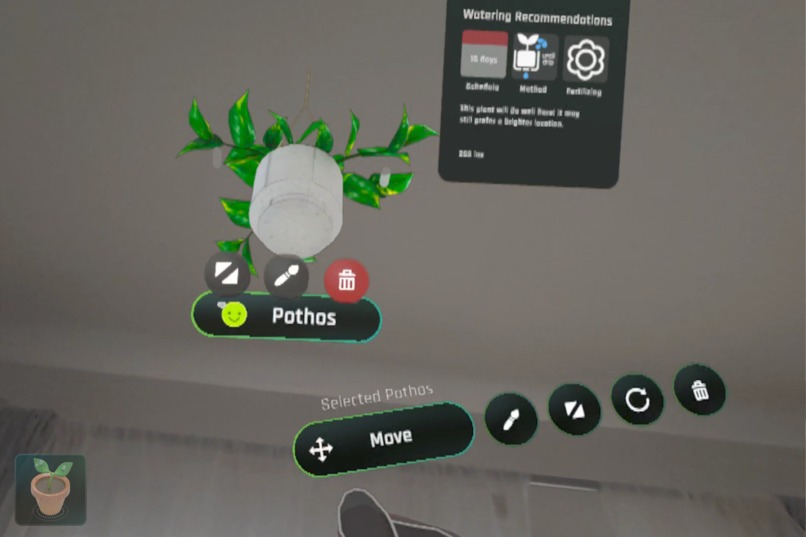
Microgestures
-
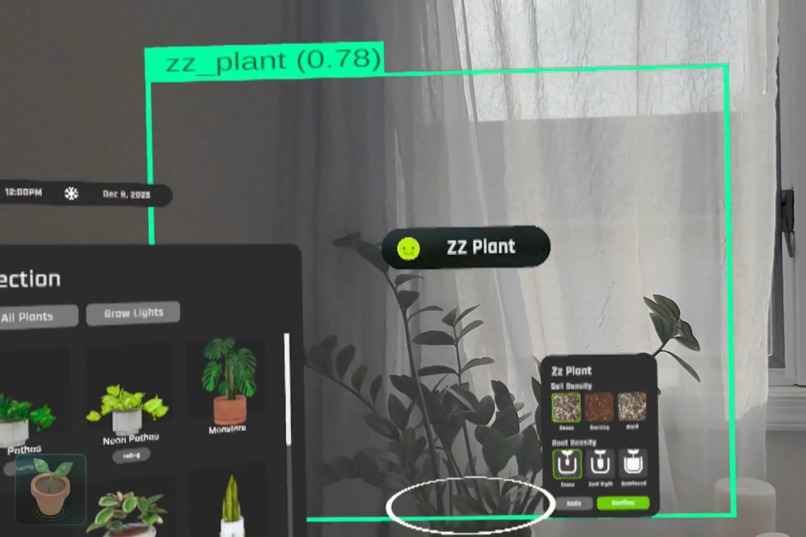
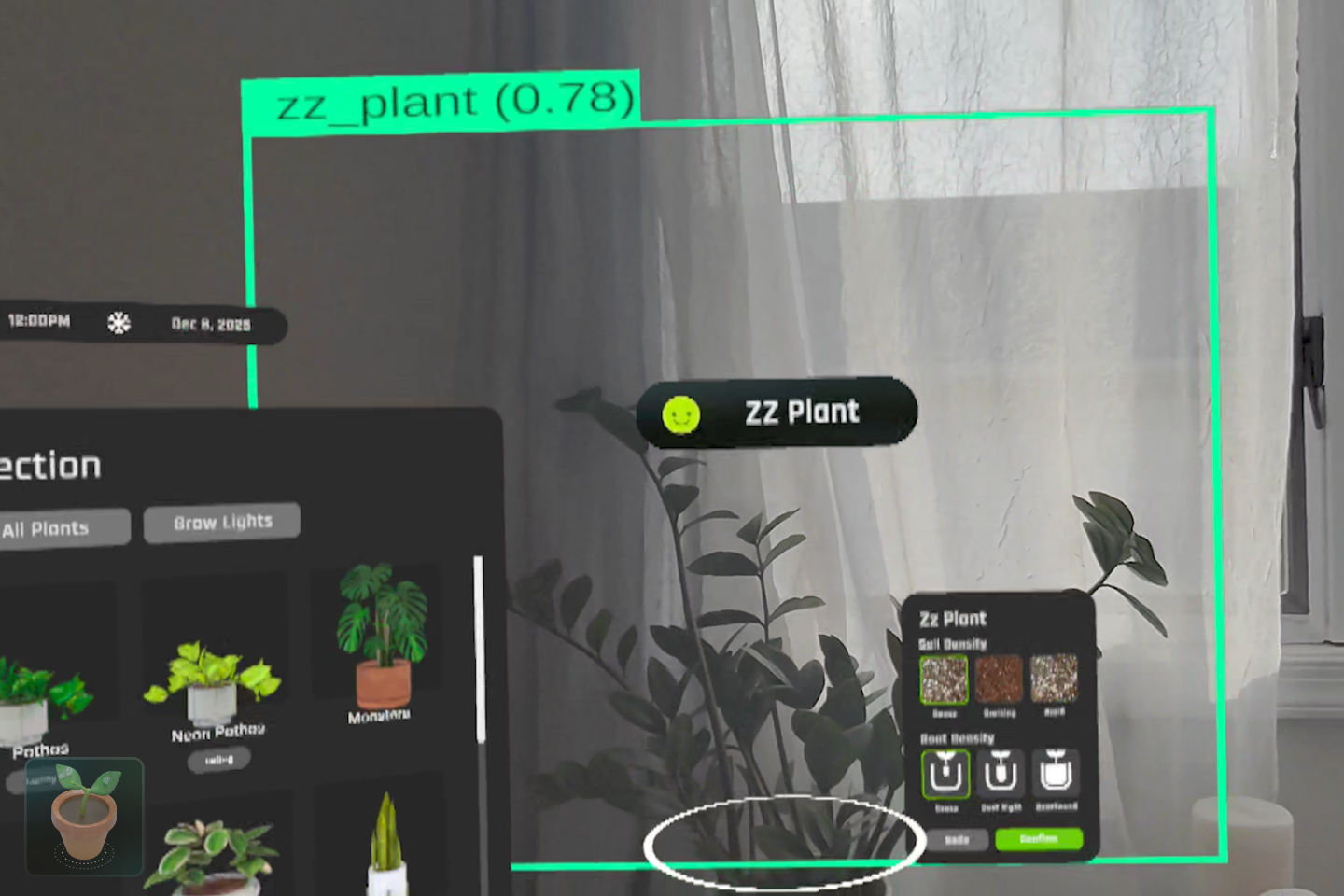
Plant Species Detection
-
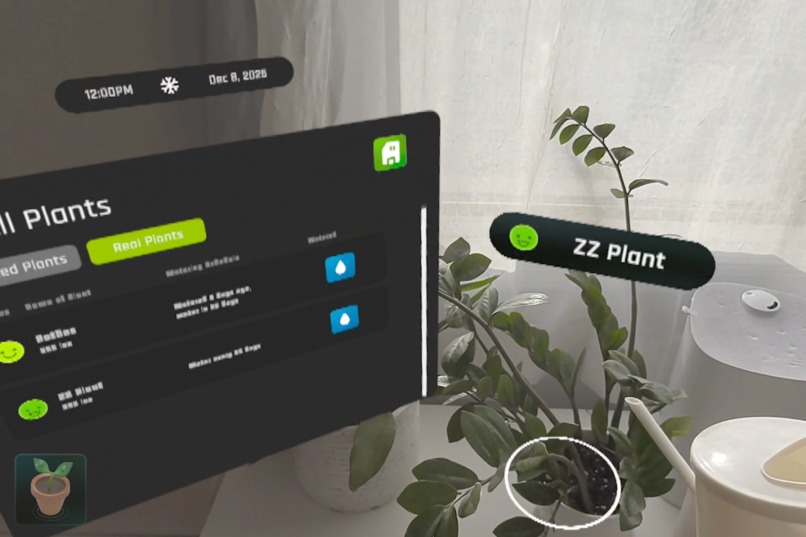
Watering Tracker
-
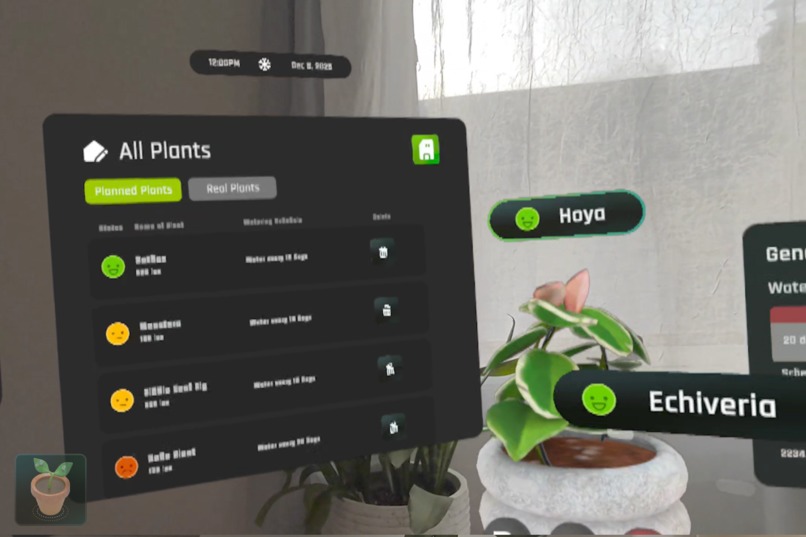
Consolidated Menu
-
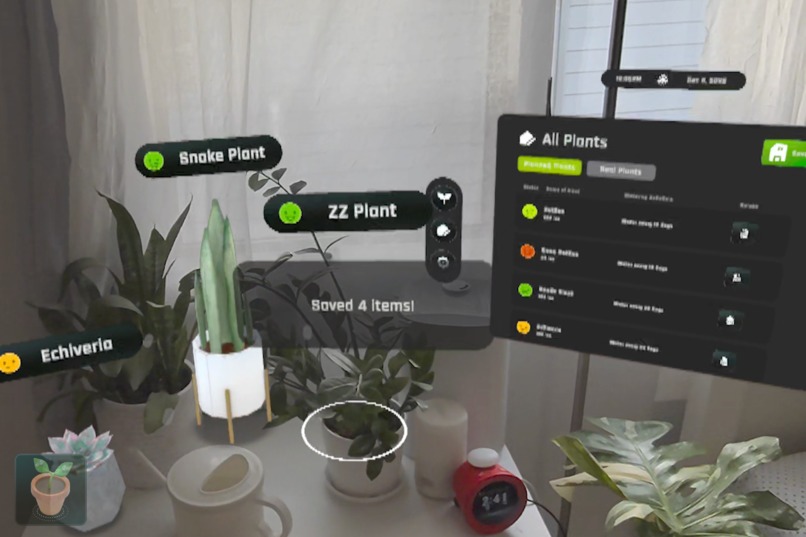
Saving System
-
My Thai Constellation is not dead!!
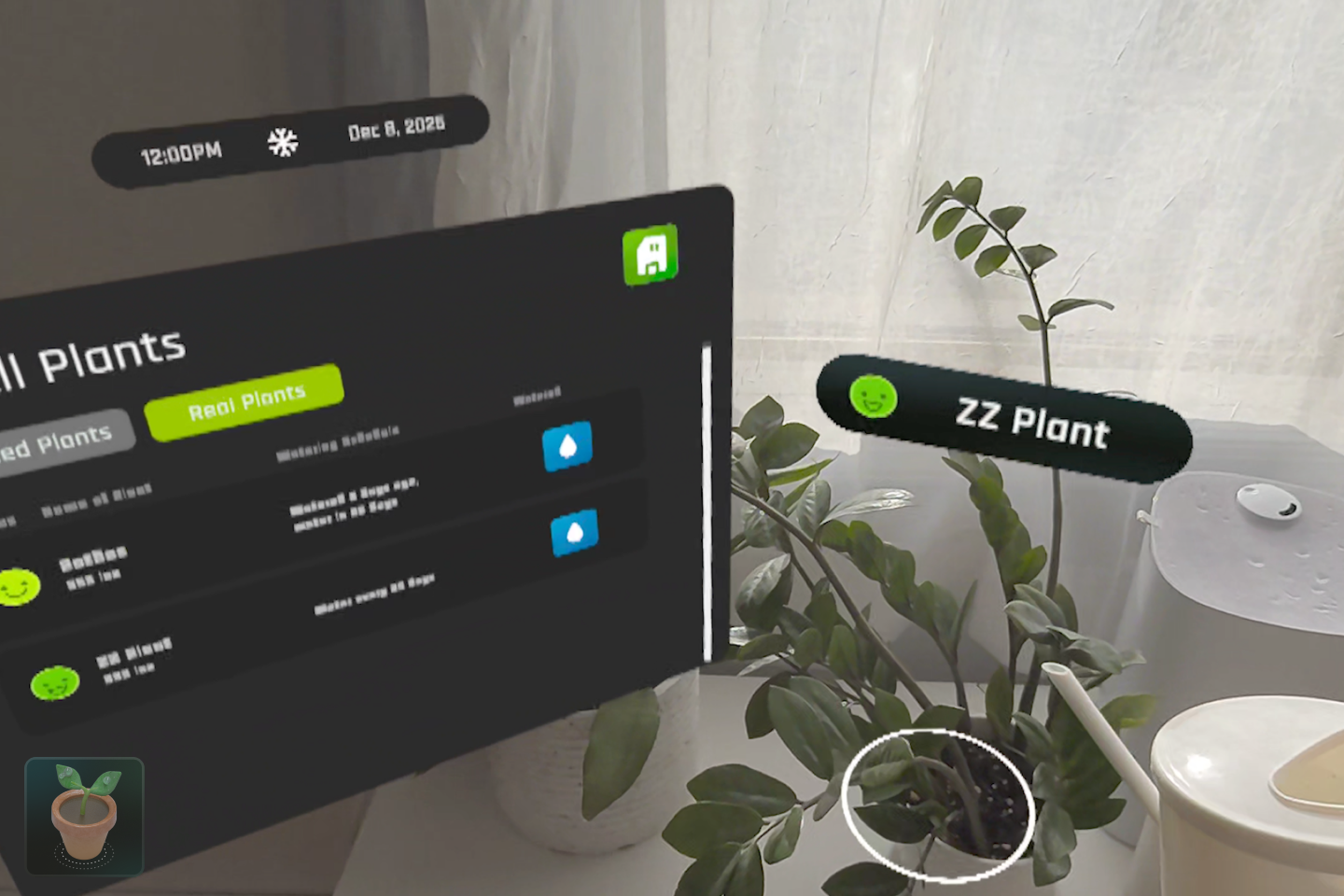
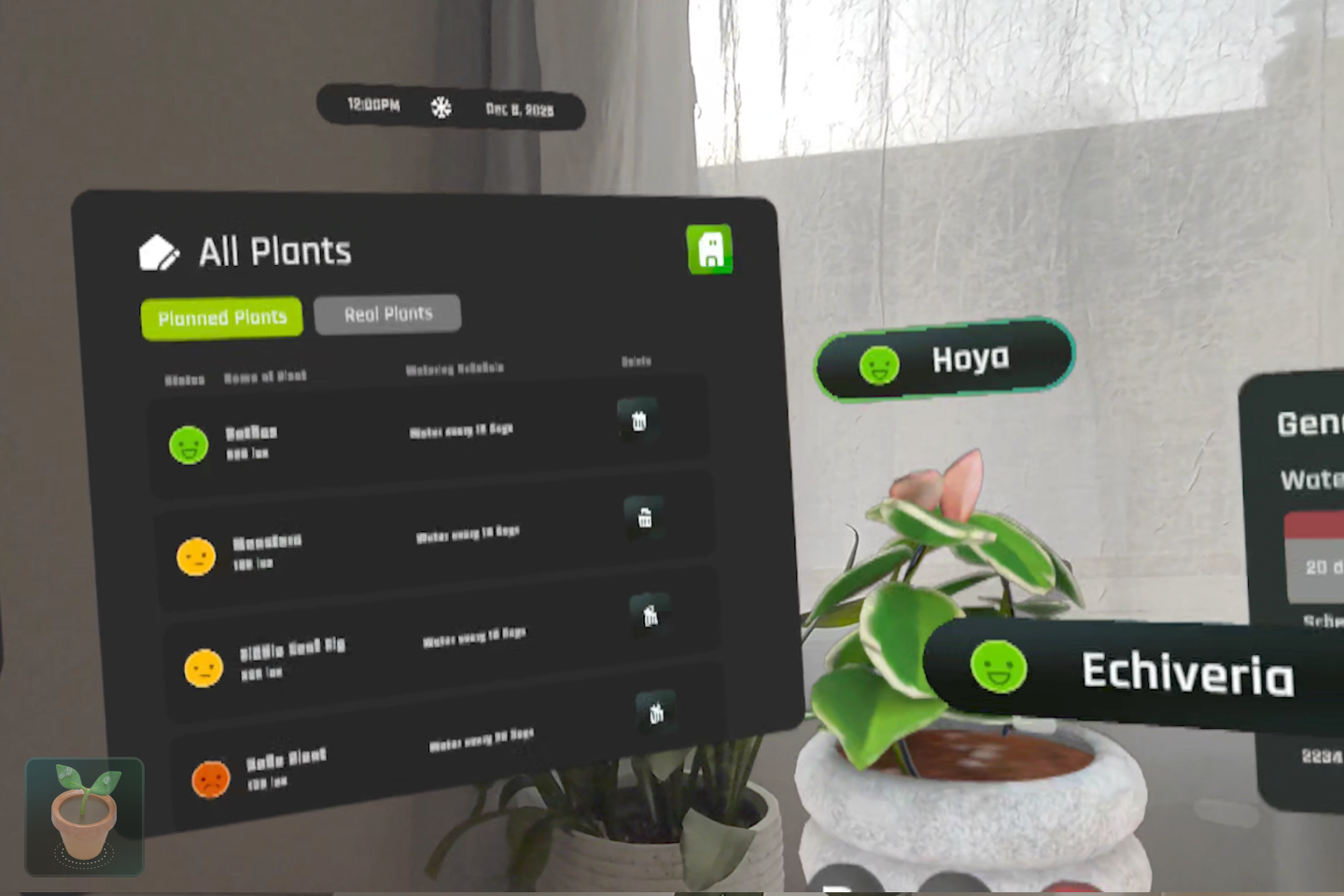
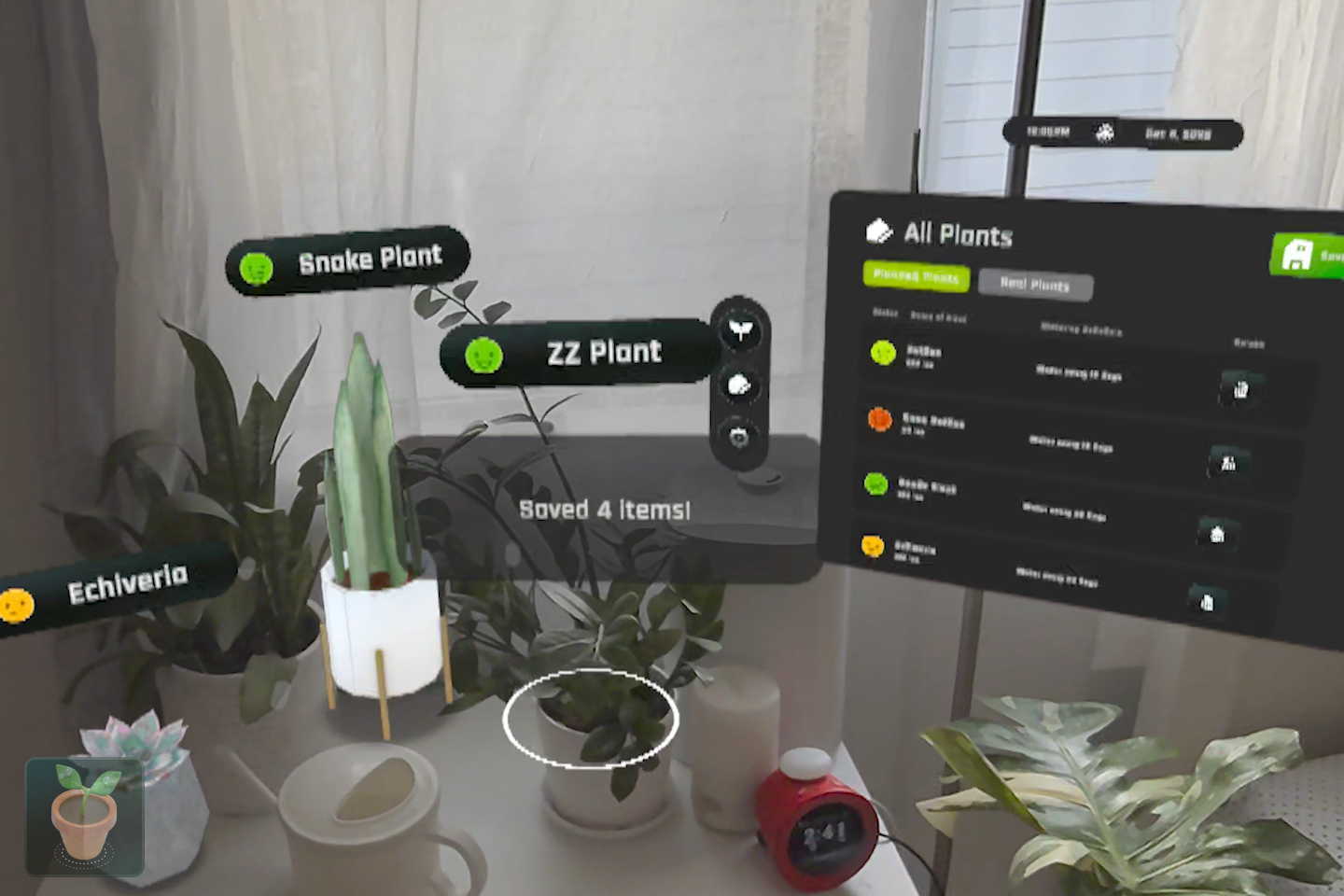
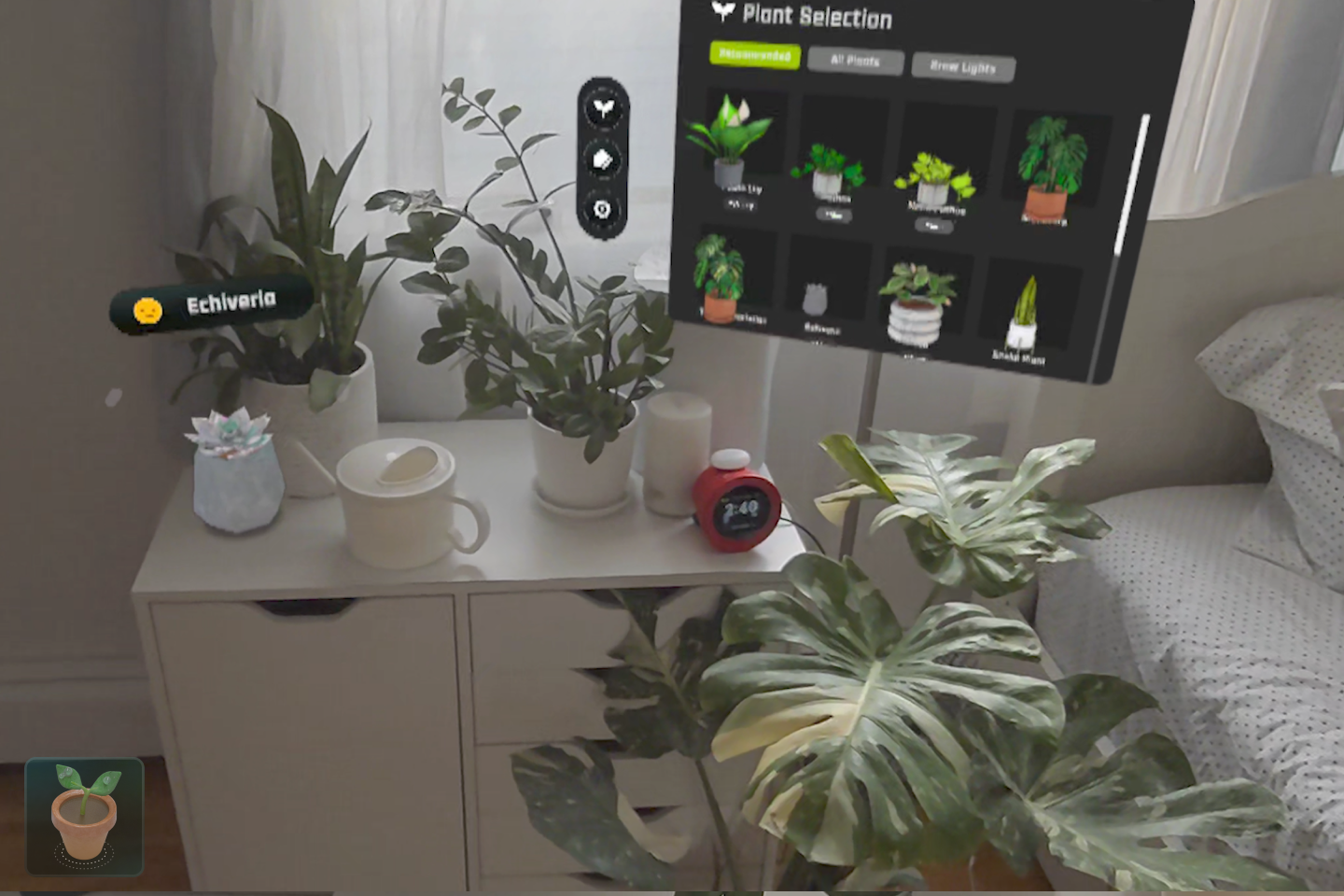
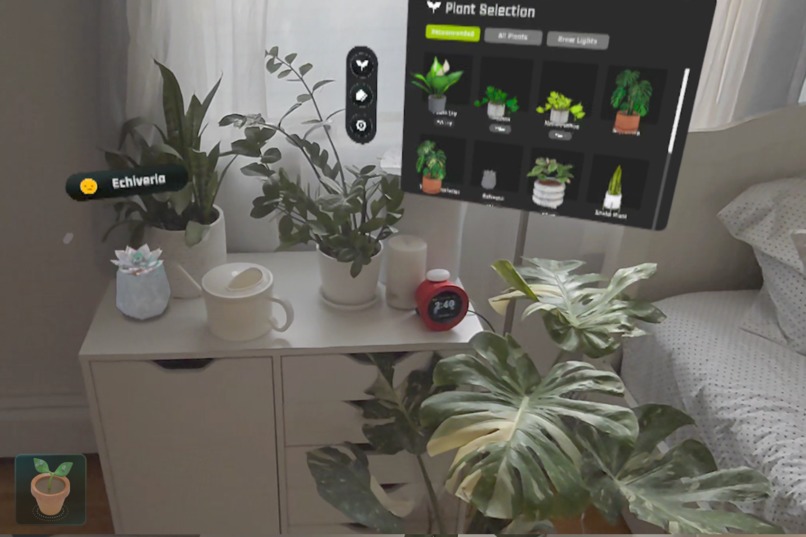
Chloro is your all in one houseplant hobby app. Using your room scan, device time, and most importantly the size and direction of your windows the quest 3 can determine how much light enters a room and conversely how well a plant will do in your space. With this spatial data, machine learning, and hand gestures, you can plan out your indoor jungle with more confidence that they’ll survive.
How I Built It
Chloro is built using Unity 6000.0.43f and v81 of the Meta All in One SDK. Updates include:
- Spatial Light Mapping System that combines Meta Quest’s spatial mesh data, window orientation, and real-time device clock to dynamically calculate lux estimates, rather than only depending on window direction
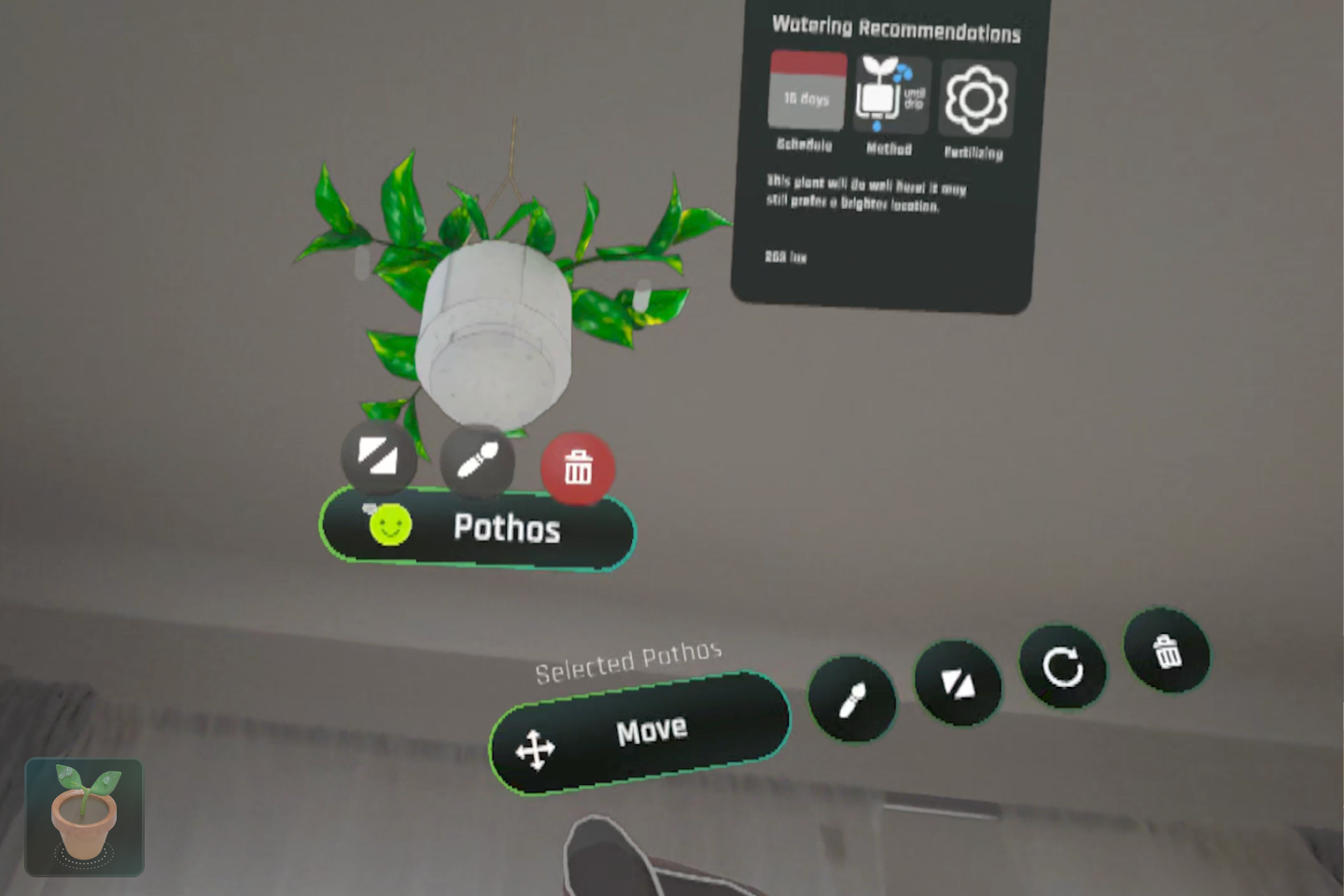
- Customization Tools that allow users to pinch to resize, rotate, and hang plants using ceiling snap points
- Microgesture Interaction using Interaction SDK and hand tracking to manipulate distant plants intuitively
- Plant Detection Pipeline using a custom object detection model to recognize houseplants and add them into Chloro's system
- Data Persistence to track watering schedules and saved layout plans across sessions
Future Improvements
Chloro is still growing. Upcoming features include:
- A notification system to remind users when to water or rotate their plants based on real-time conditions
- A larger plant database including rare and humidity-sensitive species
- Layout sharing, so users can get inspiration and show their own interior setups
Challenges
The biggest technical hurdle was optimization. Earlier builds had up to 300 draw calls, causing frame rate drops and hand tracking issues. Through batching, mesh merging, and UI restructuring, the current average is around 100 draw calls, maintaining smooth 72 FPS on Quest 3.
Gesture input also required major iteration. Early gestures were too similar, resulting in false positives. I redesigned the system entirely and rebuilt interaction logic to support more intuitive and reliable controls.
These challenges led me to rebuild Chloro from the ground up, and I am excited to keep developing it further.


Log in or sign up for Devpost to join the conversation.