-
-
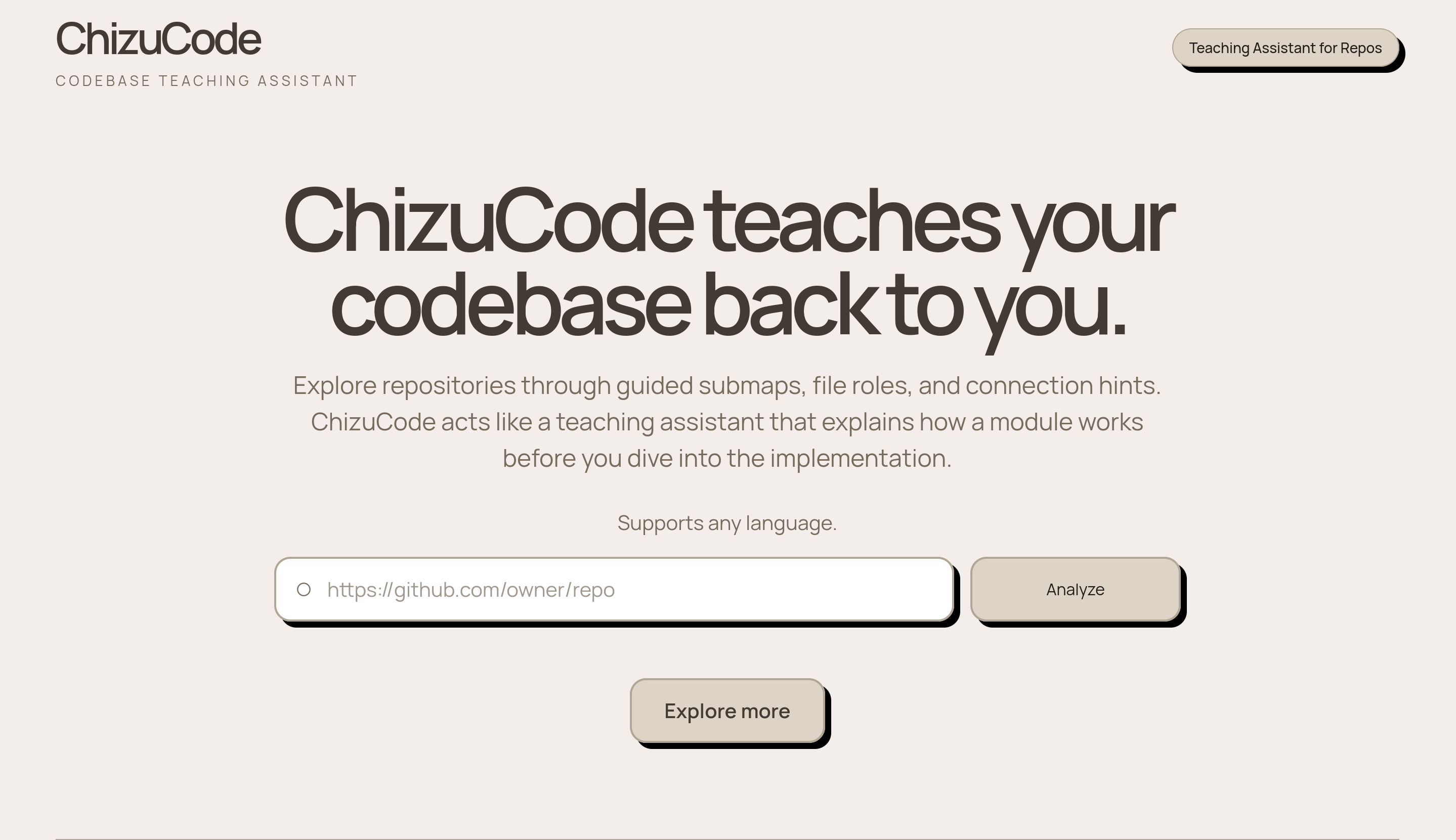
Landing Page
-
-
-
-
Inspiration
Understanding an unfamiliar codebase can be overwhelming. Even when a project is well-structured, the folder layout does not always explain how the system actually works. Files related to the same feature, such as authentication or payments, may be spread across controllers, services, utilities, routes, and database layers.
We wanted to build something that helps developers quickly answer questions like:
- “What are the main parts of this repo?”
- “Which files are involved in user authentication?”
- “How does this feature flow through the codebase?”
- “Where should I start reading?”
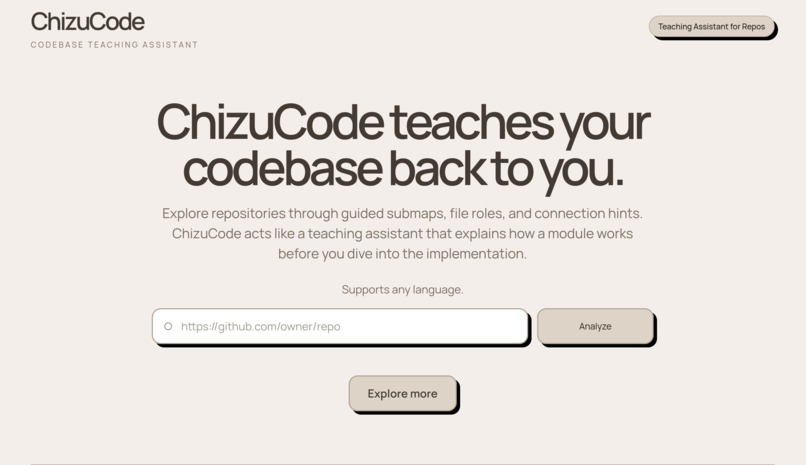
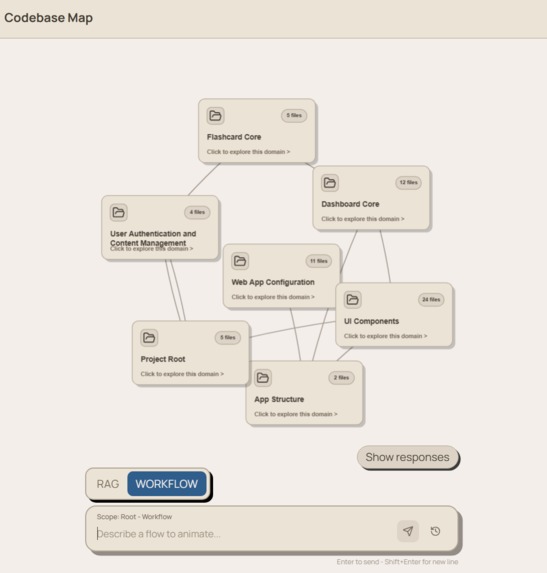
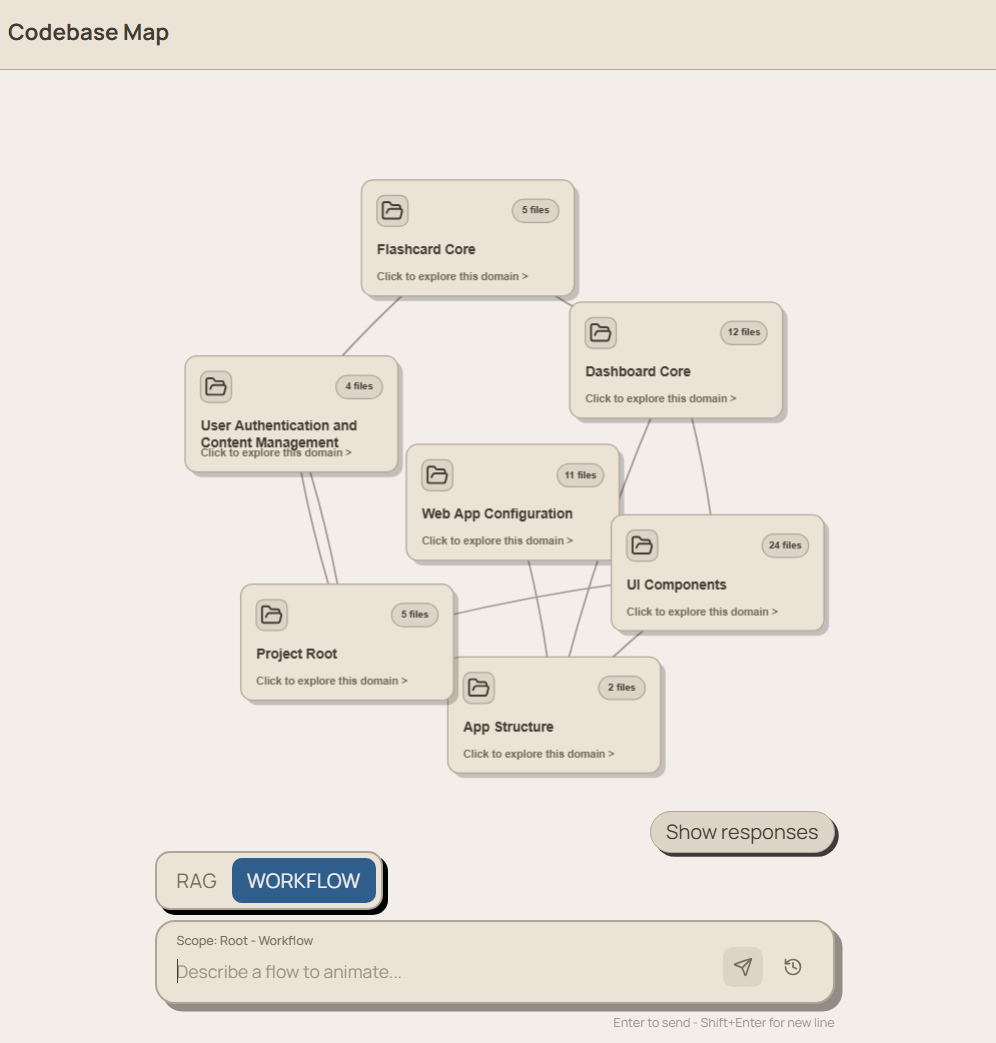
Our idea was to turn a GitHub repository into an interactive visual map organized around logical domains instead of just folders.
What it does
Our project takes a GitHub repository link and analyzes the codebase using LLMs and embeddings. It breaks the repository into meaningful code chunks, summarizes the files, groups related files into logical domains, and displays the result as an interactive graph.
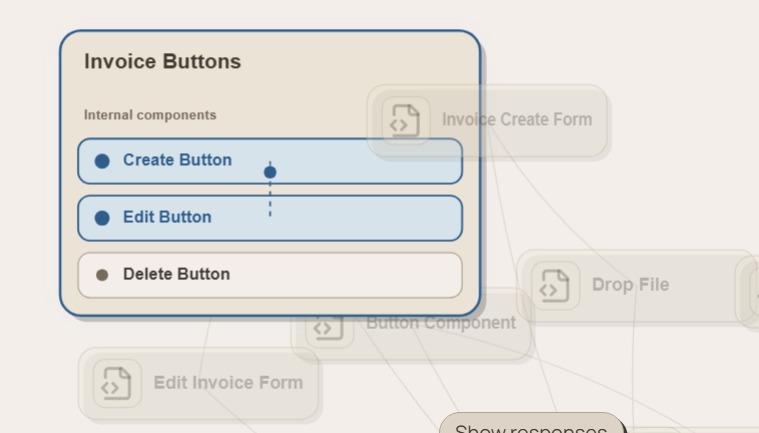
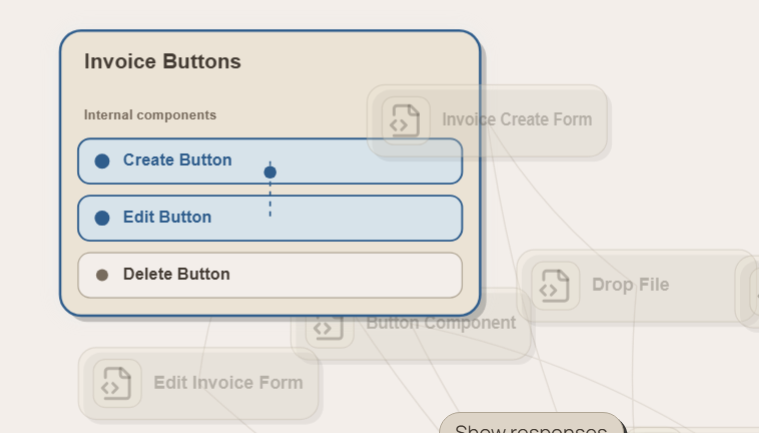
Each domain node represents a major area of the codebase, such as authentication, payments, database access, or user management. Clicking a domain reveals the relevant files underneath it.
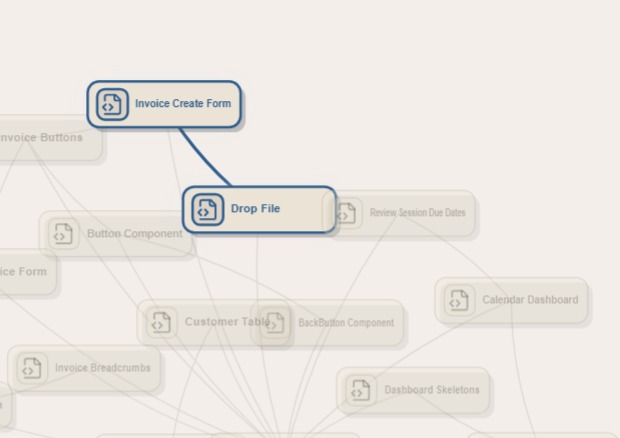
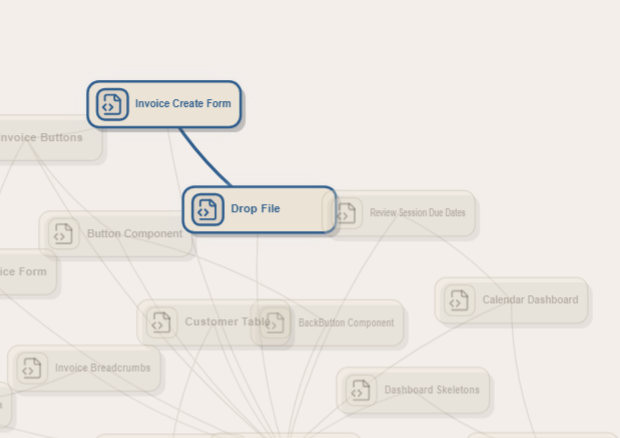
The project also includes a chat interface where users can ask natural-language questions about the repository. For example, a user can ask, “Which files are involved when a user logs in?” The system retrieves relevant code chunks, generates an answer grounded in the source files, and can highlight the related file nodes in the graph to show the flow from file to file.
How we built it
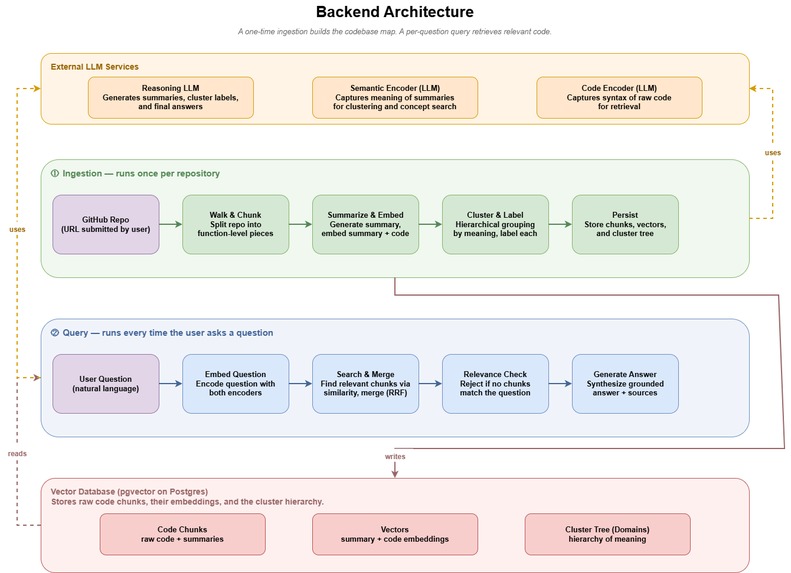
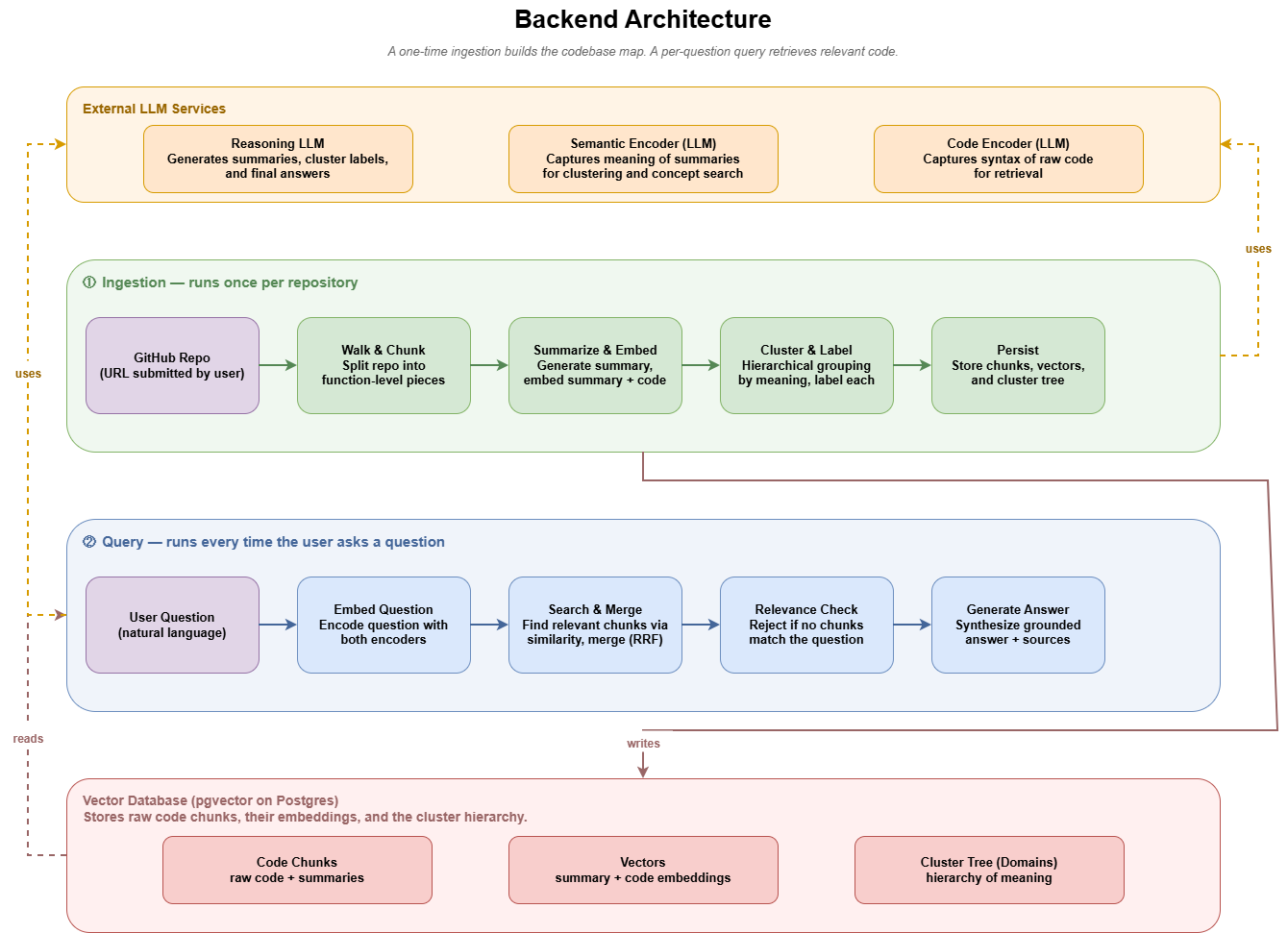
We designed the system around two main phases: ingestion and querying.
During ingestion, the backend receives a GitHub repository URL, reads the repository files, and splits the code into smaller chunks. These chunks are summarized and embedded using LLM-based services. We then cluster related chunks and files together to form higher-level domains. The processed code chunks, summaries, embeddings, and cluster information are stored so they can be reused later.
During querying, the user asks a question in natural language. The backend embeds the question, searches for relevant code chunks, merges the best matches, performs a relevance check, and generates a grounded answer based on the retrieved source files.
On the frontend, we built an interactive graph representation of the repository. Domain nodes can expand to show related files, and file nodes can be highlighted to visualize which parts of the codebase are relevant to a user’s question.
Challenges we faced
One major challenge was deciding how to group files logically. Folder structure alone is not enough, because related code can be spread across many parts of a repo. We had to think carefully about how summaries, embeddings, and clustering could work together to create useful domain groupings.
Another challenge was retrieval quality. When a user asks a question, the system needs to find the right files without returning too much unrelated code. We experimented with combining semantic search over summaries with retrieval over raw code so that the chat could answer both high-level architectural questions and more specific implementation questions.
We also had to balance ambition with time. Features like animated file-to-file flows, better relevance filtering, and richer source citations are exciting, but they require careful backend and frontend coordination. During the hackathon, we focused on building a working end-to-end prototype that demonstrates the core idea.
What we learned
We learned a lot about how difficult codebase understanding is as an AI problem. It is not enough to simply summarize files individually. The system also needs to understand relationships between files, feature boundaries, and how code flows through a project.
We also learned how important visualization is. A chat answer is useful, but pairing it with an interactive graph makes the answer easier to trust and explore. Seeing the relevant files grouped and highlighted gives users a faster way to build a mental model of the repo.
Finally, we learned how to design an AI system with separate ingestion and query phases. Preprocessing the repository once makes later questions faster and more focused, while still allowing the user to explore the codebase interactively.
What’s next
In the future, we would like to improve the accuracy of domain clustering, add stronger file-to-file relationship detection, and make the flow animation more detailed. We also want to support larger repositories, better filtering by file type, and more transparent citations showing exactly which code chunks were used to generate each answer.
Our long-term goal is to make onboarding to an unfamiliar codebase feel less like searching through a maze and more like exploring a map.
Built With
- fastapi
- llm
- postgresql
- python
- react
- typescript


Log in or sign up for Devpost to join the conversation.