-
-
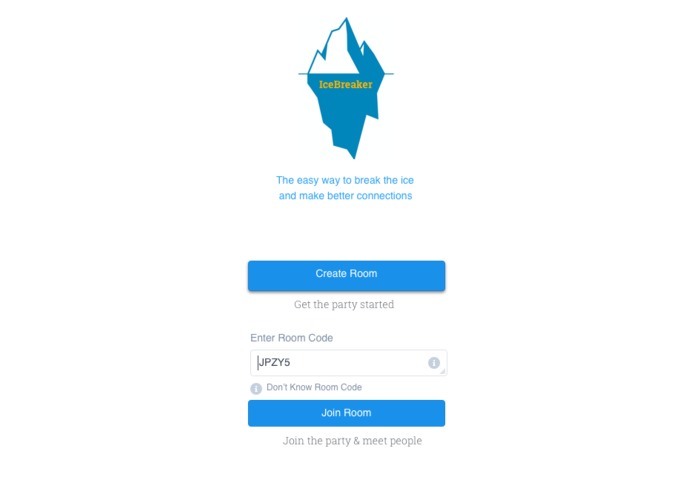
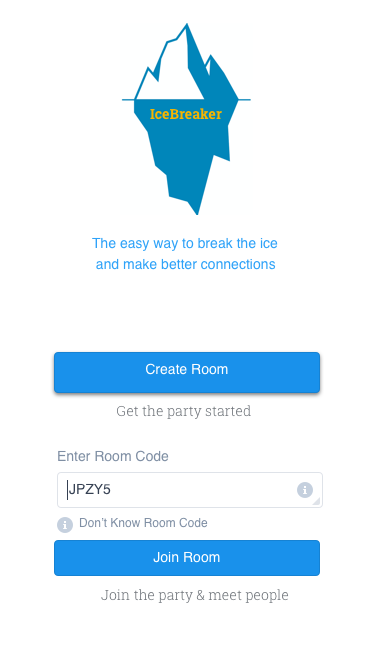
The user would download the app on their preferred app store. Once downloaded, they would arrive here. They can start or join a room.
-
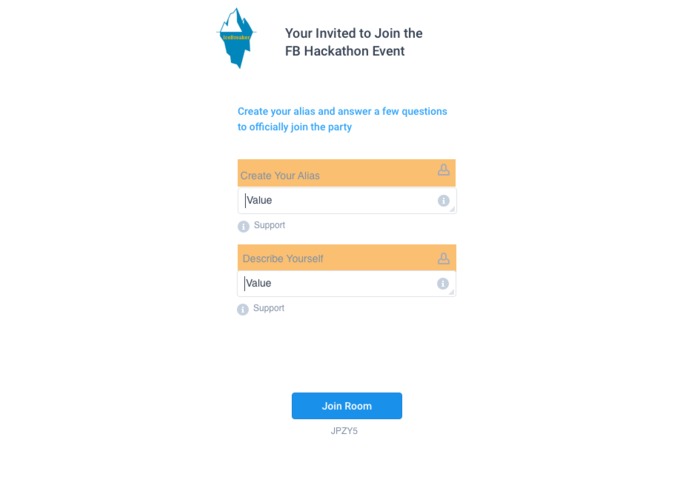
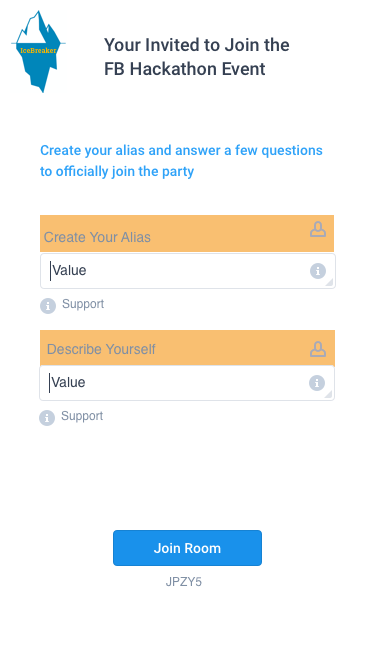
Join the FB hackathon room with the code that was shared from the room organizer. The user would create an 'alias' and enter a description.
-
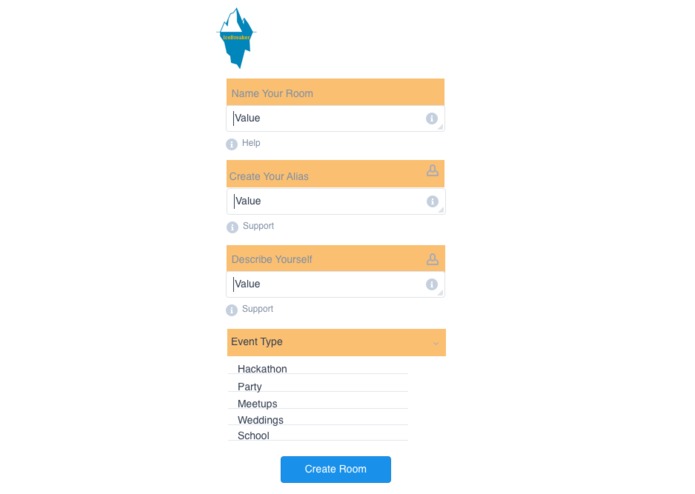
The user can also create a room for an event. They need to enter a name, alias as the organizer, description and what type of event.
-
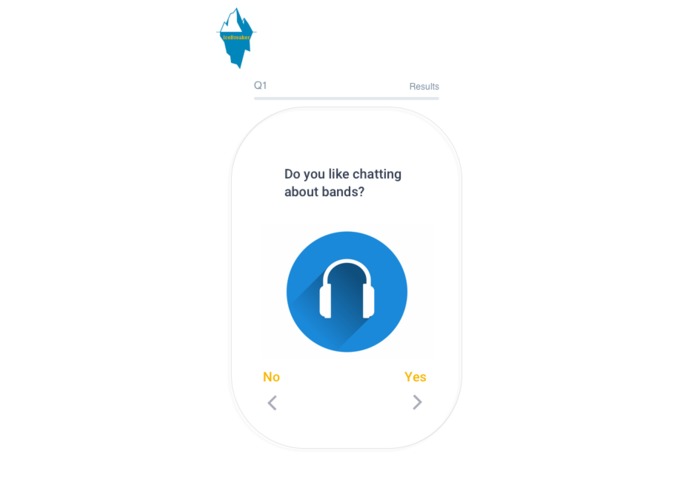
Depending on the type of event, these question will vary. We have mocked up a journey for a hackathon. Q1 asks about interest in music
-
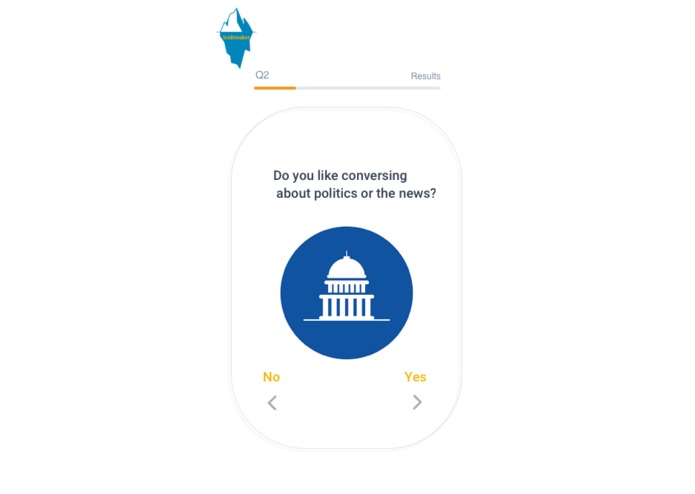
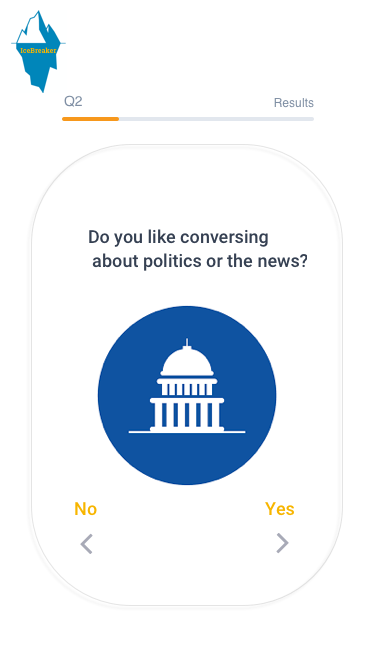
Q2 asks whether the user enjoys debating or discussing politics and the news. It intentionally does not include party affiliations.
-
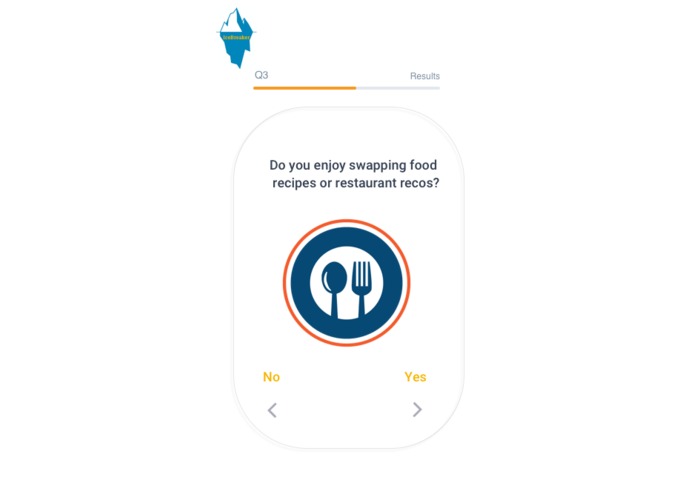
Q3 dives into the user's passion for food. From our research, we have found that foodies and chefs tend to talk about this a lot.
-
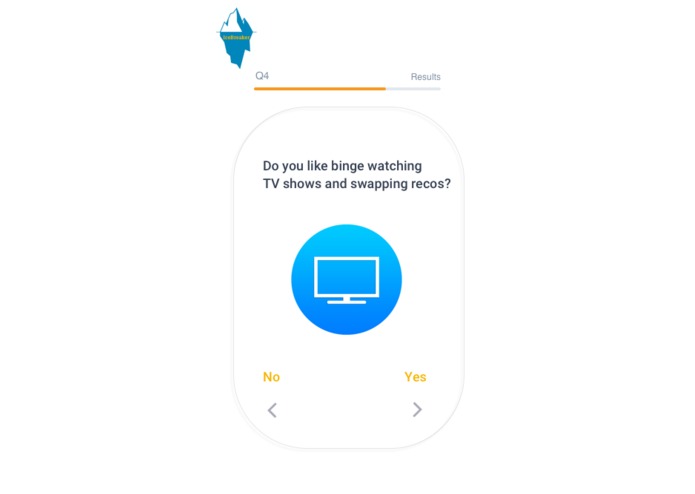
Q4 probes on the culturally relevant TV topic. Game of Thrones, Breaking Bad, Silicon Valley, etc. Debates & conspiracy theories are common
-
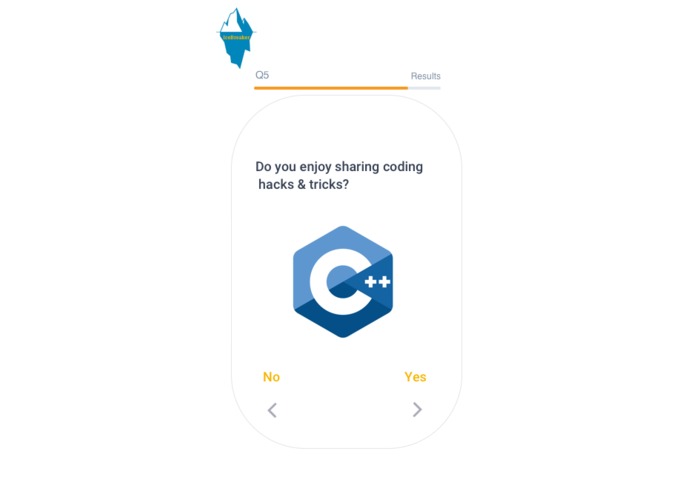
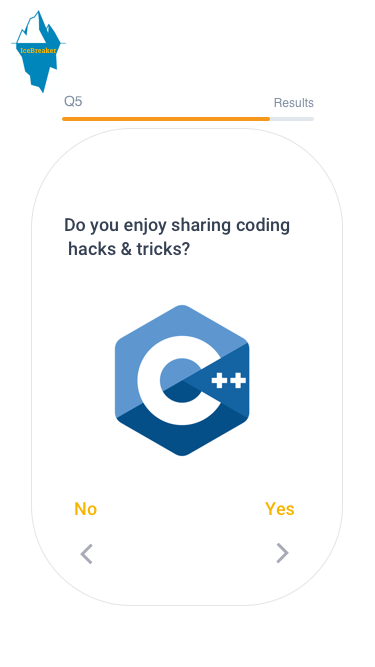
Q5 is event specific to the hackathon category. It helps distinguish what users like talking shop and trading tips.
-
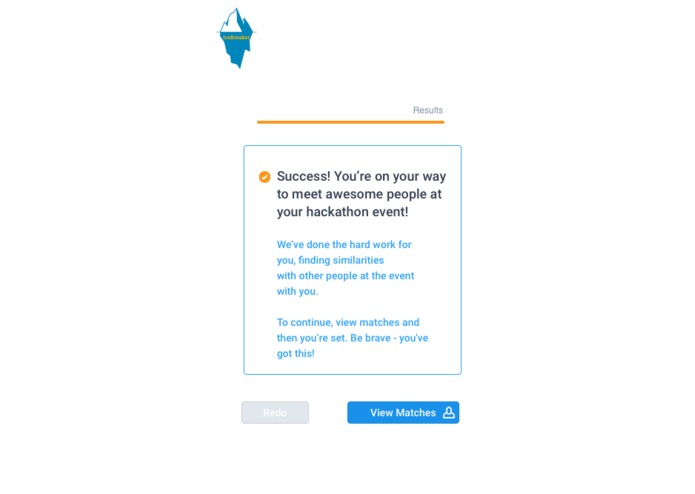
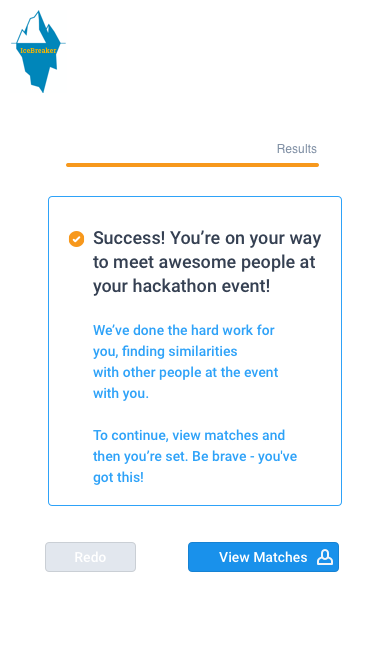
After all the setup questions are complete, this screen emerges to tell what users what to do next & how the algorithm works.
-
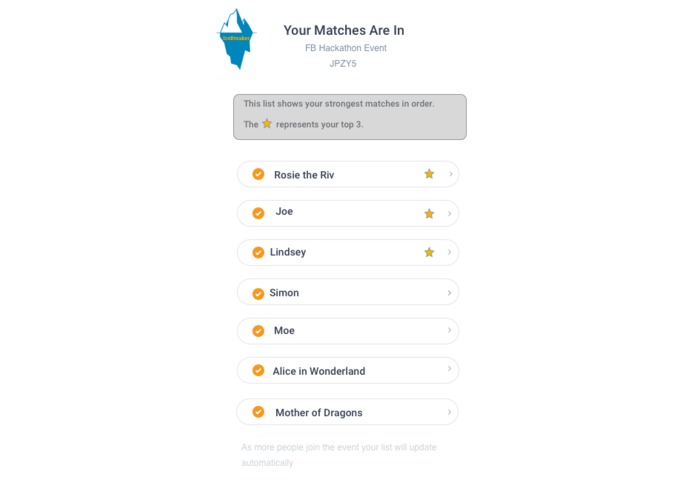
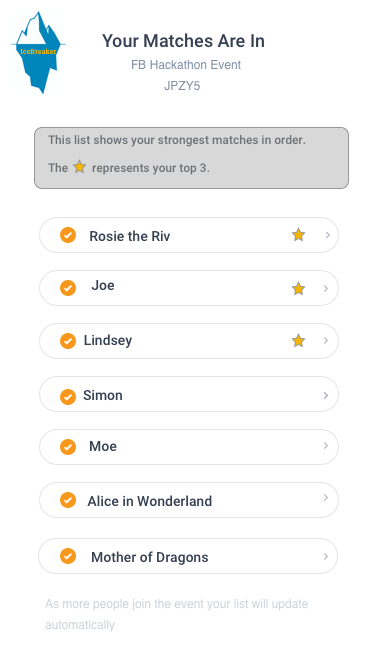
This tells the user who they've been matched with & what they have in common. The top 3 helps prioritizes aliases amongst the group.
-
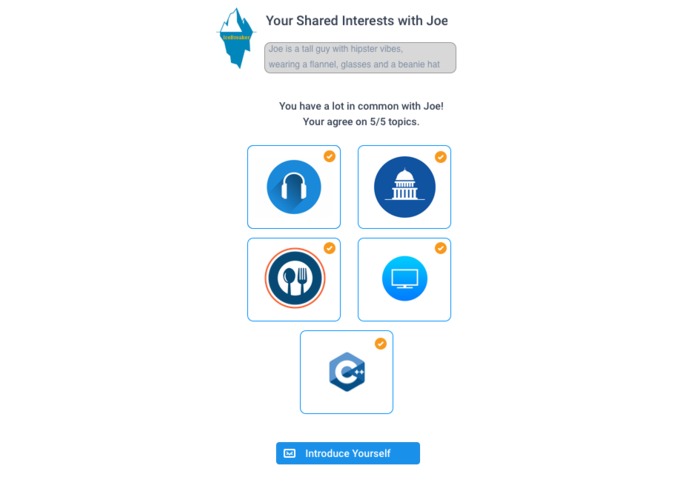
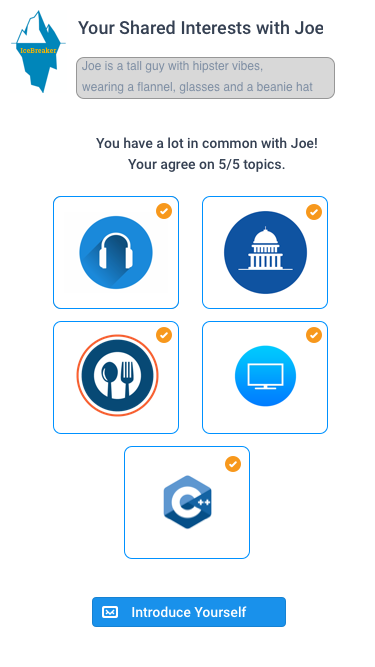
The match screen helps the user learn what topics & icebreakers they have in common with other attendees at the event, removing stress.
-
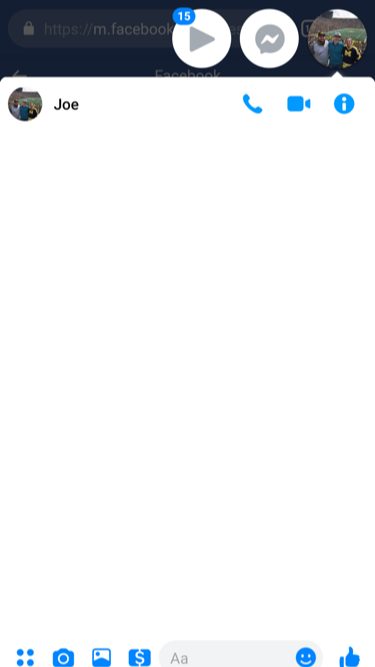
To break the ice before the event, our app will connect with Facebook messenger so that the user can connect before the event.




Inspiration
abcd

Log in or sign up for Devpost to join the conversation.