-
-
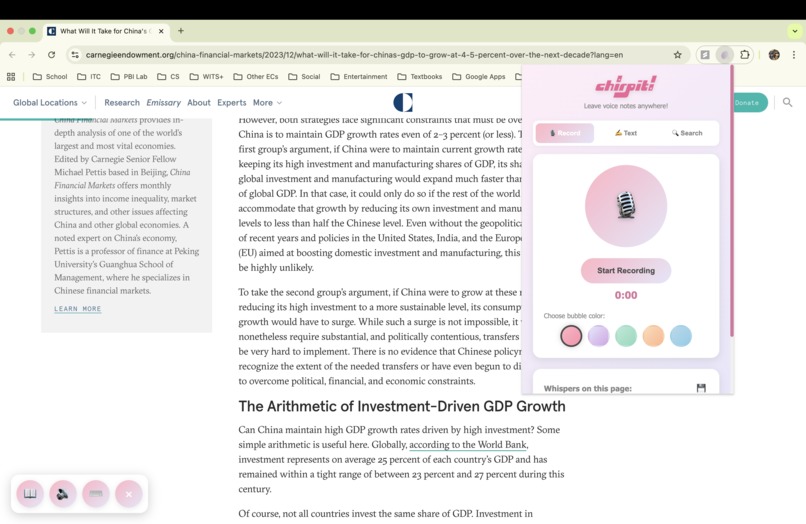
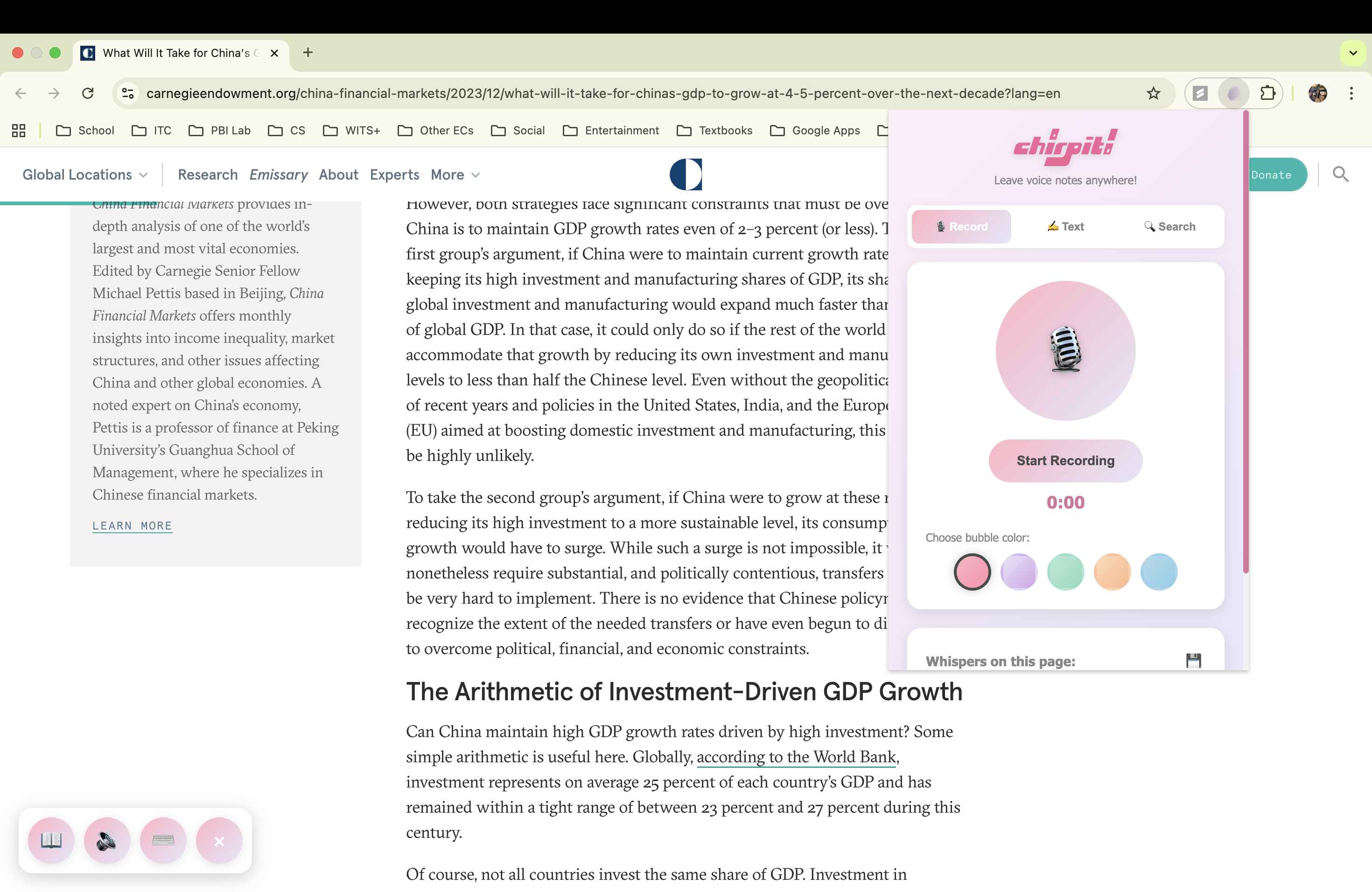
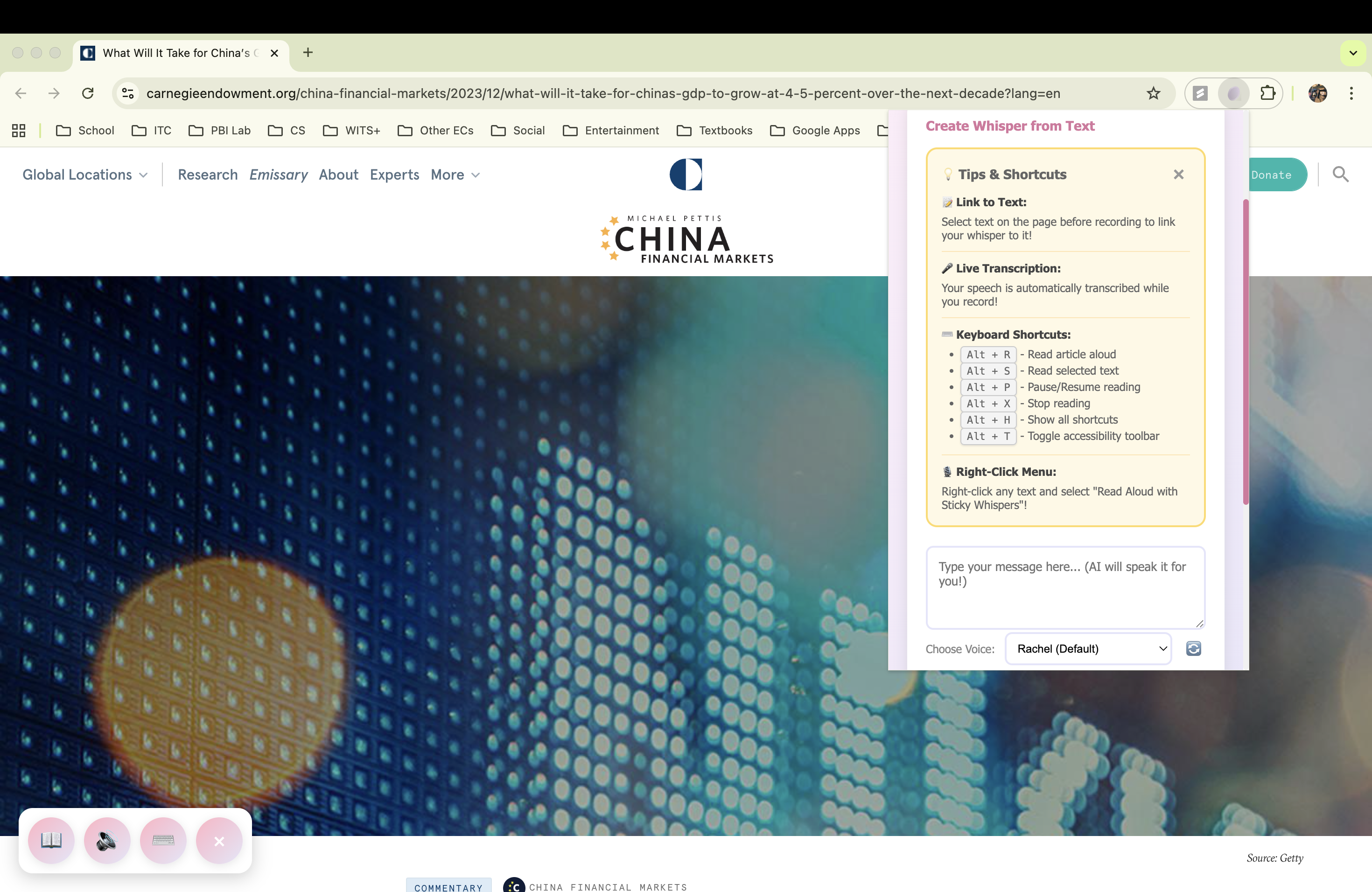
Popup and tooltip interface
-
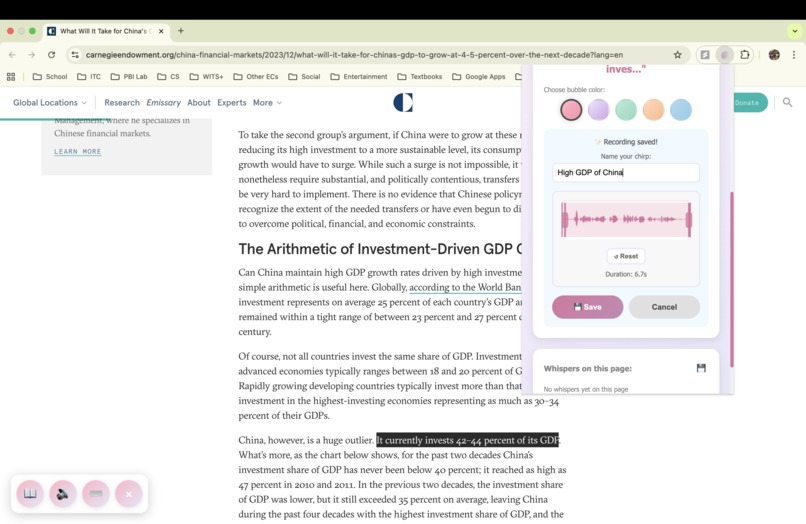
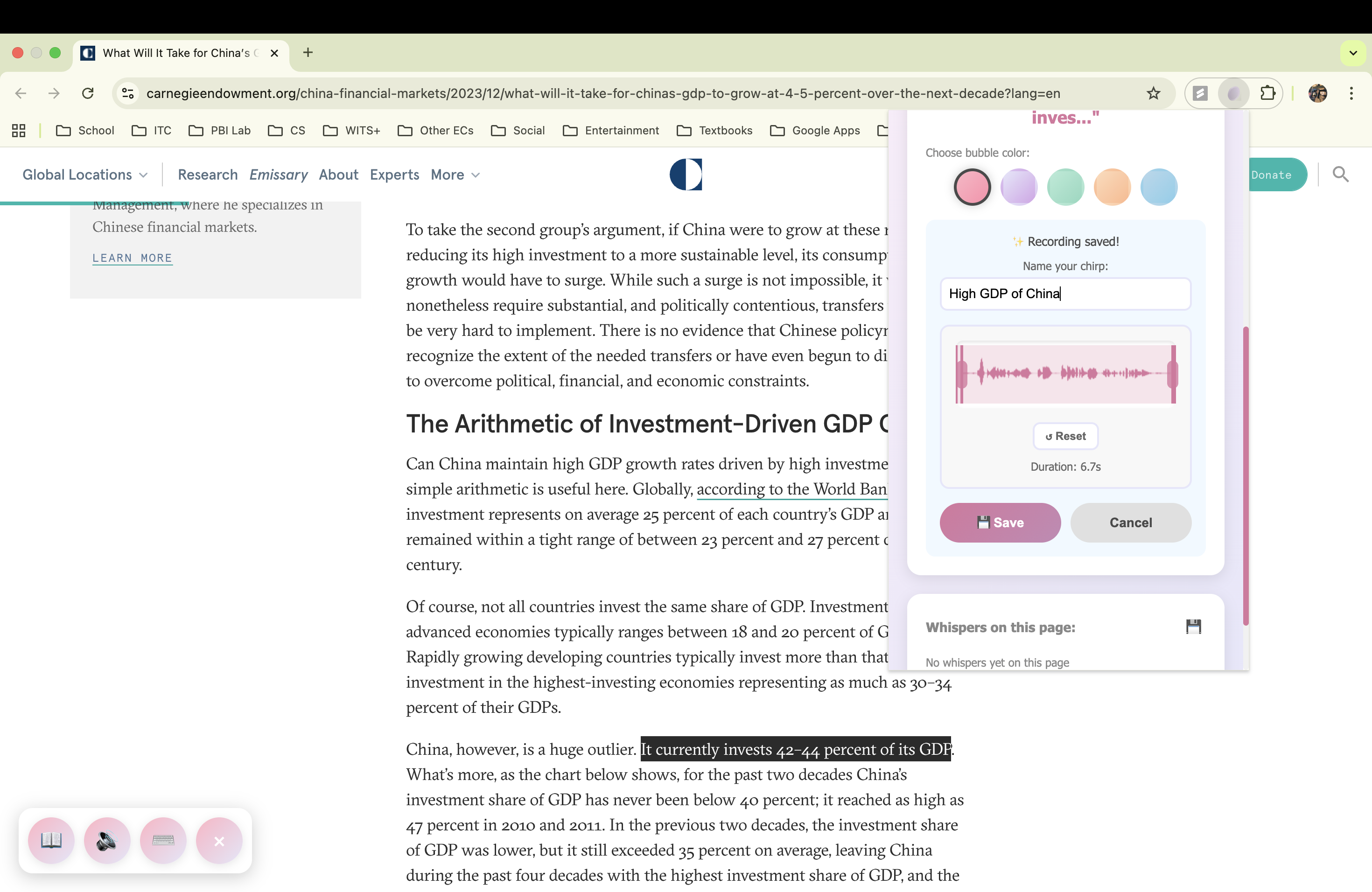
Recorded voice note
-
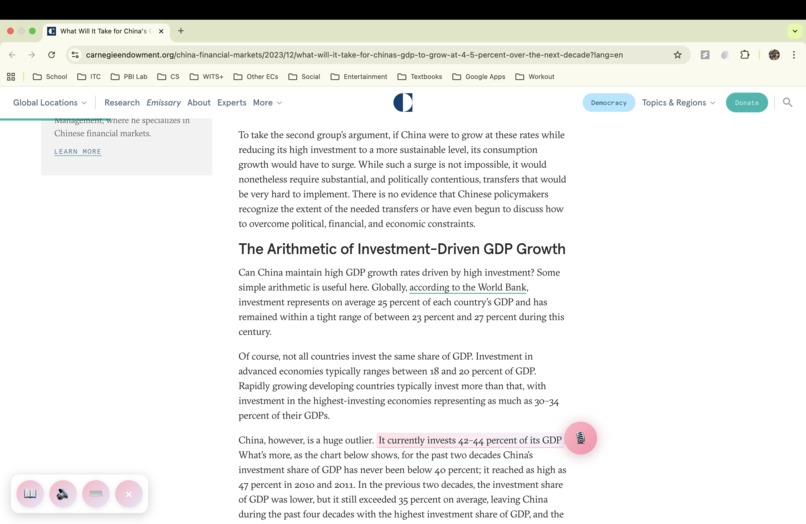
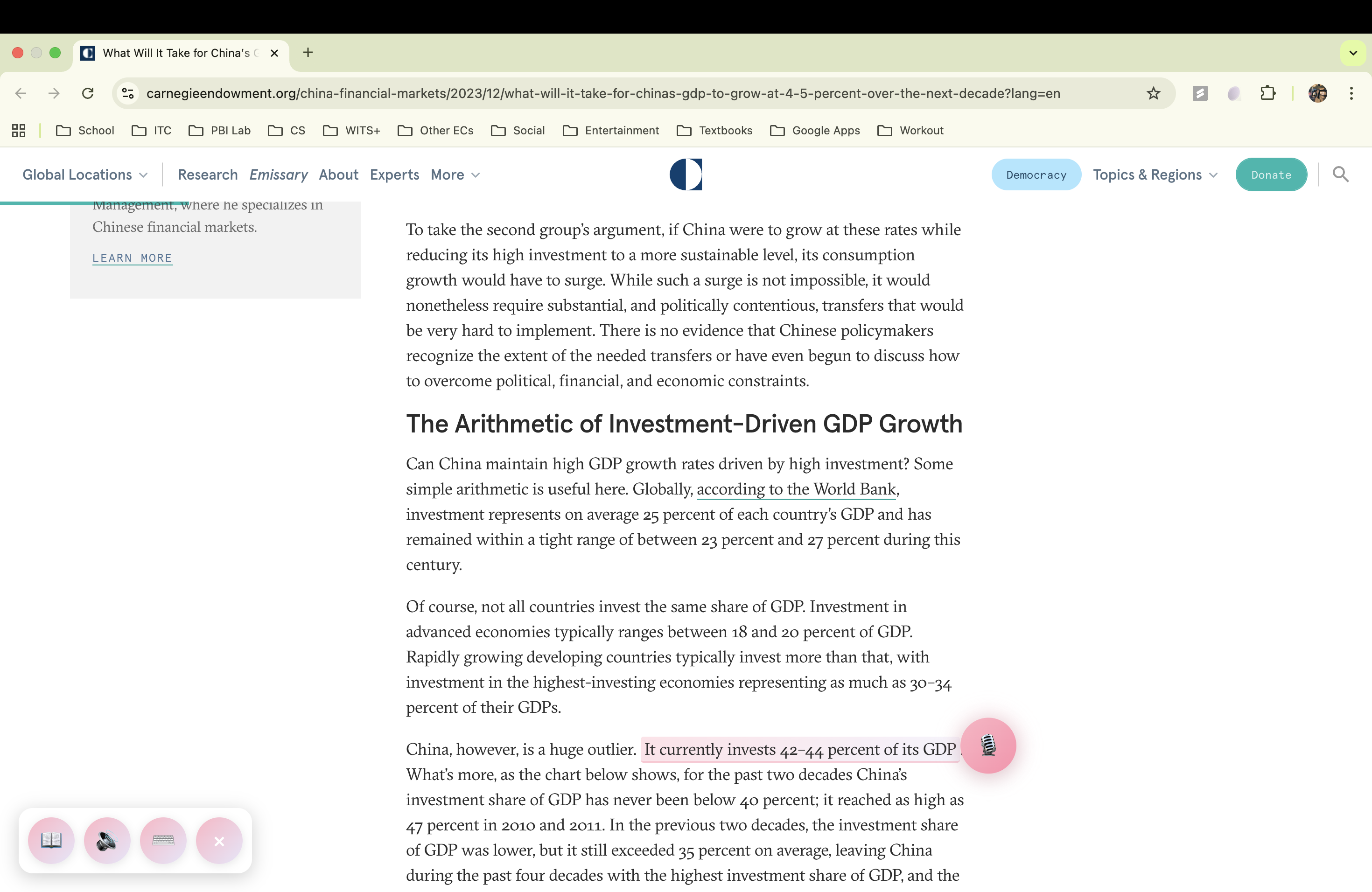
Attaching a recorded voice note to a highlighted text
-
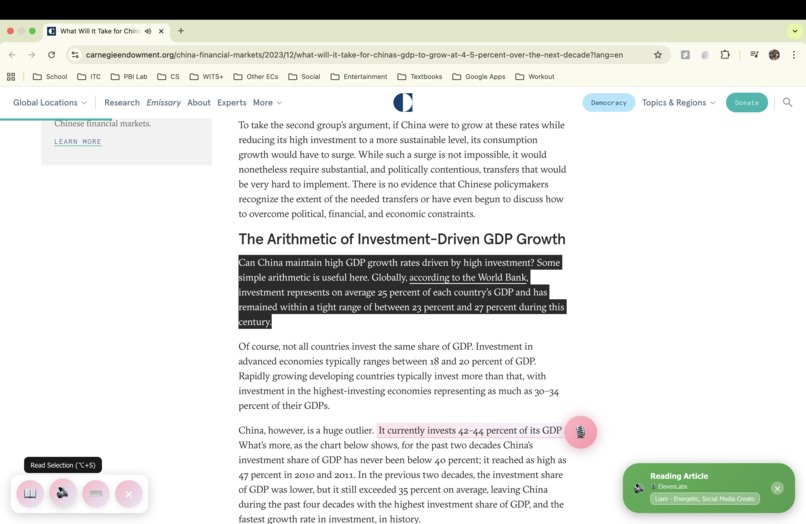
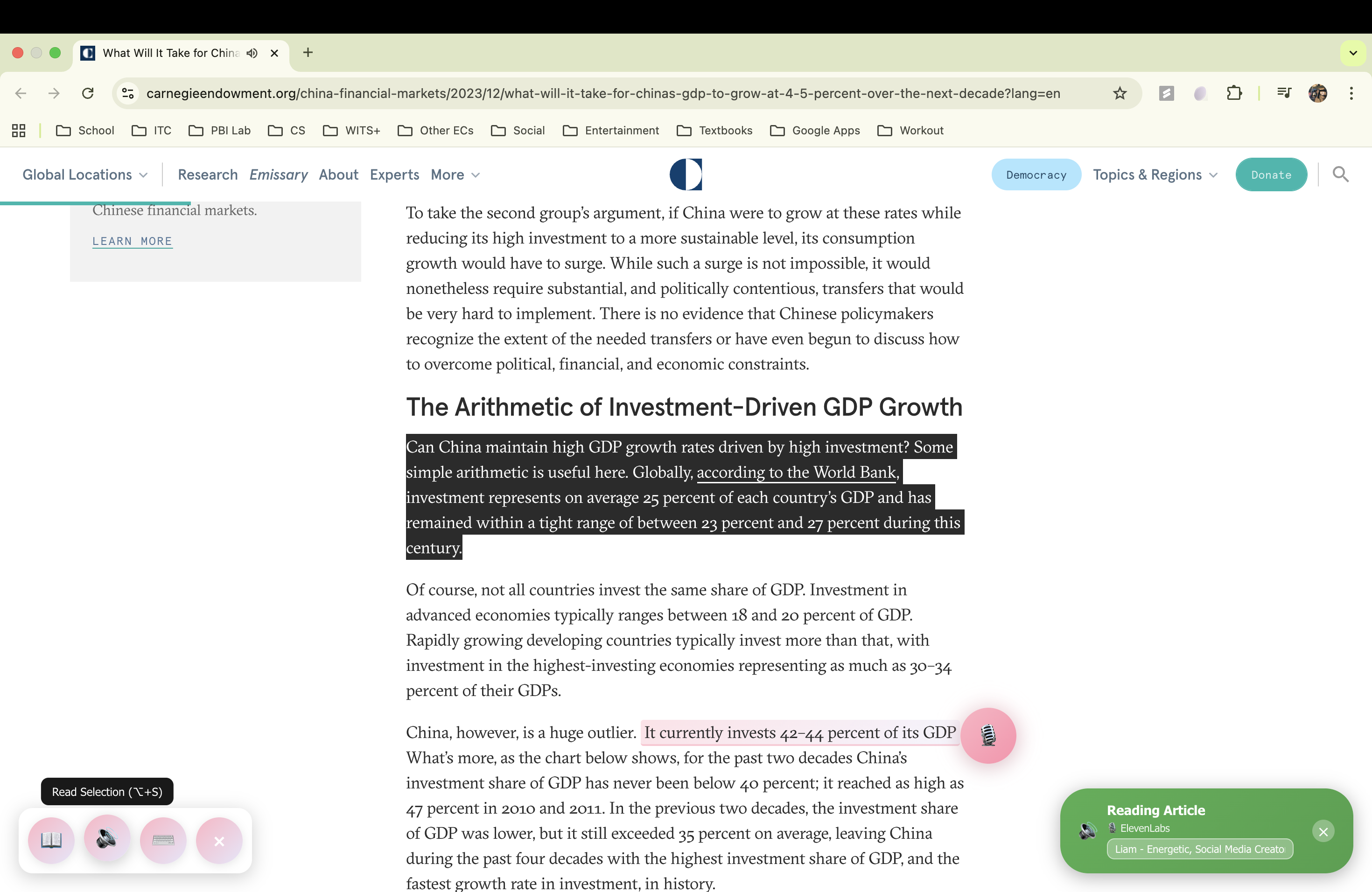
Customized speech for a highlighted text
-
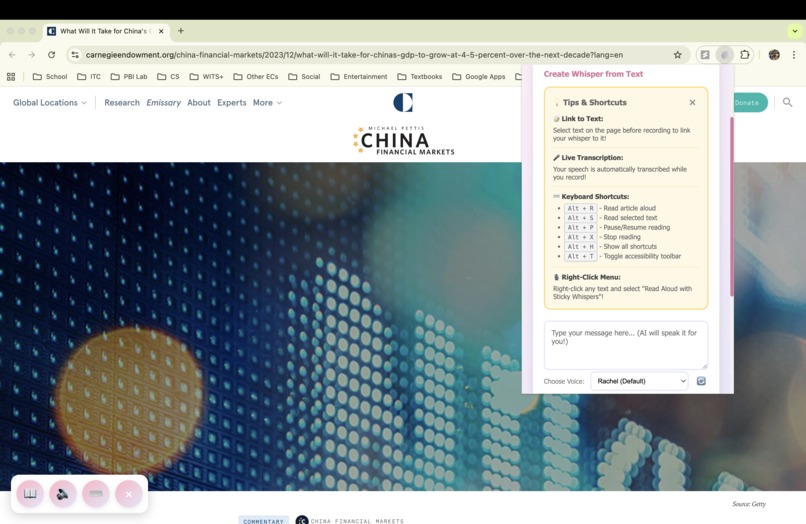
Create voice note from text
-
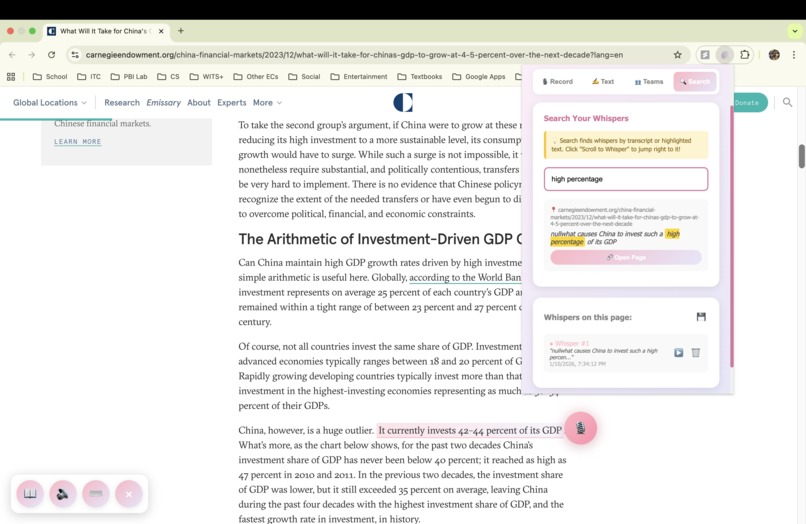
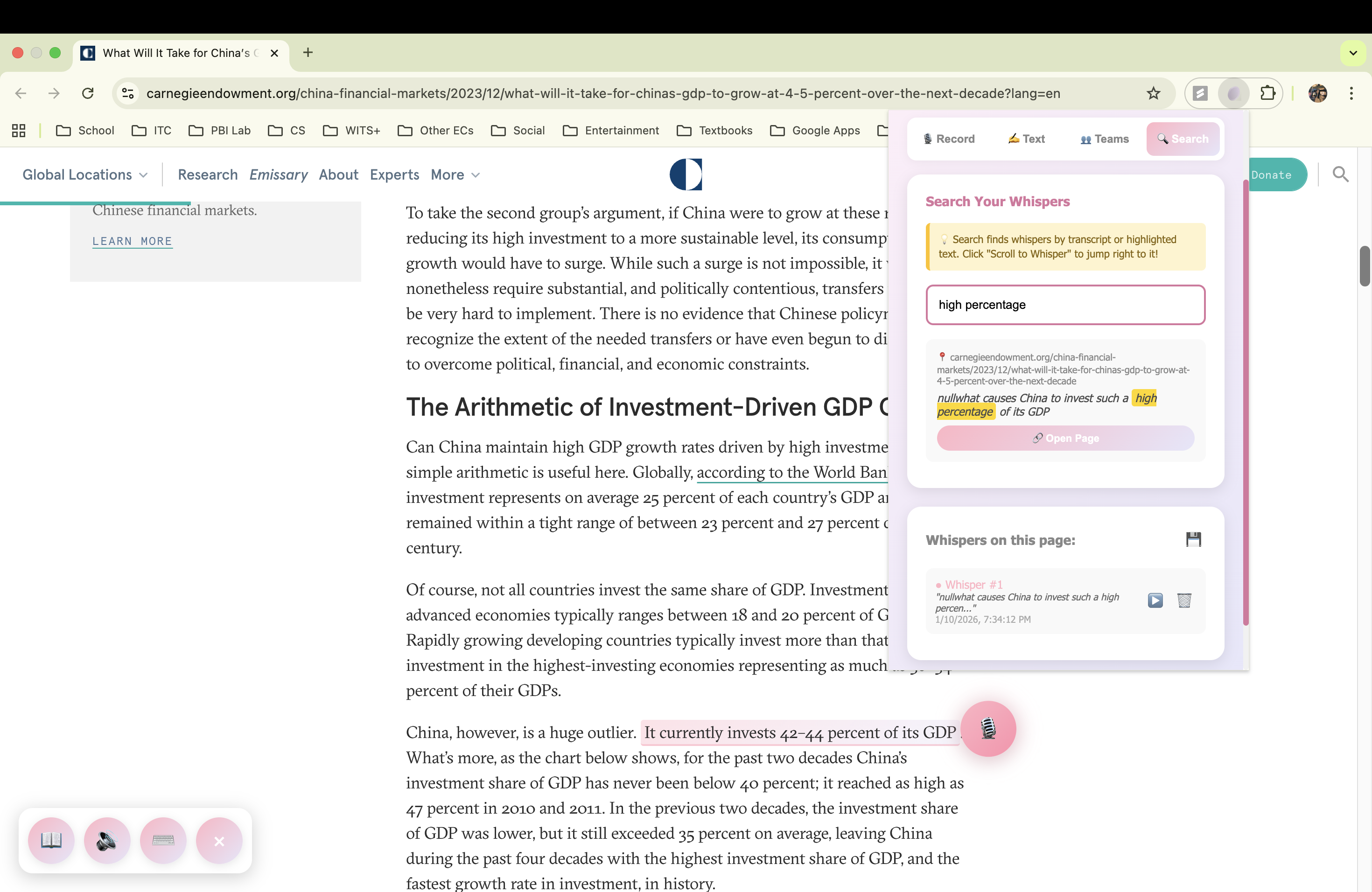
Search up a transcribed voice note
Inspiration
The web is still overwhelmingly text-first, and for many users with visual impairments, learning differences, or who think better out loud, reading, remembering, and navigating dense content can be challenging. We built Chirp It! to make the web more human and accessible by letting users interact with webpages through voice instead of just text.
What it does
Chirp It! is a Chrome extension that turns any webpage into a voice-first, collaborative annotation space. Turn any webpage into a conversation.
Users can:
- Record, edit, and pin persistent voice notes directly onto webpages
- Drag and place notes anywhere on a page, and revisit them in the same position
- Link notes to specific highlighted text for contextual playback
- Transcribe voice notes live while recording using ElevenLabs
- Create voice notes directly from typed text using AI-generated speech
- Read full articles or selected text aloud using natural, human-like voices
- Instantly play the voice note associated with highlighted text
- Search across all voice notes by transcript content or URL, and jump directly to their location on the page
To support accessibility and power users, Chirp It! includes multiple interaction layers:
- A floating accessibility toolbar that allows users to:
- Read the entire article aloud
- Read only selected text
- Switch between voices
- Pause, resume, or stop audio playback
- Global keyboard shortcuts for hands-free navigation
- A right-click context menu that lets users read any selected text aloud instantly
Chirp It! also enables collaborative learning:
- Users can create profiles and join or create teams using a shared code
- View, listen to, and interact with their team’s voice notes on shared pages
- See a heat map visualization highlighting where teammates are actively annotating content
Together, these features create a spatial, audible, and collaborative layer on top of the web, transforming static pages into accessible, interactive workspaces.
How we built it
Frontend / Extension
- JavaScript
- HTML & CSS
- Chrome Extension APIs (Manifest V3)
- Local Storage for persistent, privacy-first data
- DOM-based anchoring for draggable, page-linked voice notes
- Context menus and keyboard shortcut listeners
- Floating accessibility toolbar UI
- Client-side search over transcribed voice notes
AI & Voice
- ElevenLabs API
- Live speech-to-text transcription during recording
- Text-to-speech for reading articles, selections, and typed voice notes
- High-quality, natural voice generation for accessibility and clarity
Challenges we ran into
- Accurately anchoring voice notes to highlighted text across dynamic page layouts
- Making voice notes searchable and jump-to-location friendly
Accomplishments that we're proud of
- Live-transcribed, searchable voice notes that persist across page visits
- Multiple ways to interact: voice, keyboard, toolbar, and right-click
- Seamless AI-powered text-to-speech and speech-to-text using ElevenLabs
- Collaborative team annotations with heat map visualizations
- A polished accessibility-focused interface that works out of the box
What we learned
- Designing inclusive, voice-first experiences for diverse users
- Building rich Chrome extensions using Manifest V3
- Integrating real-time AI transcription and playback in the browser
- How small UX touches (shortcuts, tooltips, context menus) dramatically improve accessibility
What's next for Chirp It!
- Voice note search and filtering
- Sharing voice notes across devices
- Smarter text-to-note linking for long documents
- Expanding accessibility features
Built With
- chrome
- css
- elevenlabs
- html
- javascript

Log in or sign up for Devpost to join the conversation.