-
-
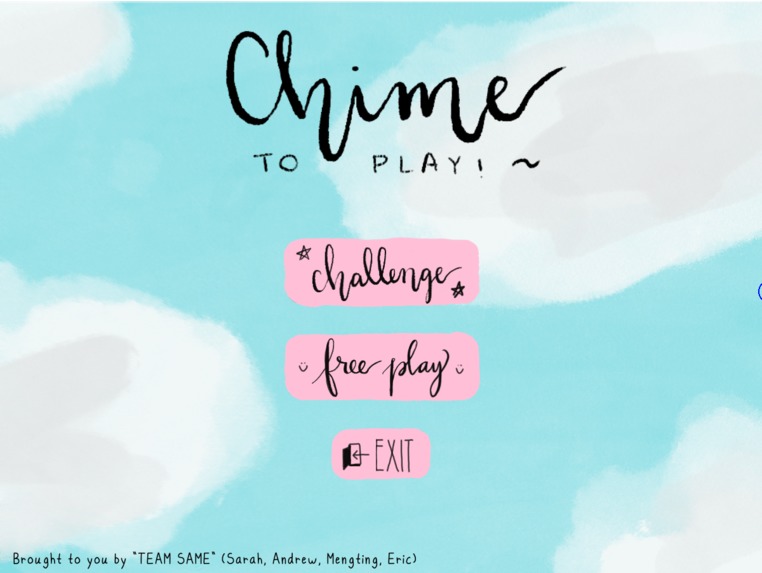
Main Menu of Chime to play
-
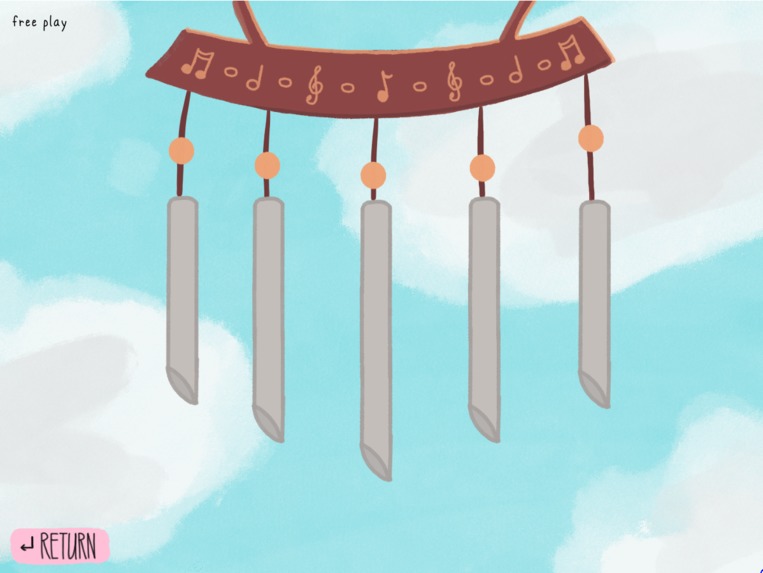
Free-play mode
Inspiration
We wanted to create a program that simulated an instrument, but we also wanted it to be special and unique. After thinking about different types of instruments such as piano and guitars, we quickly realized that their simulations have already been made by many many people. Then we started to think about unorthodox "instruments" (anything that makes a sound), and we came to wind chimes. Wind chimes can be considered as a musical instrument, but it is not typically something that people play.
What it does
The code simulates 5 notes of wind chime sounds that will activate once the cursor (wind) touches the chimes. There are 2 modes to the program: challenge and free play. In challenge mode, notes will be played for the user to replicate like a Simon Says game. In free play mode, the user will be able to freely play around with the chimes and make their own tunes!
How we built it
We used the pygame library in python to code most of the visuals and game mechanics. The physics of the game is made using a pendulum simulator which makes the chimes swing back and forth when touched. All of the artwork and visual assets for the program was created in Procreate, and all of the audio was created in FL Studio. We shed many tears for this. Please like it.
Challenges we ran into
Practically everything we did for this program had problems. The problems ranged from finding the right math, to playing sound, to python interpreter committing seppuku.
Accomplishments that we're proud of
We are very proud of our not shown physics created by Andrew, our beautiful music created by Sarah, our cute artwork by Mengting, and the background connecting work by Eric!
What we learned
We learned that no matter how simple we think our program is, it will still take more time than expected.
"I can code the physics in one hour" 20 hours later... "I made the shirt, but the shirt does not fit"
What's next for Chime to play!
We are thinking of implementing more tunes for the player to challenge as well as embedding our physics into the program to make it look better.


Log in or sign up for Devpost to join the conversation.