-
-
Popup Extension
-
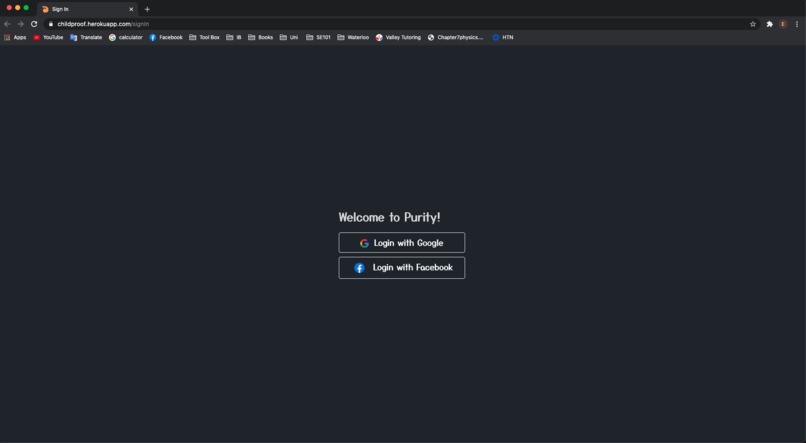
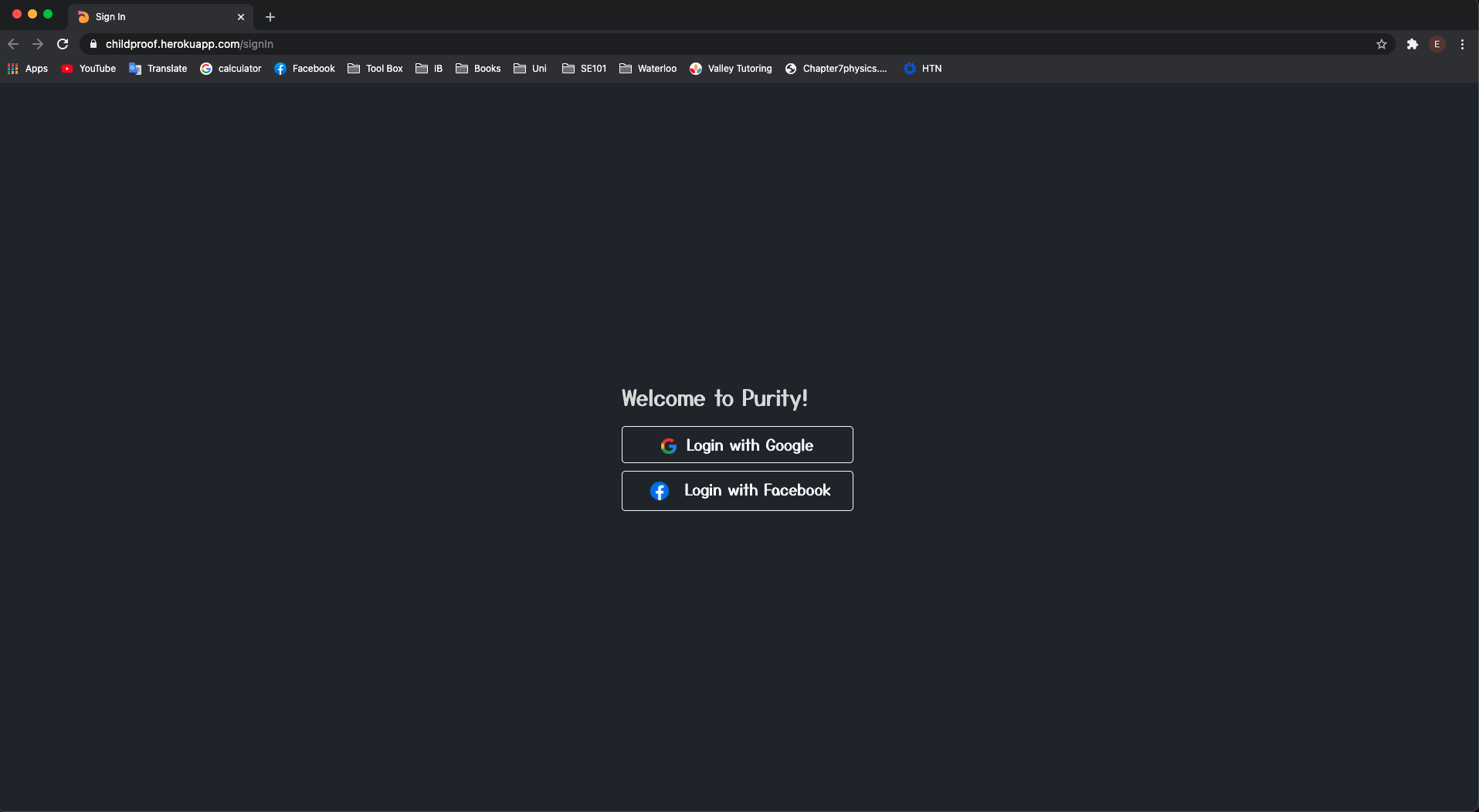
User Sign In Page
-
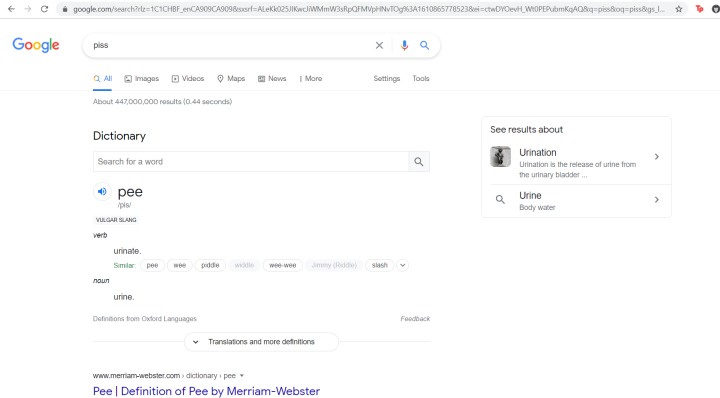
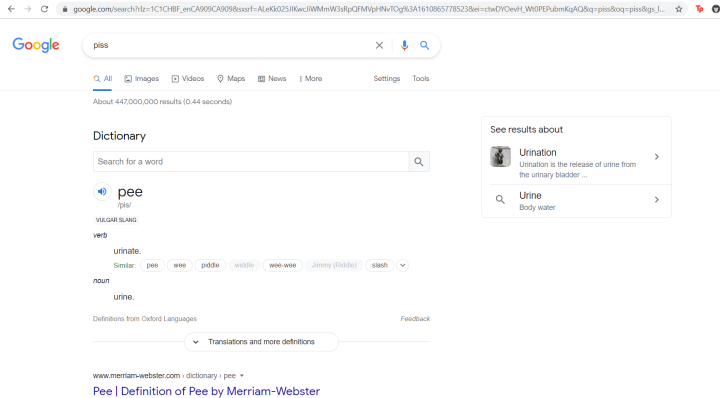
Text Replacement Example
Childproof-extension
Inspiration:
From the political unrest in the United States, to the Coronavirus Pandemic, the inspiration for Purity came from the current state of the world. We are collectively living through one of the darkest times in modern history, and the world is especially scary to children who are growing up in the midst of all this. We want our project to be able to make the world a happier and safer place for children
What we learned:
This was our first hackathon for all of us. We of course learned a lot of technical skills such as how to design and build a chrome extension from scratch (something which none of us had done before), how to implement new APIs, and use Databases, but there was much to learn from working in a team in terms of soft skills. We learned how to communicate efficiently, provide proficient feedback, organize in a way that would increase productivity, and problem solve and make important decisions as a team. Finally, as cliche as it is, we learned that anything is possible. Progress was slow on Friday night, and many of us were left wondering if we would be able to finish this project on time. With that said, we stuck with it and we were able to get a significant amount done on Saturday.
How We Built It
Purity is built mainly with JavaScript (Node.js), HTML and CSS. We wanted to simplify the sign in process for parents, therefore we incorporated Google and Facebook sign in methods using the Facebook and Google Authentication APIs. Once the parents are logged in, they have the ability to add web addresses they would like to blacklist. These web addresses are then stored as strings inside a MongoDB database. By accessing these string objects, we were able to use Chrome extension APIs to block the children from visiting these websites. Purify has also implemented a word filtering and a graphics blurring system using the Chrome extension API and Google Cloud Vision API to make web searches safer for children. We also used Chrome extension APIs as well as functions to scan each webpage for inappropriate or difficult-to-understand words and replace them with appropriate words for children.
Challenges:
When brainstorming ideas for our project, we first wanted to do a web development project, as we all have experience in web dev. However, we decided that we wanted to push our limits and do something that none of us had previously done. Like we mentioned before, none of us had any experience when it came to designing and building a chrome extension, we all had transferable skills such as HTML, CSS, EJS, however we all had to spend substantial time learning the ins and outs of chrome extension development. Consequently, we ran into a handful of minor challenges, although we were able to collaborate to fix these issues in a short amount of time. With that said, we had some trouble at the beginning when it came to communication, or lack thereof, although it improved significantly as time went on. There were a few instances where time was wasted and code had to be scrapped because we were not all on the same page when it came to understanding what exactly our project was going to look like. We also encountered a couple of rather hard-to-fix issues with Facebook OAuth. During development, upon signing in with facebook, the webpage for the chrome extension would oftentimes throw up an error that either said the site couldn’t be reached due to a typo, the site doesn’t have a private connection, or that the app was not set-up.

Log in or sign up for Devpost to join the conversation.