Inspiration
Most finance apps ask you to create an account, link your bank and hand over your data before they are useful. We wanted the opposite: a private money book that works offline from the first launch, for individuals, households and small businesses, and lets you record spending the way it actually happened — by typing a sentence, saying it out loud, or snapping a receipt.
What it does
Chicken Bank is a finance app for iPhone, iPad and Mac.
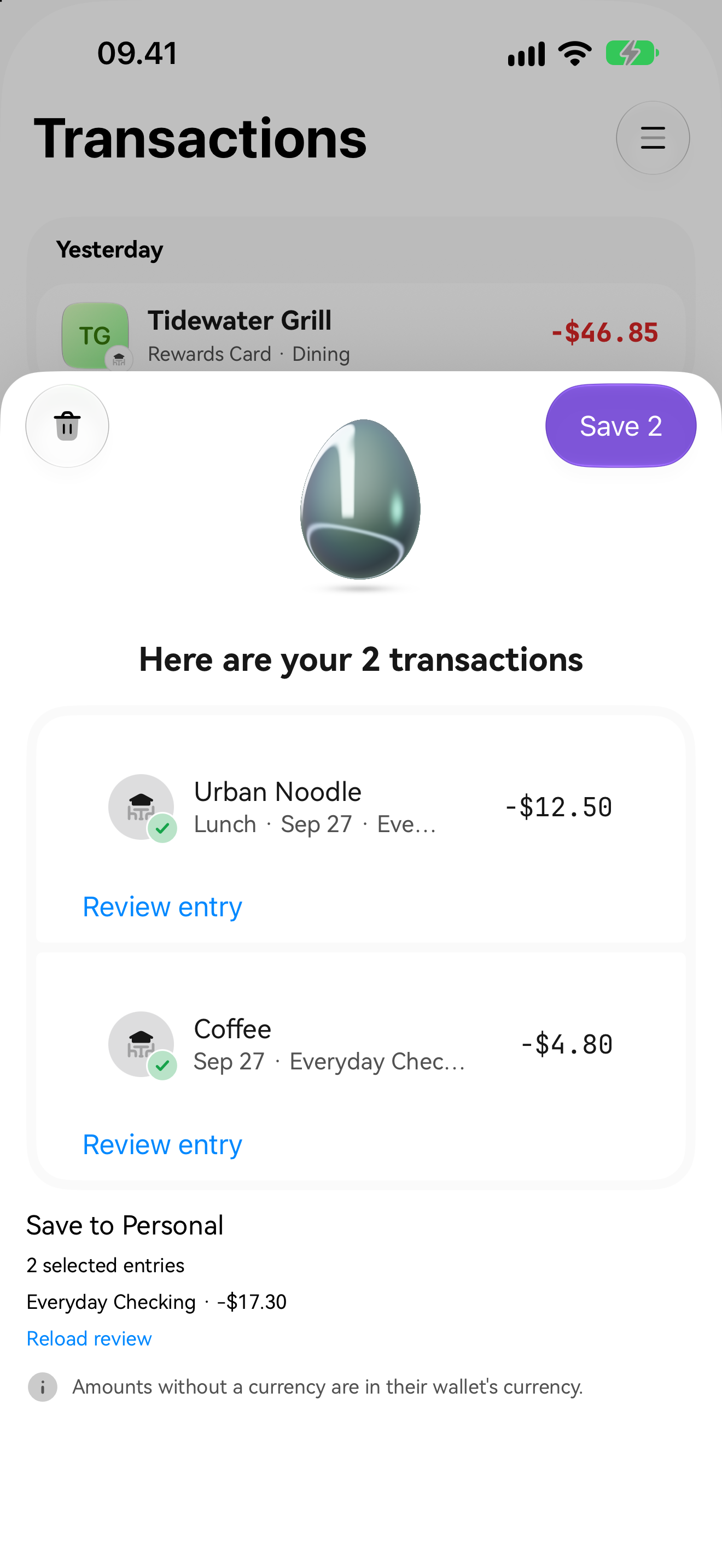
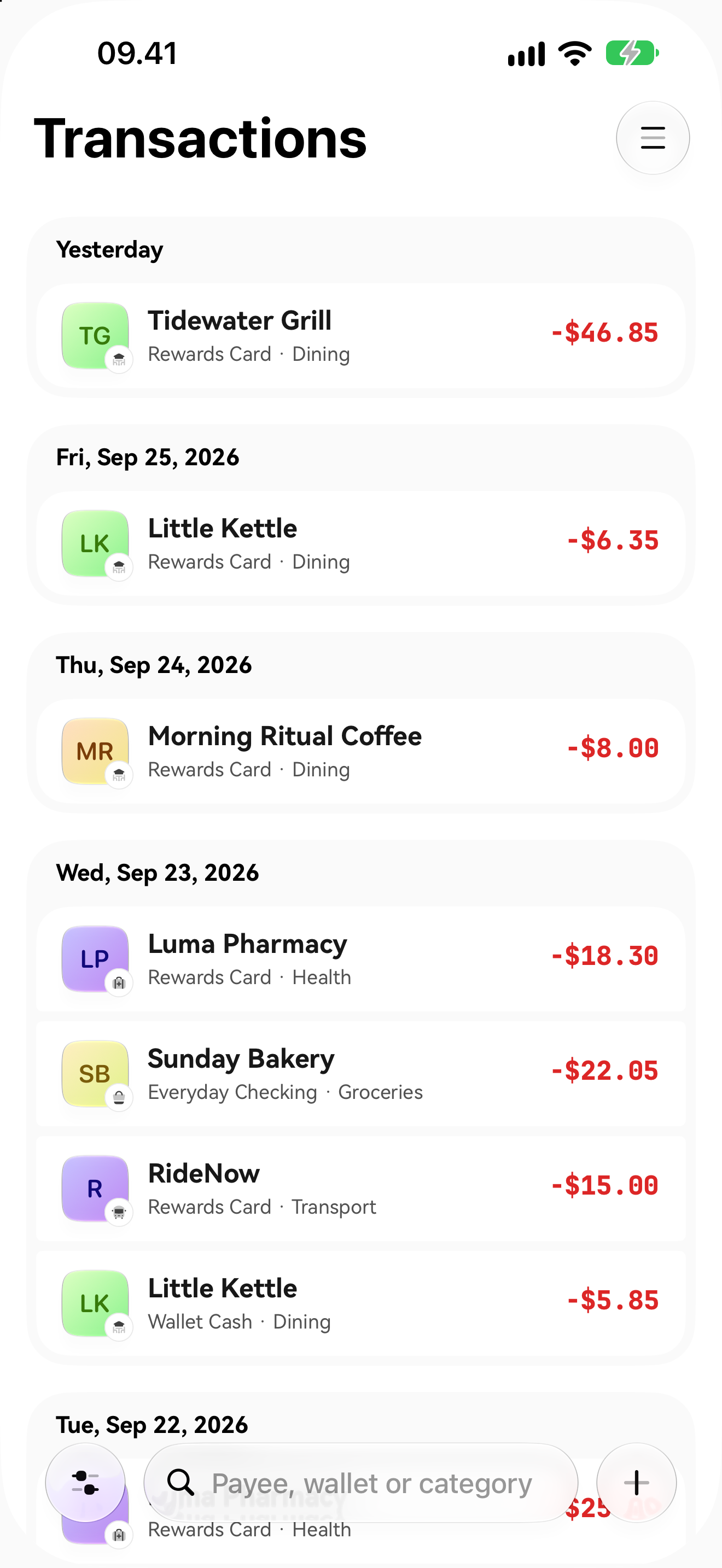
- Capture the way it happened. Type or paste "lunch 84,000 and a taxi home 32,500", record a voice note, photograph a receipt or open a PDF statement. Each reading comes back as drafts to review; nothing is added to the book until you save it.
- Read on your device. Reading uses Apple's on-device models where the device supports Apple Intelligence and the app's own rules everywhere else. Documents, photos and voice never leave the device.
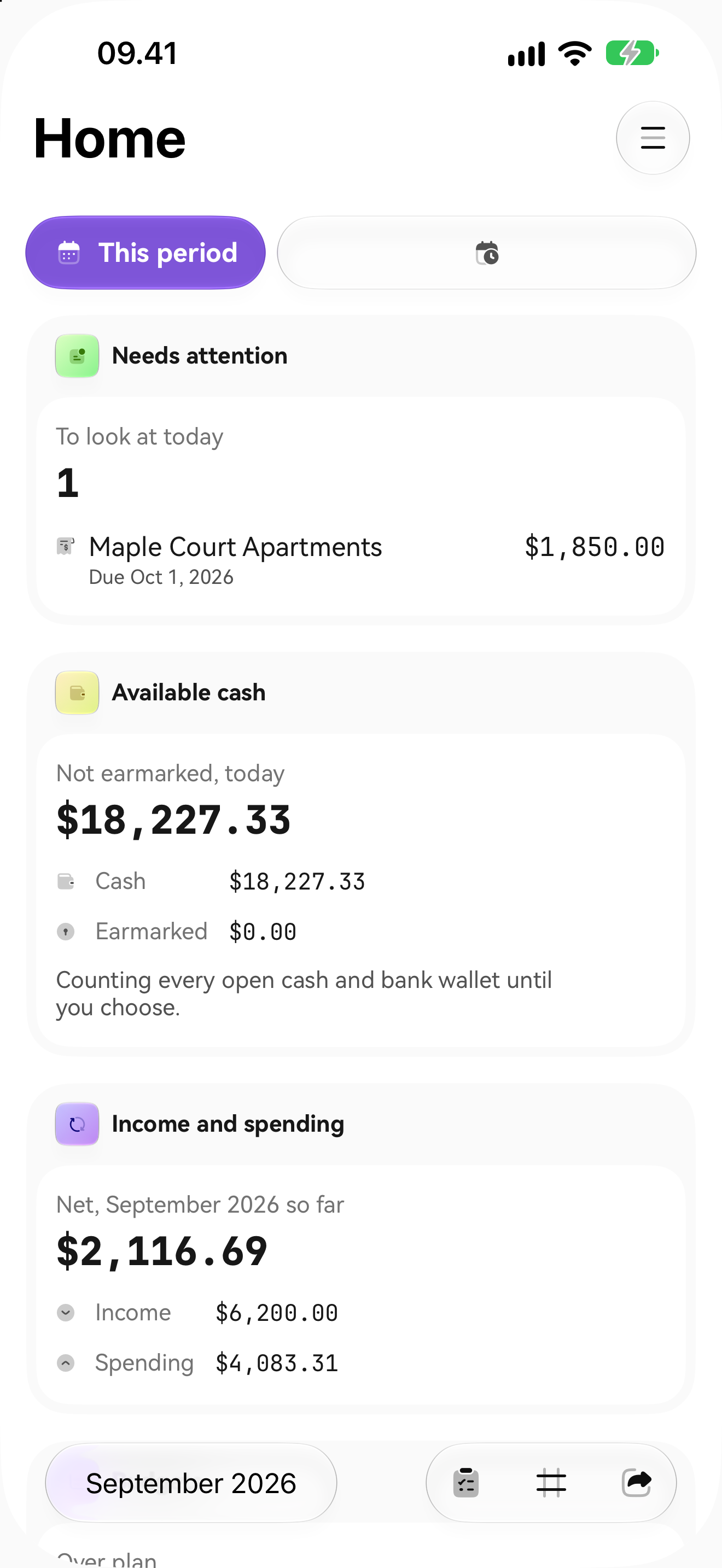
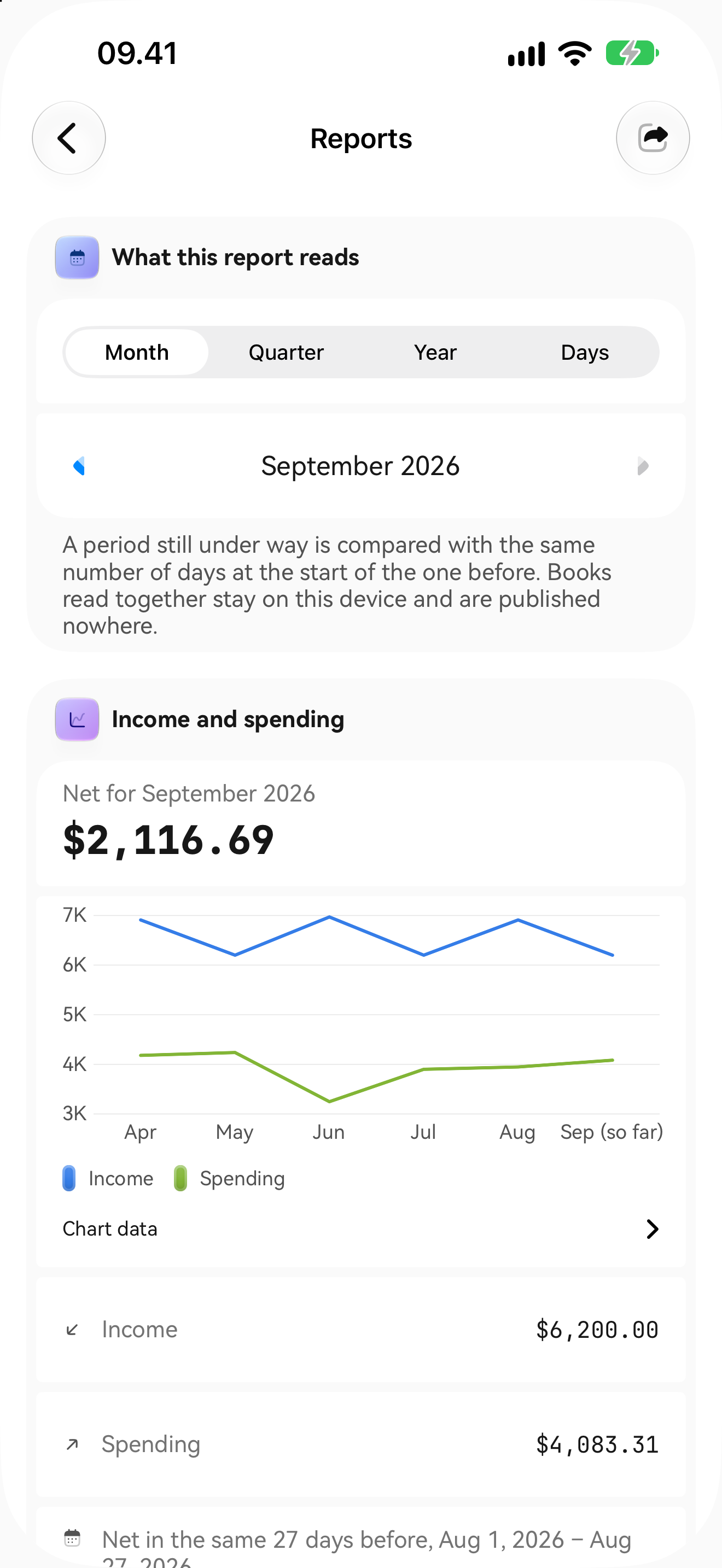
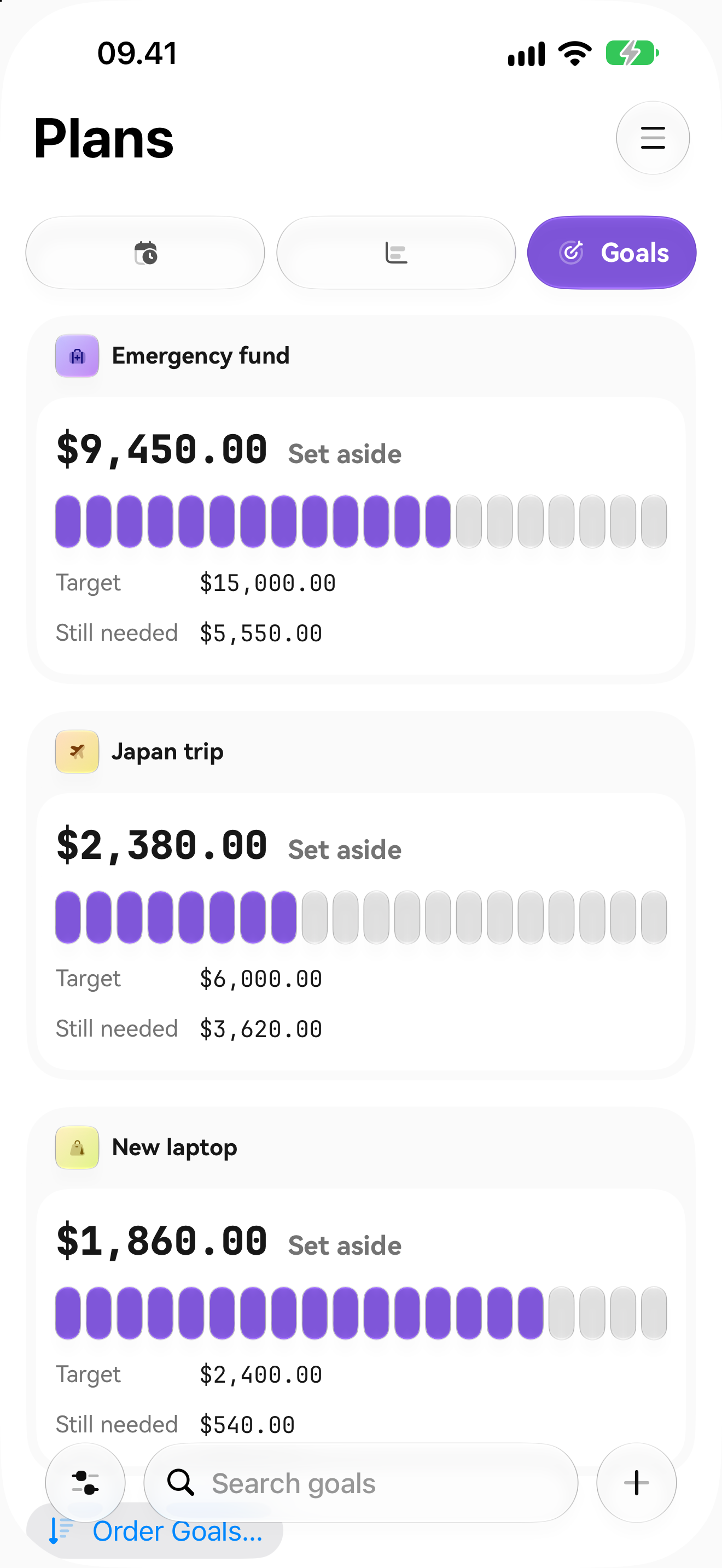
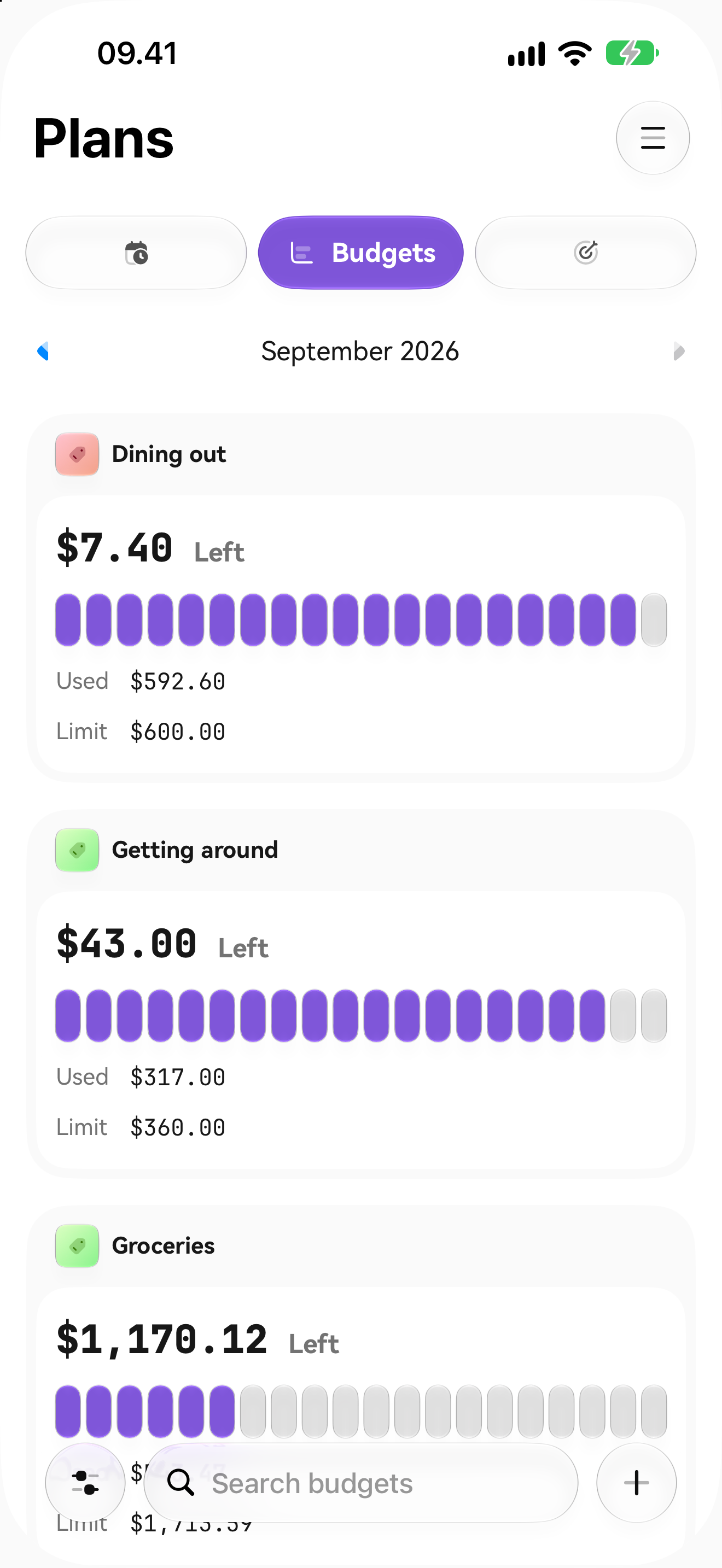
- A book for each part of life. Separate personal, household and business books with their own currency and time zone; wallets for cash, bank, savings, cards and loans; splits, transfers, refunds, budgets, goals, recurring bills, debts and reports.
- Private by design. Books are encrypted at rest with a key in the keychain, optional Face ID / Touch ID lock, encrypted backup with a recovery key only the user holds, CSV export, and no analytics, ads or tracking.
- Chicken Bank Plus with RevenueCat. Optional premium plans are sold through RevenueCat: a RevenueCat paywall, Restore Purchases and Customer Center for managing the subscription, with entitlement state read from RevenueCat's customer info stream.
How we built it
Native Swift 6 and SwiftUI with one shared implementation of the financial rules across iPhone, iPad and native Mac. The code is split into a local Swift package (BankDomain for checked money and ledger rules, BankStorage for SwiftData and encryption, BankIntelligence for Apple Speech, Vision OCR and Foundation Models, BankUI for the design system and features) plus a thin app target for composition.
RevenueCat (StoreKit 2, RevenueCat SDK 5.91.0 with RevenueCatUI) lives behind a small SubscriptionService port in the domain, with one adapter in the app target. The SDK is configured only after the reader chooses See Plans, Manage Subscription or Restore Purchases, uses RevenueCat's anonymous App User ID, and never receives any financial data. An entitlement that fails verification grants nothing. In Debug builds, Plus is sold through RevenueCat's Test Store; the submitted App Store build 1.0 (3) ships without paid plans.
Challenges
- Keeping the interface responsive while OCR, speech and on-device models run, using explicit actor isolation and bounded, cancellable work.
- Making AI output reviewed candidates rather than authority: every draft is validated in Swift and the user approves it before anything is posted.
- Adding a subscription SDK to an app whose promise is that nothing leaves the device, so billing is opt-in, lazily configured and isolated from the book.
Accomplishments we're proud of
Build 1.0 (3) is in App Store review with encryption, offline use, four interface languages (English, Indonesian, Arabic, Mexican Spanish) and a native Mac layout, all sharing one financial core.
What we learned
Small ports at real boundaries (billing, storage, intelligence) made it easy to add RevenueCat without letting it leak into the domain, and made every piece testable with in-memory fixtures.
What's next
Enable the App Store products and paid plans after review, gate Plus capabilities behind the RevenueCat entitlement, add the offline grant policy, and finish iCloud sync and device/Mac verification.

Log in or sign up for Devpost to join the conversation.