-
-
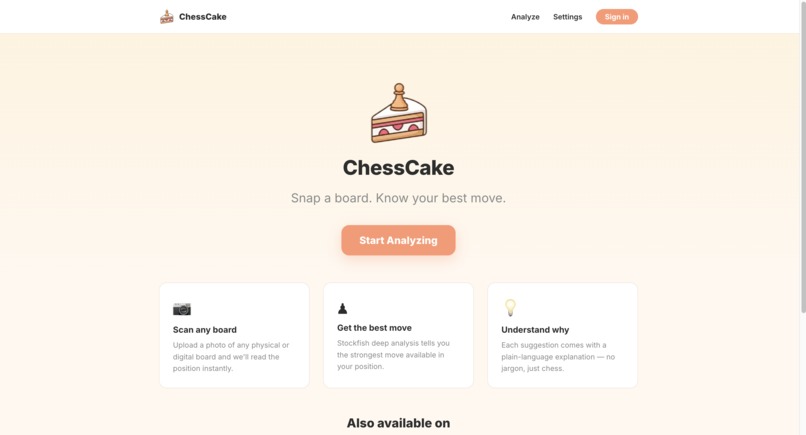
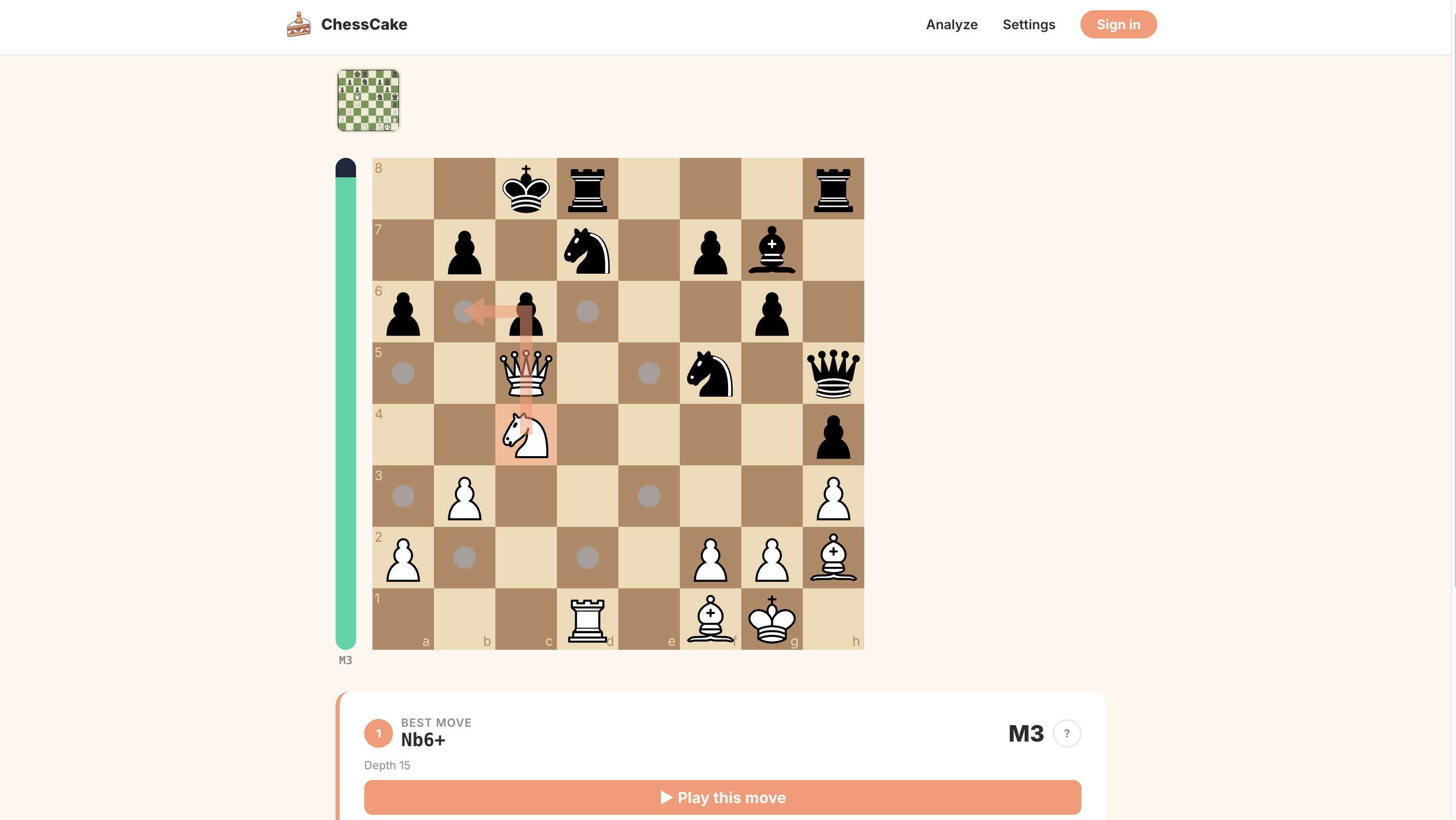
[Web App] ChessCake
-
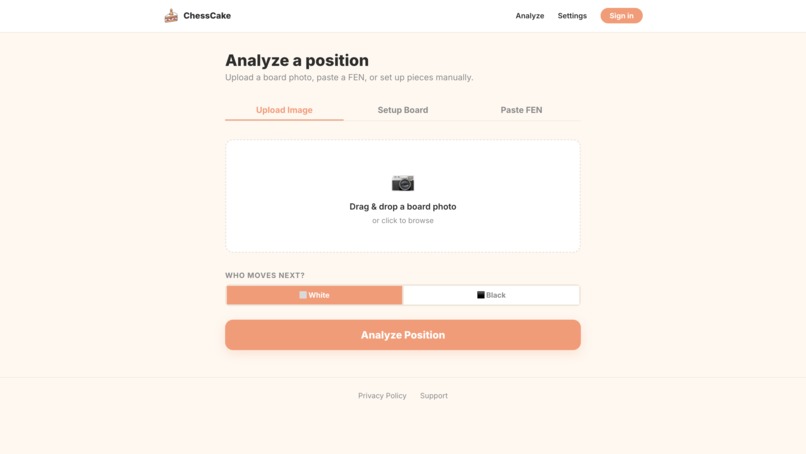
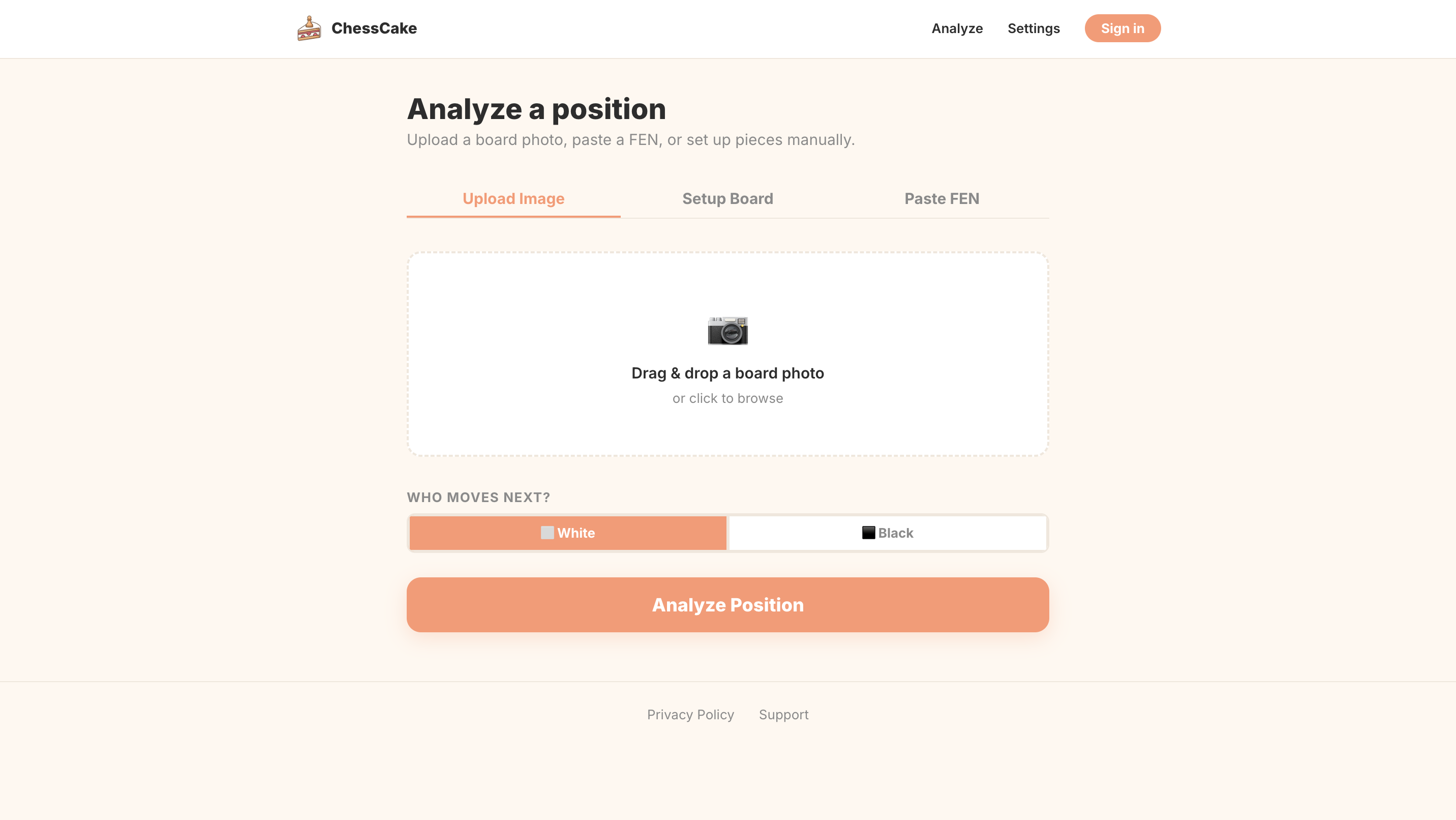
[Web App] ChessCake asks for board image input
-
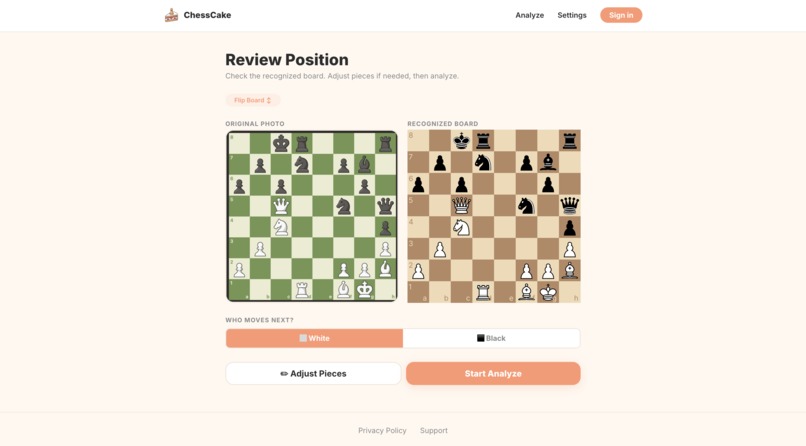
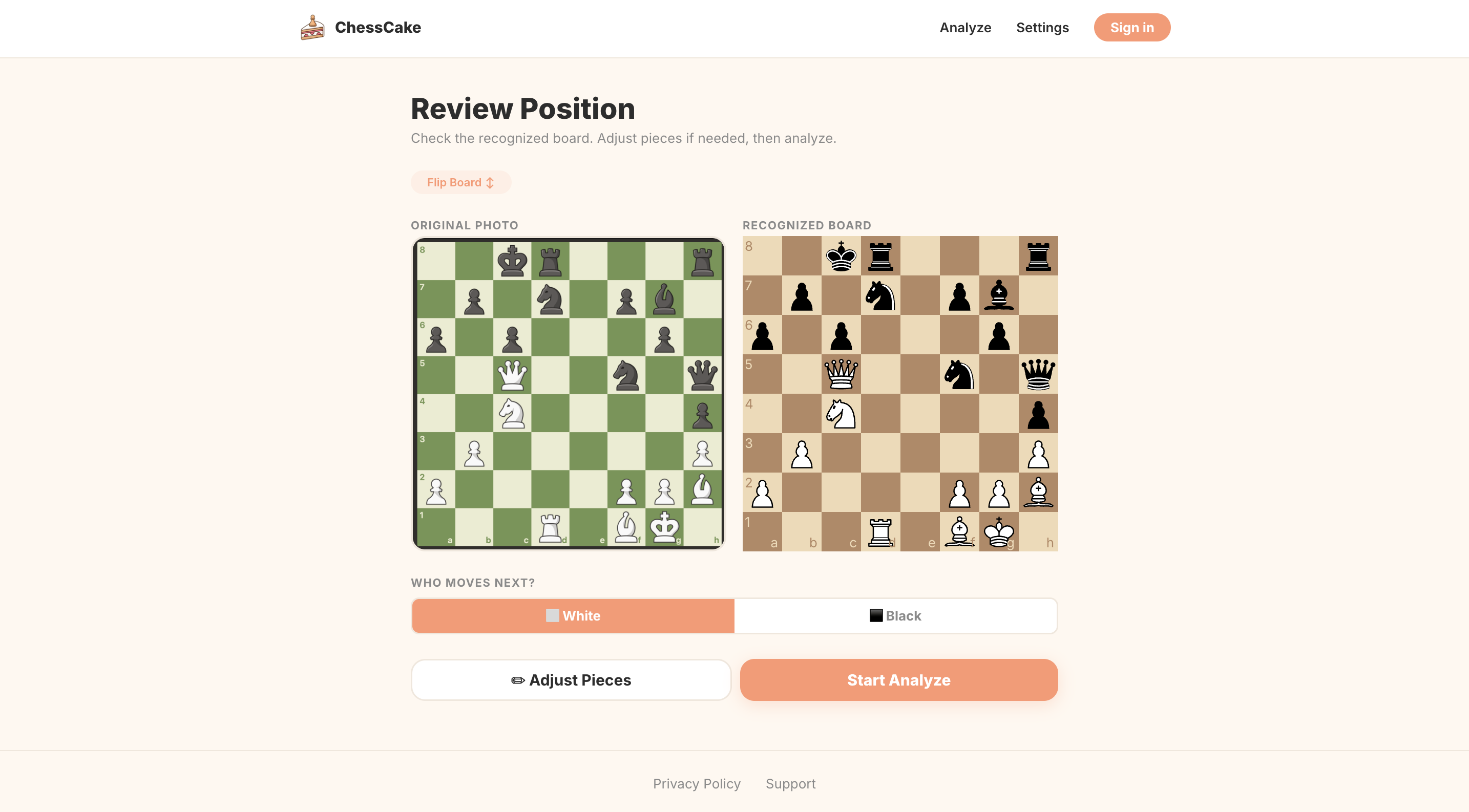
[Web App] ChessCake review board page
-
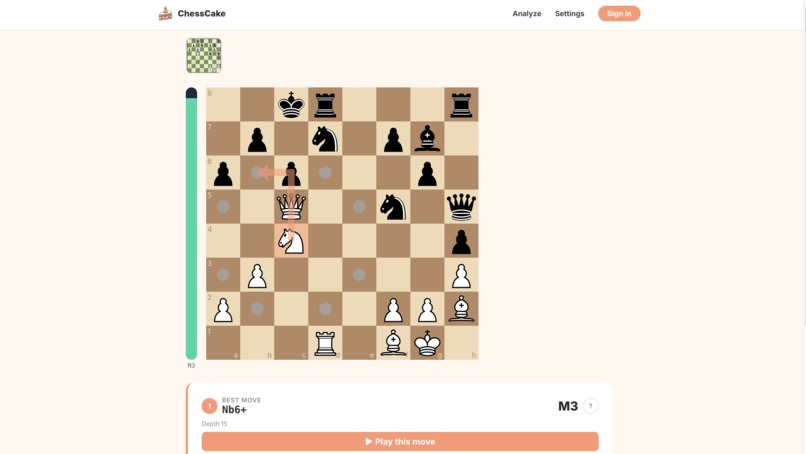
[Web App] ChessCake shows best move in the position
-
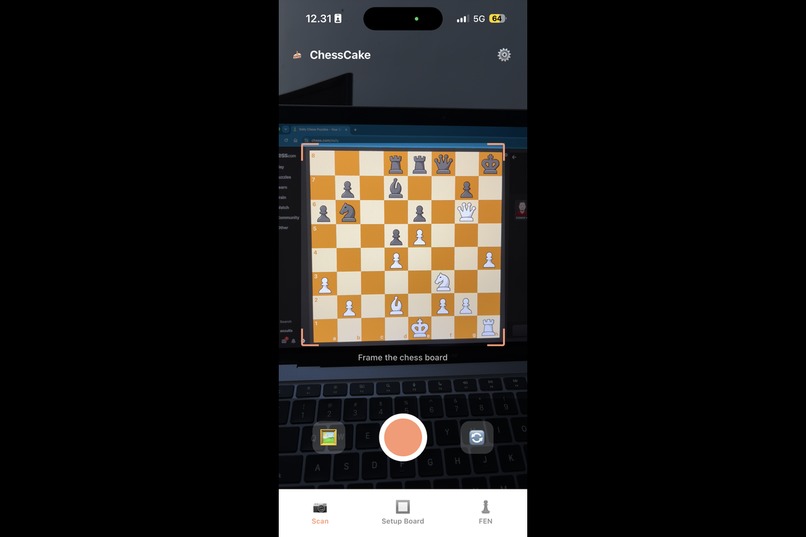
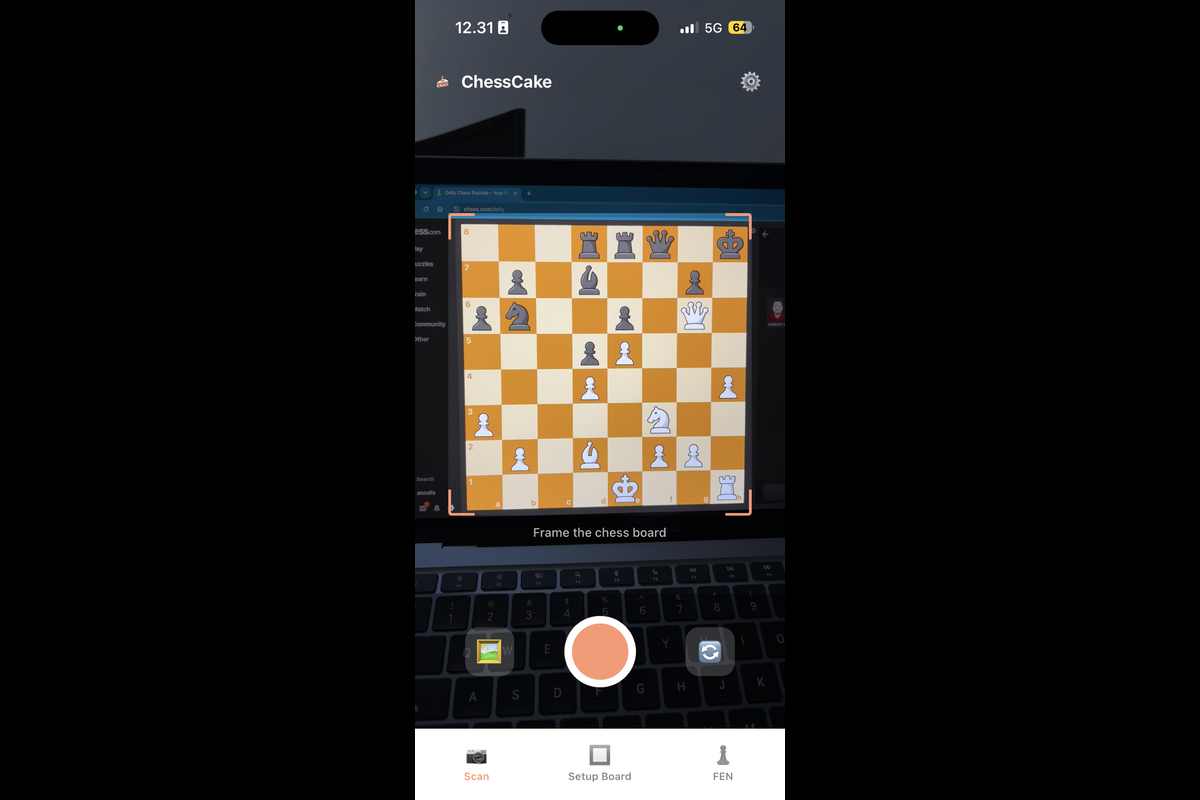
[Mobile App] ChessCake scanning a digital board
-
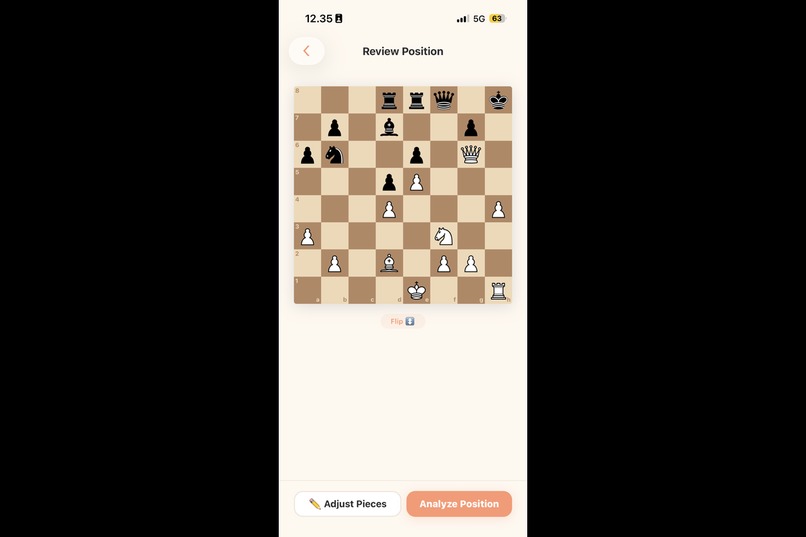
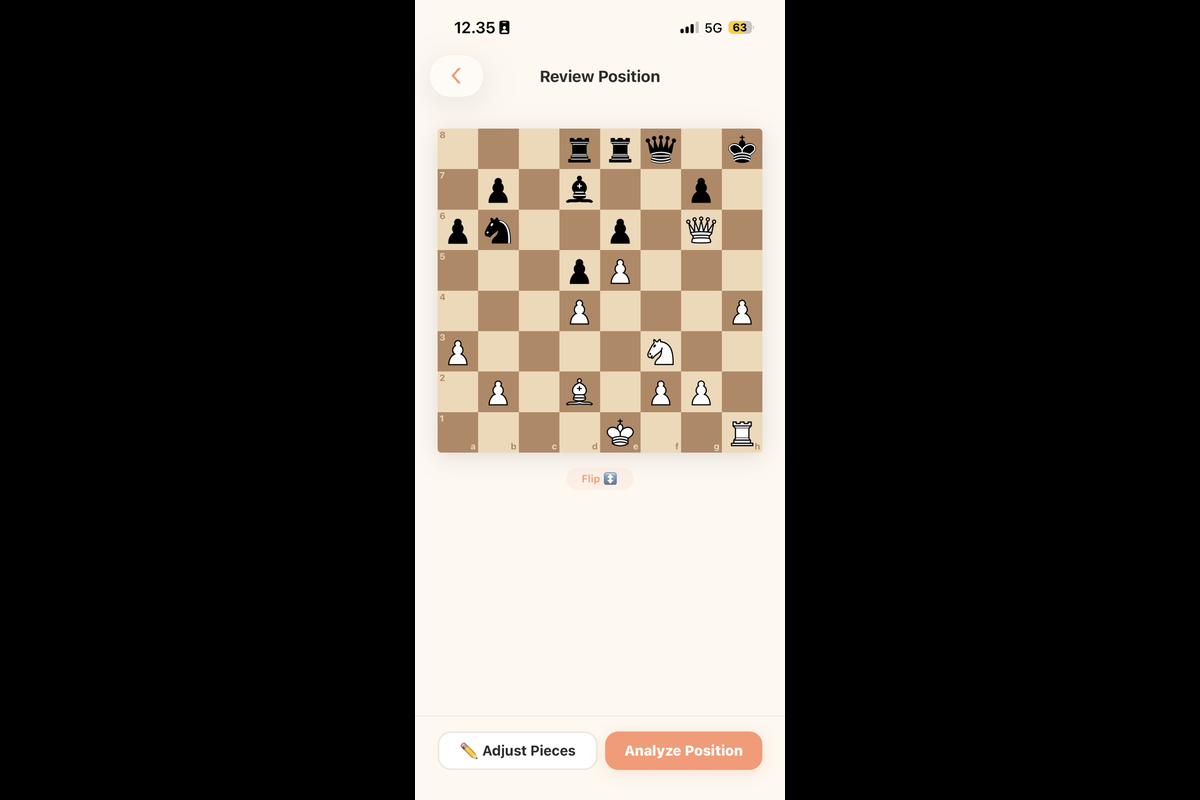
[Mobile App] Chess position read from the image
-
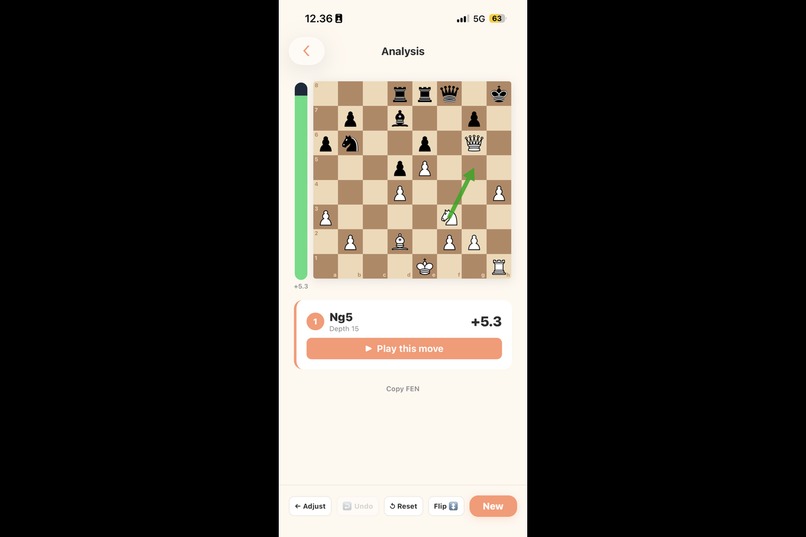
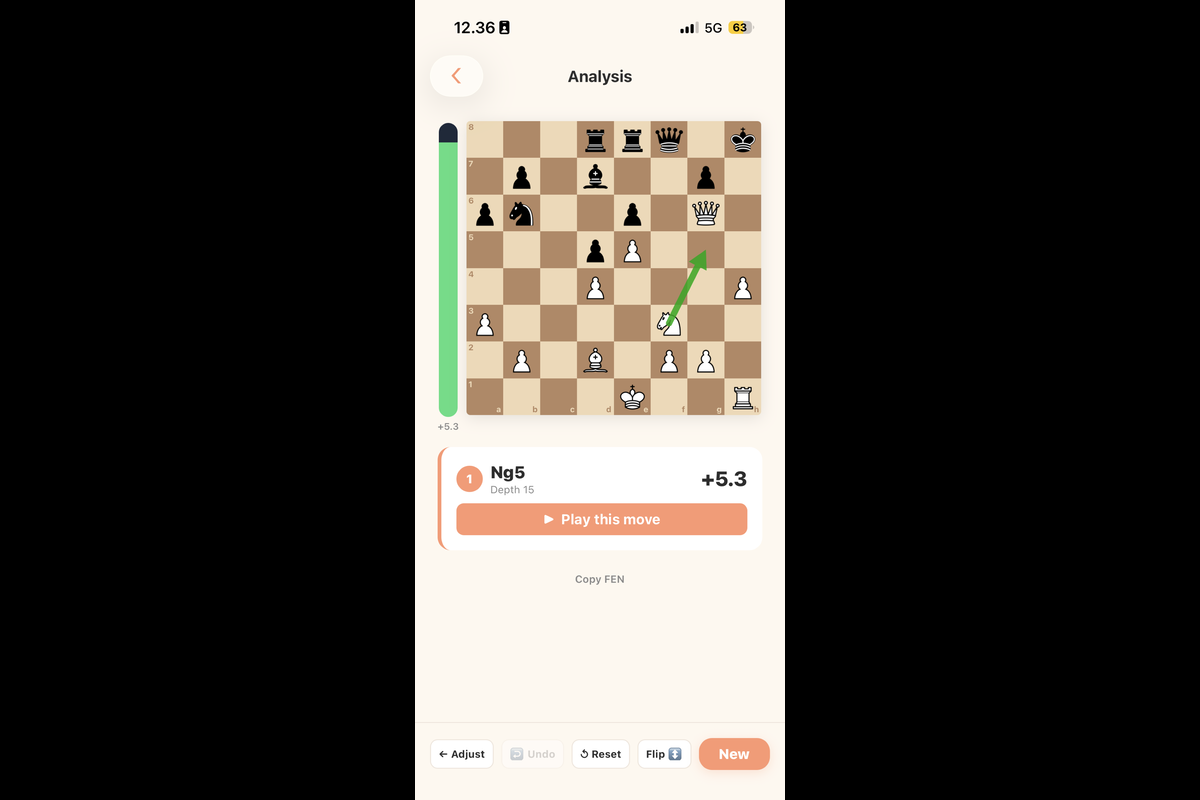
[Mobile App] ChessCake shows best move in the position
-
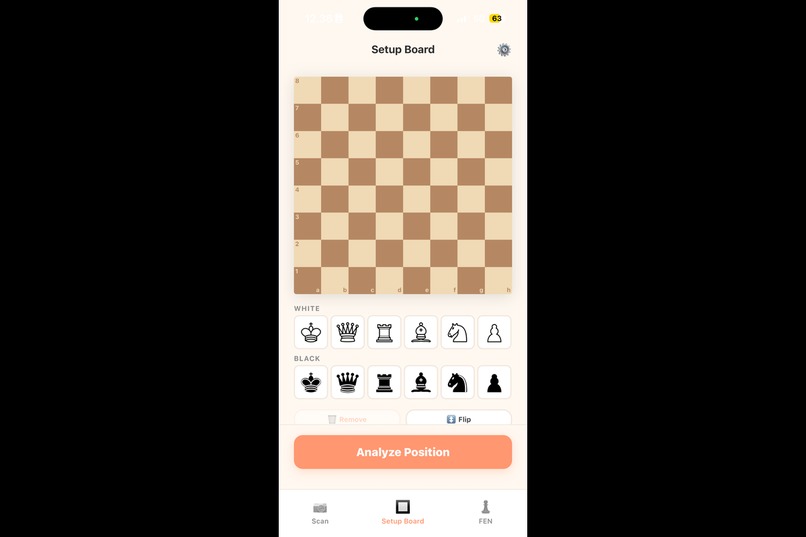
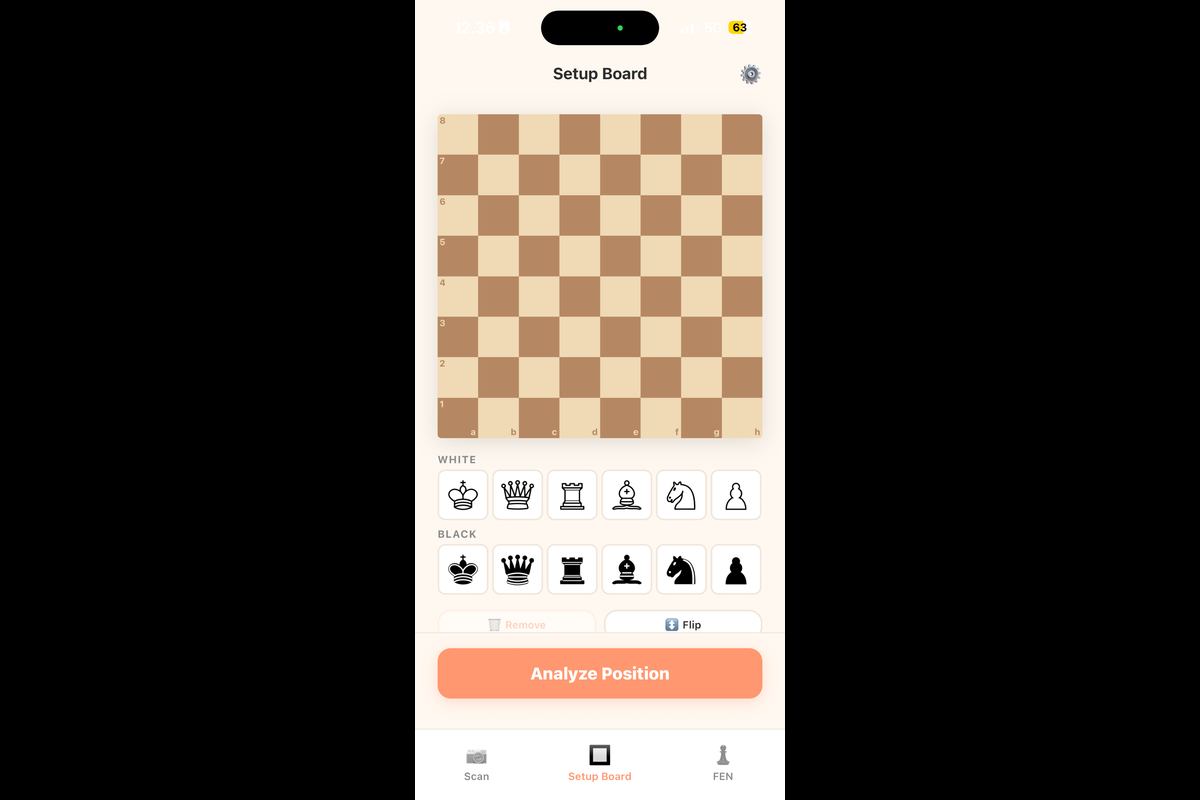
[Mobile App] Setup custom board
-
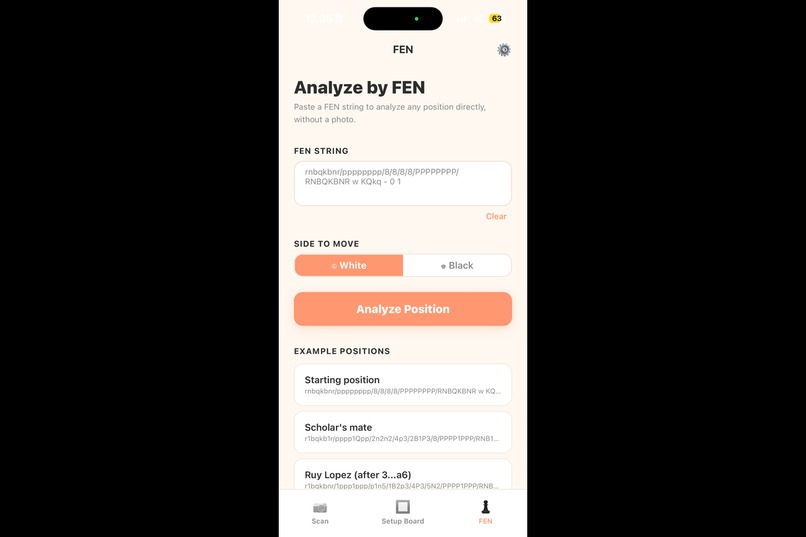
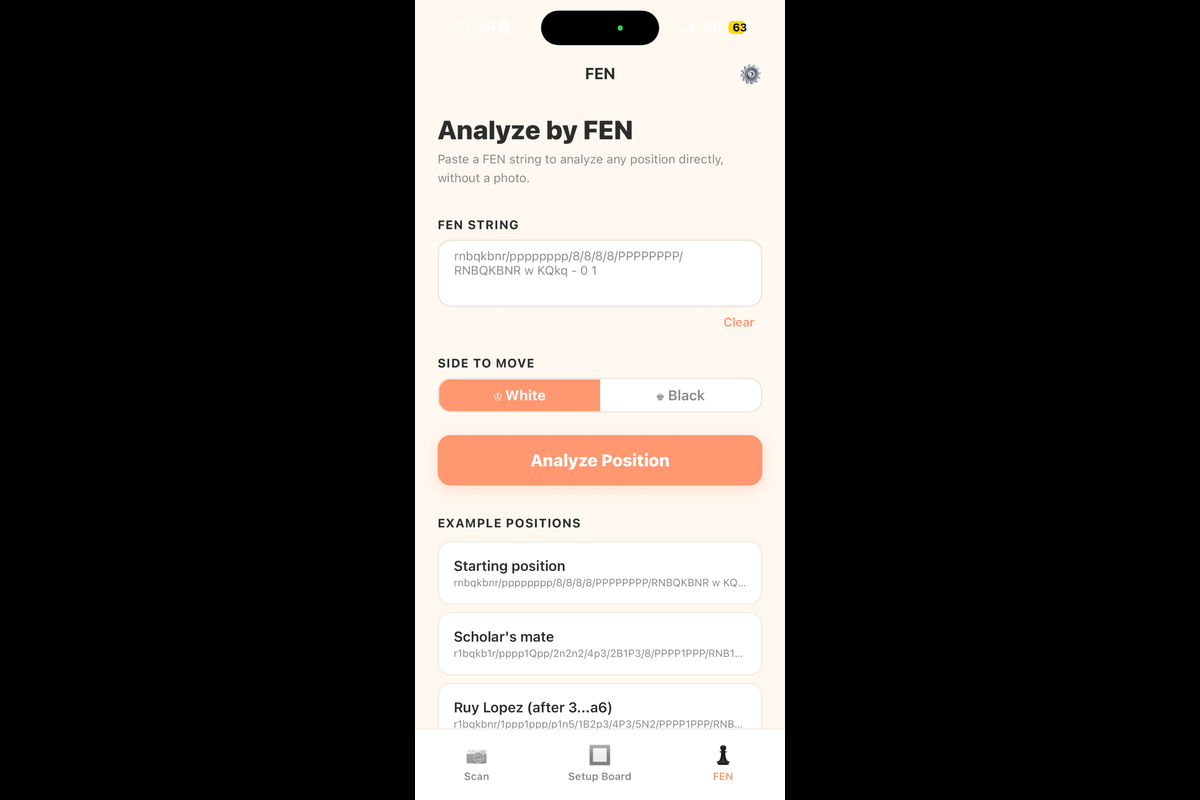
[Mobile App] Paste FEN to get the analysis of the position
-
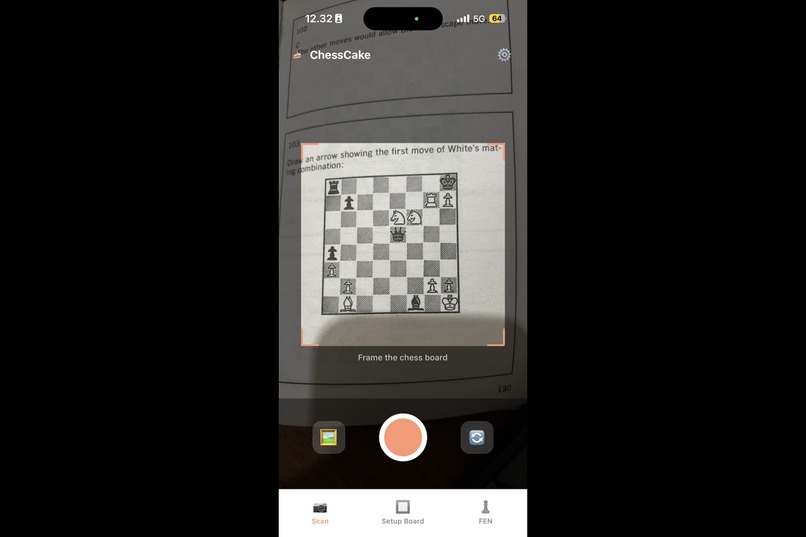
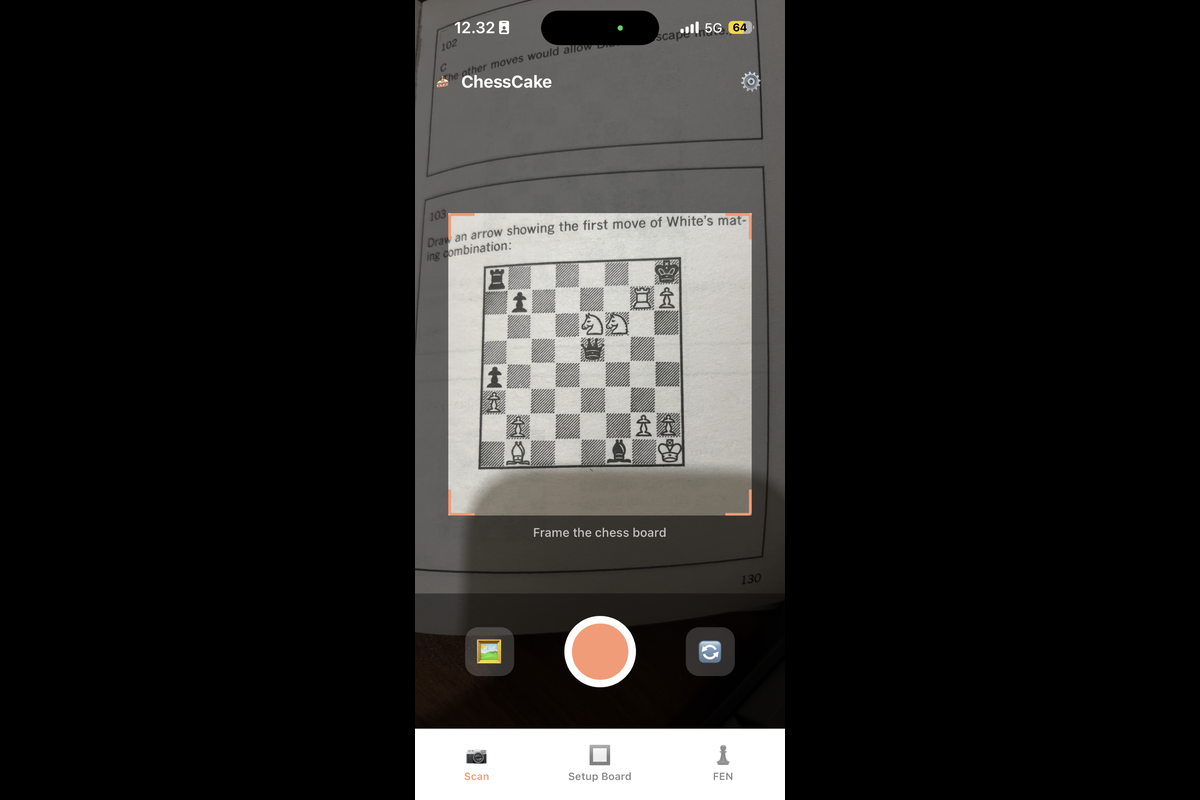
[Mobile App] ChessCake scanning a book
-
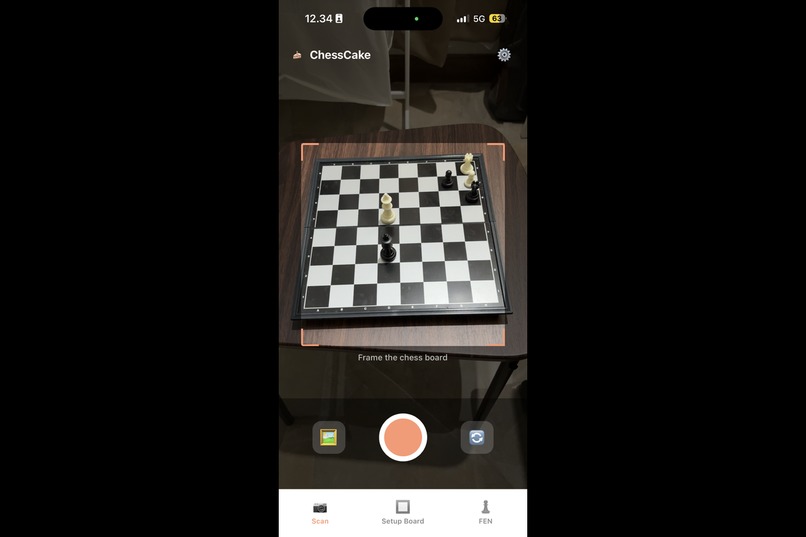
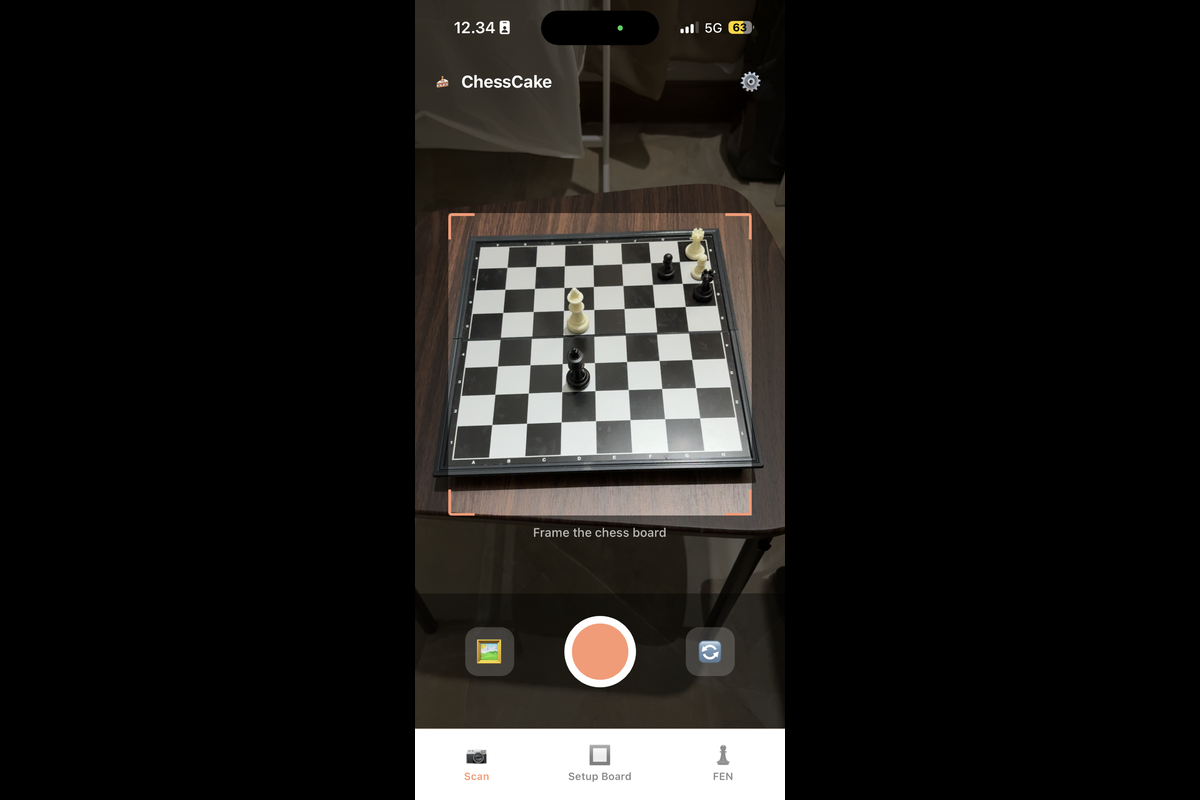
[Mobile App] ChessCake scanning a 3D board
-
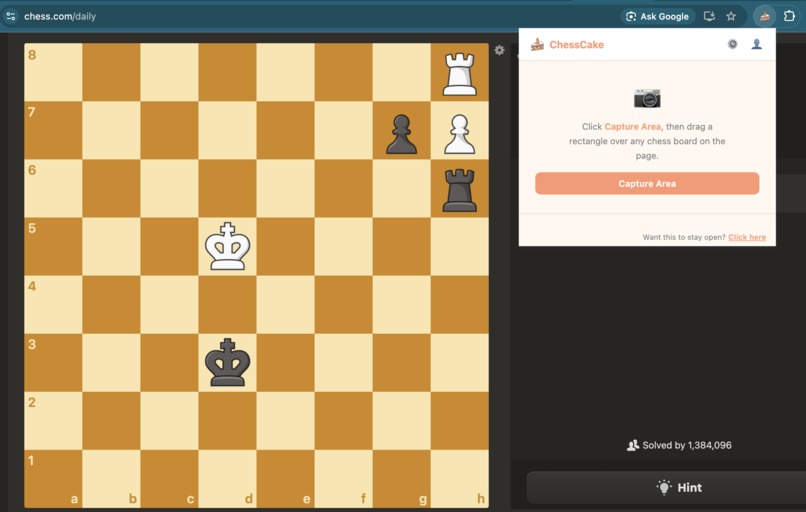
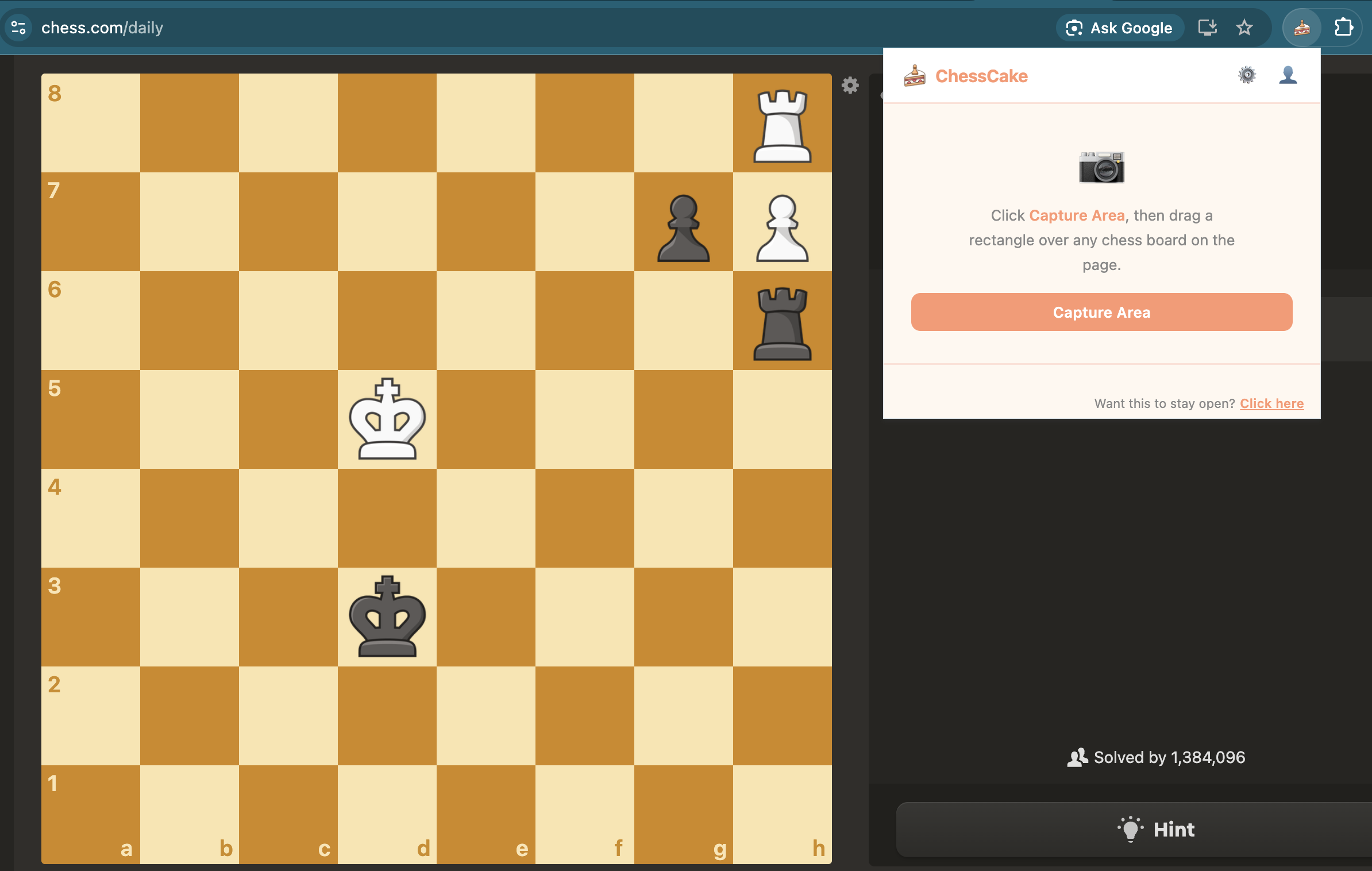
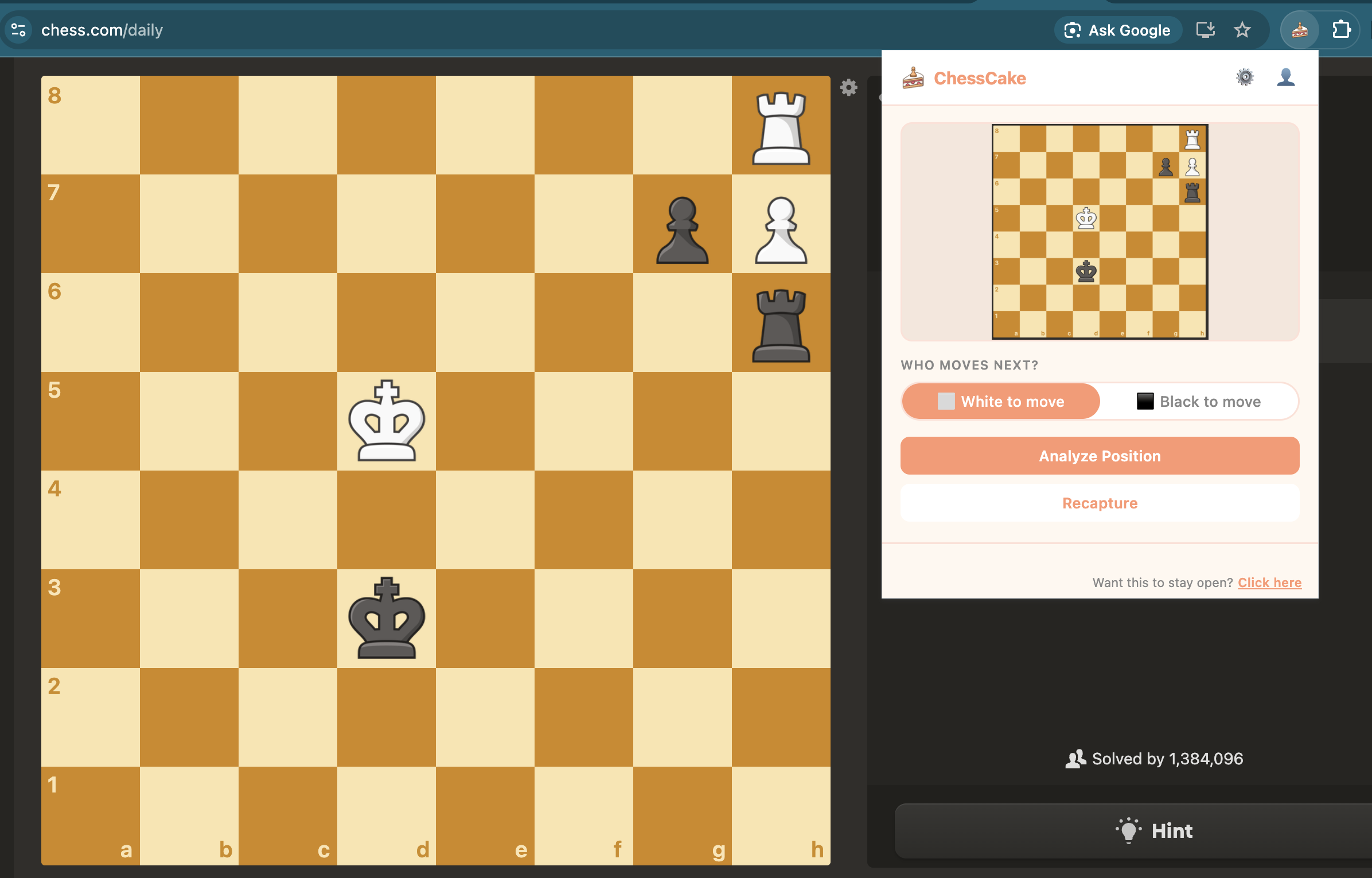
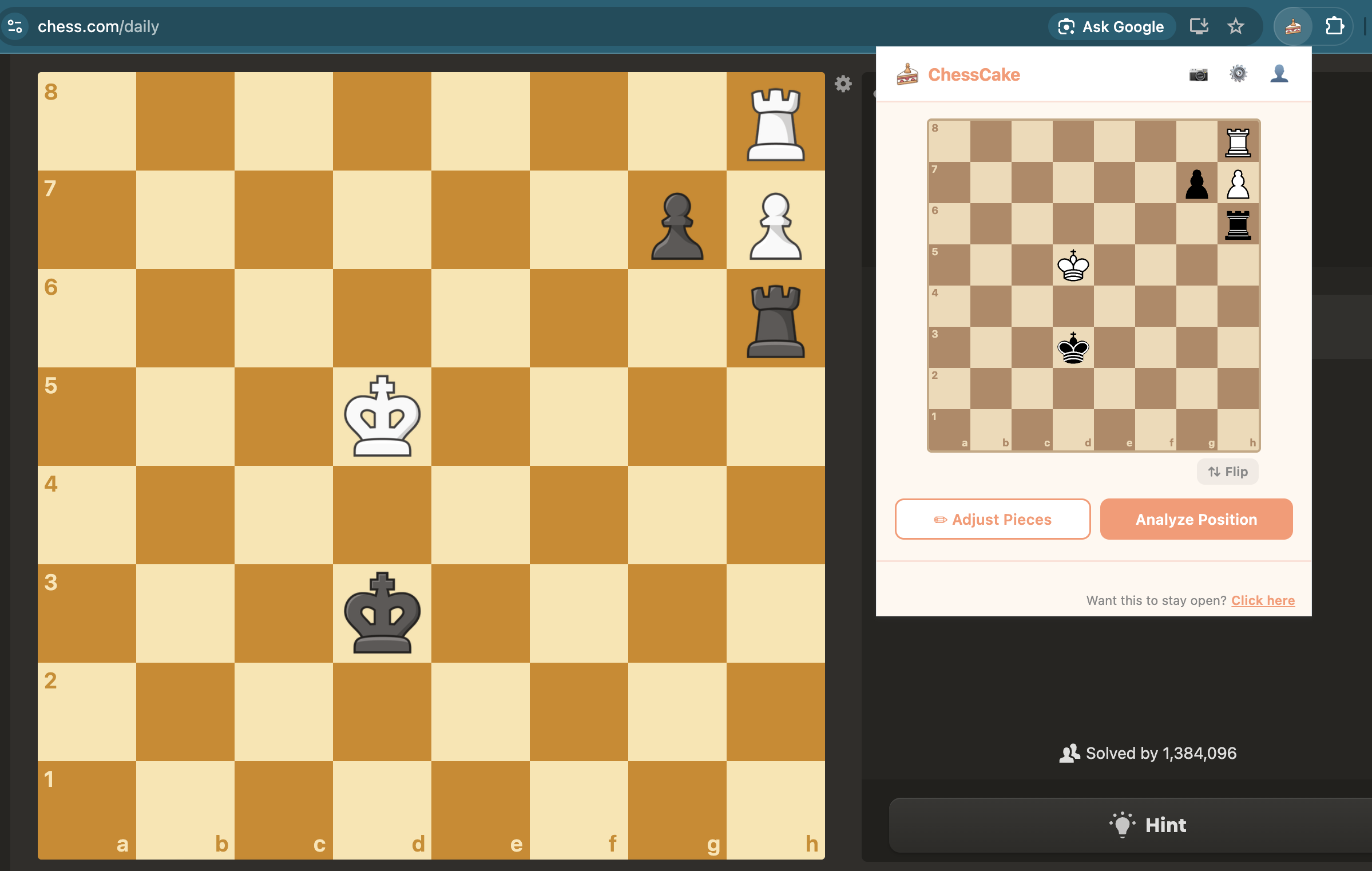
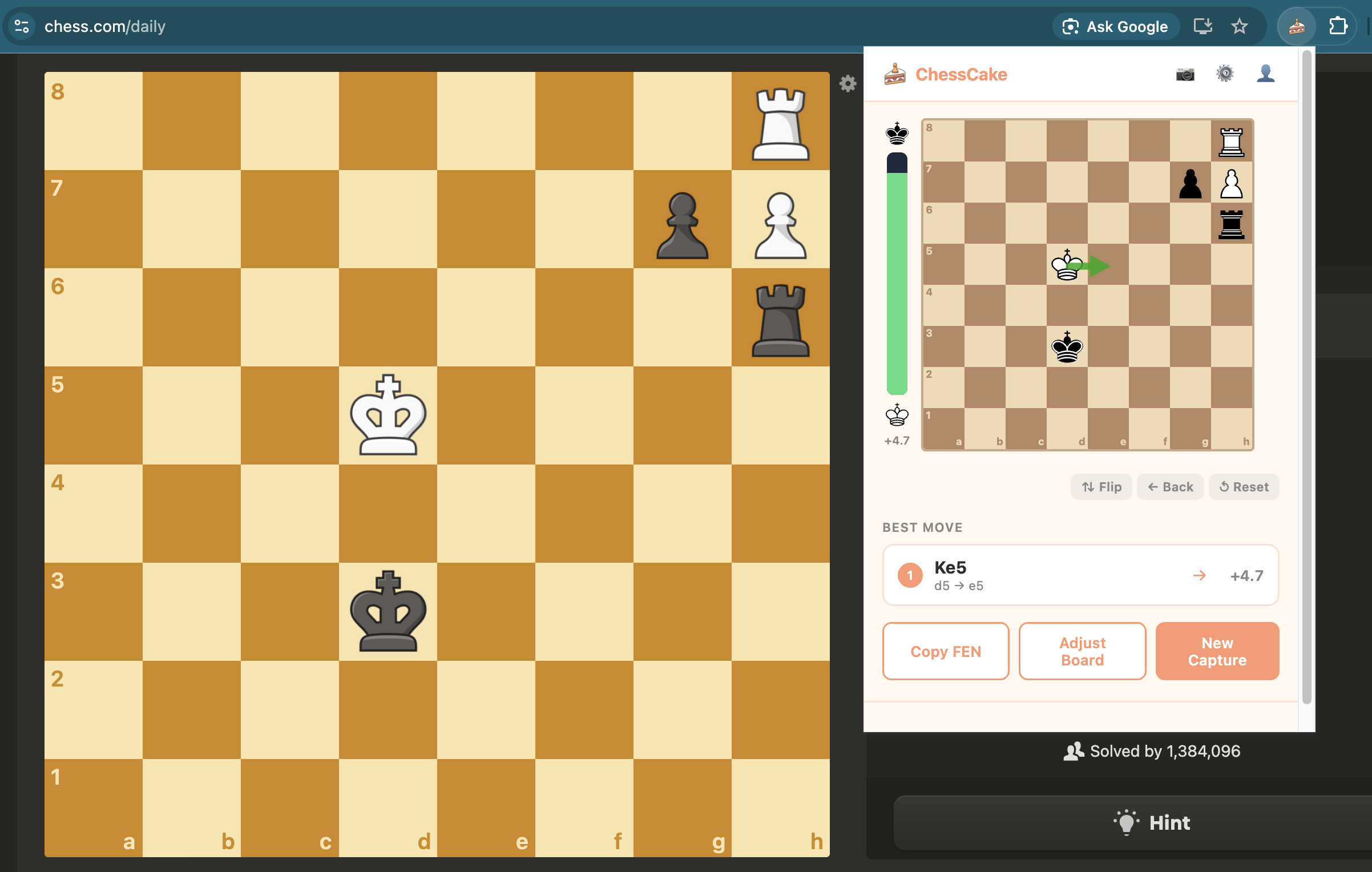
[Chrome Extension] ChessCake
-
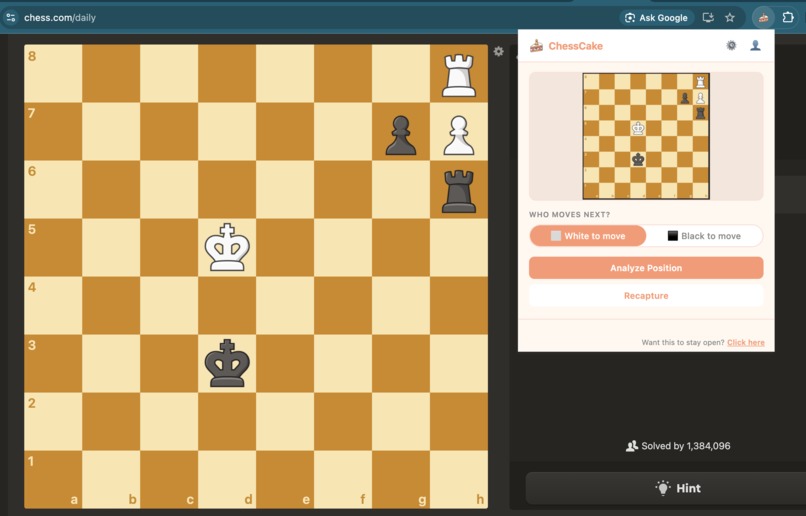
[Chrome Extension] input image
-
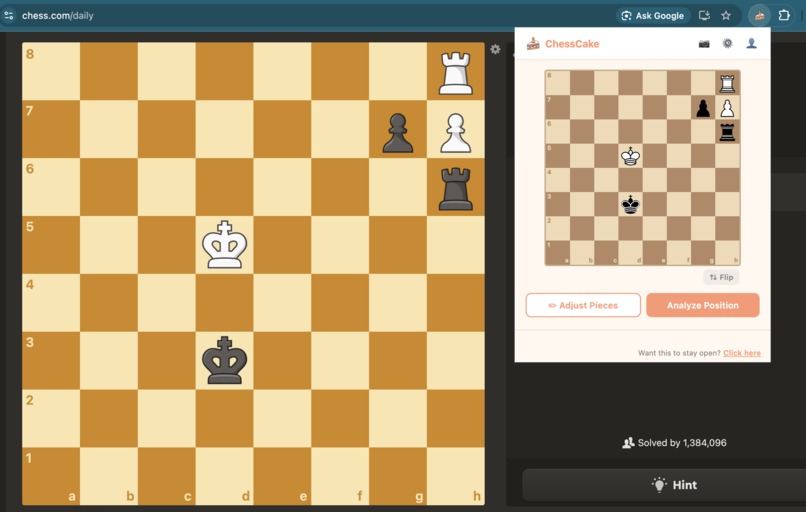
[Chrome Extension] Chess position read from the image
-
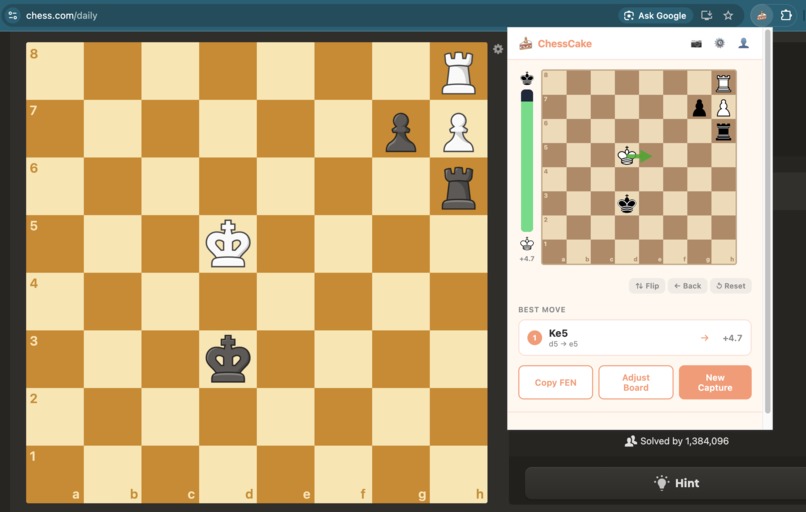
[Chrome Extension] shows best move
-
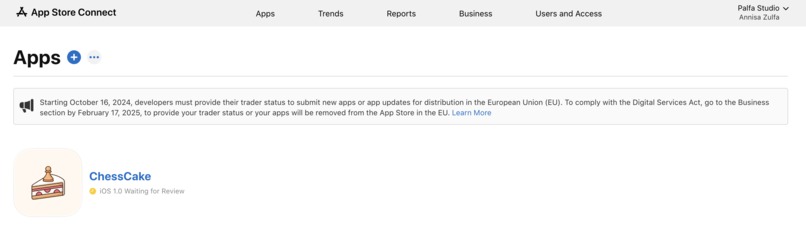
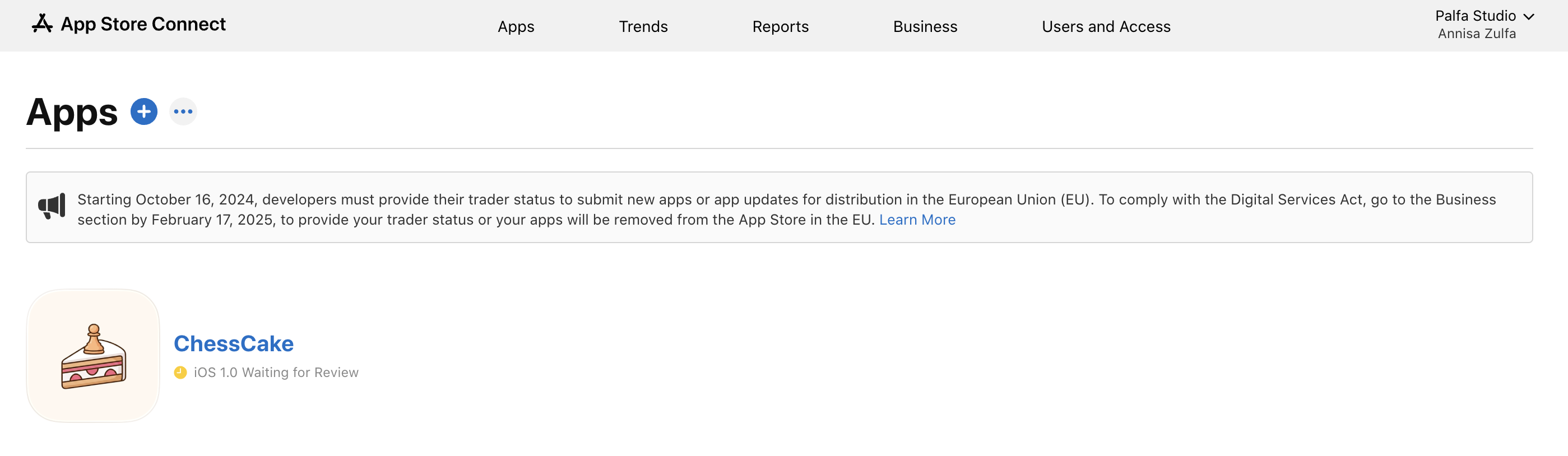
[Mobile App] iOS app is still waiting for review from the Apple team
-
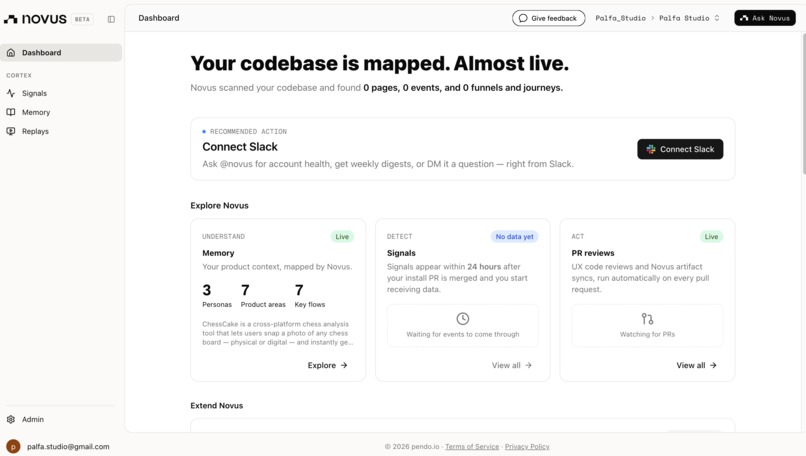
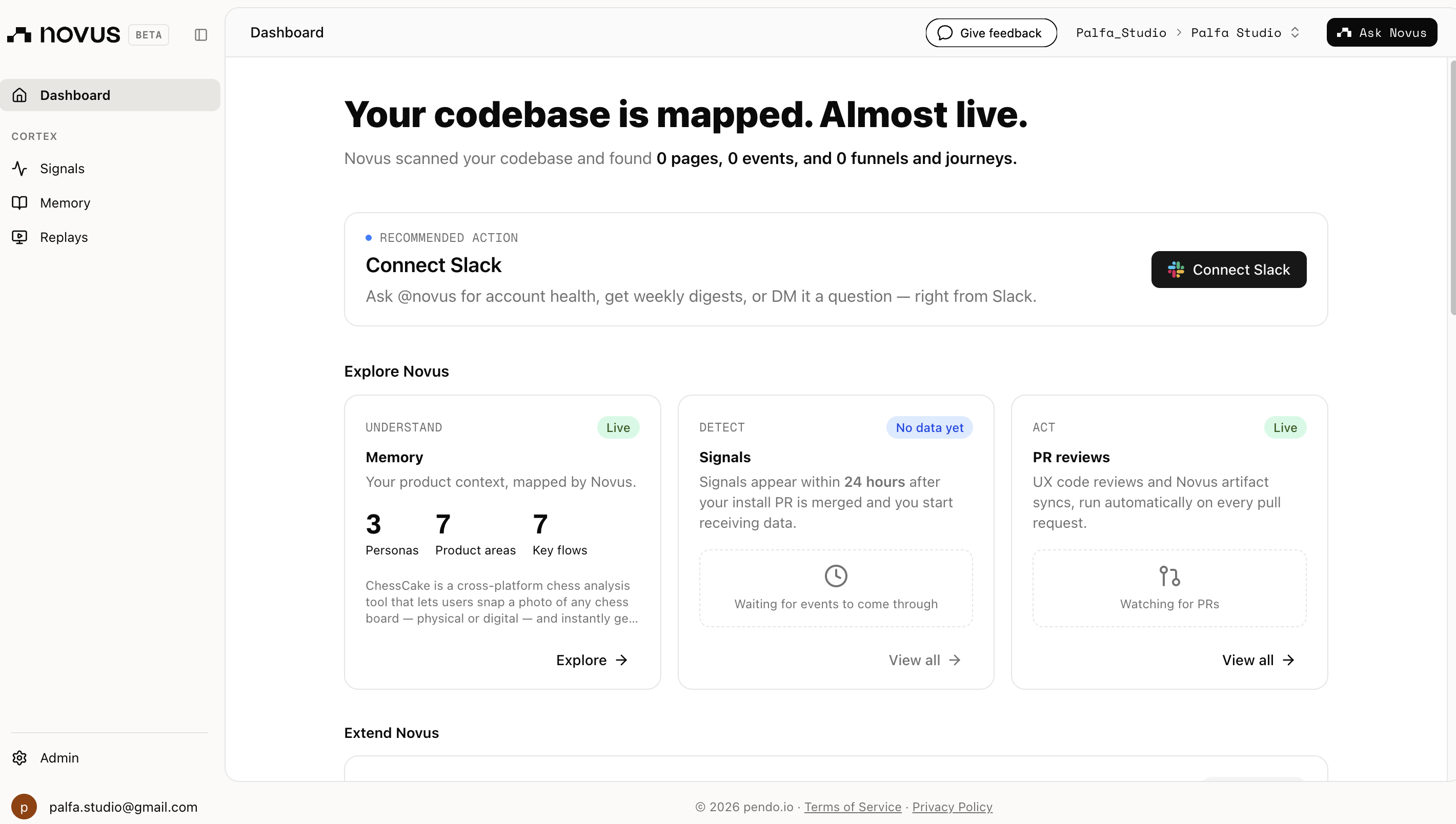
Novus dashboard
-
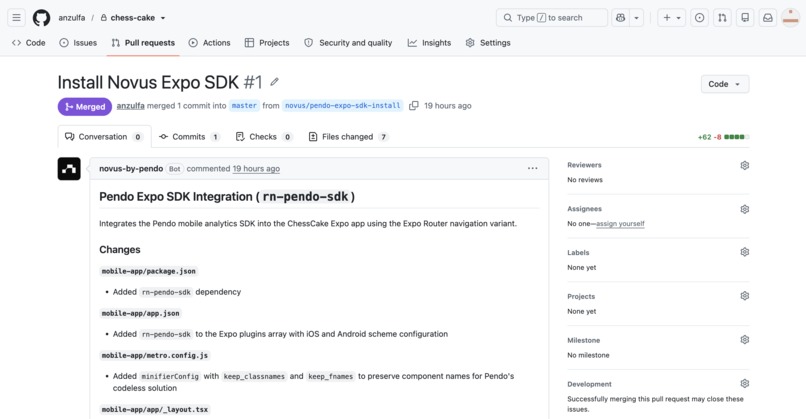
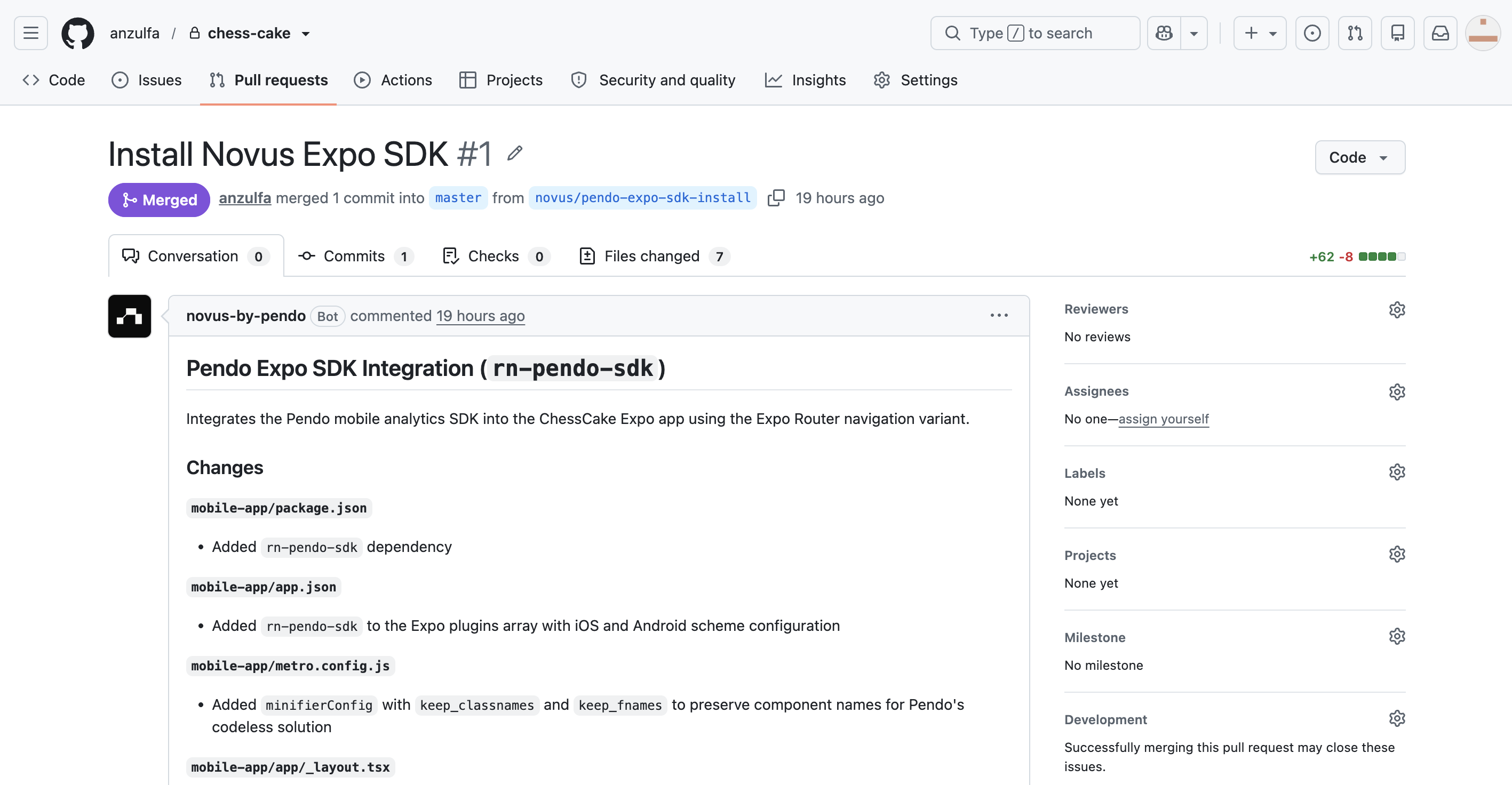
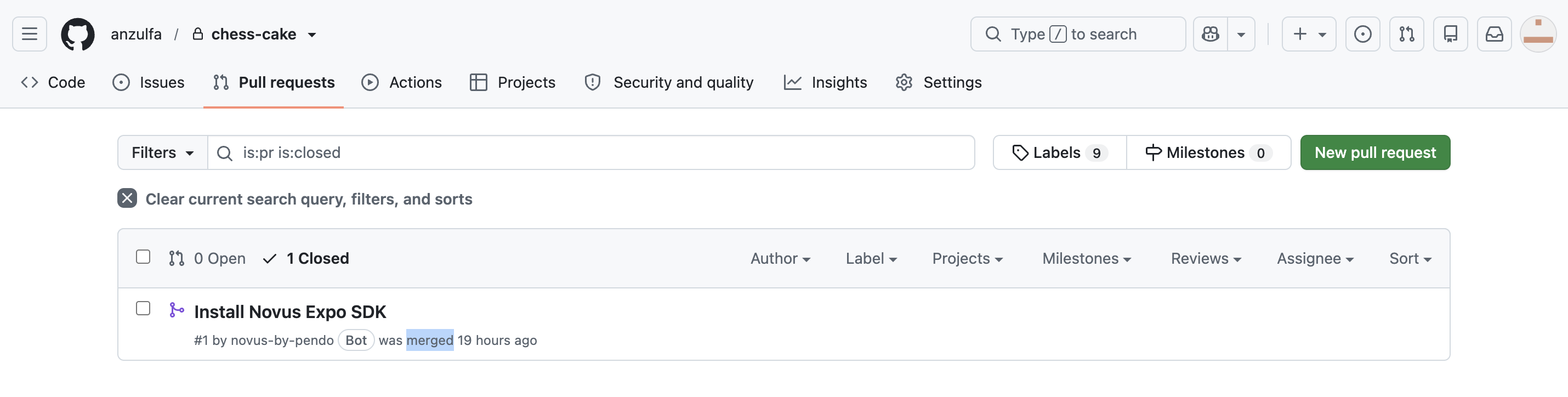
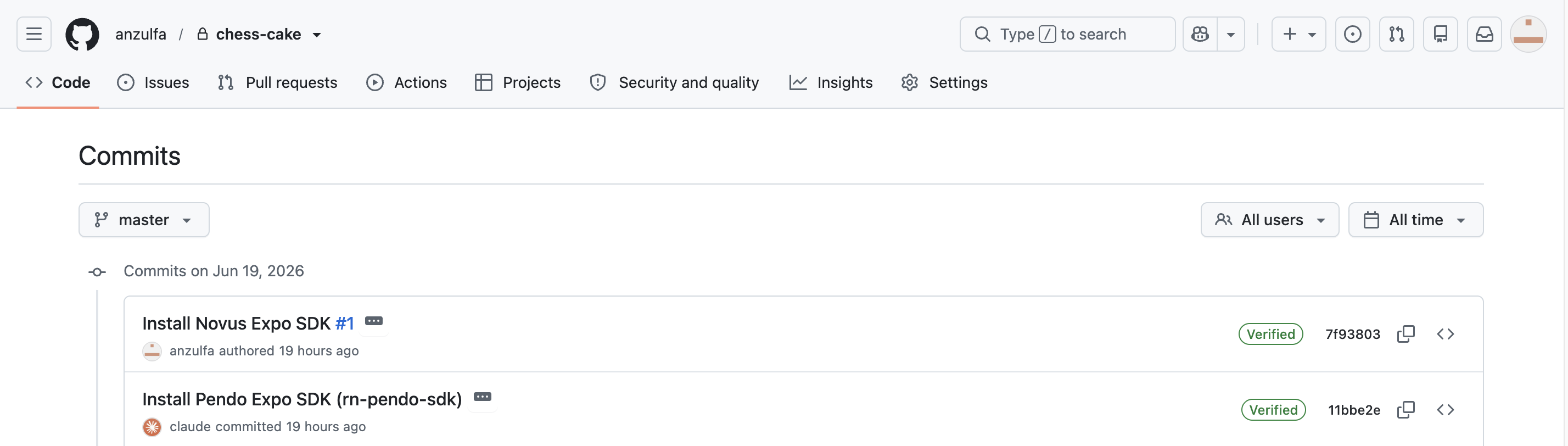
Novus PR merged (1)
-
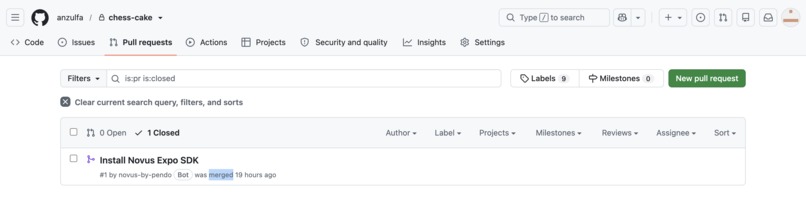
Novus PR merged (2)
-
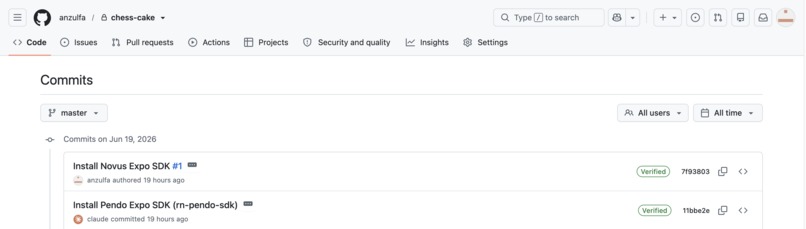
Novus PR merged (3)
-
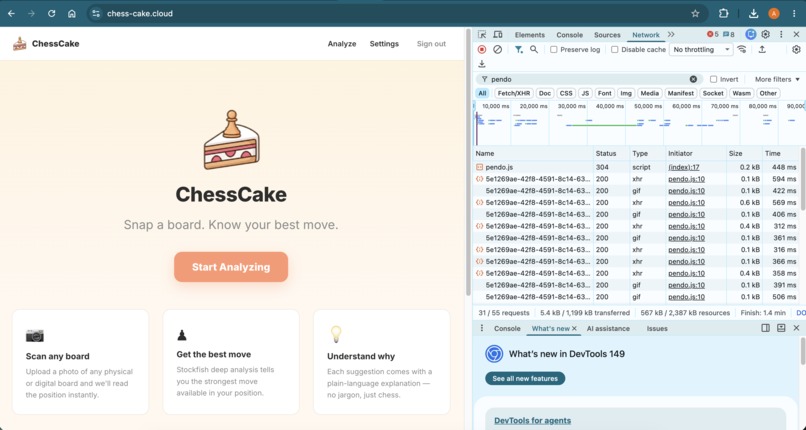
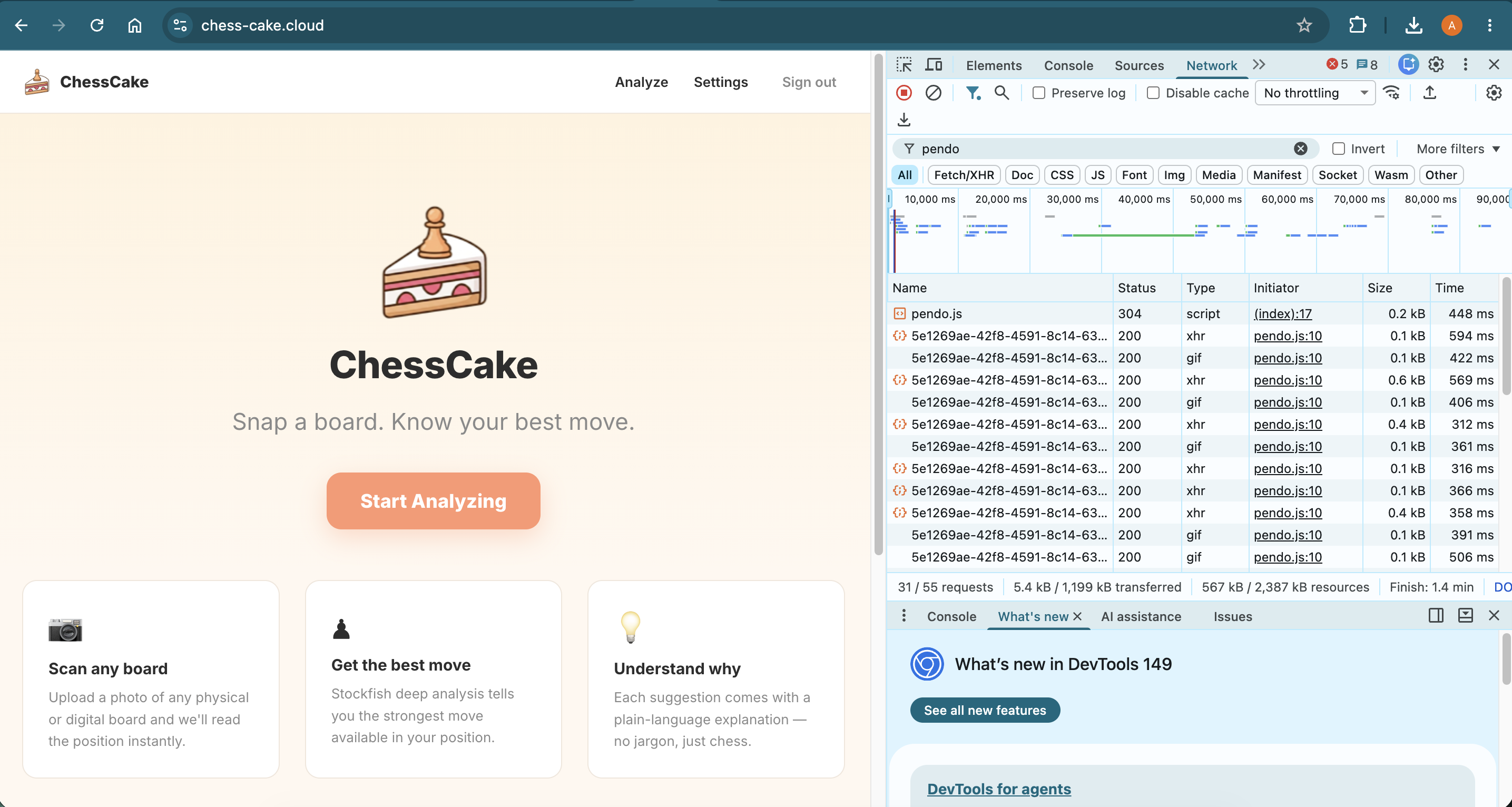
Web App already integrated with Novus/Pendo
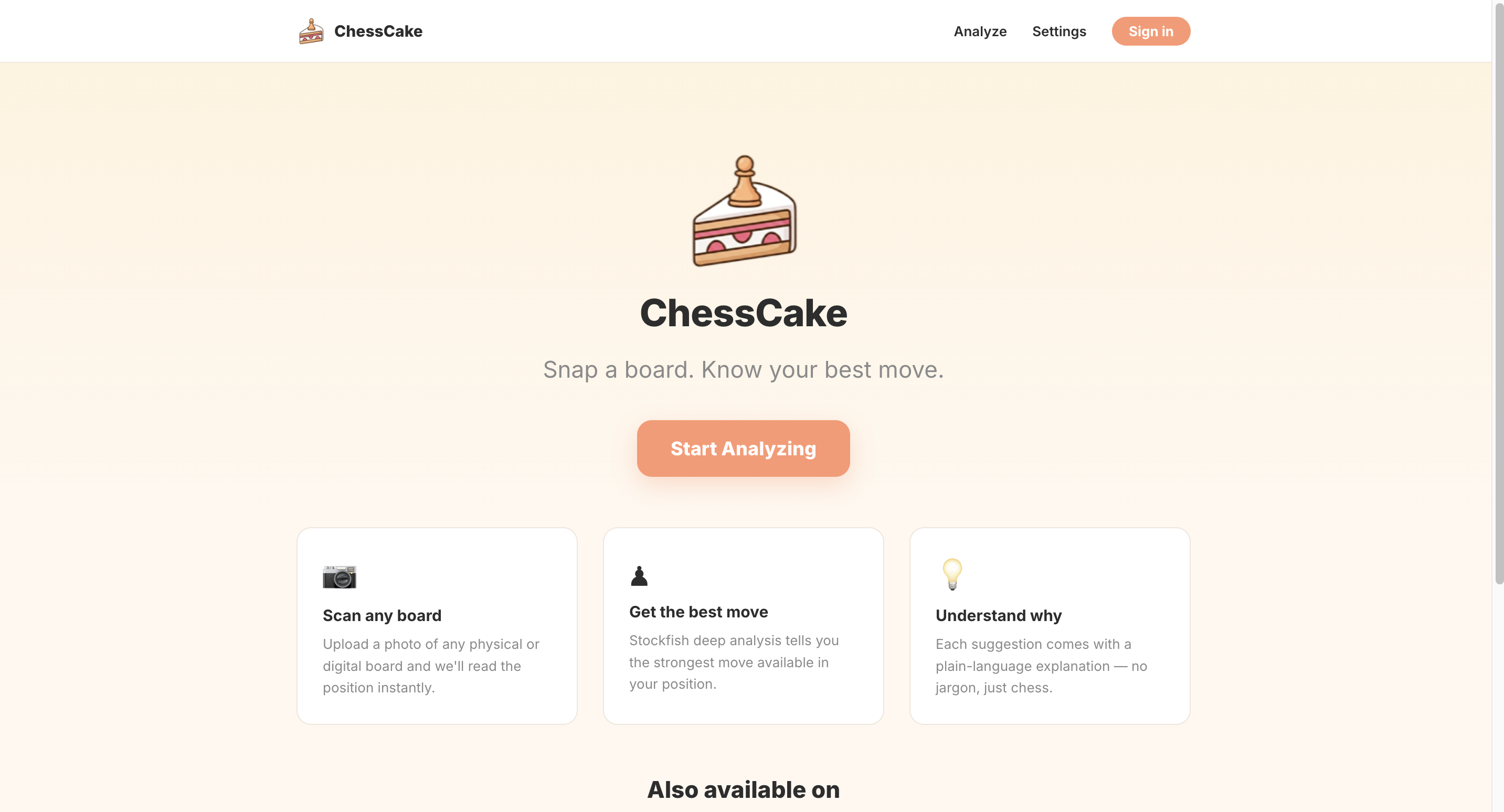
ChessCake
Inspiration
Chess is one of the most studied games in the world, yet most analysis tools are built for advanced players. Engine output full of centipawn scores, depth numbers, and algebraic notation can be intimidating for beginners who just want to understand why a move is good or bad.
We wanted to build something different — a tool that meets players where they are. Whether you're studying a position from a book, reviewing a game you just played on Chess.com, or analyzing an over-the-board game with friends, ChessCake lets you point your camera at any chess board and instantly get beginner-friendly analysis powered by Stockfish.
The name says it all: chess analysis should be as approachable and enjoyable as a slice of cake.
What it does
ChessCake is a multi-platform chess analysis tool that accepts a photo of any chess board — physical or digital, 2D or 3D — and returns Stockfish-powered move suggestions explained in plain English.
- Web app: Upload an image, paste a FEN string, or set up a custom position to analyze any chess position from any device, directly in the browser.
- Mobile app (iOS & Android): Point your camera at any board, choose who moves next, and get the top 3 best moves with an evaluation bar and plain-language explanations. The interactive board lets you explore variations move by move. (Currently, the mobile app for iOS and Android is still under review by Apple and Google team, so it's not out for public yet. I'll put the link for the mobile app once it's published in the web app.)
- Chrome extension: Select any area of your screen containing a chess board for instant analysis, displayed in a side panel alongside the page you're viewing. Includes a built-in anti-cheating measure: the extension is automatically disabled on all live game and tournament pages on Chess.com and Lichess. The extension icon grays out on these pages. It remains fully enabled on analysis boards, puzzles, study pages, and all other websites.
All three platforms share the same FastAPI backend, which handles AI-powered board recognition via Claude's vision API and deep analysis via Stockfish at depth 20.
How we built it
ChessCake is a monorepo with four modules: backend, mobile app, Chrome extension, and web app.
Backend is built with FastAPI and Python, running on a VPS with Docker. It exposes a /api/pipeline endpoint that takes a base64-encoded image, uses Claude's vision API to recognize the chess position and return a FEN string, then passes that FEN to Stockfish for analysis. Redis handles rate limiting, SQLite handles user data, and Nginx proxies everything behind HTTPS.
Mobile app is built with Expo and React Native, using expo-camera for board capture and react-native-chessboard for the interactive board. Authentication uses Google Sign-In via @react-native-google-signin/google-signin and email/password. Distributed via the App Store and Google Play.
Chrome extension is built with Manifest V3. A content script injects a screenshot selection overlay, the captured image is sent to the backend, and results are displayed in a side panel or popup with an interactive chessboard and evaluation bar.
Web app is built with React and Vite, sharing API client code and chess utilities with the mobile app via a /shared module. It supports image upload, FEN paste, and custom board setup.
Challenges we ran into
Board recognition across formats was the hardest problem. A 3D over-the-board photo with bad lighting looks nothing like a clean digital screenshot, which looks nothing like a black-and-white diagram from a PDF book. Crafting a Claude vision prompt that handles all three reliably — and returns a valid FEN with no mistakes — required significant iteration. One wrong piece placement invalidates the entire analysis.
Cross-platform authentication was more complex than expected. Google OAuth behaves differently across web, Android, iOS, and Chrome extensions — each requiring a separate client ID, different redirect URI configurations, and different native libraries. The expo-auth-session approach we started with turned out to use a deprecated Expo auth proxy that Google now blocks, requiring a migration to @react-native-google-signin/google-signin.
Monorepo code sharing between React Native and React web required careful separation — sharing TypeScript types, API clients, and chess utilities (FEN validation, eval bar calculations) while keeping all UI components and platform-specific storage completely separate.
Stockfish on a 1 GB VPS required implementing an asyncio.Semaphore to limit concurrent analyses to 6 at a time, preventing memory exhaustion under load while keeping the API responsive.
Accomplishments that we're proud of
- Built and shipped a working multi-platform product — iOS app, Android app, Chrome extension, and web app in under one month, as a solo developer
- The board recognition pipeline handles 2D screenshots, book scans, and 3D over-the-board photos in a single unified flow
- The Chrome extension's anti-cheating measure — a deliberate design decision we're proud of. The extension automatically disables itself on all live game and tournament URLs on Chess.com and Lichess. Lichess was particularly tricky since game URLs are just short random IDs at the root path (e.g.
lichess.org/PpwPOZMq) with no/game/prefix — we solved this with a whitelist approach, enabling only known safe paths like/analysis,/study,/puzzle, and/broadcast, and treating everything else as a live game.
What we learned
- Claude's vision API is capable at spatial reasoning tasks like chess board recognition, but prompt engineering for precision (exact piece placement, correct FEN output) is a craft in itself
- The Google OAuth ecosystem is significantly more fragmented across platforms than it appears — plan for separate client IDs and configurations per platform from day one
- EAS Build dramatically simplifies React Native deployment — certificate management, provisioning profiles, and store submission that used to take days now take minutes
- Shipping a v1 with intentional constraints (depth capped at 20, rate limiting, fair play restrictions) is better than trying to build a perfect product before launch
What's next for ChessCake
- Premium plan — higher daily analysis limits, deeper Stockfish analysis, and saved game history
- Game import — connect Chess.com and Lichess accounts to import and analyze your recent games directly
- Offline analysis — integrate Stockfish WASM for on-device analysis without needing the backend
Built With
- claude
- docker
- eas
- expo.io
- fastapi
- javascript
- python
- react
- react-native
- redis
- sqlite
- stockfish
- typescript
- vite

