


Inspiration
Learning to cook can be difficult. Even more so, deciding on the right recipe with your limited ingredients can be a chore. This is where ChefAR comes in.
What it does
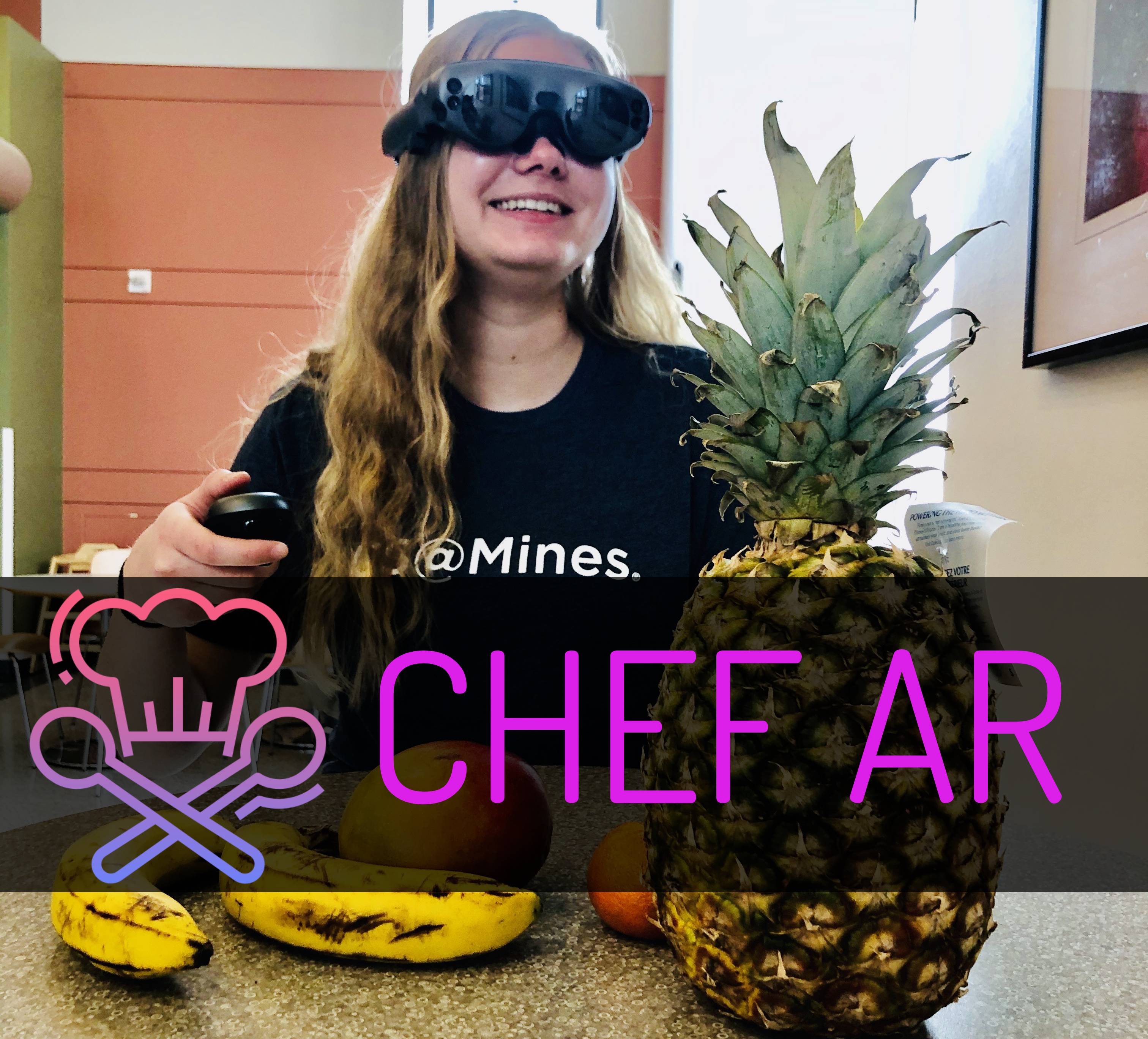
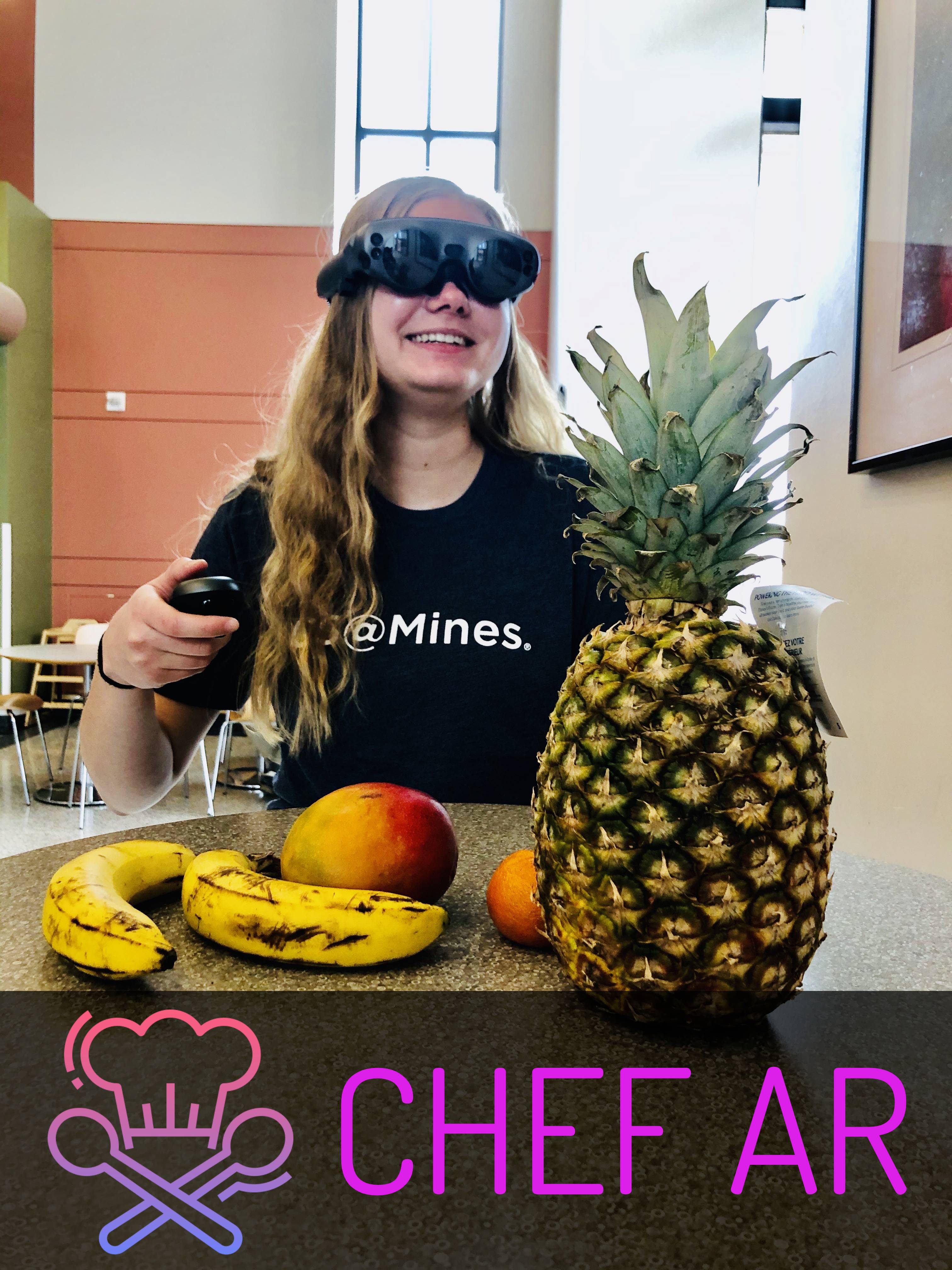
ChefAR is a mixed reality platform that recommends recipes to users. Users take an image of their pantry / fridge / ingredients, and ChefAR will recommend recipes to them. This will allow users to learn about recipes they may not have previously considered, and narrow down their options to a recipe they want to make.
How we built it
Our back-end is built using the Google API Cloud platform. We take an image on our MagicLeap AR headset, send that image via an HTTP request to the Google API Cloud platform, and receive JSON text back about all the detected objects in the image. We parse this text to display all determined ingredients on the screen. Currently, we are showing all objects - including non-food items. In the future, we would only show food items to the user.
We currently have a very simple backend working that determines if specific food ingredients are contained in the parsed text. For example, if a pineapple is found in the text but not a banana, we will recommend pineapple juice. If a banana is found and not a pineapple, we will recommend a banana smoothie. In the future, we hope to expand this product to pull recipes from the web and make relevant recipe recommendations to the user.
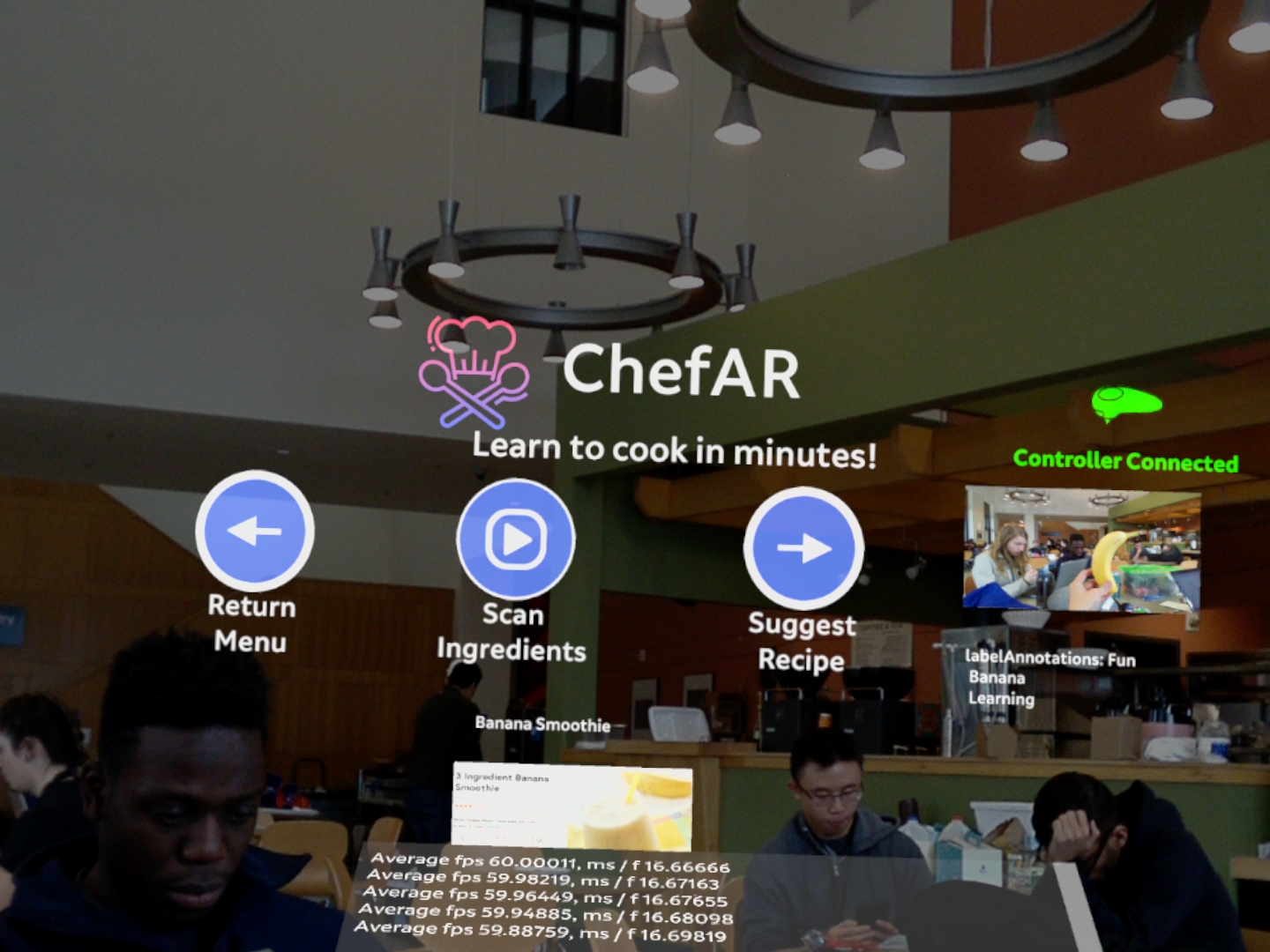
For the front-end, we used the UI components contained in Unity. We built a menu screen that then opens into the main screen. This main screen has a "Go back" button, a "Take picture" button to send a picture to the Google API, and a "Select Recipe" button, which shows a recipe based on the found ingredients in the scene.
Challenges we ran into
Our biggest challenge was sending an image from MagicLeap to some platform to generate the items found in the image. We first explored three paths:
1.) Sending the image to Python and running the YOLO (open-source state-of-the-art, real-time object detection system) platform to classify objects
2.) Sending an HTTP request to Microsoft Azure Computer Vision and
3.) Sending an HTTP request to the Google API directly from MagicLeap.
Because we ran out of credits with option 2, we ended up pursuing option 3. We pursued this over option 1 since it took less processing time to classify objects in the image.
Accomplishments that we're proud of
We're very proud we overcame the obstacle of classifying physical objects on the MagicLeap. We were concerned this would not work because it is not easy to send images from the MagicLeap to other sources. Furthermore, we are proud of our front-end design at its current state.
What we learned
We learned about how to better connect the MagicLeap between other platforms. Much of the documentation for MagicLeap is only interacting between Unity and the headset. In this project, we were able to connect to Python, Microsoft Azure, and Google API. This is very promising for the future of AR and continuing to build on other platforms.
We also learned more about game development and UI's within Unity. We learned more about the flow of scenes, how to create and interact with buttons, and how to add augmented overlays.
What's next for ChefAR
Our next big step will be to add a menu of recipes rather than generating a singular recipe for the user. This will allow them options to choose from that they can scroll through, and then they can select the desired recipe. Once selected, the required ingredients will be given in the usual textbox. In extending this, we would plan to generate a whole new scene that the user would move to and would allow them to scroll through recipes. We would add a "select recipe" button for them to choose.

Log in or sign up for Devpost to join the conversation.