-
-
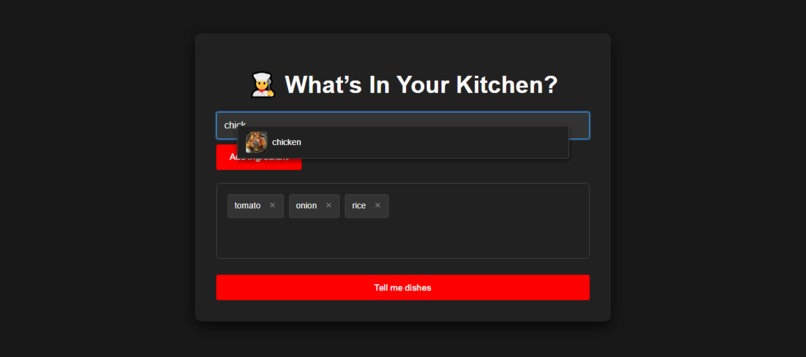
Search Up the items You have at home
-
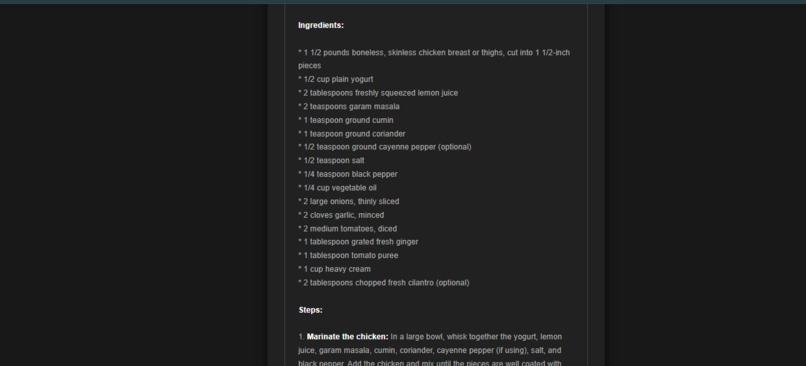
Simple and easy ingredients
-
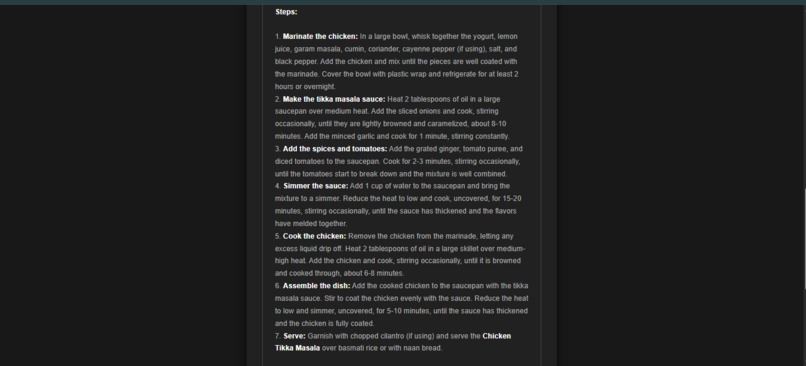
Simple and easy steps
-
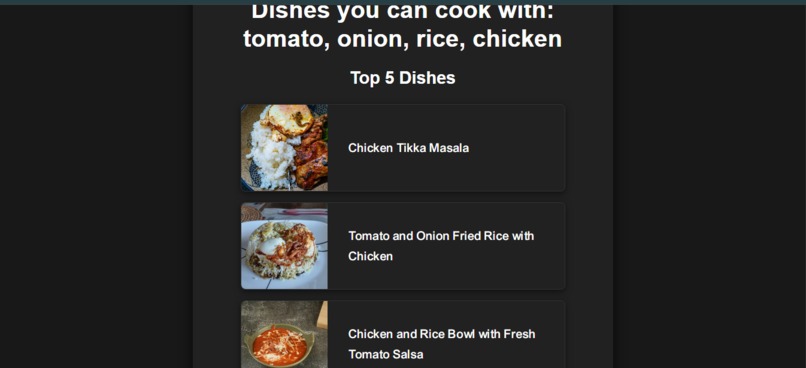
Find the Recipe of your choice
-

Inspiration
I've been there: staring into a pantry with a few random ingredients, feeling uninspired and not knowing what to cook. I wanted to build a simple, effective tool to solve this common problem. My inspiration was to create a "kitchen co-pilot" that could turn everyday ingredients into exciting meal ideas in an instant, making home cooking more accessible and reducing food waste.
What it does
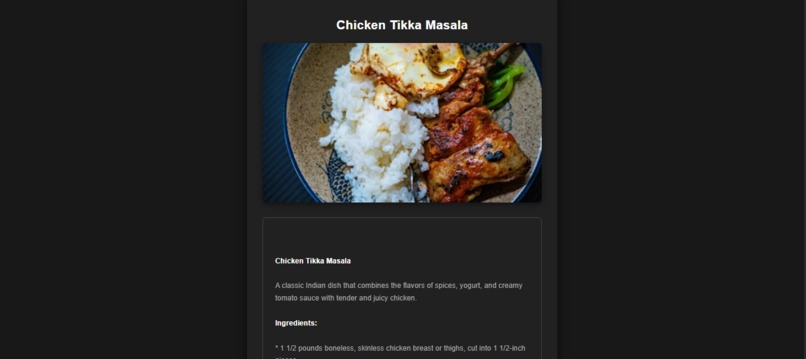
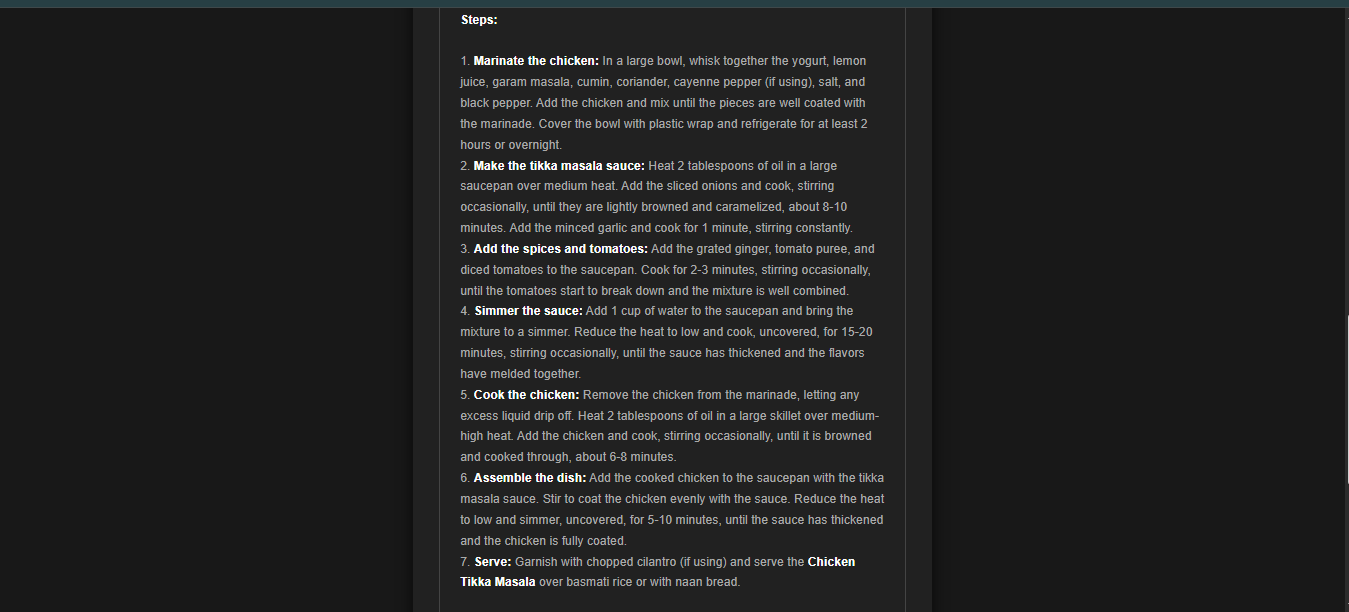
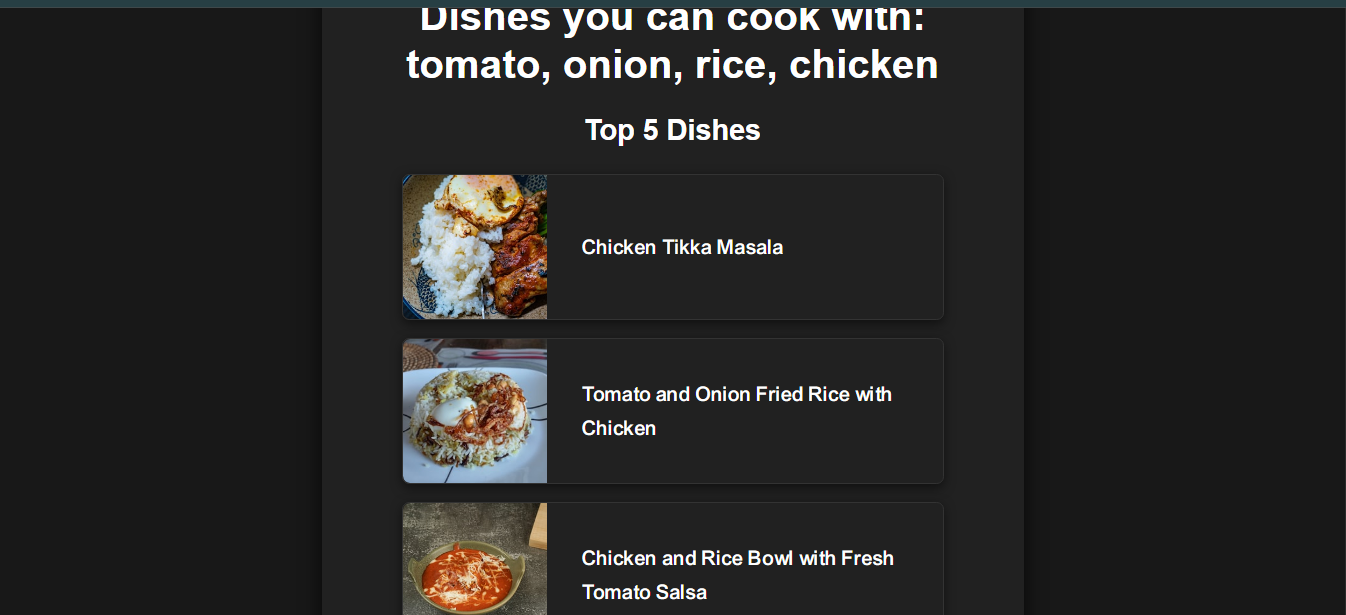
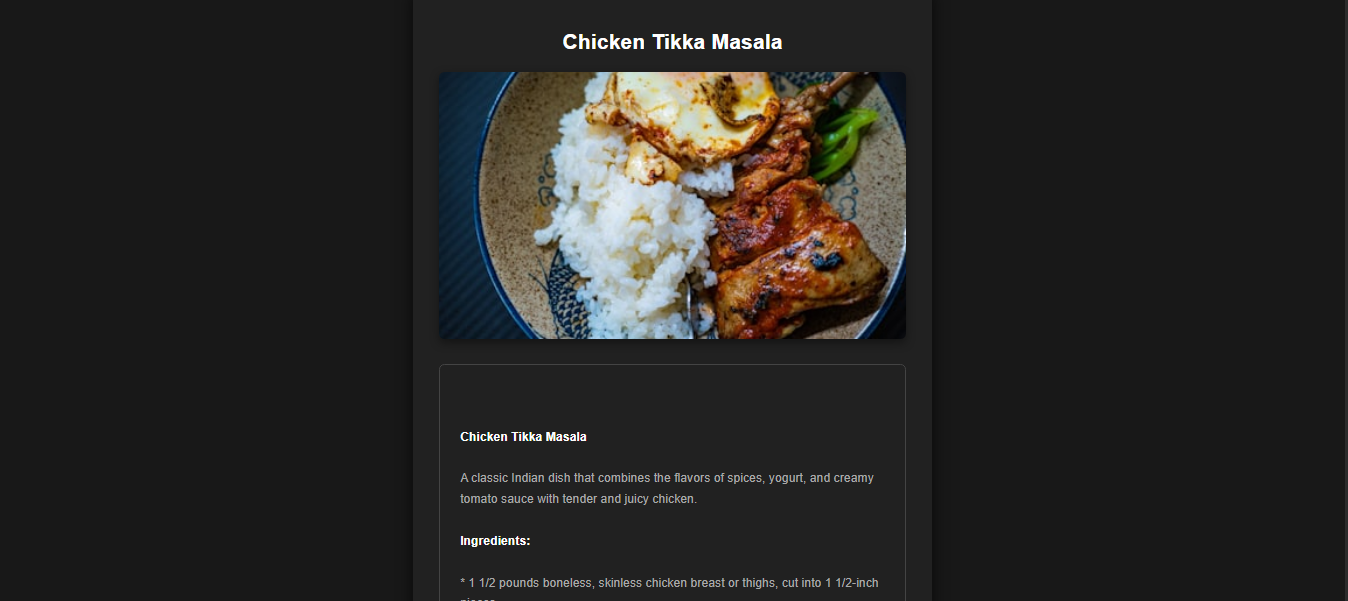
ChefAI is an AI-powered web application that generates recipes based on the ingredients you have on hand. You simply type in your ingredients, and ChefAI, using a powerful AI model, instantly suggests five unique dishes. When you select a dish, it provides a full, step-by-step recipe, complete with a professional-quality image, to guide you from start to finish. The app is fast, intuitive, and designed to make meal planning effortless.
How I built it
ChefAI is a full-stack application with a Python backend and a JavaScript-powered frontend.
Backend: I used Flask to manage the server-side logic and API integrations. The core functionality relies on the Groq API for ultra-fast, intelligent recipe generation. I also integrated the Unsplash API to fetch and display high-quality images for both ingredients and final dishes. All API keys are securely managed using python-dotenv.
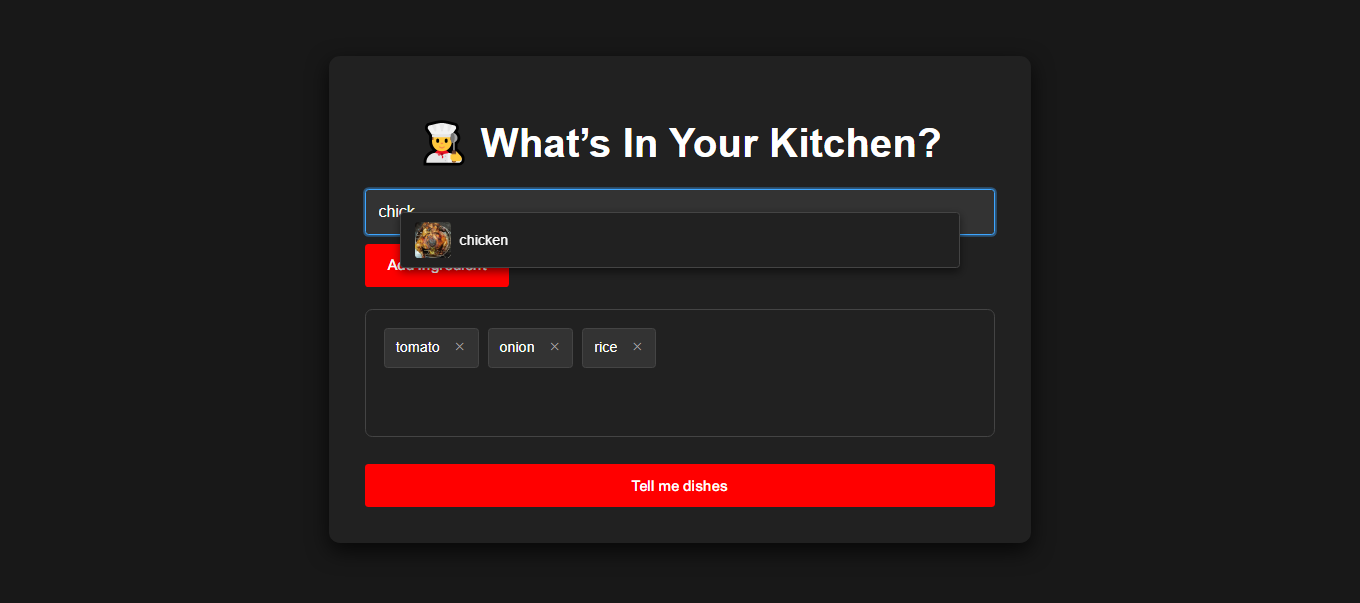
Frontend: The user interface is built with HTML and styled with CSS to have a clean, YouTube-like dark theme. I used JavaScript to create a dynamic user experience, including a real-time ingredient autocomplete feature and the ability to add and remove ingredients with visual tags. The entire process, from ingredient input to recipe display, is a seamless flow of API calls and data rendering.
Challenges I ran into
My biggest challenge was handling the raw output from the AI model. The Groq API would sometimes return extra conversational text or inconsistent formatting, which would clutter my user interface. To solve this, I had to implement a specific text-processing function in my Python code to clean the AI's response and ensure only the formatted recipes were displayed. I also created a small JavaScript file, remove-text.js, as a quick fix to deal with any remaining unwanted text on the front end.
Accomplishments that I'm proud of
Successful API Integration: I'm proud of successfully combining a large language model API (Groq) with an image API (Unsplash) to create a cohesive and visually appealing product.
Speed: The application's speed, largely due to the efficiency of the Groq API, is a major accomplishment. It provides a near-instant user experience from ingredient entry to dish suggestions.
Intuitive UI: I was able to build a clean and responsive user interface that is easy to navigate and guides the user through the entire process.
What I learned
This project taught me the importance of data sanitization when working with third-party APIs, especially with AI models that can have unpredictable outputs. I also gained valuable experience with backend development using Flask, handling API requests, and building a dynamic frontend with JavaScript.
What's next for ChefAI
Expand the ingredient database: Move from a hardcoded ingredient list to a real food database API for a more comprehensive selection.
Dietary Filters: Add options for users to specify dietary restrictions (e.g., vegan, gluten-free) to receive more tailored results.
User Accounts: Implement a login system to allow users to save their favorite recipes and ingredient lists for future use.

Log in or sign up for Devpost to join the conversation.