-
-
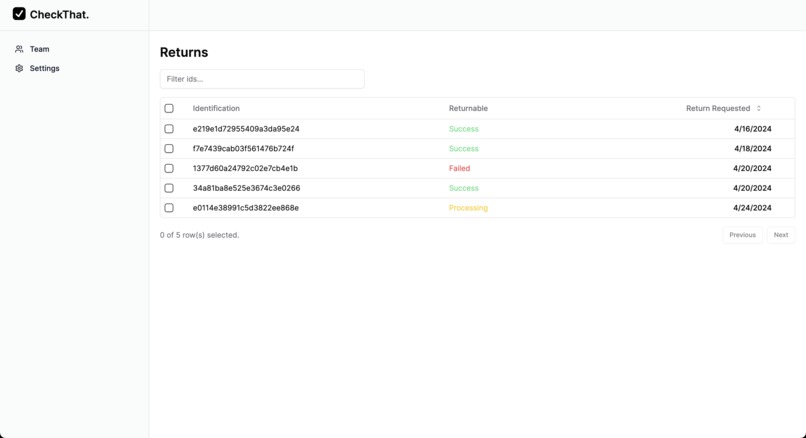
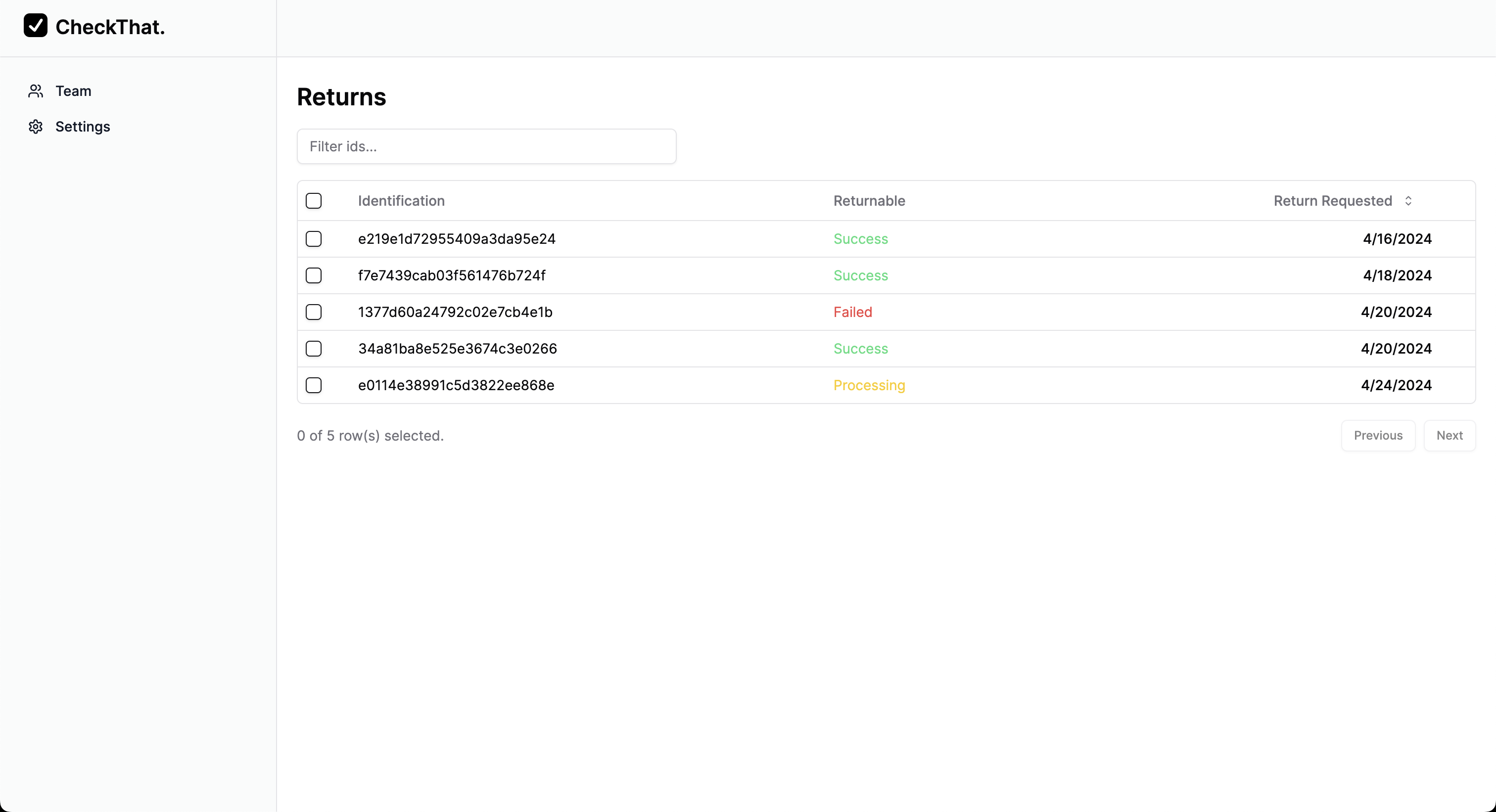
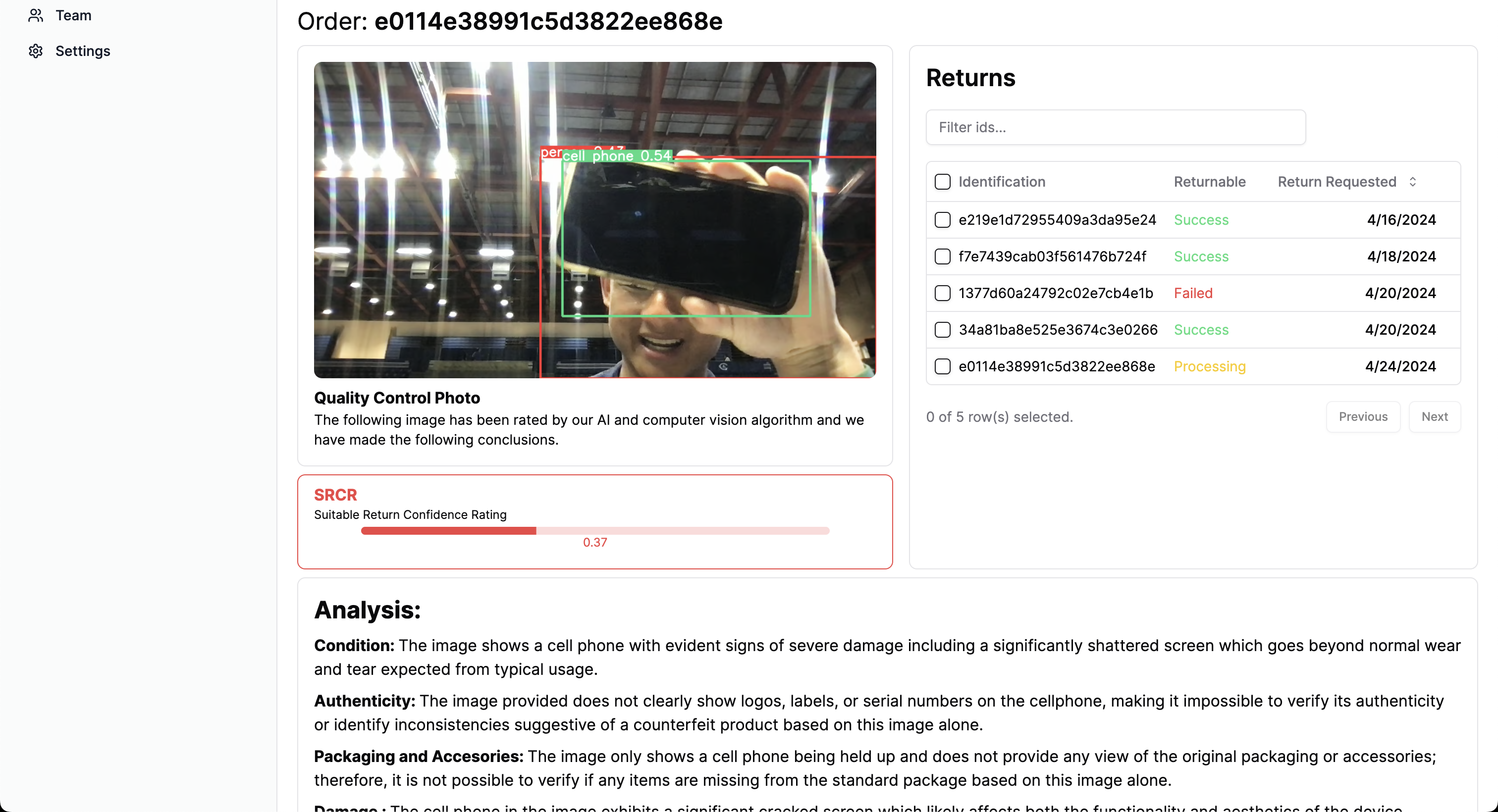
Admin Dashboard
-
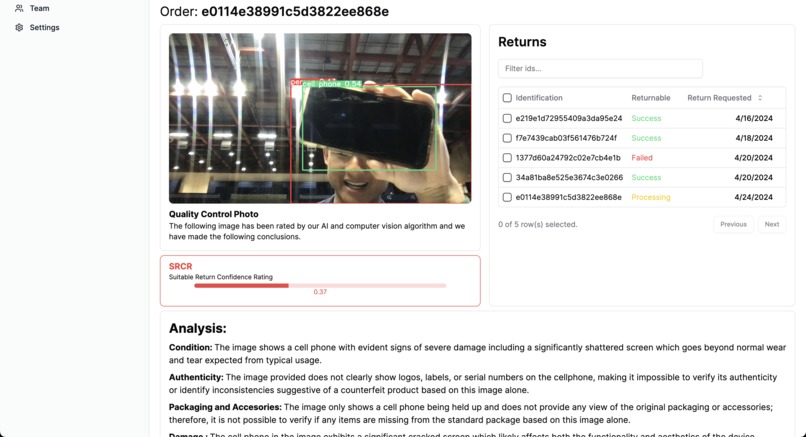
Individual Return Example Page
-
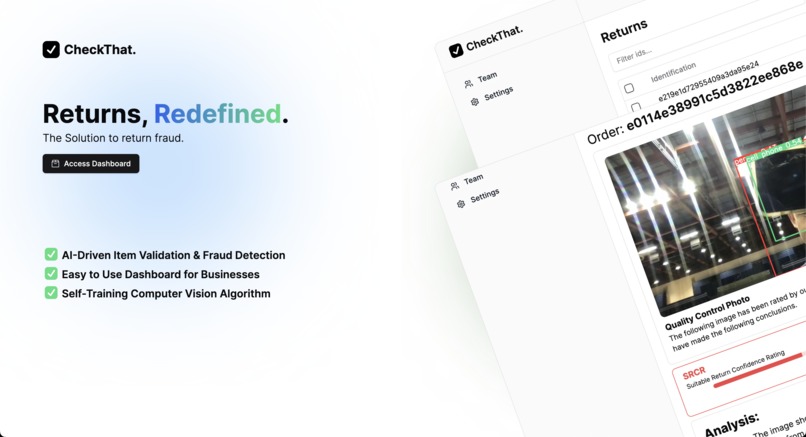
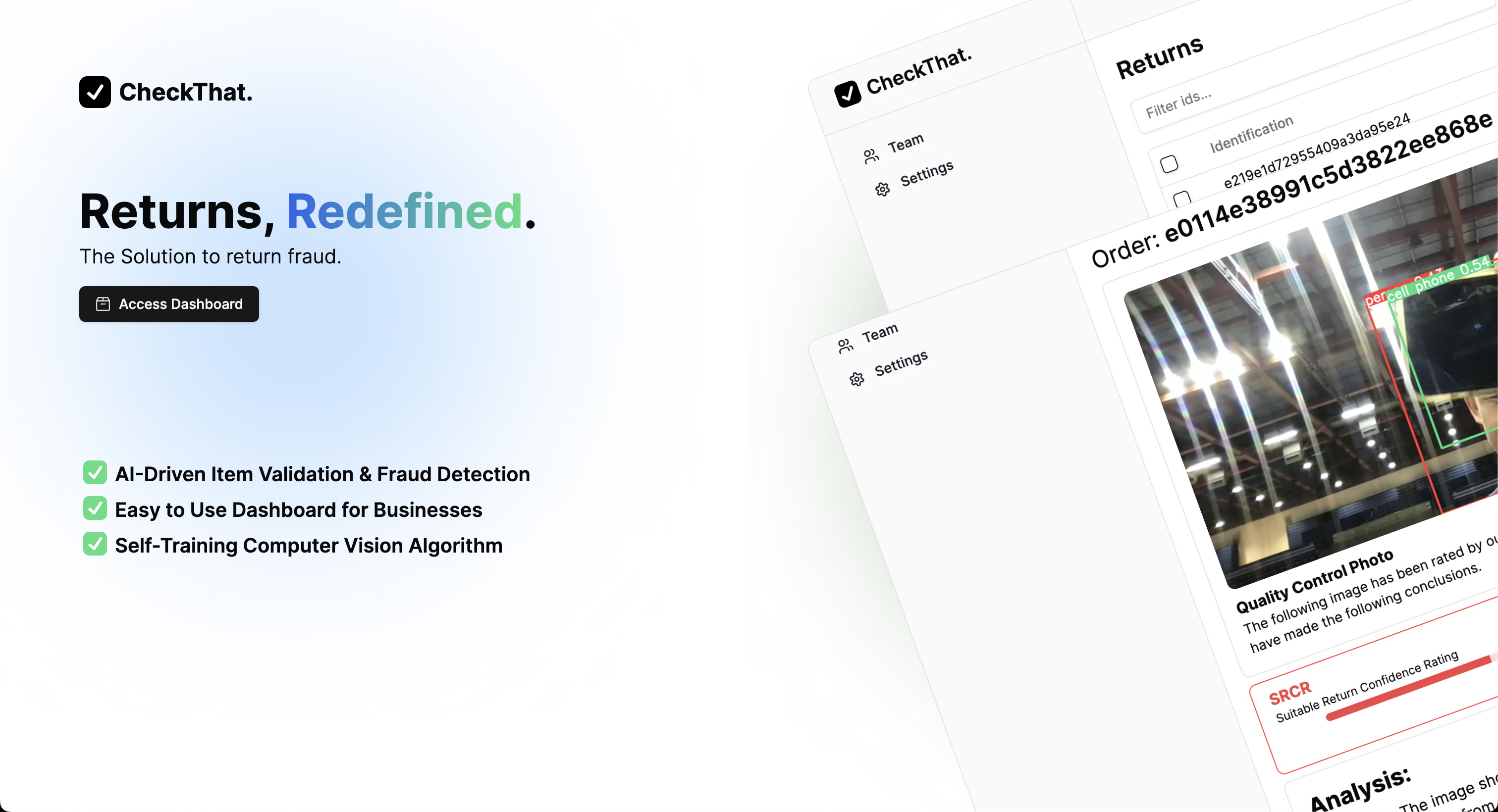
Landing Page
Inspiration
We learned that companies lost for $101 billion dollars from return fraud in 2023. Additionally, 60% of these fraud losses are unrecovered for small businesses. As they have no method of verifying if the product is really the one that they shipped, they lose thousands every where from these malicious buyers. As small business owners ourselves, we understand how hard of a hit that can be as we are often working day and night to make incremental profits.
What it does
Using your phone or web camera, we use our computer vision software to automatically detect the returned items. Then, using our advanced fraud recognition algorithm, integrated with Chat GPT 4 Turbo's image recognition perks, we check whether the condition of item based on: authenticity, Included packaging and accessories, and visible damage. Using all these factors we determine whether the item is returnable based on our proprietary measurement scale: SCRC (Suitable Return Confidence Rating).
*We train and improve: * As the small business continues to use our program, the computer vision program trains itself. We start recognizing individual product from the small business better and faster, and are able to analysis damaged areas at a much higher precision.
How we built it
We started with building a rough diagram of how we were going to implement this code. We created rough diagrams of napkins to illustrate the process and how we connect the detection of the computer vision script to our dashboard.
As we effectively brainstormed the whats, we hastily moved into operation. Cody worked on the computer vision script using Yolov5 and Chat GPT 4 while Arjun worked on the integrations with the dashboard using Next.js. We worked simultaneously, building the groundworks of the software. Here's a basic rundown of how it works:
- The computer vision script analyzes photos and detects whether the target object (what the user returned) is in the frame.
- Once the item is seen, we process multiple snapshots and send them to Chat GPT 4 Turbo and, using prompt engineering and multimodal detection, we analyze if the item is in the correct condition to be returned.
- After we processed this information, we relay it to our backend, MongoDB, which updates our Dashboard instantly to allow the small business to see real-time updates regarding their returns. Here, the business can make real-time and data driven decisions to what they would do with the processed return.
Challenges we ran into
The computer vision script was very intensive on our systems, so managing with our analysis algorithm led to many abrupt crashes. We realized that the video the computer vision script was taking, and the snapshots that were being sent to our image analysis algorithm was way too GPU intensive. To fix this, we optimized our code to use more CPU and adjusted the intervals that the snapshots were taken to account for our size.
Accomplishments that we're proud of
We are proud of the computer vision script to AI integration. In 24 hours, we didn't think that we would be able to create a system that checks fraudulent returns from real ones - especially since neither of us are computer science majors.
What we learned
We learned so much about computer vision, various open source AI integrations and how to use them effectively, Intel' Developer Platform, data streaming, connecting python scripts with a Next.js project (something we have never known was possible) and how to effectively use MongoDB.
What's next for CheckThat!
As our detection improves per use, we plan on training to improve the confidence of its detection.
Check out Our Hugging Face Link - Intel Developer Cloud
https://huggingface.co/CodyLiu/checkThat_YOLOv5
Get Started With our Model. It trains after every iteration and "check". Here we used the Intel Developer Cloud to make this happen.
import torch
import intel_extension_for_pytorch as ipex
from models.common import DetectMultiBackend
from utils.general import non_max_suppression, scale_boxes
from utils.torch_utils import select_device
from utils.dataloaders import LoadImages
from pathlib import Path

def run_inference(weights, source, imgsz=(640, 640), conf_thres=0.25, iou_thres=0.45):
    # Initialize device and model
    device = select_device('')
    model = DetectMultiBackend(weights, device=device, dnn=False)
    model = ipex.optimize(model, dtype=torch.float32)  # Optimize model

    # Load image
    dataset = LoadImages(source, img_size=imgsz, stride=model.stride, auto=model.pt)
    path, img, im0s, _ = next(iter(dataset))

    # Inference
    img = torch.from_numpy(img).to(device)
    img = img.float()  # uint8 to fp32
    img /= 255  # 0 - 255 to 0.0 - 1.0
    if len(img.shape) == 3:
        img = img[None]  # expand for batch dim

    with torch.cpu.amp.autocast():  # Enable mixed precision
        pred = model(img, augment=False, visualize=False)

    # Apply non-max suppression
    pred = non_max_suppression(pred, conf_thres, iou_thres)

    # Scale boxes to original image size and display or save
    for i, det in enumerate(pred):  # detections per image
        if len(det):
            det[:, :4] = scale_boxes(img.shape[2:], det[:, :4], im0s.shape).round()

    return det  # Return detections

if __name__ == '__main__':
    weights_path = 'path/to/yolov5s.pt'
    image_path = 'path/to/image.jpg'
    detections = run_inference(weights_path, image_path)
    print(f'Detections: {detections}')
Built With
- amazon-web-services
- cloudflare
- intel
- mongodb
- next.js
- openai
- python
- react
- tailwind
- yolov5

Log in or sign up for Devpost to join the conversation.