-
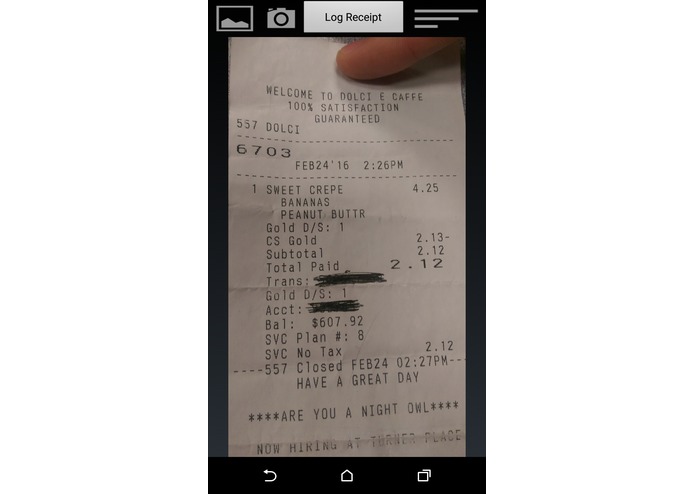
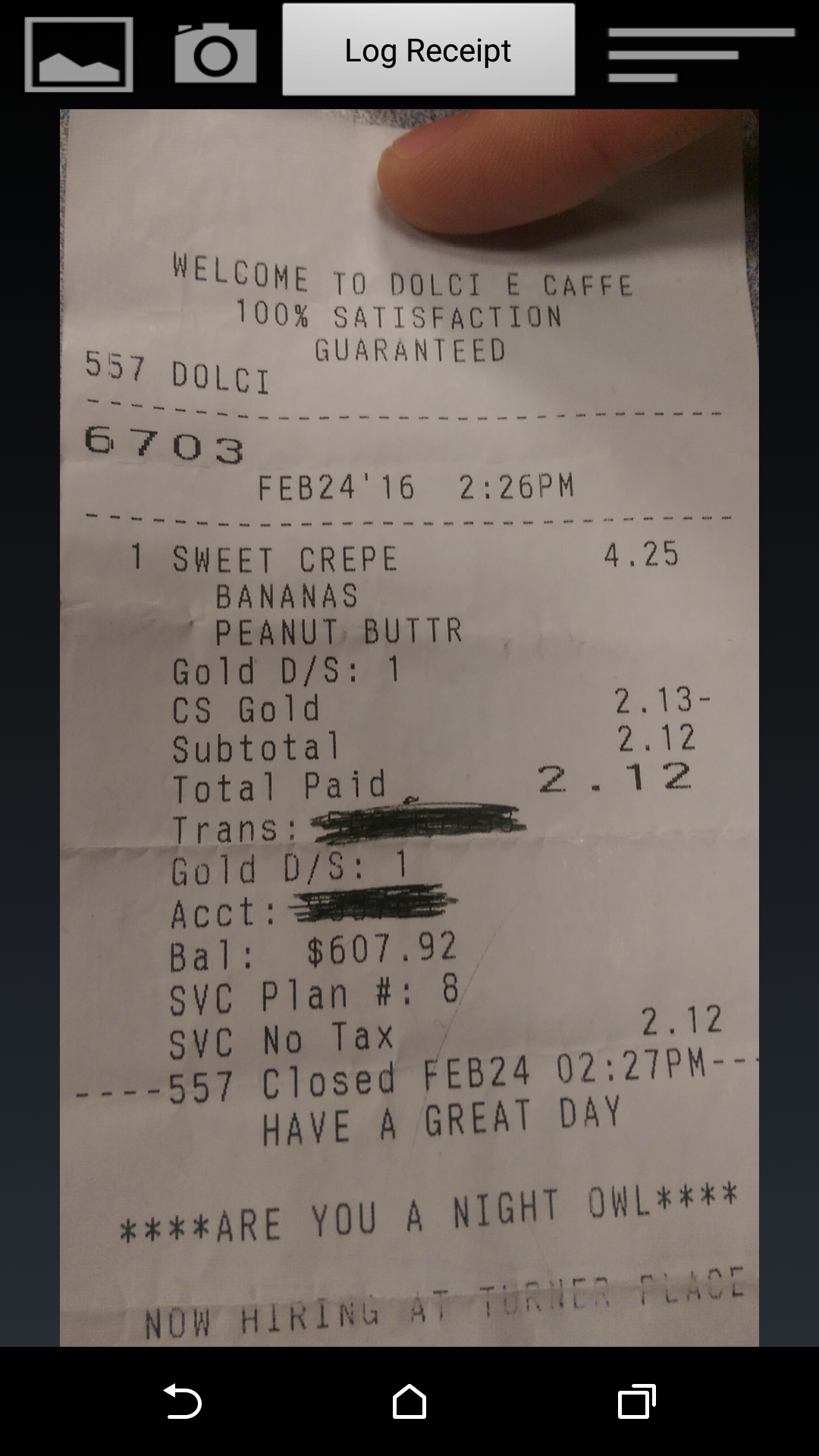
1. Take a photo of your receipt
-
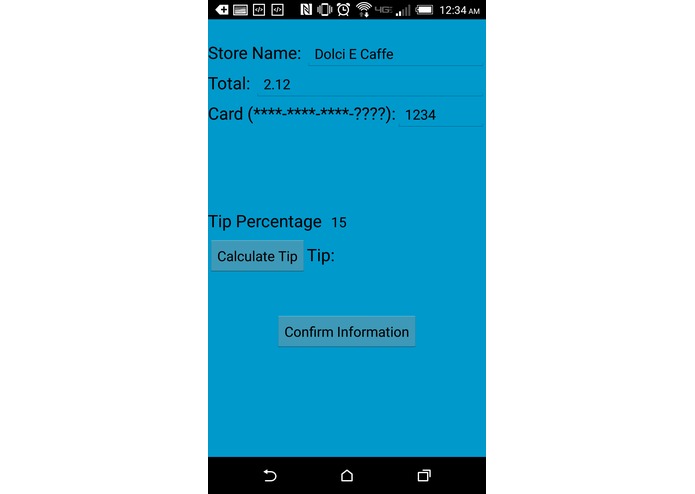
2. We do the heavy lifting
-
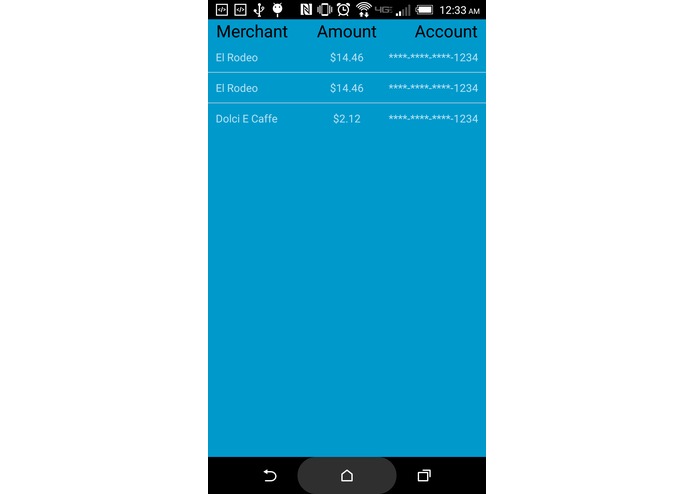
3. Review your purchases with Capital One


Inspiration
Have you ever tried keeping track of your receipts, either on business trips or for personal finance? We've learned from firsthand experience that maintaining a decent record and saving receipt data is frustrating and difficult.
What it does
CheckMate uses an online Optical Character Recognition (OCR) tool to parse receipt photos. It allows the user to then save the receipt and their subsequent expenses on Capital One's Nessie database for easy access and referral. Oh, and it can calculate tips too.
How we built it
We built our application in Android Studio running Android 4.4W, allowing the app to be scaled across the majority of Android devices. It uses Capital One's Nessie SDK for storage and handling of secure monetary content.
Challenges we ran into
Finding an open-source OCR was the first hurdle, but implementing it was most definitely the second. We initially tried Microsoft's OneNote Lens, and then moved to Google's Tessaract, but decided that sending out the information via a server call would prove to give the least pain. This tool, however, forced us to be creative with string parsing as its processing was less strong than the other brands' toolkits. For the majority of us, Android Studio was a new environment that we weren't familiar with, so connecting all SDKs with Android and even just making the app work was a serious challenge. Luckily, with the help of the Capital One staff we were able to make a fully functional, dynamic display off of user-created content.
Accomplishments that we're proud of
It works. What more can we say?
What we learned
Android, Android Studio and Git implementation were just a few of the things we've learned.
What's next for CheckMate
Improved OCR, higher-end Nessie integration.

Log in or sign up for Devpost to join the conversation.