-
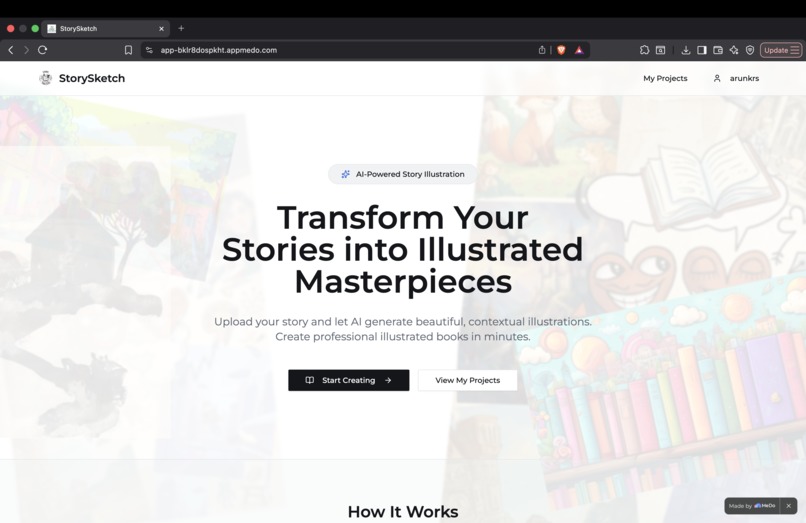
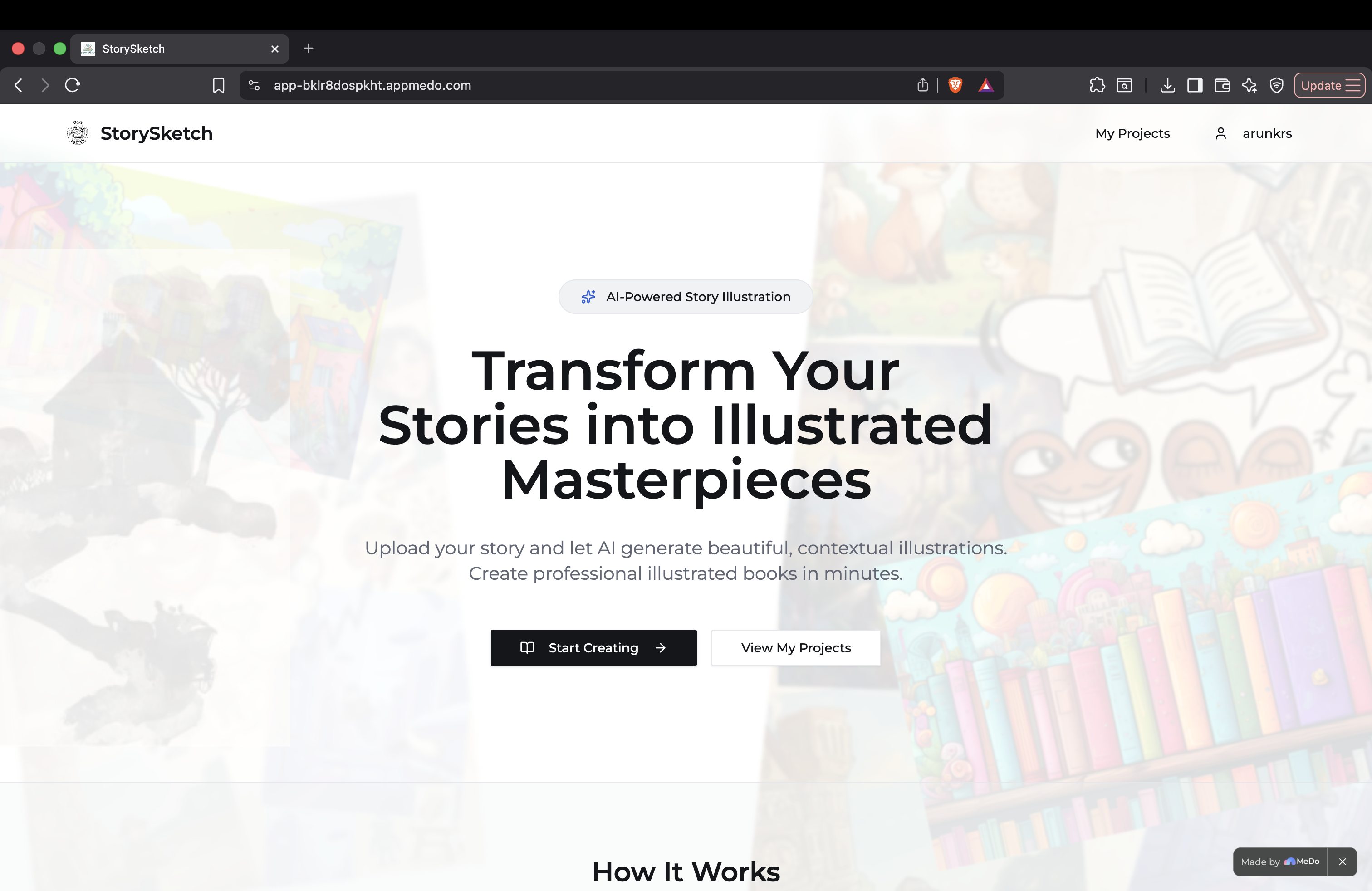
Home page
-
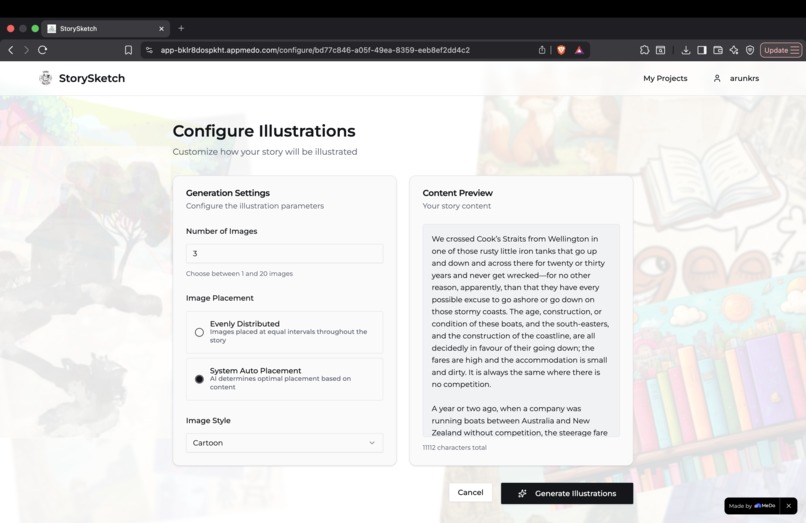
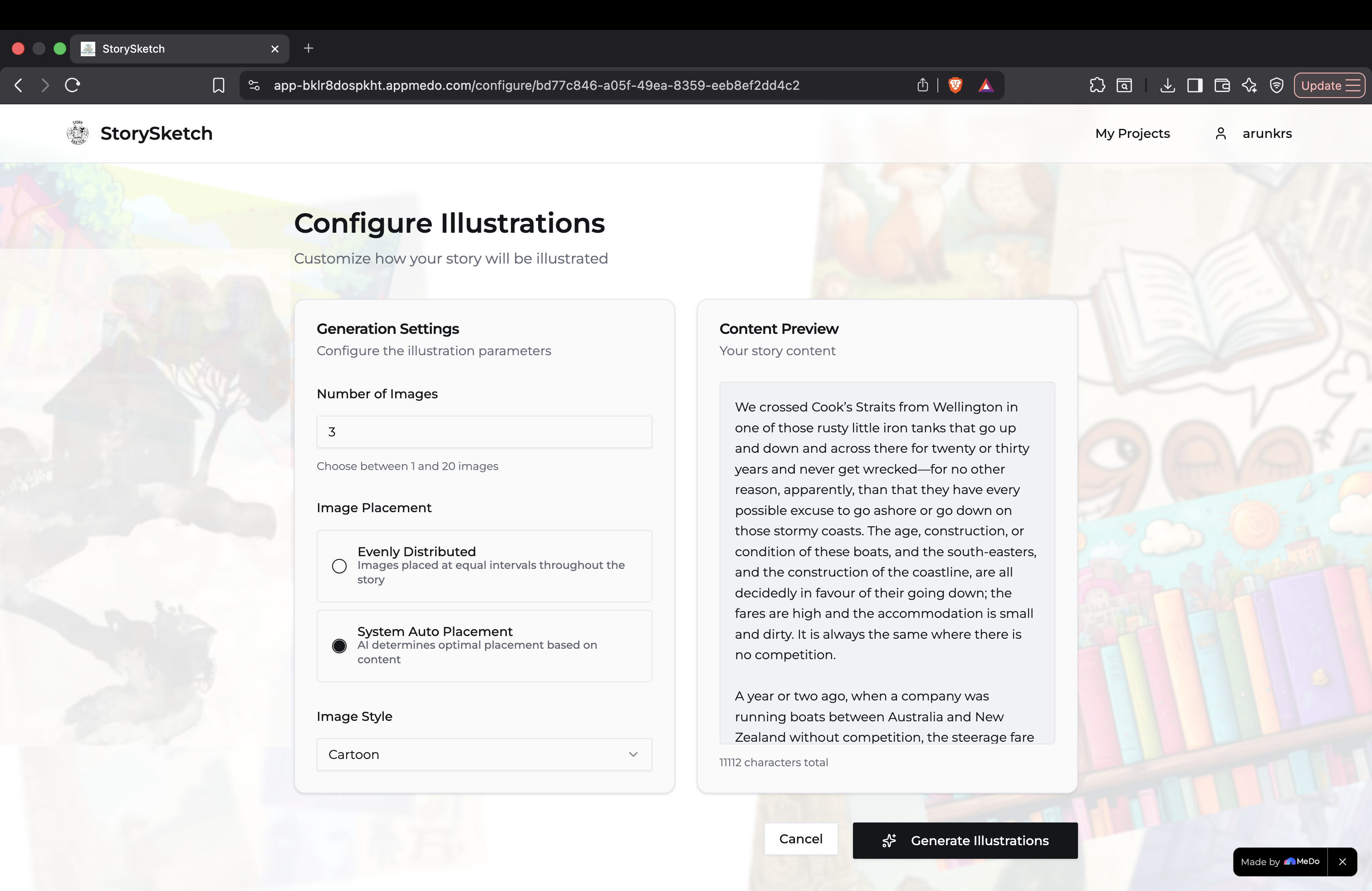
Upload and config screen
-
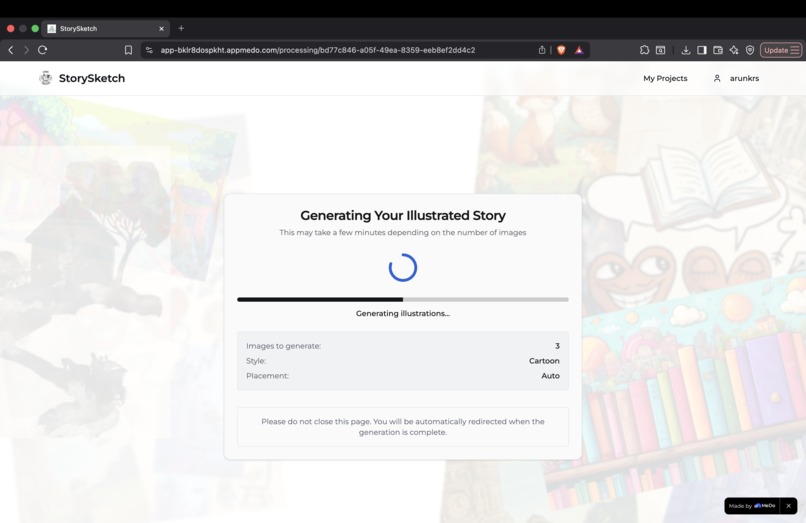
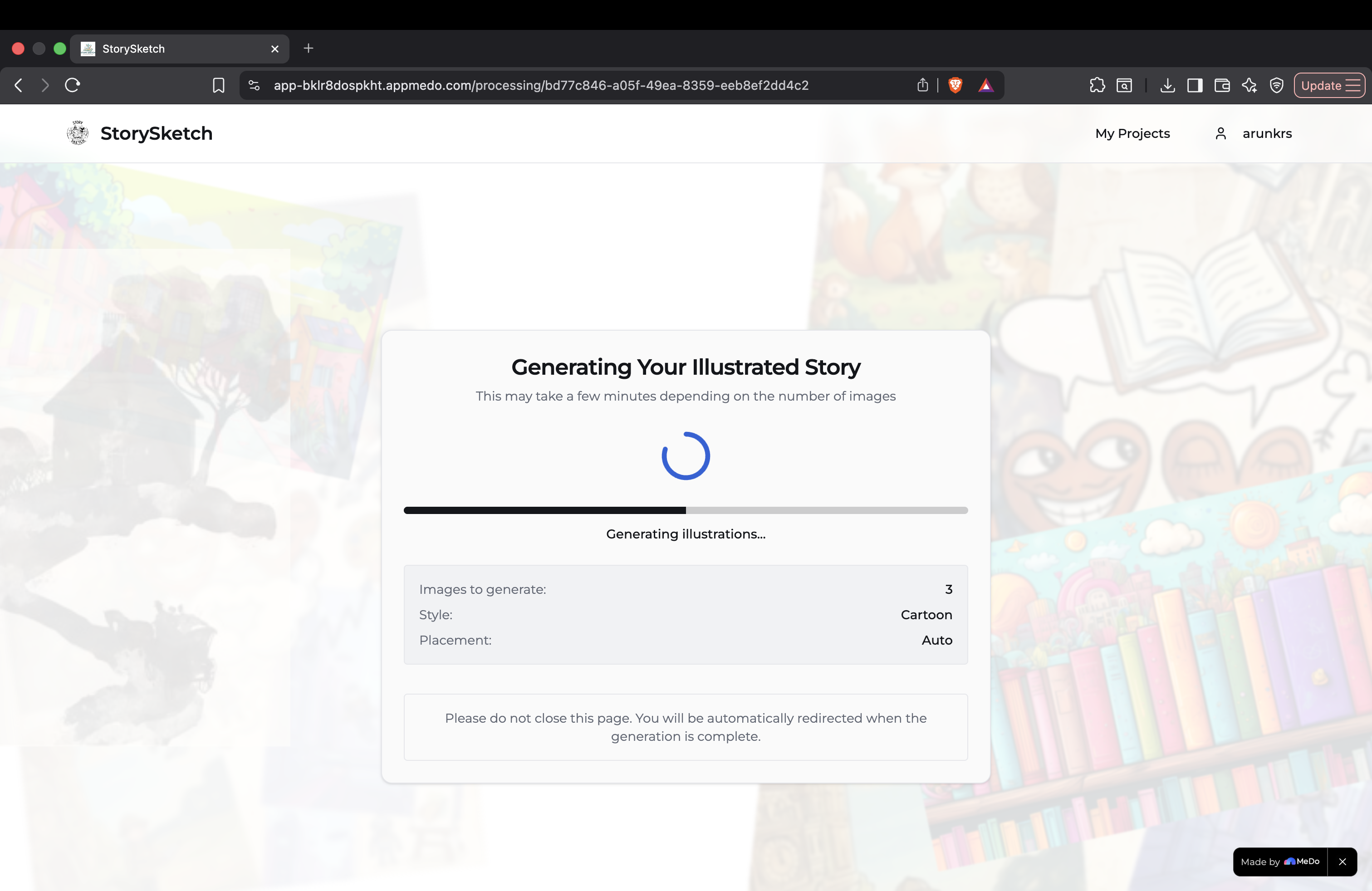
Generating screen
-
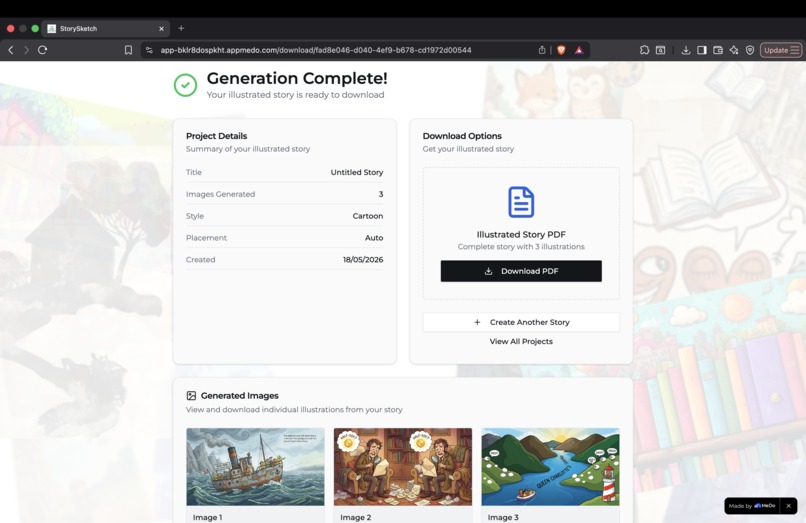
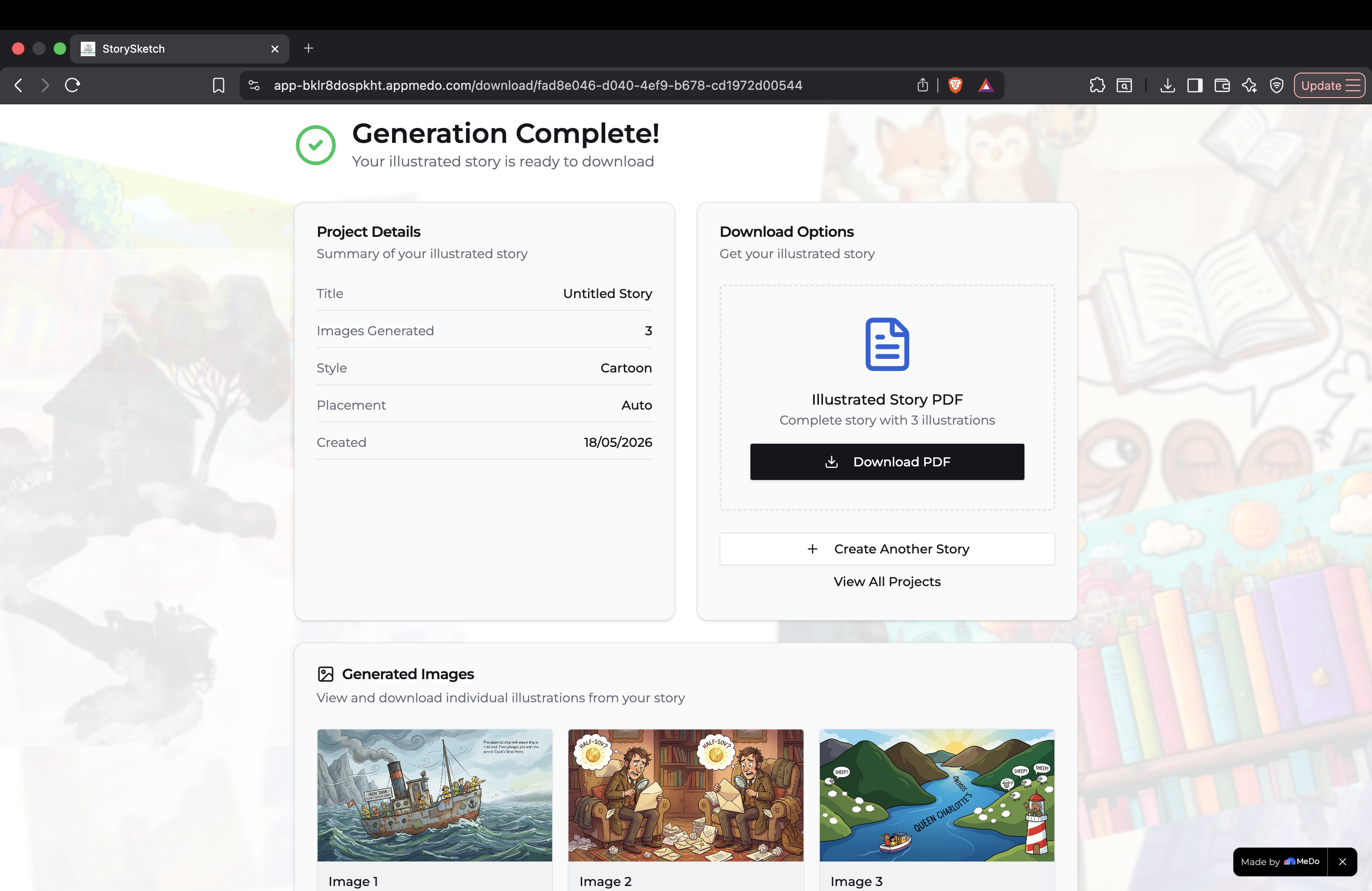
Results screen
-
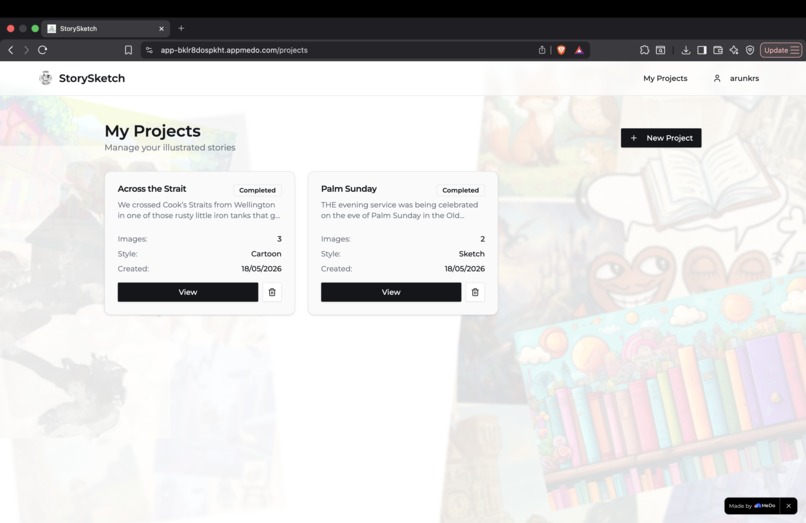
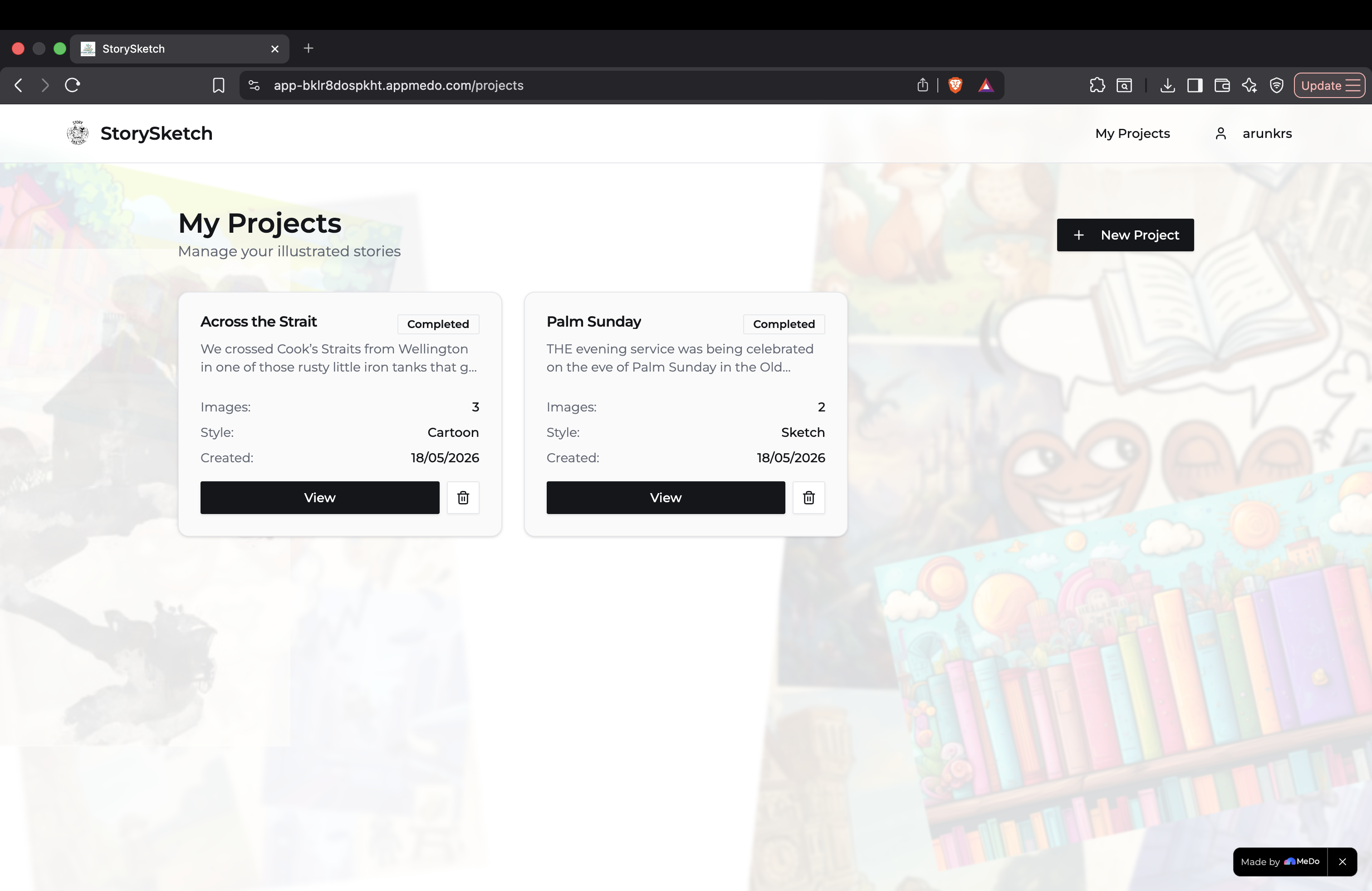
My Projects screen
Inspiration
The spark for StorySketch came from a simple observation: reading is an incredibly immersive experience, but bringing a narrative to life visually has traditionally required a massive budget, artistic expertise, or hours of manual hunting for generic clip art. We wanted to empower authors, educators creating localized learning materials, and parents drafting bedtime stories to instantly bridge the gap between imagination and illustration. We thought, "What if words could paint their own pictures in real-time?"—and StorySketch was born.
What it does
StorySketch is an AI-powered platform that transforms raw text documents (.pdf, .docx, .txt) into beautifully formatted, illustrated, production-ready PDFs.
Users upload their manuscripts, specify how many images they want, and select an artistic direction (e.g., oil painting, digital art, or classic cartoon). The core engine handles the heavy lifting: it dynamically analyzes the plot's context, calculates the absolute best narrative beats for visual impact, generates style-consistent imagery, and seamlessly compiles a brand-new, beautifully structured PDF without breaking the flow of paragraphs or wrapping text awkwardly.
How we built it
The architecture divided into four core pipelines:
- Text Processing Pipeline: Built using robust text extraction libraries to seamlessly parse .docx, .pdf, and .txt files while keeping paragraph structures intact.
- Contextual AI Engine: We utilized an LLM to analyze the entire story arc. It acts as an "Art Director," picking out key descriptive sentences, character details, and the optimal layout coordinates based on the user's selected placement rule (even distribution vs. system auto-placement).
- Image Generation Pipeline: Leveraged diffusion models via API to generate high fidelity, context aware visual assets mapped directly to the user's requested style dropdown.
- PDF Compilation Engine: Designed a dynamic layout compiler that injects the generated images as clean, standalone elements, strictly adhering to the rule of moving overflowing assets onto dedicated pages to preserve document readability.
Challenges we ran into
- Maintaining style consistency, getting an AI to generate five different images that look like they were drawn by the same artist is tough.
- Parsing the pdfs and generating the pdf's is bit tricky as image based and compressed pdfs are hard to parse and it breaks the text.
- Standard document generators love to wrap text around images, which completely ruined the book layout. We had to build strict page boundary validation rules to ensure images always render as standalone blocks and elegantly push to a new page if they risk clipping text.
Accomplishments that we're proud of
- Creating a "System Auto Placement" mode that accurately identifies emotional high points or dramatic action sequences in a text file and places an image right there feels like magic.
- Using Async processing ensuring a smooth, crash-free user experience while multiple heavy image generation processes run in the background.
What we learned
- Handling pagination programmatically requires precise mathematical tracking of pixel heights, margins, and font baselines.
- We learnt how to pre-process large text files into compact, semantic descriptions to save significantly on backend computation costs and speed up delivery times.
What's next for StorySketch
The current release is just the first chapter. Moving forward, we plan to implement:
- First thing is improving the core image generation part and optimize token usage and lreducing the latency.
- Tiered Subscription & User Accounts: Introducing robust user authentication and token tracking to implement image generation quotas and premium tiers.
- Interactive Story Canvas: Moving out of scope restrictions by letting users click on a generated image, tweak the prompt, and regenerate a single asset without re-cooking the entire book.
- Character Embedding (LoRA): Allowing users to upload a reference image of a character so the AI keeps the exact same face, clothes, and features across every illustration in the story.
- Advanced Layout Customization: Introducing options for text wrapping, custom canvas dimensions, and dual-column layouts for textbook creation.
Built With
- react
- supabase
- typescript
- vite

Log in or sign up for Devpost to join the conversation.