
Inspiration
My inspiration for this project was how much my mother started to worry for me and my other siblings throughout the pandemic. With her and my younger brother's weak immune systems, she was always concerned about our health. With the Check Up! app, hopefully she and parents everywhere could have a little bit more comfort while trying to get through this time where health is the most important.
What it does
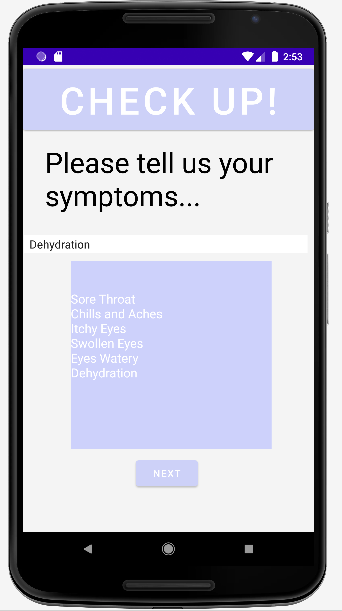
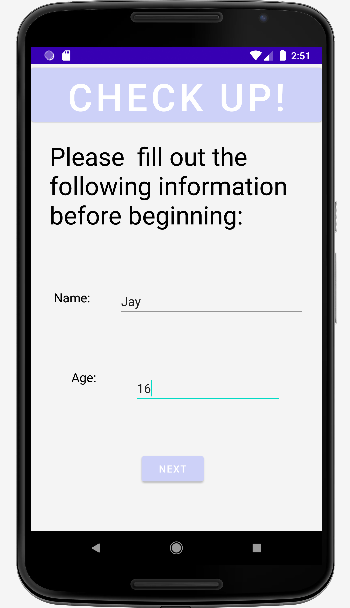
The Check Up! app takes the information based on the users age, pre existing conditions and current symptoms to generate a list of possible illnesses that the user may have. This list will alert the user if illness is severe. While a lot of research was done in order to make check up! as accurate as possible, we would still recommend seeing a doctor in order for maximum insurance and safety.
How I built it
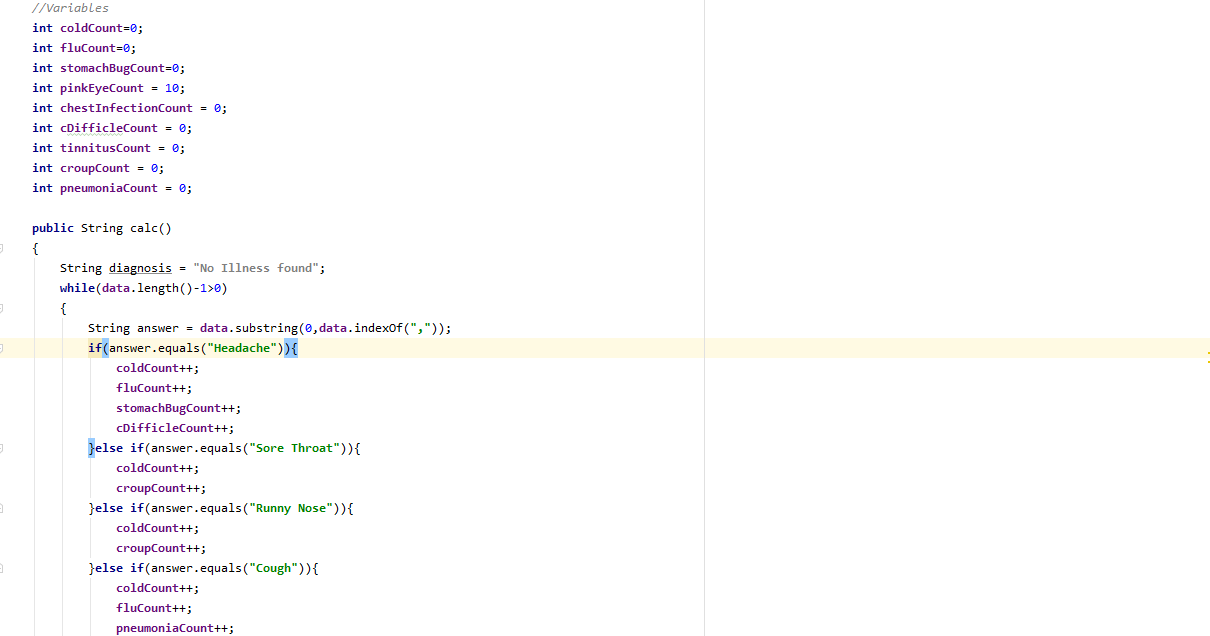
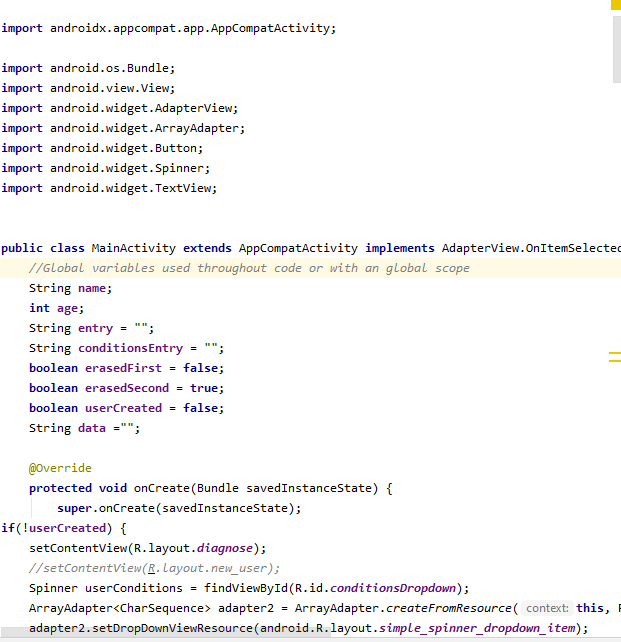
This app was made through Android Studio, using Java to program and xml files for the visual design. Before doing anything I made a plan, researched and mapped out a wireframe for the app in order to have a clear image of what the Check Up! app needed to look like. After completing the planning and design process, development took around 20 hours. The art software used to create the app and project icon was Krita.
Challenges I ran into
As I was working alone and this is my first Hackathon, it was challenging to run into then fix issues with the UI design. Other huge challenges that occurred was my laptop freezing and Android Studio had multiple issues with testing the app. Although these issues persisted throughout development, Check Up! was still able to be produced.
Accomplishments that I'm proud of
With the great challenges came great accomplishments. As a beginner developer, I am ecstatic that my first big project, was completed and plan to continue making Check Up! A stronger and user friendly app. This project has helped me learn a lot more about Android Studio and the development process and I view that as a major achievement.
What I learned
During this hackathon I learned that everything that can go wrong, probably will in terms of technology however as developers and creators the more we face it the easier it’ll be to enjoy both the triumphs and failures. With this lesson I also learned so much more about the Android Studio API and software development in general. I will cherish these lessons as I continue to explore developing.
What's next for Check Up!
Check Up! will become much more user friendly in the future and features aimed at assisting public events are in the works so keep an eye out for what comes next!

Log in or sign up for Devpost to join the conversation.