-
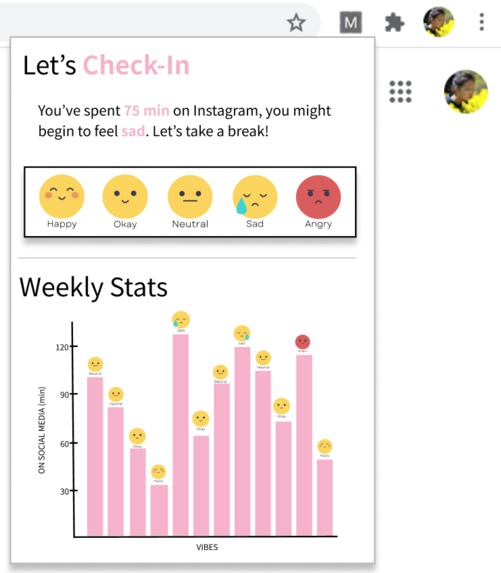
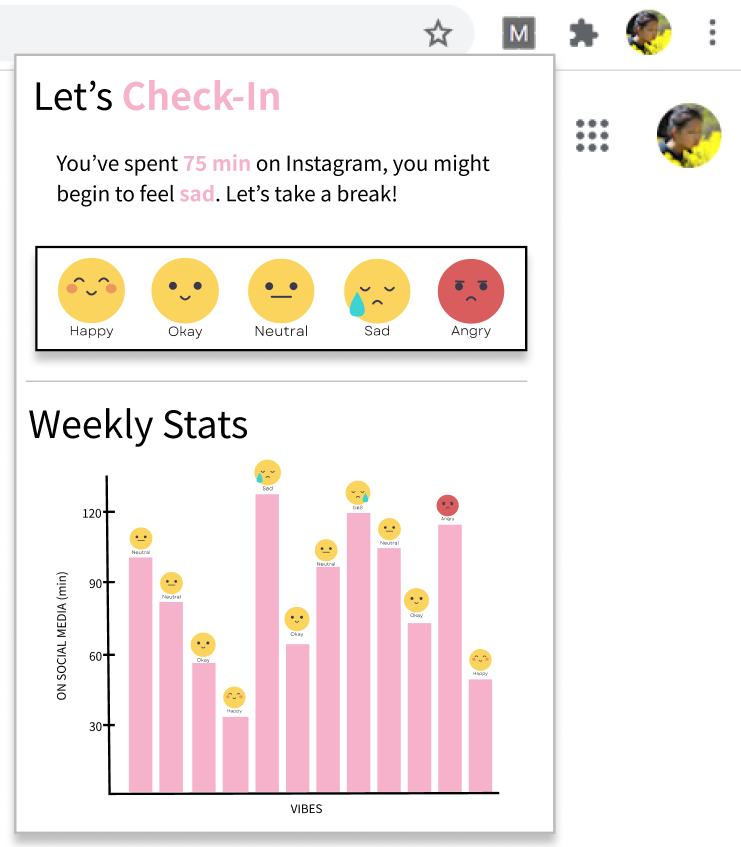
Chrome extension interface
-
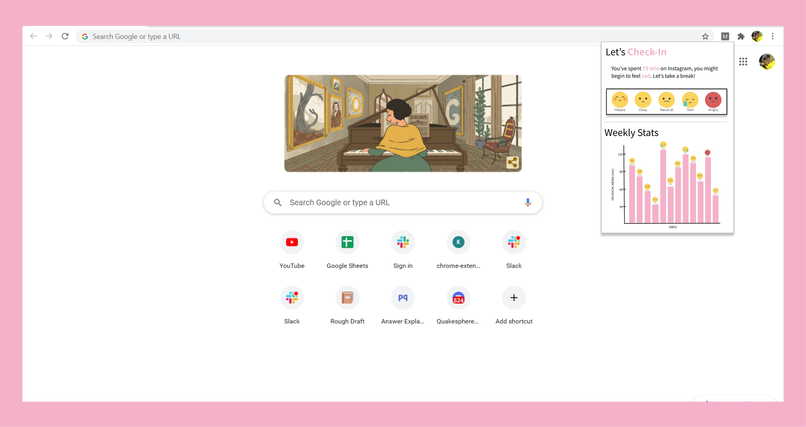
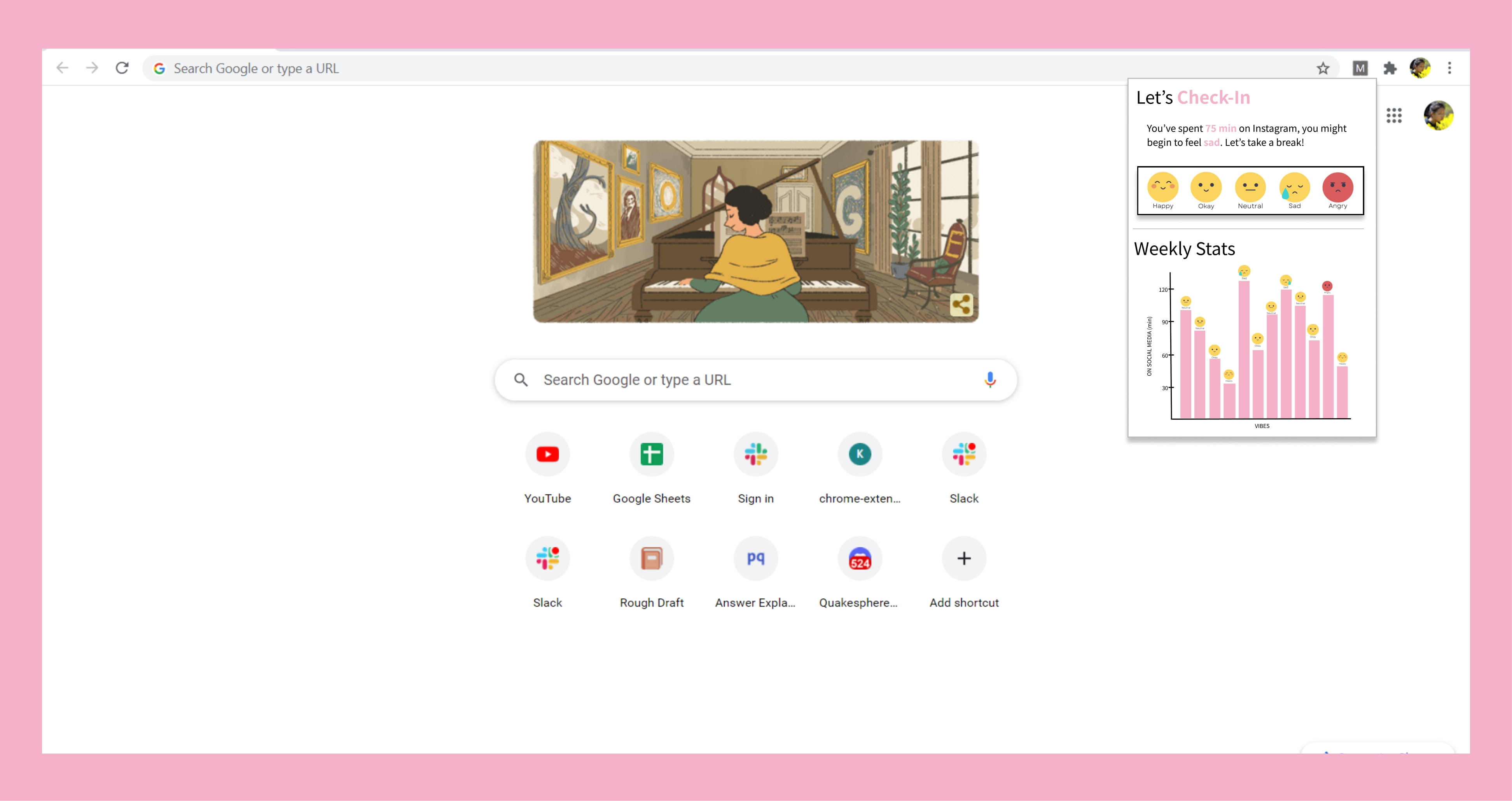
Extension on desktop
-
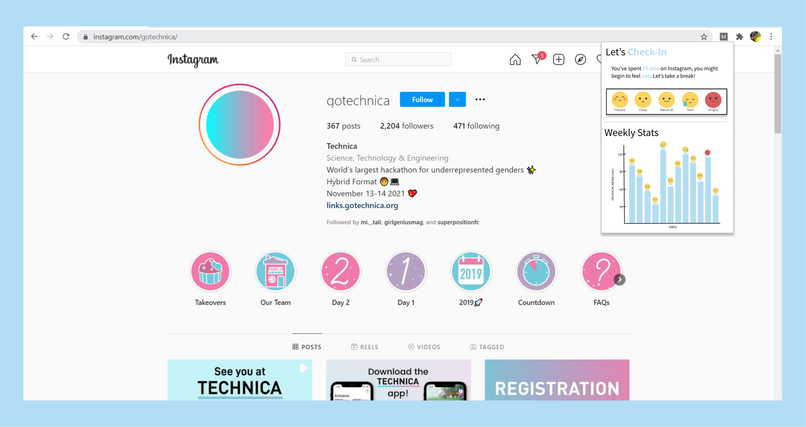
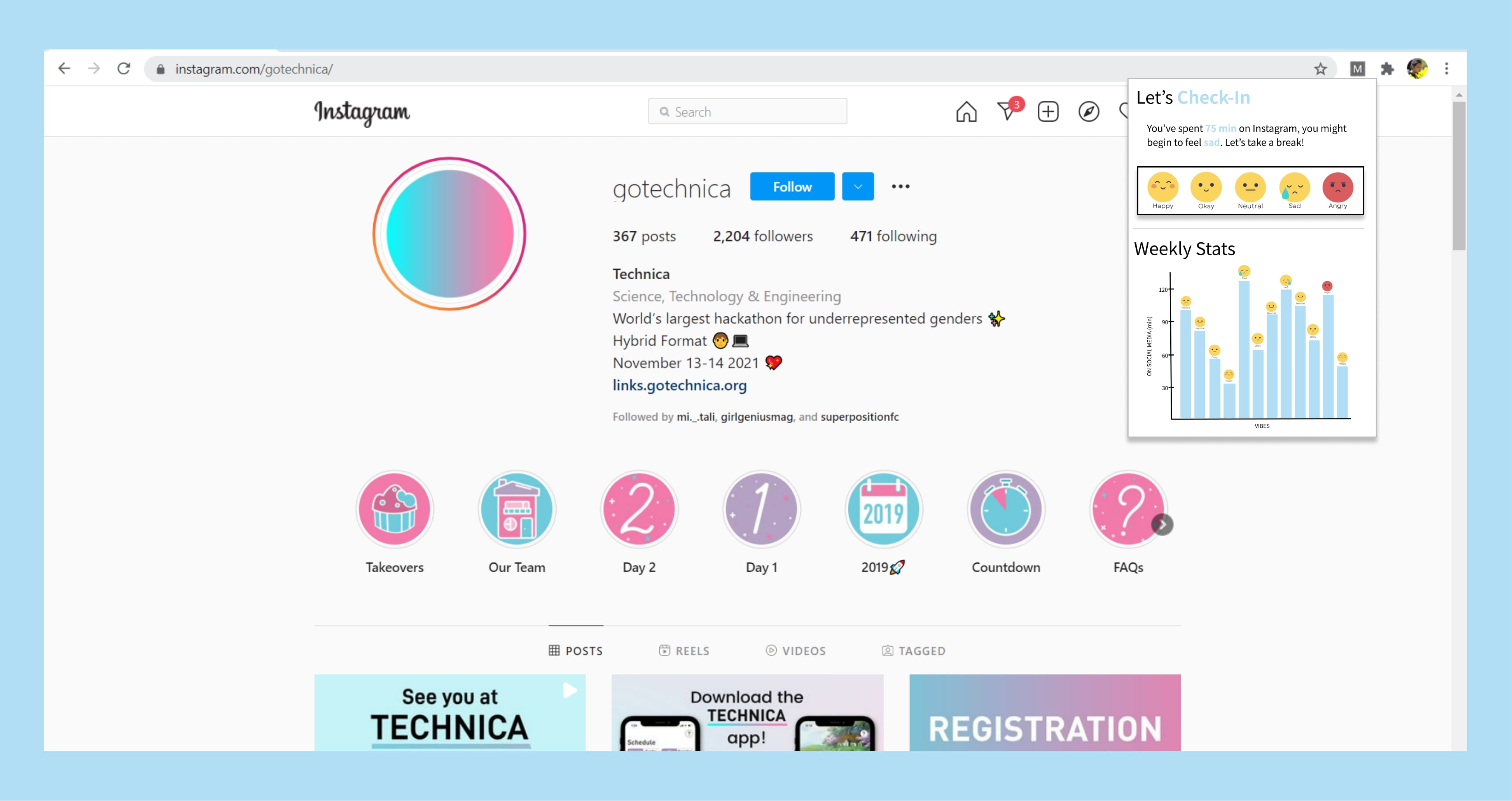
Color options
-
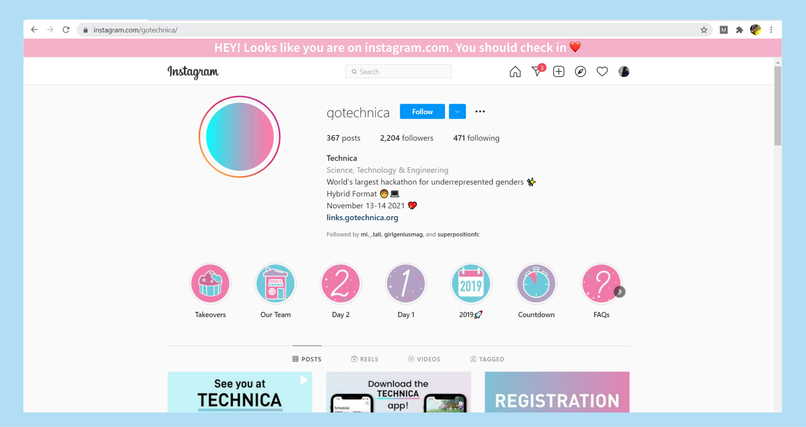
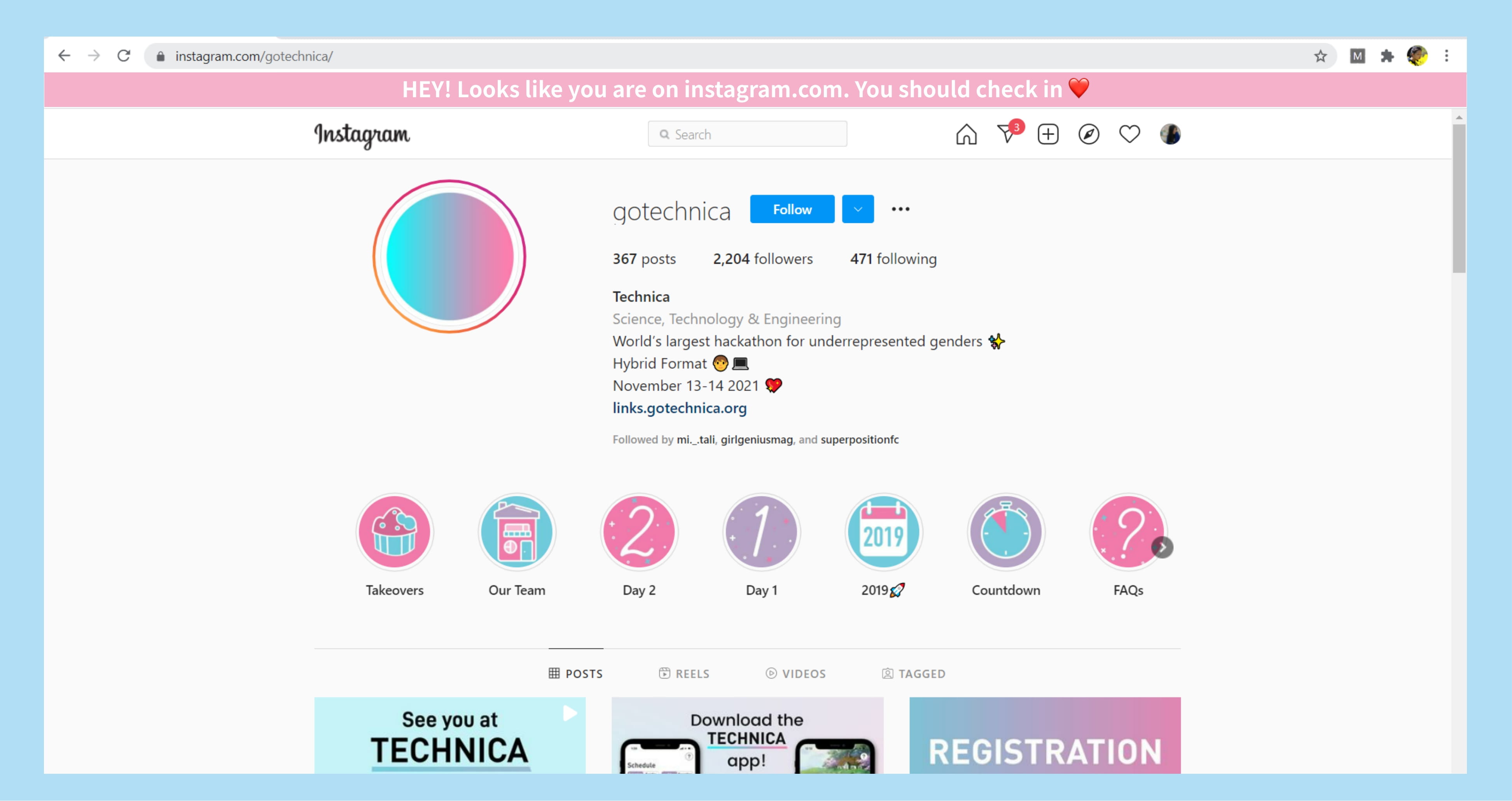
Check in prompt
Inspiration
Youth make a large percent of the users in social media. This makes youth an especially vulnerable group to the mental health toll social media has. Furthermore is a high correlation between social media users' mental health and usage of social media, where depression rates tend to be high with frequent users. As a high schooler, I've seen and felt how social media such as Instagram and Facebook can make me and others feel insecure or waste time. So social media's role in mental health is personal to me and something I'm passionate about. I wanted to create a chrome extension that would track users time on the site, give reminders for users to log their feelings as they stay on that site, and from that, data, begin to predict and warn users if they have stayed on a social media platform too long and might begin to feel it's adverse effects. Social media consumption may feel unavoidable for some and in small quantities can be beneficial, but I hope with Check-In people can feel safe and empowered to limit their time on social media.
What it does
In its current state, the chrome extension, although functional and usable on user's chrome browsers, only has front-end code that allows users to select their emotions and backend code that is not complete due to the challenge of integrating AI. However, Check-In in its completed state is able to measure how long a user is interactive on a social media page (such as Instagram or Facebook) and every 15 minutes will prompt users to enter how their feeling. The app will log the emotion as a number from 0-4 and the time that users were on the page and store those values into an array. From there the app will models such as linear regression to predict how users will feel after they are on social media for a certain length. These predictions will be used to warn users if they have been on a site for too long and might begin to feel negative or it can prompt users, if they've repeatedly responded negatively to a certain user's post, to unfollow individuals. As the user continues to use the extension, the feedback and responses become more accurate and are customized to the user's personal limits and needs.
How we built it
Check-In was built using HTML and CSS for the frontend and javascript and linear regression javascript API for the backend.
Challenges we ran into
This is my first time programming a chrome extension and using HTML and javascript, so I was constantly learning things on the fly. The creation of the entire chrome extension was a challenge, however, I really struggled to integrate HTML and javascript for the first time. With numerous tutorials, I finally figures out how to get this chrome extension off its ground, but didn't have enough time to complete a working version of the linear regression and tracker. My big struggles came from javascript's lack of ability with lists (or dynamic arrays) and static variables, which I had a hard time adapting to because much of my coding experience is in object-oriented languages such as java and python.
Accomplishments that we're proud of
In order to compensate for lost time, I decided to use Figma instead to create a finalized front end to communicate what the final product would have looked like. I am proud of how I was able to bounce back, especially as I worried that an incomplete project wouldn't be viable. I'm also proud of how much I learned through this experience. I learned how to use Html, javascript, CSS in just a day and was able to begin implementing code to time user interactivity and linear regression. Even if I wasn't able to finish a workable and polished version, I'm proud that I was able to make so much progress and can't wait to continue to work on this project.
What we learned
I learned how to use javascript, HTML, CSS, and create professional prototypes and demonstrations on Figma.
What's next for Check-In
What's next for Check-In is to get it actually working! I'm passionate about the mental health of online users and especially teens, so now that I've started on this idea, I'm impassioned to follow through on it. Luckily, Chrome extensions are very easy to get on the chrome web store. So, as I polish the front end and ensure the backend functions, I can't wait to see my extension on the web store soon.
Built With
- css
- html
- javascript
- linear-regression

Log in or sign up for Devpost to join the conversation.