-
-

Icon
-
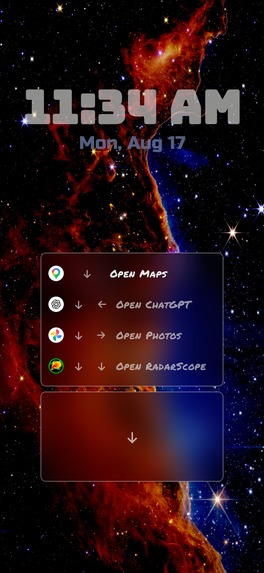
Code entry
-
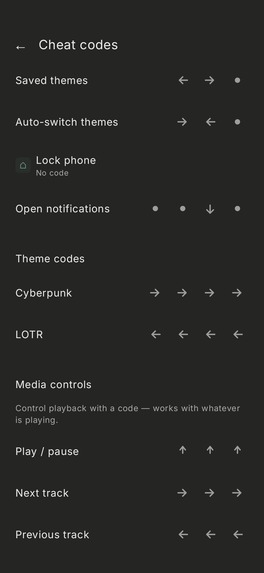
Code list
-
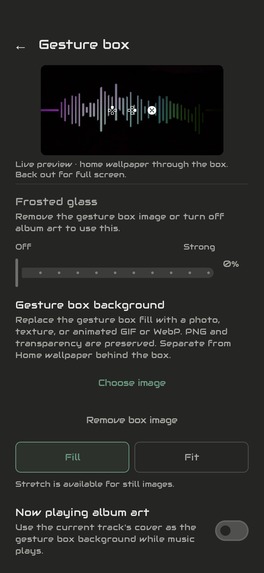
Customization
-
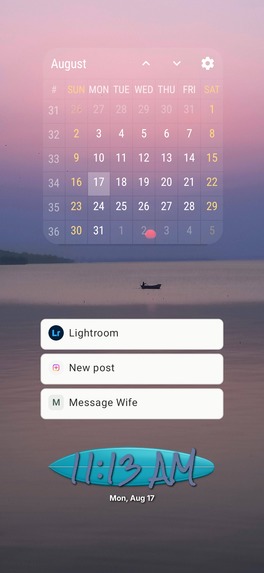
After shortcuts
-
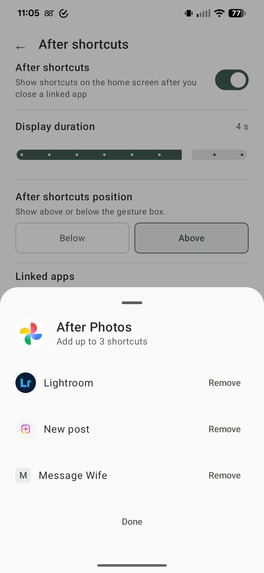
After shortcuts setup
-
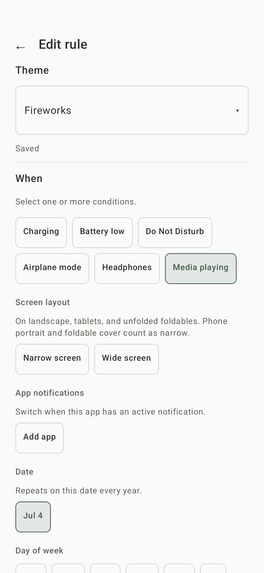
Auto theme switching rules
-
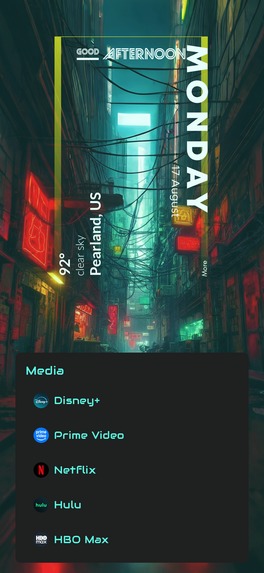
Collection
-
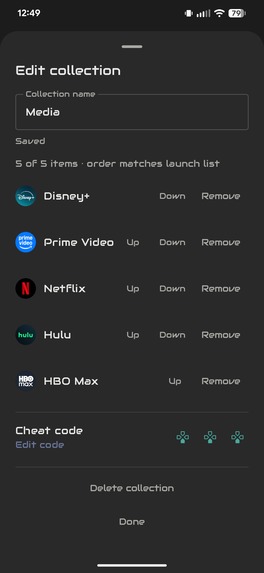
Collection setup
-
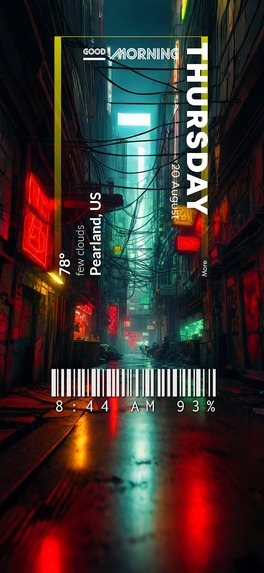
Customized screen

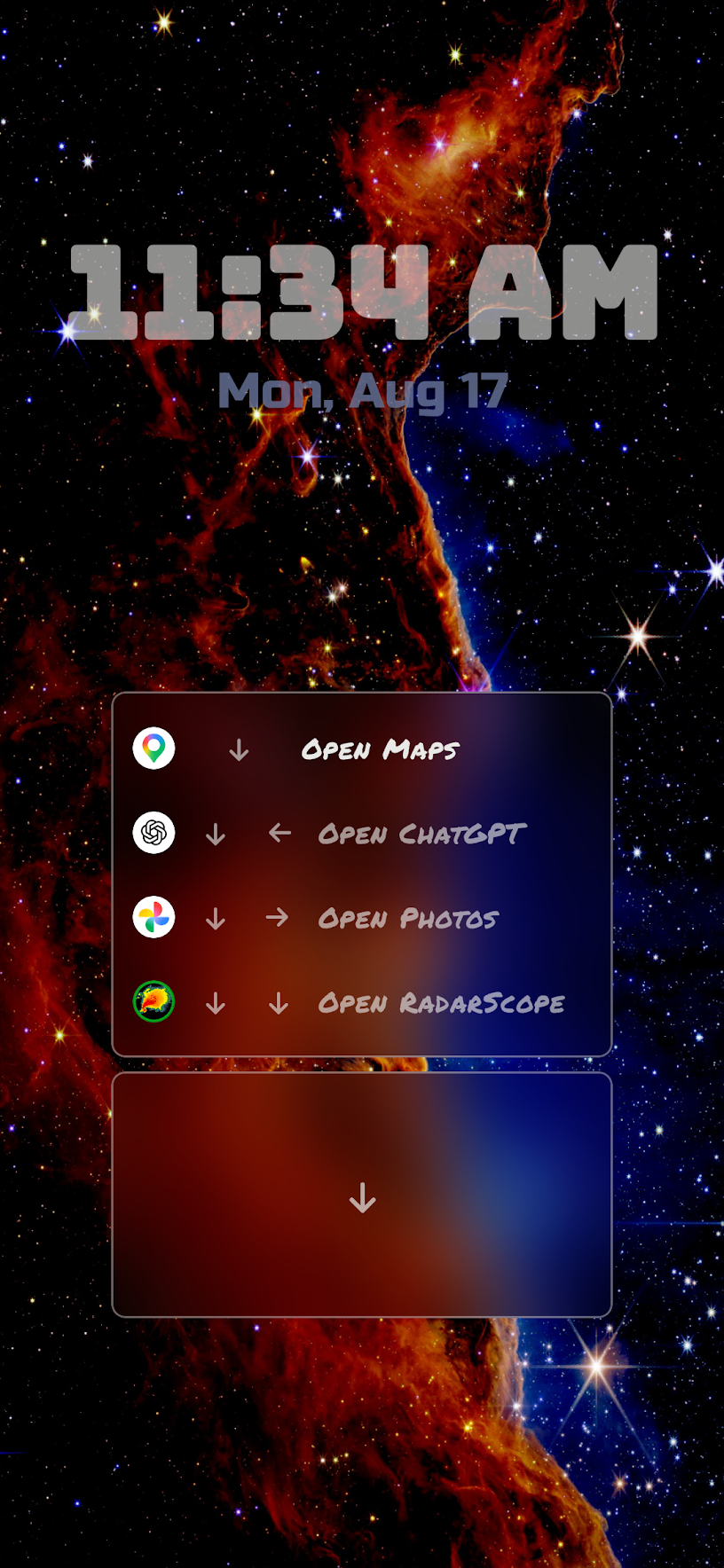
Inspiration
Having a baby inspired me to create CheatCode Launcher.
These days, there's an app for everything. My wife and I have apps for logging feeds and sleep, monitoring the baby webcam, controlling the AC, adjusting the nursery lights, and even for controlling the crib. I found myself having to access all of these multiple times a day, all in a row. I suddenly had a lot more apps that I needed quick access to, but my minimal launcher at the time had limited space. I had seen some launchers that let you assign a few gestures to an icon, but it still felt limiting and I wondered if a whole launcher could be built around this idea.
CheatCode Launcher started out as a quick experiment, but the more I used it, the faster it got.
What it does
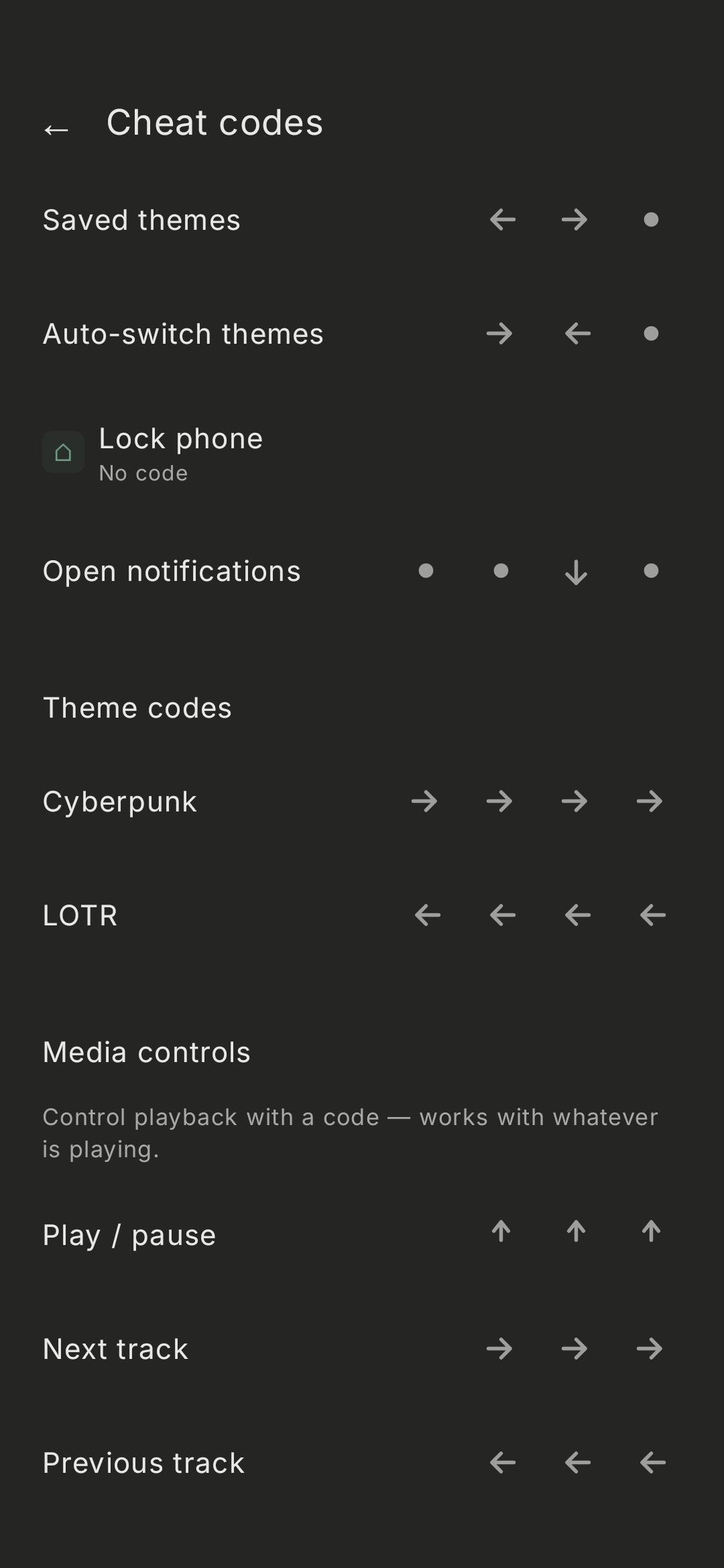
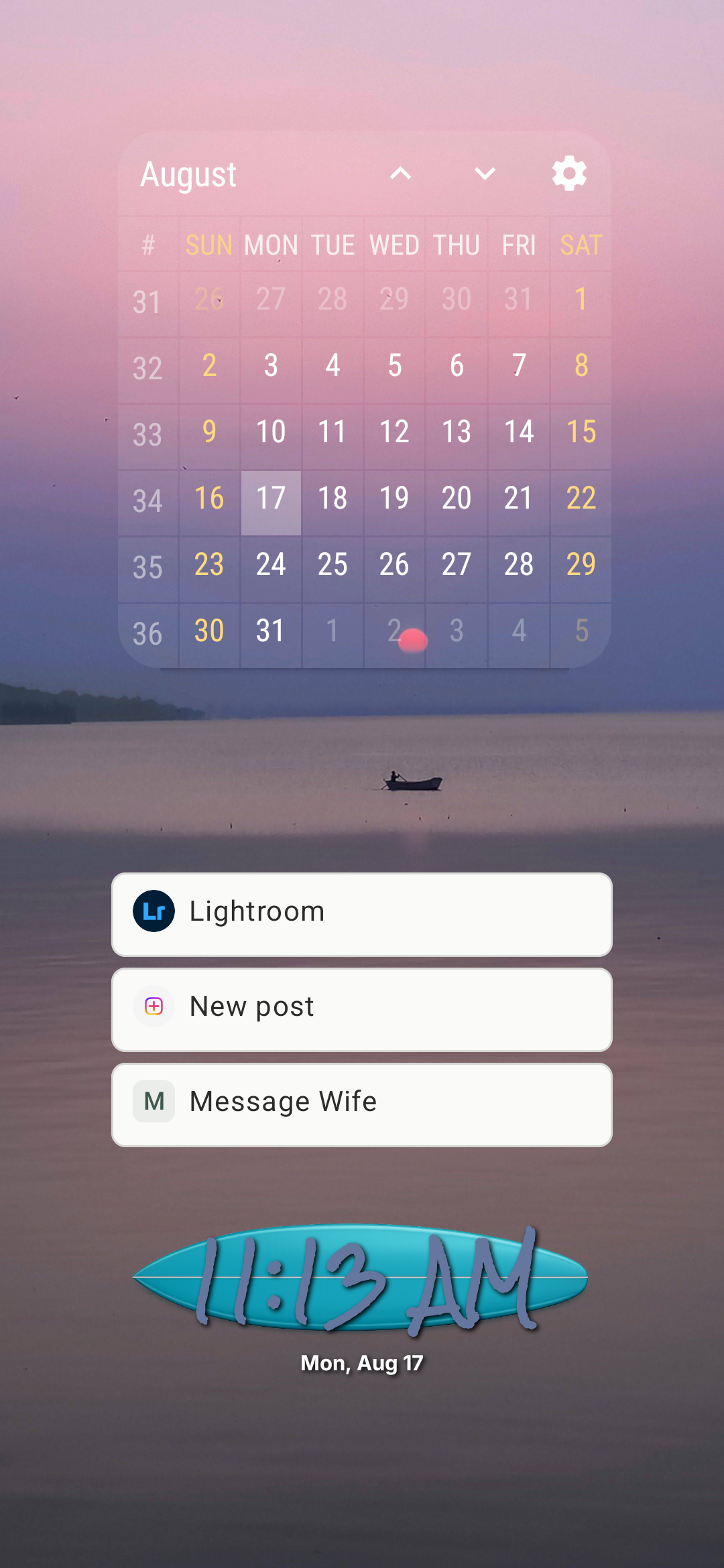
CheatCode Launcher replaces traditional icon-based home screens with a single gesture entry area that accepts combinations of swipes and taps to form "cheat codes". Up to 4 gestures can be combined for a code, allowing over 700 combinations.
Users can assign a code to apps, shortcuts, system actions, Tasker tasks, collections, media controls, timers, and more.
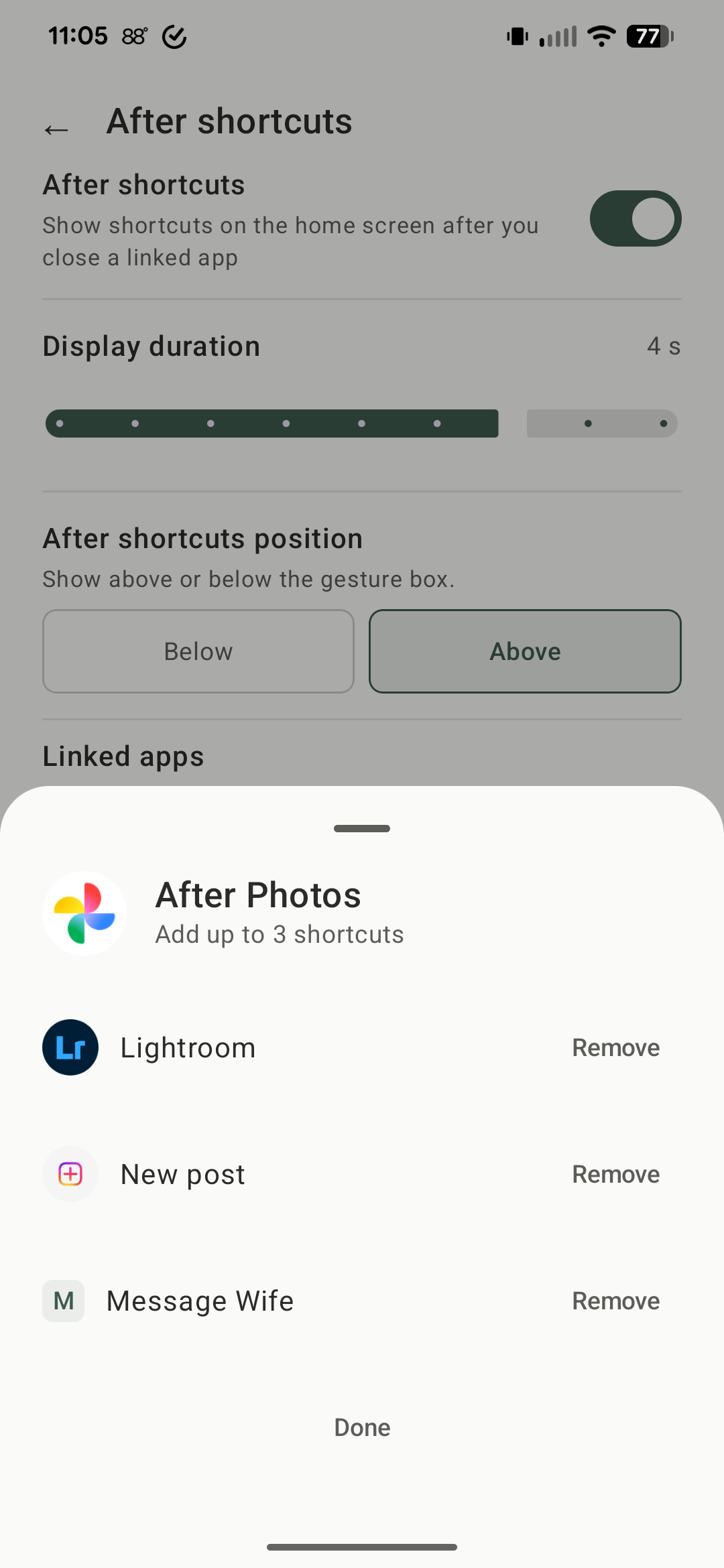
After Shortcuts can surface useful follow-up actions after closing a specific app and returning to the home screen. This feature was actually inspired by the bedtime routine for my baby. For example, when I close the app that controls my motion crib, shortcuts pop up to go to my feed logging app, baby camera, and Hue to control the lights.
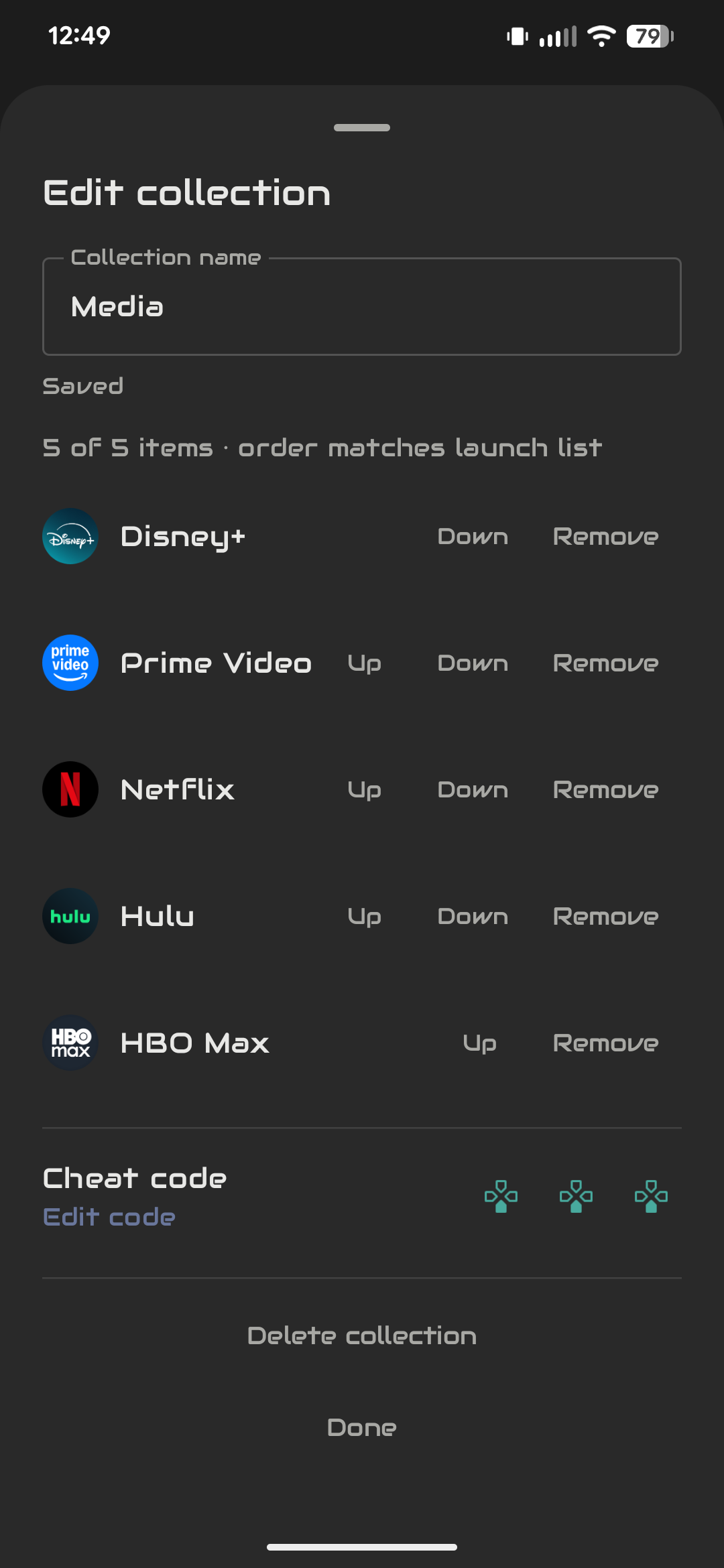
Collections let users assign a single code to open a group of related apps or actions.
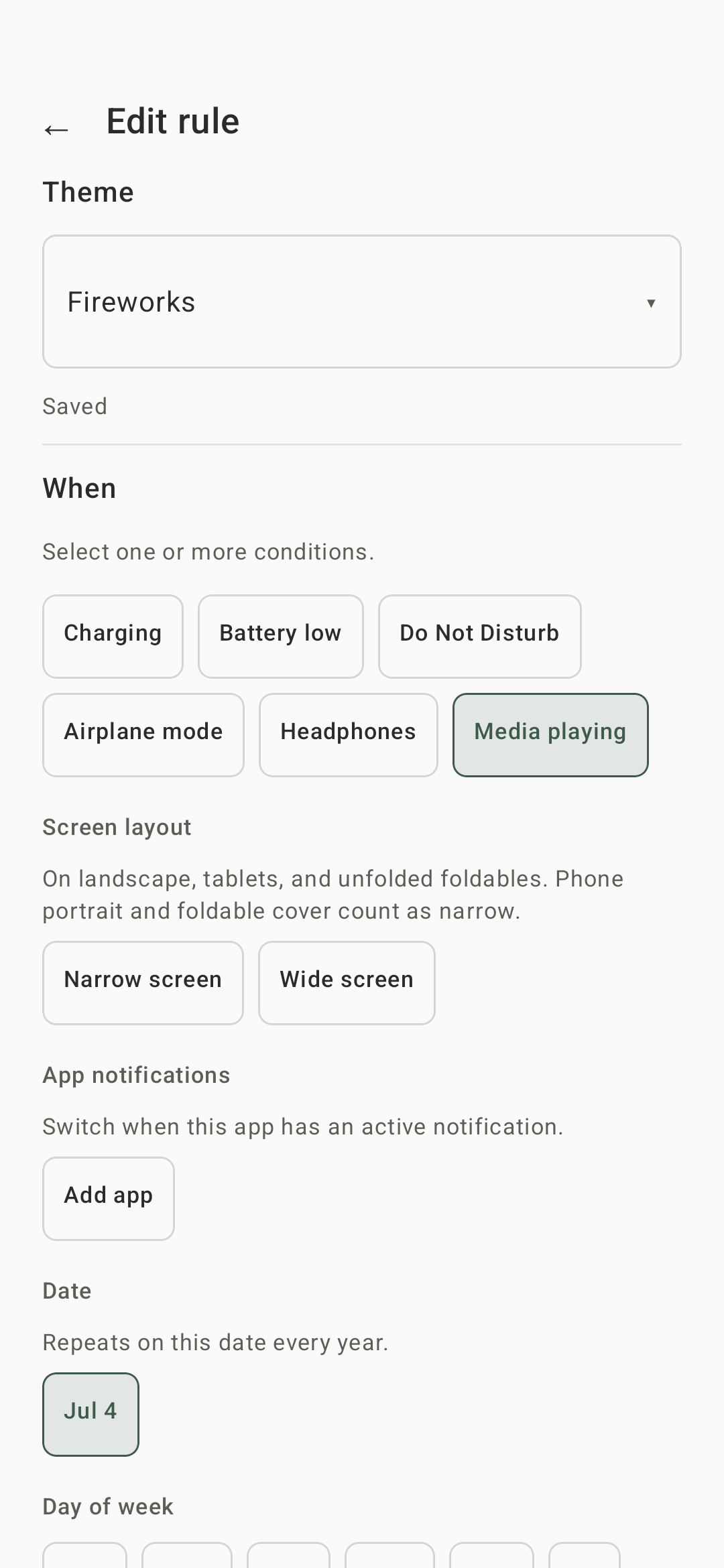
Context-aware themes can automatically change the launcher's appearance and behavior based on things like time, day, charging state, battery level, media playback, notifications or other device conditions.
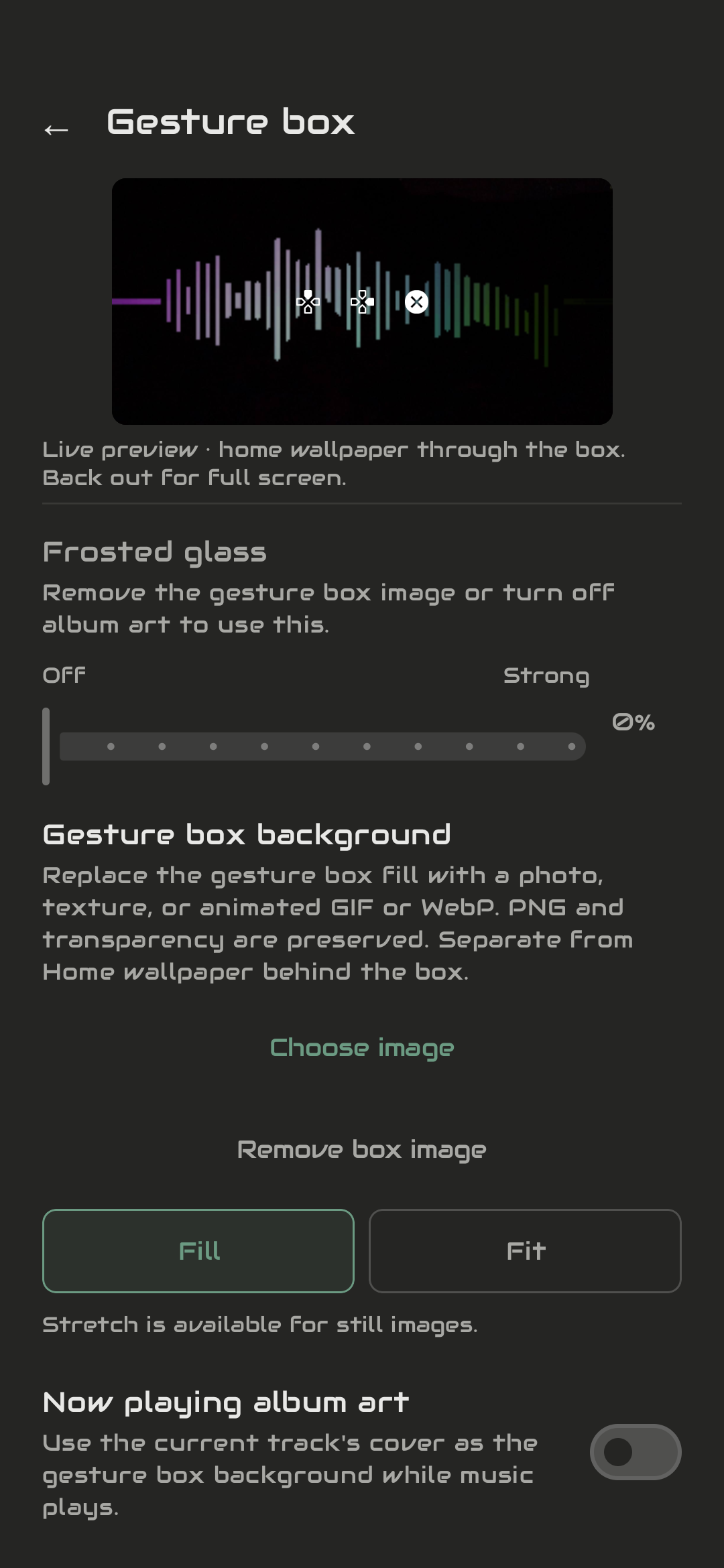
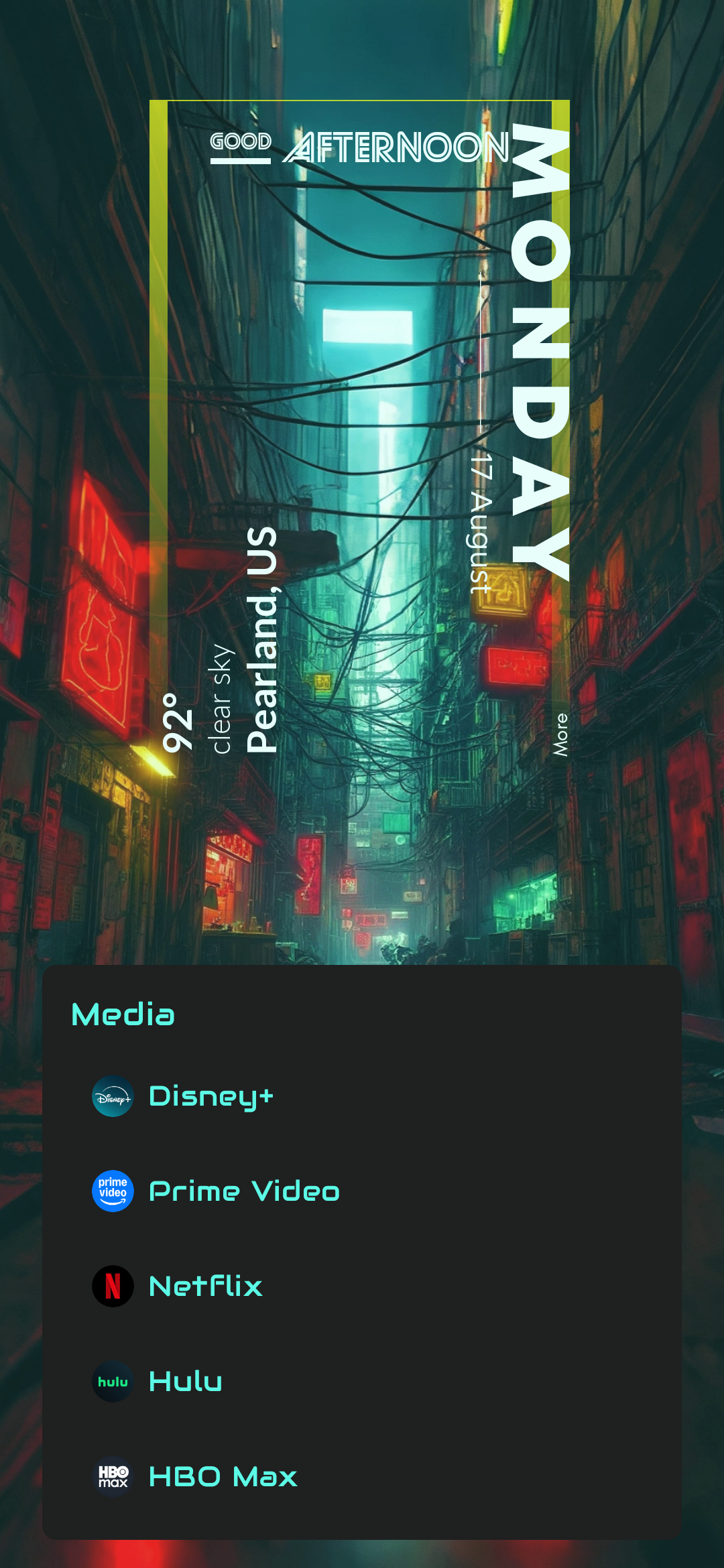
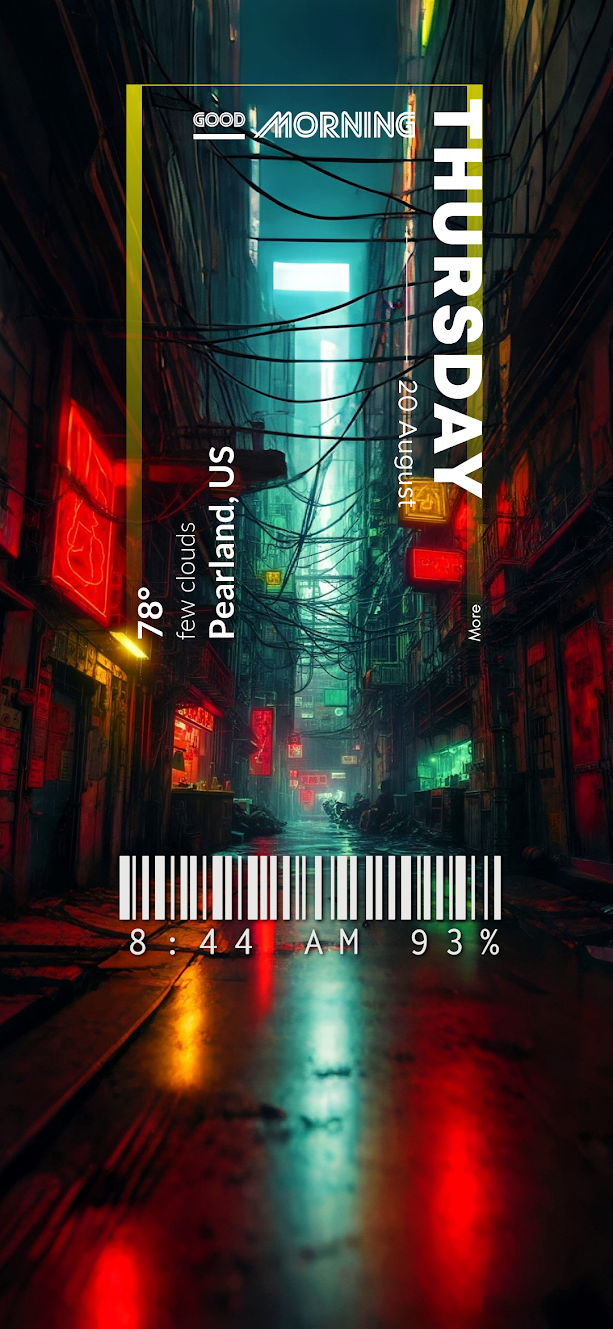
Users can also customize fonts, colors, layouts, opacity, labels, and other parts of the experience, then save, import, and share their themes.
There is still a searchable app drawer when you need it, but the idea is that the apps and actions you use most gradually stop requiring search at all.
How I built it
CheatCode Launcher is a native Android application built with Kotlin and Jetpack Compose.
Building an actual Android home-screen replacement meant working with parts of Android that normal applications rarely have to deal with: launcher intents, app and shortcut discovery, widgets, system actions, accessibility features, notifications, usage data, device configuration changes, and the differences between phones, tablets, foldables, and different Android manufacturers.
The gesture system recognizes sequences of directional swipes and taps and resolves them against the user's configured codes while providing a live preview of the action being entered.
A large part of the architecture also revolves around making configuration portable. Themes can contain much more than colors, so the launcher needs to save and restore layouts, typography, gesture presentation, contextual rules, and other settings while safely handling device-specific information.
RevenueCat handles the lifetime Pro unlock, allowing me to keep the free version genuinely useful while putting expanded customization and power-user features behind a simple one-time purchase.
Challenges I ran into
A big challenge I ran into was figuring out how to tie everything together around the idea of using cheat codes to do everything. I wanted it to feel good to use while being fast and powerful. Everything is built around this idea.
Another huge challenge is the many different Android devices available and their varied form factors. Things that worked well on a Pixel might not work at all on a Samsung device, for example. Even something as simple as trying to set the system wallpaper can be a huge pain point.
Accomplishments that I'm proud of
I'm most proud that the original idea I had actually works. I've been using CheatCode Launcher daily for a while now and I have close to 40 codes memorized and 0 icons on my home screen.
I don't have many users yet, but I have some who are very enthusiastic about the idea, which makes me very proud.
What I learned
I've learned a ton about how Android works and how to do things that I'd never done before.
I've also learned that minimal interfaces can require surprisingly complex systems underneath them. Making the home screen look simple is easy; making it simple while still supporting customization, different screen sizes, system integrations, accessibility features, widgets, shortcuts, and automation is much harder.
Most importantly, I've learned a lot from putting the app in front of actual users. Features that seemed obvious to me weren't always discoverable, while things I initially considered minor turned out to matter a lot to other people.
What's next for CheatCode Launcher
Next up is just to keep expanding the idea and exploring what else can be done using only cheat codes.
I've recently added widget support and accessibility-driven gestures, along with customization that changes for tablets and foldables.
I plan on implementing weather, along with more context-based rules around it for automatic theme switching.

Log in or sign up for Devpost to join the conversation.