-
-
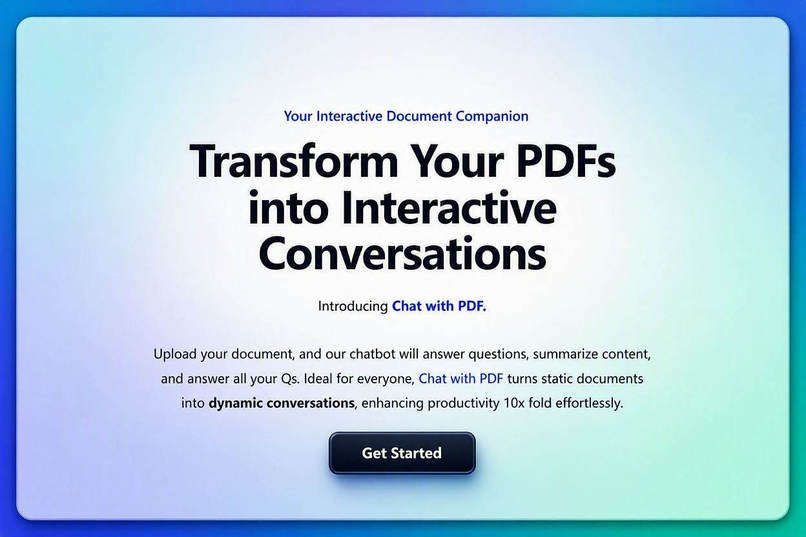
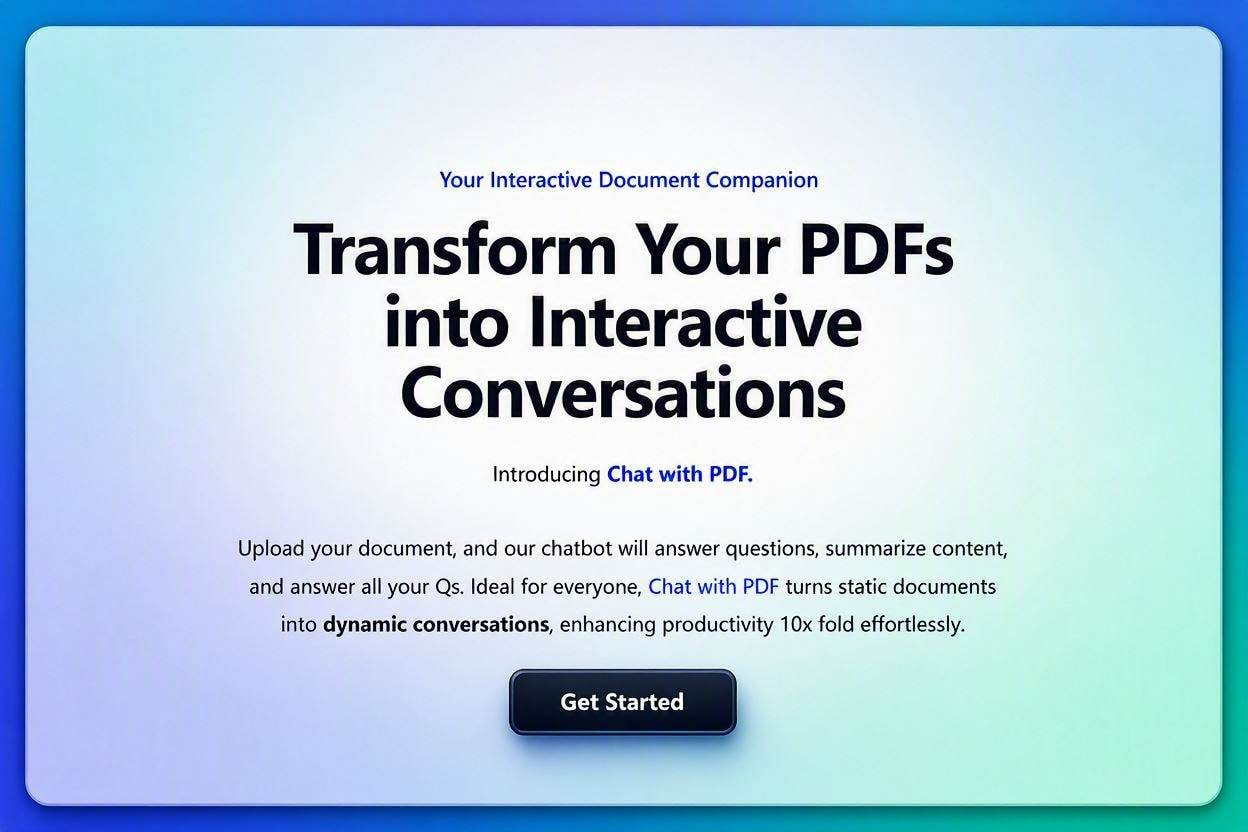
The landing page – clean, modern, and conversion-focused. Upload a PDF and start asking questions.
-
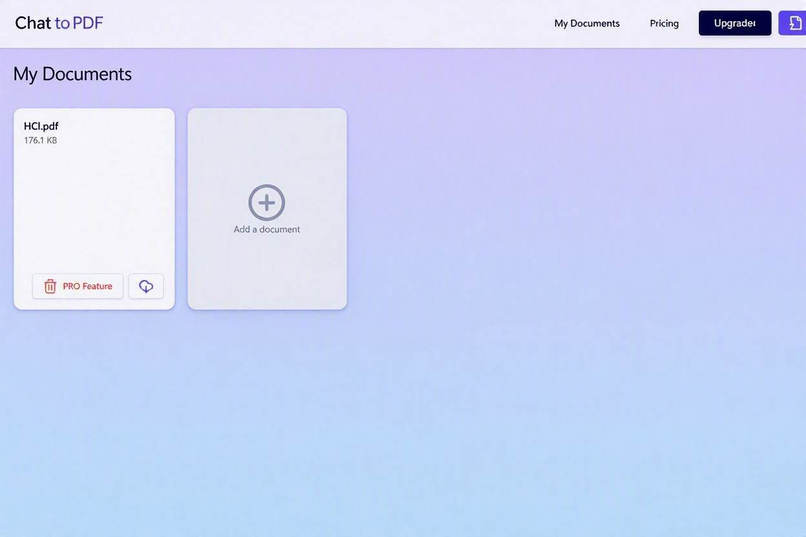
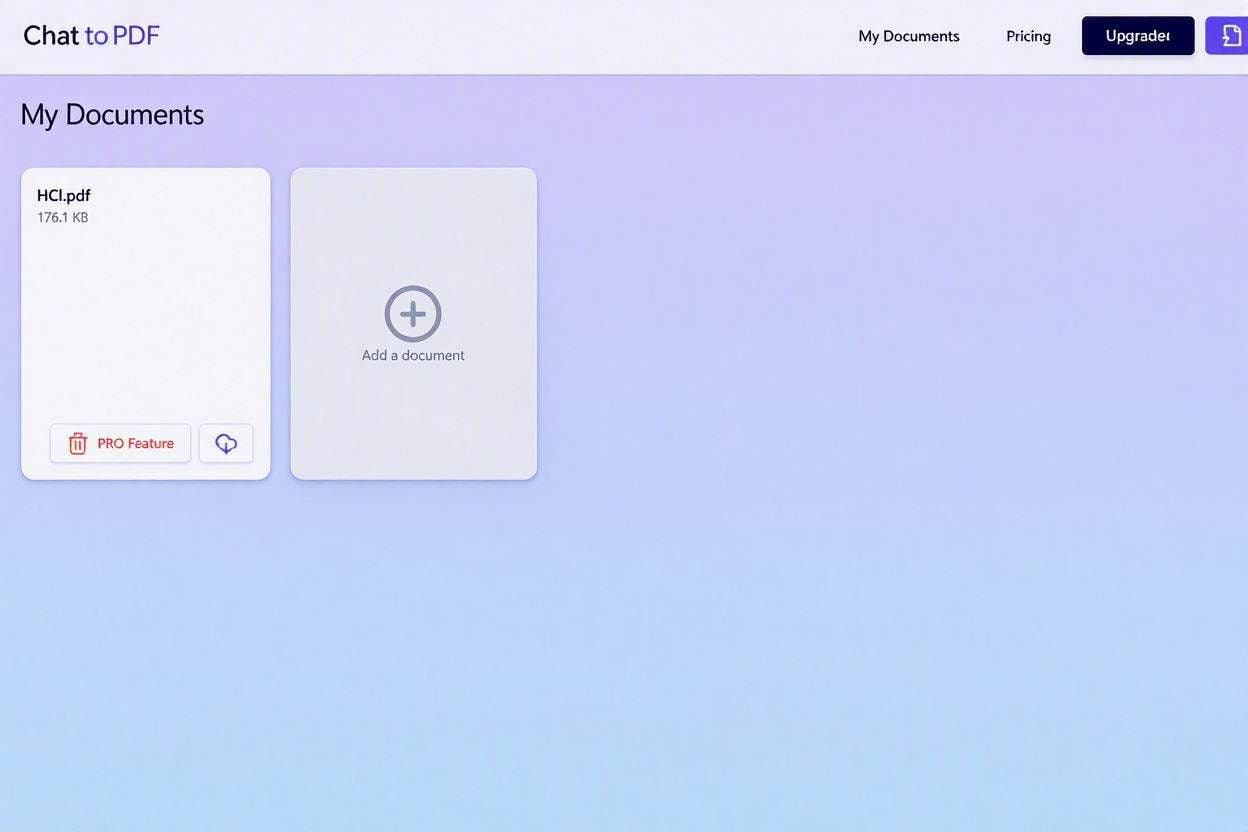
The dashboard – 'My Documents'. Users can see all their uploaded PDFs at a glance, with upload and upgrade options.
-
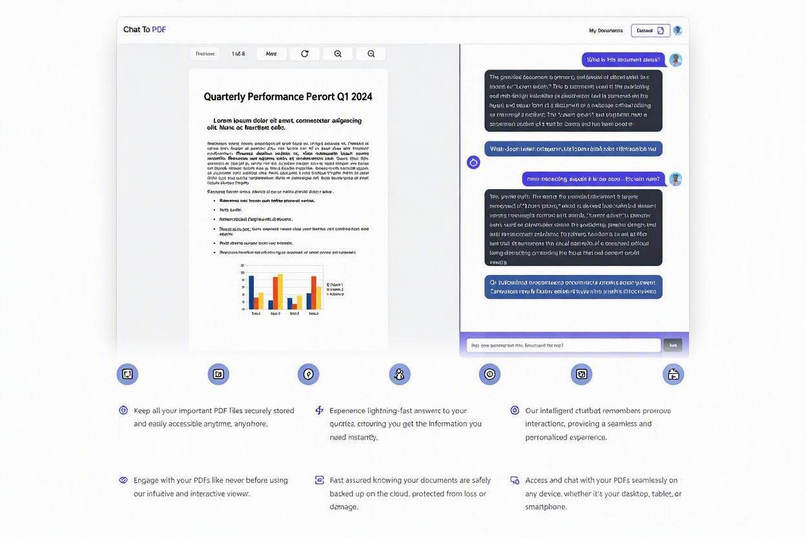
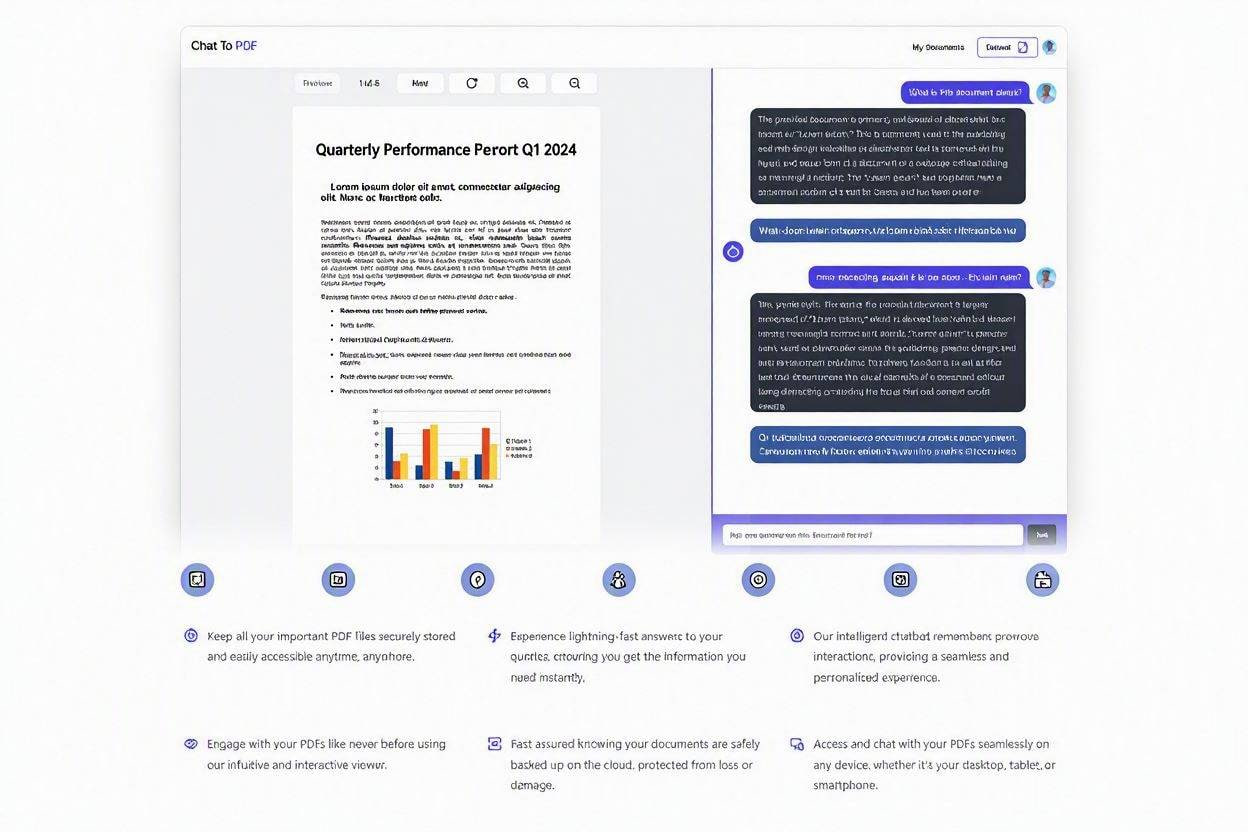
The AI chat interface – users ask natural language questions and receive context-aware answers with citations.
-
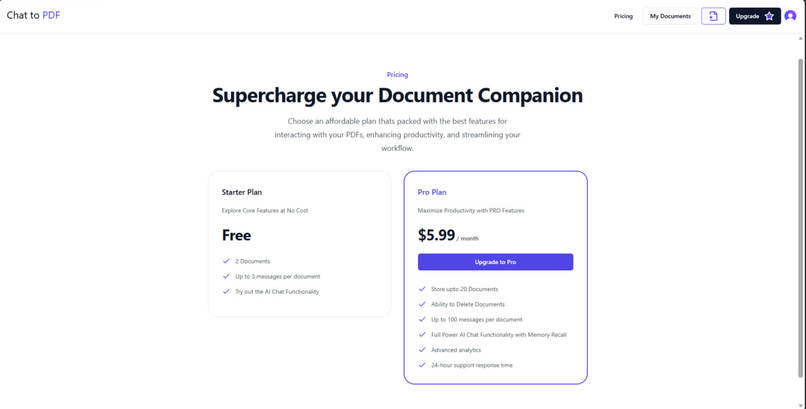
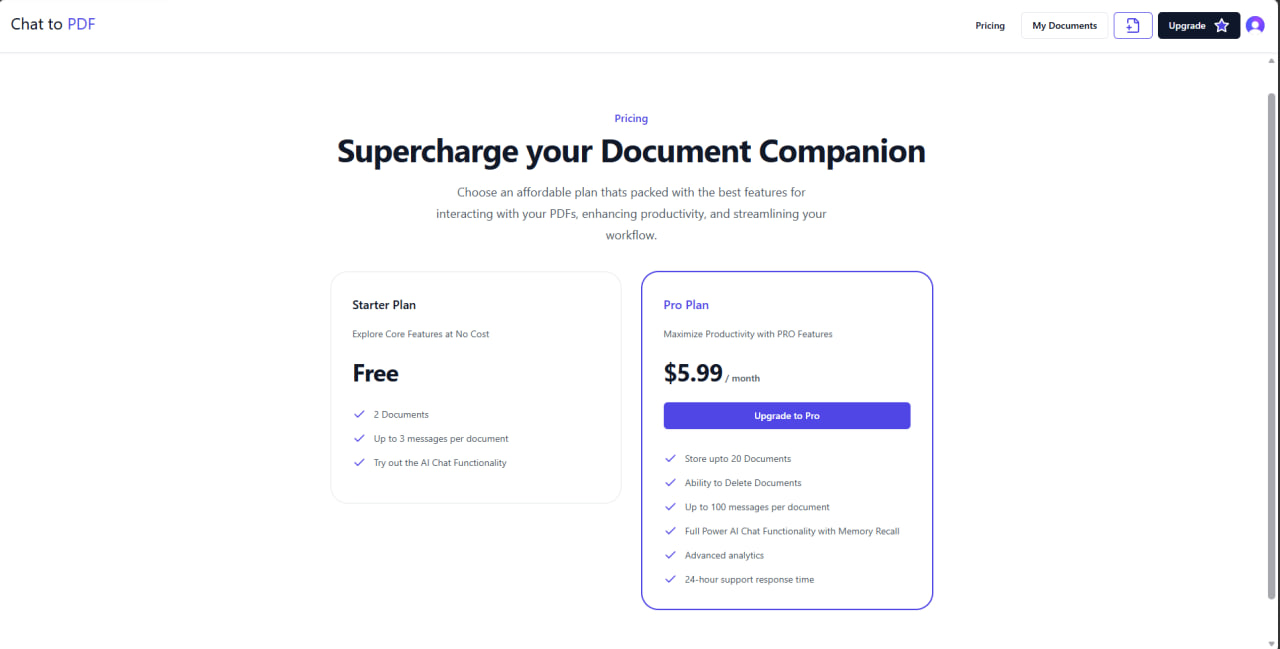
The pricing page – free tier with 10 questions per document, Pro tier with unlimited access via Stripe subscriptions.
-
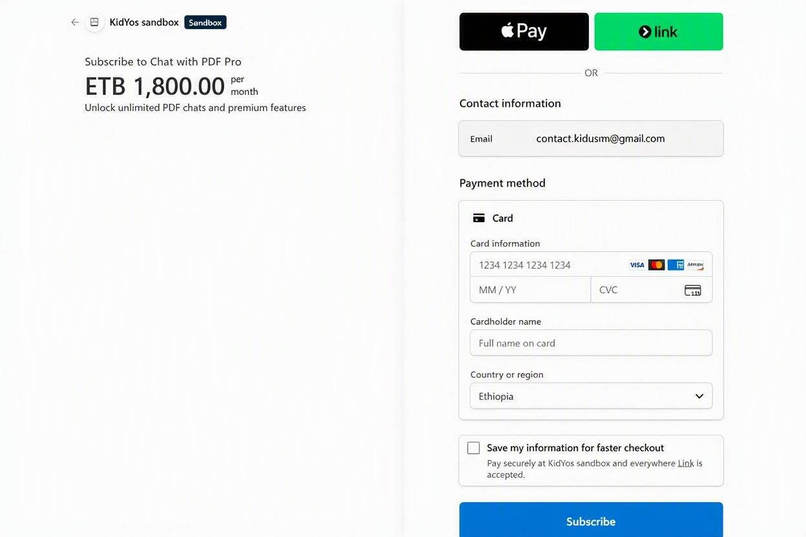
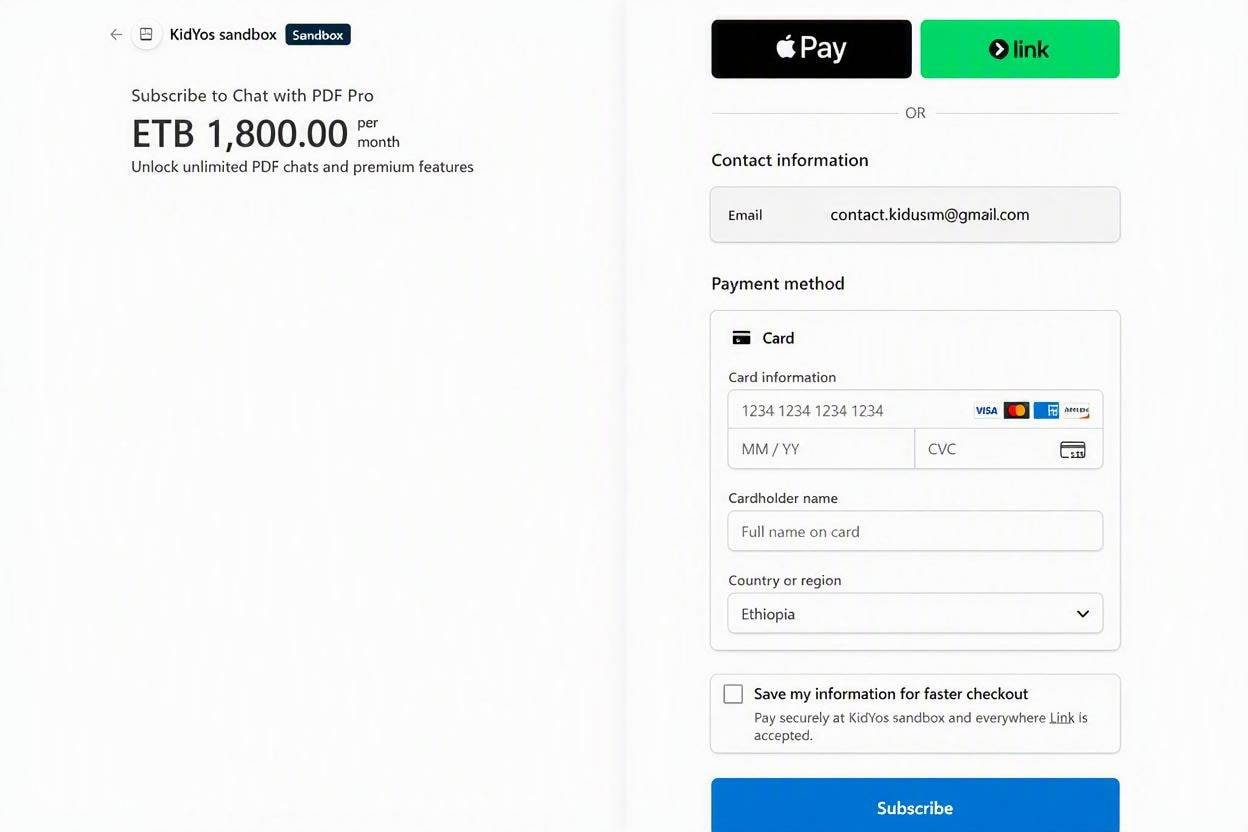
Stripe Checkout – secure payment processing for Pro subscriptions.
About the project
ChatWithPDF — AI document assistant (RAG-powered PDF Q&A)
Inspiration
The idea for ChatWithPDF came from a simple but frustrating problem: we all have countless PDFs—research papers, textbooks, user manuals, and reports—but we rarely read them fully. Extracting specific information from a 50-page PDF is time-consuming and tedious.
I wanted to build a tool that transforms static documents into dynamic conversations. Instead of scrolling through pages, users should be able to ask questions and get instant, accurate answers based on the content of their PDFs. This project brings modern NLP and RAG techniques to everyday document interaction.
What it does
ChatWithPDF is a full-stack AI application that lets users:
- ✅ Upload PDF documents (drag & drop)
- ✅ Ask natural-language questions about a document’s content
- ✅ Receive concise, citation-backed answers (RAG)
- ✅ Generate a one-paragraph summary for quick digestion
- ✅ View the PDF in an interactive viewer with highlighted source chunks
- ✅ Save chat history per document for future reference
- ✅ (Optional) Upgrade to Pro for higher limits via Stripe subscriptions
Real-world use cases: students summarising papers, lawyers triaging contracts, product teams extracting specs, NGOs processing reports.
How I built it
High-level pipeline
Client (Next.js) → Upload → API (Node/Express) ├─ Worker (BullMQ) → chunking & preprocessing ├─ Embeddings (Cohere) → Vector DB (Pinecone) └─ Query → Vector search → LLM (Groq/OpenAI) → Answer (with citations) └─ Chat history saved (Firestore/DB)
Key technologies
- Frontend: Next.js 14, TypeScript, Tailwind CSS, Shadcn UI, React-PDF
- Backend: Node.js + Express (TypeScript), Prisma + PostgreSQL (metadata), Firestore (optional realtime chat)
- AI & Vector: Cohere (embeddings), Pinecone (vector search), Groq / LLM (answer generation)
- Storage / Files: Cloudinary for PDF uploads
- Background jobs: BullMQ worker processes for chunking & embedding
- Auth & Billing: Clerk (auth), Stripe (optional subscription flow)
- Testing & CI: Jest + Supertest (integration tests), GitHub Actions (CI ready)
Challenges I ran into
- Hallucinations vs. grounding: LLMs can invent details. Solved by retrieving highly relevant chunks and instructing the model to cite source text.
- Chunk size & token budget: Finding the optimal chunking strategy to preserve context without exceeding token limits required iterative testing.
- Large PDF processing: Handled by streaming chunking and offloading CPU/IO work to the background worker.
- Realtime UI consistency: Firestore/real-time listeners needed careful handling to update the chat view reliably — fixed with
onSnapshot+ fallback refresh control. - Deployment differences: Environment variables and peer dependency issues (Vercel installs) required a build/install strategy and environment-friendly secrets handling.
- Demo reliability when keys are missing: Implemented deterministic fallback responses so judges can always demo the app even without paid keys.
Accomplishments I'm proud of
- Full RAG pipeline demonstrated end-to-end (chunk → embedding → vector search → LLM answer with clickable citations).
- Worker architecture (BullMQ) for non-blocking upload → processing UX.
- Integration tests and concurrency checks that validate the processing pipeline under load.
- Polished UI: PDF viewer with source highlighting, chat interface, and exportable summaries.
- Public repo + live frontend demo (links below).
What I learned
- RAG is only as strong as its retrieval: prioritize retrieval quality, then prompt design.
- Background processing is essential for UX when dealing with ML tasks.
- Real infra tests (real DB, queues) catch issues earlier than mocks.
- Building reliable demos requires thoughtful fallback UX for missing third-party keys.
What’s next (roadmap)
- Multi-document search: query across multiple PDFs and fuse evidence.
- Team features: document sharing, collaborative Q&A, role-based access.
- OCR support: process scanned documents for text extraction.
- Model routing & cost control: route short queries to cheaper models and reserve large models for deep analysis.
- Monitoring & docs: Swagger/OpenAPI, Sentry for errors, and bull-board for queue visibility.
- Confidence scoring: add answer confidence and automated citation verification to reduce hallucination risk.
Demo note: To demo locally: upload a sample PDF, wait for processing to complete, then ask a question in the chat. Click any citation to jump to the highlighted source in the PDF viewer.
Built With
- clerk-authentication
- cloudinary
- cohere-embeddings
- firebase-firestore
- full-stack-development
- git
- github
- groq-ai
- langchain
- llm-integration
- next.js
- pdf-processing
- pinecone-vector-database
- rag
- react
- real-time-chat
- saas-application
- serverless-architecture
- shadcn-ui
- stripe-payments
- subscription
- tailwind-css
- typescript
- vector-search
- vercel


Log in or sign up for Devpost to join the conversation.