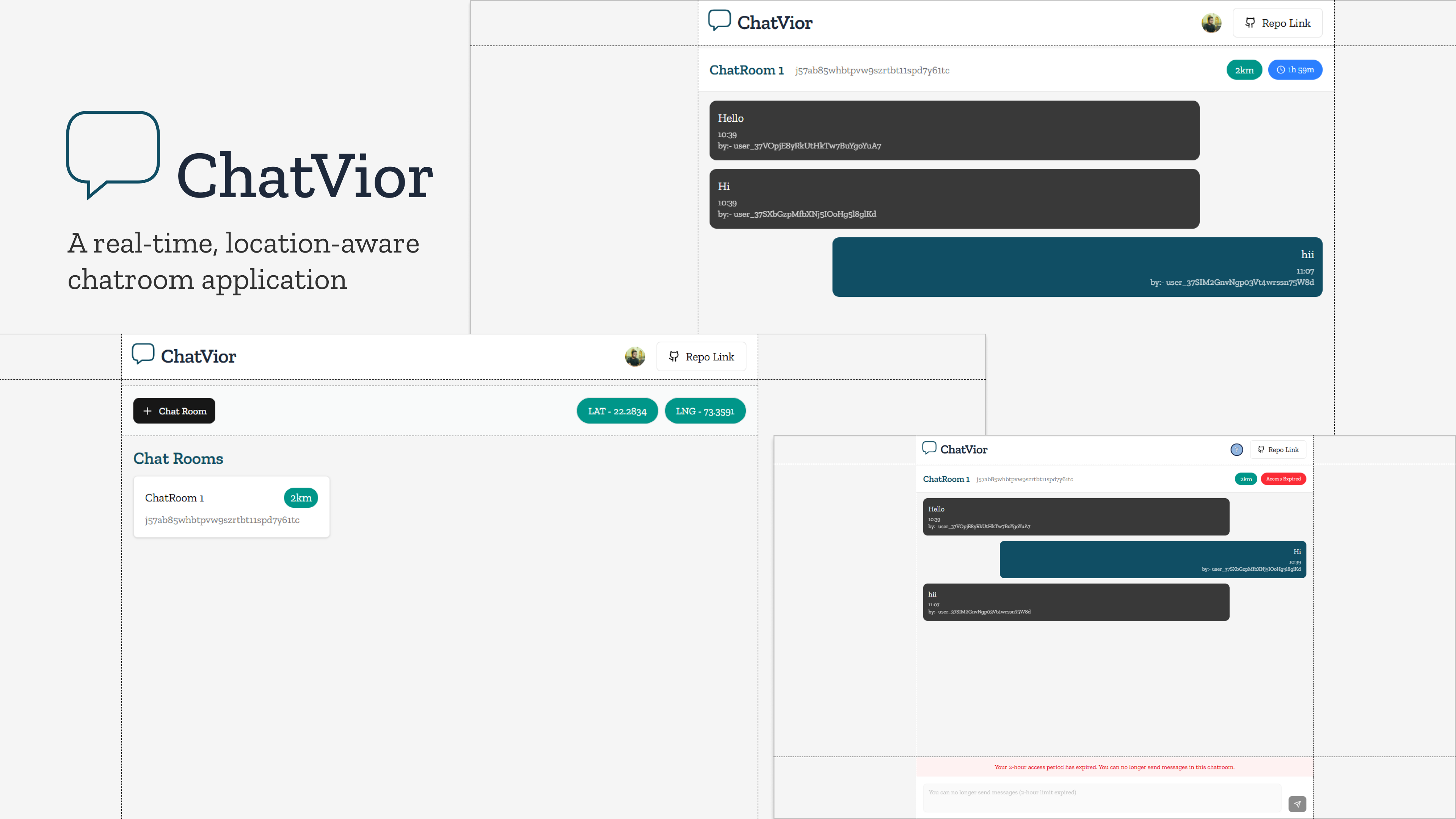
📍 Location-Based Chatroom Application
A real-time, location-aware chatroom application built as part of the CodeVior Technical Assignment.
👋 Who Am I
Hi, I’m Yash Agrawal — a full-stack Software Engineer working with modern web technologies.
I focus on building scalable, real-time applications using TypeScript, Next.js, and cloud-native backends.
- Tech stack focused on JavaScript & TypeScript
- Experience with real-time systems, auth, and modern UI frameworks
- Interested in AI, cloud computing, and product-level engineering
📝 Assignment Summary
This project is a Location-Based Chatroom Application where users can:
- Authenticate using email/password or Google OAuth
- Create chatrooms tied to a geographic location
- Join chatrooms only if they are within a defined radius
- Chat in real time with time-limited messaging (2 hours)
The app validates user location before granting access and ensures messages respect the defined time constraints.
✅ Assignment Checklist
Authentication
- [✓] Email & password login
- [✓] Google OAuth login
- [✓] Single-method login supported
User Features
- [✓] User registration
- [✓] Secure login & session handling
- [✓] Create chatrooms
- [✓] Join existing chatrooms <!-- if user is under radius then they can access any chatroom -->
Chatroom Features
- [✓] Multiple chatrooms per user
- [✓] Chatroom name
- [✓] Location (latitude/longitude or area name)
- [✓] Radius-based access control (2km / 5km / 10km, etc.)
Location Logic
- [✓] Fetch location via browser or manual input
- [✓] Distance calculation for access validation
- [✓] Restrict chatroom access based on radius
Chat Features
- [✓] Real-time messaging
- [✓] Username & timestamp per message
- [✓] WebSocket-based updates
Message Rules
- [✓] Messaging allowed for only 2 hours
- [✓] Messages auto-expire or input disabled after time limit
🛠️ Tech Stack
Frontend
- Next.js (App Router)
- TypeScript
- shadcn/ui for modern, accessible UI components
- Tailwind CSS
Authentication
- Clerk
- Email/Password authentication
- Google OAuth integration
- Secure session handling
Backend & Database
- Convex
- Real-time database
- Serverless backend functions
- Built-in WebSocket support for live chat
Real-Time Communication
- Convex real-time subscriptions (WebSocket-based)
🚀 Getting Started
# Install dependencies
npm install | bun install

# Run development server
npm run dev | bun dev

Log in or sign up for Devpost to join the conversation.