-
-
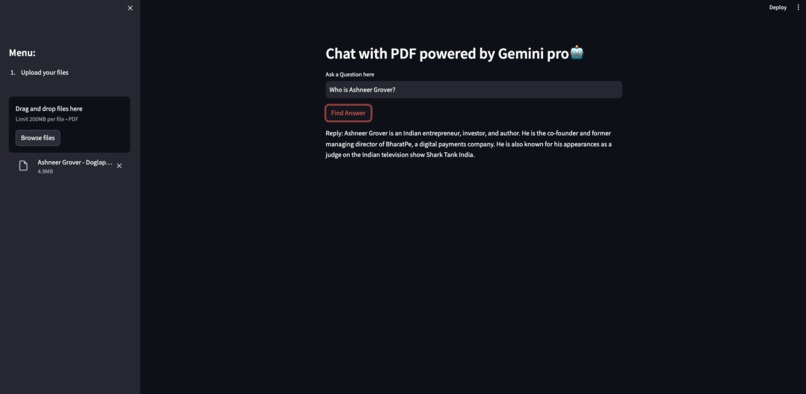
Analysing after uploading the document
-
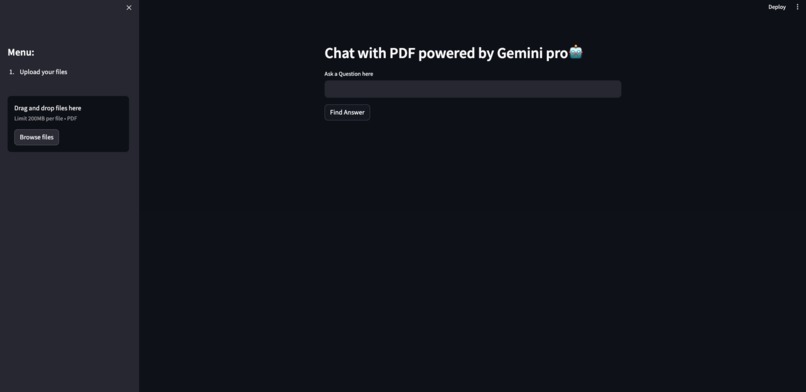
Home Page
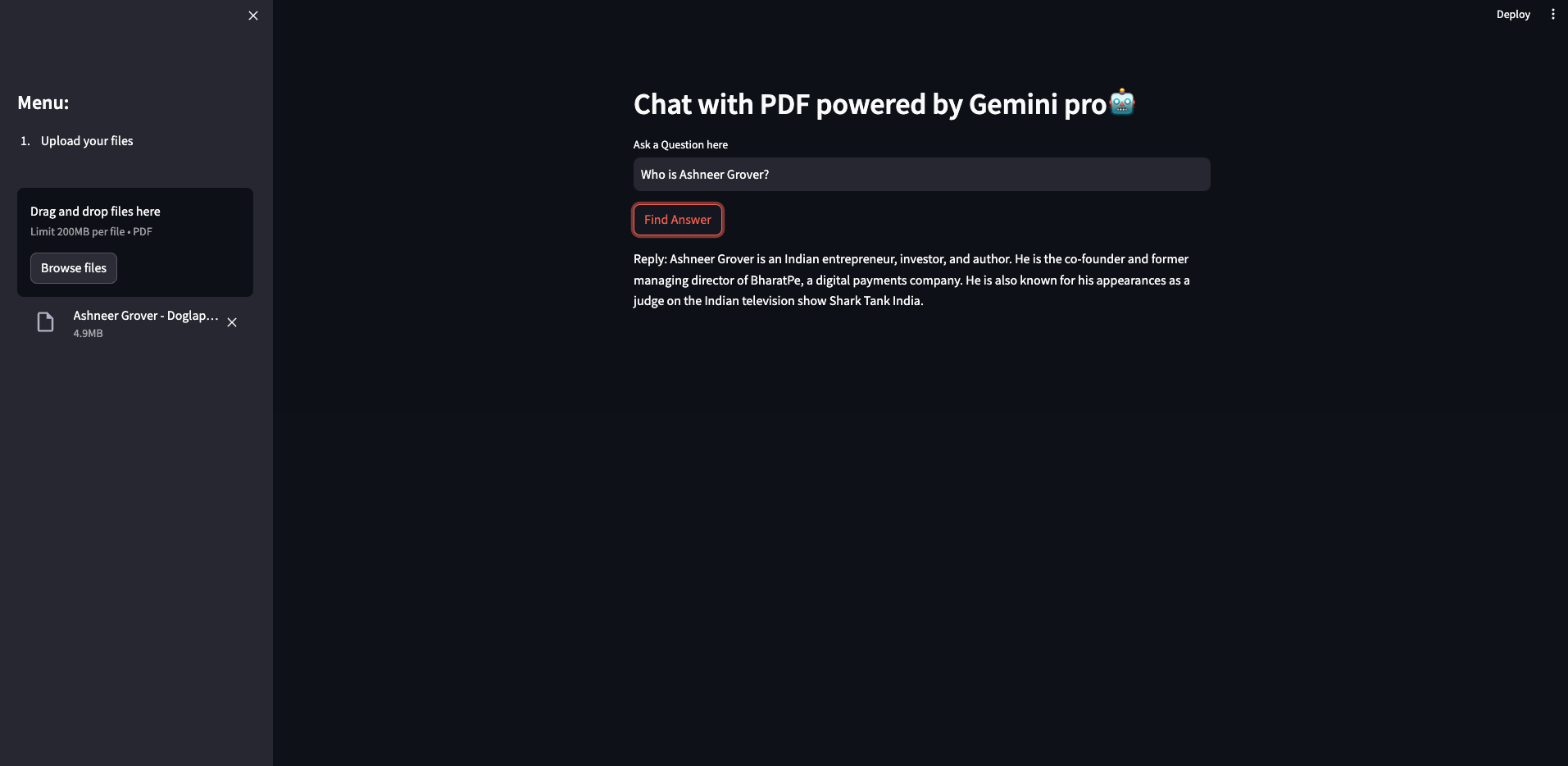
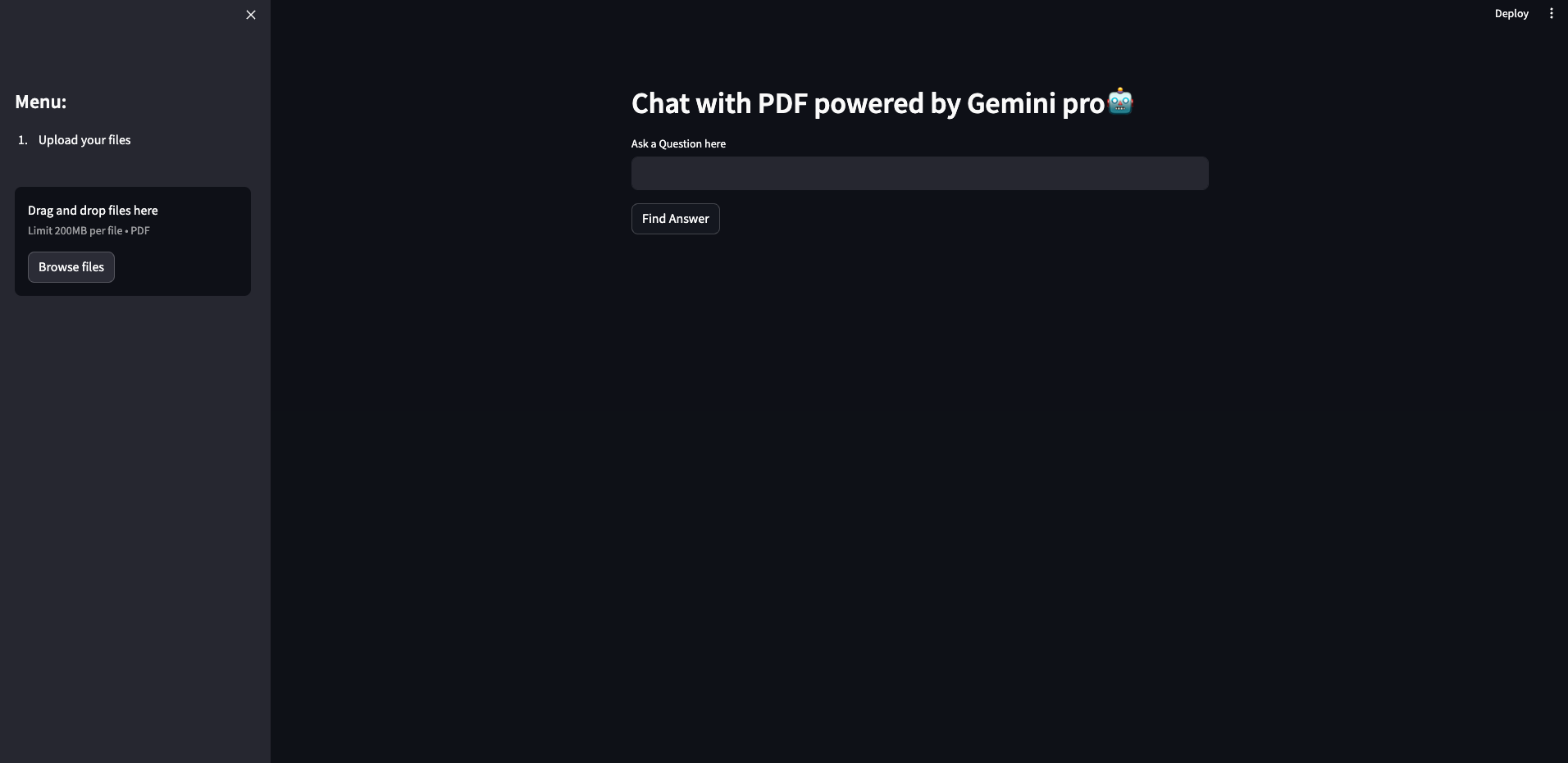
Project: ChattyPDF - Unveiling Insights from PDFs with Generative AI
This project, ChattyPDF, was born from the desire to bridge the gap between static PDFs and interactive exploration of their content. Imagine having a conversation with your documents, where you can ask questions and receive answers directly from the text itself. Generative AI, with its ability to understand and generate human-like text, seemed like the perfect tool to unlock this potential.
My inspiration came from the increasing reliance on PDFs in various fields. While they hold valuable information, extracting specific details often involves manual searching and reading. ChattyPDF aims to streamline this process by allowing users to have a natural dialogue with their PDFs.
Here's a breakdown of the journey:
Building the Project:
- Authentication: Firebase provided a robust framework for secure user login with email and password.
- PDF Processing: Libraries like PyPDF2 efficiently extracted text from uploaded PDFs.
- Text Chunking & Vectorization: Langchain, a powerful NLP library, helped break down the extracted text into manageable chunks and convert them into vectors suitable for searching.
- FAISS Integration: The FAISS library provided a fast and efficient way to search through the vectorized text for similarities, facilitating relevant answer retrieval.
- Generative AI for Q&A: The true magic came from the integration of Google's Generative AI models. By prompting them with the context (extracted text) and user questions, we could generate insightful responses, effectively creating a "chat" experience.
- Streamlit User Interface: Streamlit provided a user-friendly platform to build the application's interface. Users can upload PDFs, ask questions, and receive answers in a clear and concise format.
Challenges Faced:
- Balancing Security and Functionality: Integrating Firebase authentication ensured user data protection but added complexity to the code.
- Fine-tuning the Generative AI Model: Prompting and configuring the Generative AI model for accurate and concise answer generation required experimentation and adjustments.
- Displaying PDF Content: While extracting text and generating answers were core functionalities, exploring options for displaying actual PDF content (if needed) became a consideration for future enhancements.
Lessons Learned:
- Leveraging Available Tools: The combination of open-source libraries like Streamlit, Langchain, and FAISS, along with cloud-based services like Firebase, significantly streamlined the development process.
- Importance of Experimentation: Fine-tuning the Generative AI model and finding the right prompts involved trial and error.
- Modular Design: Separating functionalities like PDF processing and authentication into separate modules improved code organization and maintainability.
Looking Forward:
ChattyPDF is a stepping stone towards a more interactive way of engaging with PDFs. Future iterations could focus on:
- Integrating additional AI features like document summarization or sentiment analysis.
- Exploring options to display relevant PDF sections along with the generated answer.
- Implementing different Generative AI models for potentially richer responses.
I believe ChattyPDF opens doors for a more intuitive and efficient way to access and understand the wealth of information stored in our documents.


Log in or sign up for Devpost to join the conversation.