-
-
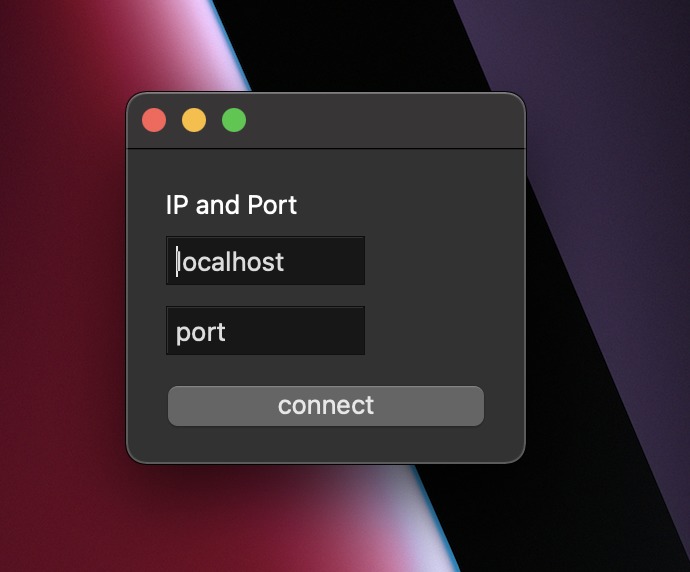
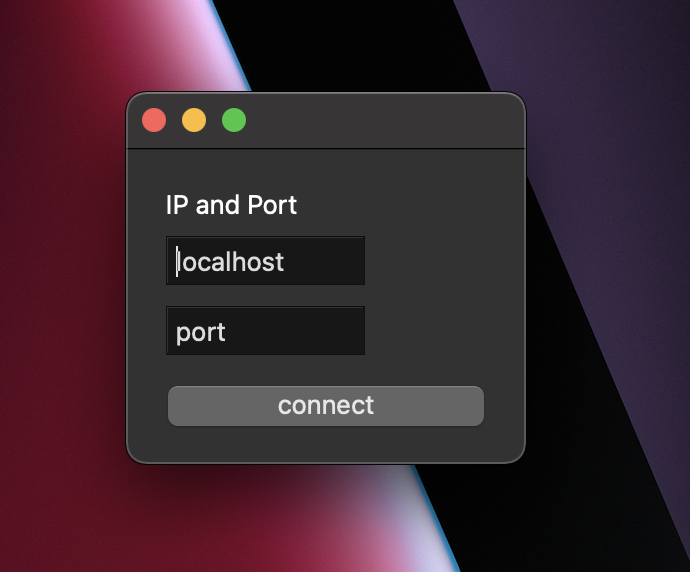
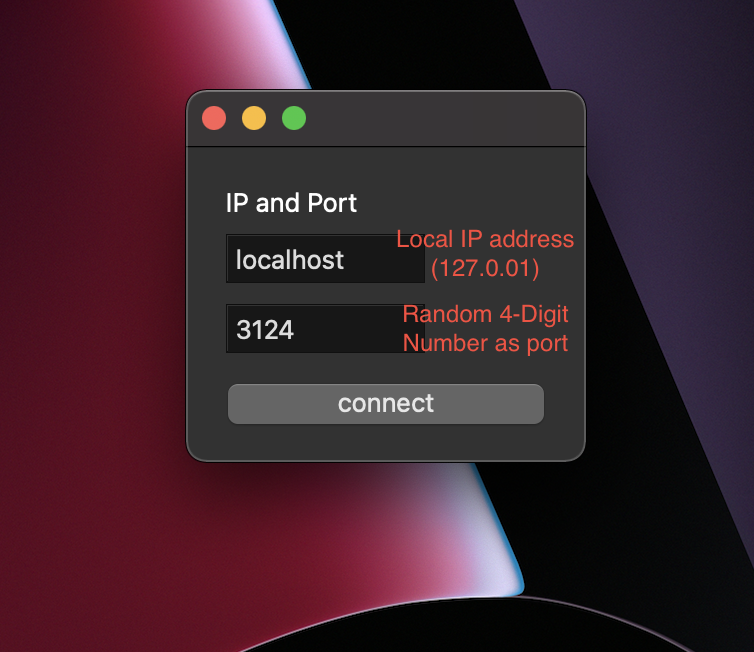
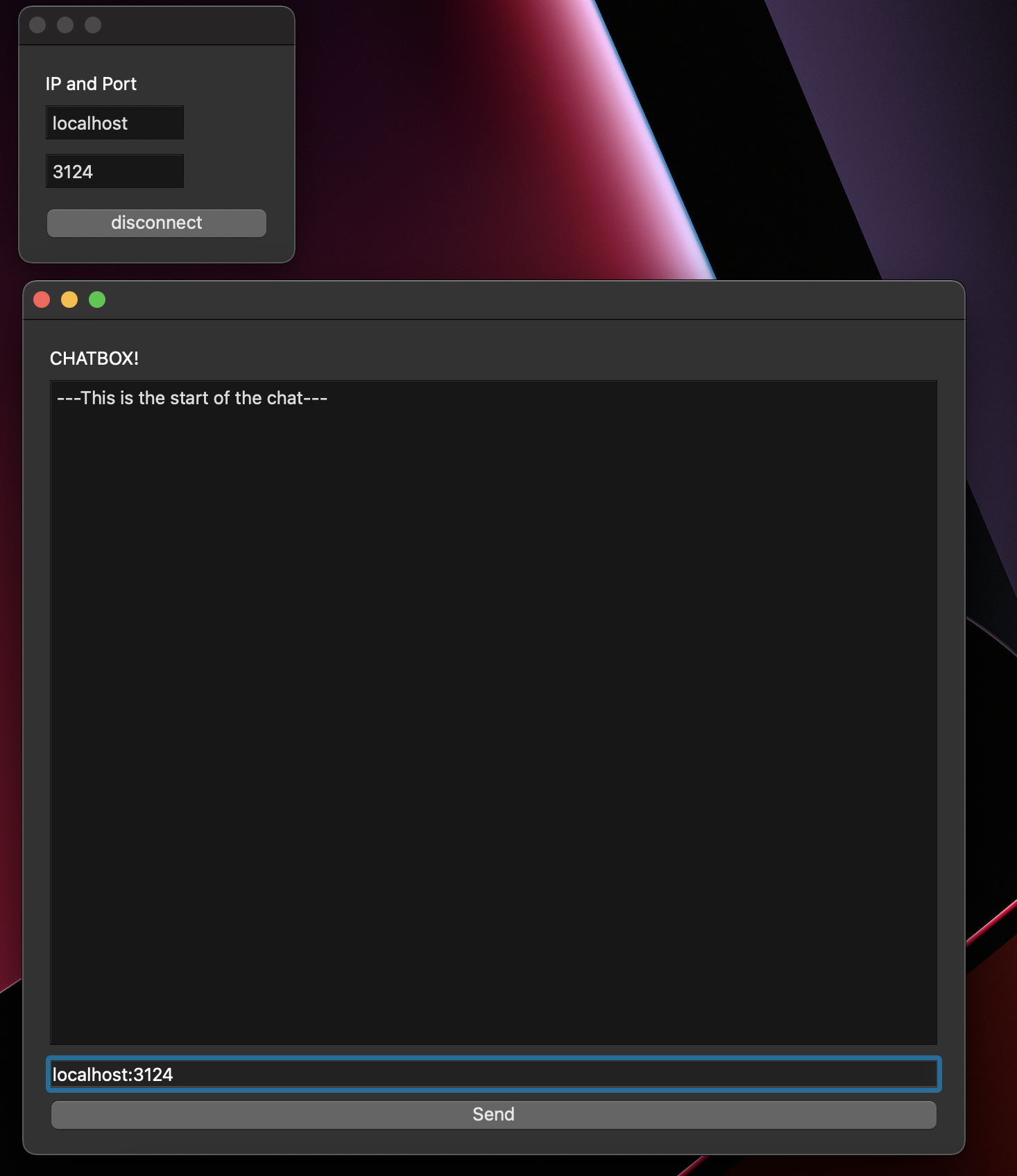
Enter local ip address and port number
-
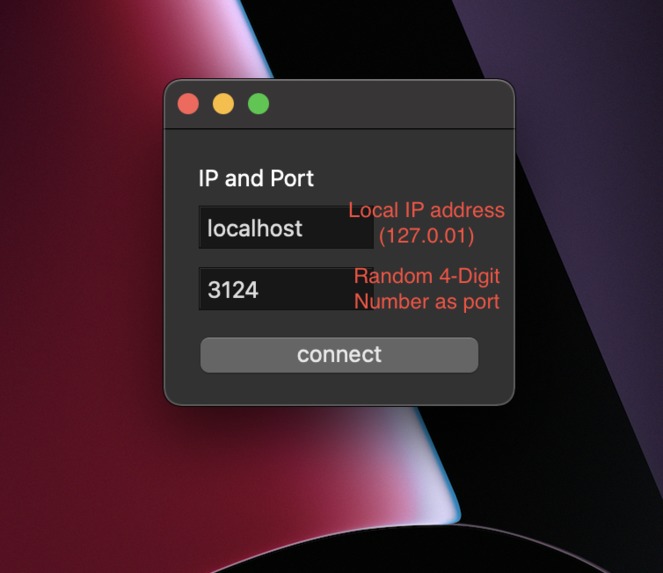
Example of server location (localhost at port 3124)
-
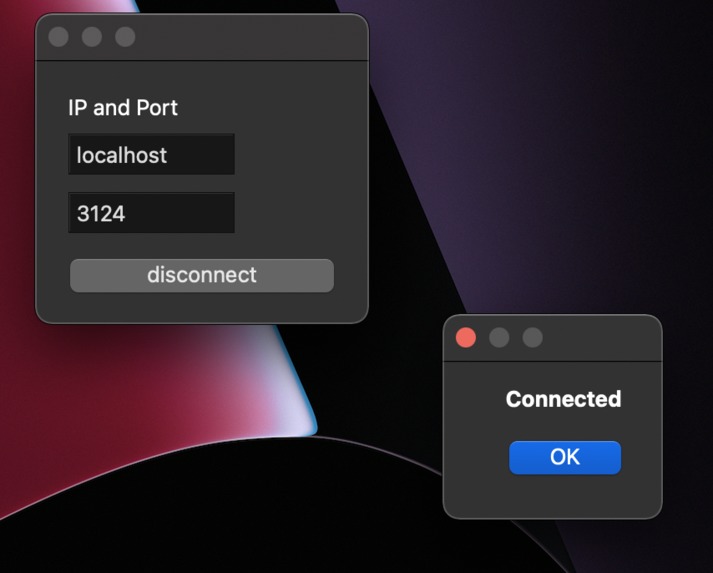
Created a Server!
-
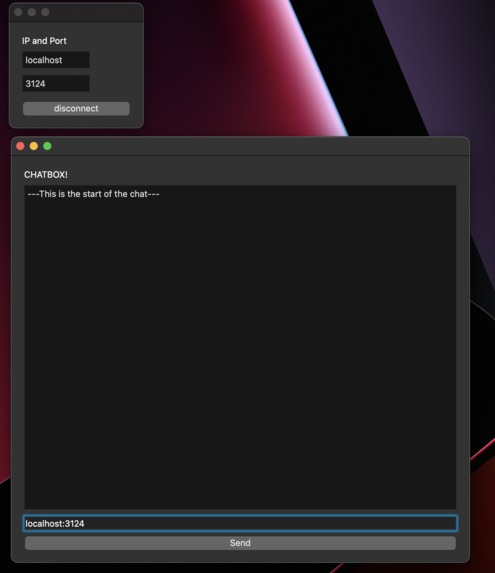
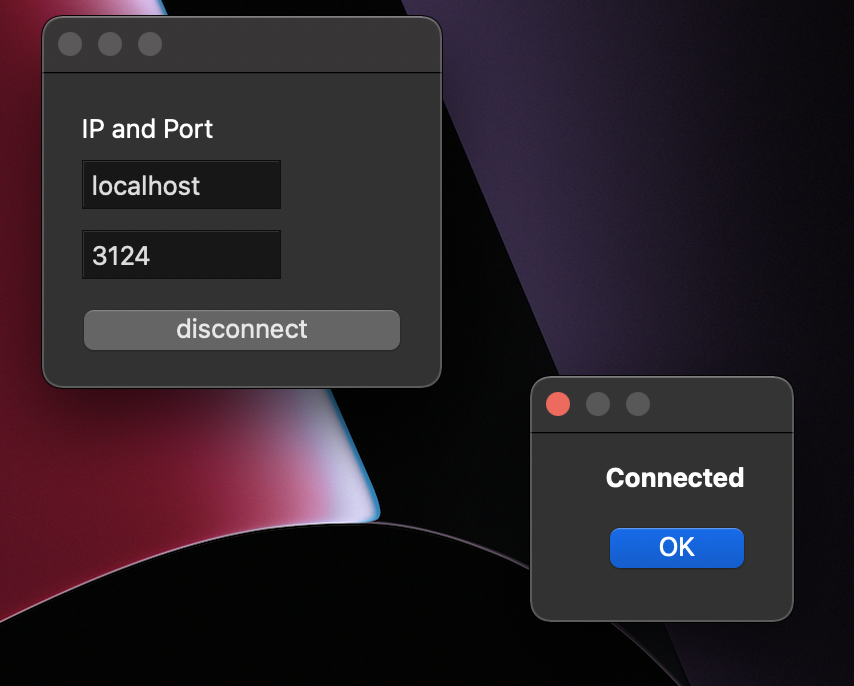
Connecting a Client
-
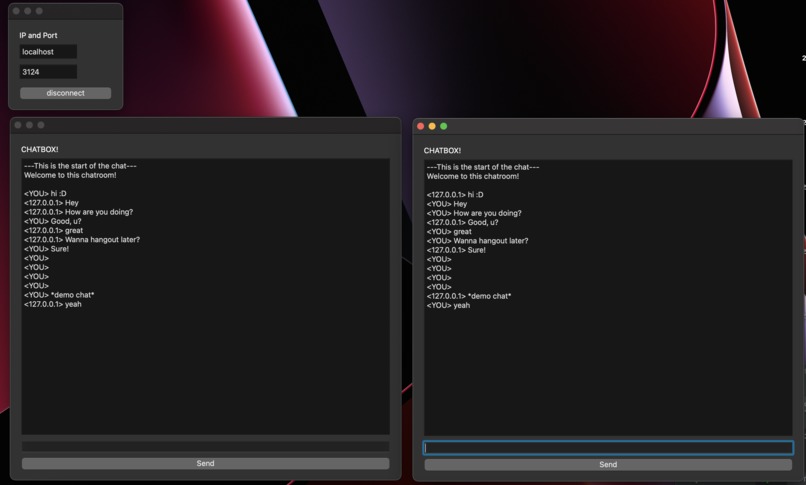
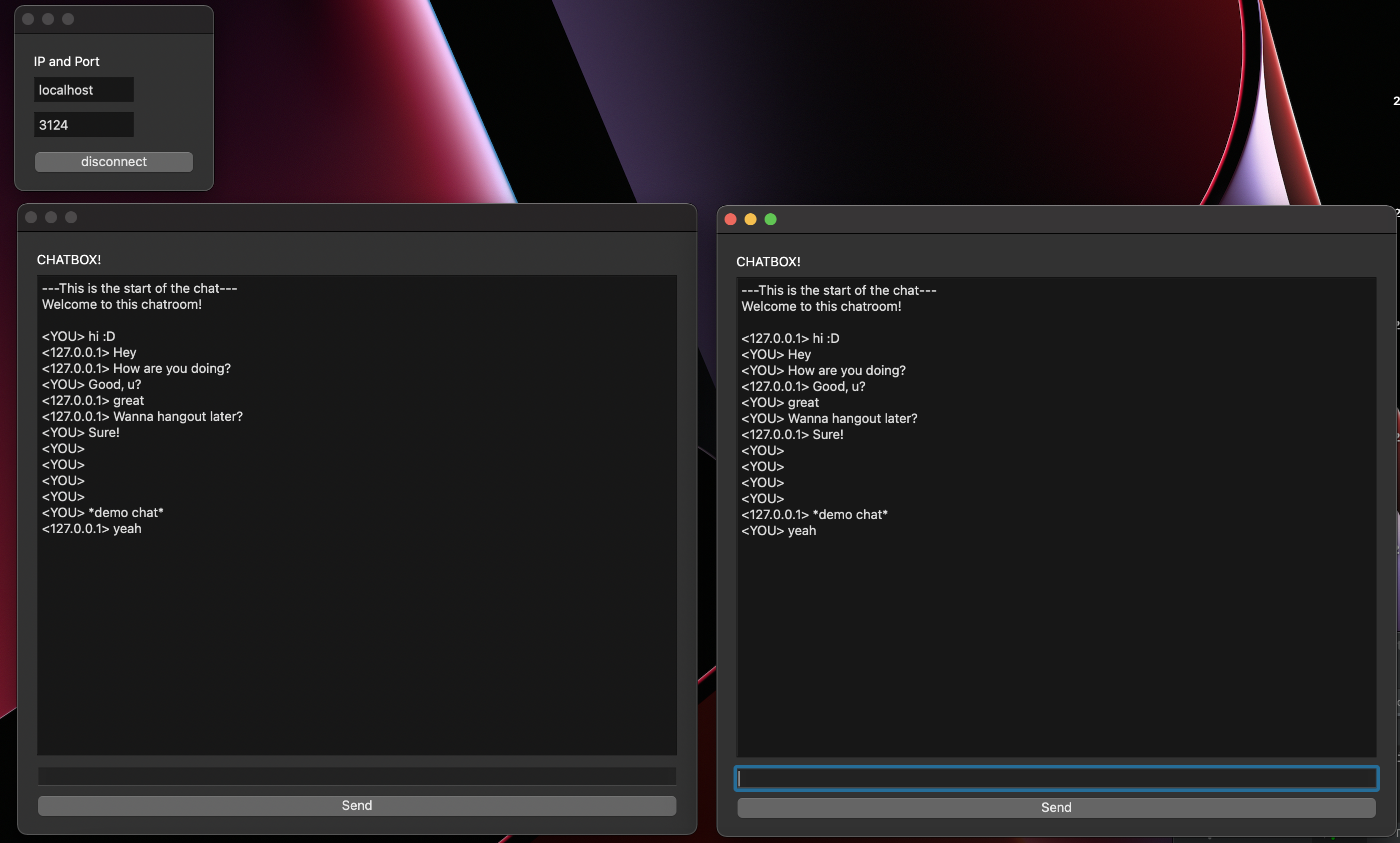
2 Connected Clients chatting
Inspiration
I have wanted to create a chat app for years, however, I usually end up giving up since it is hard to understand. This hack-a-thon gave me a reason to develop the chat app from start to finish!
What it does
Creates a server on your computer, and multiple clients can talk to each other through this server.
How we built it
I used Python's PySide6 import and the socket import to create this. PySide6 is what I used to create the UI and socket is what I used to communicate the message to the server and client(s).
Challenges we ran into
I kept getting errors when I tried running the app with the latest version of python. I had to find a way for the code to work with the Apple M1 chip which my device has. Combining PySide6 and socket to transfer messages took awhile to perfect. I tried to use the tkinter import first before settling on PySide6. I constantly got errors, and after awhile, I thought it was incompatible with M1 Macs due to getting the same error on the initiation line.
Accomplishments that we're proud of
The final product looks great and works well. Multiple different clients can join. Scrolling up and down works for the chat.
What we learned
I learnt that you should always try to persevere in any hardships. If something is difficult then take a break and look at it with fresh eyes. I am not confident that I can use sockets for local server communications. I also got familiar with using PySide6 which seems extremely interesting to use for UI.
What's next for Chatter
The first step is to make Chatter more user friendly. The next steps for Chatter is to test it on different operating systems (currently only tested on M1 macs) and move it to the internet to allow people to chat over the internet.
Built With
- pyside6
- python
- socket
- threading


Log in or sign up for Devpost to join the conversation.