-
-

Chats Got Talent Logo
-
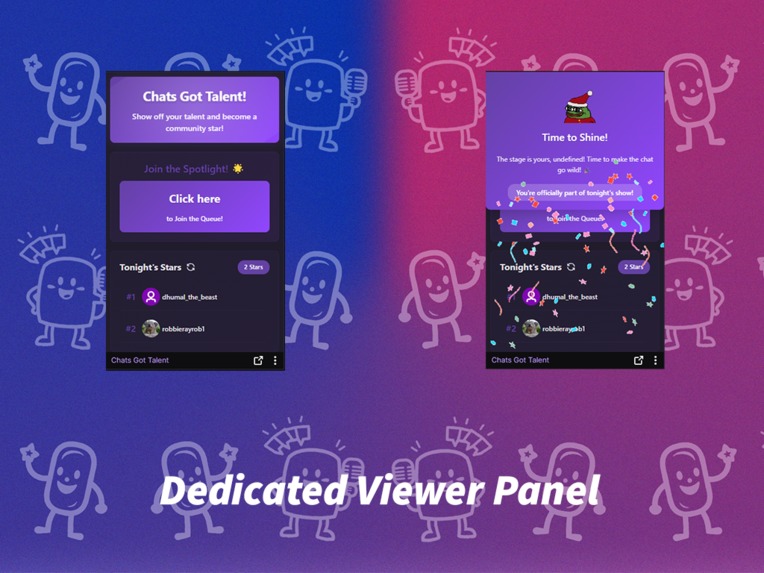
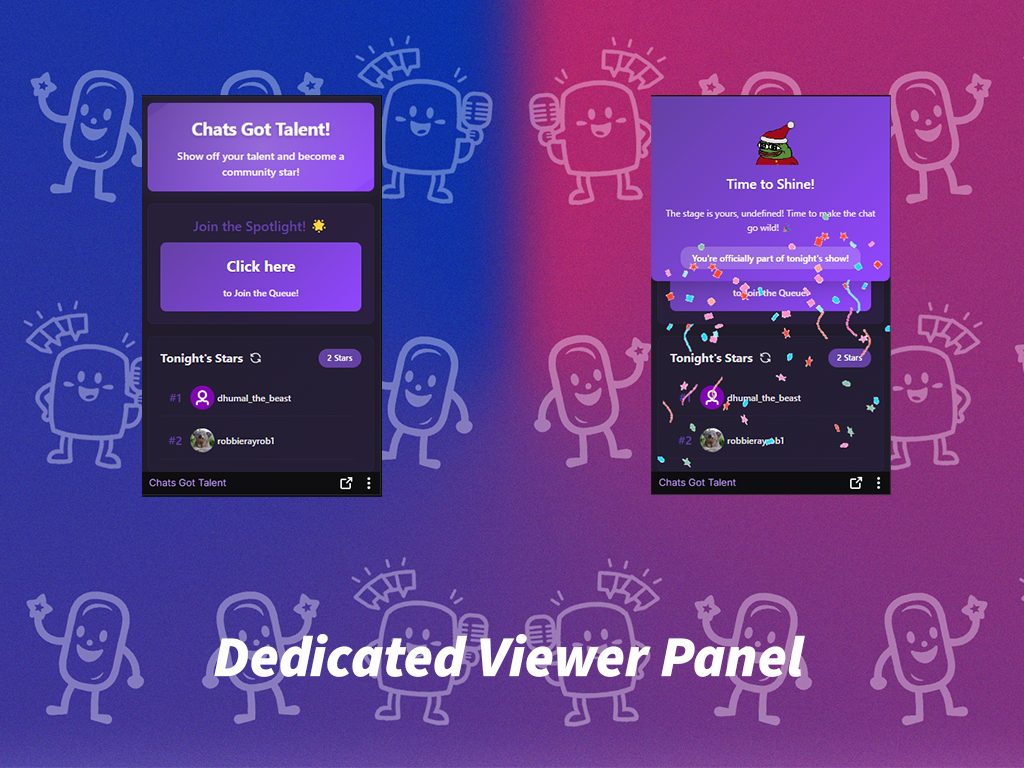
Our Twitch Extension Panel Viewer
-
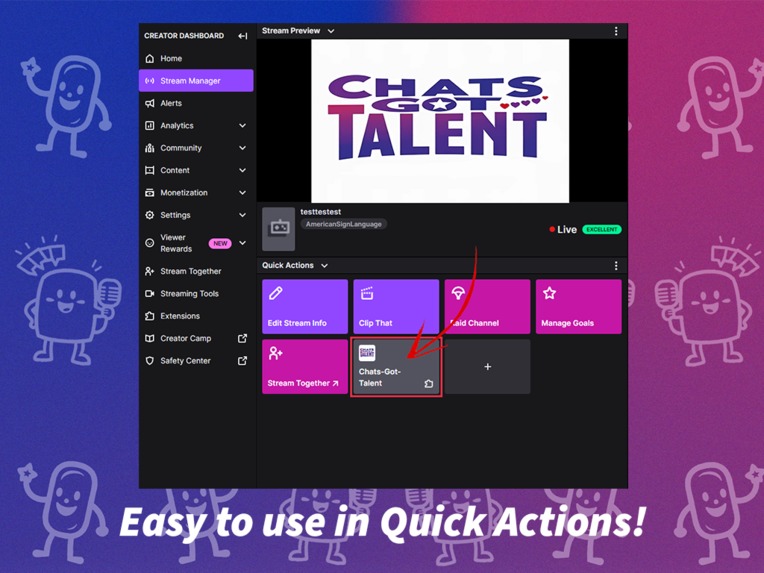
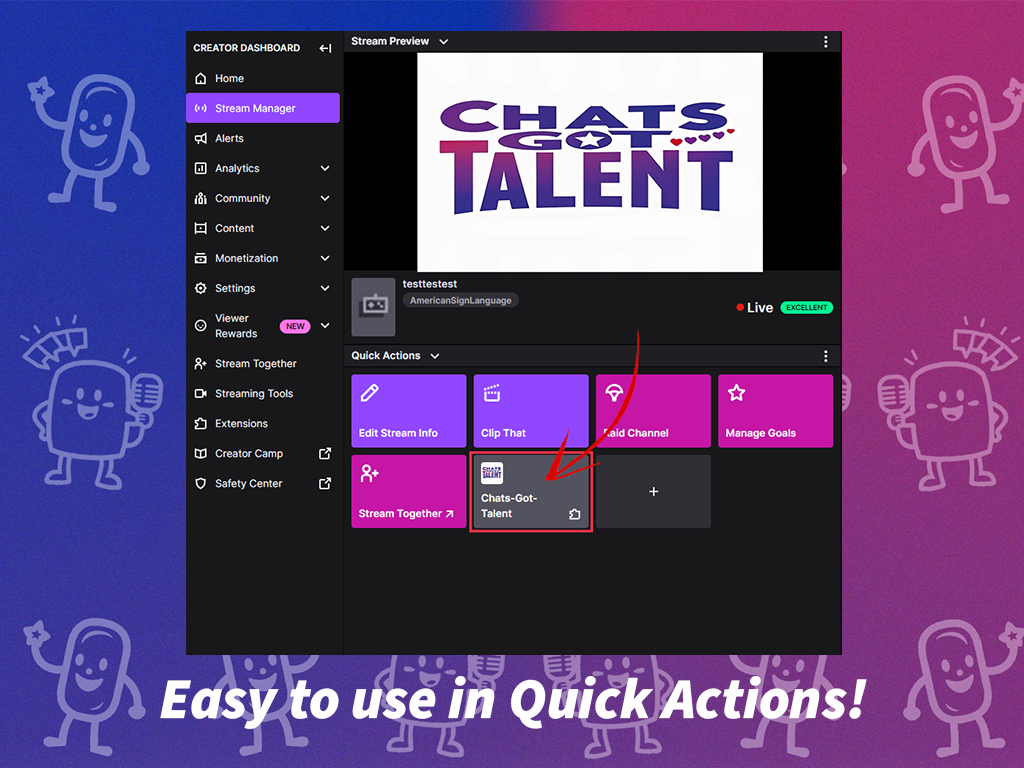
How to use The Extension as a Streamer
-
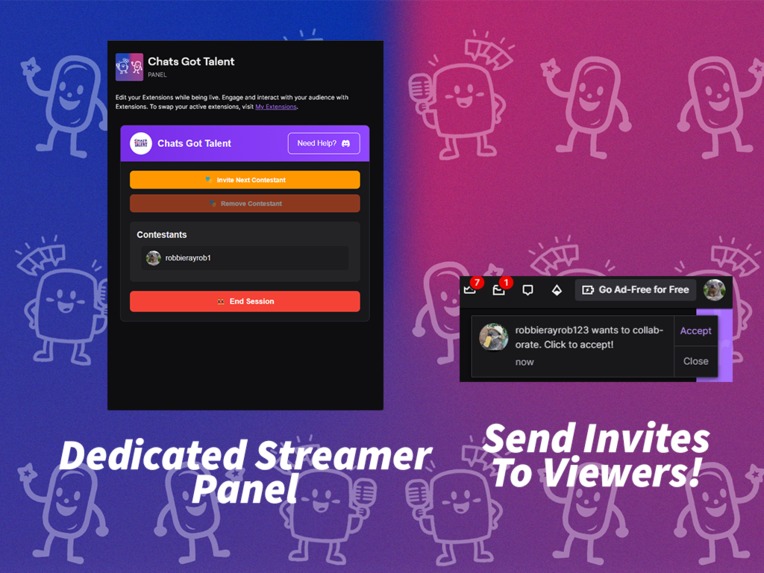
Features of the Stream UI
-
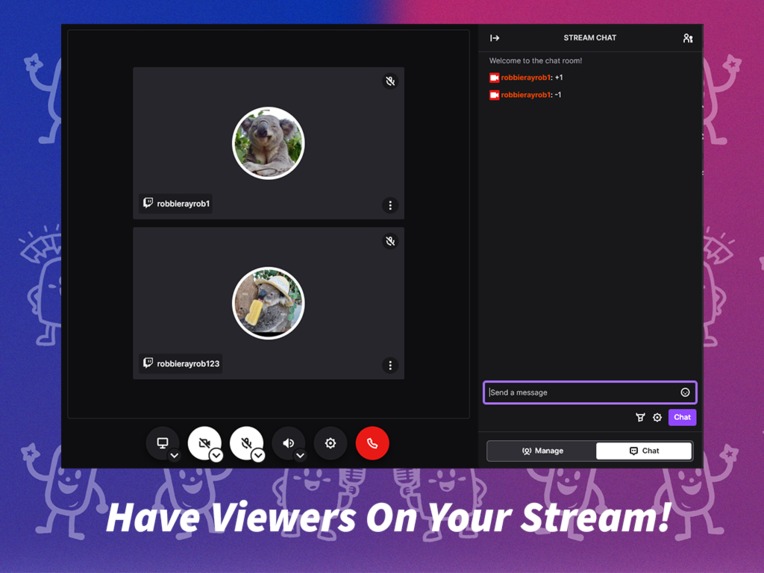
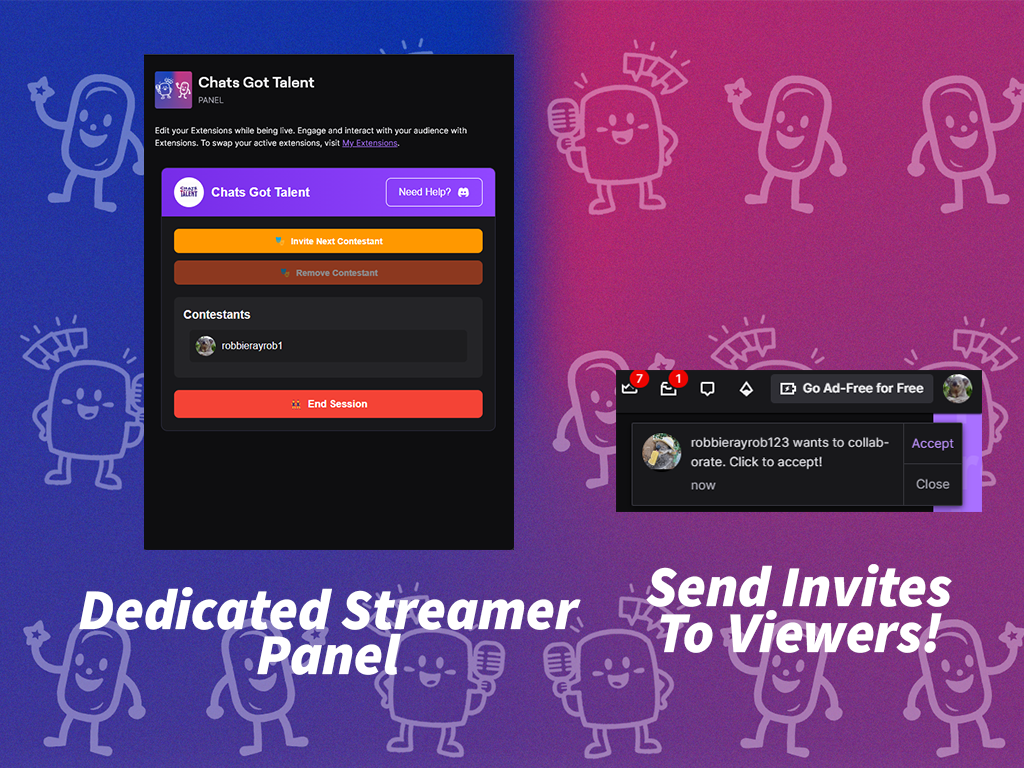
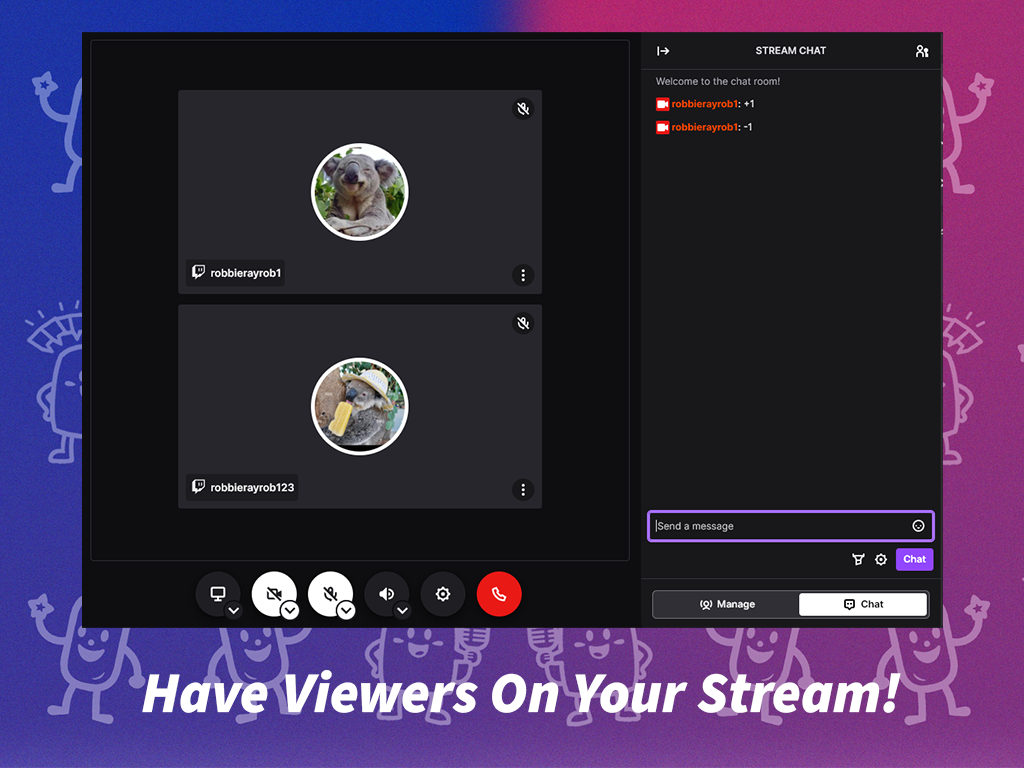
Using Stream Together on twitch with the extension
-
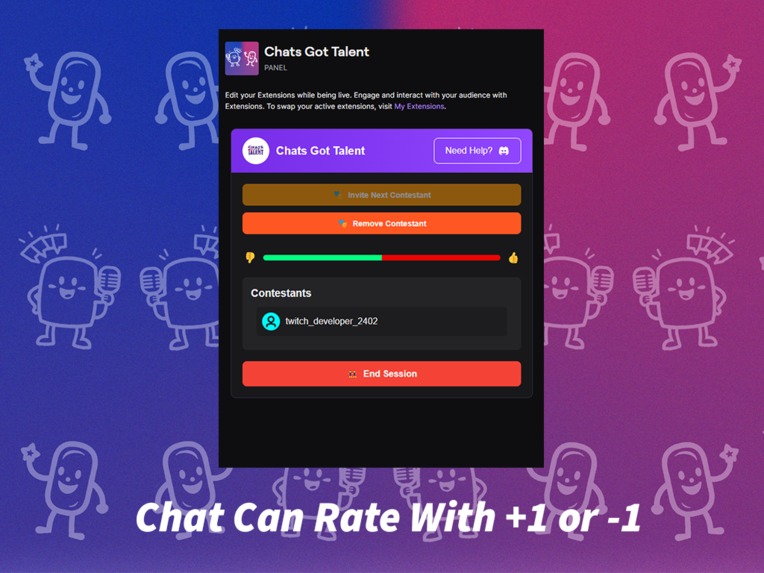
Extension can read the Twitch Chat!

Chats Got Talent - Twitch Extension
Inspiration
We wanted to develop a unique solution to enhance viewer-streamer interactions on Twitch. While viewers naturally seek attention in chat, this can often overwhelm streamers. Our goal was to create a symbiotic relationship between streamers and their community, leading to the development of Chats Got Talent.
What it does
Chats Got Talent introduces two main components:
- A simple panel extension at the bottom of the stream where viewers can join a queue
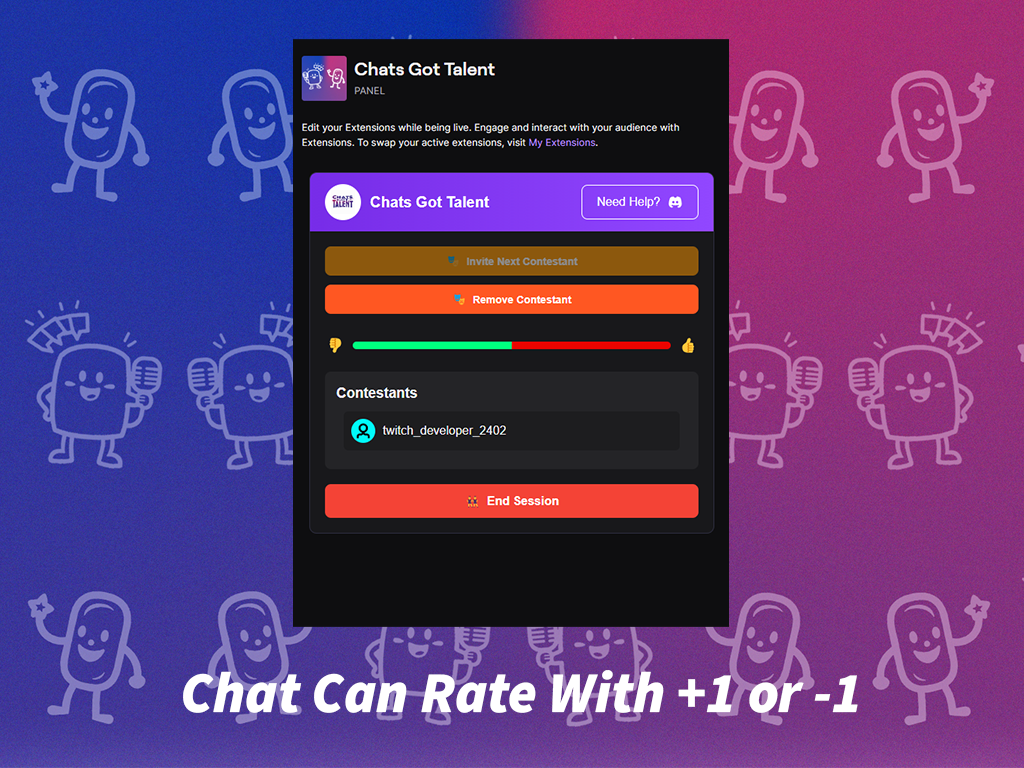
- A dedicated Streamer UI accessible through the Stream Manager, providing streamers with a streamlined way to:
- Organize talent quests for their community
- Give viewers their moment in the spotlight
- Utilize Twitch's new Guest API and Stream Together functionality
How we built it
The extension was developed using:
- HTML
- JavaScript
- CSS
- Visual Studio Code as our primary IDE
Development was supported by:
- Extensive Twitch documentation
- Community forums
- AI-assisted JavaScript coding
- Many late-night coding sessions
Challenges we ran into
API Integration
- Understanding and implementing Twitch's API required significant time investment
Extension Approval Process
- Faced two rejections with less than 48 hours until deadline
- Received valuable feedback from Twitch support
- Successfully implemented necessary changes for approval
Accomplishments that we're proud of
- Effective team collaboration and role delegation
- Creation of a polished, user-friendly extension
- Successful integration with Twitch's platform
What we learned
- Time management strategies for project development
- Advanced web development skills
- Effective use of collaboration tools and workflows
- The importance of thorough testing and documentation
What's next for Chats Got Talent
Future development plans include:
- Enhanced UI with custom assets
- Viewer engagement features using Twitch Bits for contestant ratings
- Expanded streamer configuration options
- Additional interactive overlay elements
Built With
- ai
- css
- gcp
- html
- javascript


Log in or sign up for Devpost to join the conversation.