-
-
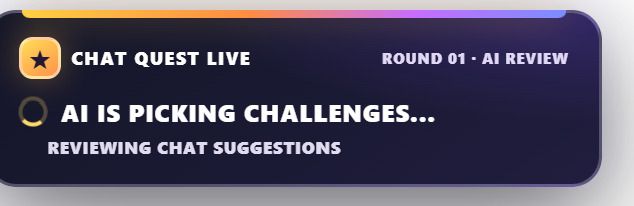
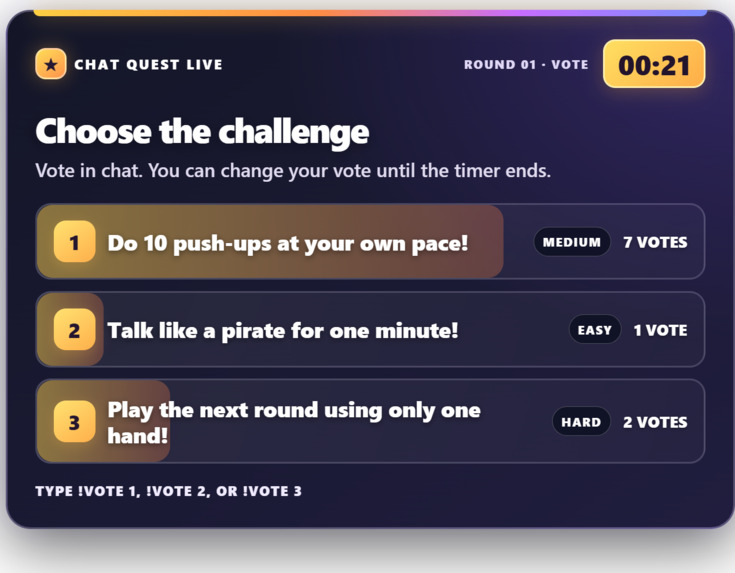
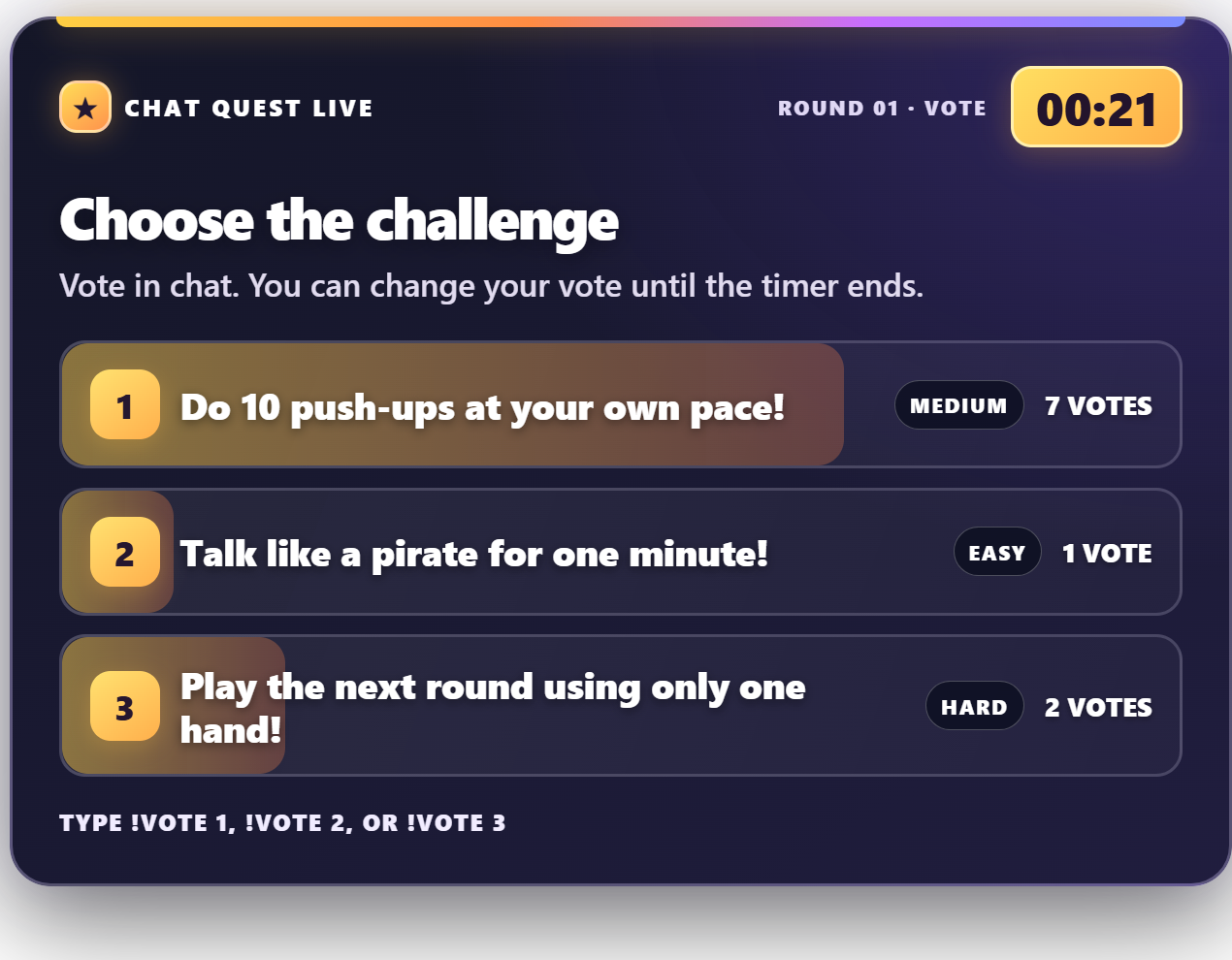
Voting screen
-
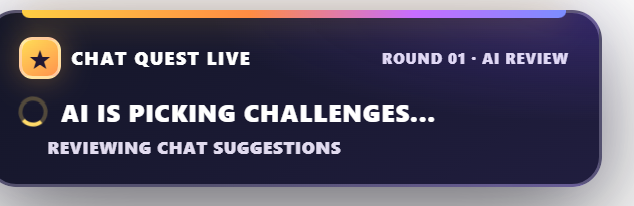
AI review screen
-
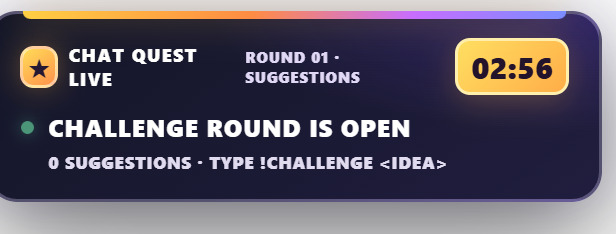
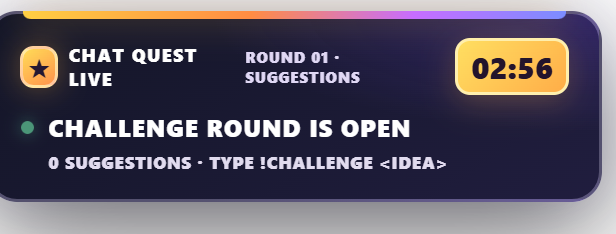
Compact suggestions screen
Inspiration
I stream Roblox and other games as a small creator and my best streams have always been the interactive ones, where viewers trigger events and change what happens on screen. But on smaller channels, getting chat involved is hard. I tried going through dares manually going in chat mid game, picking ideas, setting timers. It pulled me outside of game, some suggestions weren't stream safe and viewers couldn't see whether their idea got saw upon. I wanted a tool that runs that whole loop for me so I can just play.
What it does
- Viewers suggest challenges with
!challenge <idea> - Each round, AI reviews the suggestions, removes anything unsafe and rewrites the best three into short, fun, achievable challenges with a difficulty rating
- Chat votes with
!vote 1/2/3while live vote bars and a countdown show on stream - The winning challenge gets a 2 minute timer, and the streamer marks it
!doneor!fail - A compact overlay sits in the corner during suggestions and expands for voting and the winner reveal It works with any game because it's an overlay, not a game mod and it gives any streamer a voting system, not just Affiliates and Partners who have native polls.
How we built it
I built the whole project in a single OpenAI Codex thread, one step at a time: Get Twitch chat into the terminal, then add the overlay, then the game, then the AI layer, then polish. After each step I tested it on my channel and pasted any errors back into Codex.
- Twitch EventSub over WebSocket (
channel.chat.message) reads chat in real time - Device Code Grant Flow handles login with the
user:read:chatscope, so there's no client secret to manage - Node.js + TypeScript + Express run the game engine and serve the overlay
- WebSockets push live game state to the overlay
- OpenAI Responses API with Structured Outputs curates and rewrites suggestions into a predictable format
- OBS Browser Source puts the overlay on stream
I asked Codex to route every action, whether chat commands or timers through one shared trigger interface (source, user, action, payload). That means new input sources like tips or channel points can plug in later without touching the game logic.
Challenges we ran into
- Testing with one account. A round needs three suggestions but each viewer can only suggest once and I only had my own account. I had Codex add streamer-only test commands (
!testfilland!testvotes) so I could run full rounds alone. They're also handy for demos. - Stream security. Putting viewer text on screen is risky, so the AI filters every suggestion before it appears. I also added a blocked-words filter in case the AI call fails, so raw suggestions never go straight to stream.
- Overlay sizing. My first full-size card covered too much gameplay, which led to the compact mode.
- Codex's sandbox couldn't download packages, so I learned to run installs and builds locally and feed the results back in.
Accomplishments that we're proud of
Going from an idea to a working, stream-ready overlay in a few days, as my first project built for Twitch and actually using it live on my own channel.
What we learned
- How Twitch EventSub and the Device Code flow work
- How to use Structured Outputs to get reliable JSON from a model
- That building with Codex works best in small, testable steps not one giant prompt
What's next for ChatQuest
- Tip to boost: viewers can pay to boost a challenges votes or lock in one
- Channel Points support for Affiliates
- Saving challenge history so streamers can see their communitys favourite dares
Built With
- ai
- css3
- express.js
- github
- html5
- javascript
- node.js
- obs-studio
- openai
- openai-api
- openai-codex
- twitch
- twitch-eventsub
- typescript
- websockets


Log in or sign up for Devpost to join the conversation.