-
-
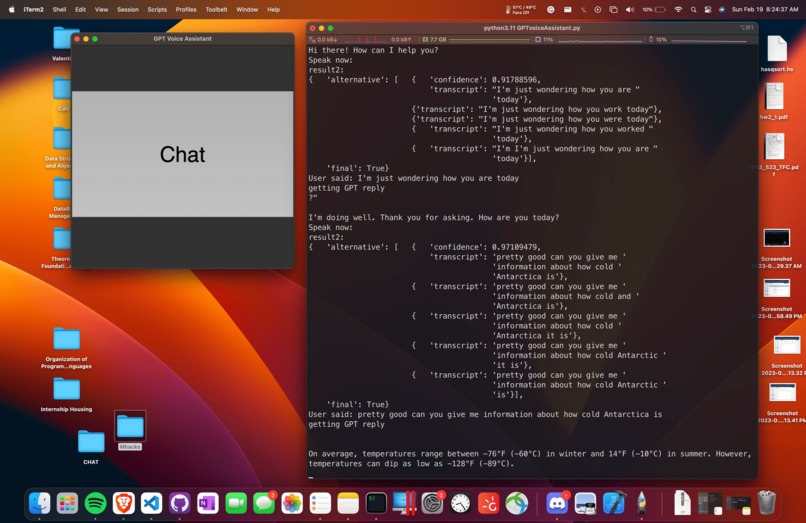
terminal printing conversation log with ChatGPT and the user
-
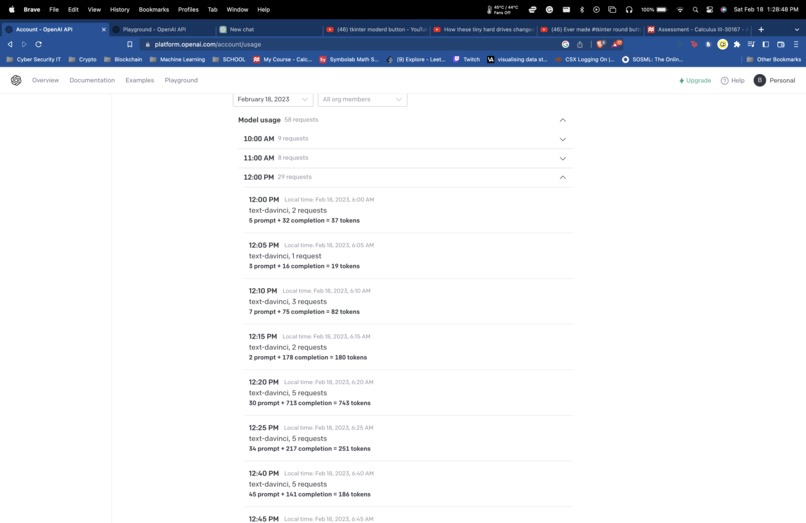
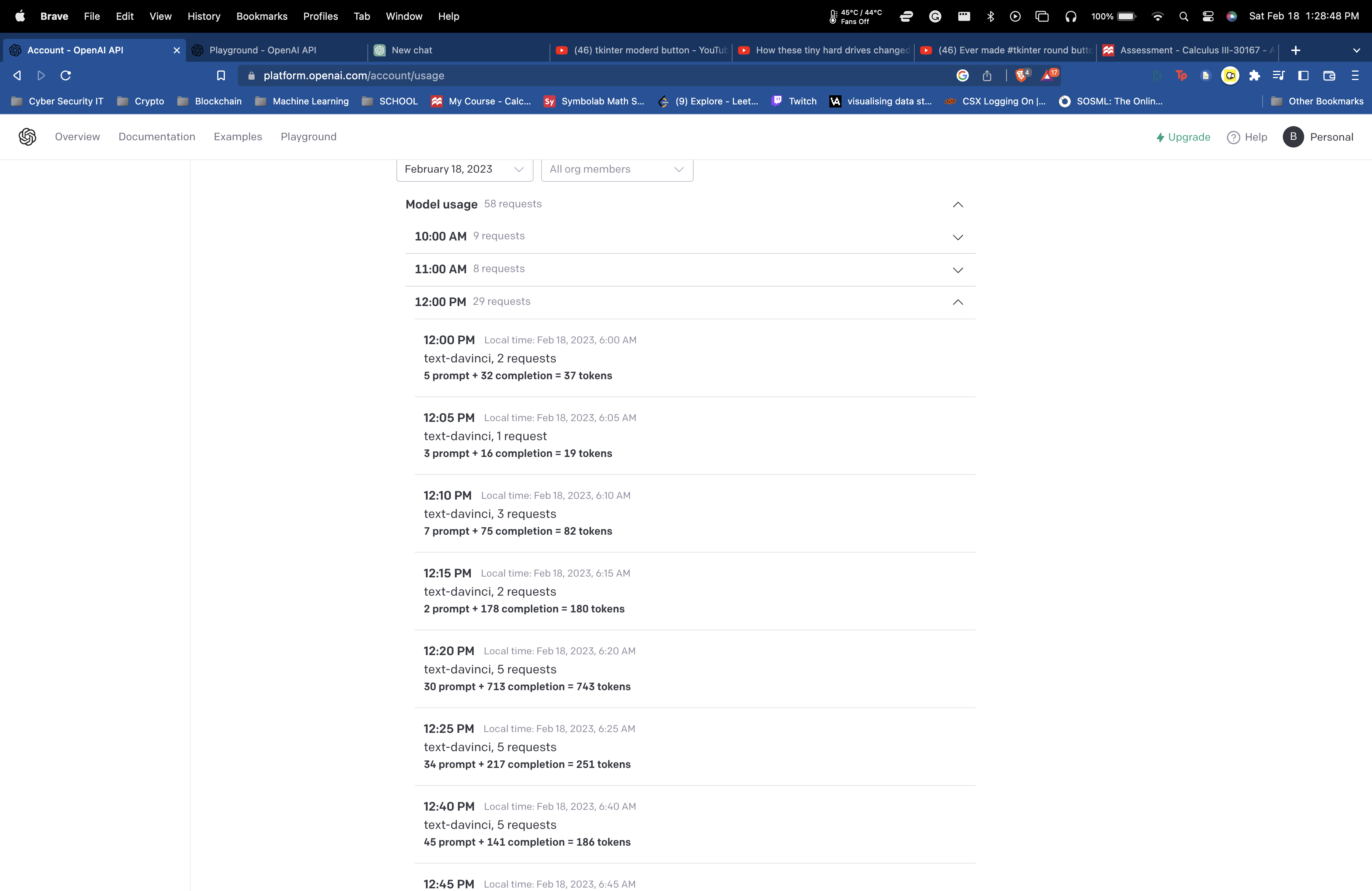
time log of different API requests
-
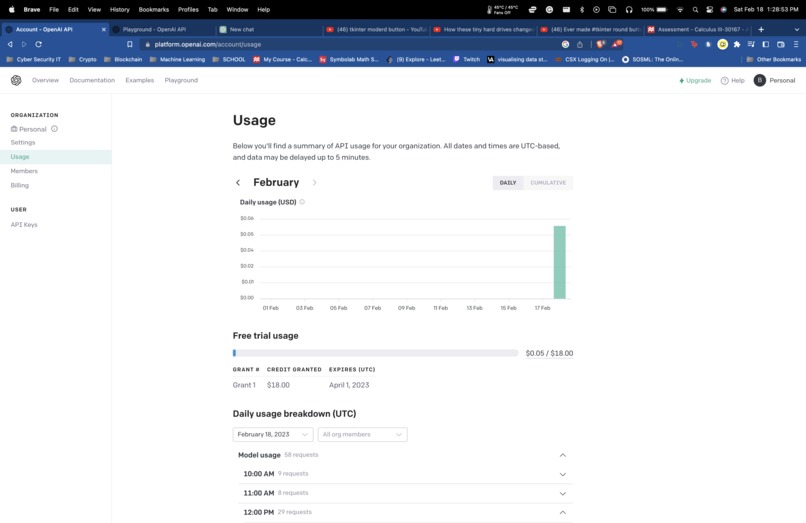
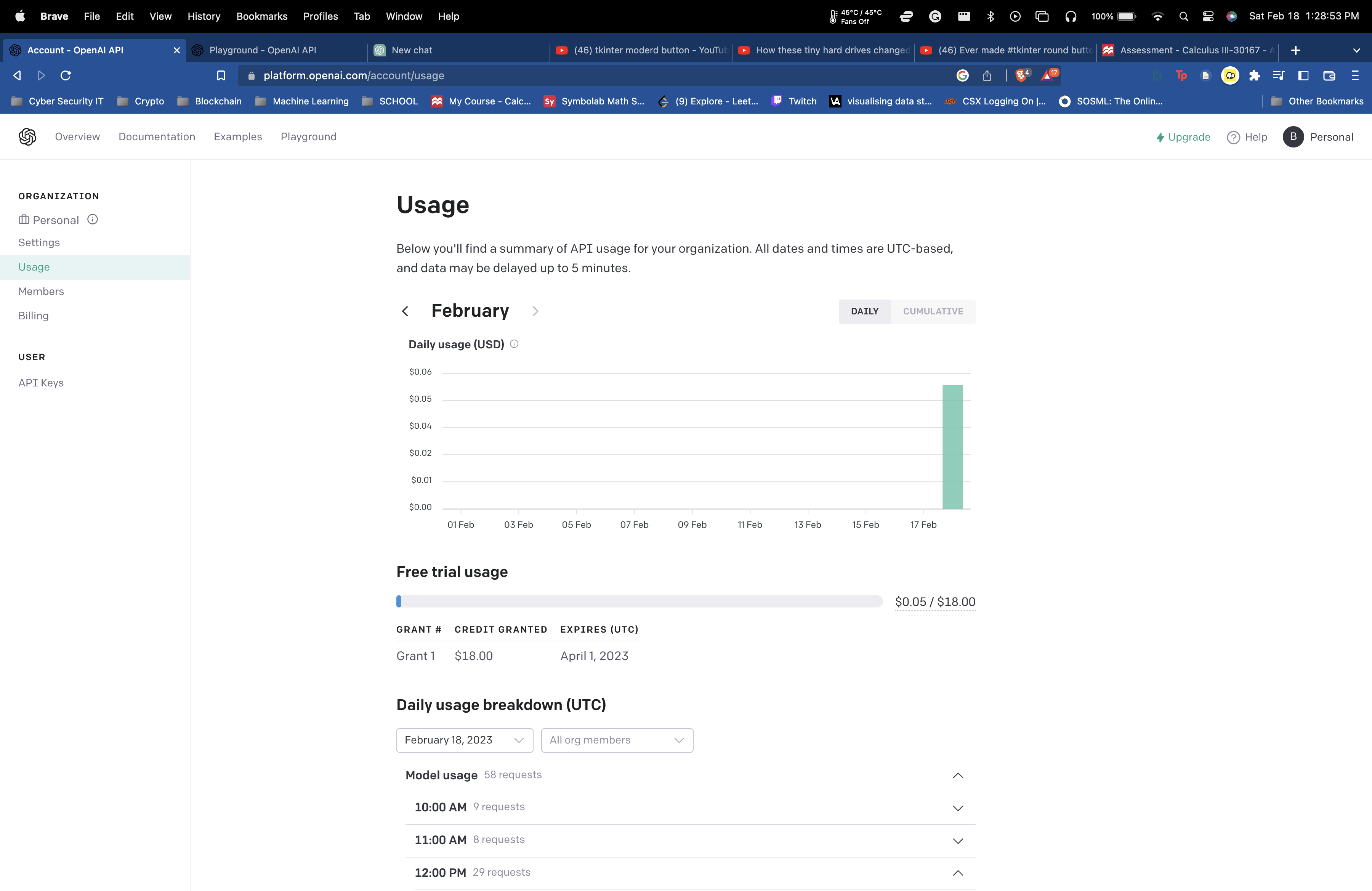
Cost associated with using OpenAI API
-
learning about NLP and doing math HW


Inspiration
The release of ChatPGT and the constant struggle with current voice assistants like Apple's Siri and Amazon's Alexa constantly not giving me a straight full answer.
What it does
This project turns the original text-based text generated chatGPT into a voice assistant that you can use on your PC or mac.
How I built it
I use python libraries to get recognize my speech and save that speech in a string variable. That string was then sent to the OpenAI API and the program then retrieves what the API sends back and focuses just on GPT's responses to the text. GPT's response is then saved and read out loud to the user using pyaudio. This is played on a loop to allow the user to interact with GPT like a regular voice conversation.
Challenges I ran into
There were a lot of challenges that I ran into were getting the speech recognition to get my voice and save to a text file. I also had issues with the OpenAI API returning the wrong values that I wanted. at one point my code would not run and I would get a fatal error even after not changing any code and then have it work fine an hour later.
Accomplishments that we're proud of
I'm really proud of the overall result and am glad I decided last minute to join this hackathon
What I learned
I learned a lot about NLP and API technologies
What's next for ChatGPT voice assistant
improving overall efficiency and having the program do real-time voice translation on the user's machine rather than using a voice recognition API from a google server. Also improving the overall GUI and allowing it to be more user-friendly and have the user sign in and or use their API key to run locally on their computer
Built With
- api
- gpt
- openai
- pyaudio
- python
- speechrecognition
- tkinter


Log in or sign up for Devpost to join the conversation.