Inspiration
We've all been there: you had a brilliant AI conversation yesterday, but now you can't find it. You're typing the same prompt modifiers over and over ("respond in friendly tone," "keep it concise"). Your chat history is a mess of unorganized threads.
ChatDesk was born from this frustration.
We asked ourselves: Why isn't there a professional workspace for AI conversations? Developers have VS Code for coding. Designers have Figma for design. Why do we manage AI conversations in basic chat interfaces that weren't built for serious work?
The Chrome Built-in AI Challenge gave us the perfect opportunity to build something better - a tool that combines local AI processing for privacy and speed with cloud capabilities for power.
What it does
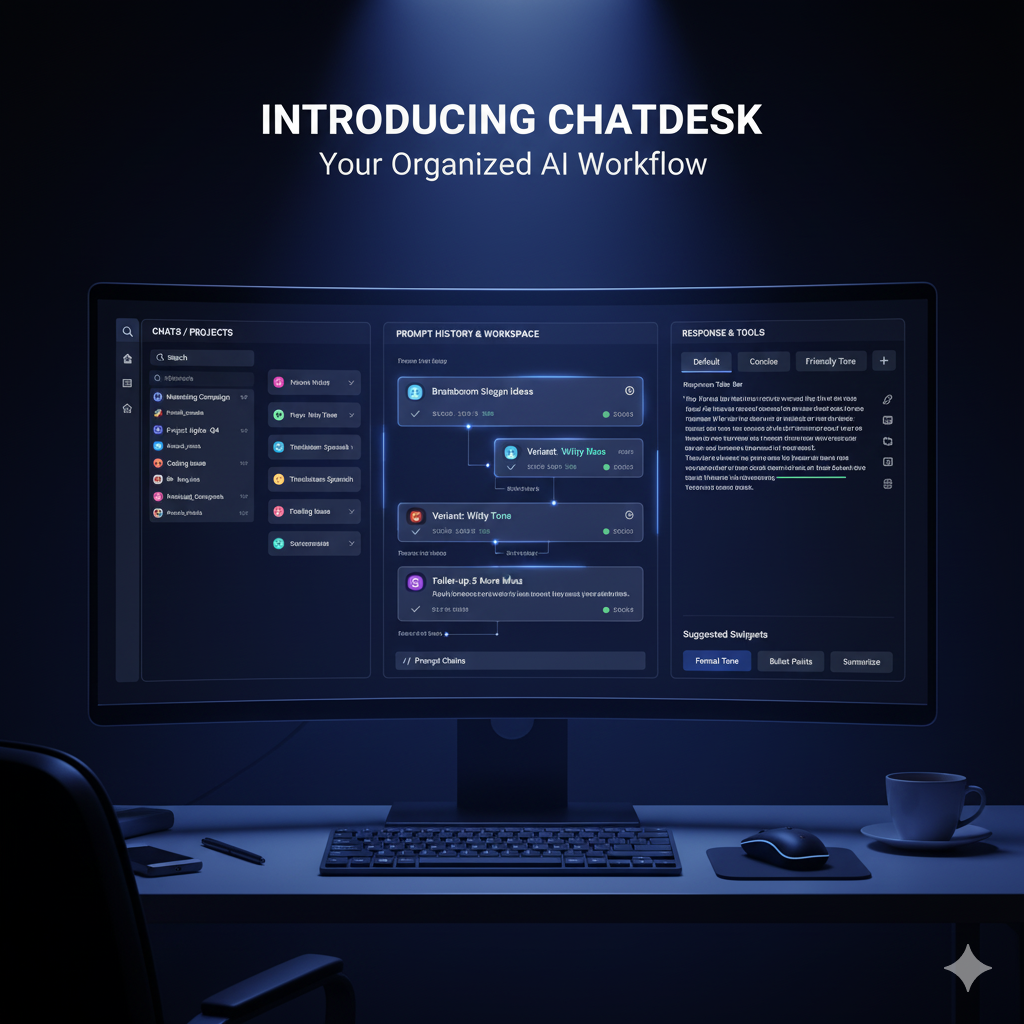
ChatDesk is a comprehensive workspace for managing AI conversations with three core innovations:
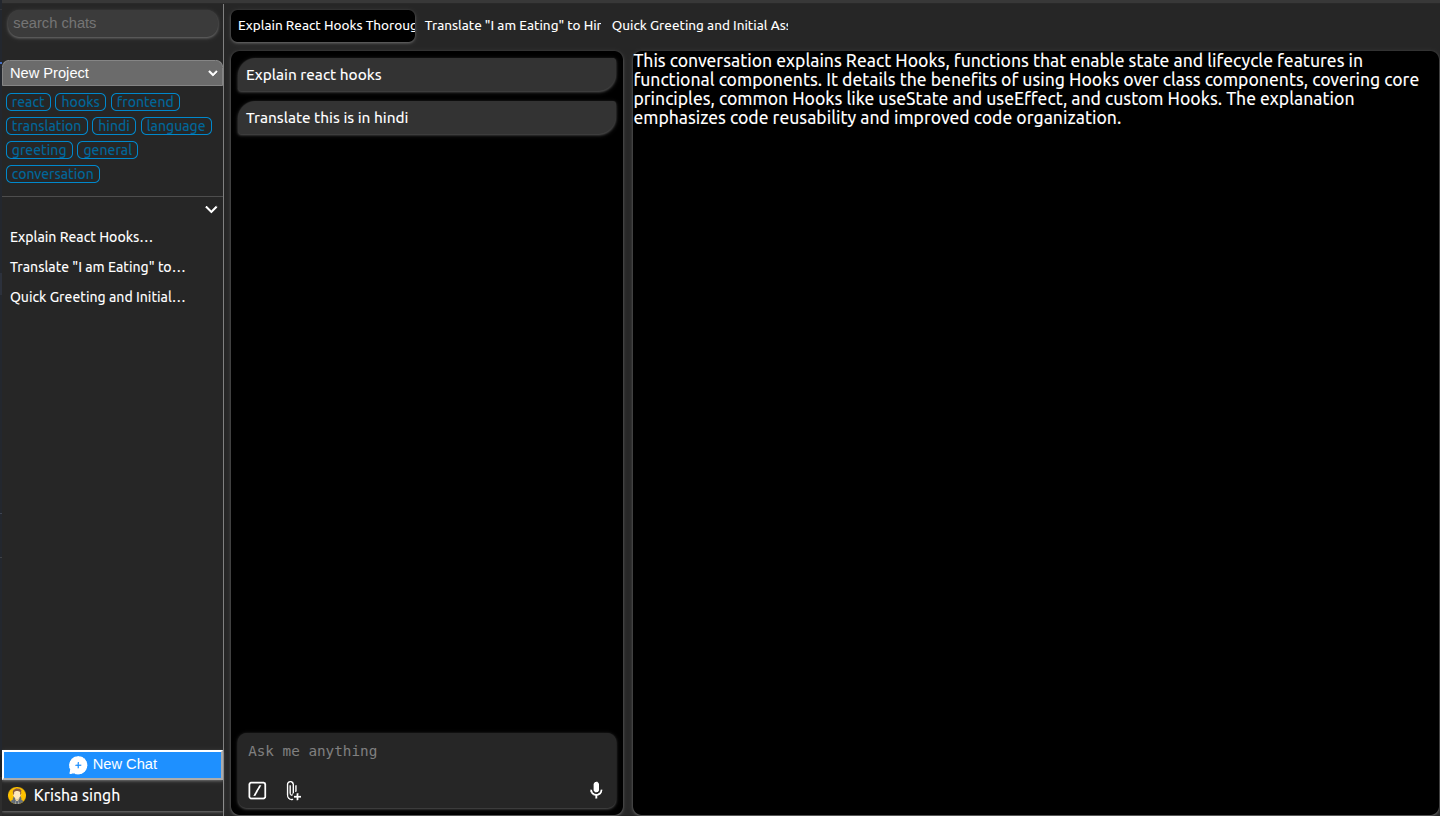
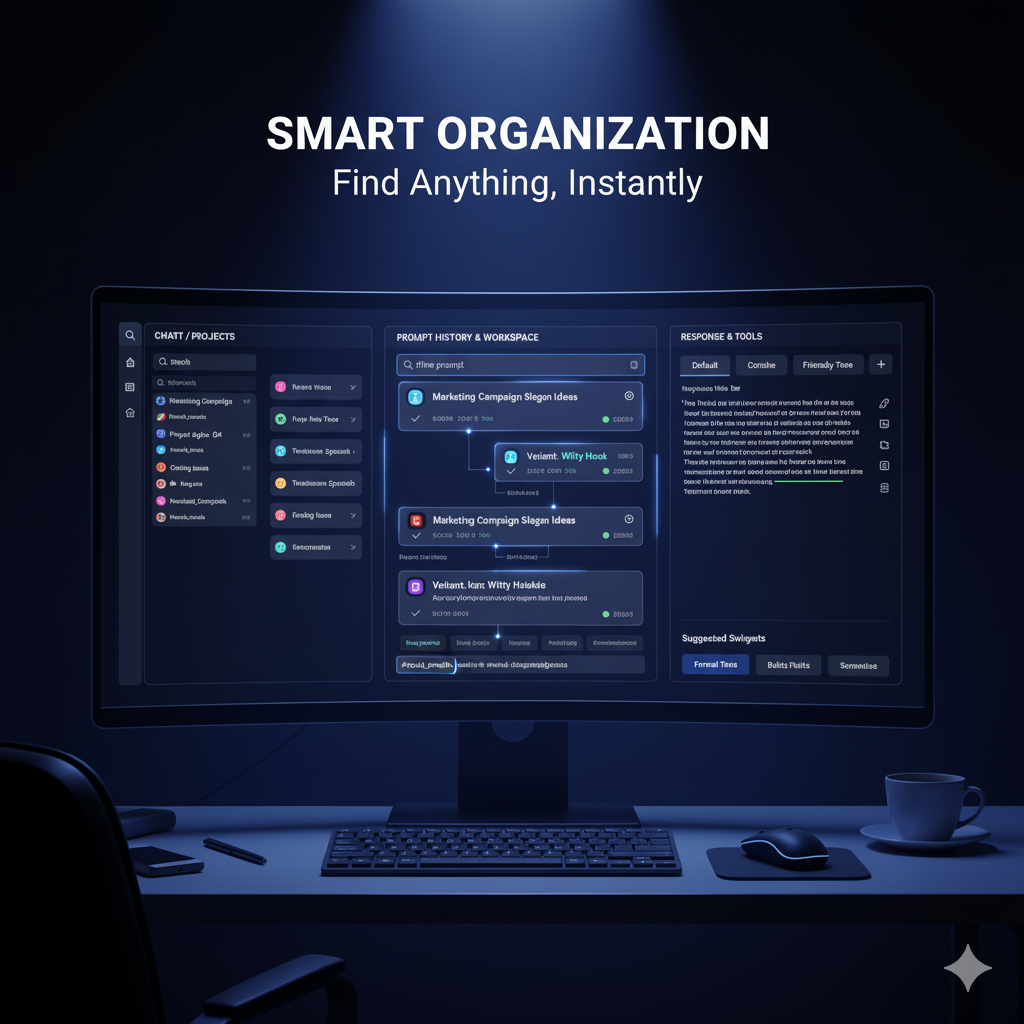
1. Intelligent Organization
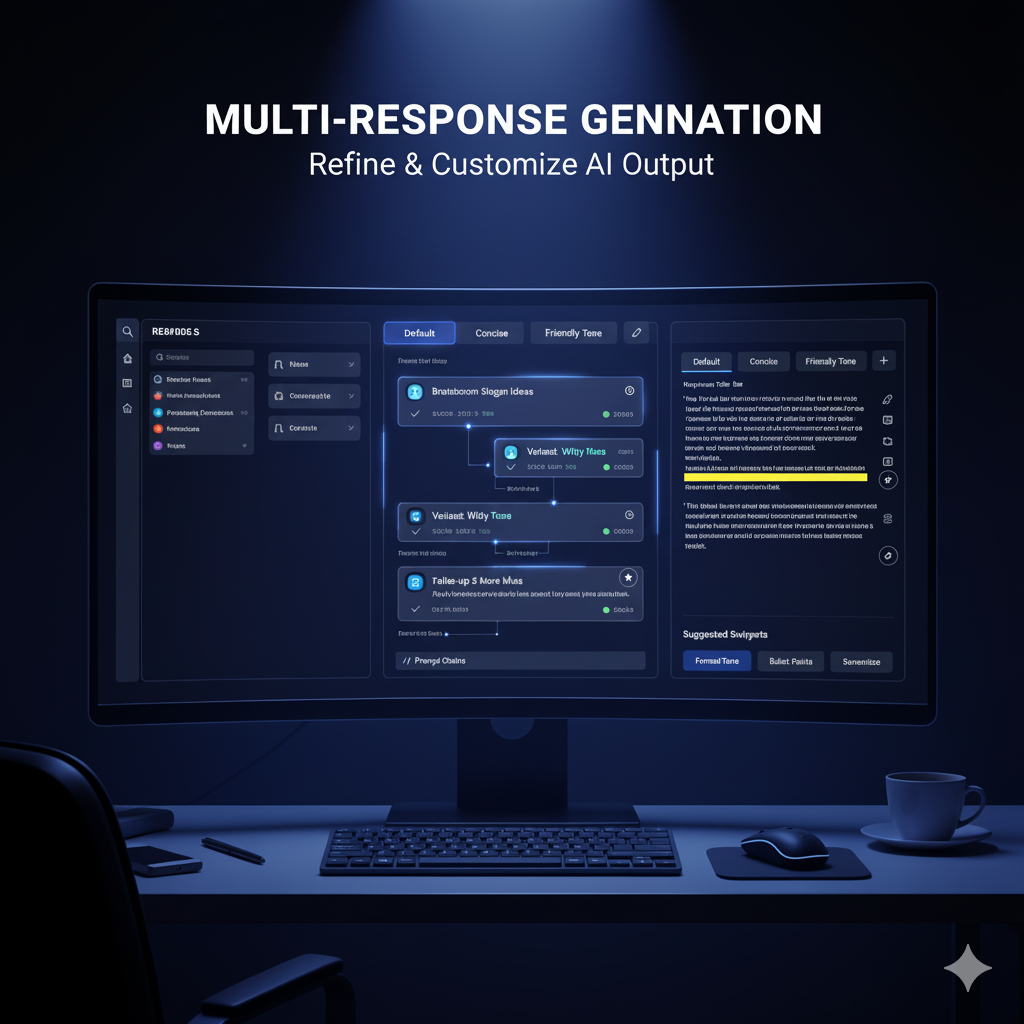
- Nested Prompt Structure: Automatically detects when prompts are variations (tone changes, translations, refinements) and nests them under parent prompts
- Smart Tagging: Chrome's built-in AI analyzes conversations and auto-generates relevant tags, categories, and summaries
- Project Grouping: AI suggests grouping related chats into projects (e.g., "ChatDesk Development," "Learning React")
- Relationship Mapping: Understands how prompts connect to each other
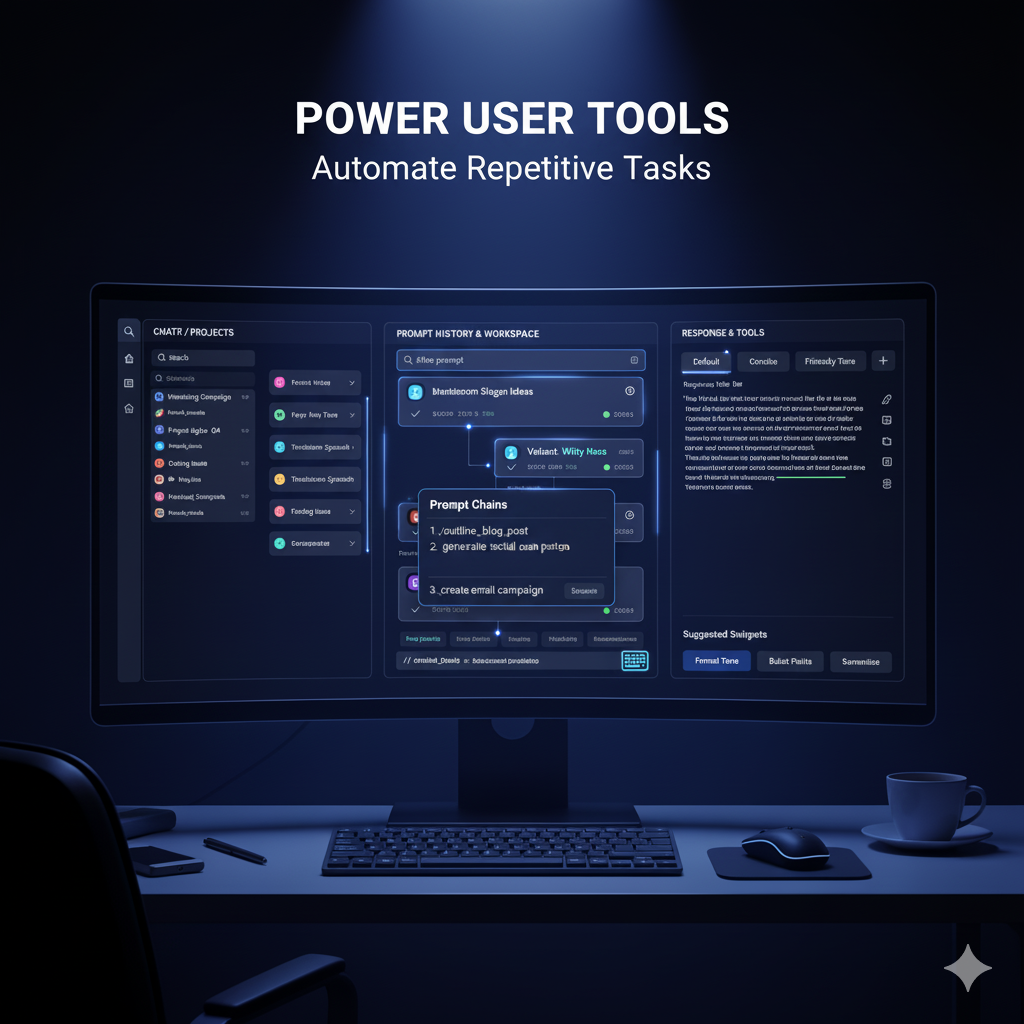
2. Productivity Powerhouse
- Snippet System: Auto-detects patterns in your prompts and creates reusable snippets with keyboard shortcuts (or create manually)
- Response Variations: Create friendly, concise, or technical versions of responses on-demand
- Response Bookmarking: Mark important responses with color-coding (5 colors) and add comments for easy reference
- Multi-Tab Interface: Work on multiple conversations simultaneously with browser-like tabs
- Prompt Chains: Automate multi-step workflows with sequential prompts
- AI Prompt Generation: Let AI suggest or generate prompts based on context
3. Intelligent Chrome AI Integration
- Local Processing: Chrome's built-in AI (Gemini Nano) handles:
- Prompt analysis and categorization
- Tag extraction
- Snippet detection
- Context summarization
- Variation detection
- Prompt generation suggestions
- Cloud Processing: Firebase/Gemini API handles:
- Main conversation responses
- File analysis (images, PDFs)
- Long-form content generation
- Multi-turn dialogues
This hybrid approach provides privacy, speed, and cost-efficiency while maintaining powerful capabilities.
How we built it
Architecture
Frontend Stack:
- LitElement for web components
- Modern CSS with nesting and
light-dark()for theming - Vanilla JavaScript for core logic
- IndexedDB for local storage
AI Integration:
- Chrome Built-in AI (Gemini Nano): For all organizational tasks
- Firebase Generative AI (Gemini 1.5): For main conversations
- Web Speech API: For voice input
Key Components:
PromptBuilder Class: Fluent API for constructing complex prompts with metadata (tone, length, format), file attachments, and context
FirebaseAIChatSession: Manages streaming responses, chat history, and multi-turn conversations
PromptActionAnalyzer: Uses Chrome's AI to extract structured metadata from prompts:
   {
     action: "Refactor if-else to ternary operator",
     icon: "🔄",
     inputContext: { type: "code", language: "javascript" },
     expectOutput: { format: "ternary operator" }
   }
ResponseBookmarkManager: Color-code and annotate important AI responses with 5-color system for visual organization
PromptChainBuilder: Create and execute multi-step prompt workflows with variables and conditional logic
AIPromptGenerator: Uses Chrome's AI to suggest or generate new prompts based on conversation context
MultiTabChatManager: Manages multiple concurrent chat sessions with instant switching and session persistence
Intelligent Prompt System
One of our innovations is the explainable prompt analysis. Instead of showing long prompts that clutter the UI, we extract:
- Action: What the user wants (e.g., "Refactor code to ternary")
- Input Context: What they provided (preview + full view in popup)
- Expected Output: What format they want
This makes chat history scannable and professional.
Organization Strategy
Prompt Relationship Detection: On every new prompt, Chrome's AI checks if it's a variation of recent prompts:
- Tone changes (friendly → formal)
- Length changes (concise → detailed)
- Language changes (English → Spanish)
- Format changes (code → explanation)
Chat Tagging: Analyzes conversations and generates:
- Relevant tags (javascript, debugging, tutorial)
- Concise summary
- Descriptive title
- Category (code-help, explanation, etc.)
Runs after 2-3 exchanges, then every 3 exchanges, plus on inactivity/chat switch.
Snippet Detection: Analyzes 20-50 recent prompts to find patterns like:
- "Respond in friendly tone" (appears 12 times → suggest snippet)
- "Keep it concise" (appears 8 times → suggest snippet)
- Custom templates with variables
Project Suggestions: AI analyzes chat summaries and suggests logical groupings, but users have final control - it's a hybrid approach.
Challenges we ran into
1. Token Limit Management
Chat histories quickly exceeded Gemini's token limits. Solution: Built a TokenManager that uses Chrome's AI to summarize middle portions of conversations while keeping first (context) and last (recent) messages intact.
2. Real-Time Organization
Running AI analysis on every prompt was too slow. Solution: Strategic timing - relationship detection (instant) runs always, but tagging/summarizing runs batched after 2-3 exchanges or on inactivity.
3. Prompt Analysis Accuracy
Getting Chrome's AI to consistently return valid JSON was challenging. Solution: Detailed prompt engineering with explicit examples, format specifications, and fallback parsing.
4. Voice Input Reliability
Web Speech API had inconsistent behavior. Solution: Comprehensive error handling, automatic retry logic, and clear user feedback for permission/hardware issues.
5. Session Management
Destroying/recreating Firebase sessions on chat switch was slow. Solution: Session pool that keeps 5 most recent sessions in memory with lazy persistence to IndexedDB.
6. UI Performance
Rendering long conversations was sluggish. Solution: Compact prompt display with lazy-loaded popups for full content.
Accomplishments that we're proud of
True Hybrid AI: We actually use Chrome's built-in AI for meaningful tasks, not just as a checkbox feature. It handles all organizational intelligence locally.
Intelligent Prompt Analysis: Our system to extract action, input context, and expected output from prompts makes chat history professional and scannable.
Voice Input Integration: Seamless voice-to-text with 14 languages and smart voice commands.
Learning System: ChatDesk learns from user behavior - if you dismiss certain suggestions, it adjusts thresholds.
Production-Ready Architecture: Not a hackathon prototype - this is built for real use with proper error handling, performance optimization, and data persistence.
Privacy-First Design: Local-first approach with optional sync respects user privacy while providing convenience.
What we learned
Chrome's Built-in AI is powerful but requires careful prompt engineering: Generic prompts give inconsistent results. We learned to provide explicit examples, format specifications, and validation logic.
Hybrid AI is the future: Using local AI for fast, private tasks and cloud AI for heavy lifting provides the best user experience.
Context window management is critical: Even with large context windows, you need intelligent summarization for long conversations.
Organization must be AI-suggested, not AI-decided: Users need control over their workspace. Auto-organization that can't be overridden is frustrating.
Performance matters more than features: A slow feature with more capabilities loses to a fast feature with fewer capabilities every time.
Voice input is harder than it looks: Browser APIs vary, permissions are tricky, and user expectations are high.
What's next for ChatDesk
Immediate (Post-Hackathon)
- Enhanced Bookmarking: Tags, categories, and search for bookmarked responses
- Advanced Prompt Chains: Conditional logic, variables, error handling
- Custom Snippet Templates: User-defined templates with placeholders
- Export Improvements: Better formatting for PDF/Markdown exports
- Multi-language UI: Interface translation for global users
Near-Term (3 months)
- Collaboration Features: Share prompt libraries, chat collections, and bookmarked responses
- Integration API: Connect with Notion, Google Docs, VS Code
- Advanced Search: Semantic search across all conversations with bookmark filters
- Analytics Dashboard: Usage patterns, most-used snippets, bookmark statistics, productivity metrics
- Visual Prompt Chain Builder: Drag-and-drop interface for creating workflows
Long-Term (6+ months)
- Team Workspaces: Shared projects and prompt libraries
- Plugin System: Let developers extend ChatDesk
- Mobile Apps: Native iOS/Android with sync
- Custom AI Models: Support for other local/cloud AI providers
Research Areas
- Conversation Branching: Fork conversations at any point to explore alternatives
- Context Inheritance: Smart context sharing between related chats and tabs
- Prompt Evolution Tracking: See how your prompts improve over time
- AI-Powered Prompt Improvement: Suggestions to make prompts more effective
- Smart Bookmark Insights: AI analysis of bookmarked patterns and trends
Technical Details
Repository: [GitHub Link] Demo Video: [YouTube Link] Live Demo: [Hosted Link]
Built with:
- Chrome Built-in AI (Gemini Nano)
- Firebase Generative AI (Gemini 2.0)
- LitElement Web Components
- IndexedDB for storage
- Web Speech API
- Modern CSS with light-dark()
Built With
- css3
- gemini-nano
- javascript
- web-components

Log in or sign up for Devpost to join the conversation.