-
-
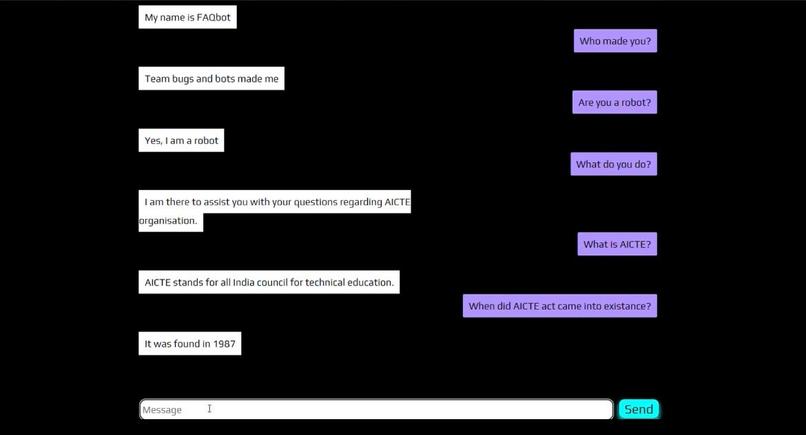
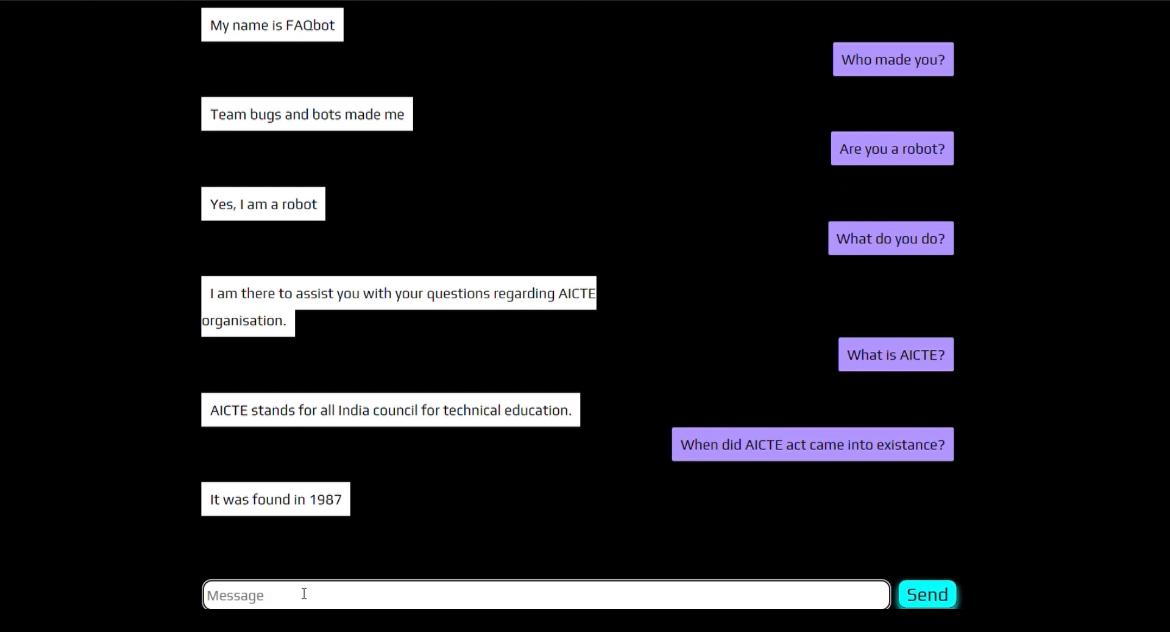
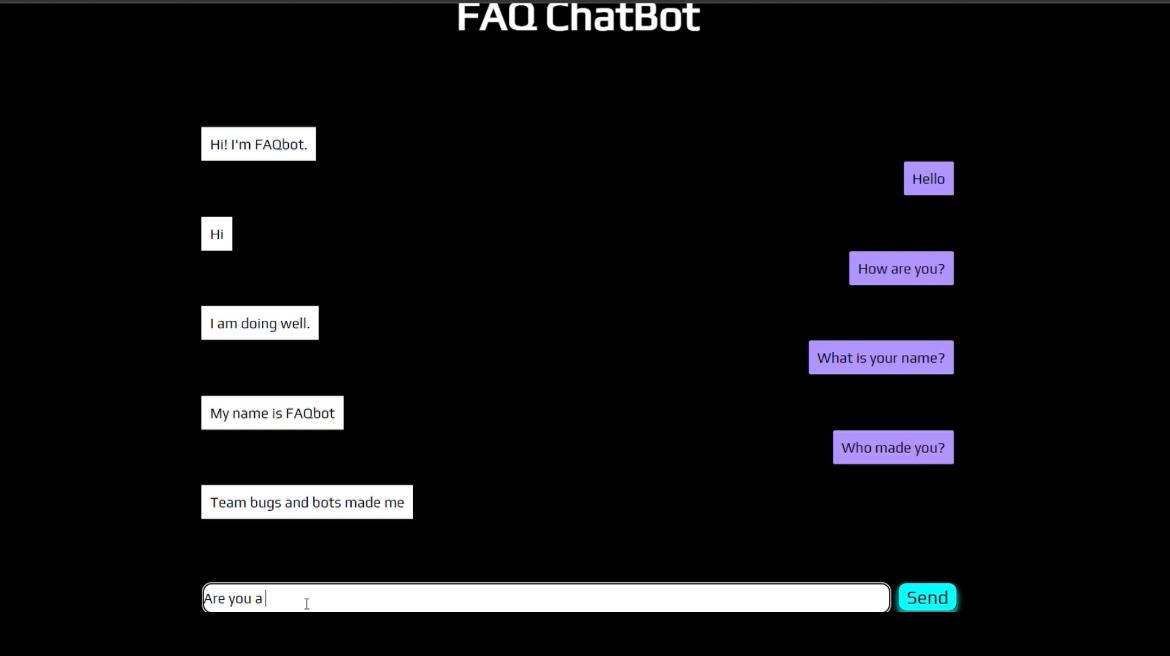
Chatbot Model
-
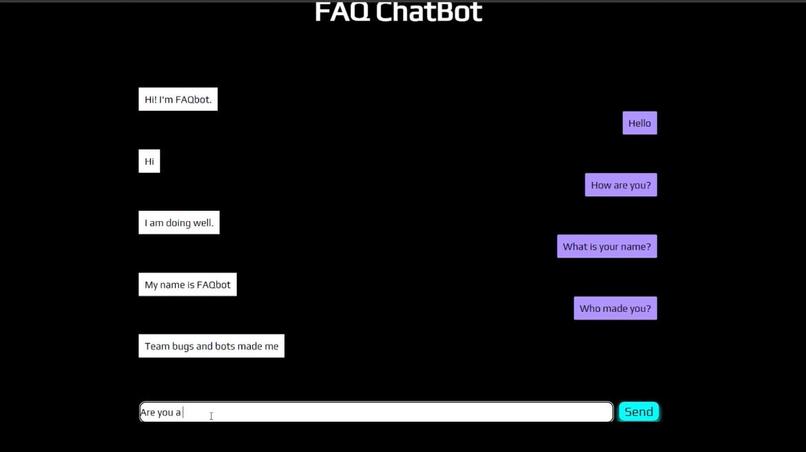
ChatBot Model
-
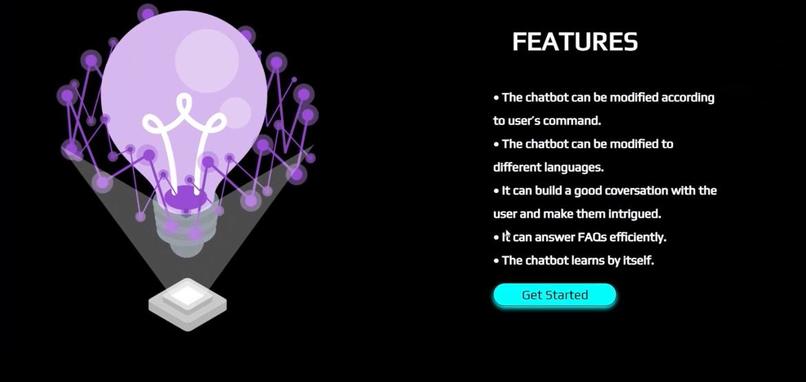
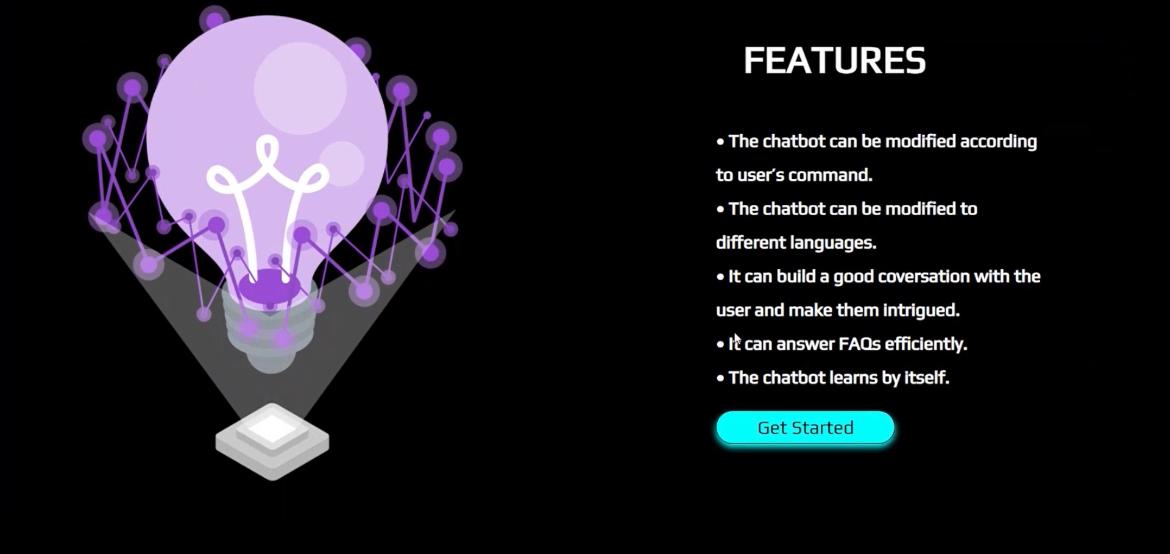
Features page
-
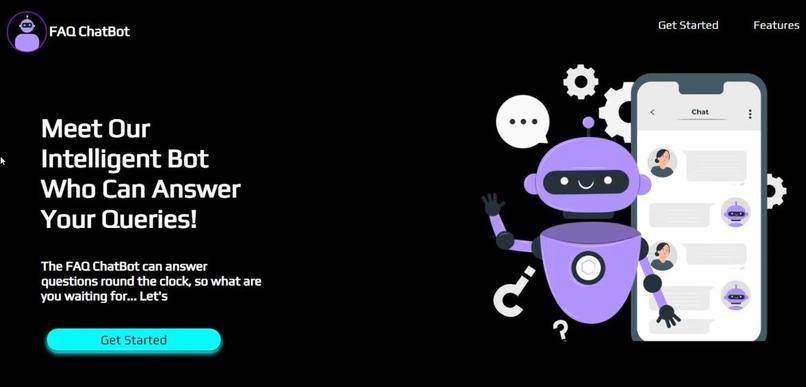
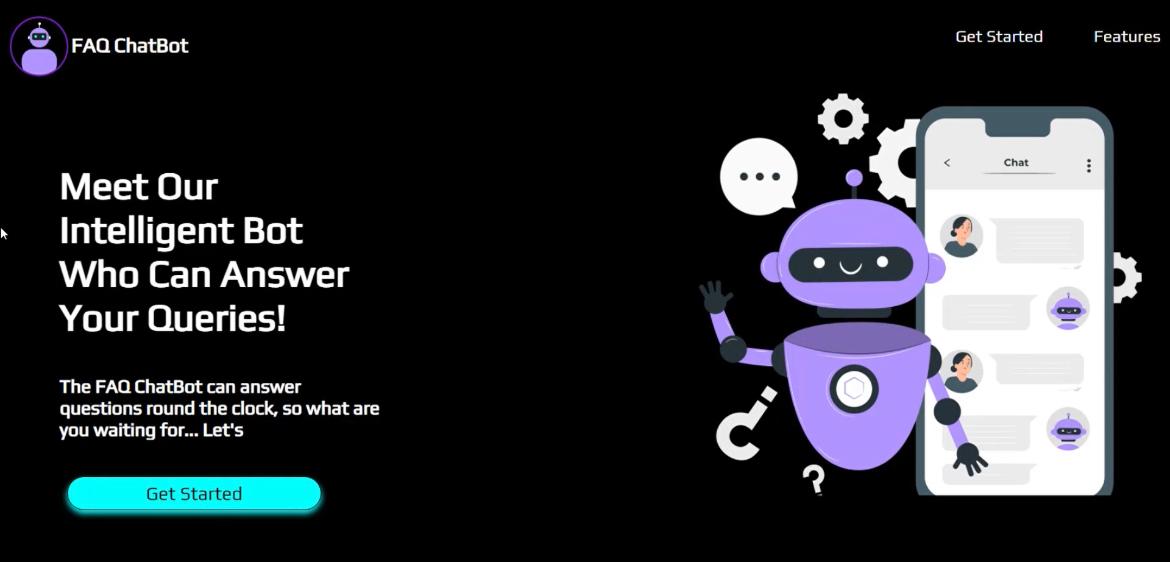
Home Page
Inspiration
In most businesses today a 24-hour assistant is required to guide and answer the frequent queries of clients and customers. Using this as a driving point we have made a chatbot that can answer questions based on matching the input with its data storage.
What it does
The Chatbot starts with an untrained instance i.e. it has no knowledge of how to communicate. Each time the user enters a statement, the library saves it and the response is generated, As the chatbot receives more input, more responses are generated that it can reply and the accuracy of each response increases with more inputs. The program selects the closest matching response by searching for the closest matching known statement that matches the input, it then chooses a response from the selection of known responses to that statement.
How we built it
We have used Python, Javascript, HTML, CSS, SQL-Storage-Adaptor, Flask, Chatterbot, and Chatterbot-corpus. Our Approach:
- We installed all requirements
- Then we named our bot and trained it using SQLlite database which is the default database of the chatterbot corpus.
- We trained the corpus for the English language
- We added the HTML and integrated the server to the web using Flask Framework.
- Then using the run command we generated a server local to a system and the chatbot answers the questions
Challenges we ran into
- Sometimes it took time to get updated and accept changes
- It mostly showed internal server errors as the requirements weren't fulfilled.
- integrating the chatbot to the web was a tedious task
Accomplishments that we're proud of
- Our chatbot is easy to build
- It can be used by business owners
- it is a feasible solution
What we learned
- Flask Framework
- Chatterbot library
- Setting up a virtual environment
What's next for ChatBot
- Customising the chatbot to answer questions specific to an organisation
- beautifying the chatbot frame
Built With
- chatterbot
- chatterbot-corpus
- css
- flask
- html
- javascript
- jquery
- python
- sqlalchemy

Log in or sign up for Devpost to join the conversation.