-
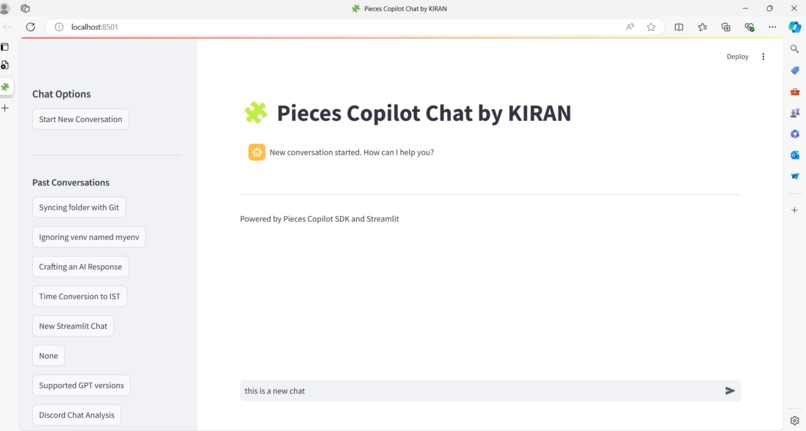
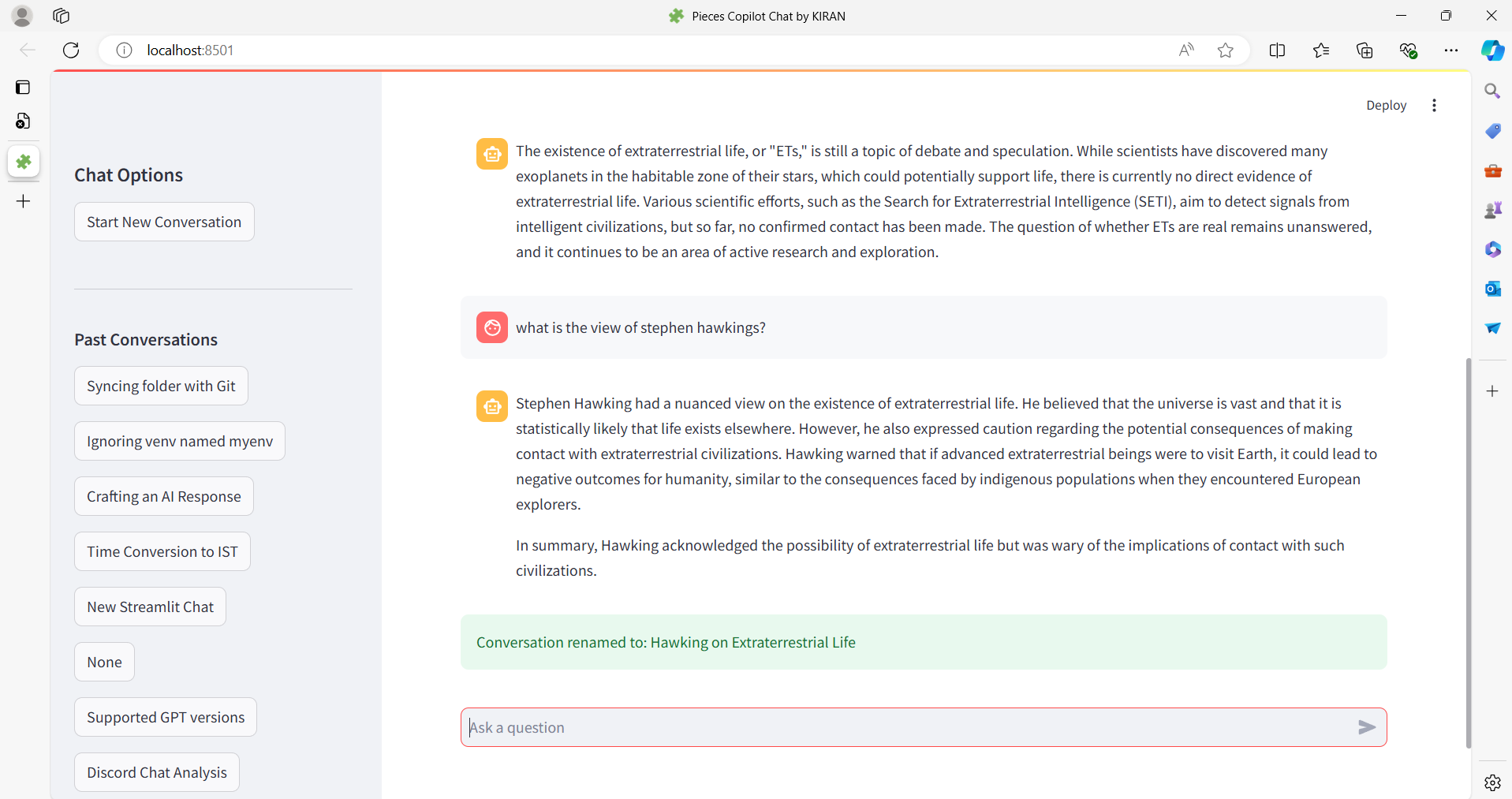
Starting New Conversation
-
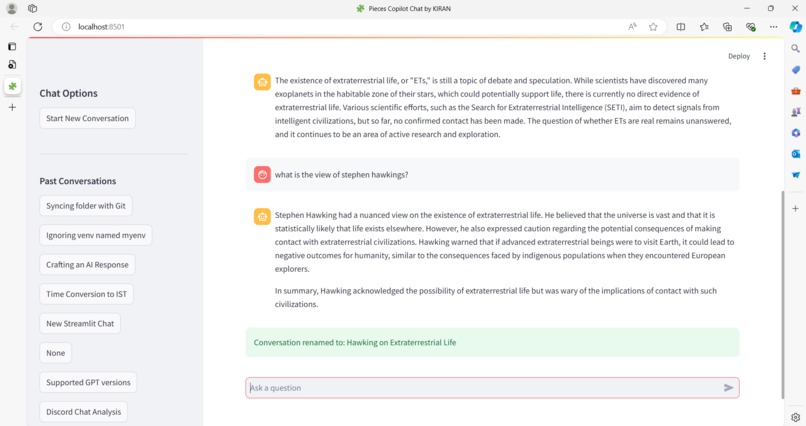
Creating Custom Conversation Name
-
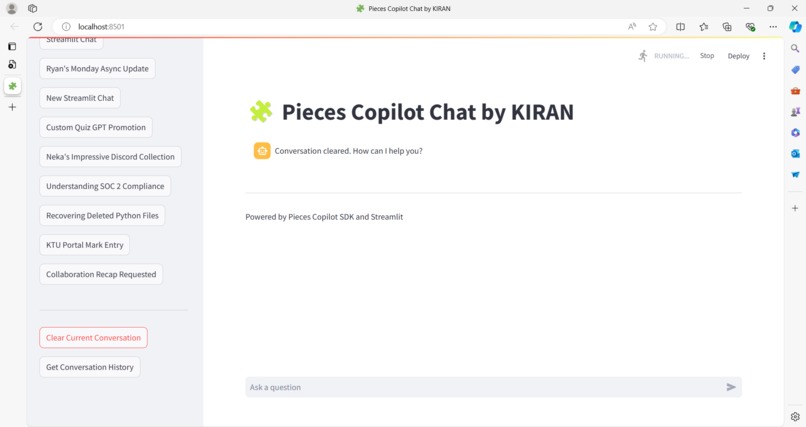
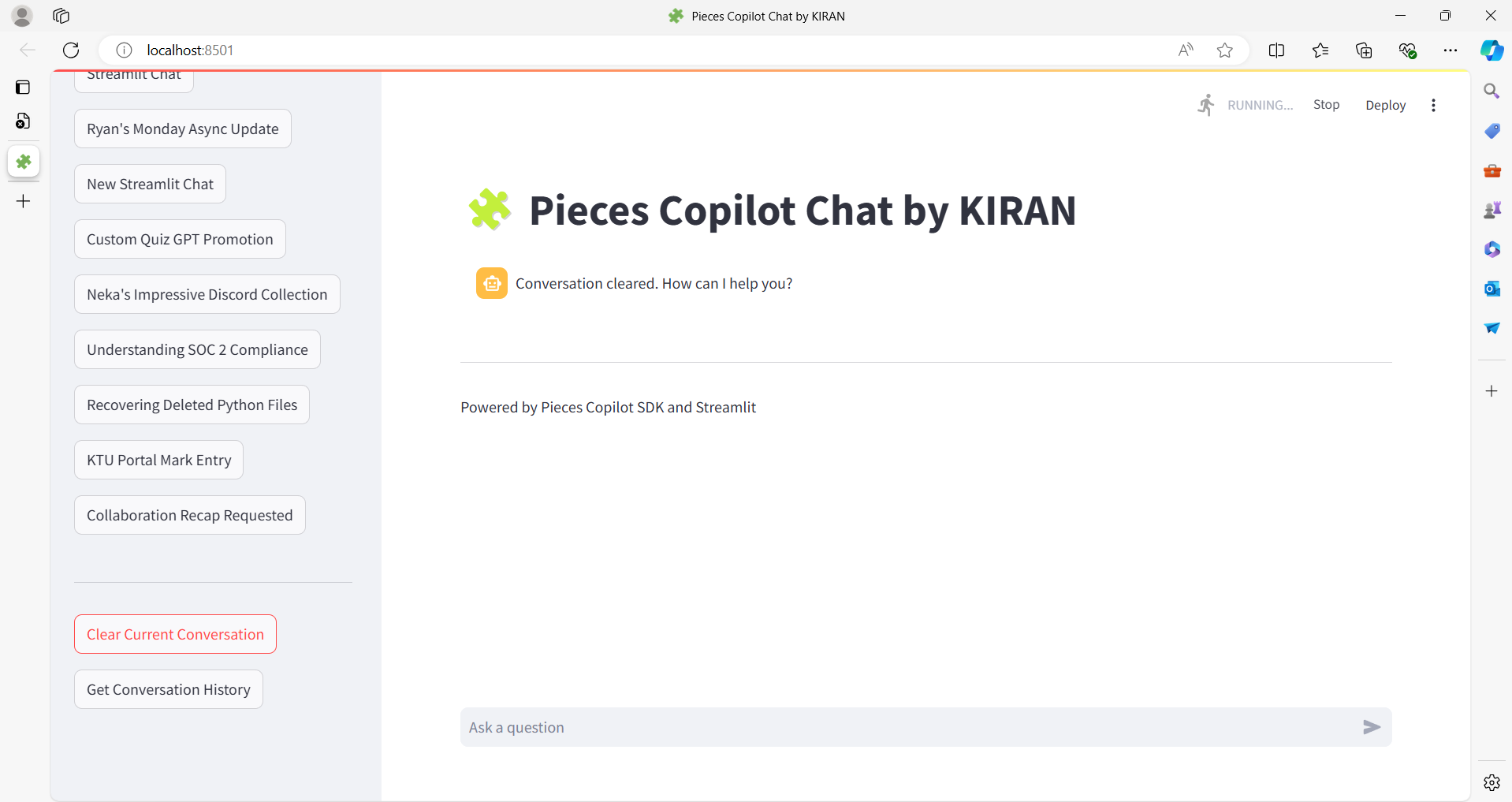
Clearing a Conversation
Inspiration
The inspiration for this project came from my desire to create an interactive and user-friendly chat interface using the Pieces Copilot SDK, first as an entry into GWH AI/ML week, but later I got so much involved that I was able to explore features more than basic chat.
What it does
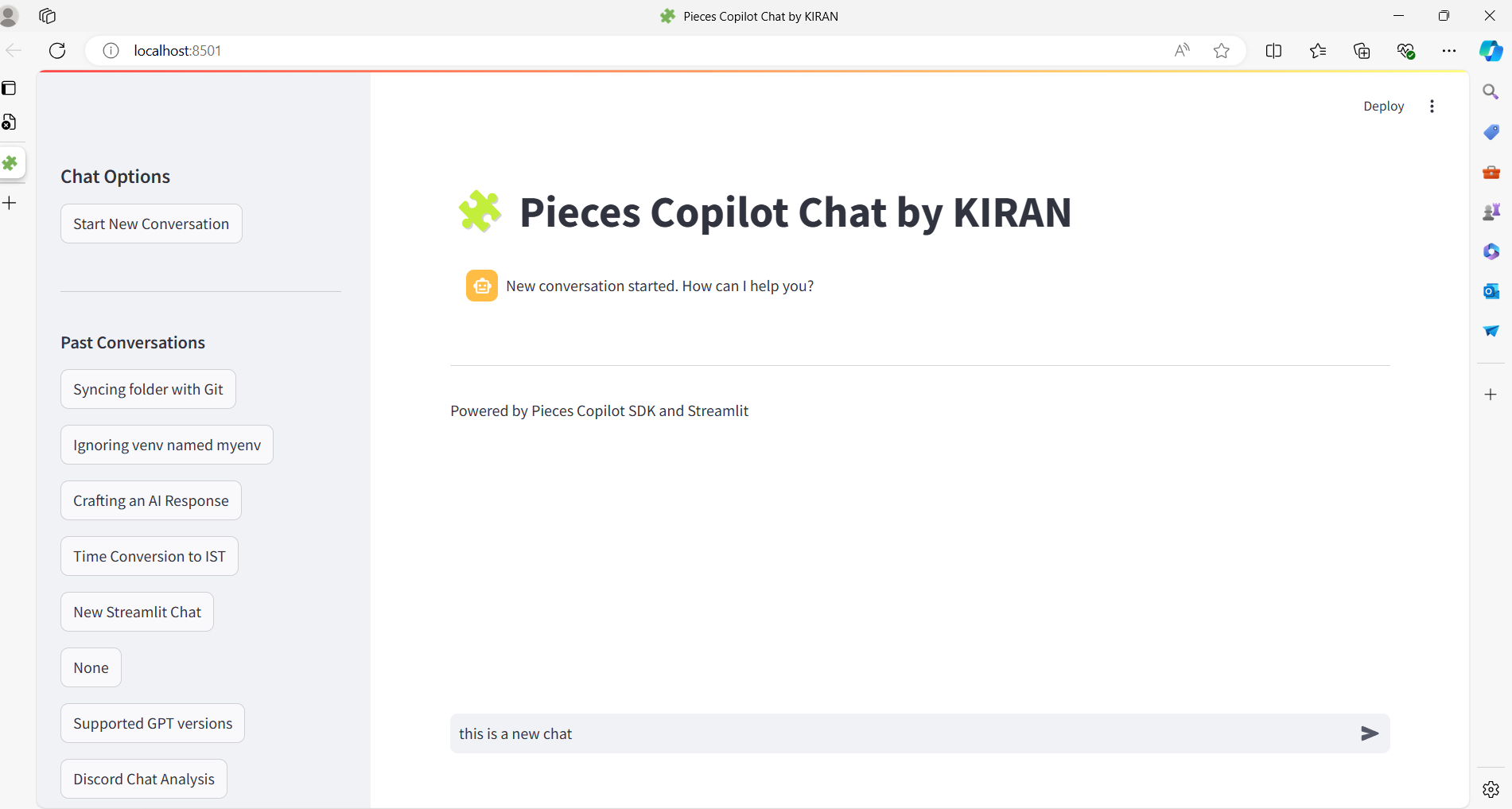
This Streamlit application allows users to start new conversations, view past conversations, clear the current conversation, and get conversation history. It provides an interactive chat interface where users can ask questions and receive responses from the Pieces OS instance on their machine.
How I built it
I built the application using Streamlit and the Pieces Copilot SDK. The main logic is implemented in the pieces_bot_kvk.py, and pieces_bot_sample.py is the sample from GWH live stream. The application initializes a Pieces Client, sets up the chat interface, and handles user interactions and responses from the Pieces OS.
Challenges I ran into
Some of the challenges I faced included managing the session state in Streamlit, handling multiple conversations, and ensuring a smooth user experience. Integrating the Pieces Copilot SDK and managing the conversation history also required careful handling. The pieces_copilot_sdk looks like it needs more documentation... lol.
Accomplishments that I'm proud of
I am proud of successfully integrating the Pieces Copilot SDK with Streamlit to create a functional and interactive chat application. The ability to manage multiple conversations and provide a seamless user experience is a significant accomplishment.
What I learned
Through this project, I learned how to use Pieces OS instance as a LLM/copilot backend for many possible front-end integrations.
What's next for Chatbot App Using Pieces Copilot SDK
I would like to enhance this chat interface to accept image input too. I didnt't see support for that in Pieces-Copilot_SDK. Hope SDK would be updated with that.

Log in or sign up for Devpost to join the conversation.