-
-
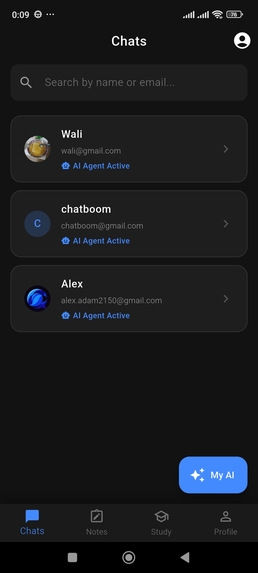
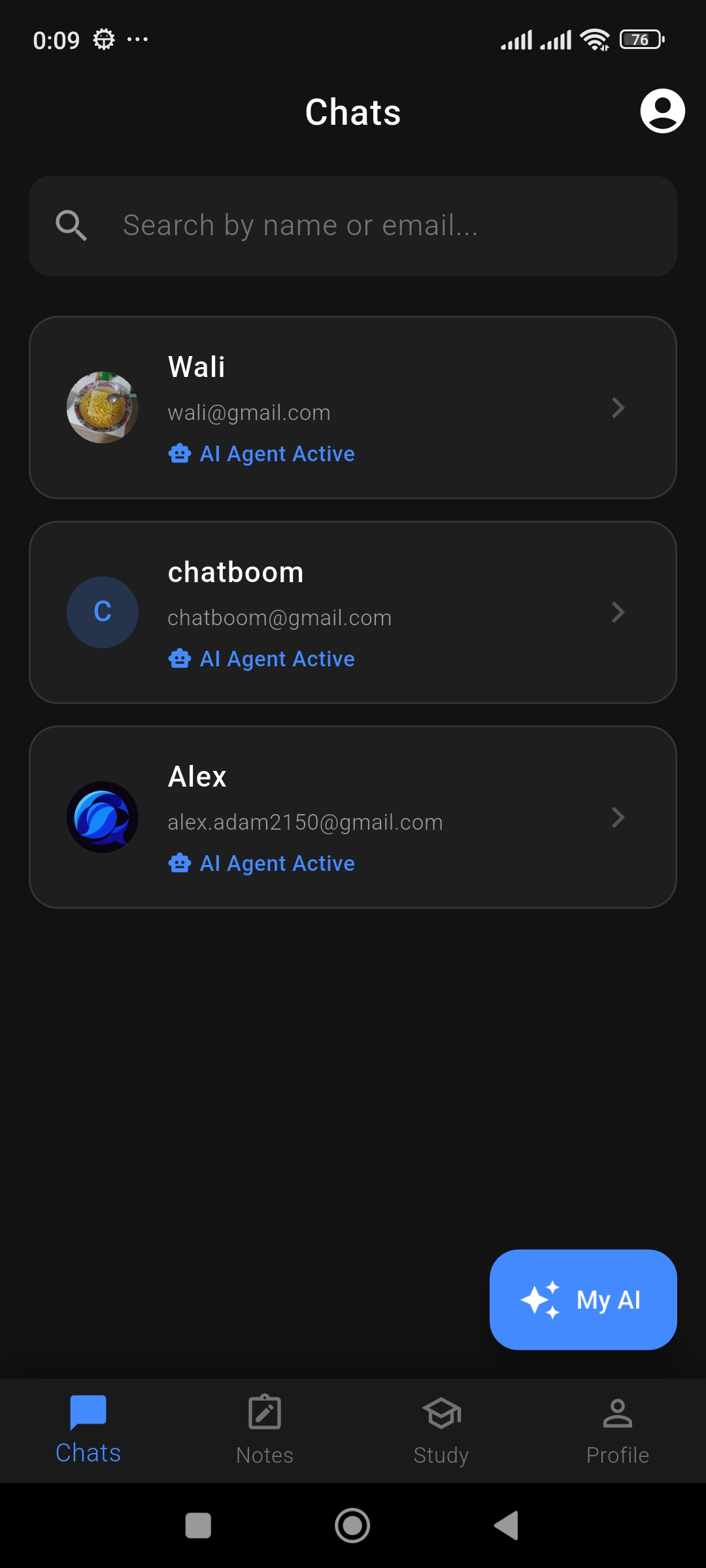
Home Screen
-
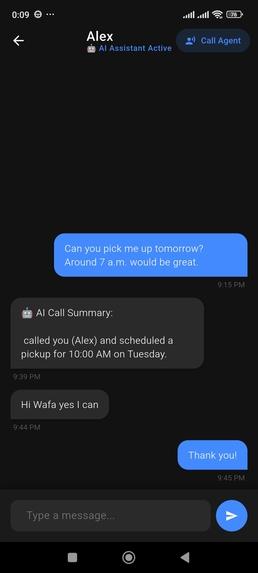
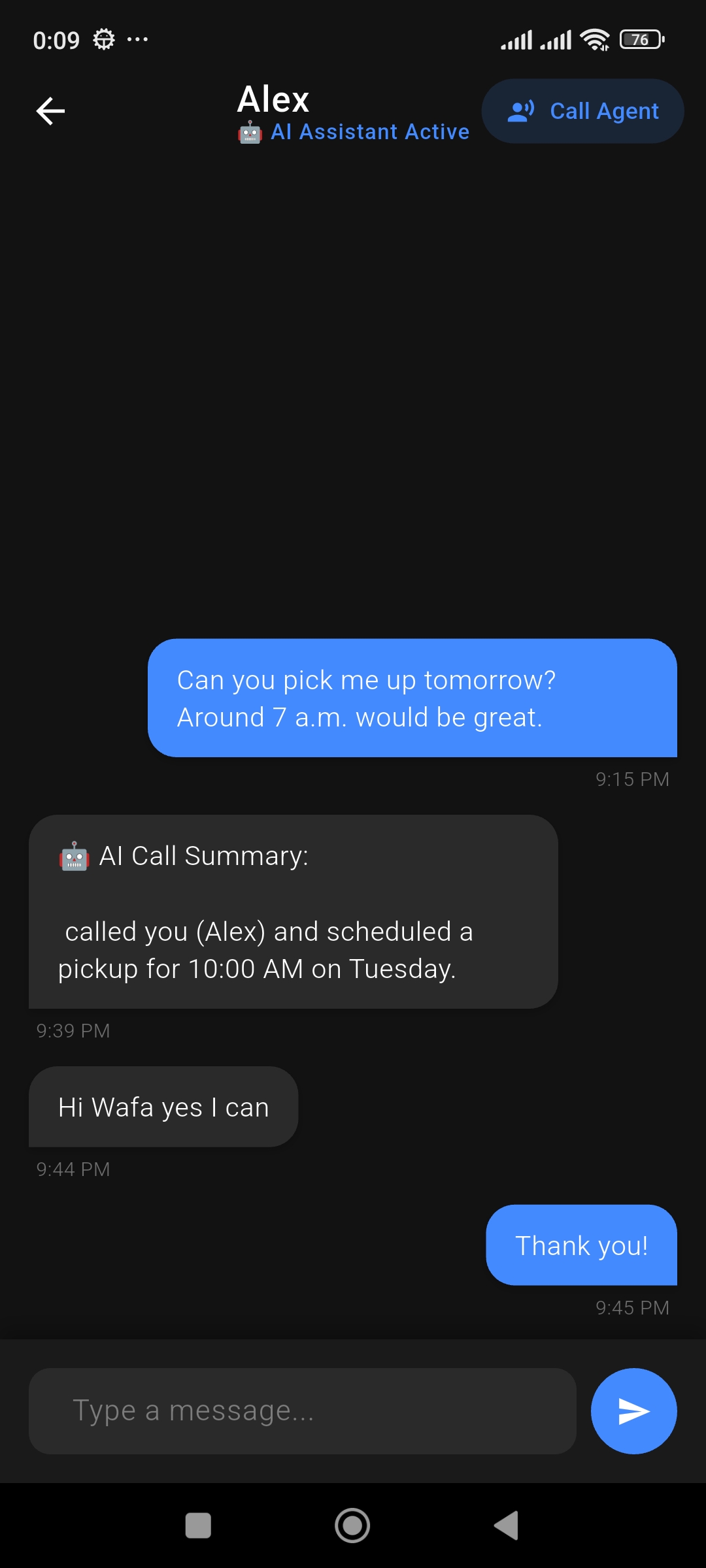
Chat Screen
-
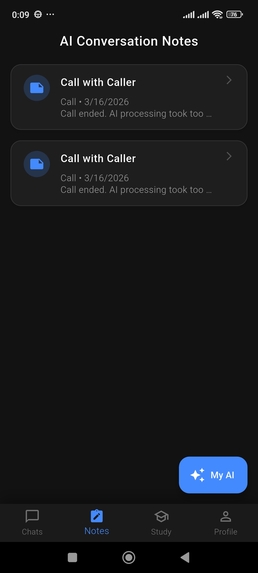
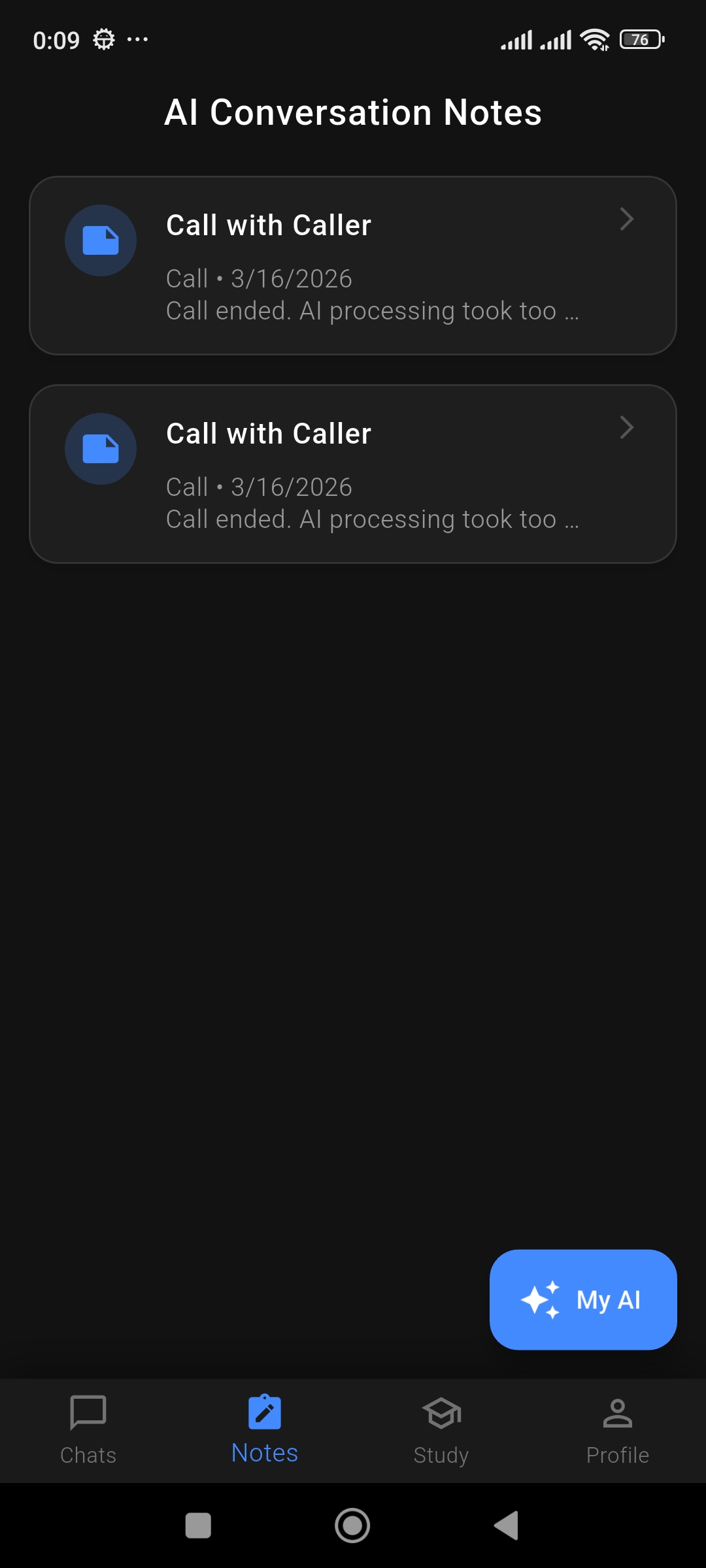
Note Screen
-
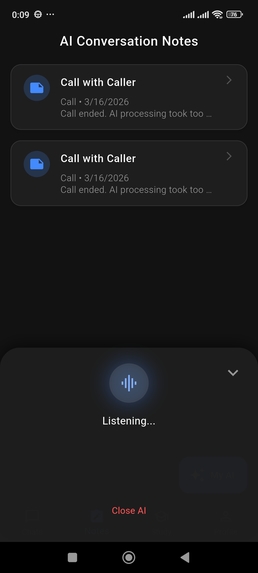
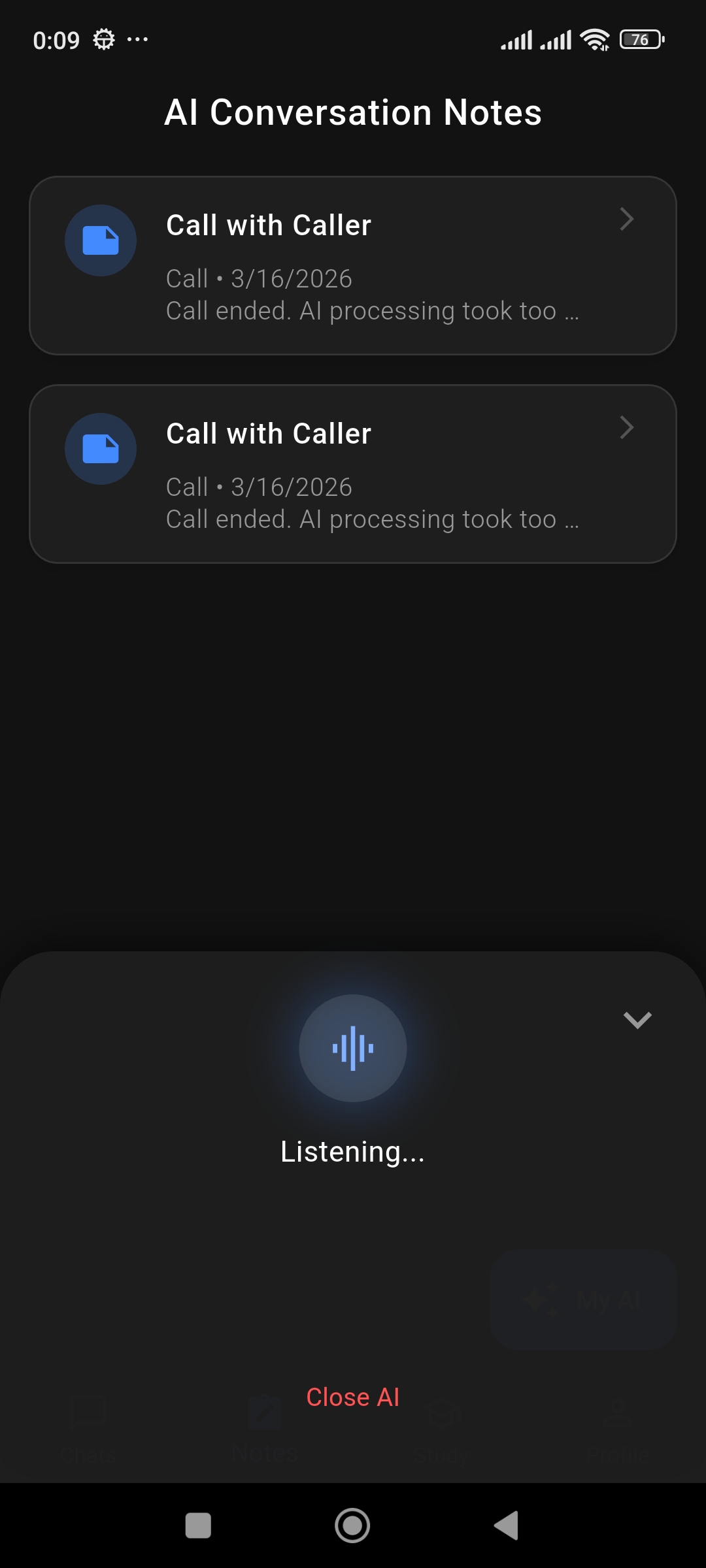
AI Modal
-
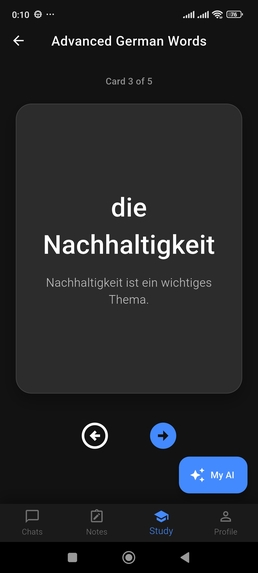
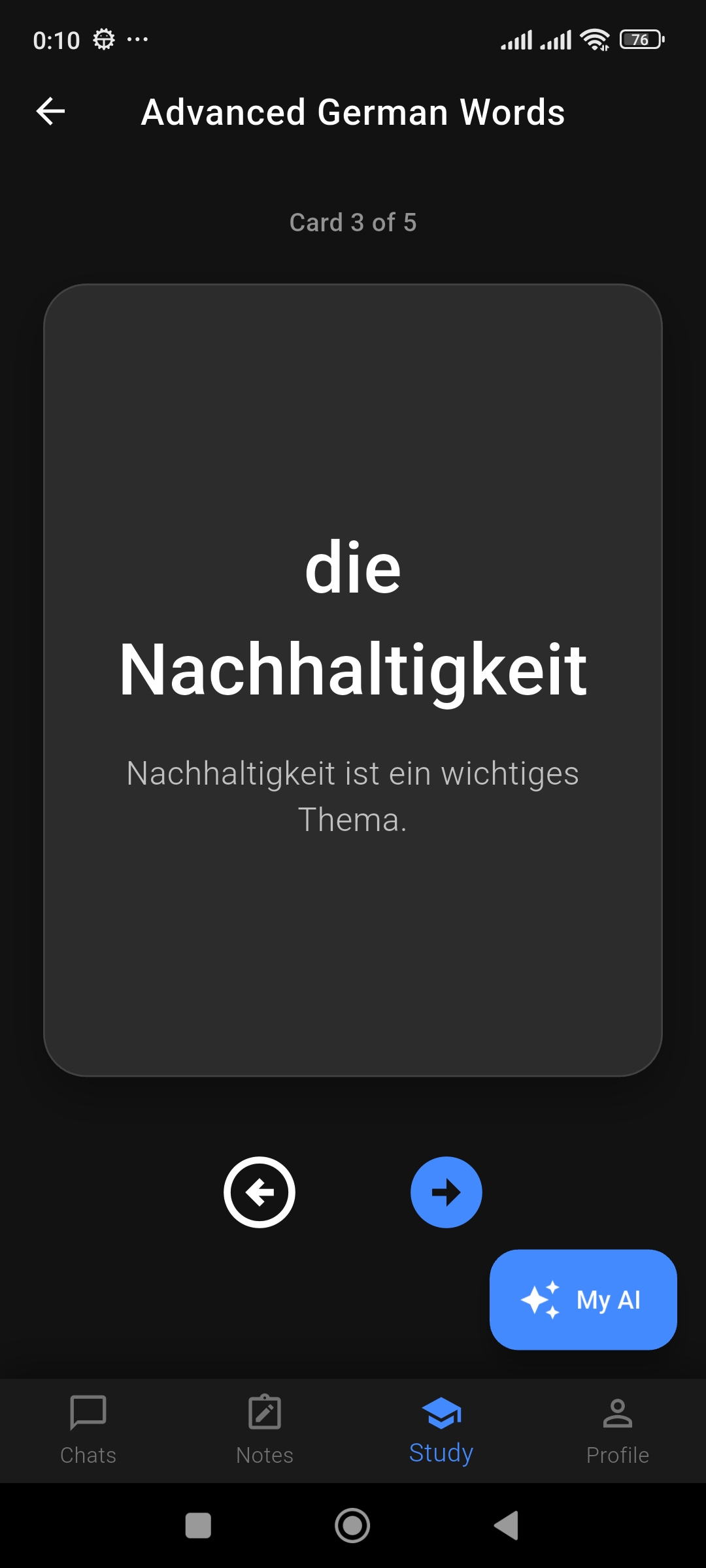
Flashcards
-
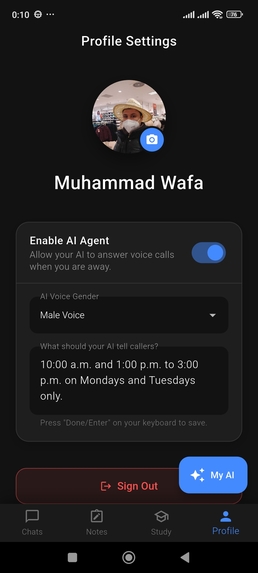
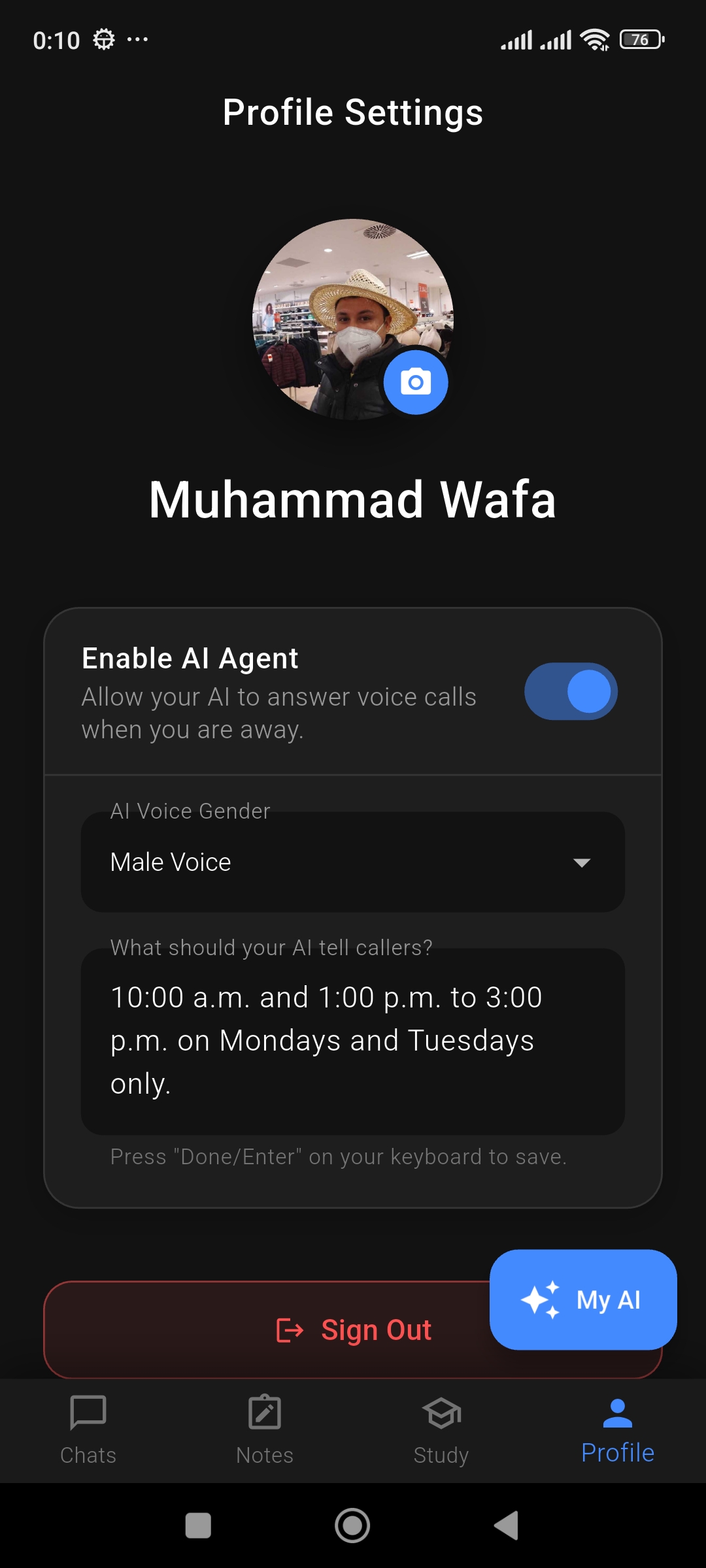
Profile Sreen
Inspiration
We realized that simply bolting a text-based chatbot onto an existing app is no longer enough. The standard chat interface feels disconnected from the actual flow of human communication. We wanted to build a truly AI-native platform. The vision was to elevate AI from a passive tool to an active participant in daily workflows—whether that means a personalized Voice AI covering for you when you miss a call, or an in-app Copilot helping you navigate screens and study completely hands-free.
What it does
Chatboom is a cross-platform messenger with two powerful AI integrations:
- The AI Answering Machine: If you are unavailable, your personalized Voice AI (powered by Gemini) answers voice calls from your contacts. It reads the context of your recent text chats to understand the relationship, speaks naturally, and generates a smart summary note for you to review later.
- The In-App Voice Copilot: A globally accessible voice assistant that navigates the app for you. You can tell it to "Open my chat with Sarah," "Draft a message saying I'll be late," or even have it generate and quiz you on interactive Flashcards in a dedicated, hands-free Study Mode.
How we built it
We designed a distributed architecture to handle ultra-low-latency voice and real-time data sync:
- Frontend (Client): Built with Flutter and Dart, ensuring a beautiful, responsive experience across Web, iOS, and Android.
- Database & Auth: Firebase Firestore provides real-time state synchronization, while Firebase Auth secures user access.
- Token Server: A lightweight Python/Flask API hosted on Google Cloud Run issues secure WebRTC entry tickets.
- Real-Time Voice Infrastructure: LiveKit handles the WebRTC audio routing between the user's device and the AI.
- The AI Agents: Long-running Python workers hosted on a Google Compute Engine VM. These use
livekit-agentsandlivekit-plugins-googleto establish a continuous WebSocket connection to Google's Vertex AI (Gemini 2.5 Flash Native Audio).
Challenges we ran into
Our biggest technical hurdle was achieving a natural, conversational voice interaction. Traditional pipelines that chain Speech-to-Text (STT), a text-based LLM, and Text-to-Speech (TTS) introduce severe conversational lag.
In real-time communications, managing total system latency is critical. We can model total latency with the following equation:
$$L_{total} = d_{net} + t_{proc} + \frac{N_{buffer}}{f_{s}}$$
Where $d_{net}$ represents the network delay, $t_{proc}$ is the AI processing time, $N_{buffer}$ is the audio buffer size, and $f_s$ is the sample rate. By utilizing Gemini's native audio capabilities over WebRTC, we completely bypassed the STT/TTS translation layers, drastically reducing $t_{proc}$ and allowing the AI to listen and speak fluidly.
Additionally, synchronizing the visual state of the Flutter frontend with the remote Python AI agent—such as knowing exactly which flashcard the user is looking at—required building a robust system of JSON command payloads passed via LiveKit data channels.
Accomplishments that we're proud of
- Seamless UI Control: We successfully mapped AI intent to local UI actions. The AI can physically "press buttons" on the user's screen by emitting JSON payloads (like drafting messages, changing tabs, or flipping cards) over the data channel.
- Dynamic Brain Swapping: We built a system where the AI Copilot swaps its system prompt and toolset on the fly. When a user enters "Study Mode," the AI seamlessly transitions from a general assistant to a strict, encouraging tutor.
What we learned
Building Chatboom was a masterclass in integrating WebRTC for ultra-low latency streams. We learned how to manage complex, multi-layered state across distributed systems—keeping a local Flutter UI perfectly in sync with a remote Python backend. Finally, we gained deep insights into prompt engineering for native audio models, specifically how to instruct an AI to process conversational interruptions and spatial UI awareness.
What's next for Chatboom: AI-Native Messenger
- Visual Context Sharing: Allowing the Copilot to see the user's screen or camera feed using native multimodal inputs.
- Group Chat Copilot: Expanding the AI's capabilities to summarize active group chats and draft multi-recipient calendar invites based on group consensus.
- Expanded Multi-Language Support: Automatically detecting the caller's language and adapting the Answering Machine's voice and text summaries accordingly.
Built With
- android
- cloud-firestore-(real-time-nosql-database)
- cloud-run-(serverless-api)
- compute-engine-(vm-for-ai-agents)
- dart
- docker
- docker-compose-cloud-hosting-&-compute:-google-cloud-platform-(gcp)
- firebase
- firebase-hosting-database-&-authentication:-firebase-auth-(google-sign-in-&-email)
- flask
- flutter
- gemini
- google-cloud
- livekit
- livekit-agents-framework
- python
- python-frontend-framework:-flutter-(ios
- silero-vad-(voice-activity-detection)-backend-&-api:-flask
- vertex-ai
- web)-real-time-infrastructure:-livekit
- webrtc
- webrtc-ai-&-machine-learning:-google-vertex-ai-(gemini-2.5-flash-native-audio)

Log in or sign up for Devpost to join the conversation.