Inspiration
When a stream gets busy, good questions can disappear in seconds. Viewers repeat themselves, streamers struggle to keep up, and answering the same question takes time away from the stream.
We wanted to help streamers understand what their community is asking without reading every message. Chat Copilot brings similar questions together and gives the streamer control over what to answer next.
What it does
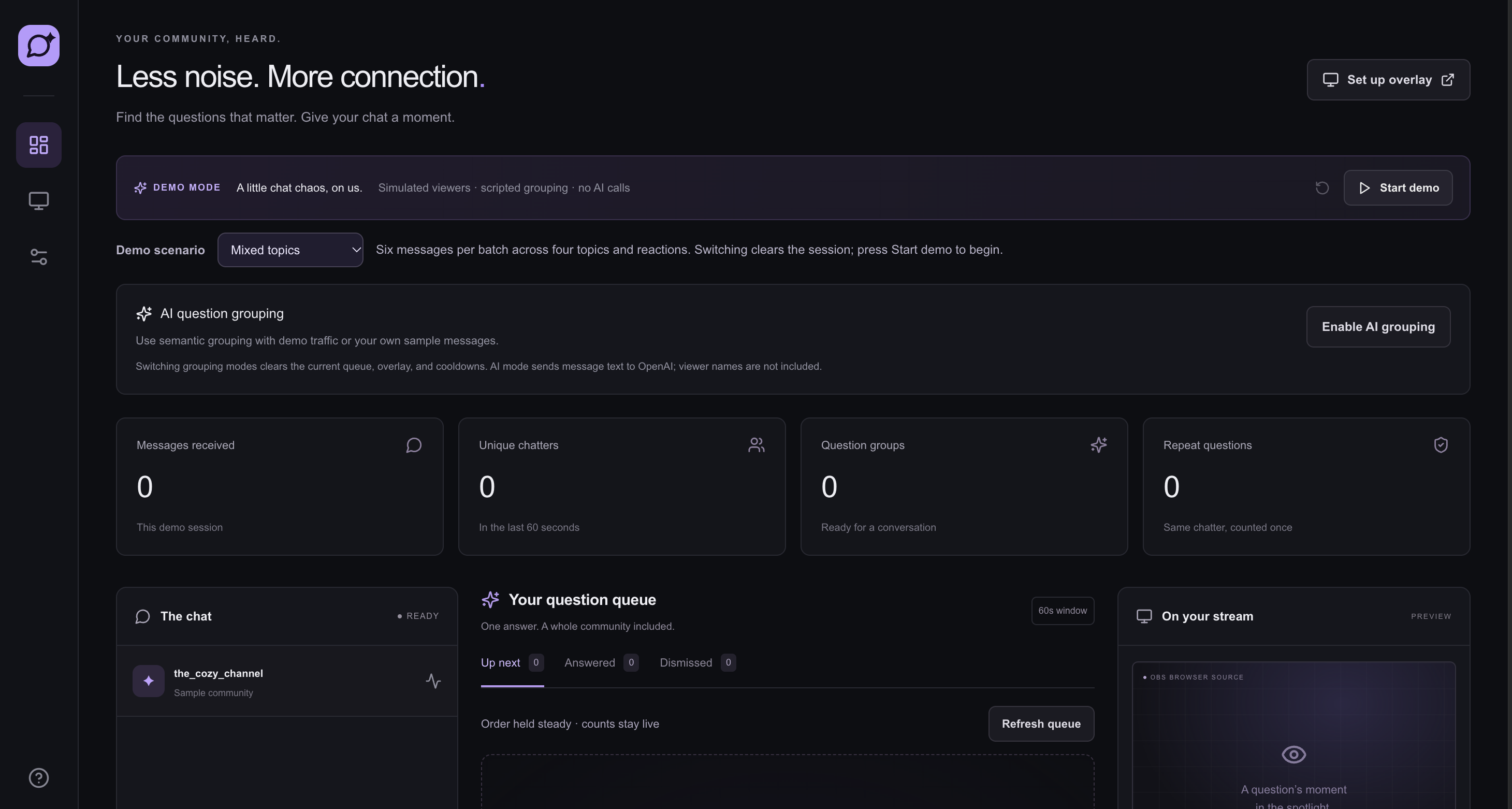
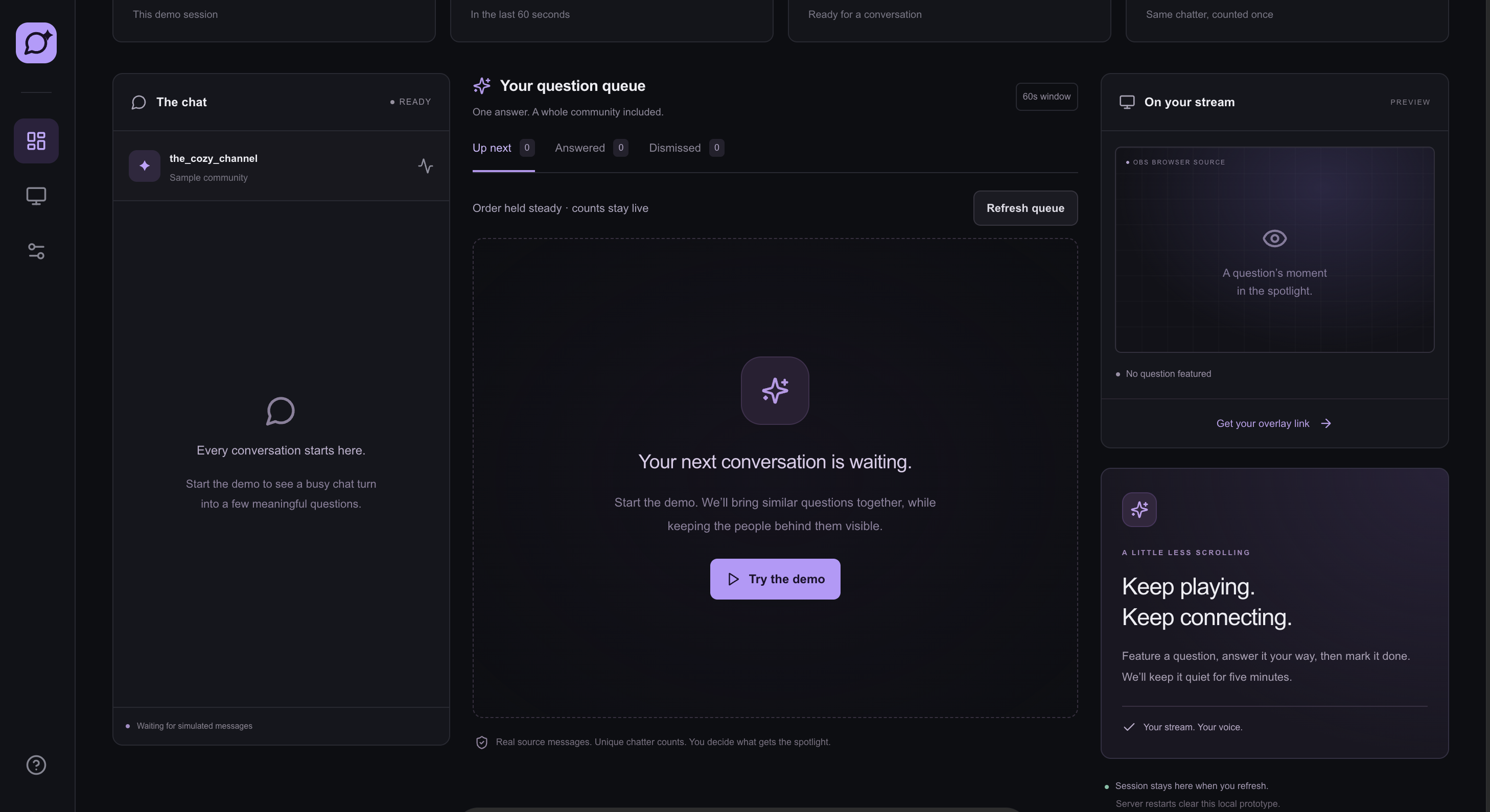
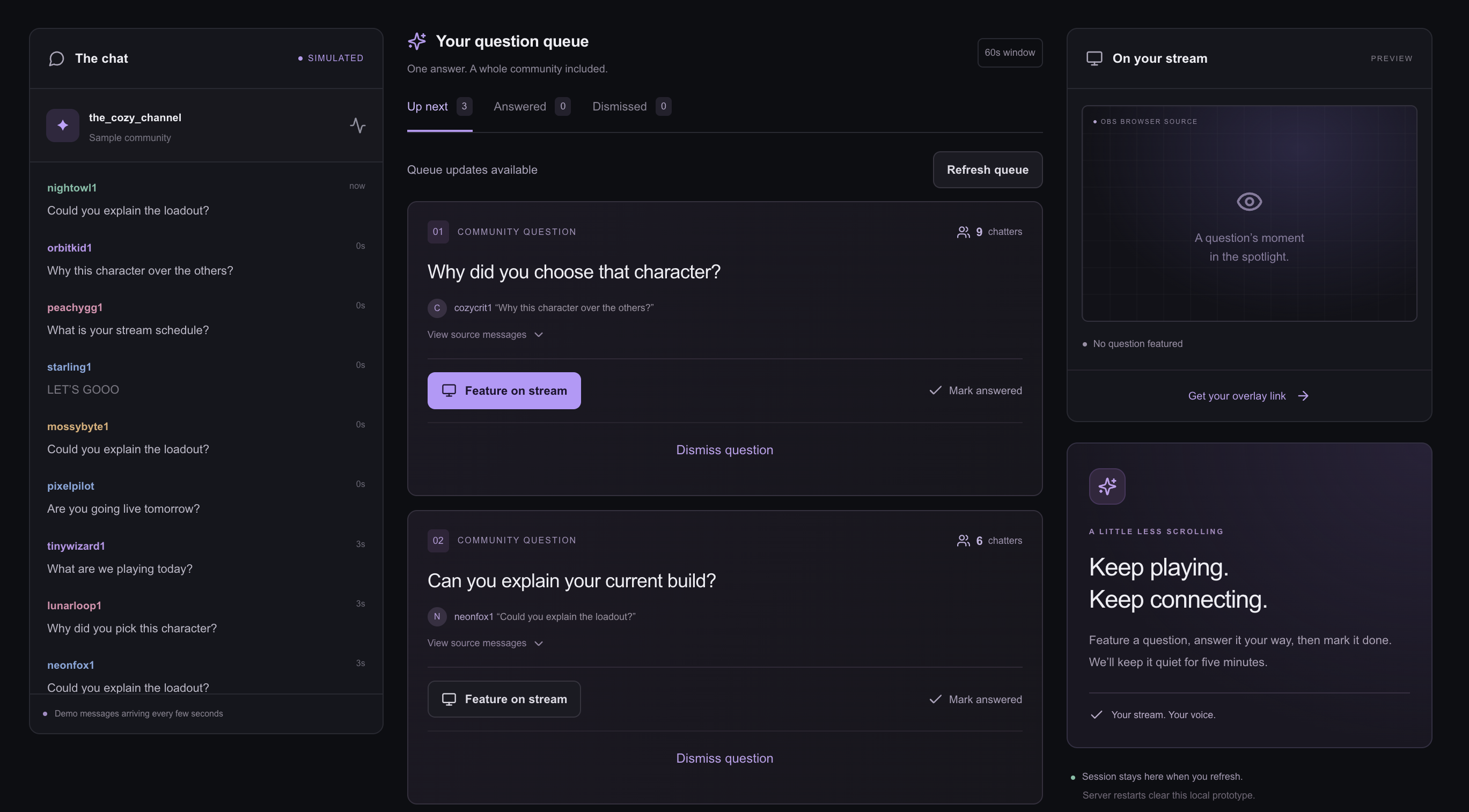
Chat Copilot turns incoming chat messages into a short question queue.
- Groups questions about the same topic.
- Counts each viewer once per question, so repeating a message does not increase their count.
- Shows original messages so the streamer can check the context.
- Lets the streamer feature a question on an OBS overlay.
- Marks answered questions as quiet for five minutes.
- Lets the streamer dismiss questions and restore them later.
- Keeps the queue order steady while counts update.
- Includes three demo scenarios: mixed topics, repeated questions, and a busy chat burst. The app supports scripted grouping for testing without an API key. It also includes optional AI grouping through OpenAI, which groups questions by meaning.
How we built it
We used Next.js, React, and TypeScript to build the dashboard and server routes. Tailwind CSS and custom CSS handle the styling, and Lucide provides the icons.
The server processes messages, counts unique viewers, manages the question queue, and updates the overlay. Optional AI grouping uses the OpenAI Responses API.
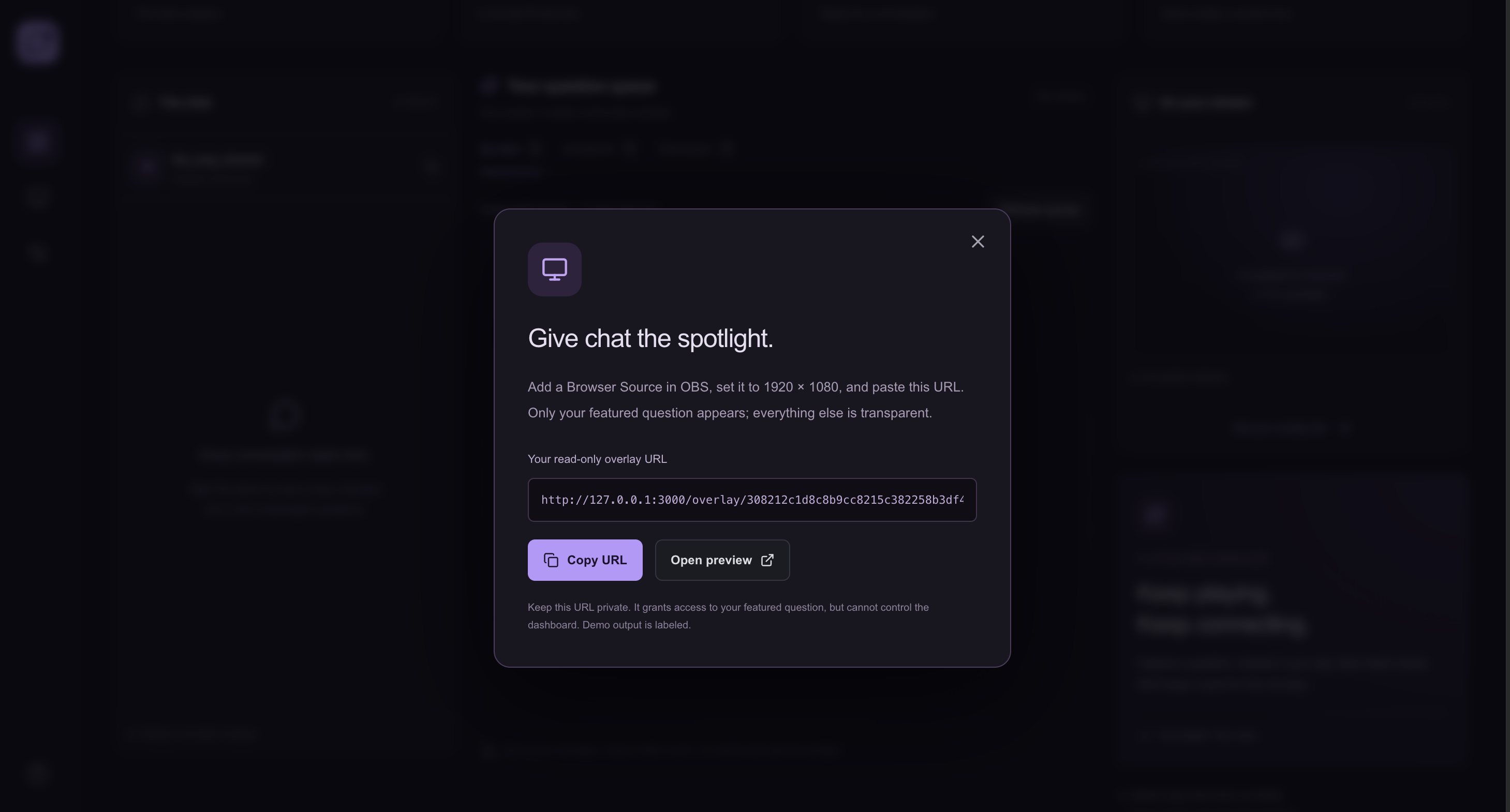
The overlay opens through a separate, read-only link that can be added as an OBS Browser Source.
For this prototype, session data stays in server memory. There is no database yet.
How we used Codex
We used OpenAI Codex throughout development to turn the idea into a working local prototype.
Codex helped us build the dashboard, write the message-processing logic, add AI grouping, create the OBS overlay, and add automated tests. It also helped us improve the experience with a stable queue, dismiss and restore controls, and different demo scenarios.
We worked in small steps: build a feature, test it, try it in the browser, and improve it.
Challenges we ran into
One challenge was counting people fairly. One viewer sending the same question many times should not look like many different viewers asking it. We solved this by counting unique viewers within each question group.
Another challenge was keeping the dashboard easy to use while messages arrived. We kept the question order steady and added a refresh button so cards would not constantly change places.
We also kept AI grouping separate from counting and source messages. The AI suggests how questions belong together, while the application calculates counts and preserves the original text.
Accomplishments that we're proud of
We built a working flow from chat messages to grouped questions to an on-stream overlay.
The streamer can inspect a question, feature it, mark it answered, or dismiss it. The demo also shows how repeated messages can be handled without inflating viewer counts.
The project passes 22 automated tests, a production build, and API checks. We also tested the main dashboard controls in the browser.
What we learned
We learned that a useful chat assistant needs more than summaries. Streamers need clear source messages, reliable counts, and simple controls they can use while streaming.
We also learned how helpful simulated traffic is for testing different chat situations before connecting a live channel.
What's next for Chat Spotlight
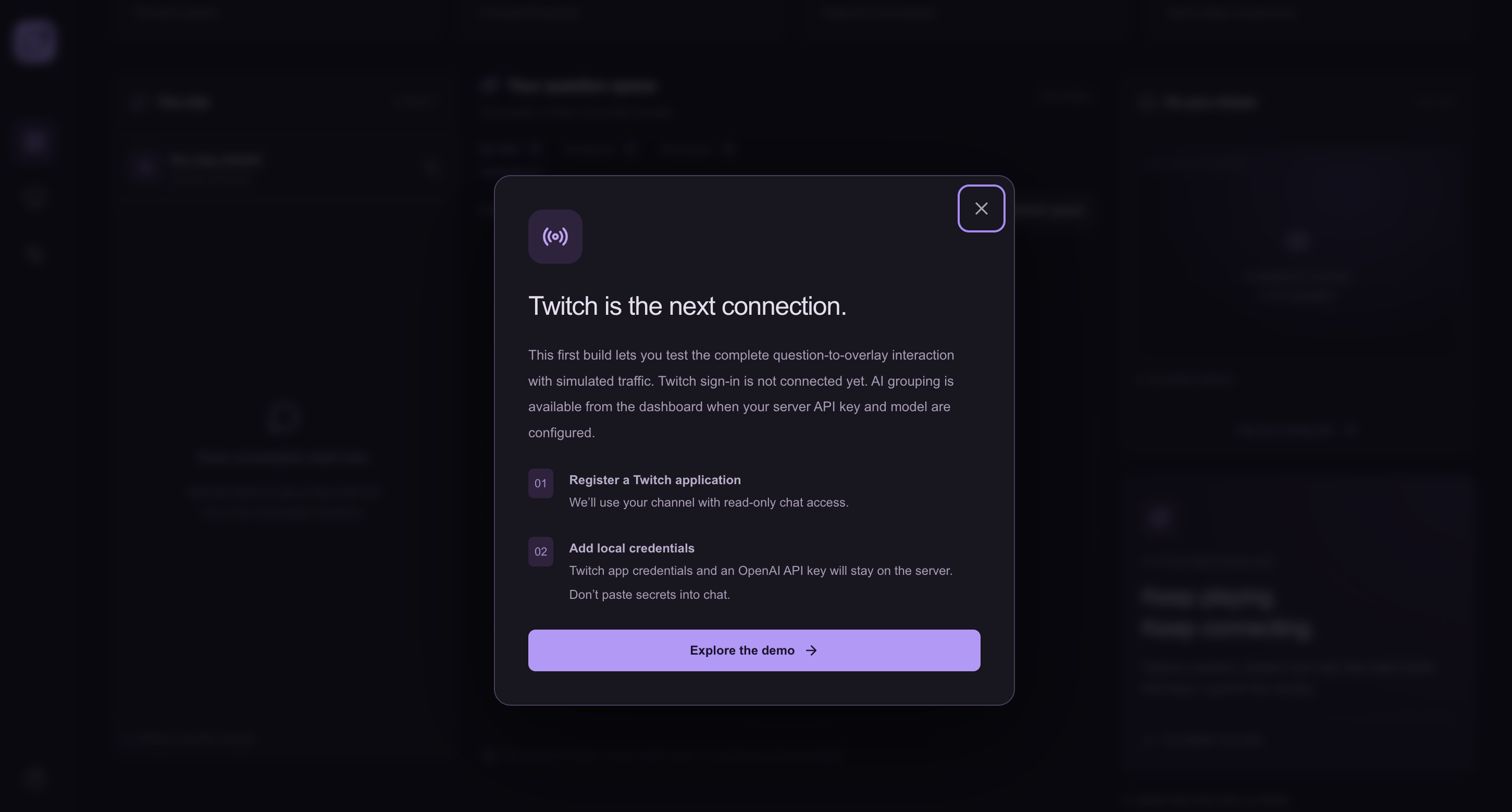
Our next step is connecting real Twitch chat using Twitch sign-in and EventSub. After that, we want to test AI grouping with live traffic and get feedback from streamers.
We also plan to add persistent storage so settings and session information can survive server restarts.
Built With
- next.js
- node.js
- obs-studio
- openai-api
- openai-codex
- react
- tailwind-css
- typescript
