-
-
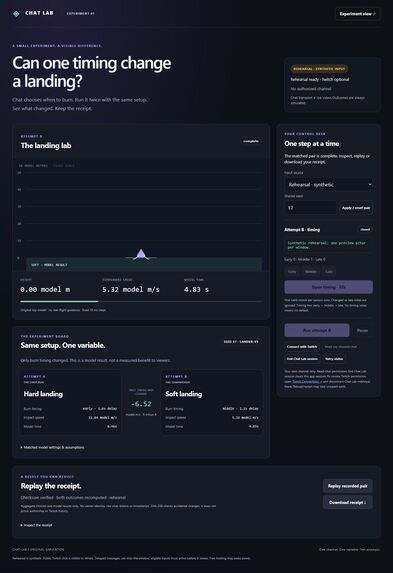
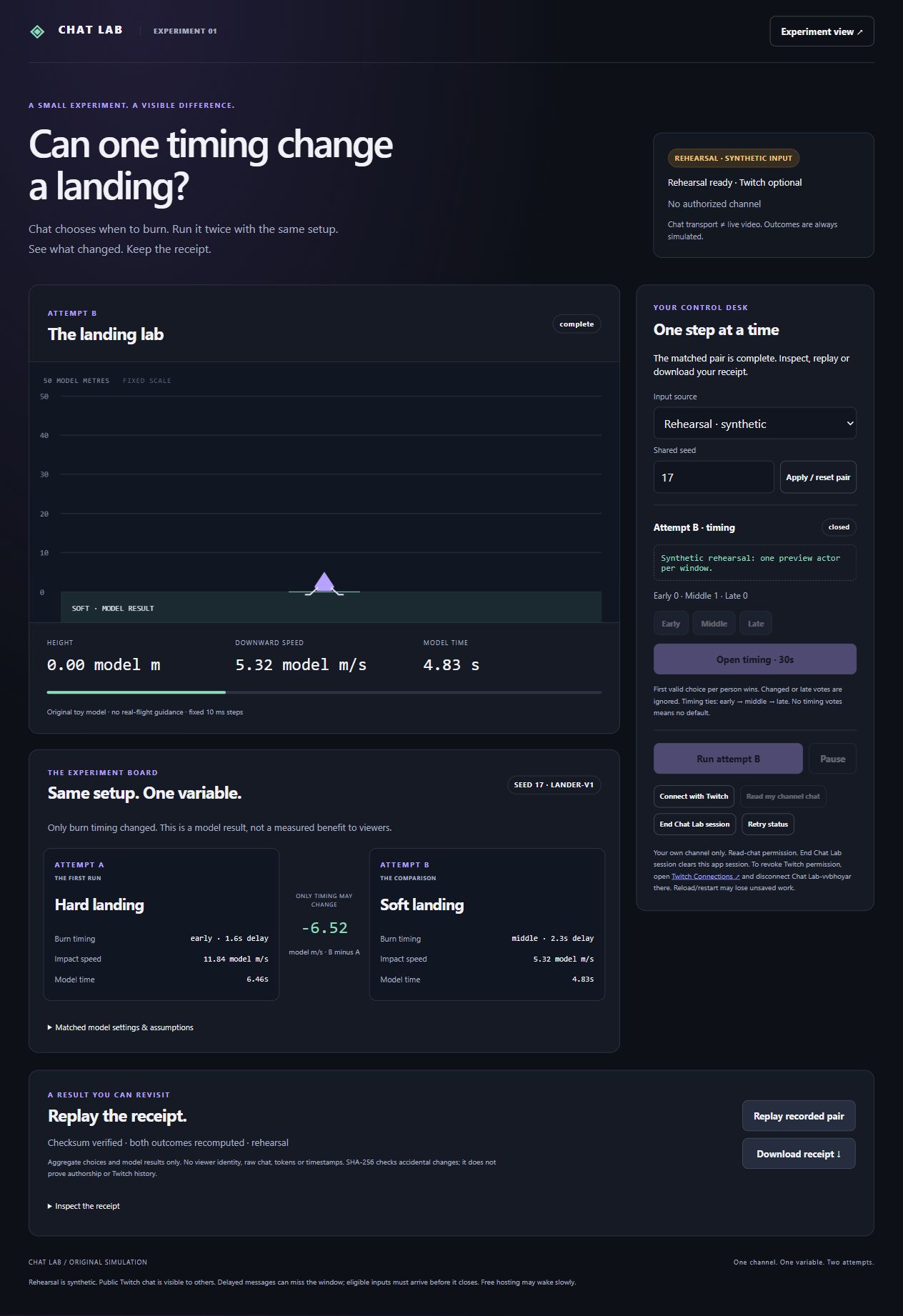
Rehearsal on seed 17. The Experiment Board keeps the lander, vote windows and streamer controls together.
-
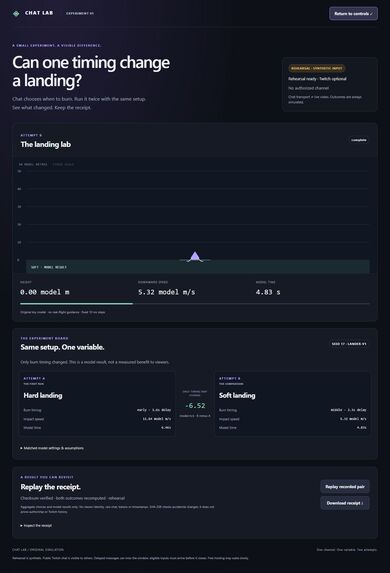
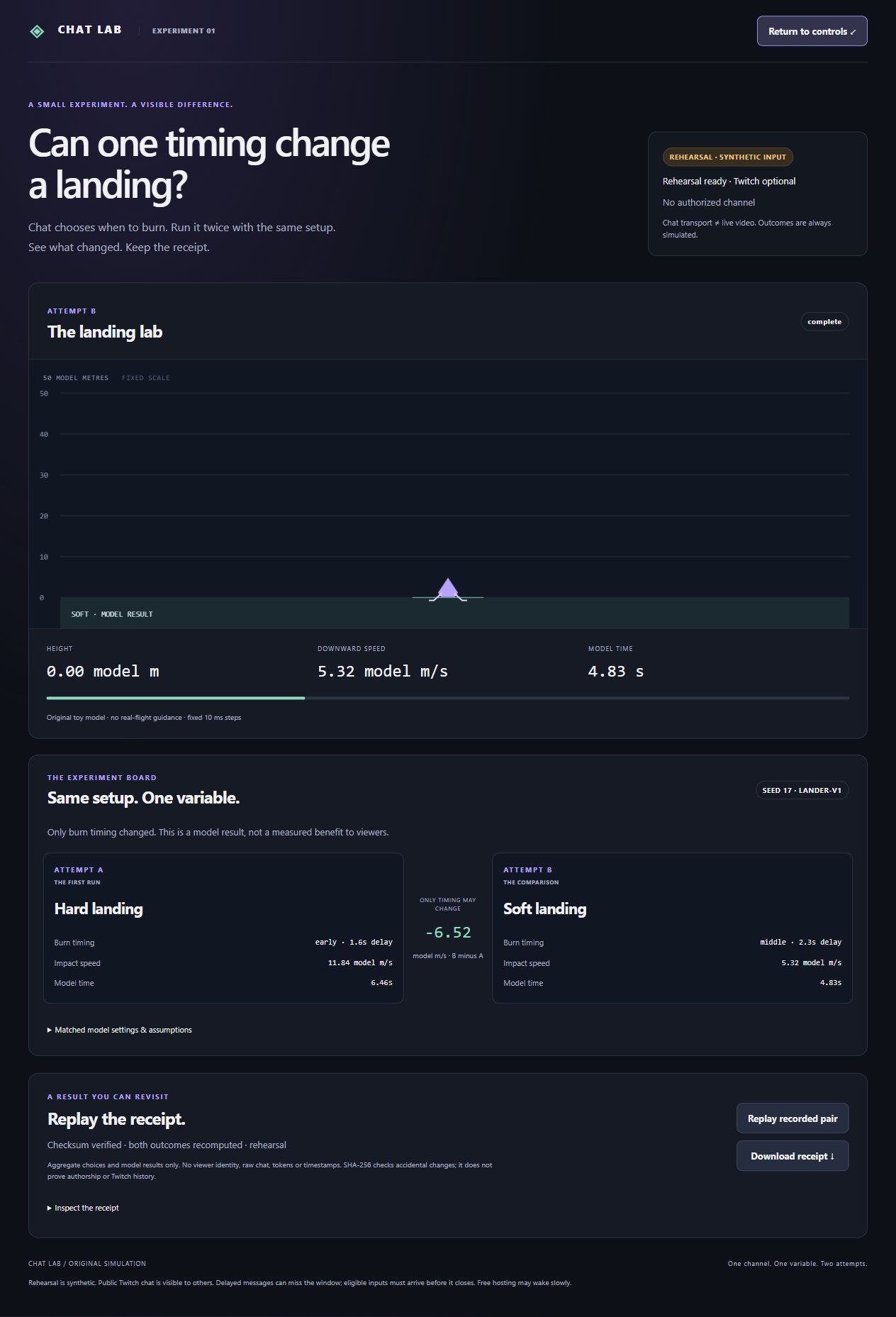
Seed 17 rehearsal comparison. Changing burn timing from Early to Middle lowered simulated impact speed from 11.84 to 5.32 model m/s.
-
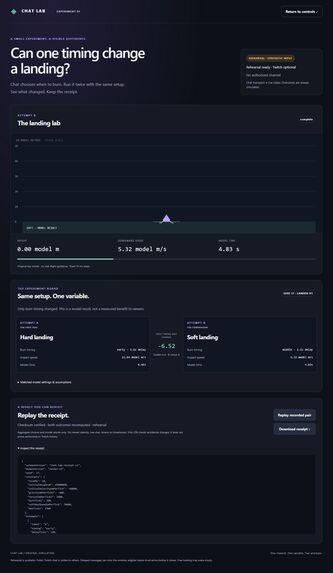
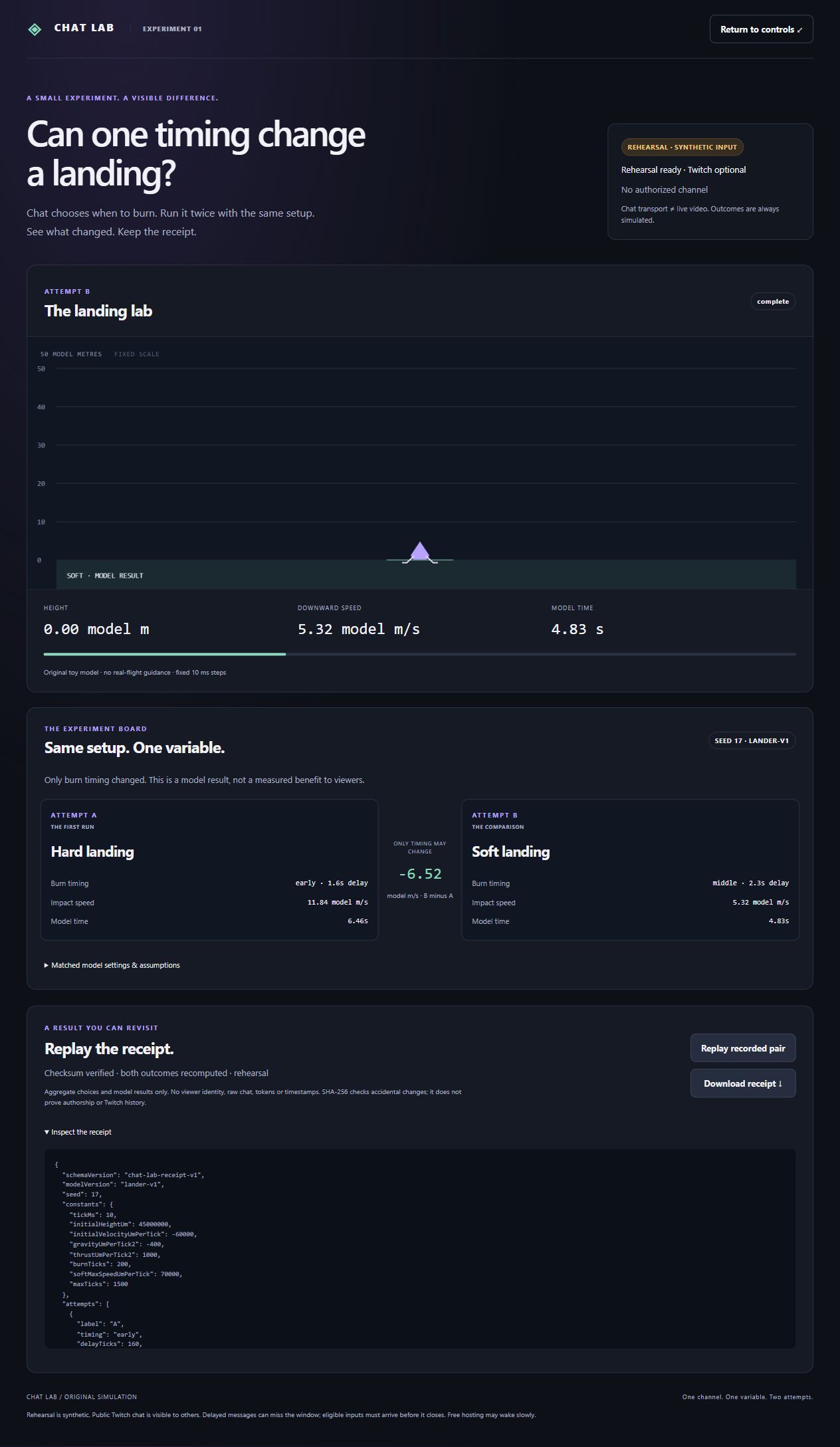
The rehearsal receipt contains aggregate choices and both model results. Replay checks the checksum and recomputes both landings.
Why I built it
What happens if Twitch chat fires a lander's engine a little later? A poll can tell a streamer which option won. I wanted viewers to see what their choice actually changed. In Chat Lab, the streamer runs two landings side by side with the same starting conditions. Chat changes one thing between them: when the engine fires.
Play one round
Viewers first predict a soft or hard landing with !predict soft or !predict hard. In a second, 30-second window they choose !thrust early, !thrust middle or !thrust late. Each person's first valid choice counts. If nobody votes on timing, the streamer reopens the window. Predictions give the community something to compare with the outcome. Only burn timing changes the simulation.
The Experiment Board keeps both attempts visible. On seed 17, an Early burn produced a hard landing at 11.84 model m/s. With the same height, gravity, thrust and burn duration, a Middle burn produced a soft landing at 5.32 model m/s. The streamer can pause either run, compare the impact speeds and download a receipt. Replaying it recomputes both landings from the saved choices.
How I built and tested it with Codex
I built Chat Lab solo with OpenAI Codex. Codex helped me write the lander, the Twitch connection and the Experiment Board. It also helped me check the physics against an independent calculation and fix a bug where reduced-motion playback could leave an attempt unfinished.
The TypeScript and Canvas 2D client draws the lander. A Node.js broker connects to the streamer's own channel with Twitch OAuth and receives chat messages through EventSub. The browser receives vote totals. Receipts contain the model settings, aggregate votes and outcomes, so viewers can share a result without sharing anyone's chat history. The simulation runs deterministically.
I tested the Twitch path with four genuine chat commands across two attempts, then downloaded and replayed the receipt. The current build passed 295 engineering tests using a simulated Twitch upstream, plus 11 hosted checks. The gallery shows the hosted rehearsal.
Try it in your browser
- Open the hosted Experiment Board and keep Rehearsal and seed 17. This mode works without a Twitch account.
- For A, open prediction, choose Soft and close the window. Open timing, choose Early, close it and run A.
- For B, predict Hard and choose Middle timing. Run B and compare the results. Open Inspect the receipt, then download or replay the pair.
To try genuine votes, connect your own Twitch channel and choose Read my channel chat. Once connected, select Twitch chat and open the voting windows. Keep the app visible while each lander runs, and download any receipt you want to keep before resetting.
Built With
- canvas-2d
- node.js
- openai-codex
- render
- twitch
- twitch-eventsub
- typescript
- vite
- ws