-
-
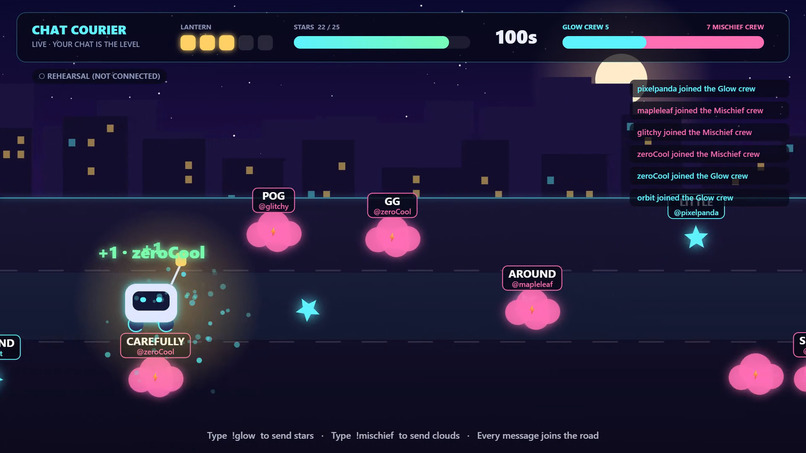
Local rehearsal: viewer words become signed stars and storm clouds for opposing teams.
Inspiration
A live chat is full of personality, but many audience games reduce it to a tally. We wanted the actual words and names in chat to appear on the road, so viewers can recognize what they made and watch the streamer react.
What it does
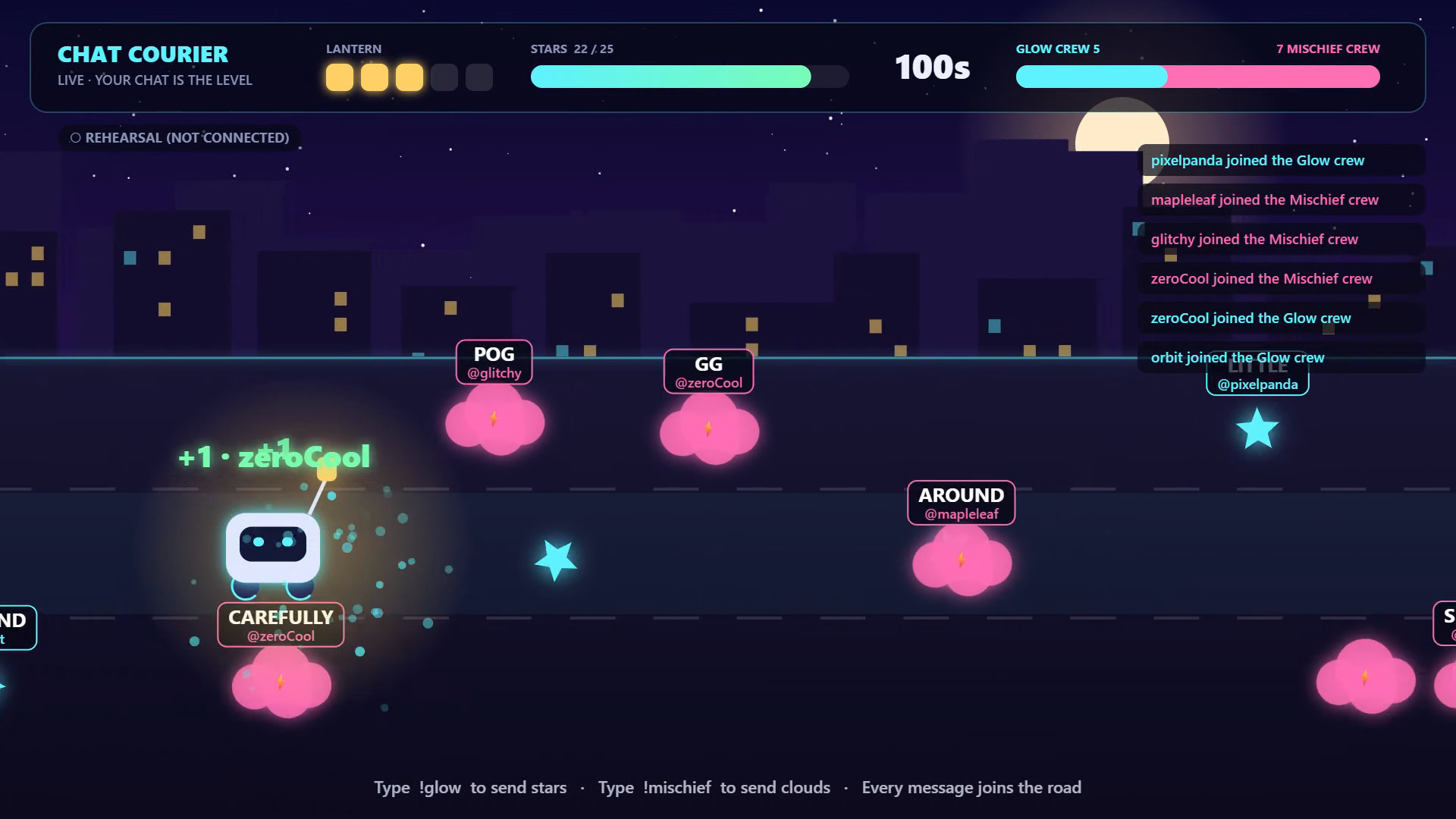
The streamer pilots a lantern-carrying courier through a neon city. Each ordinary chat message contributes a word that becomes a signed object. Viewers join Glow to create collectible stars or Mischief to create storm clouds. The streamer chooses lanes in real time, collecting 25 stars before a 120-second timer expires while protecting the lantern.
Channel-point redemptions create an umbrella or a storm front. Subscriptions create golden gifts, Bits create showers, and raids create star parades. An OBS browser source mirrors the same game state, including movement, score, effects and end-of-run results. The audience sees its contributions inside the stream.
How we built it with Codex
Codex developed the original prototype, then helped implement the new Twitch EventSub WebSocket integration, browser OAuth connection flow, local Node server, controller-to-OBS synchronization, integration fixes and release materials. Claude assisted with the canvas game, original visual effects, opposing teams and overlay rendering. The two assistants coordinated through file ownership and a shared event interface under the entrant's direction.
The game uses HTML, CSS, JavaScript, Canvas and Node's standard library. Twitch credentials remain in the connection tab. The game does not call an LLM during play. Its words come from the audience.
What makes it different
The audience authors visible, attributed game material throughout the run. A chat message becomes something the streamer must collect or dodge. Two viewer teams have opposing objectives; the streamer keeps direct control. Random lanes, changing chat and live events create different roads and outcomes.
Challenges and lessons
OBS uses its own browser process, so a second page must receive the controller's state rather than simulate a separate game. We used a small local server with streamed snapshots. We also kept rehearsal events distinct from real Twitch input and exposed subscription availability in the connection UI.
Try it
Clone or download the public repository, run node server.mjs, and open http://127.0.0.1:8787/LIVE.html. See README.md for Twitch authorization, controls and the OBS Browser Source URL.
