-
-
Chatbot
Inspiration### Inspiration
The inspiration behind building this chatbot was to create an interactive, simple, and fun way for users to communicate with a bot, especially for beginners who are exploring the basics of chatbots and GUI applications using Python.
What it does
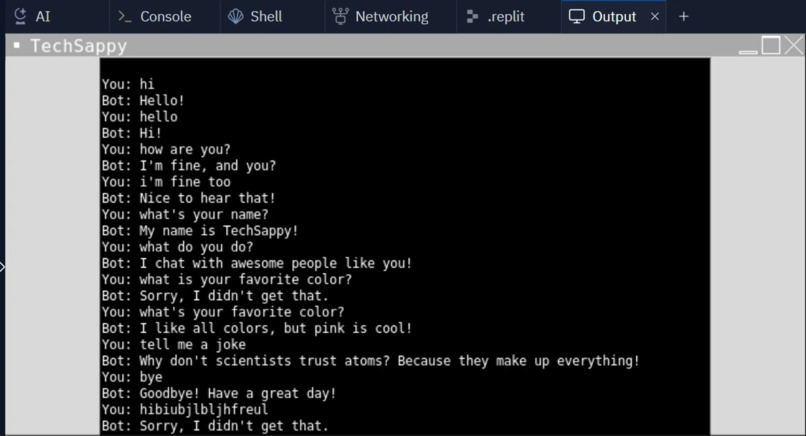
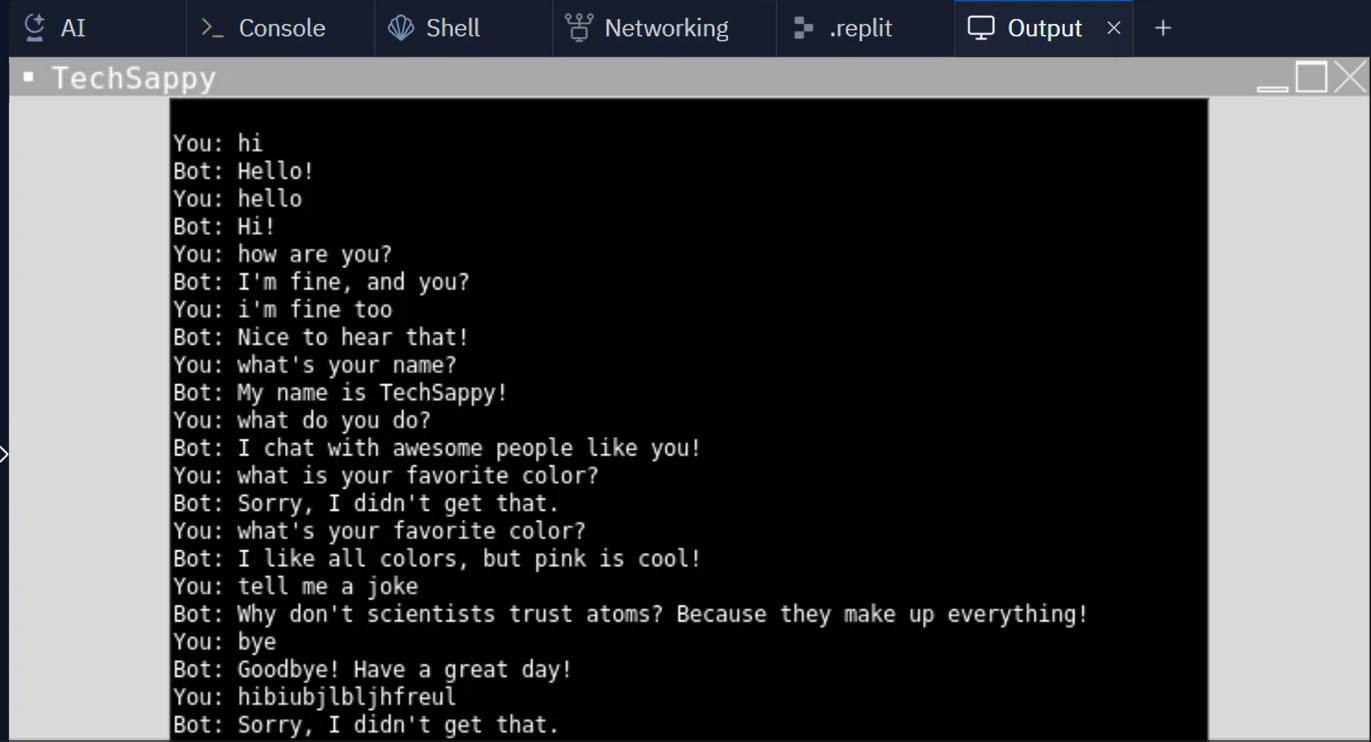
The chatbot allows users to input common conversational phrases like "Hi," "How are you?" or "Tell me a joke." Based on the input, the bot provides predefined responses. The conversation is displayed in a simple text box, mimicking a basic chat interface.
How we built it
We used the Tkinter library to build the GUI, which includes a text widget to display the conversation and an entry widget for user input. The logic for the chatbot's responses is coded using simple if-elif conditions. Python's Tkinter provides a lightweight solution for creating desktop applications with minimal overhead.
Challenges we ran into
One challenge was ensuring that the chatbot could efficiently handle different user inputs and respond accordingly without crashing. Handling diverse phrases while keeping the conversation flow intuitive was another challenge.
Accomplishments that we're proud of
We successfully built a fully functional chatbot with a clean user interface. It responds to multiple phrases, including greetings, questions, and even a joke! The project is beginner-friendly and easily extendable to support more functionalities.
What we learned
We learned how to use Tkinter to create interactive applications and gained a deeper understanding of handling user input in Python. It was a great experience to build a simple conversational interface from scratch.
What's next for Chat Bot
In the future, we plan to:
- Add more conversational depth by using Natural Language Processing (NLP) techniques to understand user input better.
- Expand the bot's knowledge base with more questions and responses.
- Integrate voice input/output for a more interactive experience.
- Possibly move from hardcoded responses to an API-based response system to provide dynamic answers.
What it does
How we built it
Challenges we ran into
Accomplishments that we're proud of
What we learned
What's next for Chat Bot
Built With
- python
- thinkter

Log in or sign up for Devpost to join the conversation.