-
-
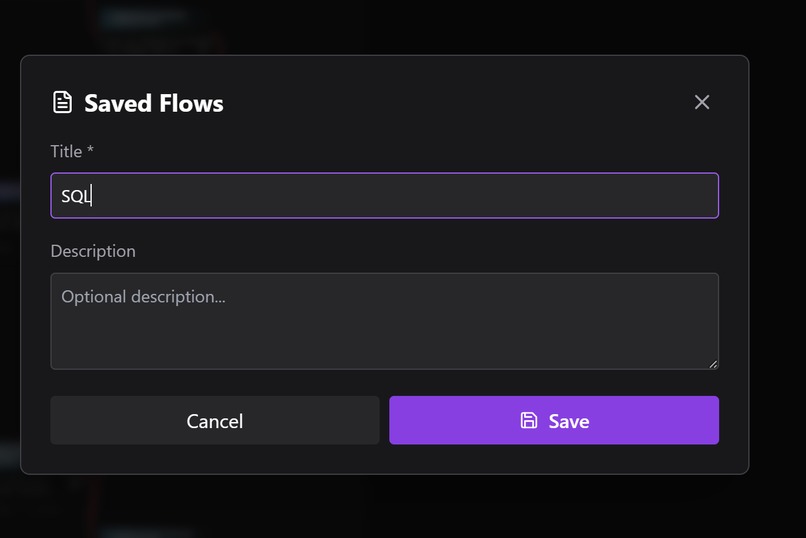
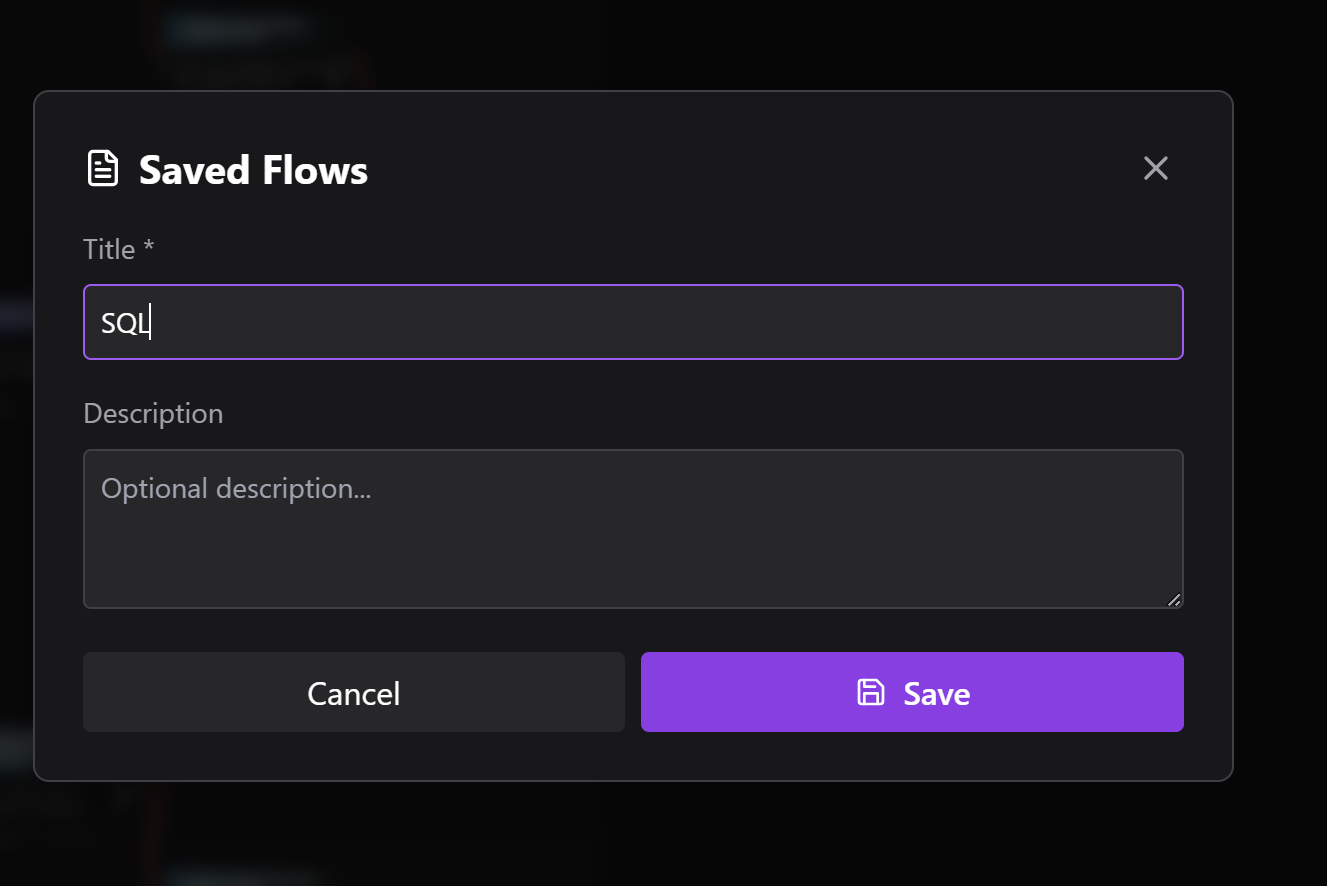
Chart saved in cloud
-
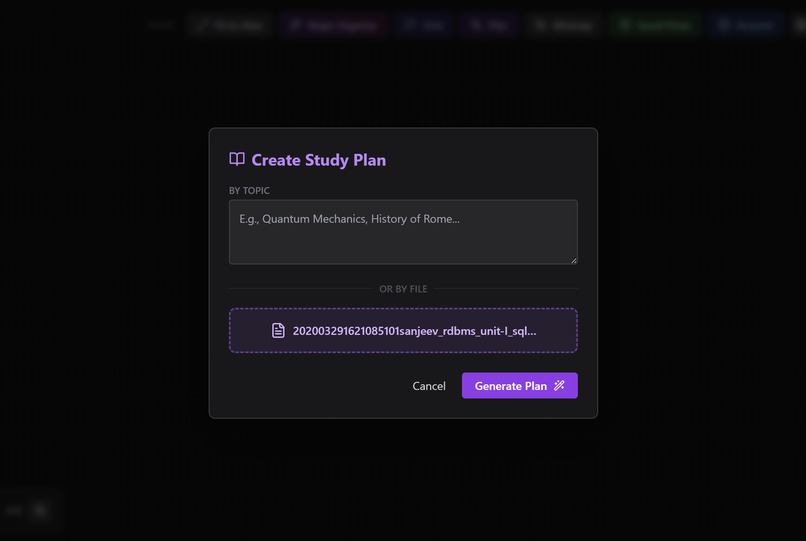
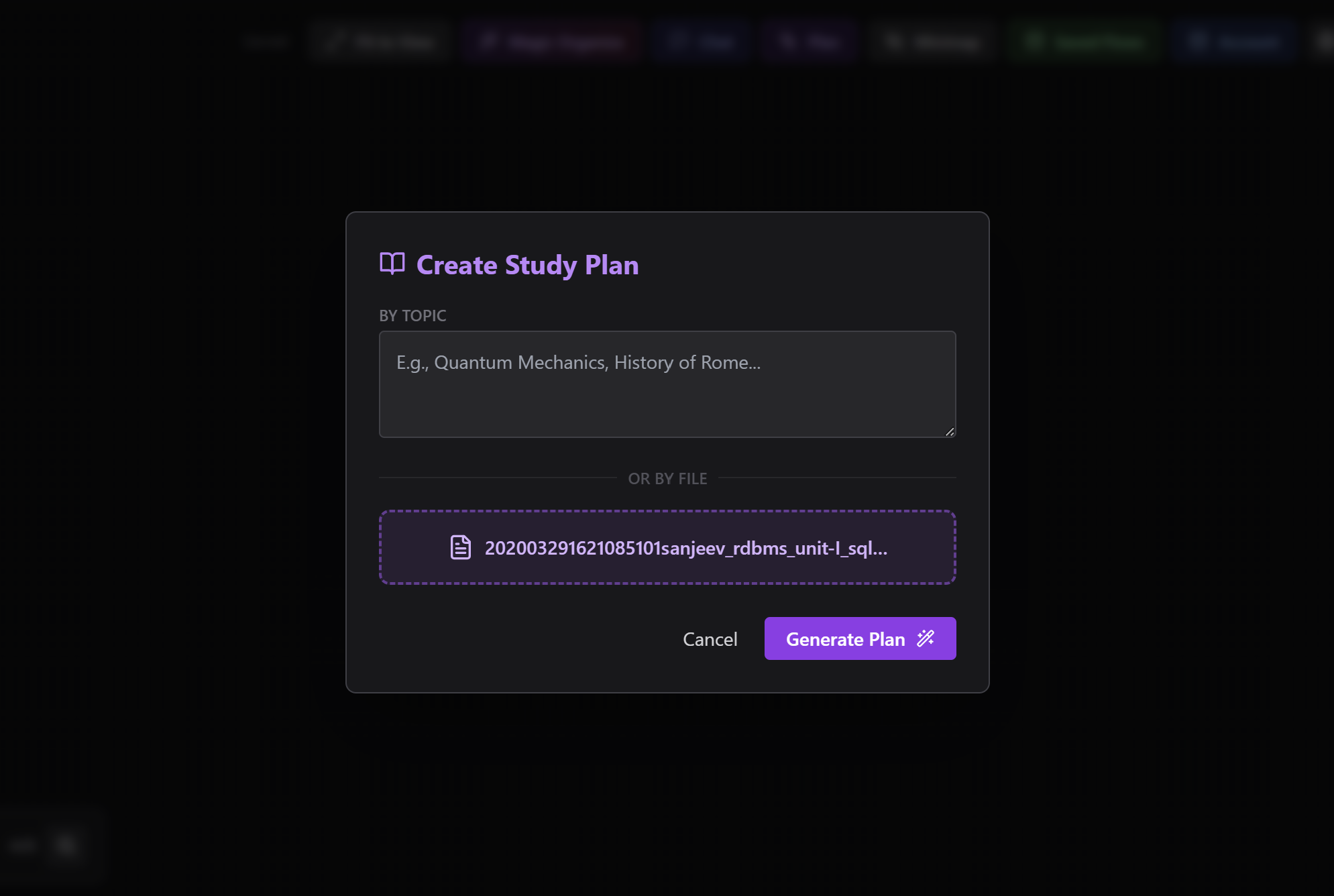
PDF to chart generation
-
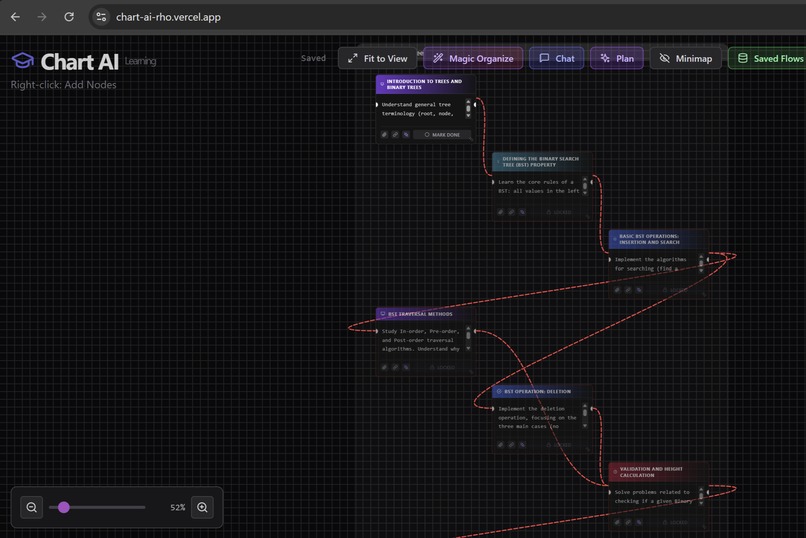
Chart-AI Ai Chart generation
-
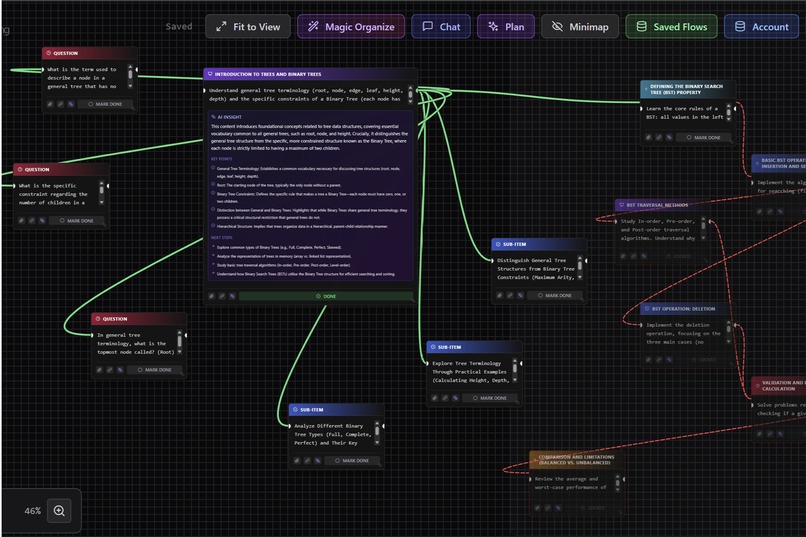
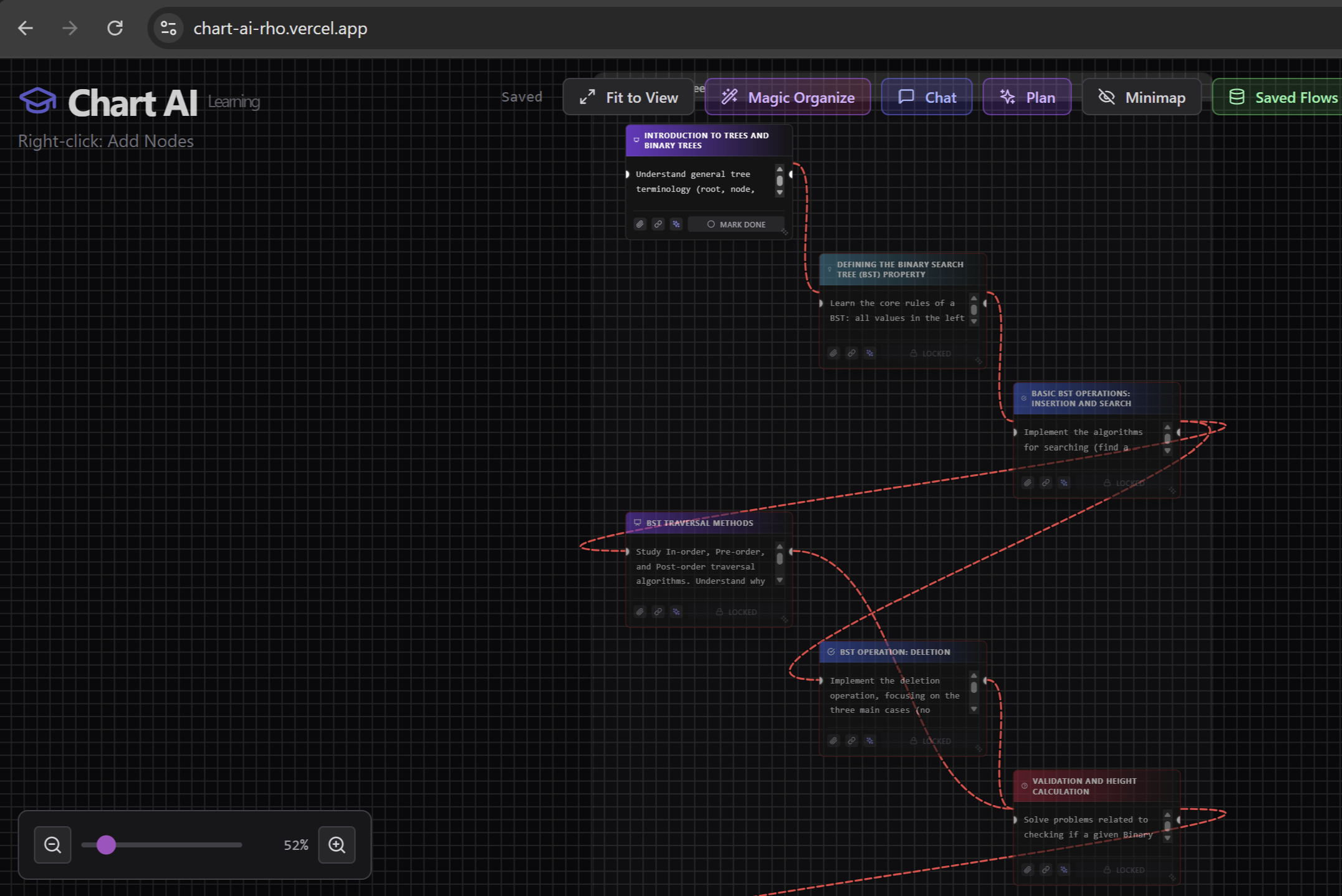
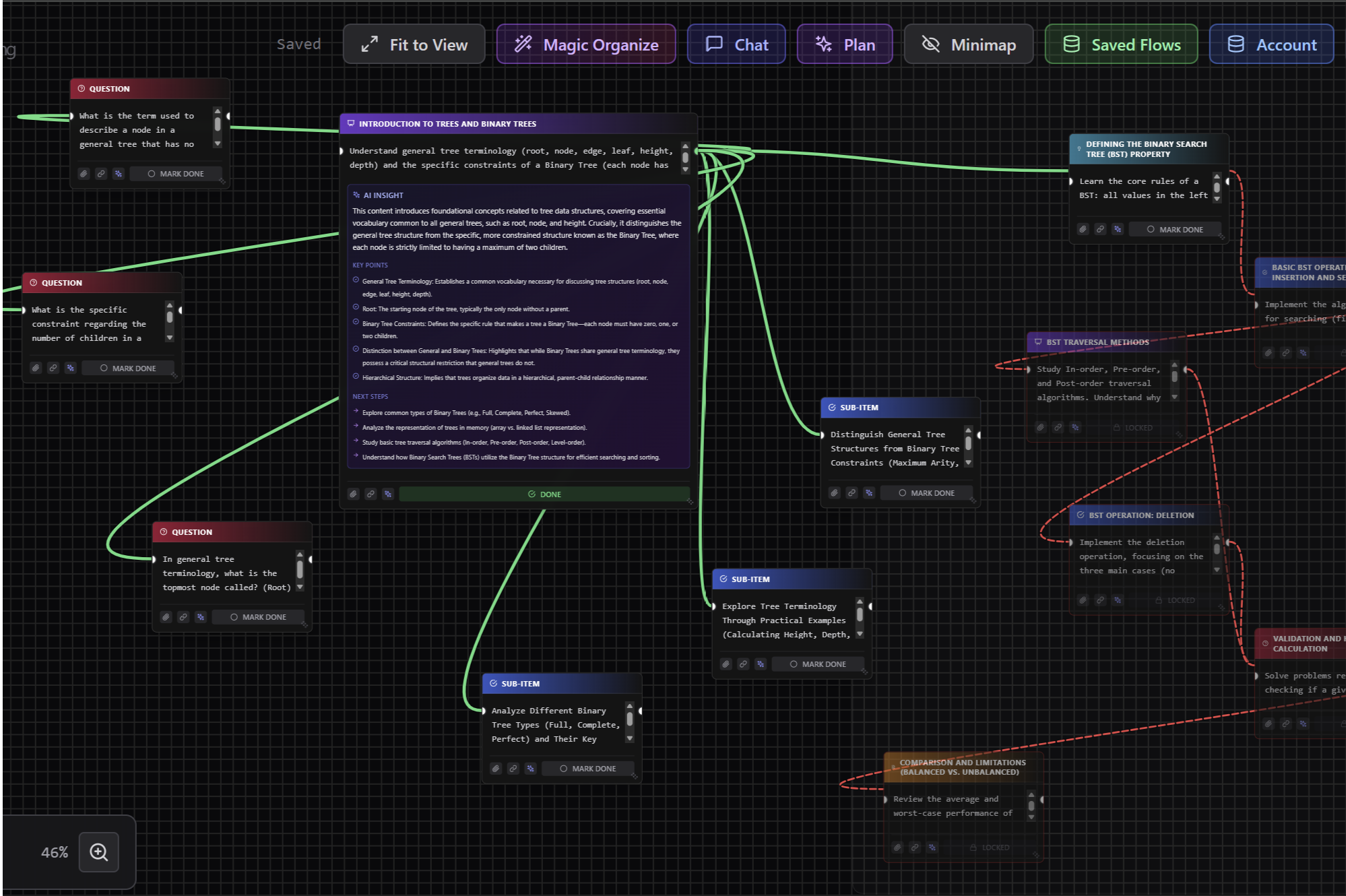
Full Chart with explanation, questions and other daetails
-
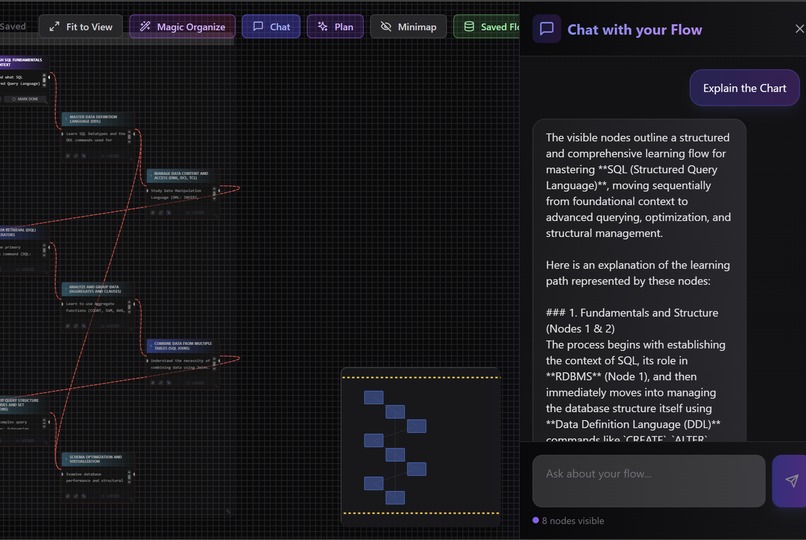
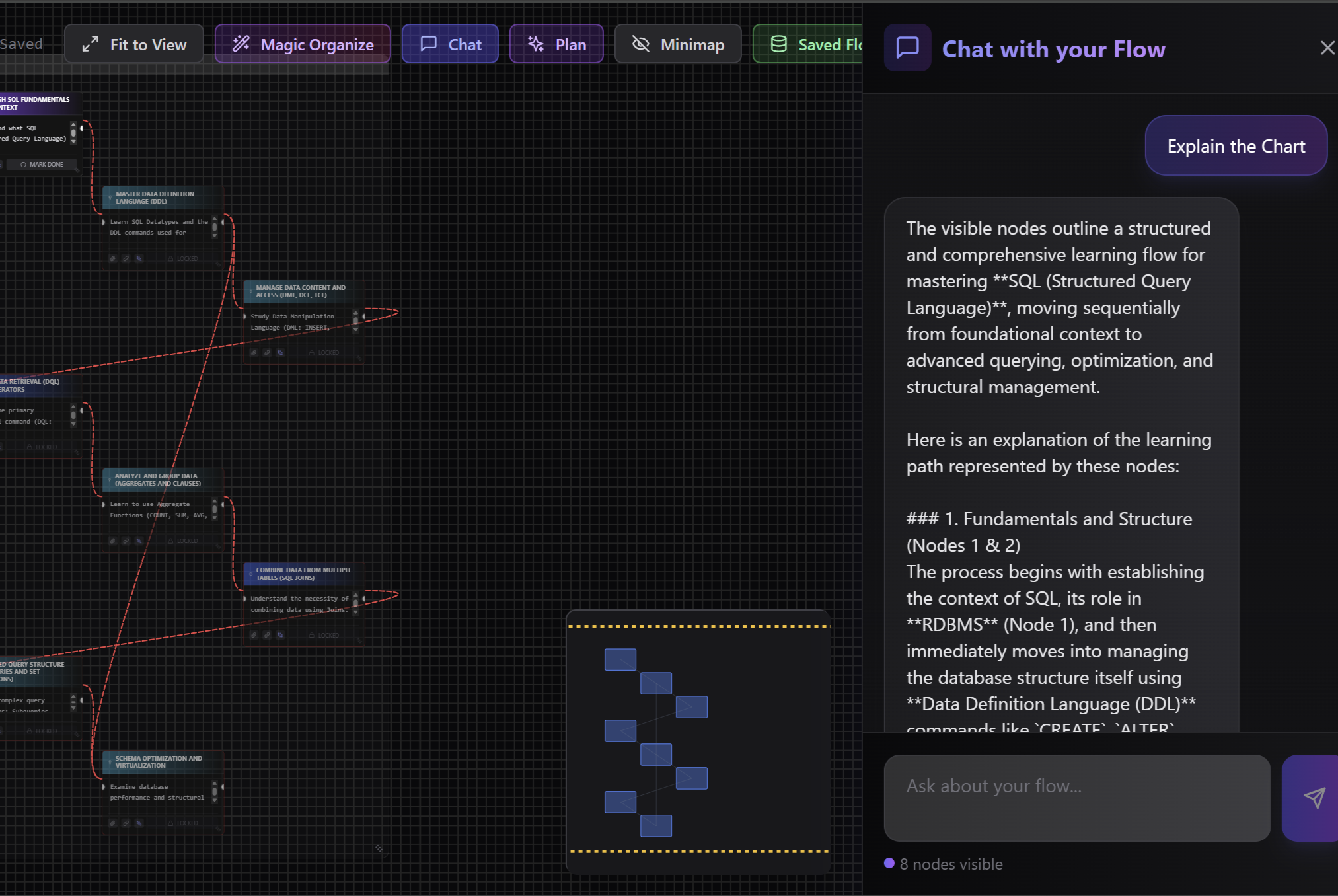
Chatbot integration
🚀 Project Story — Chart-AI
🌱 Inspiration
While studying complex subjects, I constantly faced the same problem:
notes were scattered across PDFs, notebooks, chats, and browser tabs. Traditional note-taking tools store information linearly, but learning is not linear — concepts depend on each other.
I wanted a system that thinks the way humans learn: visually, relationally, and interactively.
That idea became Chart-AI — a visual, AI-powered learning flow builder.
💡 What the Project Does
Chart-AI helps students and educators turn topics or files into interactive learning flows made of connected nodes.
Each node represents a learning unit — a concept, lecture, task, question, or summary — and users can:
- Visually organize knowledge as graphs
- Connect related ideas
- Chat with their learning flow using AI
- Generate explanations, quizzes, and study plans
- Upload files (PDF / TXT / MD) and convert them into structured flows
Instead of passively reading, users actively explore knowledge.
🧠 Key Features
- 🎨 Visual Learning Canvas — node-based, drag-and-drop flow building
- 🤖 AI-Powered Assistance — explanations, quizzes, enhancements, brainstorming
- 💬 RAG Chat — ask questions based on visible nodes only
- 📁 File-to-Flow Conversion — turn documents into structured learning paths
- 🎯 Magic Auto-Layout — organize complex graphs in one click
- 🗄️ Offline-First Storage — IndexedDB auto-save
- 🔐 User-Provided Gemini API Keys — avoids token-limit issues and improves scalability
🛠️ How I Built It
Frontend
- React + TypeScript
- Vite for fast builds
- Tailwind CSS for modern UI
- Custom canvas interactions (pan, zoom, minimap)
AI Layer
- Google Gemini API
- Structured JSON outputs for clean UI rendering
- Retrieval-Augmented Generation (RAG) using visible nodes as context
Data Layer
- IndexedDB for persistence
- Firebase for user-level configuration
- Secure per-user API key handling
Layout Engine
- Dagre graph algorithm for automatic flow organization
🧪 Challenges Faced
Token limits & API expiry
→ Solved by allowing each user to securely add their own Gemini API key via settings.Canvas performance & touch events
→ Fixed passive event listener issues using native listeners with{ passive: false }.Hook order bugs in React
→ Refactored conditional hooks to follow React’s Rules of Hooks strictly.Structured AI output consistency
→ Designed strict JSON schemas to avoid malformed responses.
Each challenge taught me more about scalable frontend architecture, AI integration, and real-world debugging.
📚 What I Learned
- Designing human-centric learning tools
- Integrating AI responsibly and scalably
- Advanced React patterns and hook safety
- Managing complex UI state with performance in mind
- Turning an idea into a production-ready web app
🌍 Impact & Future Scope
Chart-AI can evolve into:
- A collaborative classroom tool
- A personal AI tutor
- A research & knowledge-mapping platform
- A lifelong learning companion
Learning shouldn’t be about memorizing —
it should be about understanding connections.
✨ Final Thought
Chart-AI turns knowledge into connected learning flows — powered by AI.
Built With
- autoprefixer
- css3
- dagre
- eslint
- filereader-api
- firebase
- gemini
- git
- github
- html5
- indexeddb
- javascript
- lucide-react
- pdf.js
- postcss
- rag
- react
- tailwind
- typescript
- typescript-eslint
- vercel
- vite

Log in or sign up for Devpost to join the conversation.