-
-

CharmCue app icon
-
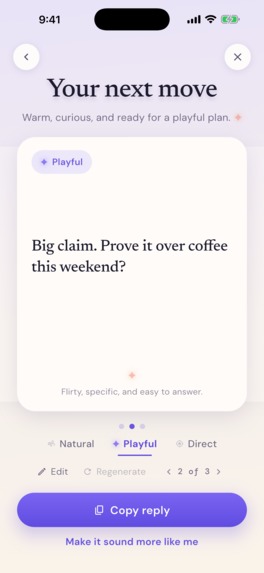
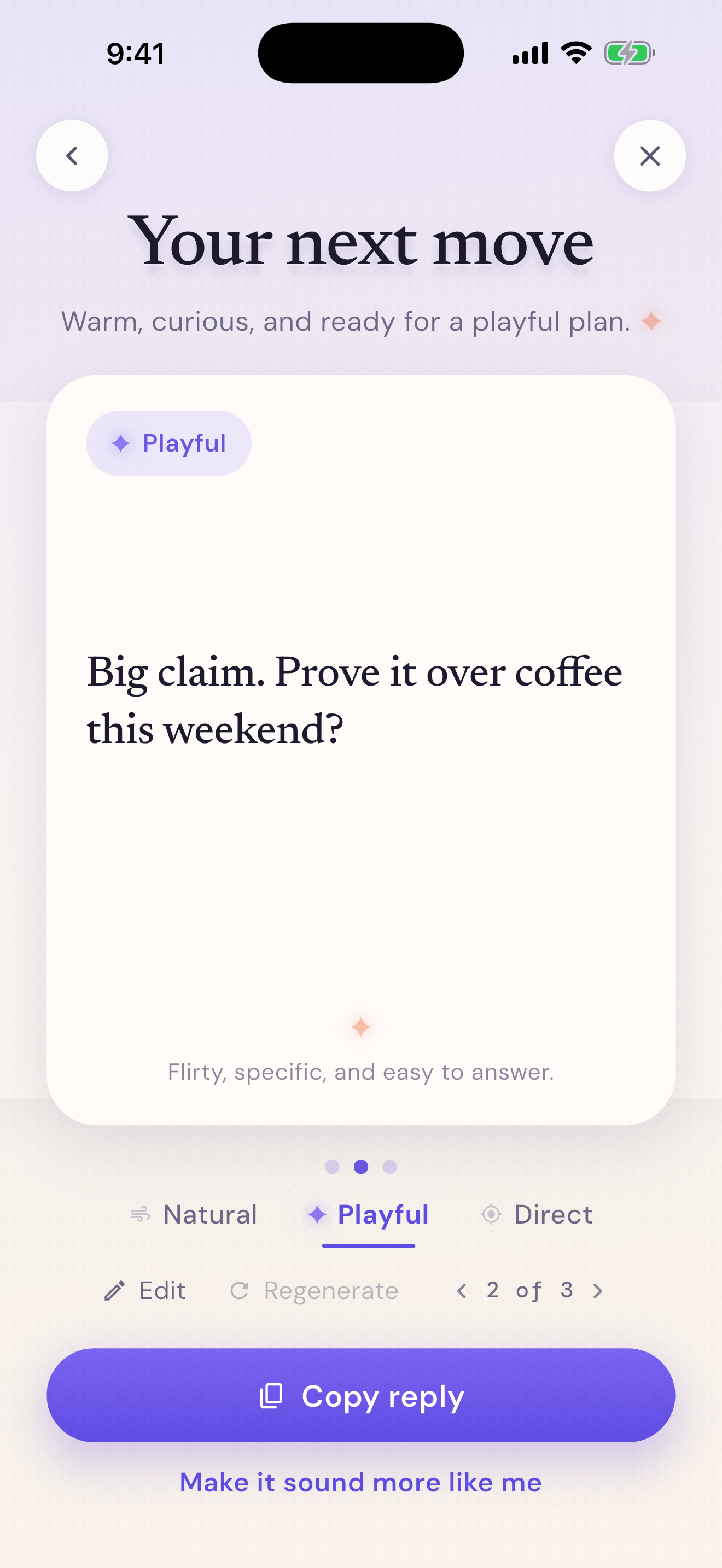
Choose and edit a reply
-
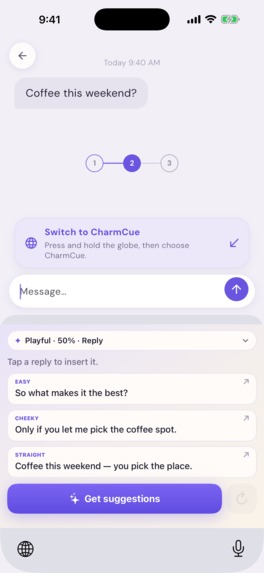
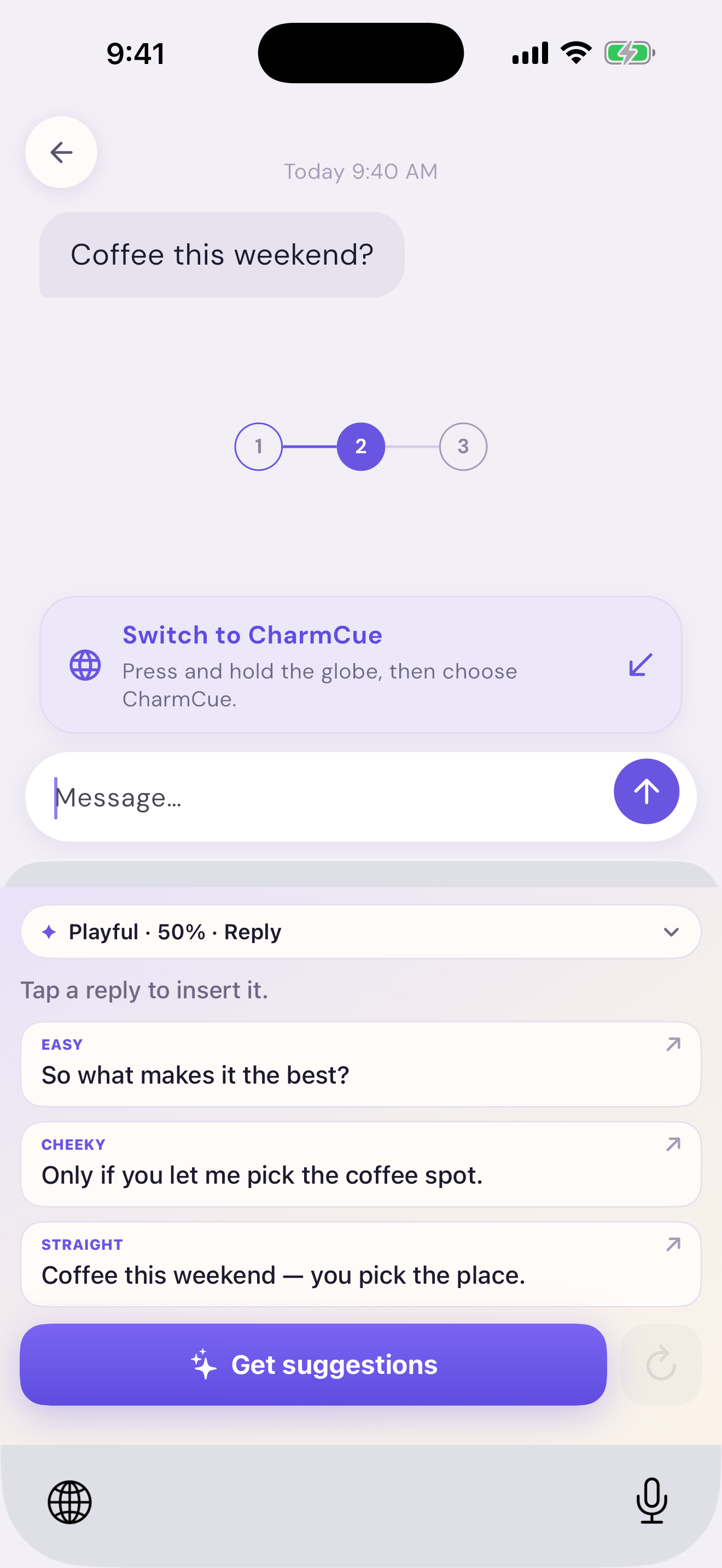
AI keyboard suggestions in chat
Inspiration
A dating conversation can stall over a single message. You may know what you want to say but still wonder whether it sounds too formal, too eager, or unlike you. Generic AI replies often miss the conversation's context and can feel like a script. I built CharmCue as a place to think through the next message: it offers a few directions, while the person chooses the words and decides what to send.
What it does
CharmCue brings a reply coach, an on-demand iOS keyboard, and dating profile feedback into one app.
A typical reply flow:
- Bring the conversation. Add a chat screenshot, paste recent messages, or import a supported text-only WhatsApp export. There is no account connection to a dating or messaging service. You choose the material to analyze and can use the privacy controls to hide names, photos, or locations before it is processed.
- Choose your direction. Set the tone and adjust details such as reply length, flirt level, and emoji use. The goal is to make the suggestions fit both the conversation and your own style.
- Compare three replies. CharmCue generates three options so you can see different ways forward. Pick the closest one, edit or rewrite it, and copy it only when it feels right. CharmCue never sends a message for you.
- Use suggestions while you chat. The optional CharmCue keyboard brings reply suggestions into supported iOS text fields. You enable it in iOS Settings, request a suggestion when you need one, and tap to insert it. Online AI suggestions require Full Access and an internet connection; you still review the text before sending.
The Chats area keeps generated conversation analyses available for later review. Profile Lab is a separate path: add screenshots of a dating profile and get feedback on the first impression, photo order, bio or prompt wording, and possible conversation starters. The person decides which suggestions actually reflect them.
CharmCue Plus unlocks AI analysis and suggestion features through an Apple subscription. The app shows the localized price, billing period, and any trial available to that Apple account before purchase.
How I built it
The app is built in Flutter. Its main flow moves from onboarding to Home, Chats, Lab, and You, with the analysis screens guiding someone from context to a reply they can review. A native Swift keyboard extension handles the iOS keyboard experience. The app and extension share the settings and suggestions they need through an iOS App Group, while the extension can request online suggestions from the existing backend.
Firebase creates an anonymous app session without a sign-in form. Firebase Functions send only the content the person selected for AI analysis to Google Gemini. Generated conversation results can be saved in Firestore for the Chats history; Profile Lab reviews are kept on the device. RevenueCat connects the Apple subscription products to CharmCue Plus and checks the active premium entitlement before unlocking paid features.
Challenges and lessons
The hardest product decision was to make AI useful without letting it take over the conversation. A good suggestion needs the surrounding messages, but screenshots and exports can be incomplete or messy. That is why CharmCue offers multiple drafts and an editing step instead of treating one generated answer as final.
The keyboard added a different challenge: an iOS extension runs separately from the Flutter app and needs a careful bridge for settings and suggestions. Privacy choices also needed to appear when someone adds personal chat or profile content, rather than being buried in settings. Finally, a purchase tap is not proof of access, so the app checks the active RevenueCat entitlement. These decisions all support the same principle: help someone express themselves while keeping them in control.

Log in or sign up for Devpost to join the conversation.