-
-
Home Page
-
Inspiration
Our team became curious about the concept of sentiment analysis after stumbling across it in the HuggingFace API documentation. After discussing the various real life problems to which sentiment analysis could be applied, we decided that we would build a general platform in which a user could freely determine the concepts that they want to explore.
What it does
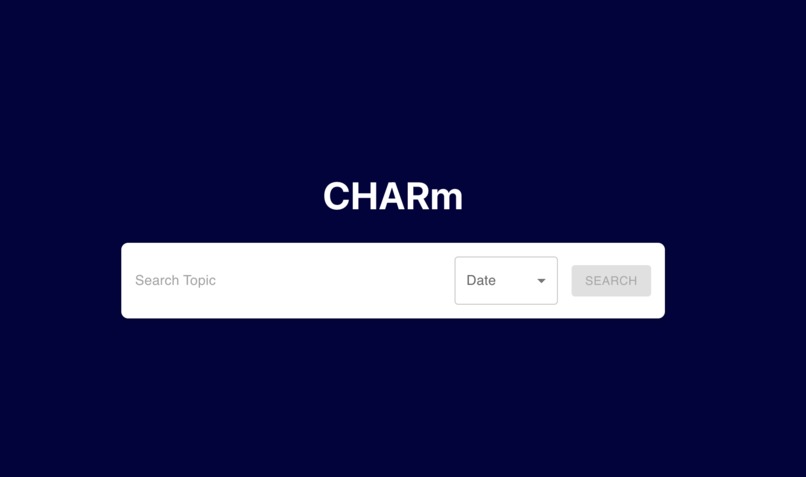
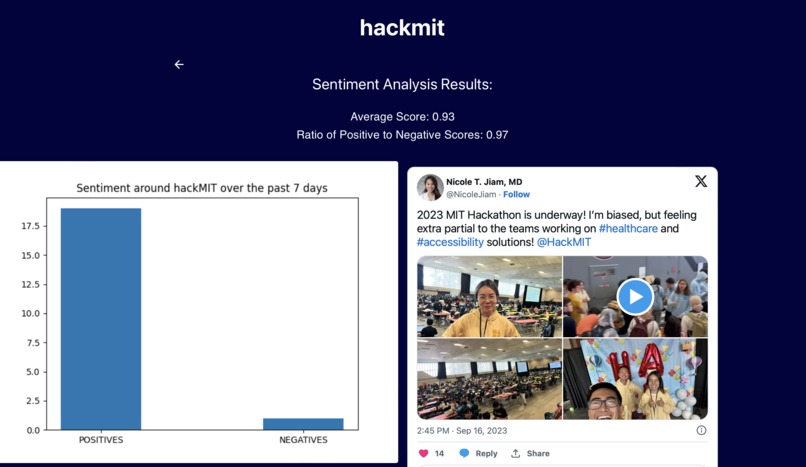
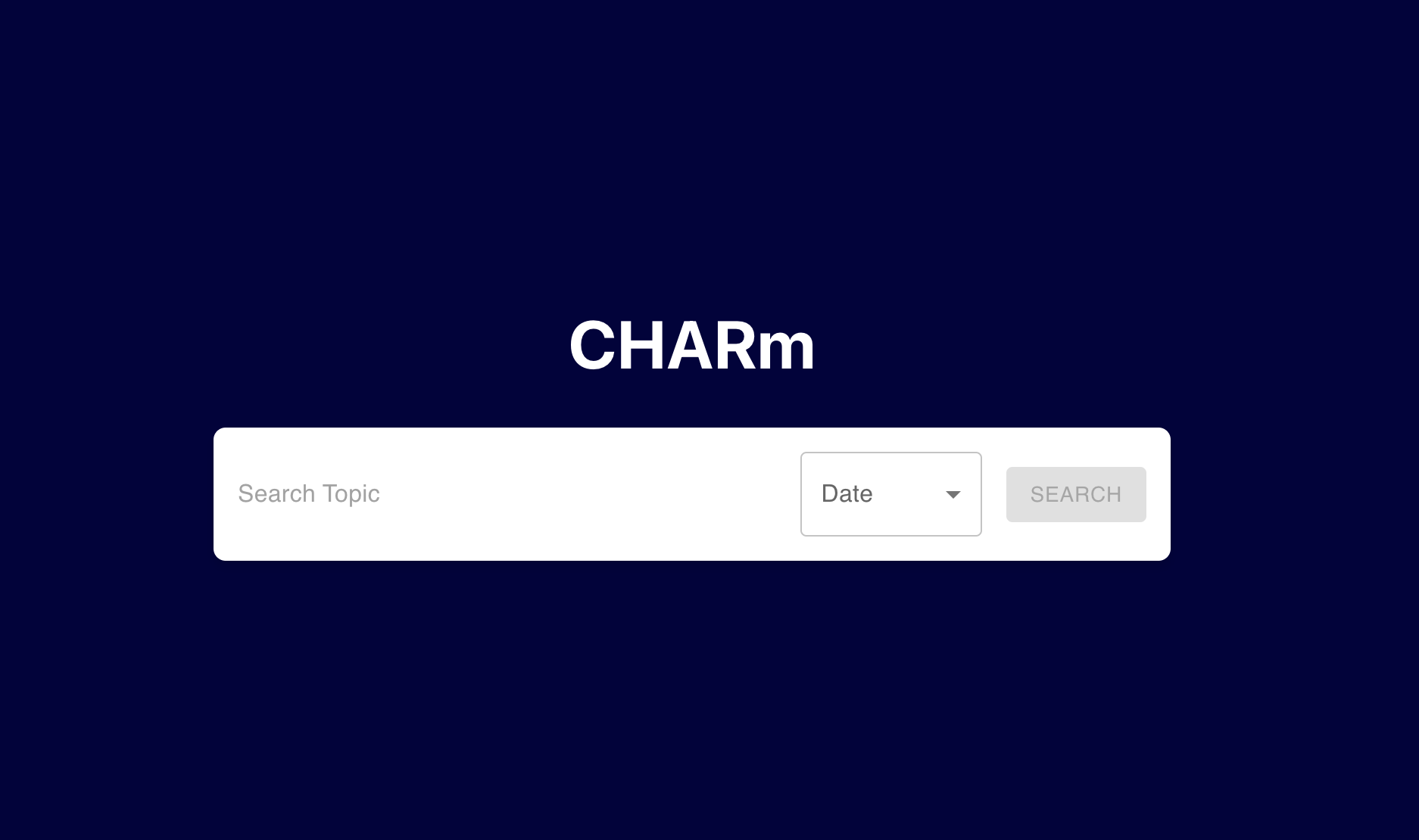
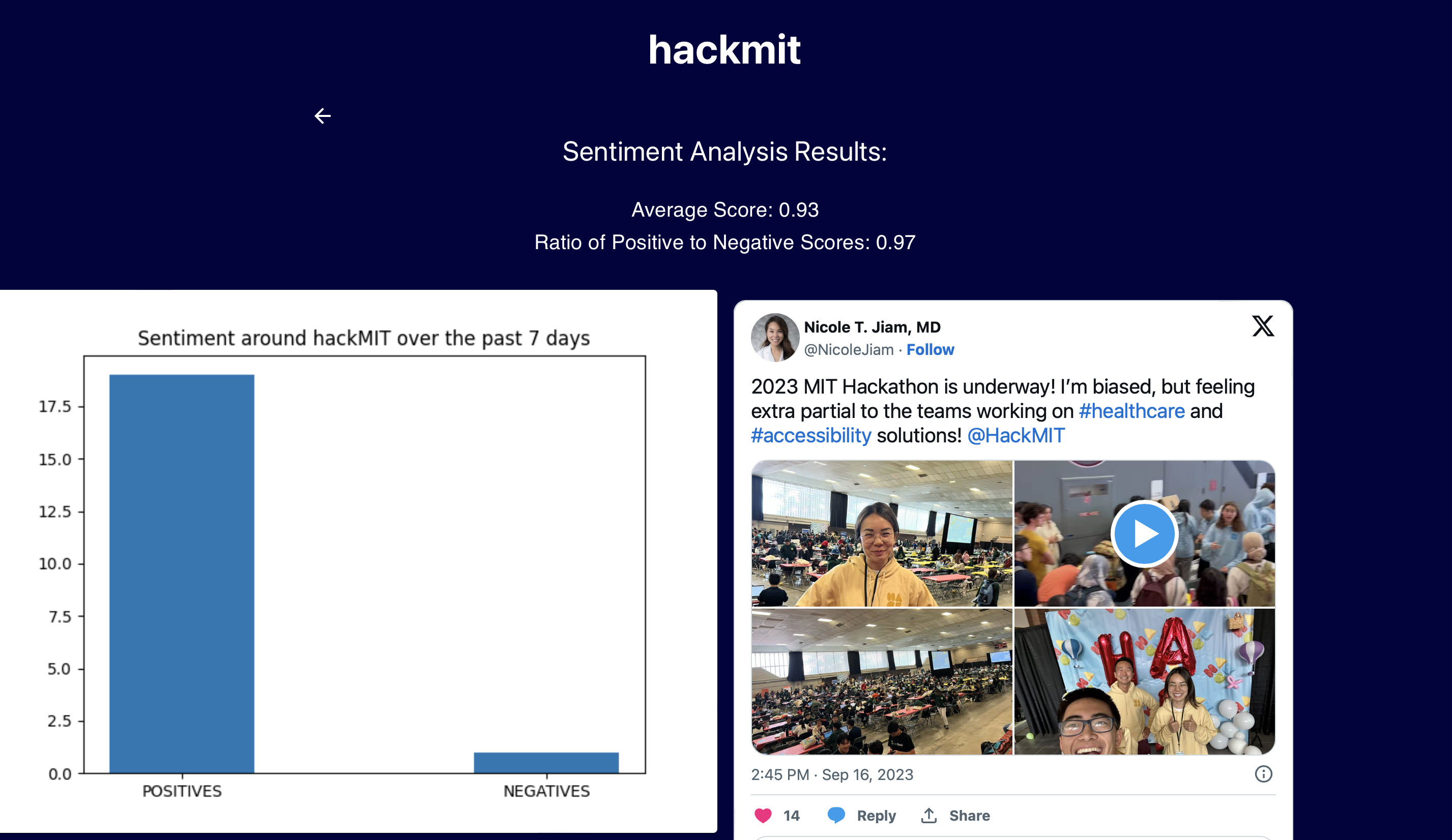
A user is presented with a simple screen featuring a search bar and a drop down of time frames. When they type in a word, the backend runs a combination of Selenium and chromedriver to web scrape the top tweets for that keyword within the timeframe specified by the user. The text from these tweets is then passed through a sentiment analyzer, in which the HuggingFace API scores each text on a "positivity" scale from 1-100. The user is then presented with a "positivity ratio", which gives them an idea of how that specific keyword is perceived by Twitter.
How we built it
We built the backend with Python3. Most of that file, however, is the logic for Selenium and its chromedriver. Through manual instructions, Selenium logs into Twitter with a burner Twitter account and parses through tweets that appear in Twitter's search function. All of the text is then sent to the sentiment_analysis file, which attaches a score and populates various data visualization tools (bar plots, histograms) to eventually send back to the user. The frontend is built with React, and Flask was also used to help make the correct calls from user input to the backend, and the resulting data back to the frontend.
Challenges we ran into
Twitter is notoriously difficult to get information from. We first attempted the use of Tweepy (the official Twitter developer tools API), which failed for two main reasons: the free developer account would only allow access to tweets from the homepage (as opposed to search) and would only show tweets from up to 7 days prior. We then switched gears and attempted various web scraping tools. However, it was extremely difficult to automate this process due to Twitter's new guidelines on web scraping and bot usage; we ended up using Selenium as a sort of proxy to log into an account and look through the timeline. Another issue we had was that of dynamic loading- Twitter doesn't load tweets (or various other features) until a user manually scrolls through the timeline/search feed to see it. As a result, we were also forced to manually scroll the page down and have the program wait as the tweets loaded. The combination of this issue, as well as the inability to pull tweets from the background made this collection an extremely slow process (~60 seconds to parse text from 100 tweets). Our other main issue was bringing user input into the backend, and then back to the frontend as organized data. Because the frontend and backend files were made completely independently, we ran into a lot of trouble getting the two to work together.
Accomplishments that we're proud of
We were really proud to create a fully functional "bot" with the capability to collect text from tweets.
What we learned
We learned a lot about web scraping, dove deep into the concept of sentiment analysis, and ultimately gained well rounded exposure to full stack development.
What's next for CHARm
We want to implement categorization by date, which would allow users to see trends in sentiment of certain concepts (Ex. a celebrity 6 months ago vs. today). This could be extremely applicable for those with political campaigns, social media influencer accounts, or even people with a desire to learn.


Log in or sign up for Devpost to join the conversation.